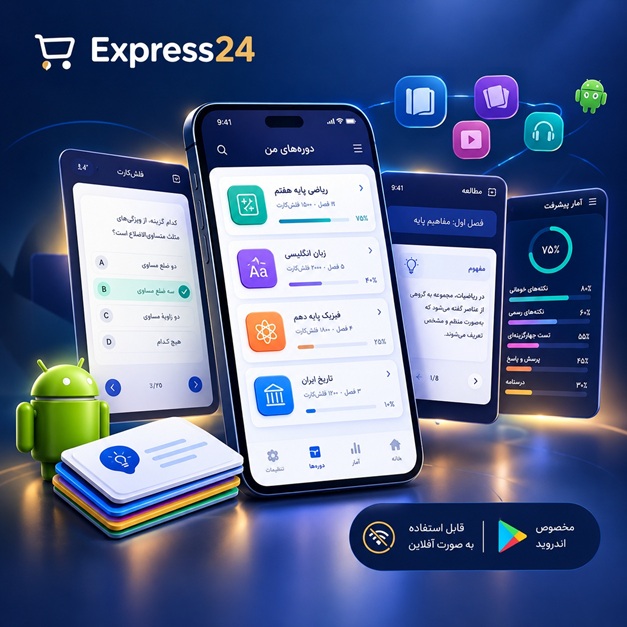
اپلیکیشن اندرویدی فلشکارت آموزشی Advanced AWS Copilot Networking – End‑to‑End Application Deployment
🎓 دوره آموزشی جامع
📚 اطلاعات دوره
عنوان دوره: دوره Advanced AWS Copilot Networking – End‑to‑End Application Deployment
موضوع کلی: AWS Cloud Networking
موضوع میانی: AWS Copilot Application Networking
📋 سرفصلهای دوره
- 1. Introduction to AWS Copilot and Cloud Networking Foundations
- 2. Setting Up Your First AWS Copilot Environment
- 3. Understanding AWS VPC, Subnets, and Networking Basics
- 4. Configuring Security Groups and Network ACLs in Copilot
- 5. Working with AWS PrivateLink for Secure Service Communication
- 6. Service Discovery with AWS Cloud Map and Copilot
- 7. Deploying Containerized Applications Using ECS and Copilot
- 8. Integrating EKS Clusters with AWS Copilot
- 9. Managing Fargate Tasks and Networking in Copilot
- 10. Setting Up Application Load Balancers with Copilot
- 11. Configuring Network Load Balancers for High Performance
- 12. Implementing Target Groups and Health Checks
- 13. Using Auto Scaling with Networking Components
- 14. Handling Egress Traffic and NAT Gateways
- 15. Configuring Direct Connect and VPN for Hybrid Networks
- 16. Working with AWS Global Accelerator for Latency Reduction
- 17. Setting Up Multi‑Region Deployments with Copilot
- 18. Managing Cross‑Account Networking and Resource Sharing
- 19. Integrating Route 53 Custom Domains with Copilot Apps
- 20. Configuring TLS/SSL and Certificate Management
- 21. Implementing WAF and Security Policies in Copilot
- 22. Using IAM Roles and Policies for Networking Access
- 23. Monitoring Network Traffic with VPC Flow Logs
- 24. Observability with AWS CloudWatch and X‑Ray
- 25. Setting Up CloudTrail for Network Activity Auditing
- 26. Configuring AWS Config for Network Compliance
- 27. Deploying RDS and Aurora with Copilot Networking
- 28. Using RDS Proxy for Connection Pooling
- 29. Integrating Secrets Manager for Secure Credential Storage
- 30. Managing Environment Variables and Configuration Files
- 31. Building CI/CD Pipelines with GitHub Actions and Copilot
- 32. Automating Deployments Using GitOps and Argo CD
- 33. Implementing Blue/Green Deployments with Copilot
- 34. Canary Release Strategies and Traffic Shifting
- 35. Blueprints and Templates: Customizing Copilot Projects
- 36. Working with Docker and Container Images in Copilot
- 37. Optimizing Container Images for Network Efficiency
- 38. Using AWS Service Mesh (App Mesh) with Copilot
- 39. Implementing Sidecar Containers and Init Containers
- 40. Managing Logging and Centralized Log Aggregation
- 41. Setting Up Alerting for Network Errors and Latency
- 42. Performance Tuning of Networking Components
- 43. Cost Optimization for Copilot‑Based Networking
- 44. Implementing Infrastructure as Code with Copilot
- 45. Version Controlling Infrastructure with Terraform and Copilot
- 46. Disaster Recovery Planning for Copilot Applications
- 47. Backup Strategies for Persistent Storage and Databases
- 48. Compliance and Auditing for Regulated Environments
- 49. Tagging Strategies for Resource Management
- 50. Security Hardening and Penetration Testing Basics
- 51. Implementing Network Isolation and Segregation
- 52. Using Private DNS for Internal Service Resolution
- 53. Configuring Health Checks for External Services
- 54. Working with AWS Global Endpoints and Regional Endpoints
- 55. Managing Network Policies in Kubernetes with Copilot
- 56. Integrating Observability APIs for Custom Metrics
- 57. Setting Up Synthetic Monitoring for Network Paths
- 58. Troubleshooting Common Networking Issues in Copilot
- 59. Using AWS Fault Tolerance and Retry Mechanisms
- 60. Deploying Multi‑Cluster Applications with Copilot
- 61. Managing Service Meshes and Traffic Interception
- 62. Implementing Distributed Tracing Across Microservices
- 63. Using AWS SDK and CLI for Network Configuration
- 64. Automating Network Setup with CloudFormation and Copilot
- 65. Integrating Third‑Party Services and APIs
- 66. Managing Data Transfer with AWS Snowball and Snowcone
- 67. Setting Up Edge Computing with AWS Outposts
- 68. Using AWS Ground Station for Global Network Coverage
- 69. Future Trends: Serverless Networking and Beyond
- 70. Capstone Project: Designing a Production‑Ready Copilot Architecture
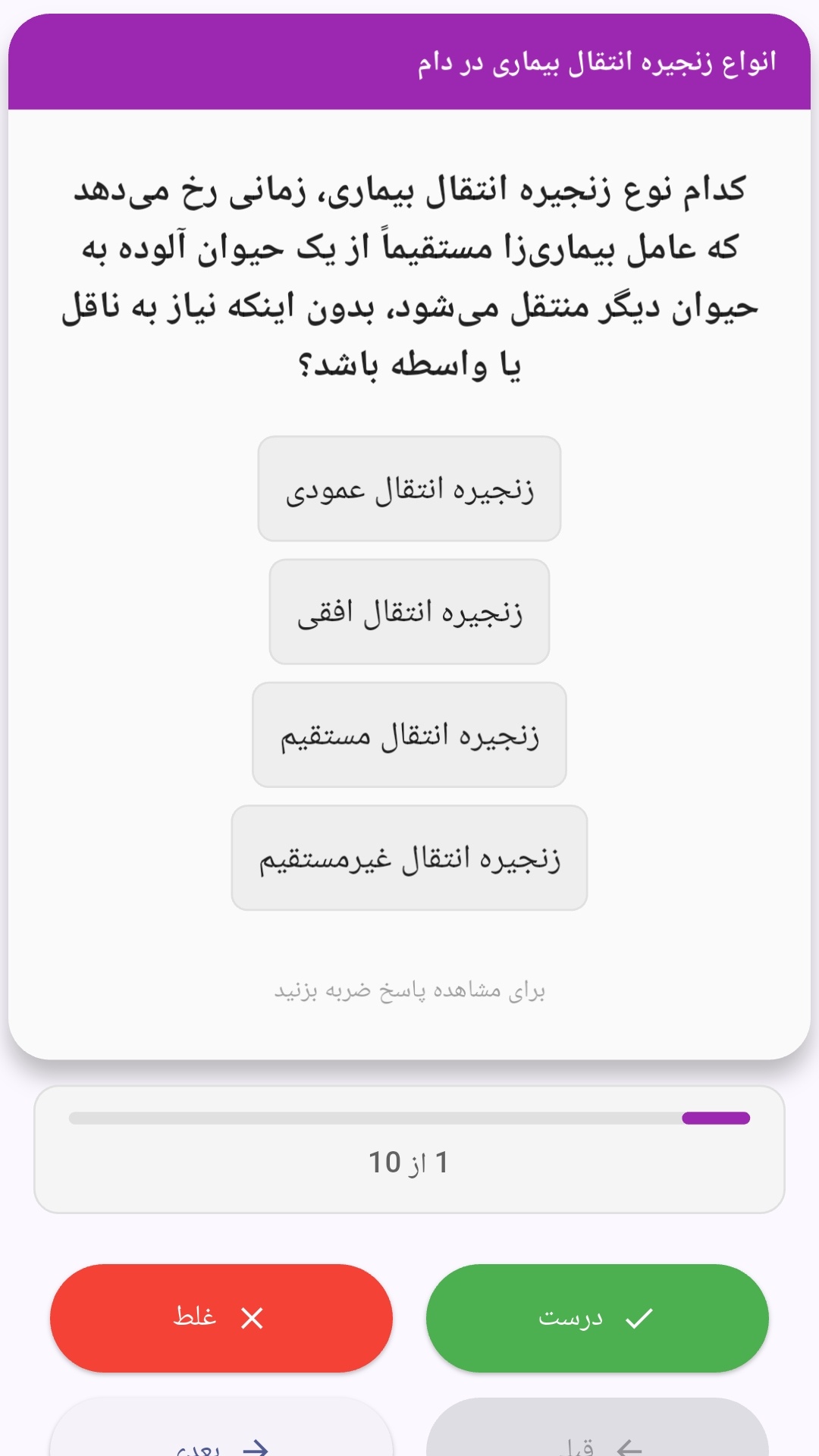
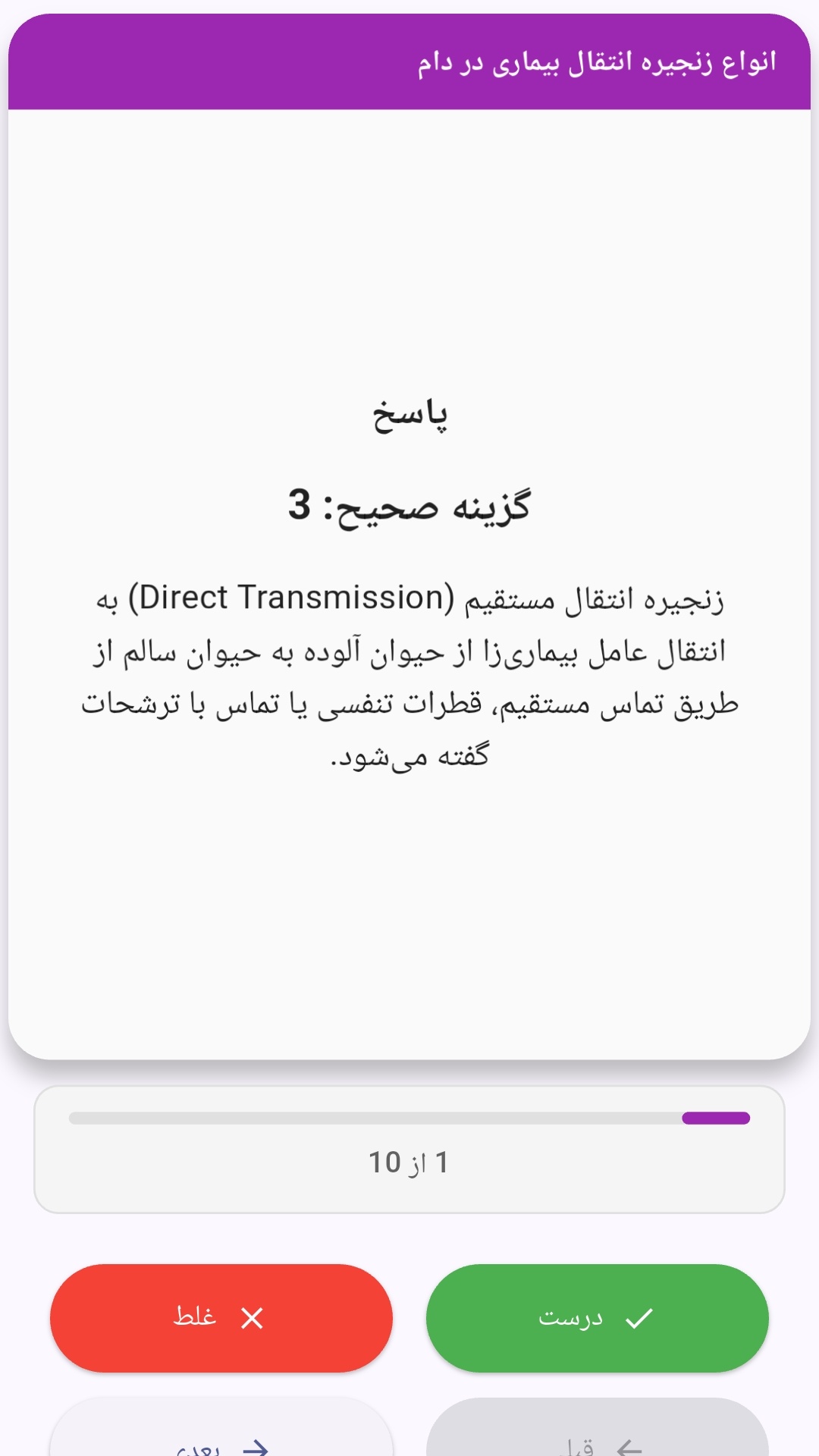
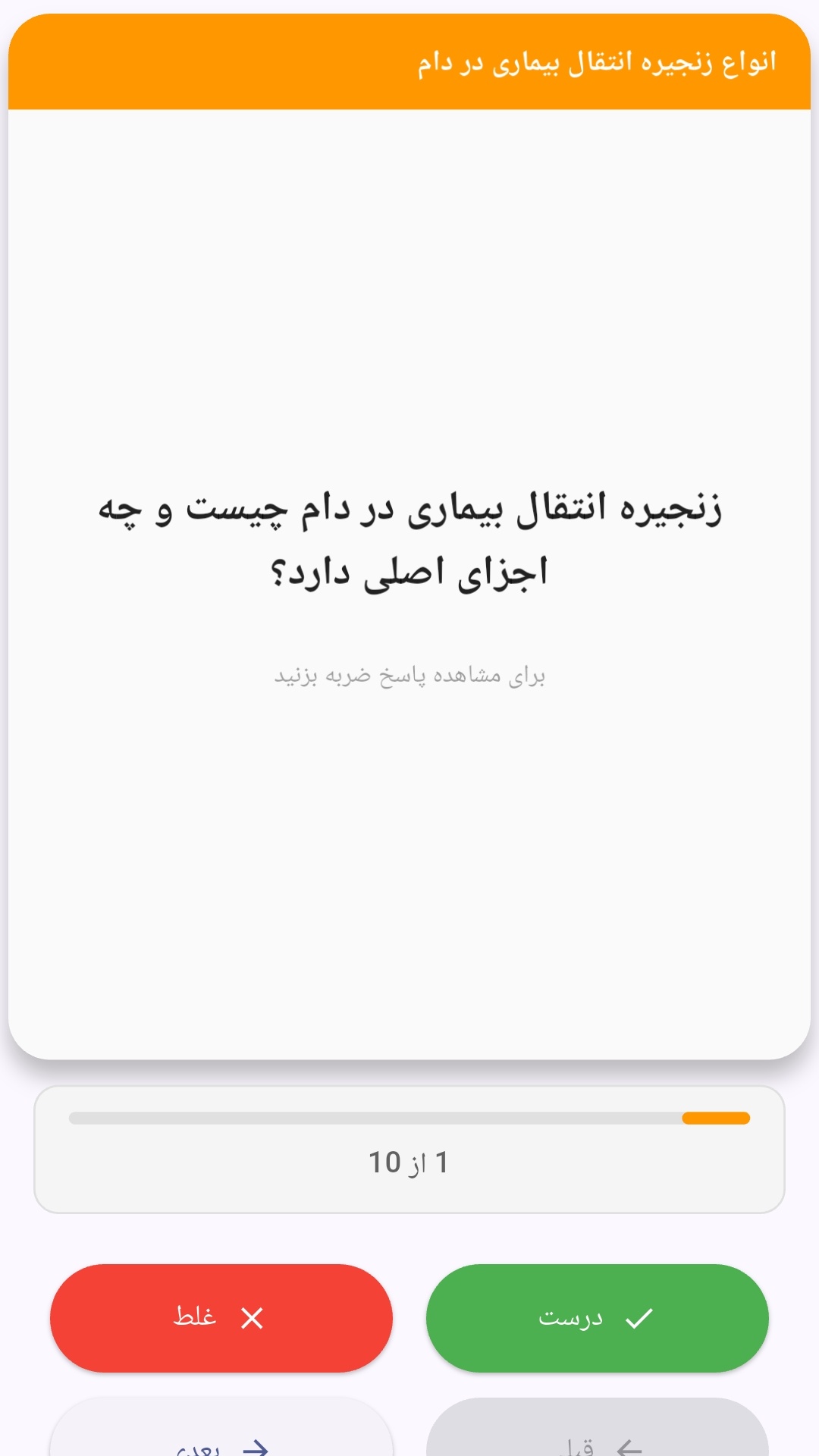
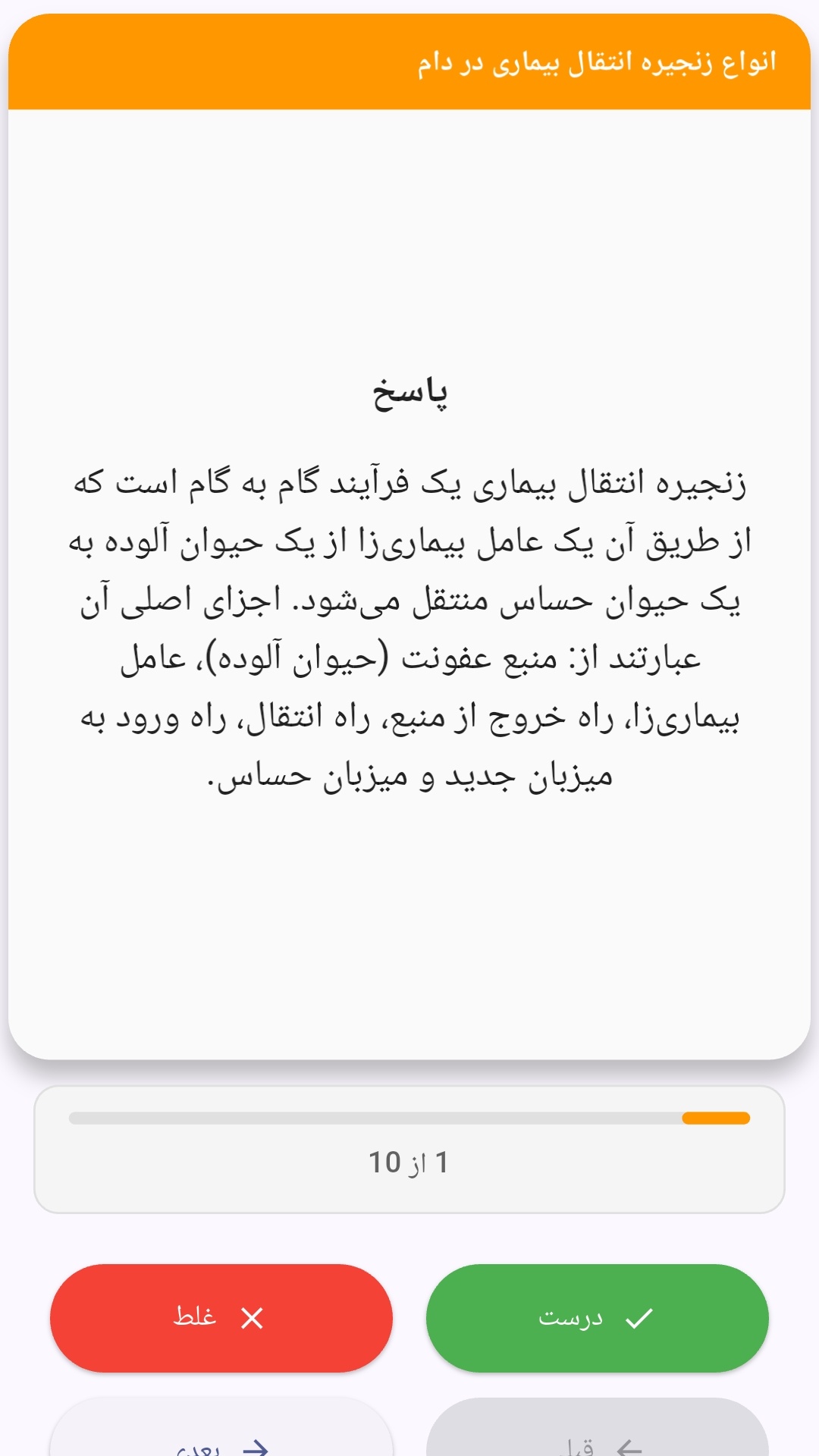
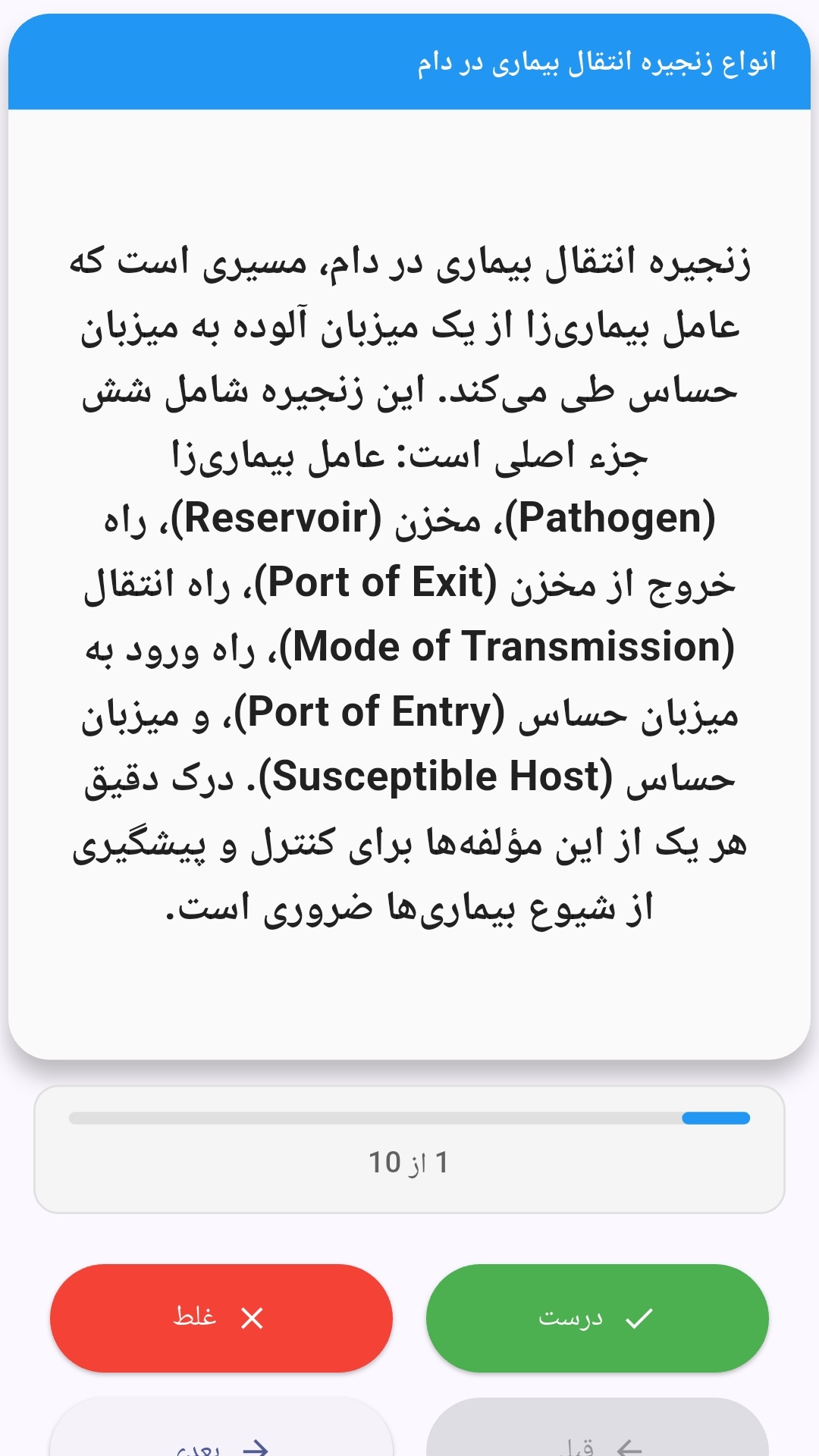
این اپلیکیشن فارسی برای یادگیری و مرور محتوای آموزشی از طریق فلشکارت طراحی شده است. کارتها را یکییکی مرور کنید، پاسخ پرسشها را به یاد بیاورید و نتیجه هر پاسخ را ثبت کنید. محتوای دوره پس از نصب درون برنامه در دسترس است تا برای مطالعه روزمره معمولاً به اتصال مداوم اینترنت نیاز نداشته باشید.
محتوای آموزشی در قالبهای متنوع ارائه میشود تا هم برای یادگیری مفاهیم جدید و هم برای تثبیت آموختهها قابل استفاده باشد.
- رابط کاربری فارسی و راستچین با فونت وزیر.
- تم روشن و تیره مطابق تنظیمات سیستم.
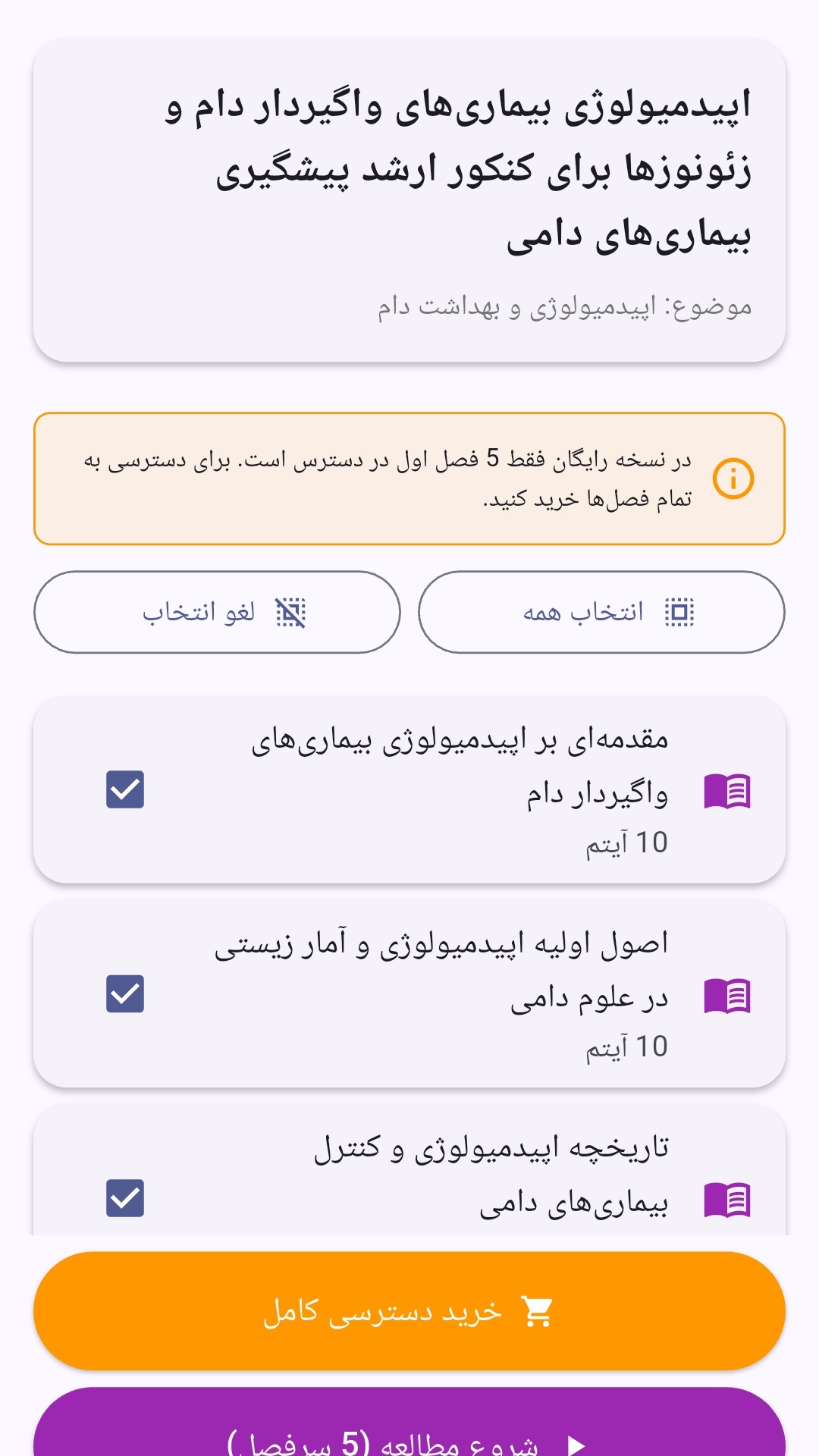
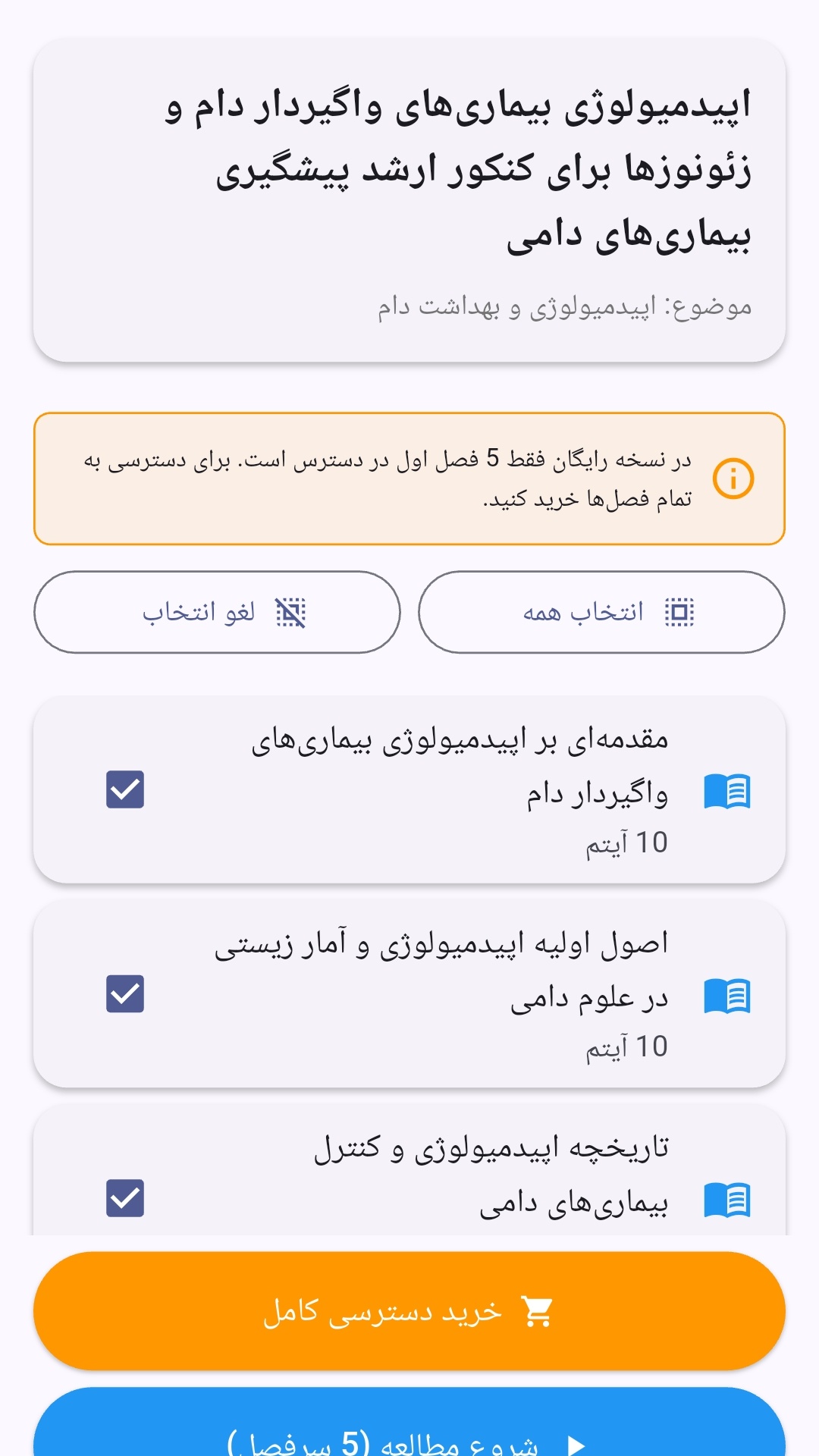
- صفحهبندی ساده برای انتخاب دوره و شروع مرور.
- نمایش تعداد دفعات مرور هر فصل.
- انتخاب چند فصل برای مرور همزمان.
- امکان تمرکز بر فصلهایی که هنوز مرور نشدهاند.
این اپلیکیشن برای دانشآموزان، دانشجویان، داوطلبان آزمونها و علاقهمندان به یادگیری طراحی شده است؛ بهویژه کسانی که میخواهند مطالب آموزشی را در زمانهای کوتاه مرور کنند، دانستههای خود را بسنجند و مطالعه منظمتری داشته باشند.
نظرات
هنوز نظری ثبت نشده است.
وارد شوید تا نظر ثبت کنید.