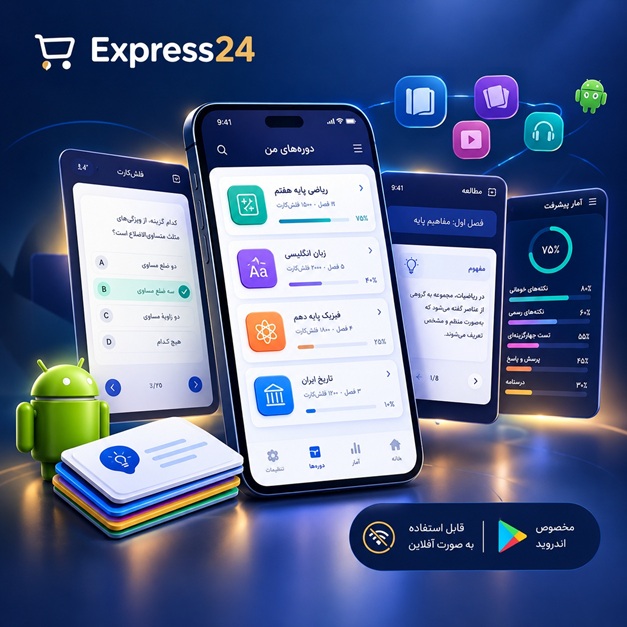
اپلیکیشن اندرویدی فلشکارت آموزشی مدیریت State for Application User Access Control and Auditing in WPF
🎓 دوره آموزشی جامع
📚 اطلاعات دوره
عنوان دوره: دوره مدیریت State for Application User Access Control and Auditing in WPF
موضوع کلی: برنامه نویسی
موضوع میانی: WPF (Windows Presentation Foundation)
📋 سرفصلهای دوره
- 1. مبانی .NET Framework
- 2. مبانی C#
- 3. مبانی شیءگرایی (OOP)
- 4. مقدمهای بر WPF
- 5. تفاوت WPF با WinForms
- 6. ساختار XAML
- 7. کنترلهای پایه WPF (TextBox, Label, Button)
- 8. Layout Panels (StackPanel, Grid, DockPanel, WrapPanel)
- 9. Events Handling در WPF
- 10. Data Binding (یک طرفه)
- 11. Dependency Properties
- 12. Attached Properties
- 13. Styles و Templates
- 14. Resource Dictionaries
- 15. Triggers (Property, Data, Event)
- 16. Control Templates
- 17. Data Templates
- 18. Commanding در WPF
- 19. Introduction to MVVM Design Pattern
- 20. ViewModel Base Class
- 21. ObservableCollection
- 22. RelayCommand
- 23. Implemention of MVVM in WPF
- 24. User Controls
- 25. Custom Controls
- 26. Navigation in WPF
- 27. Page-based Navigation
- 28. Frame Control
- 29. Data Validation (Client-side)
- 30. Validation Rules
- 31. Error Templates
- 32. Introduction to Authentication
- 33. User Authentication Concepts
- 34. Role-Based Access Control (RBAC)
- 35. Authorization Concepts
- 36. Permissions Management
- 37. Security Best Practices
- 38. Password Hashing
- 39. Salted Hashing
- 40. Introduction to Auditing
- 41. Audit Trails
- 42. Logging Mechanisms
- 43. Event Logging in Windows
- 44. File-based Logging
- 45. Database-based Logging
- 46. Introduction to Security Frameworks in .NET
- 47. Entity Framework Core for Data Persistence
- 48. Database Design for Authentication and Auditing
- 49. User Management Module
- 50. Role Management Module
- 51. Permission Management Module
- 52. User Role Assignment
- 53. Role Permission Assignment
- 54. Implementing Login Form
- 55. Implementing Logout Functionality
- 56. Session Management
- 57. Token-based Authentication (Introduction)
- 58. JWT (JSON Web Tokens) - Concepts
- 59. Implementing JWT in WPF (Basic)
- 60. Securing API Endpoints (Conceptual for WPF)
- 61. Authorizing UI Elements based on Roles
- 62. Dynamically Enabling/Disabling Controls
- 63. Hiding/Showing UI Elements based on Permissions
- 64. Audit Trail Implementation for User Actions
- 65. Audit Trail Implementation for Data Changes
- 66. Audit Trail for Login/Logout Events
- 67. Audit Trail for Access Denied Events
- 68. Filtering and Searching Audit Logs
- 69. Exporting Audit Logs
- 70. Reporting on Access Control and Audit Data
- 71. Database Migrations for Security Schema
- 72. User Interface for User Management
- 73. User Interface for Role Management
- 74. User Interface for Permission Management
- 75. User Interface for Audit Log Viewing
- 76. Security Considerations for Data at Rest
- 77. Security Considerations for Data in Transit
- 78. Encryption of Sensitive Data
- 79. Key Management
- 80. Secure Storage of Credentials
- 81. Handling Exceptions Securely
- 82. Unit Testing for Authentication and Authorization
- 83. Integration Testing for Security Features
- 84. Performance Considerations for Security and Auditing
- 85. Scalability of Security and Auditing Solutions
- 86. Error Handling and Fallbacks for Security Features
- 87. Deprecating Old Authentication Methods
- 88. Modern Authentication Strategies (OAuth, OpenID Connect - Concepts)
- 89. Implementing Secure Password Reset
- 90. Multi-Factor Authentication (MFA) - Concepts
- 91. Introduction to Identity Management Systems
- 92. Single Sign-On (SSO) - Concepts
- 93. Role-Based Access Control vs. Attribute-Based Access Control (ABAC)
- 94. Implementation of ABAC (Conceptual)
- 95. Security Auditing Tools and Techniques
- 96. Penetration Testing (Concepts)
- 97. Secure Coding Practices Review
- 98. Handling Sensitive Data in Memory
- 99. Obfuscation Techniques (Introduction)
- 100. Application Signing and Verification
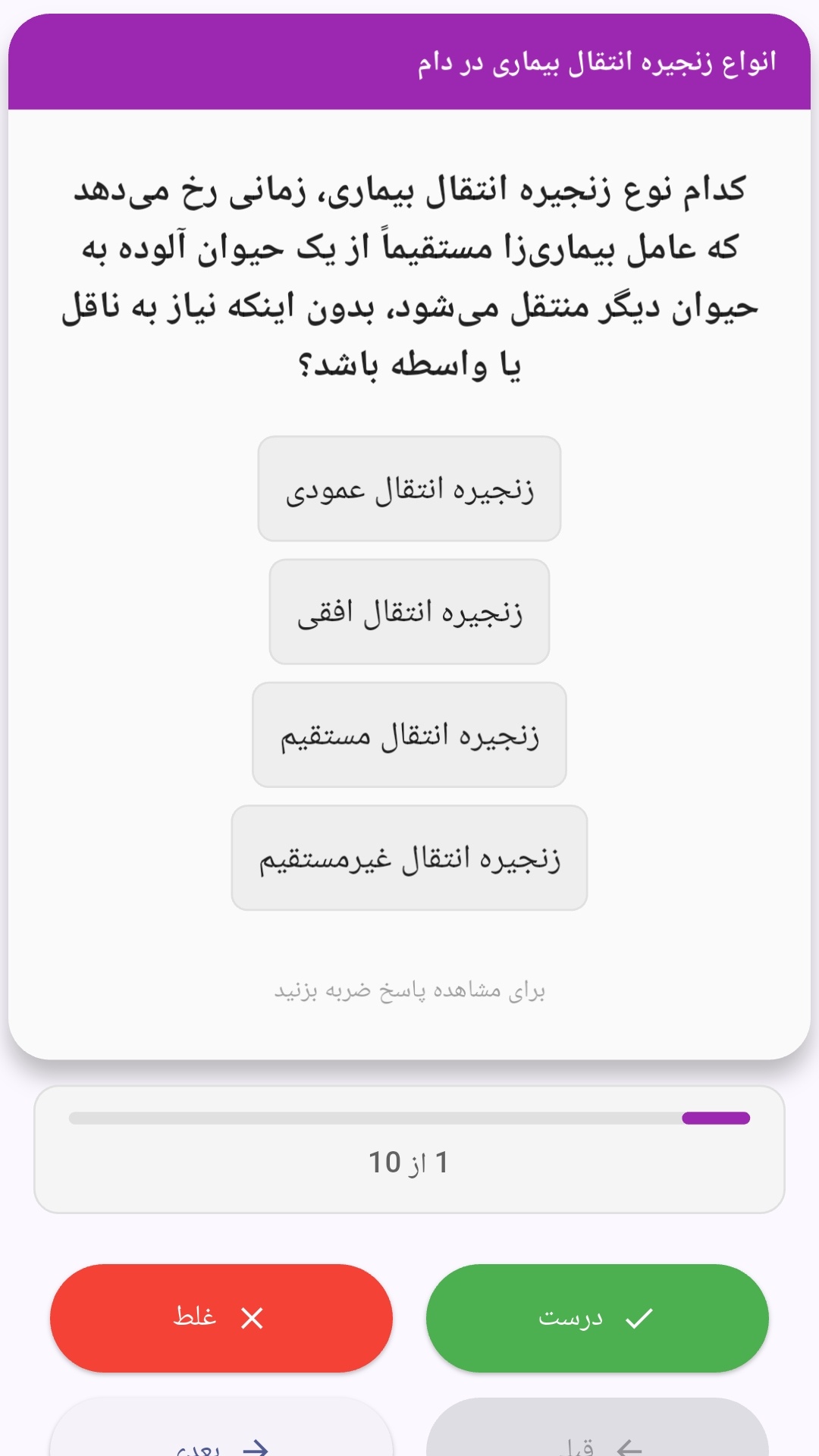
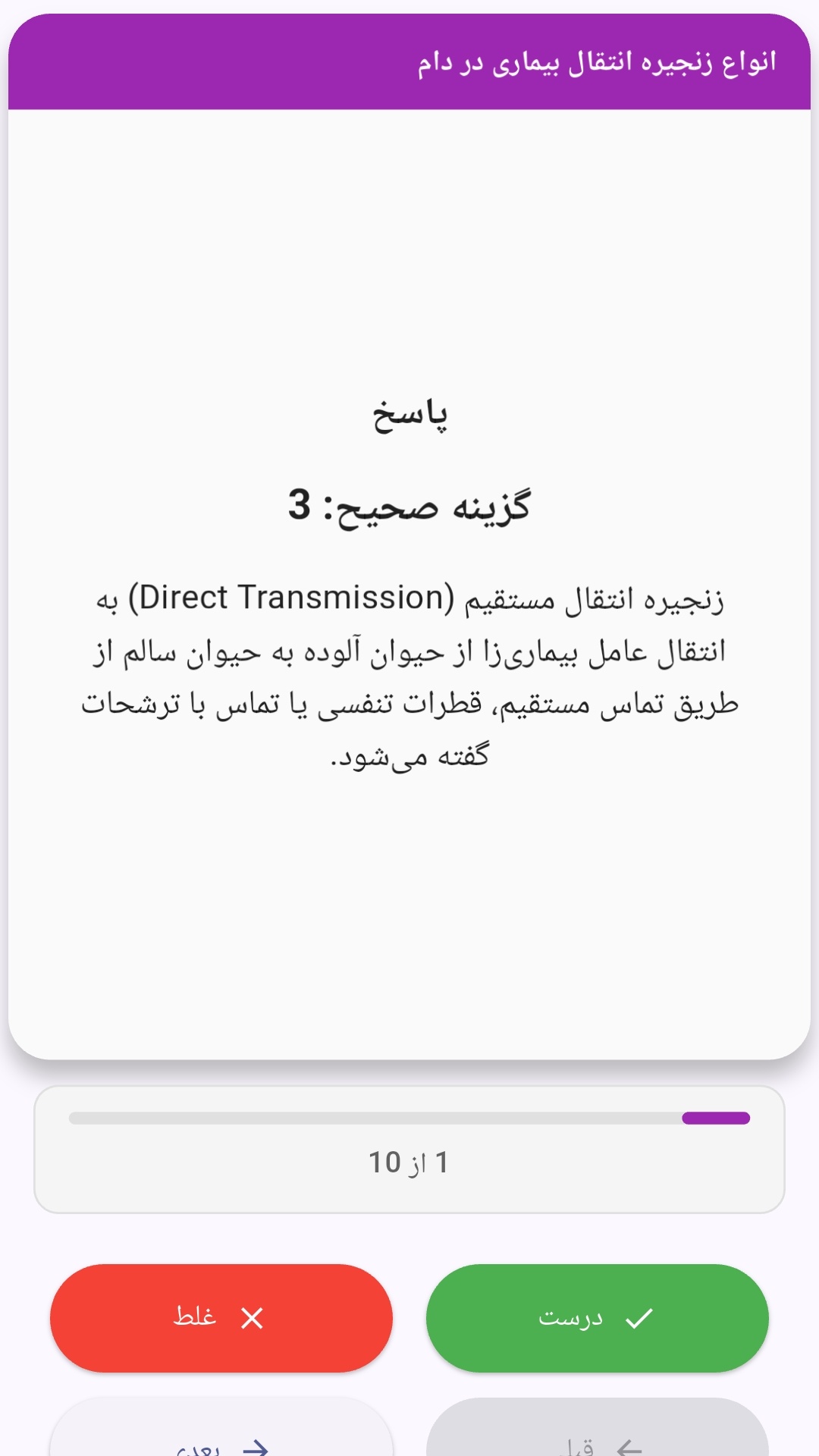
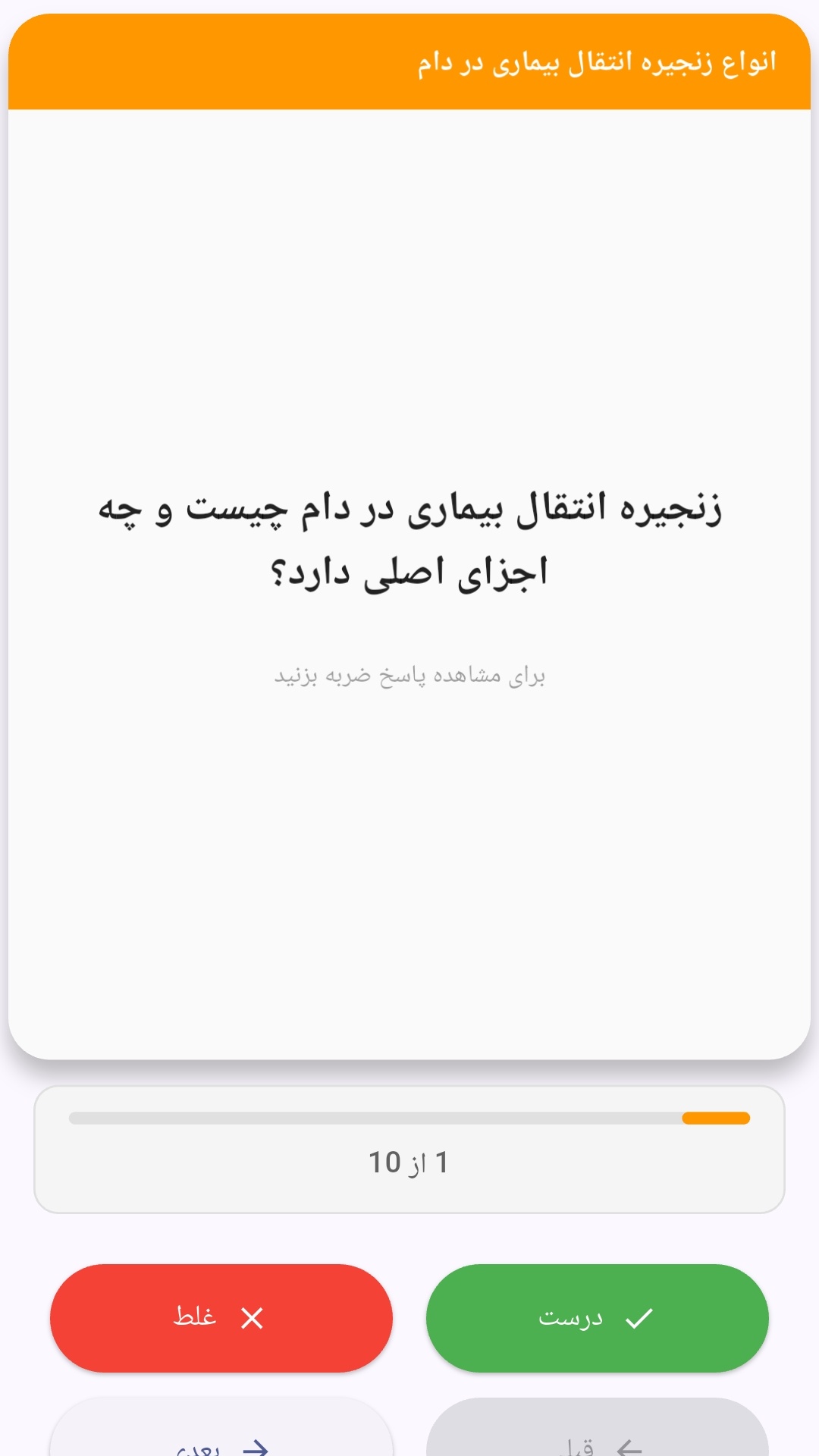
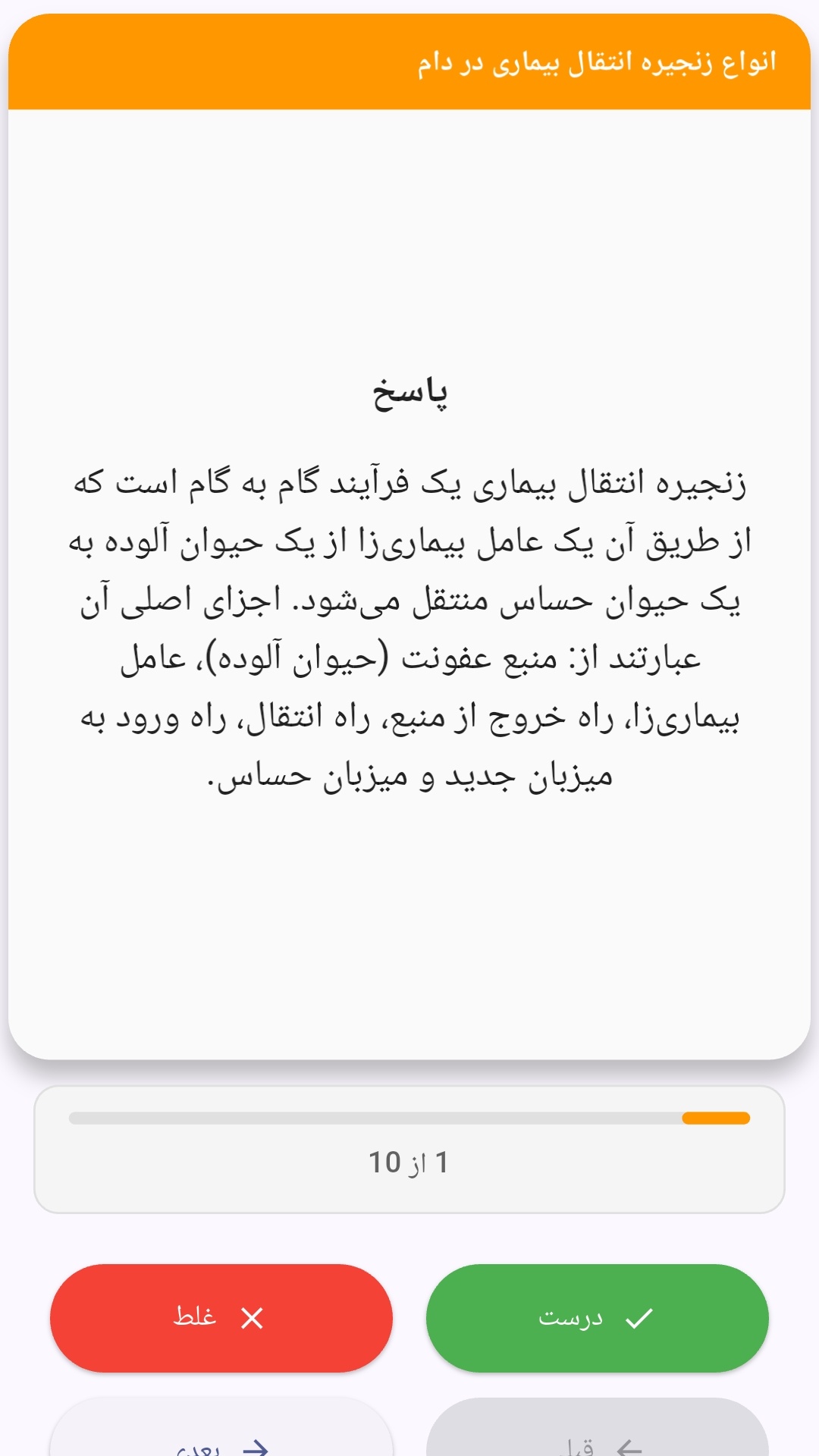
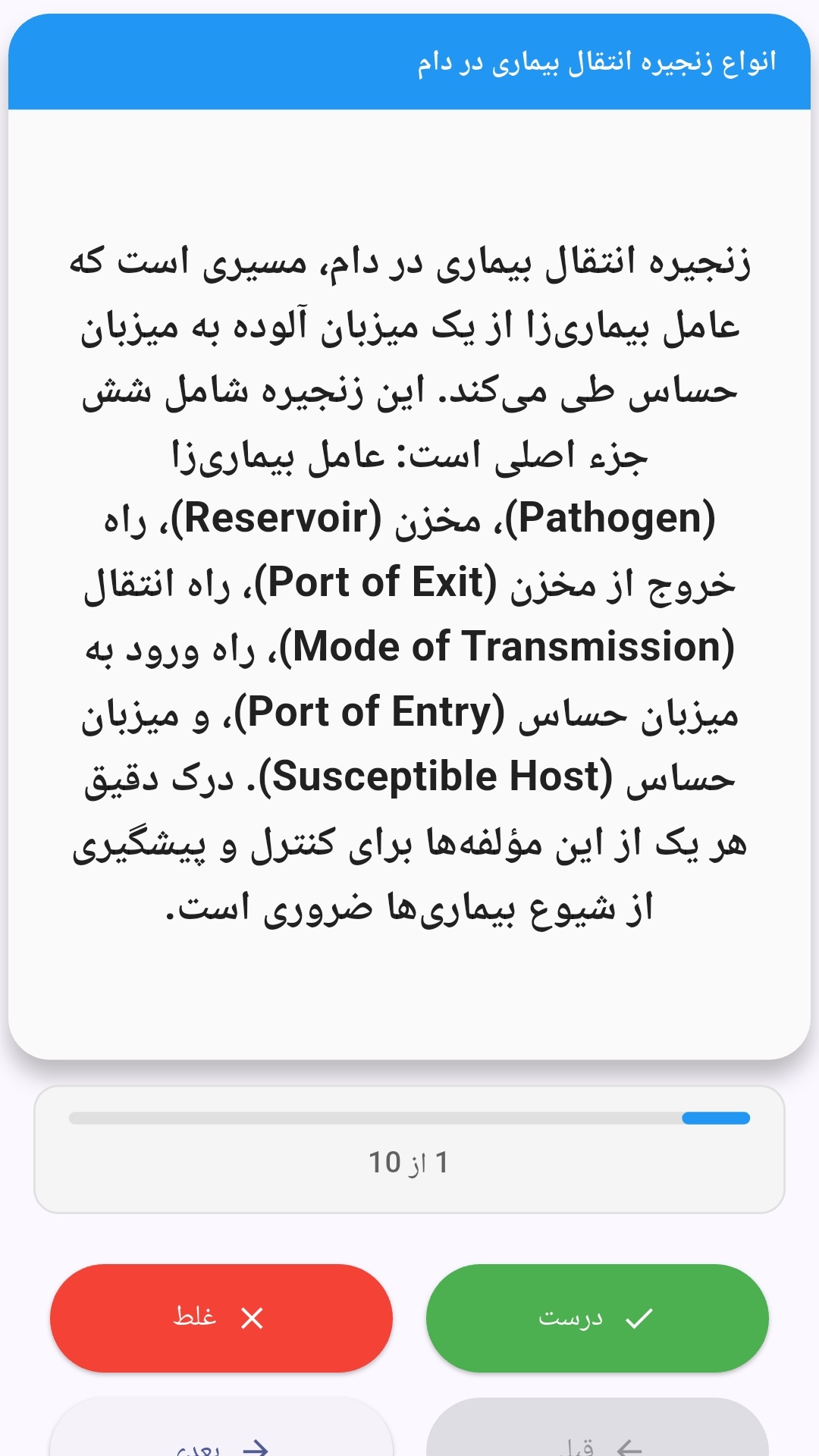
این اپلیکیشن فارسی برای یادگیری و مرور محتوای آموزشی از طریق فلشکارت طراحی شده است. کارتها را یکییکی مرور کنید، پاسخ پرسشها را به یاد بیاورید و نتیجه هر پاسخ را ثبت کنید. محتوای دوره پس از نصب درون برنامه در دسترس است تا برای مطالعه روزمره معمولاً به اتصال مداوم اینترنت نیاز نداشته باشید.
محتوای آموزشی در قالبهای متنوع ارائه میشود تا هم برای یادگیری مفاهیم جدید و هم برای تثبیت آموختهها قابل استفاده باشد.
- رابط کاربری فارسی و راستچین با فونت وزیر.
- تم روشن و تیره مطابق تنظیمات سیستم.
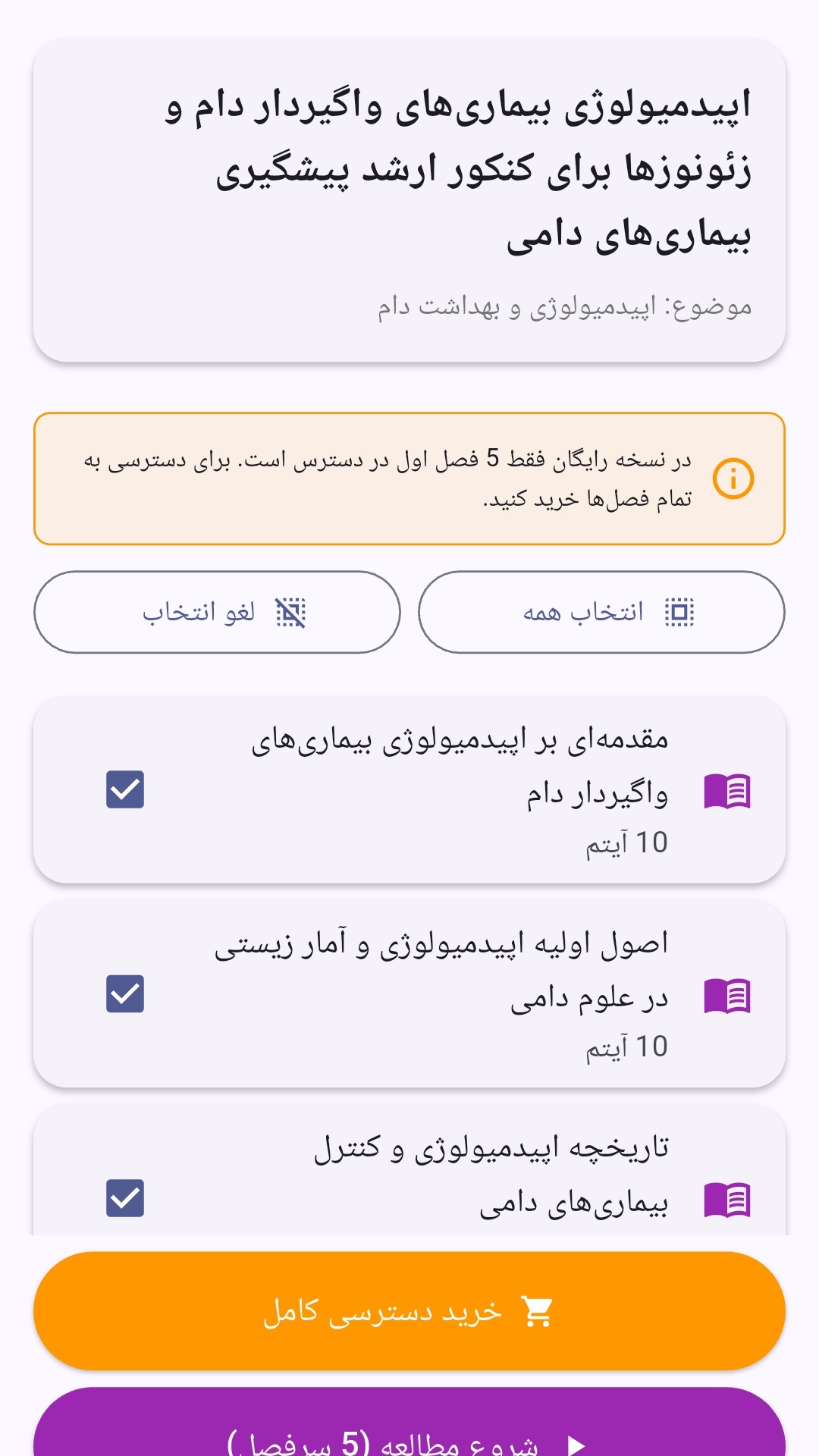
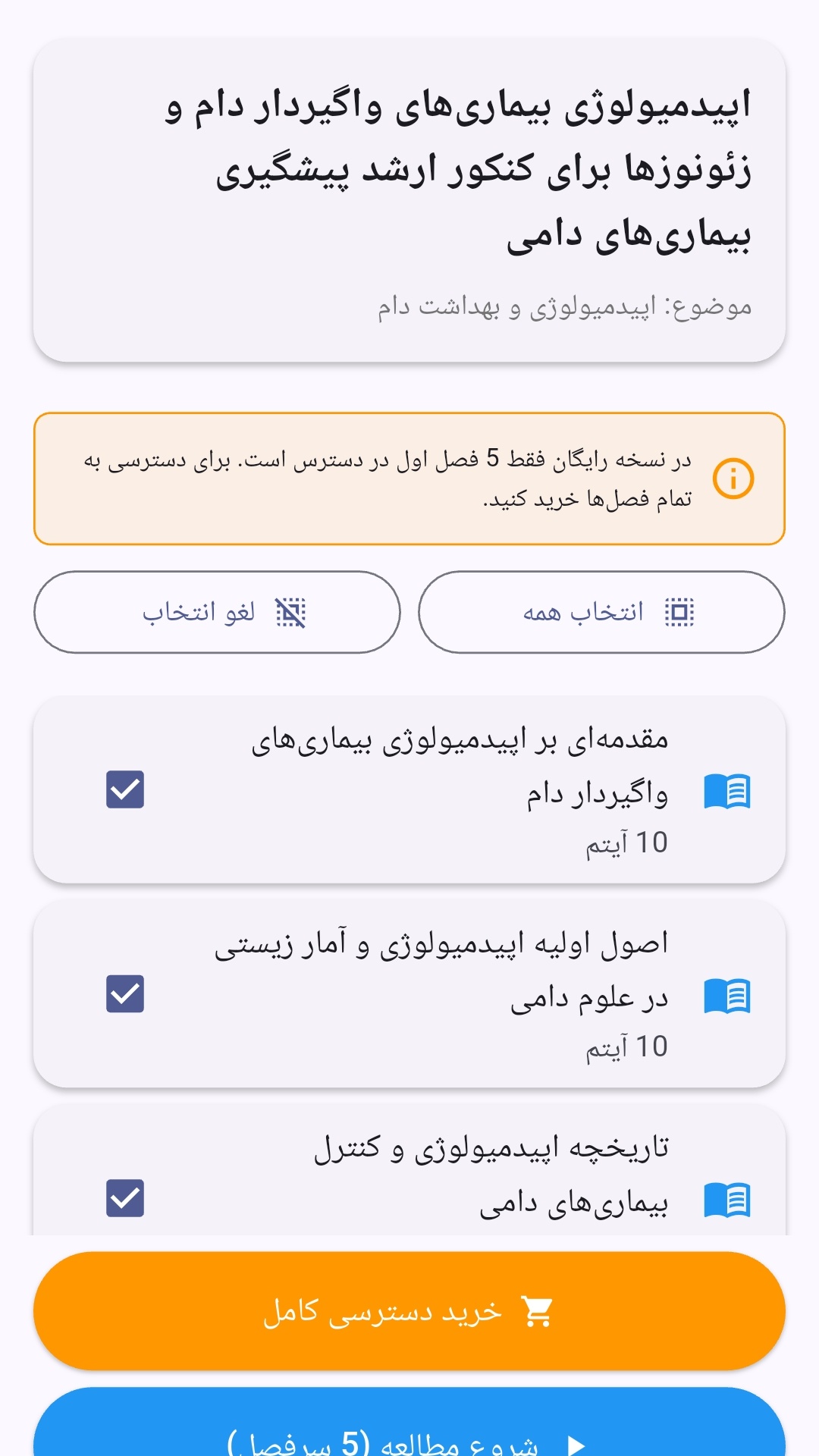
- صفحهبندی ساده برای انتخاب دوره و شروع مرور.
- نمایش تعداد دفعات مرور هر فصل.
- انتخاب چند فصل برای مرور همزمان.
- امکان تمرکز بر فصلهایی که هنوز مرور نشدهاند.
این اپلیکیشن برای دانشآموزان، دانشجویان، داوطلبان آزمونها و علاقهمندان به یادگیری طراحی شده است؛ بهویژه کسانی که میخواهند مطالب آموزشی را در زمانهای کوتاه مرور کنند، دانستههای خود را بسنجند و مطالعه منظمتری داشته باشند.
نظرات
هنوز نظری ثبت نشده است.
وارد شوید تا نظر ثبت کنید.