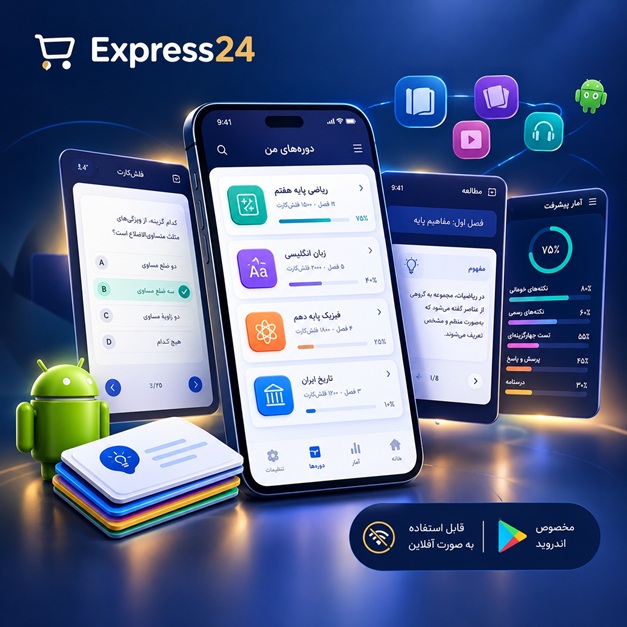
اپلیکیشن اندرویدی فلشکارت آموزشی Azure for IT professionals: a comprehensive guide
🎓 دوره آموزشی جامع
📚 اطلاعات دوره
عنوان دوره: دوره Azure for IT professionals: a comprehensive guide
موضوع کلی: برنامه نویسی
موضوع میانی: Microsoft Azure
📋 سرفصلهای دوره
- 1. Introduction to Cloud Computing and Azure
- 2. Azure Fundamentals: Core Concepts and Services
- 3. Azure Account Setup and Subscription Management
- 4. Azure Portal Overview and Navigation
- 5. Azure Resource Groups: Organization and Management
- 6. Azure CLI: Introduction and Usage
- 7. Azure PowerShell: Introduction and Usage
- 8. Azure Resource Manager (ARM) Templates: Infrastructure as Code
- 9. Azure Virtual Machines: Creation and Management
- 10. Virtual Machine Sizes and Performance Considerations
- 11. Virtual Machine Disks: Managed vs. Unmanaged
- 12. Virtual Machine Networking: Virtual Networks, Subnets, and Network Security Groups (NSGs)
- 13. Virtual Machine Extensions: Configuration Management
- 14. Azure Virtual Machine Scale Sets: Auto-Scaling and High Availability
- 15. Azure App Service: Web App Deployment and Management
- 16. App Service Plans: Pricing Tiers and Scaling Options
- 17. Deploying Web Apps from Visual Studio
- 18. Deploying Web Apps from GitHub
- 19. Azure Functions: Serverless Computing
- 20. Azure Logic Apps: Workflow Automation
- 21. Azure Container Instances (ACI): Running Containers in the Cloud
- 22. Azure Kubernetes Service (AKS): Container Orchestration
- 23. AKS Cluster Creation and Management
- 24. Deploying Applications to AKS
- 25. Azure Container Registry (ACR): Storing and Managing Container Images
- 26. Azure Storage Accounts: Overview and Types
- 27. Blob Storage: Storing Unstructured Data
- 28. Queue Storage: Asynchronous Messaging
- 29. Table Storage: NoSQL Data Storage
- 30. File Storage: Shared File Systems
- 31. Azure SQL Database: Managed SQL Server in the Cloud
- 32. Azure Cosmos DB: Globally Distributed, Multi-Model Database
- 33. Choosing the Right Database Service for Your Needs
- 34. Azure Database Migration Service: Migrating On-Premises Databases to Azure
- 35. Azure Cache for Redis: In-Memory Data Cache
- 36. Azure Virtual Network: Designing and Implementing Network Infrastructure
- 37. Subnets: Segmentation and Isolation
- 38. Network Security Groups (NSGs): Controlling Network Traffic
- 39. Azure Firewall: Network Security and Threat Protection
- 40. Azure Load Balancer: Distributing Traffic Across Multiple Instances
- 41. Azure Application Gateway: Web Traffic Management and Security
- 42. Azure VPN Gateway: Connecting On-Premises Networks to Azure
- 43. Azure ExpressRoute: Dedicated Private Network Connection to Azure
- 44. Azure DNS: Managing DNS Records in Azure
- 45. Azure Active Directory (Azure AD): Identity and Access Management
- 46. Azure AD Users and Groups: Managing User Accounts
- 47. Azure AD Roles and Permissions: Controlling Access to Resources
- 48. Azure AD Conditional Access: Enforcing Security Policies
- 49. Azure Multi-Factor Authentication (MFA): Enhancing Security
- 50. Azure AD Connect: Synchronizing On-Premises Active Directory with Azure AD
- 51. Azure Key Vault: Managing Secrets and Keys
- 52. Azure Monitor: Monitoring and Logging Infrastructure
- 53. Azure Monitor Metrics: Performance Monitoring
- 54. Azure Monitor Logs: Analyzing Log Data
- 55. Azure Alerts: Proactive Monitoring and Notification
- 56. Azure Log Analytics: Advanced Log Analysis
- 57. Azure Security Center: Security Posture Management
- 58. Azure Security Center Recommendations: Improving Security
- 59. Azure Security Center Alerts: Detecting and Responding to Threats
- 60. Azure Sentinel: Cloud-Native SIEM and SOAR
- 61. Azure Backup: Protecting Data in Azure
- 62. Azure Site Recovery: Disaster Recovery and Business Continuity
- 63. Azure Update Management: Managing Software Updates
- 64. Azure Automation: Automating Tasks and Processes
- 65. Azure DevOps: Overview and Integration
- 66. Azure DevOps Pipelines: Continuous Integration and Continuous Delivery (CI/CD)
- 67. Azure DevOps Boards: Agile Project Management
- 68. Azure DevOps Repos: Source Control Management
- 69. Azure DevOps Test Plans: Testing and Quality Assurance
- 70. Azure Resource Manager (ARM) Templates: Advanced Techniques
- 71. ARM Template Best Practices
- 72. ARM Template Deployment Strategies
- 73. Azure Policy: Enforcing Compliance and Governance
- 74. Azure Blueprints: Standardizing Deployments
- 75. Azure Cost Management: Monitoring and Optimizing Azure Costs
- 76. Azure Advisor: Recommendations for Optimization
- 77. Azure Migrate: Migrating On-Premises Workloads to Azure
- 78. Azure IoT Hub: Connecting and Managing IoT Devices
- 79. Azure IoT Central: Application Platform for IoT Solutions
- 80. Azure Cognitive Services: AI and Machine Learning APIs
- 81. Azure Machine Learning: Building and Deploying Machine Learning Models
- 82. Azure Data Lake Storage: Scalable Data Lake for Big Data Analytics
- 83. Azure Synapse Analytics: Data Warehousing and Big Data Analytics
- 84. Azure Stream Analytics: Real-Time Data Processing
- 85. Azure HDInsight: Hadoop and Spark in the Cloud
- 86. Azure Databricks: Apache Spark-Based Analytics Platform
- 87. Azure Event Hubs: Scalable Event Ingestion
- 88. Azure Service Bus: Reliable Messaging
- 89. Azure API Management: Publishing and Managing APIs
- 90. Azure Logic Apps: Advanced Workflows and Integration
- 91. Deploying and Managing Hybrid Environments
- 92. Azure Stack: Extending Azure to On-Premises
- 93. Azure Arc: Managing On-Premises and Multi-Cloud Resources
- 94. Azure Governance: Best Practices and Strategies
- 95. Azure Security Best Practices
- 96. Troubleshooting Common Azure Issues
- 97. Optimizing Azure Performance
- 98. Cost Optimization Strategies for Azure
- 99. Preparing for Azure Certifications
- 100. Advanced Azure Networking
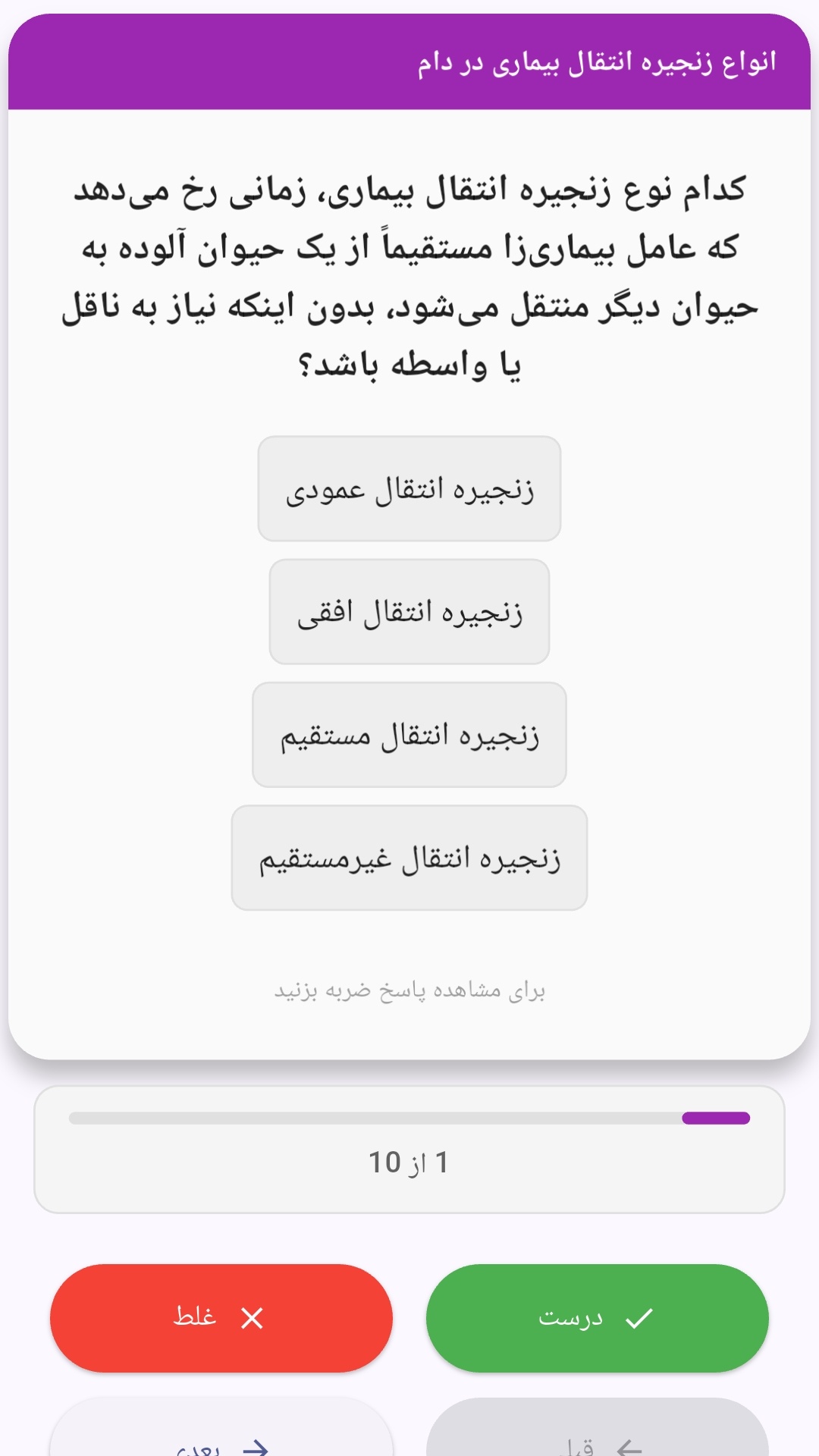
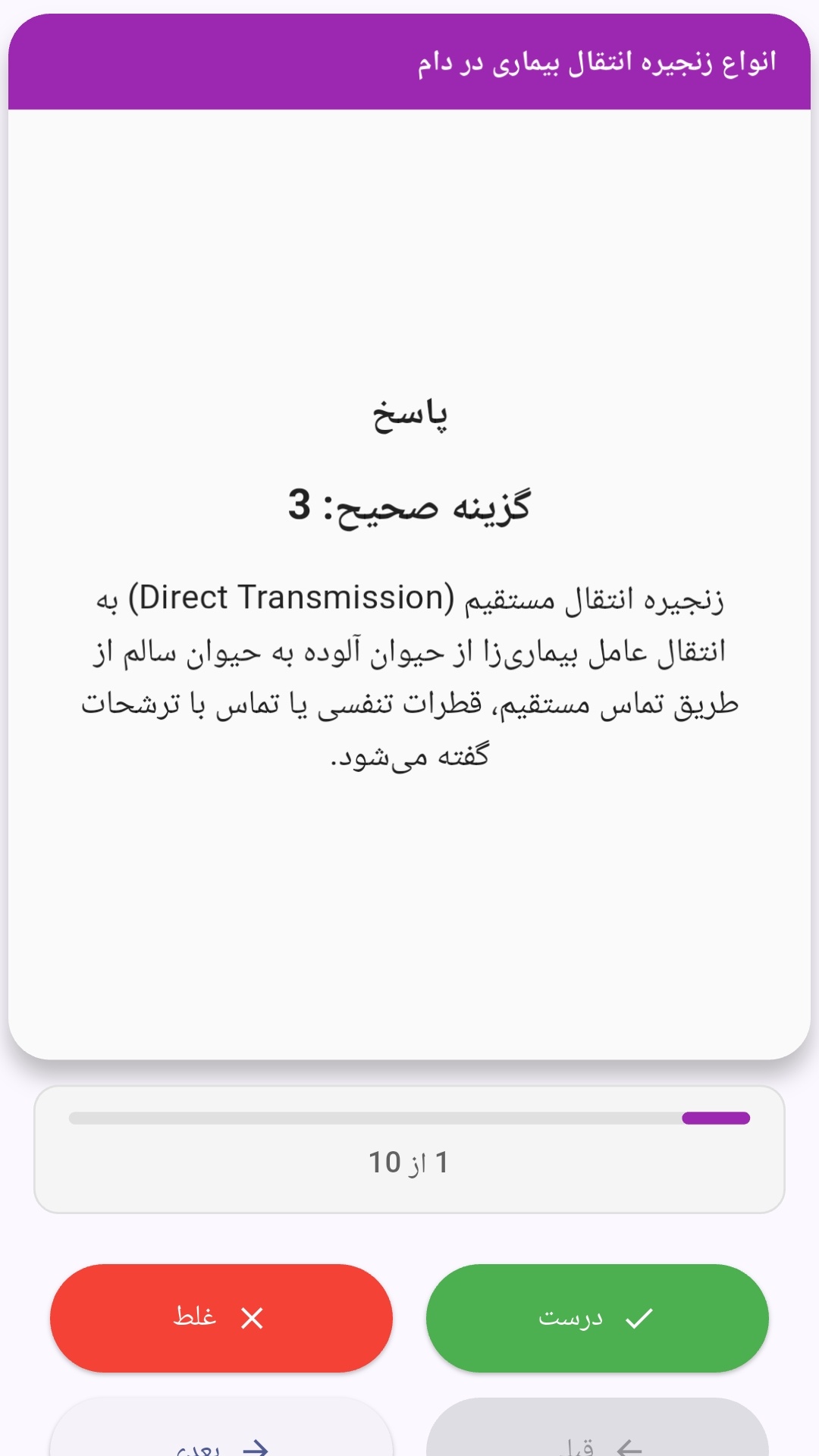
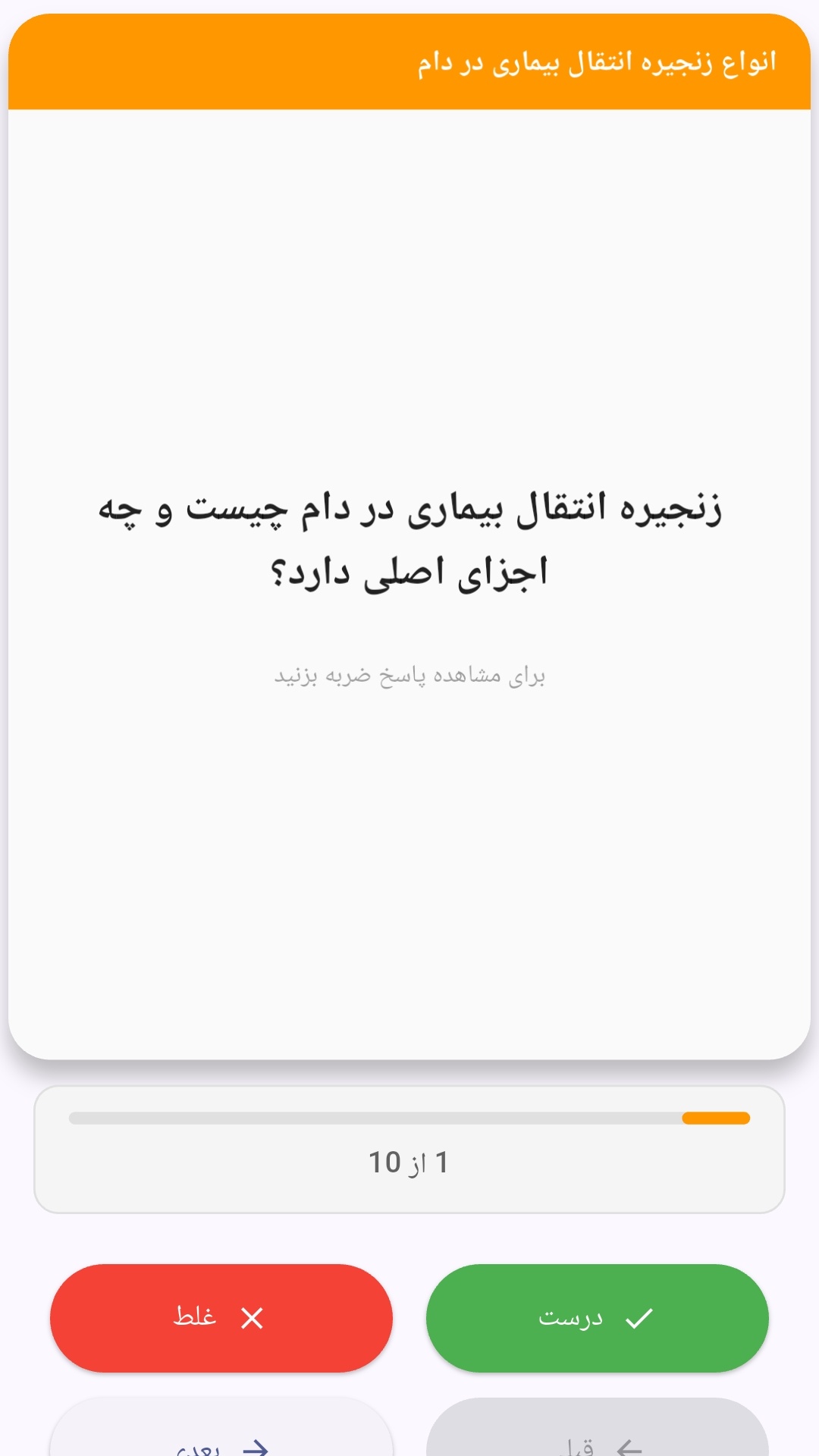
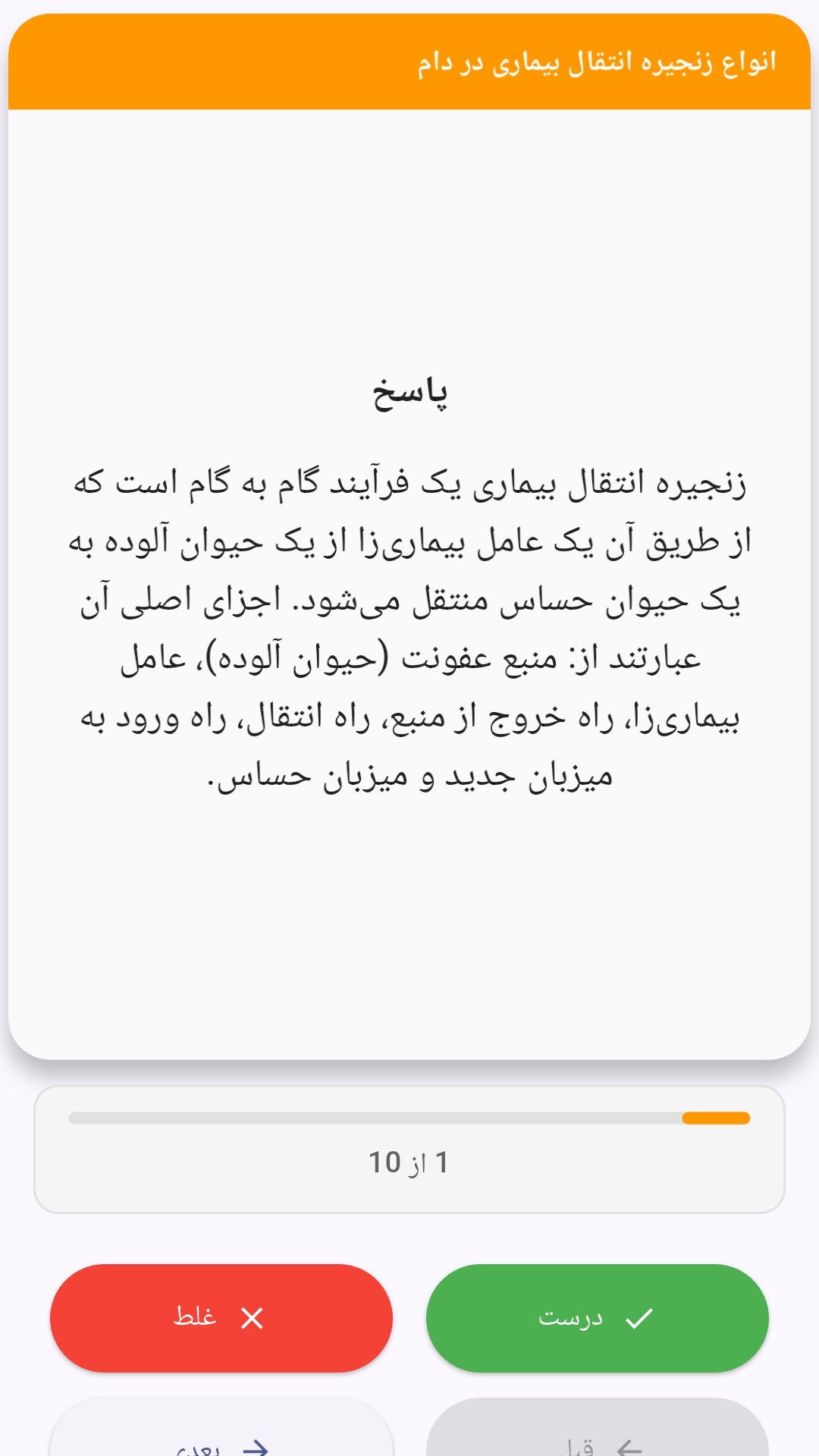
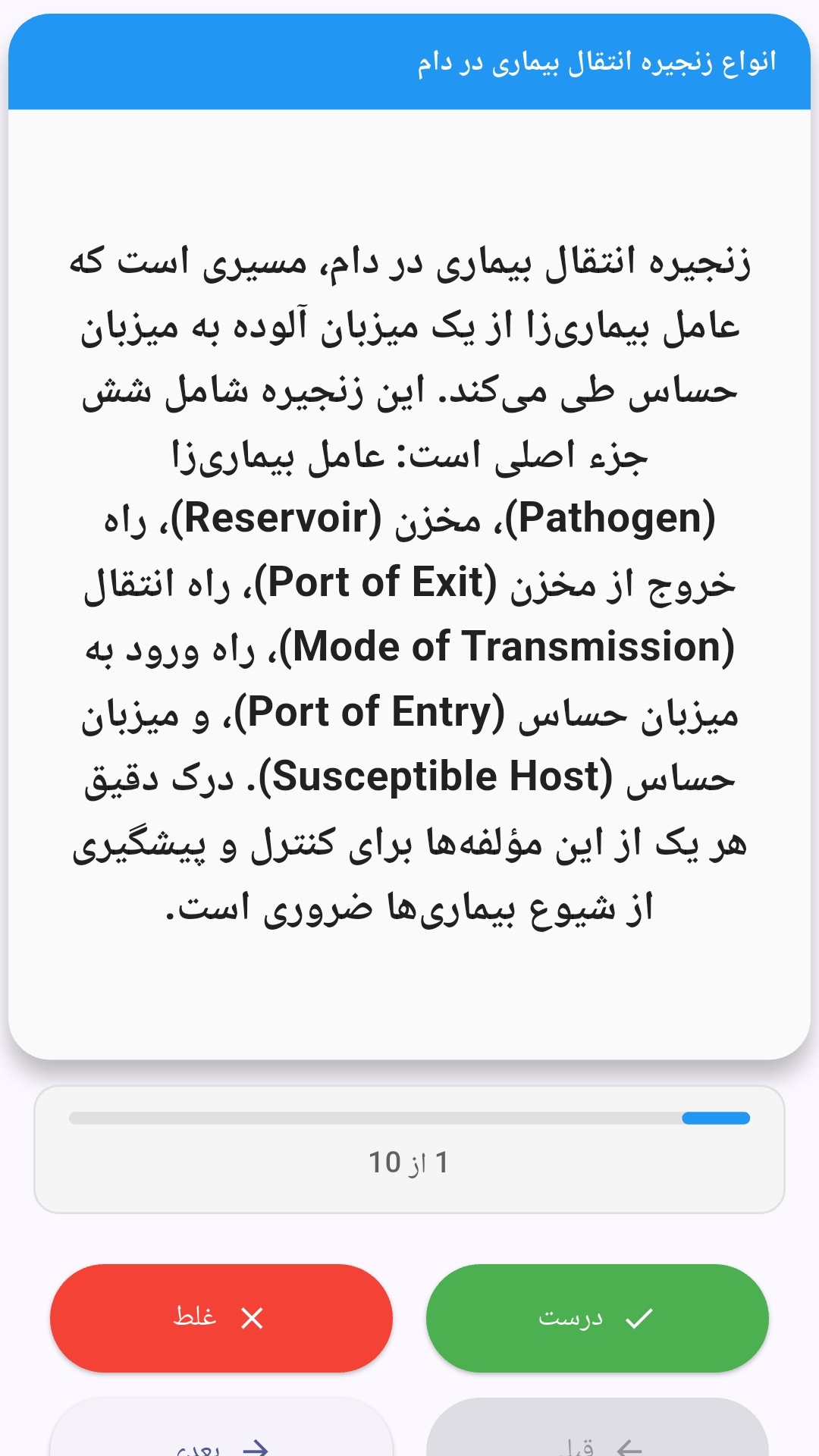
این اپلیکیشن فارسی برای یادگیری و مرور محتوای آموزشی از طریق فلشکارت طراحی شده است. کارتها را یکییکی مرور کنید، پاسخ پرسشها را به یاد بیاورید و نتیجه هر پاسخ را ثبت کنید. محتوای دوره پس از نصب درون برنامه در دسترس است تا برای مطالعه روزمره معمولاً به اتصال مداوم اینترنت نیاز نداشته باشید.
محتوای آموزشی در قالبهای متنوع ارائه میشود تا هم برای یادگیری مفاهیم جدید و هم برای تثبیت آموختهها قابل استفاده باشد.
- رابط کاربری فارسی و راستچین با فونت وزیر.
- تم روشن و تیره مطابق تنظیمات سیستم.
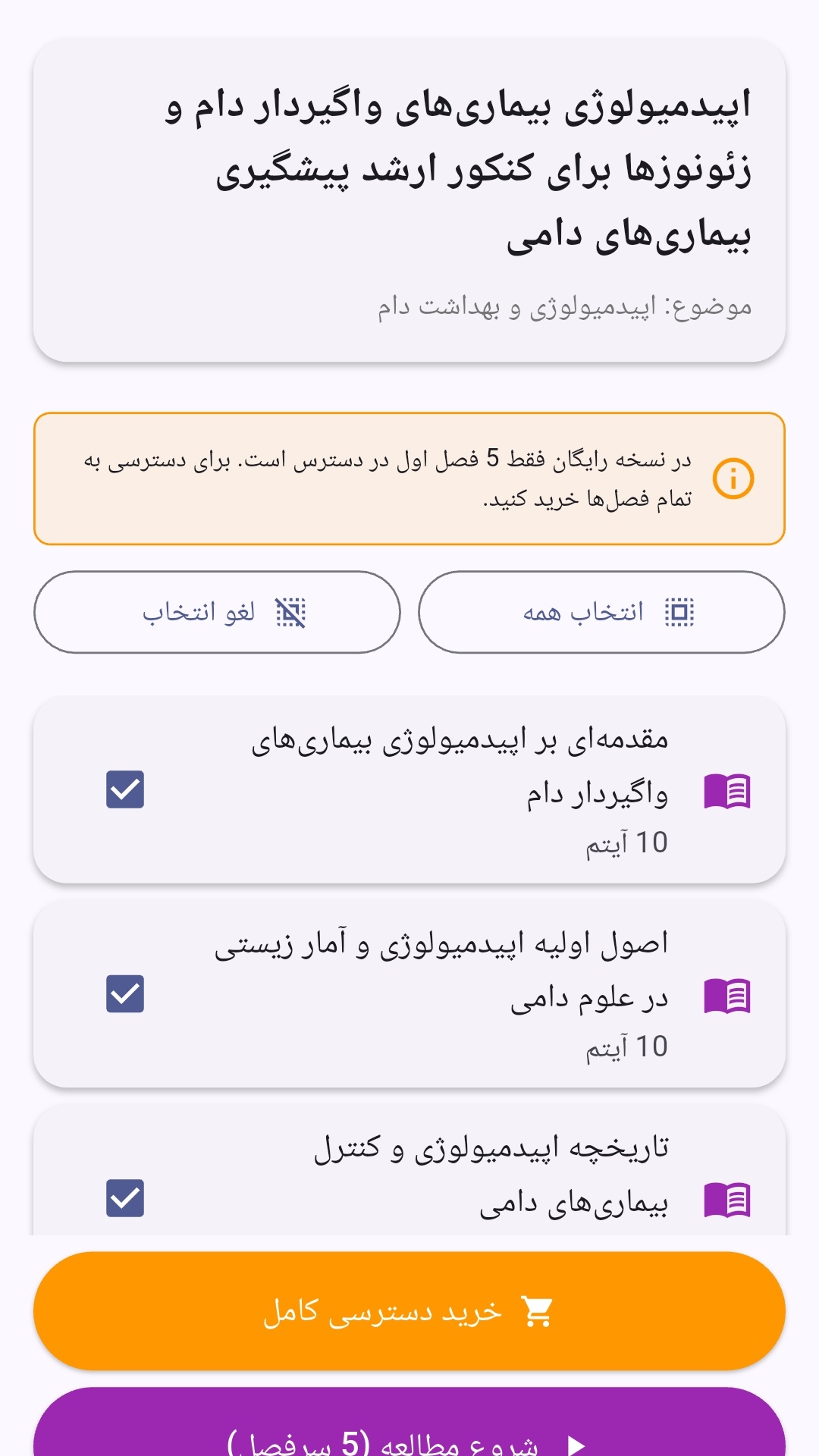
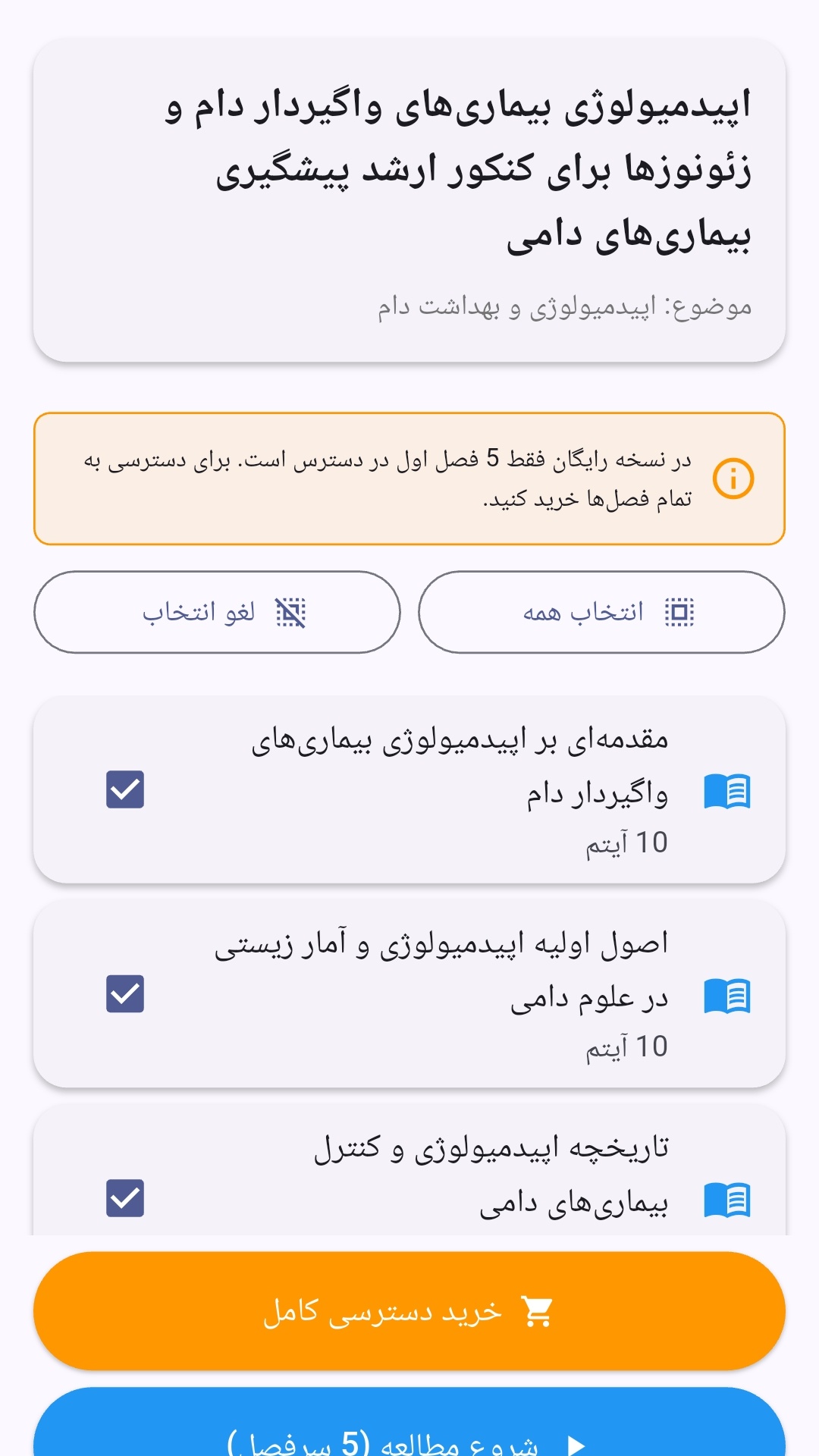
- صفحهبندی ساده برای انتخاب دوره و شروع مرور.
- نمایش تعداد دفعات مرور هر فصل.
- انتخاب چند فصل برای مرور همزمان.
- امکان تمرکز بر فصلهایی که هنوز مرور نشدهاند.
این اپلیکیشن برای دانشآموزان، دانشجویان، داوطلبان آزمونها و علاقهمندان به یادگیری طراحی شده است؛ بهویژه کسانی که میخواهند مطالب آموزشی را در زمانهای کوتاه مرور کنند، دانستههای خود را بسنجند و مطالعه منظمتری داشته باشند.
نظرات
هنوز نظری ثبت نشده است.
وارد شوید تا نظر ثبت کنید.