اپلیکیشن اندرویدی فلشکارت آموزشی React Native: The Ultimate Guide to Building Cross-Platform Apps
🎓 دوره آموزشی جامع
📚 اطلاعات دوره
عنوان دوره: دوره React Native: The Ultimate Guide to Building Cross-Platform Apps
موضوع کلی: برنامه نویسی
موضوع میانی: ریاکت نیتیو (React Native)
📋 سرفصلهای دوره
- 1. Course Introduction & Setup
- 2. JavaScript ES6+ Essentials for React Native
- 3. Understanding Node.js & npm/yarn
- 4. What is React? Core Concepts
- 5. JSX: React's Syntax Extension
- 6. Functional Components & Props
- 7. State and Lifecycle Hooks (useState, useEffect)
- 8. Conditional Rendering & Lists
- 9. Event Handling in React
- 10. What is React Native? Why use it?
- 11. Setting Up Your Development Environment (Expo CLI vs. React Native CLI)
- 12. Your First React Native App: Hello World (Expo)
- 13. Running Apps on Simulators/Emulators
- 14. Running Apps on Physical Devices
- 15. Understanding Project Structure
- 16. Core Components: View, Text, Image, Button, TextInput
- 17. Styling React Native Apps: StyleSheet API
- 18. Flexbox for Layout
- 19. Handling User Input (TextInput, TouchableOpacity)
- 20. Platform-Specific Code (Platform API)
- 21. ScrollView & FlatList for displaying lists
- 22. SectionList for grouped lists
- 23. Modals and Alerts
- 24. ActivityIndicator & RefreshControl
- 25. Using Images and Icons
- 26. Custom Fonts
- 27. Dimensions API for Responsive UI
- 28. KeyboardAvoidingView
- 29. Geolocation API
- 30. Permissions API (Camera, Location, etc.)
- 31. Device Storage: AsyncStorage
- 32. Introduction to React Navigation
- 33. Stack Navigator
- 34. Tab Navigator
- 35. Drawer Navigator
- 36. Nested Navigators
- 37. Passing Data Between Screens
- 38. Customizing Navigation Headers
- 39. Authentication Flows with Navigation
- 40. Component State vs. Application State
- 41. Context API for Global State
- 42. Redux: Core Concepts
- 43. Setting Up Redux with React Native
- 44. Actions, Reducers, Store
- 45. react-redux Library (connect, useSelector, useDispatch)
- 46. Redux Thunk for Asynchronous Actions
- 47. Redux Persist for State Persistence
- 48. Introduction to Zustand (alternative lightweight state management)
- 49. Introduction to MobX (alternative state management)
- 50. Fetch API for HTTP Requests
- 51. Axios for HTTP Requests
- 52. Handling Loading States
- 53. Error Handling in API Calls
- 54. Displaying Data from a Remote API
- 55. Sending Data to a Remote API (POST, PUT)
- 56. GraphQL Basics for React Native
- 57. Apollo Client for GraphQL
- 58. Gesture Handling with PanResponder
- 59. Animations: Animated API Basics
- 60. LayoutAnimation for layout changes
- 61. React Native Reanimated for performant animations
- 62. Custom Components Best Practices
- 63. Third-Party UI Libraries (e.g., React Native Elements, NativeBase)
- 64. Dark Mode Implementation
- 65. Internationalization (i18n) and Localization
- 66. Camera and Photo Library Integration
- 67. Push Notifications (Expo Push Notifications, Firebase)
- 68. Local Notifications
- 69. File System Access
- 70. Connecting to Bluetooth Devices (Introduction)
- 71. In-App Purchases (Introduction)
- 72. Creating Custom Native Modules (Android)
- 73. Creating Custom Native Modules (iOS)
- 74. Bridging Existing Native Libraries
- 75. Identifying Performance Bottlenecks
- 76. Memoization (React.memo, useCallback, useMemo)
- 77. Optimizing FlatList and ScrollView Performance
- 78. Image Optimization
- 79. Avoiding Re-renders
- 80. Debugging Tools (Flipper, React DevTools)
- 81. Bundle Size Optimization
- 82. Introduction to Testing in React Native
- 83. Unit Testing with Jest
- 84. Component Testing with React Native Testing Library
- 85. Snapshot Testing
- 86. Integration Testing
- 87. End-to-End Testing (Introduction to Detox/Appium)
- 88. Preparing for Production (Bundling, Minification)
- 89. Building for iOS (Xcode, Certificates, Provisioning Profiles)
- 90. Deploying to Apple App Store Connect
- 91. Building for Android (Gradle, Keystore)
- 92. Deploying to Google Play Console
- 93. Code Signing & Release Builds
- 94. Over-the-Air (OTA) Updates with Expo
- 95. Continuous Integration/Continuous Deployment (CI/CD) Basics
- 96. Monitoring and Analytics (Crashlytics, Firebase Analytics)
- 97. App Store Optimization (ASO) Basics
- 98. Security Best Practices
- 99. Accessibility in React Native
- 100. What's Next? Staying Up-to-Date
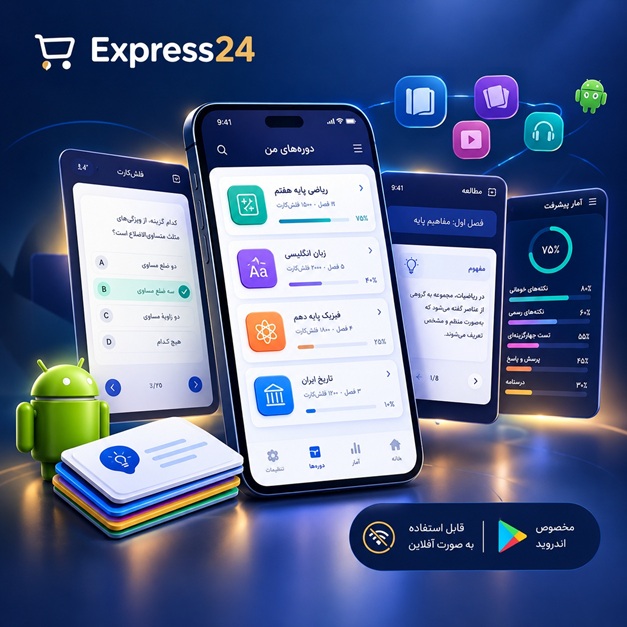
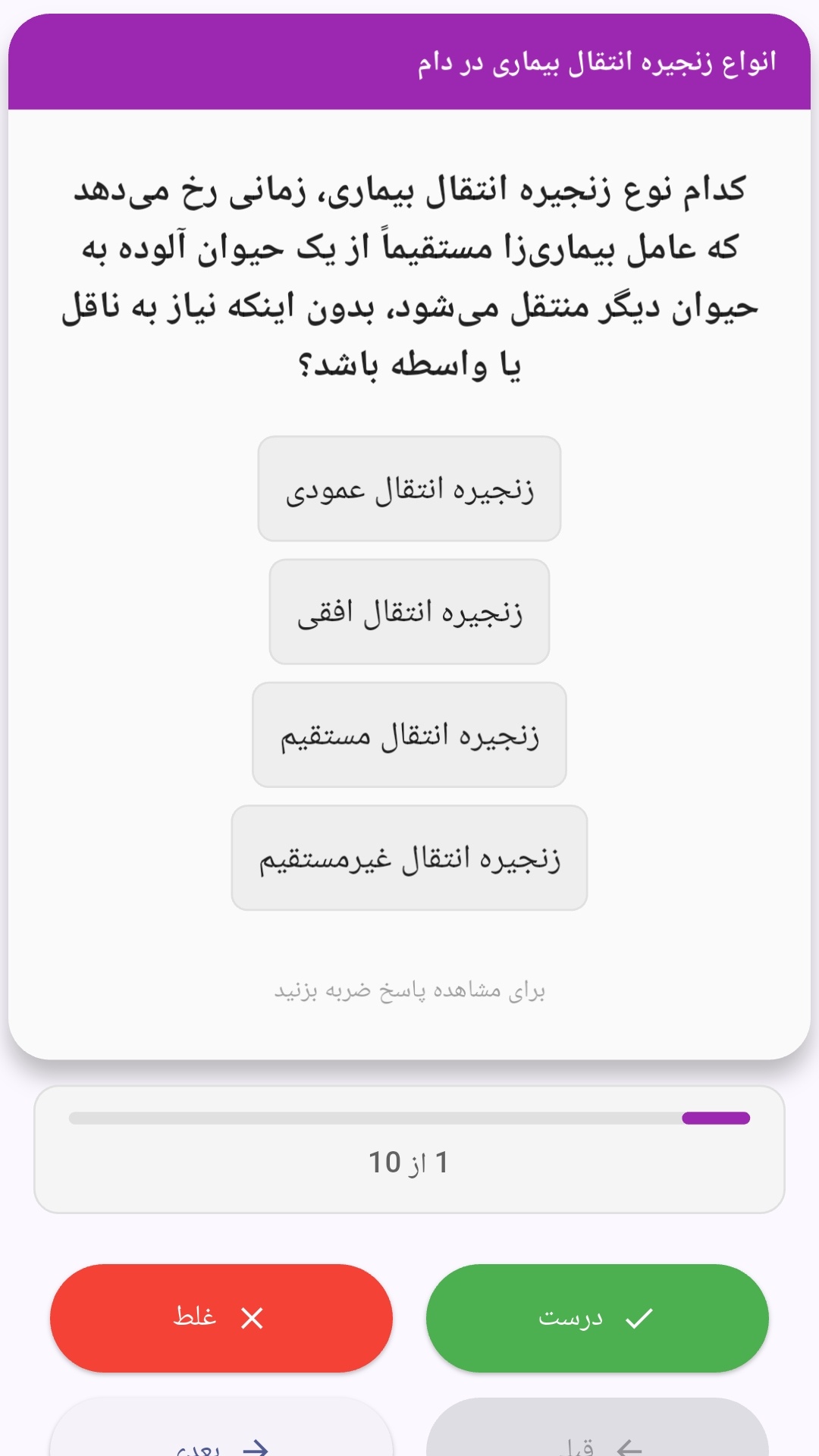
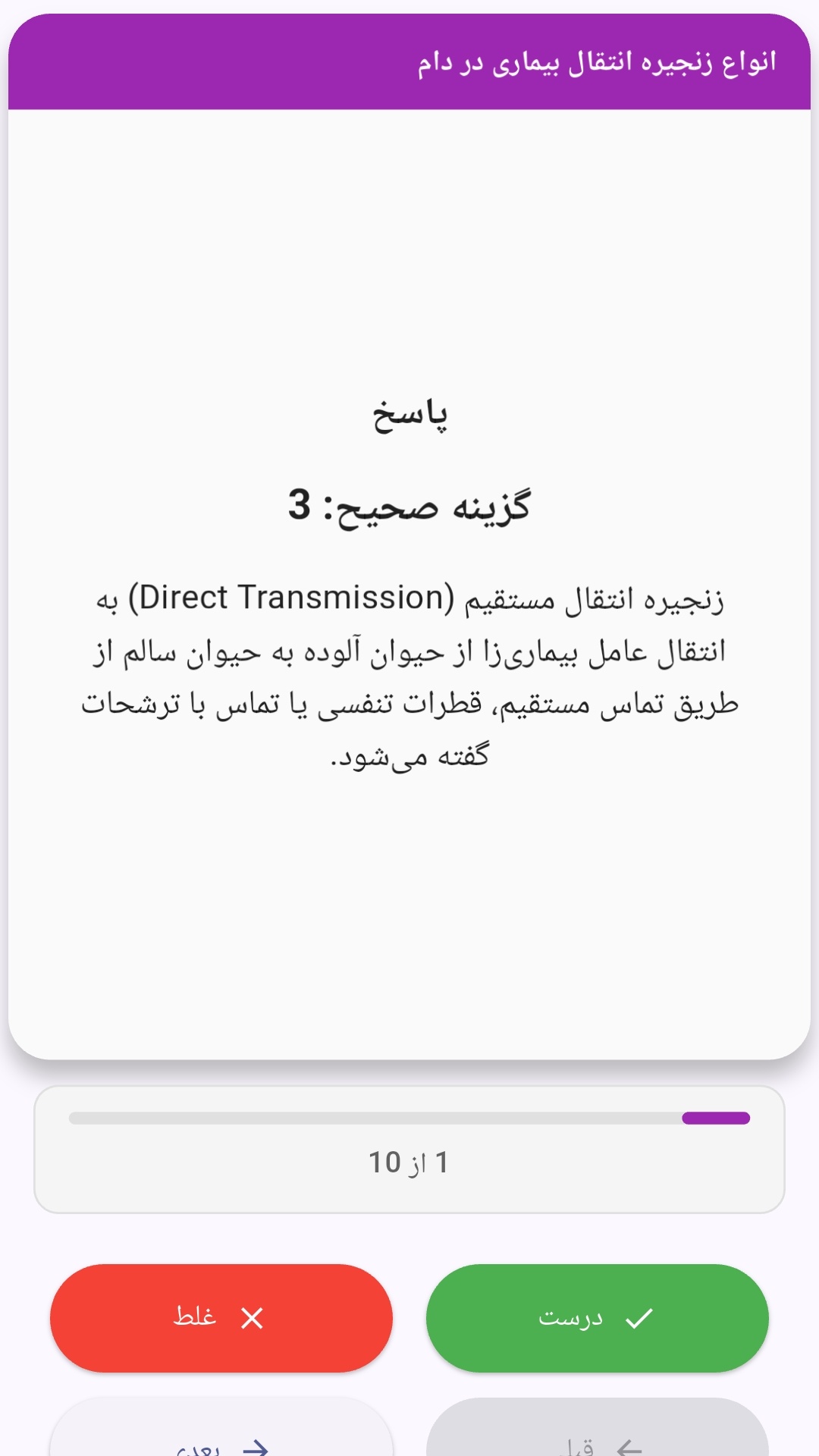
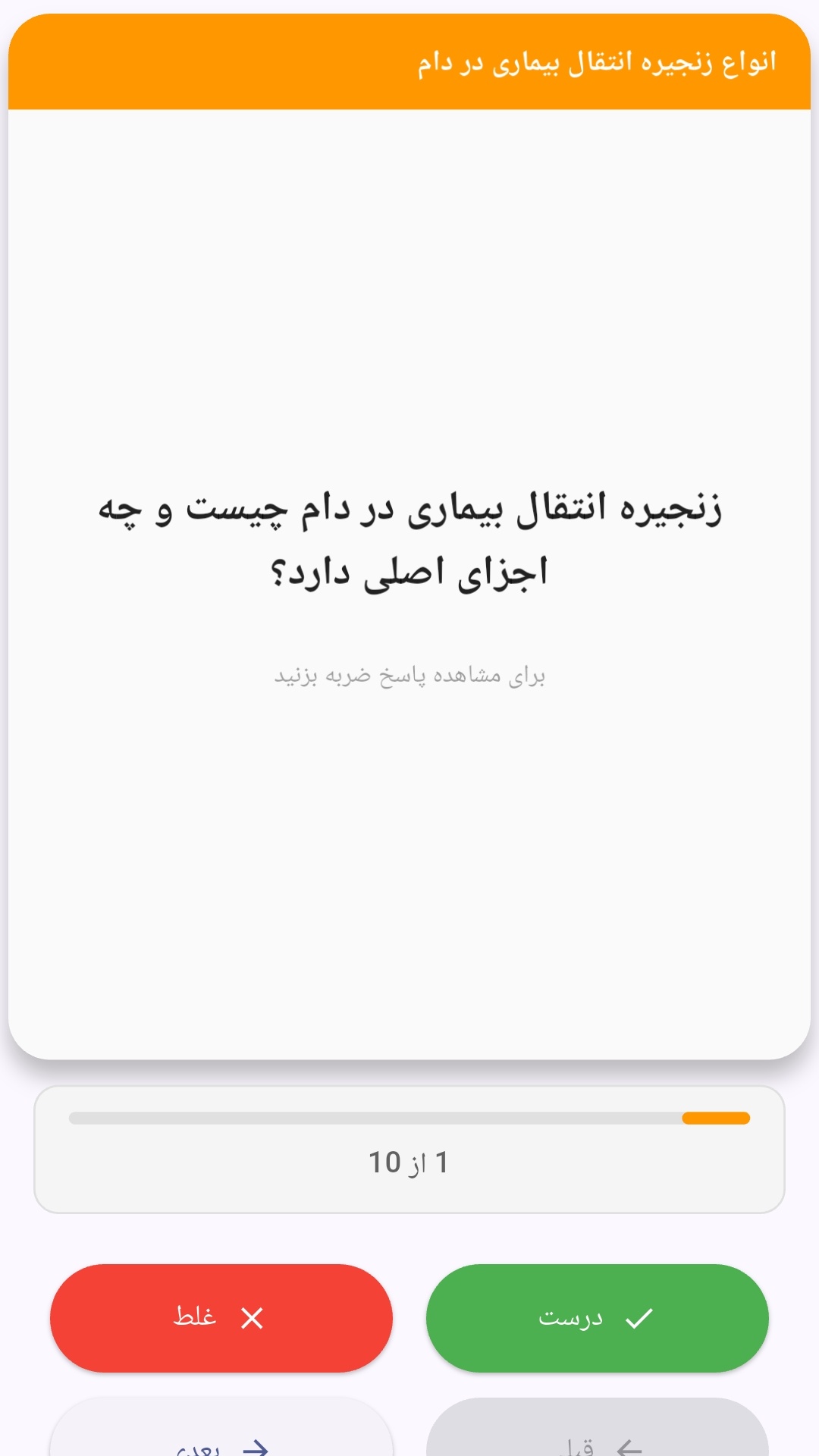
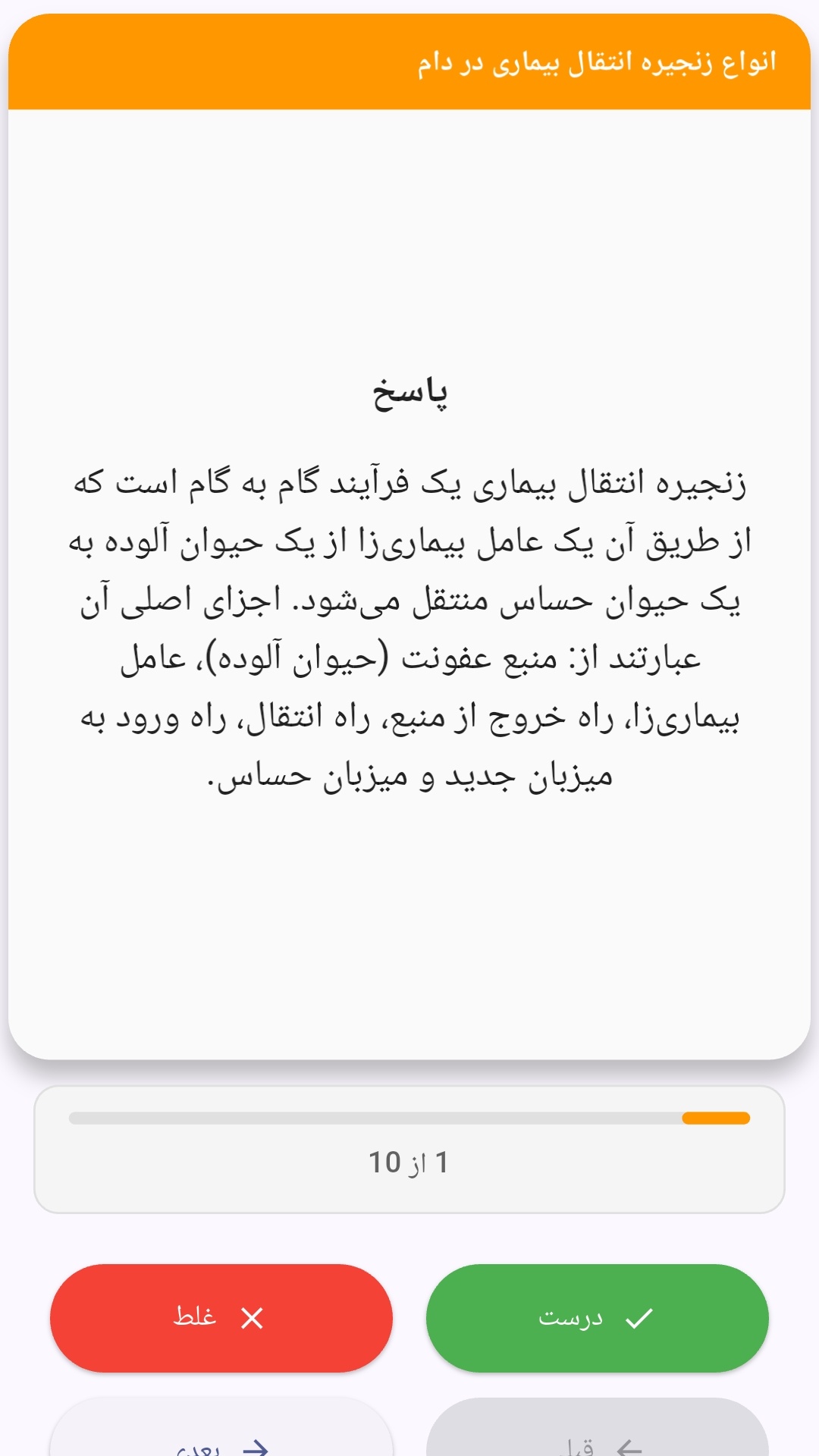
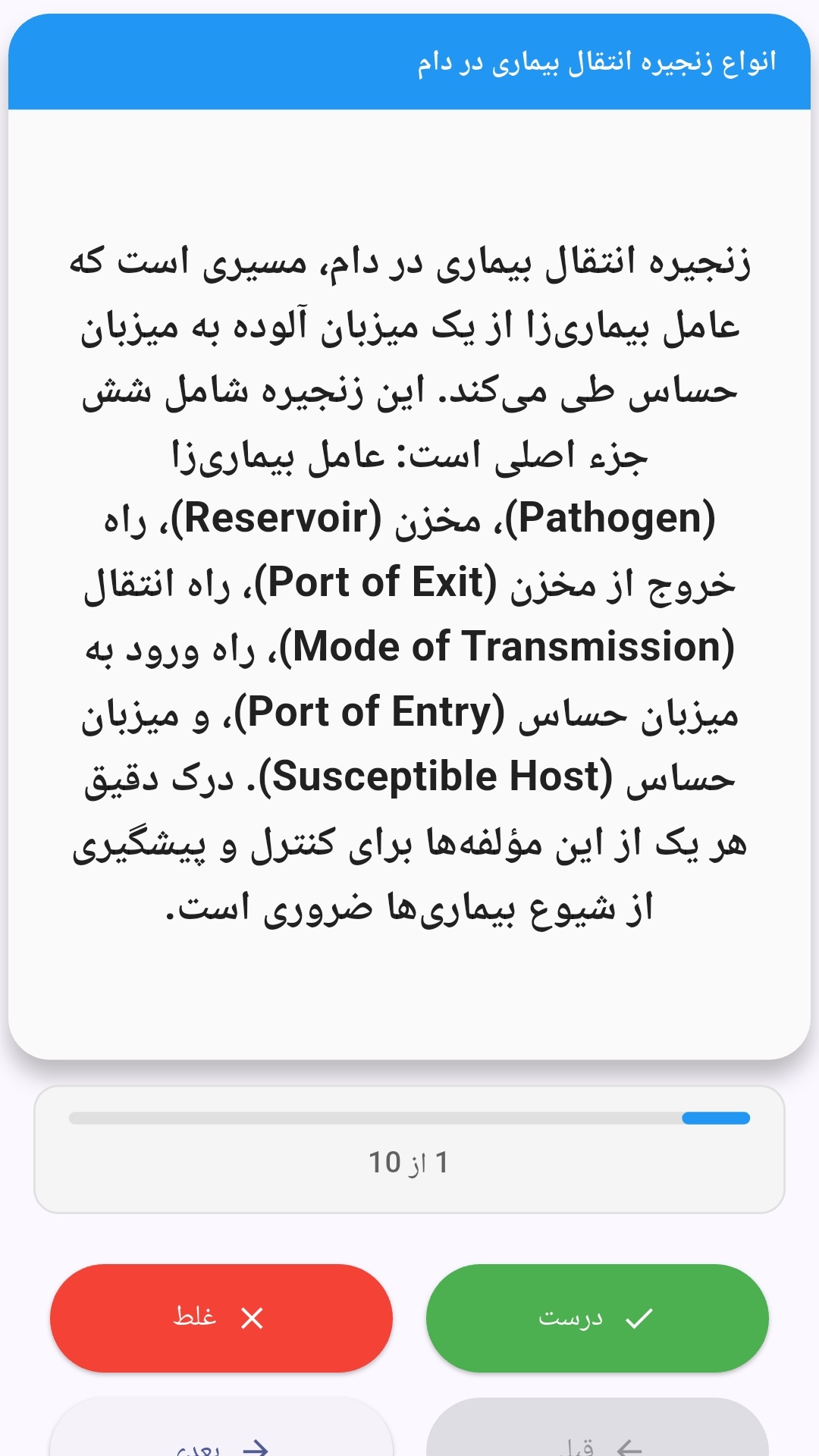
این اپلیکیشن فارسی برای یادگیری و مرور محتوای آموزشی از طریق فلشکارت طراحی شده است. کارتها را یکییکی مرور کنید، پاسخ پرسشها را به یاد بیاورید و نتیجه هر پاسخ را ثبت کنید. محتوای دوره پس از نصب درون برنامه در دسترس است تا برای مطالعه روزمره معمولاً به اتصال مداوم اینترنت نیاز نداشته باشید.
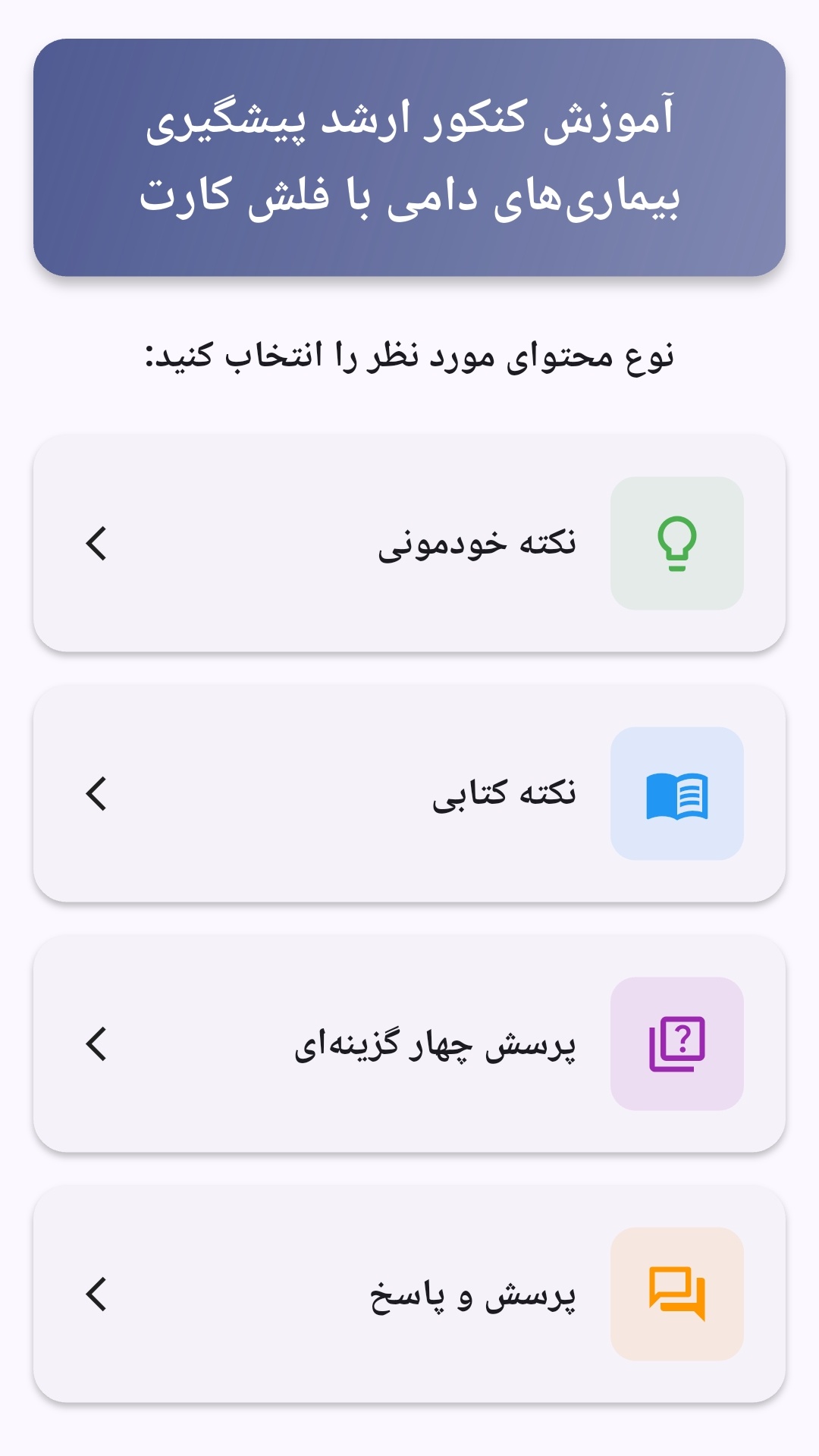
محتوای آموزشی در قالبهای متنوع ارائه میشود تا هم برای یادگیری مفاهیم جدید و هم برای تثبیت آموختهها قابل استفاده باشد.
- رابط کاربری فارسی و راستچین با فونت وزیر.
- تم روشن و تیره مطابق تنظیمات سیستم.
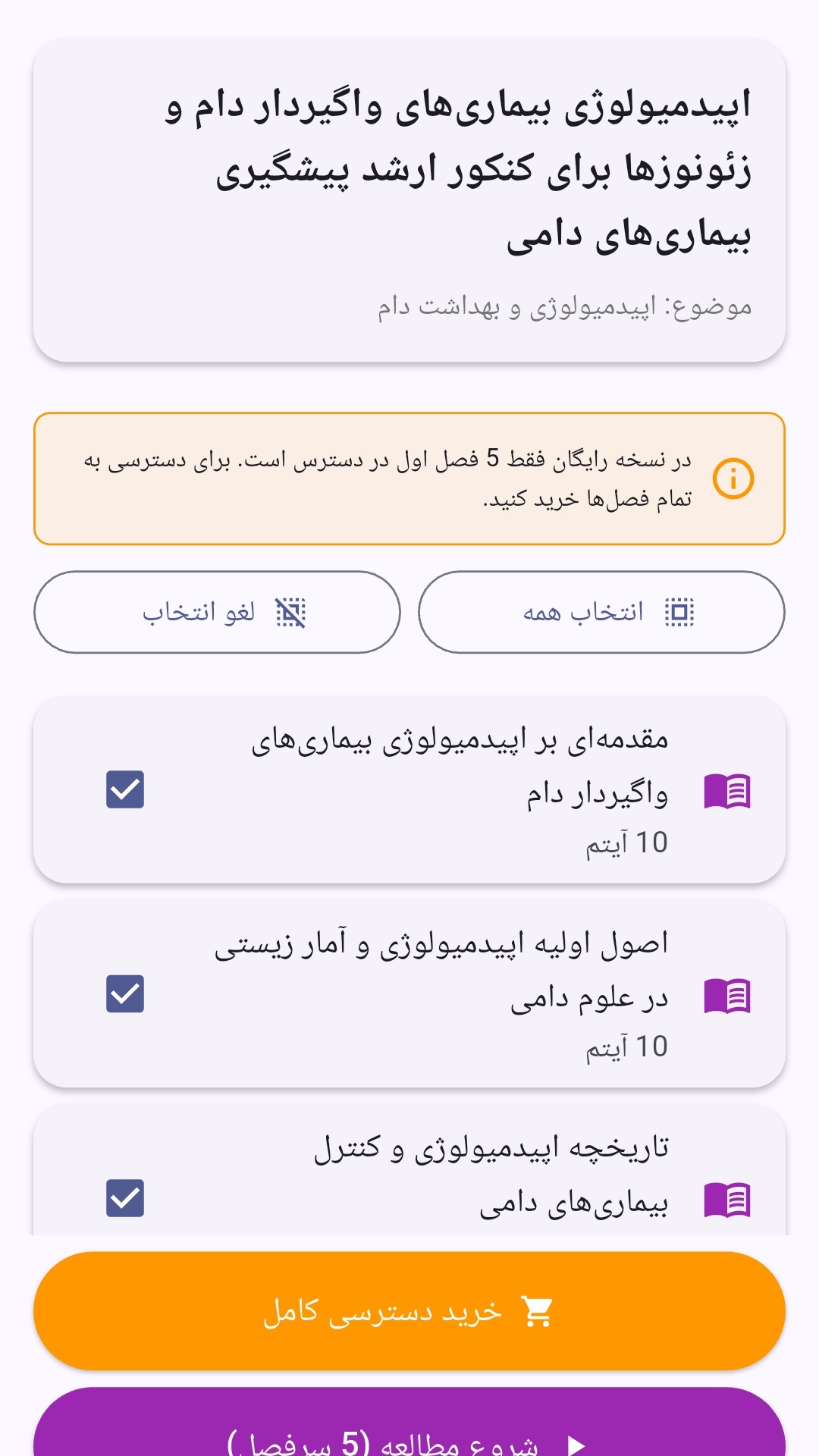
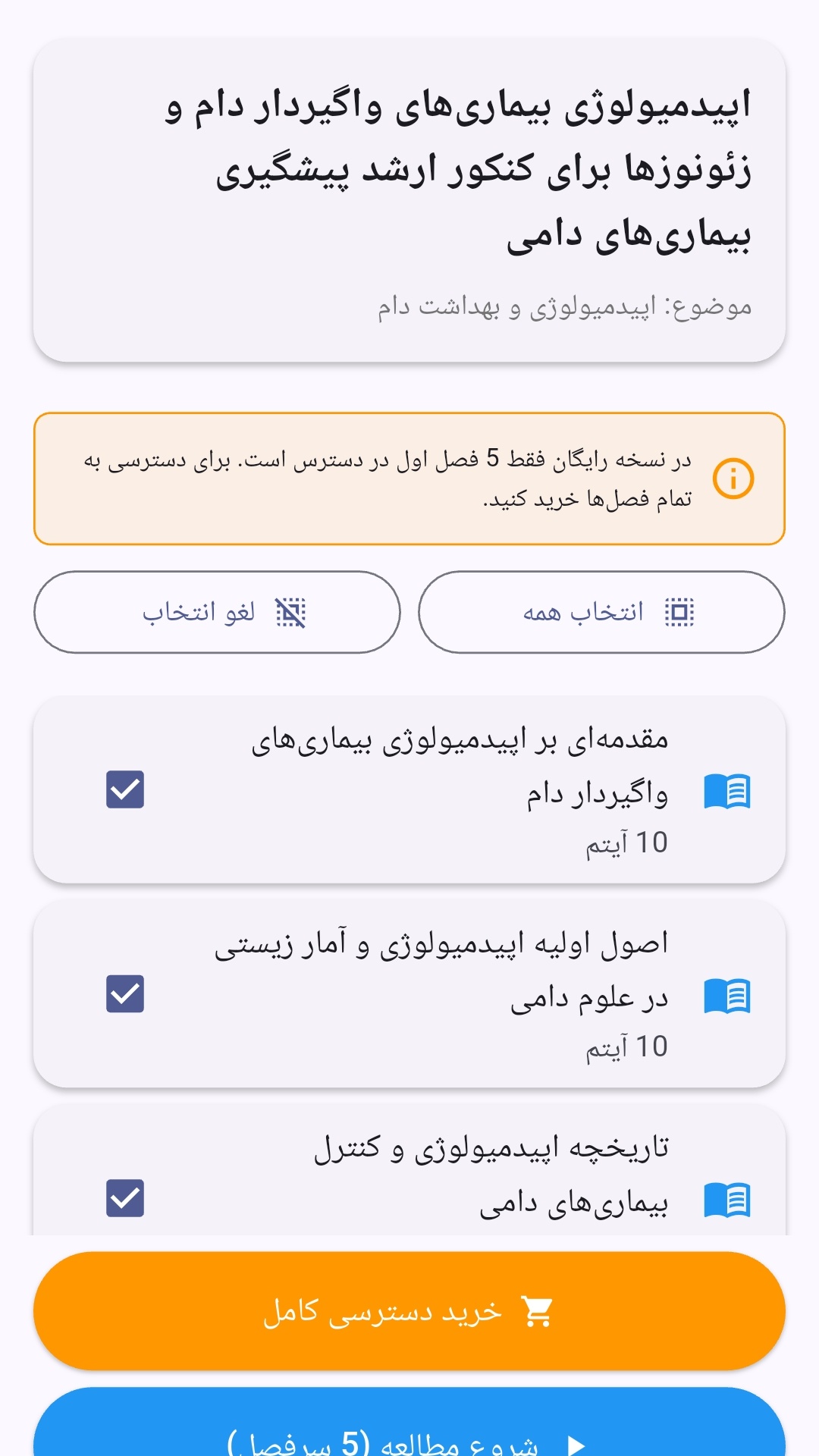
- صفحهبندی ساده برای انتخاب دوره و شروع مرور.
- نمایش تعداد دفعات مرور هر فصل.
- انتخاب چند فصل برای مرور همزمان.
- امکان تمرکز بر فصلهایی که هنوز مرور نشدهاند.
این اپلیکیشن برای دانشآموزان، دانشجویان، داوطلبان آزمونها و علاقهمندان به یادگیری طراحی شده است؛ بهویژه کسانی که میخواهند مطالب آموزشی را در زمانهای کوتاه مرور کنند، دانستههای خود را بسنجند و مطالعه منظمتری داشته باشند.
نظرات
هنوز نظری ثبت نشده است.
وارد شوید تا نظر ثبت کنید.