اپلیکیشن اندرویدی فلشکارت آموزشی از مقدمات تا حرفهایگری: آموزش جامع Apple Writer
🎓 دوره آموزشی جامع
📚 اطلاعات دوره
عنوان دوره: دوره از مقدمات تا حرفهایگری: آموزش جامع Apple Writer
موضوع کلی: آموزش نرمافزارهای پردازش متن
موضوع میانی: آشنایی با Apple Writer
📋 سرفصلهای دوره
- 1. What is Apple Writer?
- 2. The Evolution of Word Processing
- 3. Why Choose Apple Writer?
- 4. Required Hardware: The Apple II Family
- 5. Disk Drives and Storage Media
- 6. Connecting Your Monitor
- 7. Printers: Dot Matrix vs. Daisy Wheel
- 8. Powering Up Your Apple II
- 9. Inserting the Apple Writer Disk
- 10. Loading Apple Writer from DOS 3.3
- 11. Loading Apple Writer from ProDOS (if applicable)
- 12. The Main Editing Screen Layout
- 13. Understanding the Status Line
- 14. The Cursor: Your On-Screen Pointer
- 15. Basic Keyboard Layout for Apple Writer
- 16. Entering Text: Your First Document
- 17. Correcting Typos as You Type
- 18. Moving the Cursor: Character by Character
- 19. Moving the Cursor: Word by Word
- 20. Moving the Cursor: Line by Line
- 21. Moving the Cursor: Page by Page
- 22. Navigating to the Beginning/End of a Document
- 23. Inserting New Text
- 24. Deleting Characters with BACKSPACE/DELETE
- 25. Deleting Words
- 26. Deleting Lines
- 27. Scrolling Through Your Document
- 28. Creating a New Document
- 29. Saving Your Document for the First Time
- 30. Understanding File Naming Conventions
- 31. Loading an Existing Document
- 32. Listing Files on Your Disk
- 33. Renaming a Document File
- 34. Deleting a Document File
- 35. Saving Changes to an Existing Document
- 36. Saving a Document with a New Name (Save As)
- 37. Exiting Apple Writer Properly
- 38. Basic Document Structure: Paragraphs and Lines
- 39. Setting Margins: Left and Right
- 40. Adjusting Line Spacing
- 41. Centering Text on a Line
- 42. Indenting Paragraphs
- 43. Creating Hanging Indents
- 44. Left Justification
- 45. Right Justification
- 46. Full Justification (Block Justification)
- 47. Setting and Clearing Tab Stops
- 48. Using Tab Stops for Alignment
- 49. Understanding Control Characters
- 50. Highlighting Text: Underline
- 51. Emphasizing Text: Boldface (Printer Dependent)
- 52. Italicizing Text (Printer Dependent)
- 53. Superscript and Subscript (Printer Dependent)
- 54. Working with Blocks of Text: Selection
- 55. Copying a Block of Text
- 56. Moving a Block of Text
- 57. Deleting a Block of Text
- 58. Searching for Specific Text Strings
- 59. Repeating the Last Search
- 60. Replacing Text: Simple Find and Replace
- 61. Replacing Text: Confirming Each Replacement
- 62. Global Replace: Replacing All Occurrences
- 63. Searching and Replacing with Wildcards (if available)
- 64. Preparing Your Printer for Apple Writer
- 65. Configuring Printer Settings (e.g., Slot Number)
- 66. Printing Your Entire Document
- 67. Printing a Specific Range of Pages
- 68. Printing Multiple Copies
- 69. Understanding Page Breaks
- 70. Inserting Manual Page Breaks
- 71. Automatic Page Numbering
- 72. Customizing Page Number Placement
- 73. Creating Headers for Your Document
- 74. Creating Footers for Your Document
- 75. Suppressing Headers/Footers on Specific Pages
- 76. Previewing Your Document (Screen Display of Formatting)
- 77. Integrating Printer Control Codes for Advanced Formatting
- 78. Introduction to WPL (Word Processing Language for Apple Writer IIe/IIc)
- 79. Creating Simple WPL Programs (Macros)
- 80. Automating Tasks with WPL
- 81. Understanding Variables in WPL
- 82. Prompting for User Input in WPL
- 83. Creating Form Letters with Mail Merge (WPL)
- 84. Setting Up Your Data File for Mail Merge
- 85. Merging Data into Your Template Document
- 86. Conditional Merging and Printing
- 87. Importing Text from Other Files
- 88. Exporting Text to Other Formats (Basic ASCII)
- 89. Working with Multiple Disk Drives
- 90. Disk Utilities: Formatting a New Disk
- 91. Disk Utilities: Copying Disks
- 92. Disk Utilities: Verifying Disks
- 93. Customizing Apple Writer Settings
- 94. Using Keyboard Shortcuts for Efficiency
- 95. Understanding Error Messages and Troubleshooting
- 96. Backing Up Your Work Regularly
- 97. Tips for Organizing Your Documents
- 98. Advanced Search Techniques
- 99. Creating and Using Document Templates
- 100. Integrating Apple Writer into Your Workflow
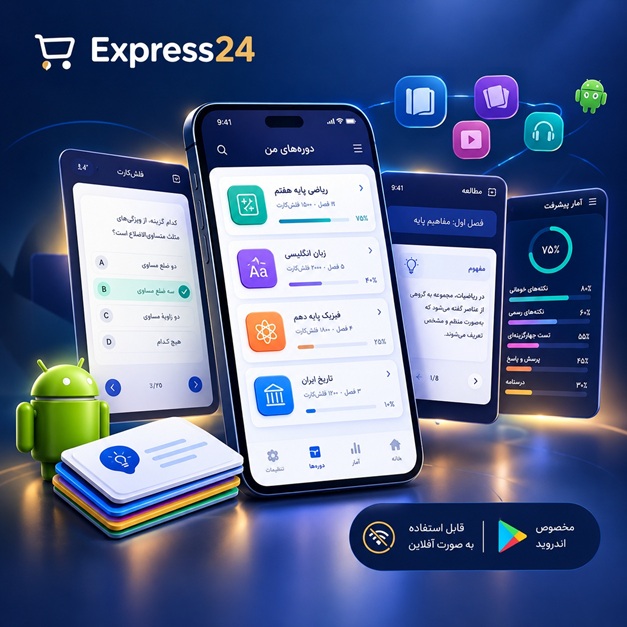
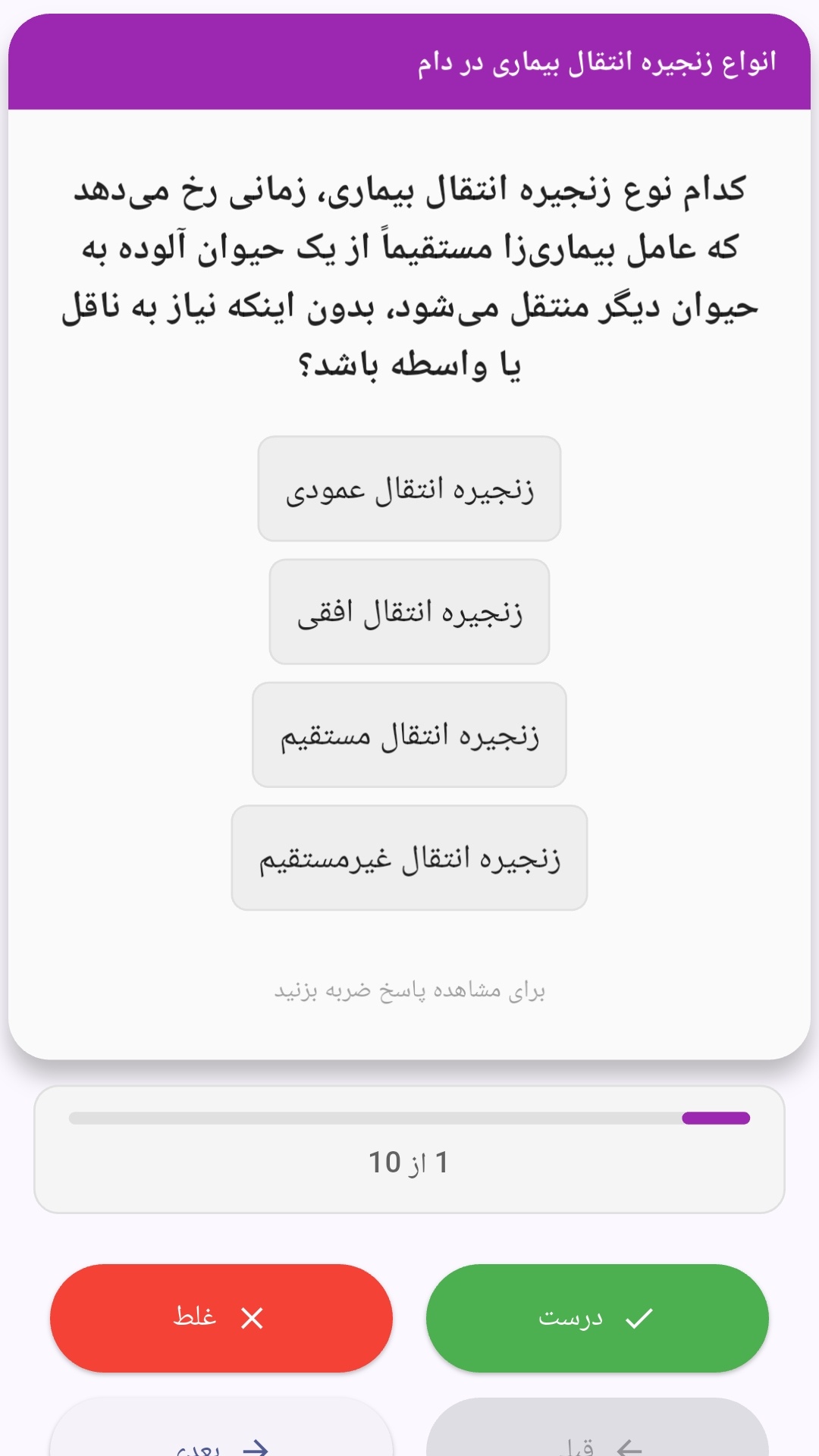
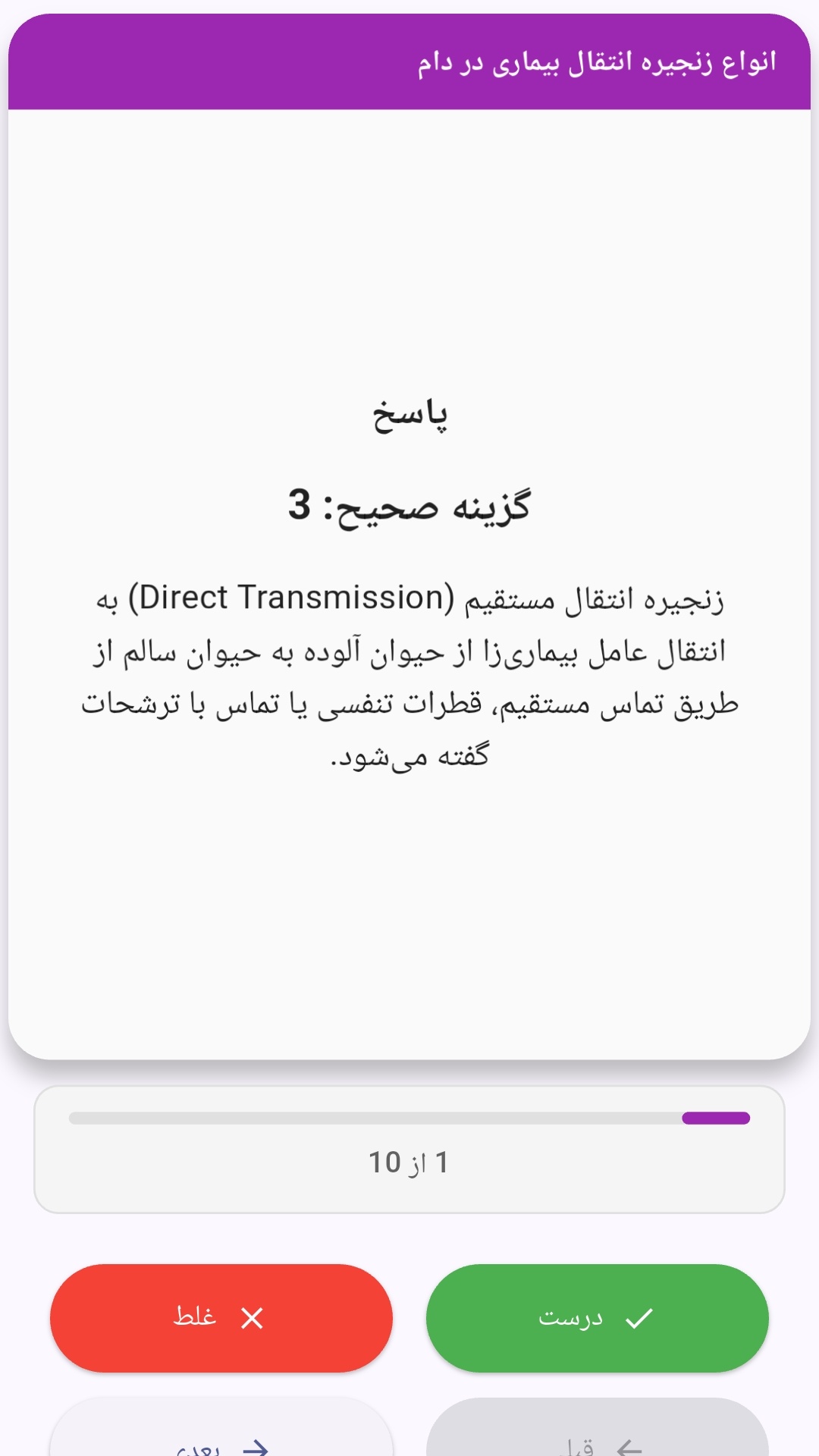
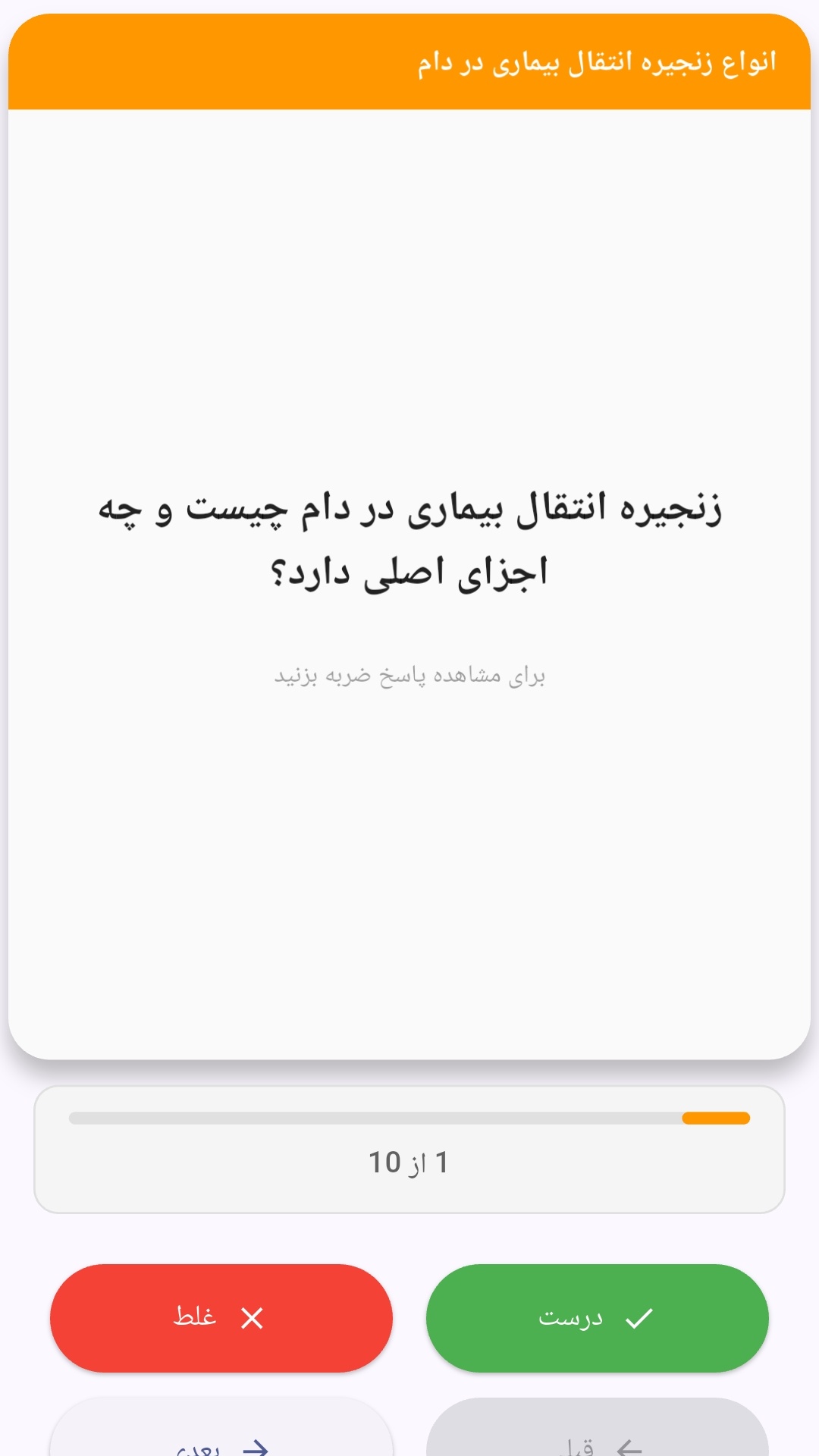
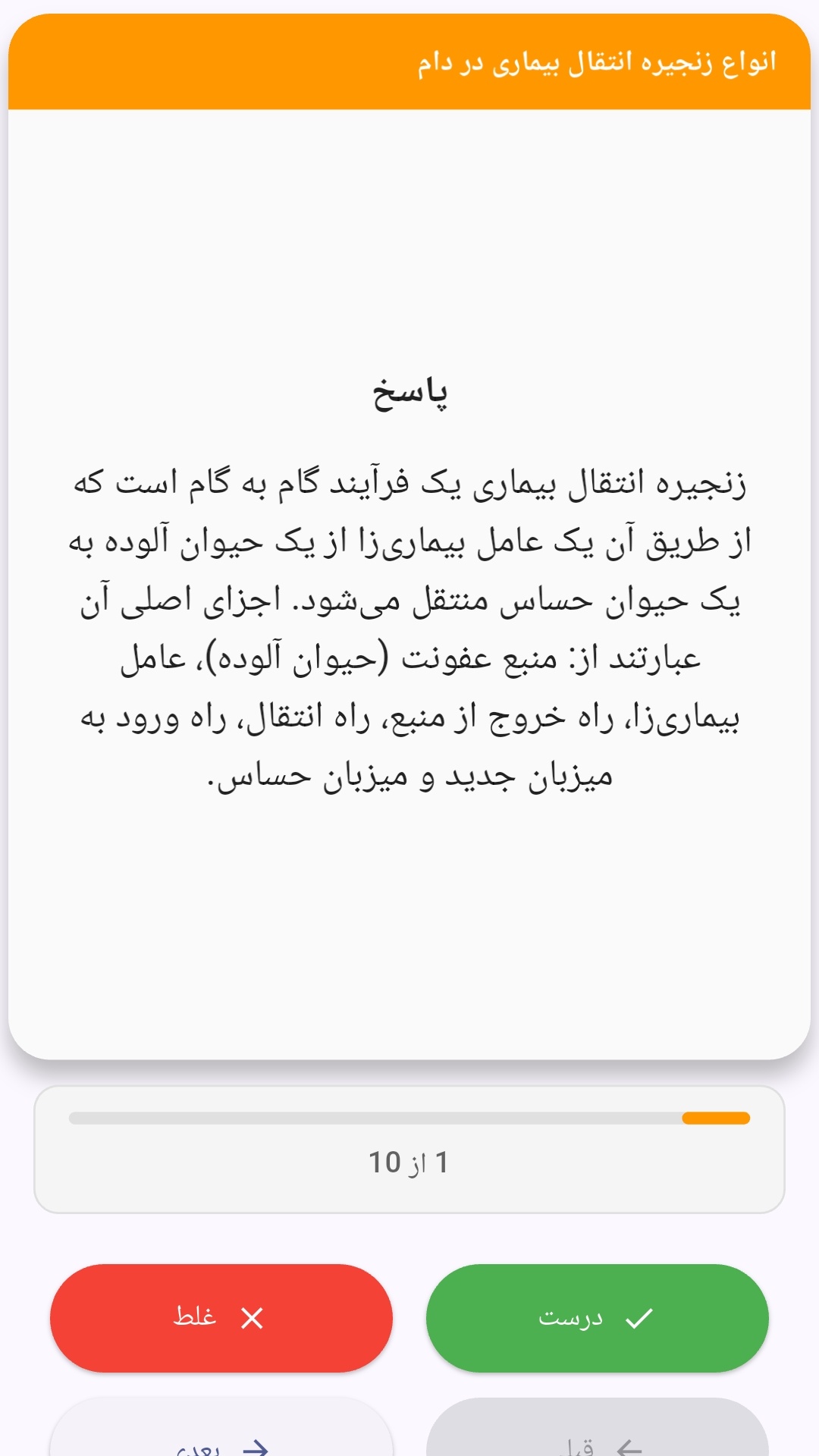
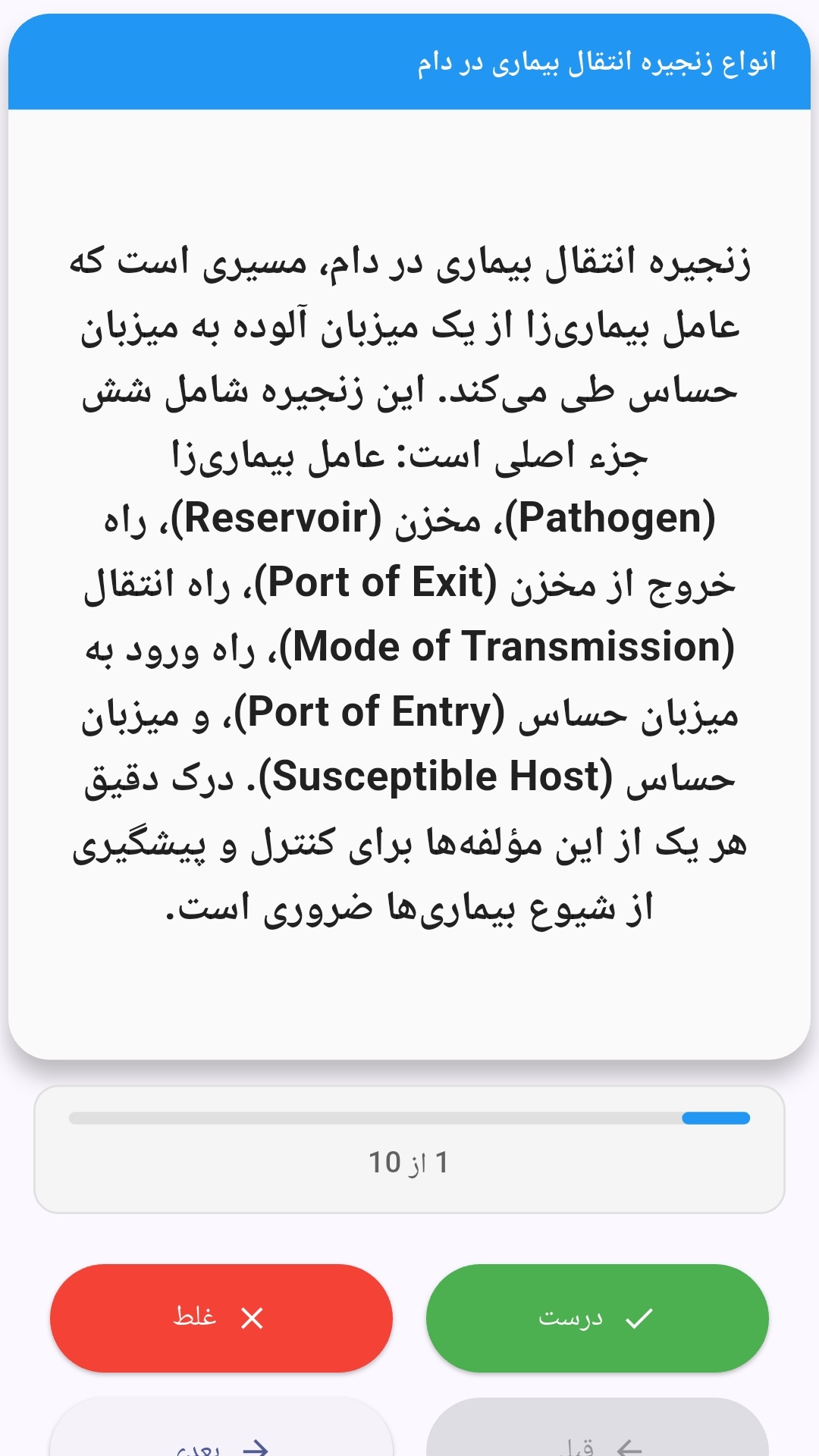
این اپلیکیشن فارسی برای یادگیری و مرور محتوای آموزشی از طریق فلشکارت طراحی شده است. کارتها را یکییکی مرور کنید، پاسخ پرسشها را به یاد بیاورید و نتیجه هر پاسخ را ثبت کنید. محتوای دوره پس از نصب درون برنامه در دسترس است تا برای مطالعه روزمره معمولاً به اتصال مداوم اینترنت نیاز نداشته باشید.
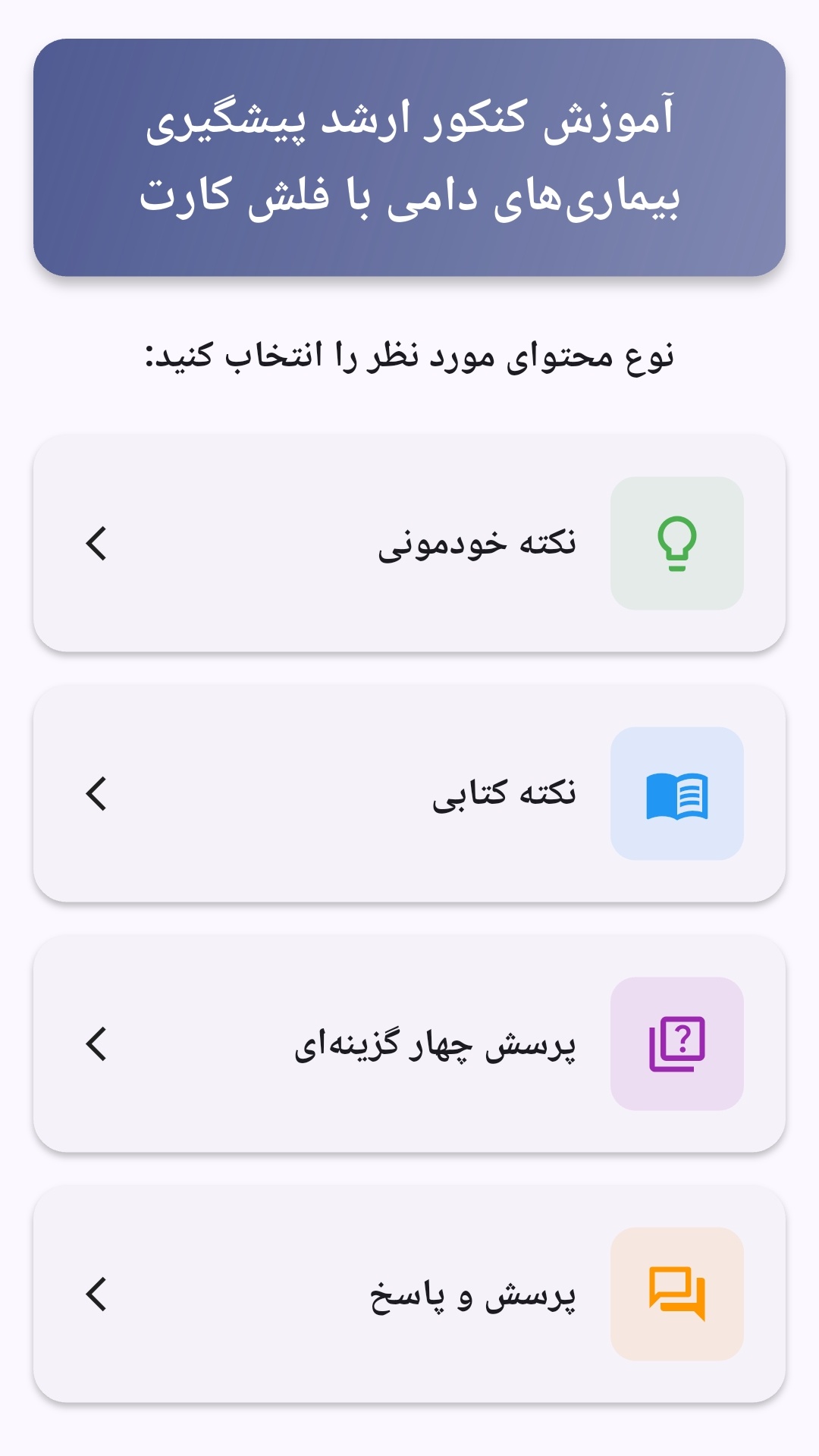
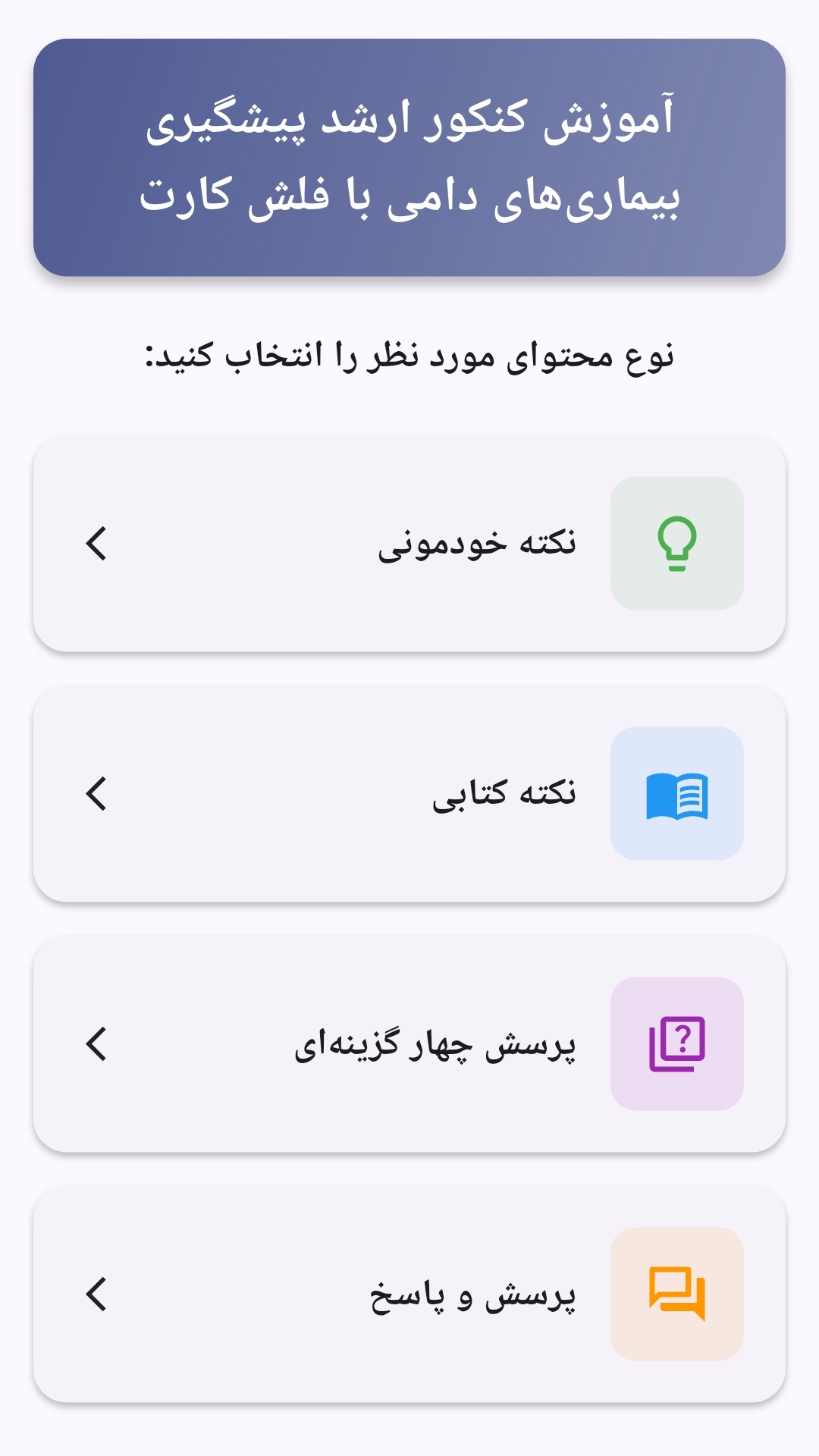
محتوای آموزشی در قالبهای متنوع ارائه میشود تا هم برای یادگیری مفاهیم جدید و هم برای تثبیت آموختهها قابل استفاده باشد.
- رابط کاربری فارسی و راستچین با فونت وزیر.
- تم روشن و تیره مطابق تنظیمات سیستم.
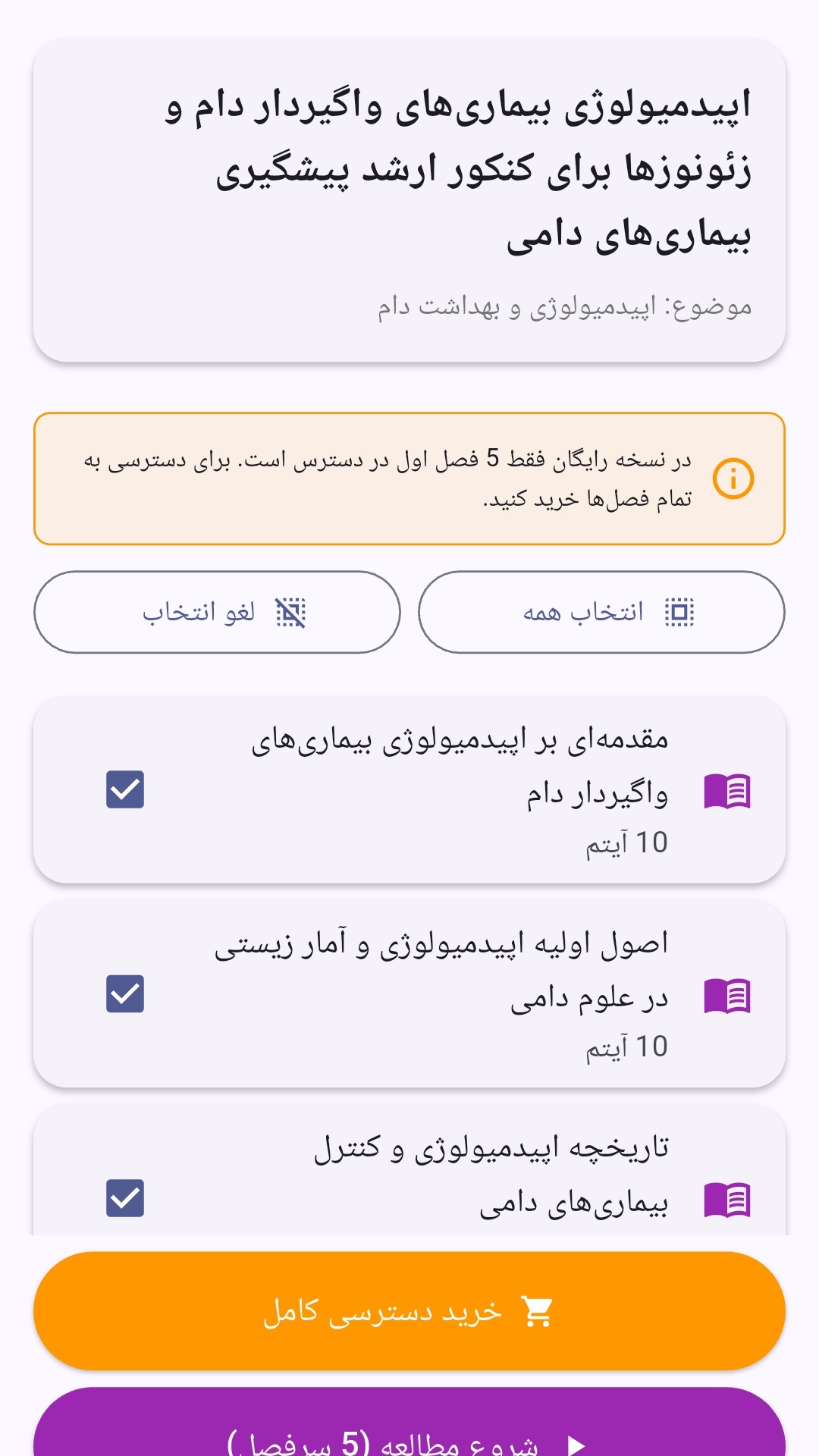
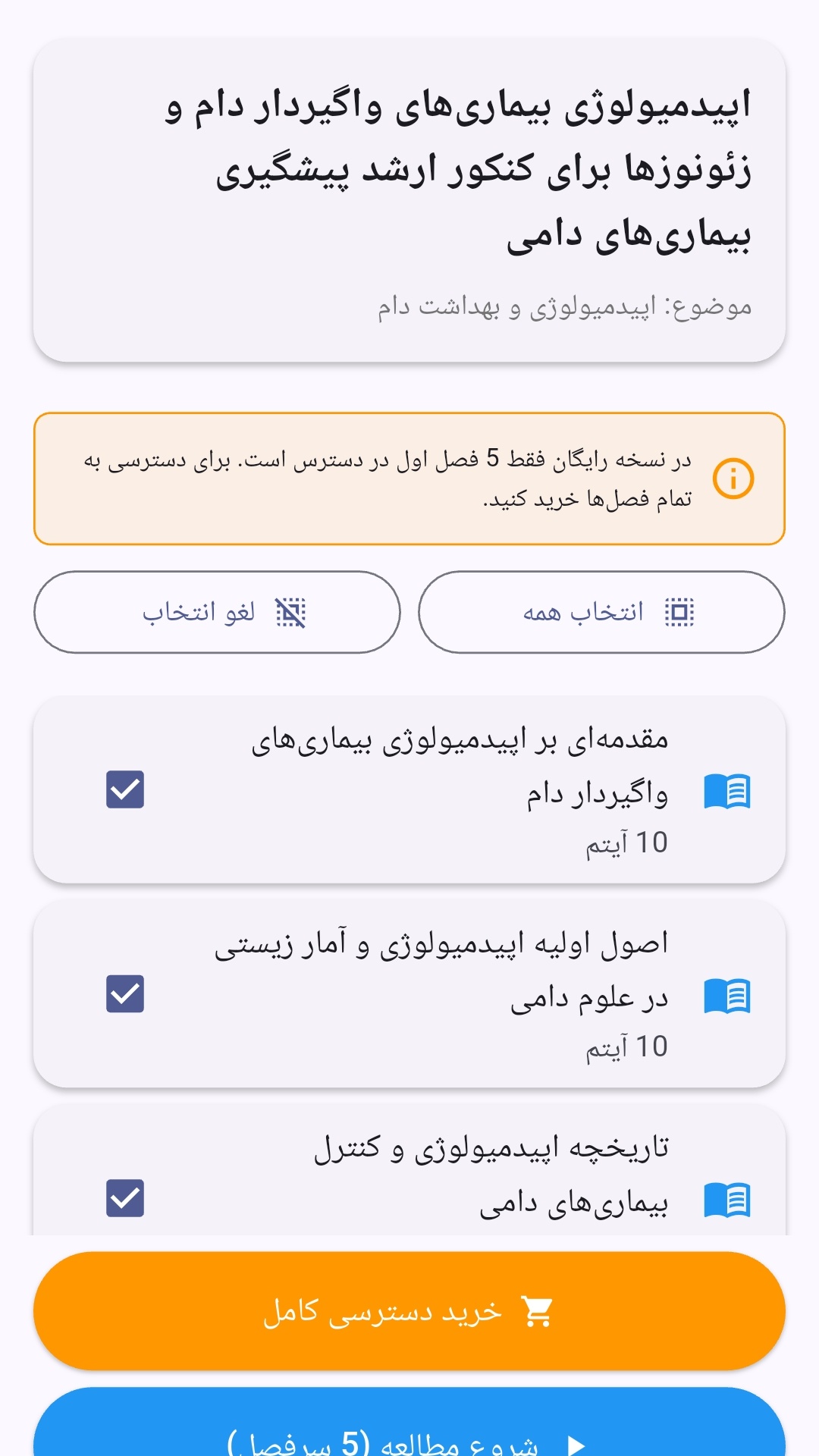
- صفحهبندی ساده برای انتخاب دوره و شروع مرور.
- نمایش تعداد دفعات مرور هر فصل.
- انتخاب چند فصل برای مرور همزمان.
- امکان تمرکز بر فصلهایی که هنوز مرور نشدهاند.
این اپلیکیشن برای دانشآموزان، دانشجویان، داوطلبان آزمونها و علاقهمندان به یادگیری طراحی شده است؛ بهویژه کسانی که میخواهند مطالب آموزشی را در زمانهای کوتاه مرور کنند، دانستههای خود را بسنجند و مطالعه منظمتری داشته باشند.
نظرات
هنوز نظری ثبت نشده است.
وارد شوید تا نظر ثبت کنید.