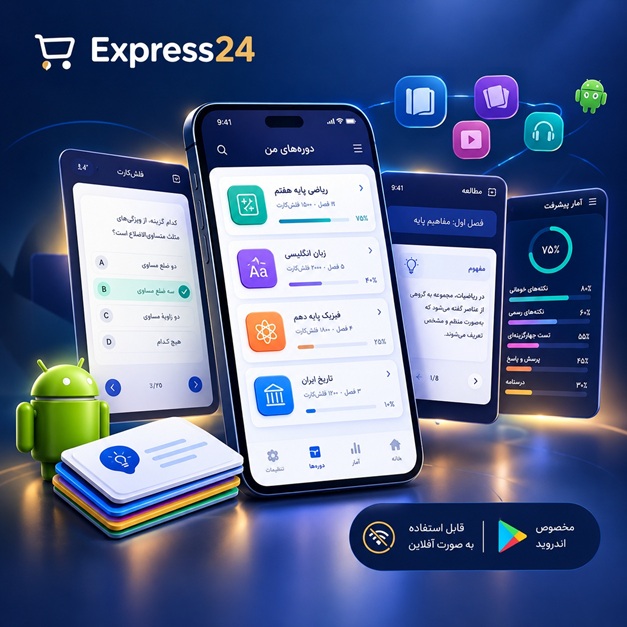
اپلیکیشن اندرویدی فلشکارت آموزشی Mastering the CSS Box Model
🎓 دوره آموزشی جامع
📚 اطلاعات دوره
عنوان دوره: دوره Mastering the CSS Box Model
موضوع کلی: برنامه نویسی
موضوع میانی: CSS
📋 سرفصلهای دوره
- 1. آره حتما. این لیست 100 سرفصل برای دوره "Mastering the CSS Box Model":
- 2. Introduction to the CSS Box Model
- 3. Understanding the Purpose of the Box Model
- 4. The Four Main Components: Content, Padding, Border, Margin
- 5. The Content Area: Width and Height
- 6. Content Sizing: Intrinsic vs. Extrinsic
- 7. Working with Width and Height: Properties and Values
- 8. Setting Width and Height with Pixels, Percentages, and Ems
- 9. The Padding Property: Definition and Function
- 10. Padding Shorthand: All Sides, Individual Sides
- 11. Padding and the Content Area
- 12. The Border Property: Definition and Function
- 13. Border Styles: Solid, Dashed, Dotted, and More
- 14. Border Width and Color
- 15. Border Shorthand: Combined Properties
- 16. The Margin Property: Definition and Function
- 17. Margin Shorthand: All Sides, Individual Sides
- 18. Margin and the Box Model
- 19. Understanding Margin Collapse
- 20. Vertical Margin Collapse Explained
- 21. Horizontal Margin Collapse Explained
- 22. Preventing Margin Collapse
- 23. The Relationship Between Padding, Border, and Margin
- 24. Box Model Calculations: Total Box Size
- 25. Box Model in the Developer Tools
- 26. Visualizing the Box Model with Browser Tools
- 27. Box-Sizing: The Default Value (Content-Box)
- 28. Box-Sizing: Border-Box
- 29. Box-Sizing: Difference Between Content-Box and Border-Box
- 30. Using Box-Sizing for Consistent Layouts
- 31. The Importance of Box-Sizing in Responsive Design
- 32. Understanding Inline Elements and the Box Model
- 33. Inline Element Box Model Limitations
- 34. Inline-Block Elements and the Box Model
- 35. Block Elements and the Box Model
- 36. Changing Display Property: Inline, Block, and Inline-Block
- 37. The Impact of Display Property on the Box Model
- 38. The Difference Between Margin and Padding on Inline Elements
- 39. The Basics of the Document Flow
- 40. Understanding the Position Property: Static
- 41. The Position Property: Relative
- 42. The Position Property: Absolute
- 43. The Position Property: Fixed
- 44. The Position Property: Sticky
- 45. Positioning with Top, Right, Bottom, Left
- 46. Positioning Context
- 47. Z-Index and Stacking Context
- 48. Understanding Float Property
- 49. Float: Left and Float: Right
- 50. Clearing Floats
- 51. The Clear Property: Left, Right, Both, None
- 52. Creating Multi-Column Layouts with Floats
- 53. Float and the Box Model Interactions
- 54. Flexbox and the Box Model: Introduction
- 55. Flexbox and the Main Axis
- 56. Flexbox and the Cross Axis
- 57. Flex-Direction and Its Effect on the Box Model
- 58. Justify-Content and Align-Items
- 59. Flex-Wrap and its Impact on the Box Model
- 60. Flex-Grow, Flex-Shrink, and Flex-Basis
- 61. Flexbox Alignment and Spacing
- 62. Flexbox and the Box Model: Advanced Techniques
- 63. Grid and the Box Model: Introduction
- 64. Grid Areas and the Box Model
- 65. Understanding Implicit and Explicit Grid Tracks
- 66. Grid Alignment and Spacing
- 67. Grid and the Box Model: Advanced Techniques
- 68. Responsive Design with the Box Model
- 69. Fluid Grids and the Box Model
- 70. Percentage-Based Widths and Heights
- 71. Max-Width and Max-Height
- 72. Min-Width and Min-Height
- 73. Responsive Padding and Margin Techniques
- 74. Using Media Queries for Responsive Box Sizing
- 75. Box Model Considerations for Mobile Devices
- 76. Box Model and Accessibility
- 77. Semantic HTML and the Box Model
- 78. Optimizing Box Model for Performance
- 79. Using CSS Variables for Box Model Properties
- 80. Box Model and Animation Techniques
- 81. Transitioning Box Model Properties
- 82. Transforming Elements with Box Model Properties
- 83. Box Model and Shadows: Box-Shadow
- 84. Box Model and Borders: Advanced Techniques
- 85. Creating Rounded Corners
- 86. Creating Complex Borders
- 87. Box Model and Backgrounds: Background-Color
- 88. Box Model and Backgrounds: Background-Image
- 89. Box Model and Backgrounds: Background-Size
- 90. Box Model and Backgrounds: Background-Repeat
- 91. Box Model and Backgrounds: Background-Position
- 92. Box Model and Backgrounds: Background-Attachment
- 93. Box Model and Overflow: Visible, Hidden, Scroll, Auto
- 94. Clipping Content with the Box Model
- 95. Box Model and Clipping Path
- 96. Box Model and Shapes
- 97. Advanced Box Model Techniques
- 98. Common Box Model Mistakes and How to Avoid Them
- 99. Troubleshooting Box Model Issues
- 100. Best Practices for Writing Clean and Efficient Box Model CSS
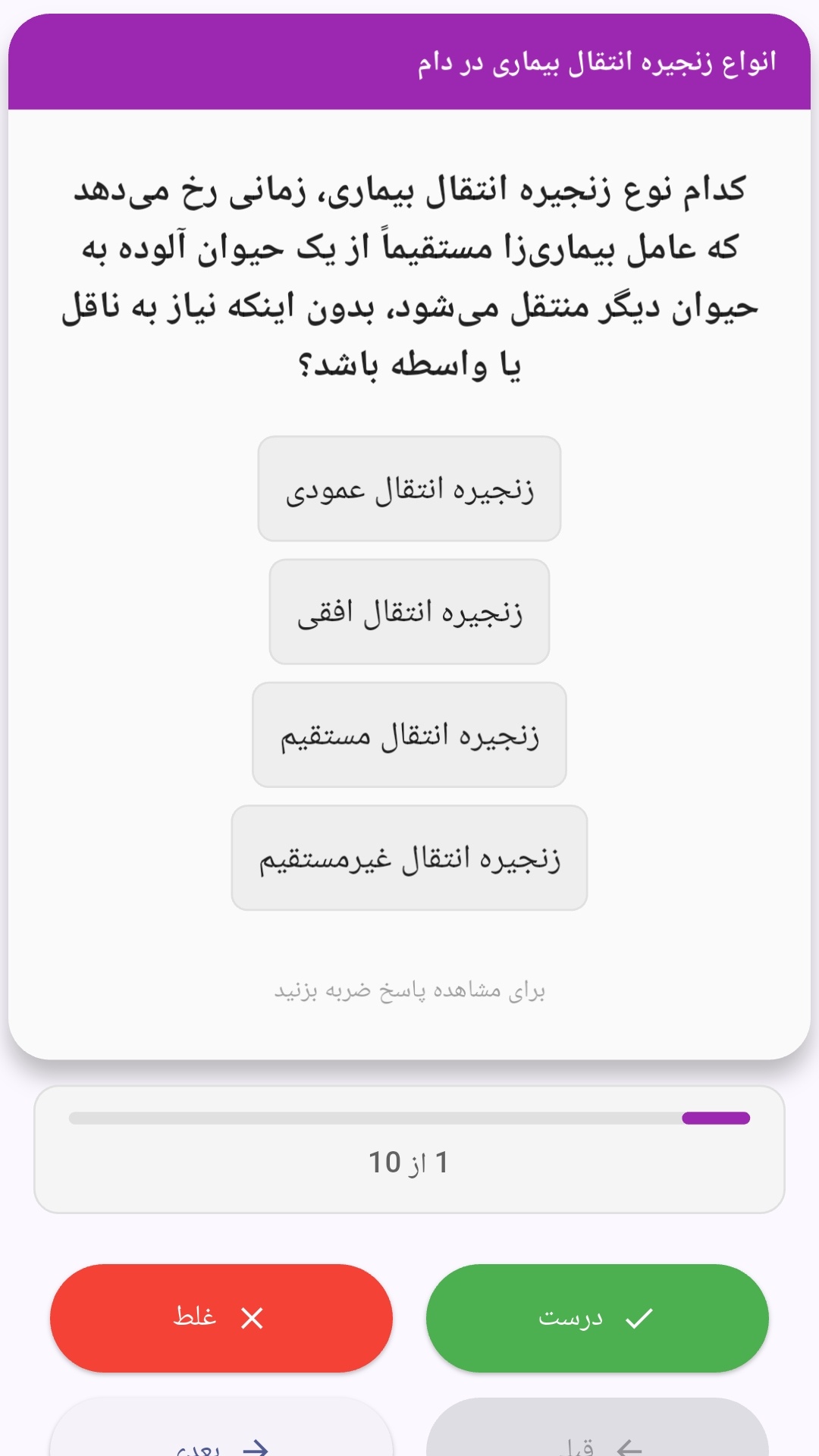
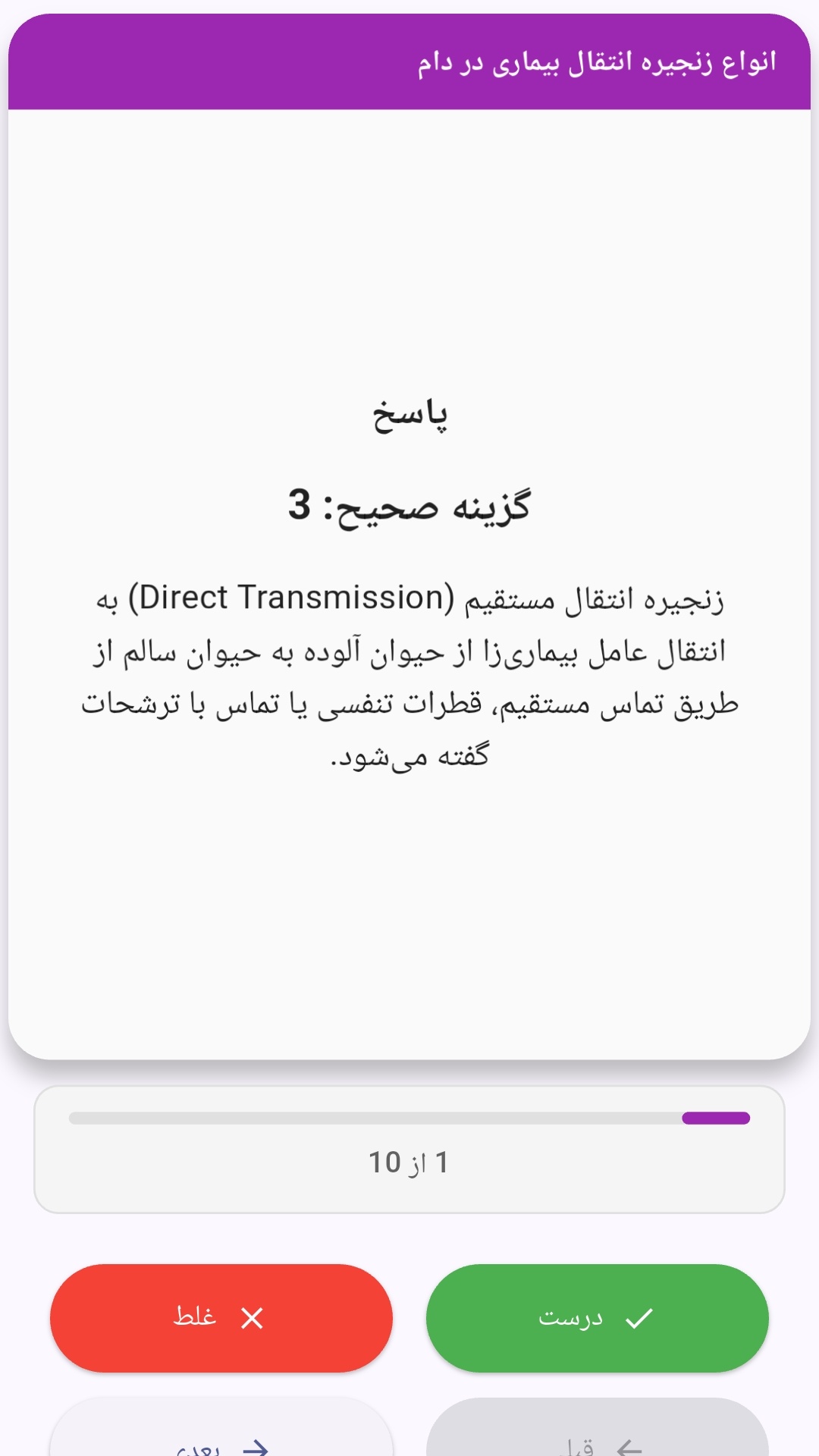
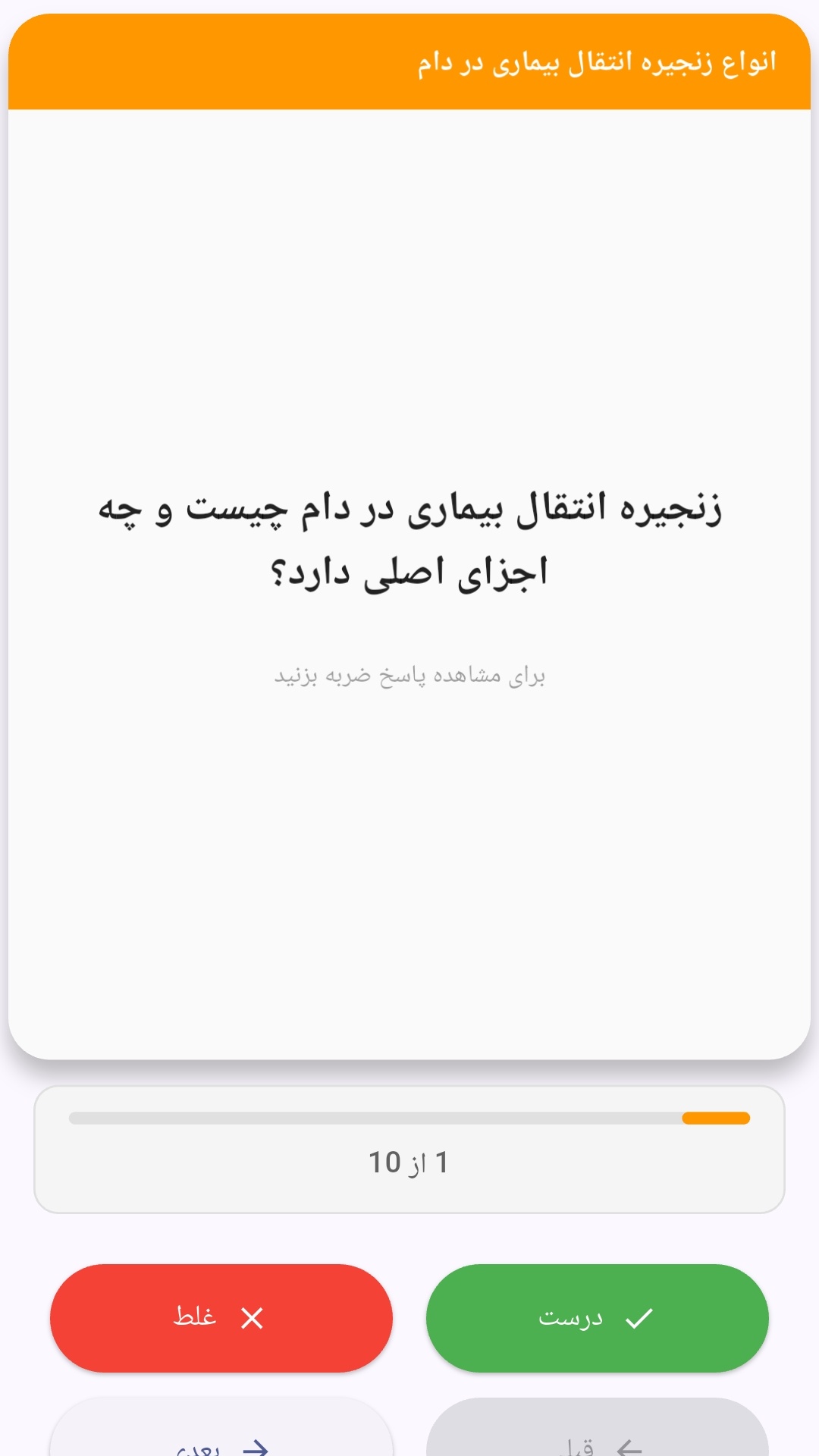
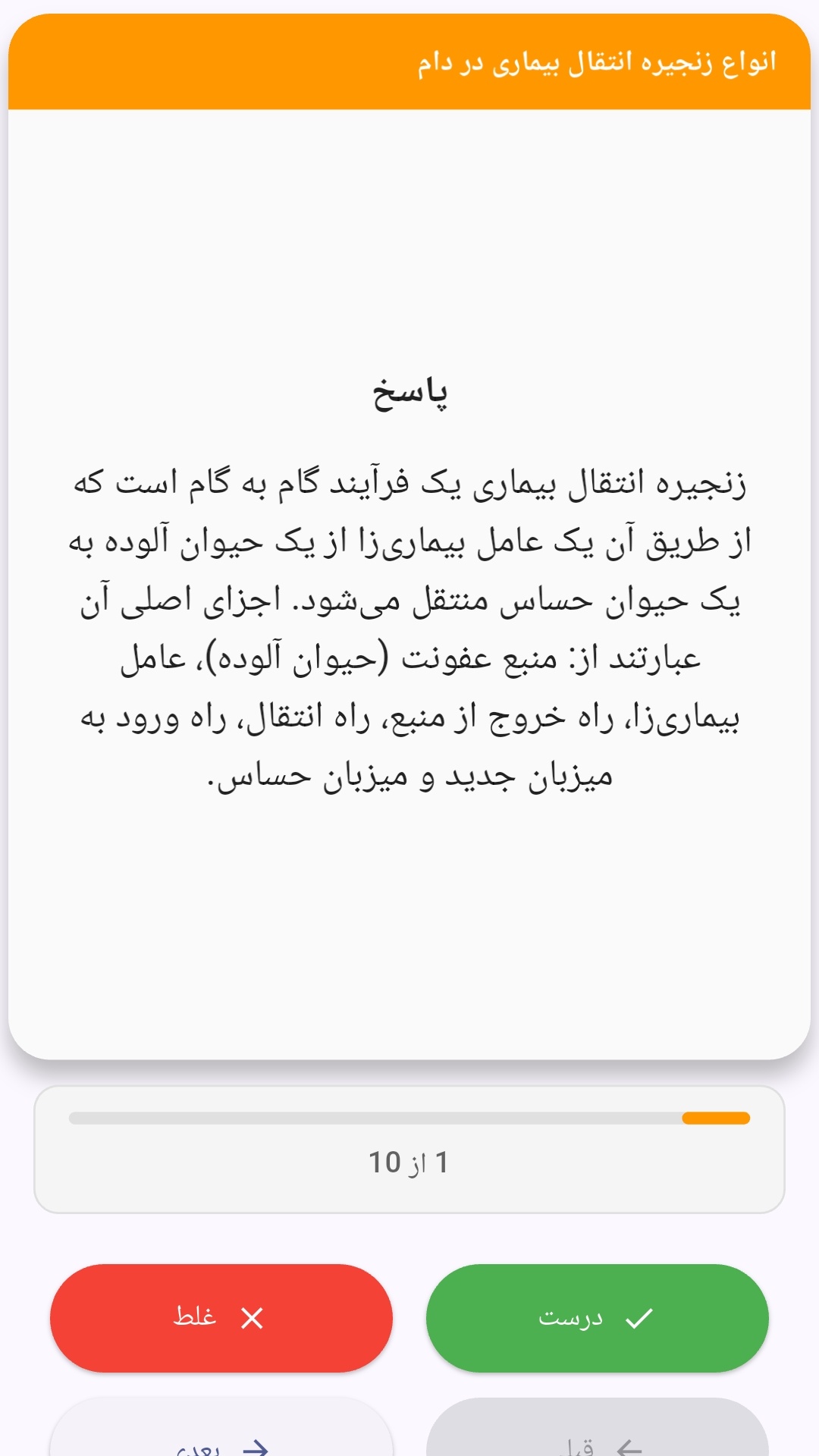
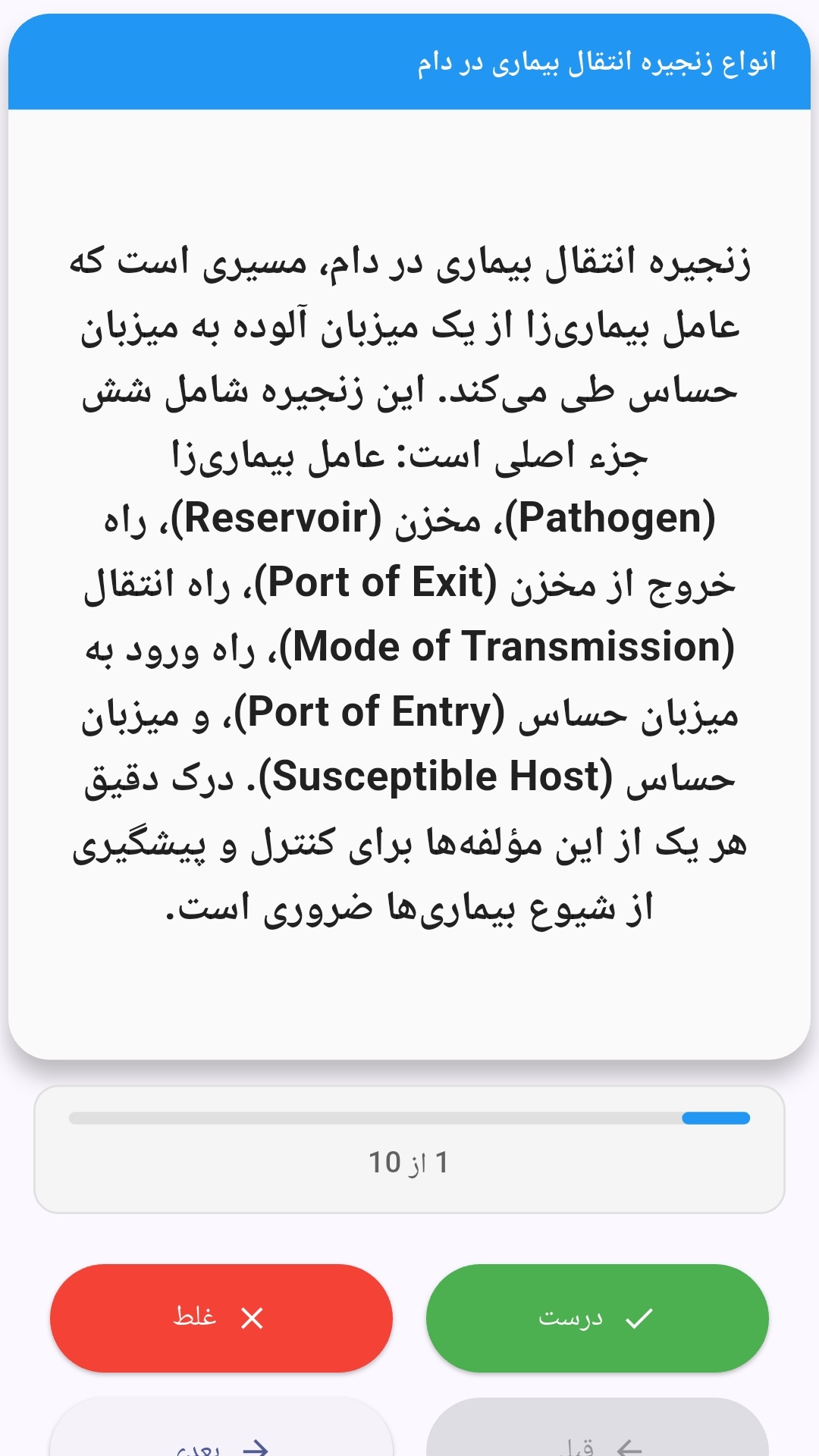
این اپلیکیشن فارسی برای یادگیری و مرور محتوای آموزشی از طریق فلشکارت طراحی شده است. کارتها را یکییکی مرور کنید، پاسخ پرسشها را به یاد بیاورید و نتیجه هر پاسخ را ثبت کنید. محتوای دوره پس از نصب درون برنامه در دسترس است تا برای مطالعه روزمره معمولاً به اتصال مداوم اینترنت نیاز نداشته باشید.
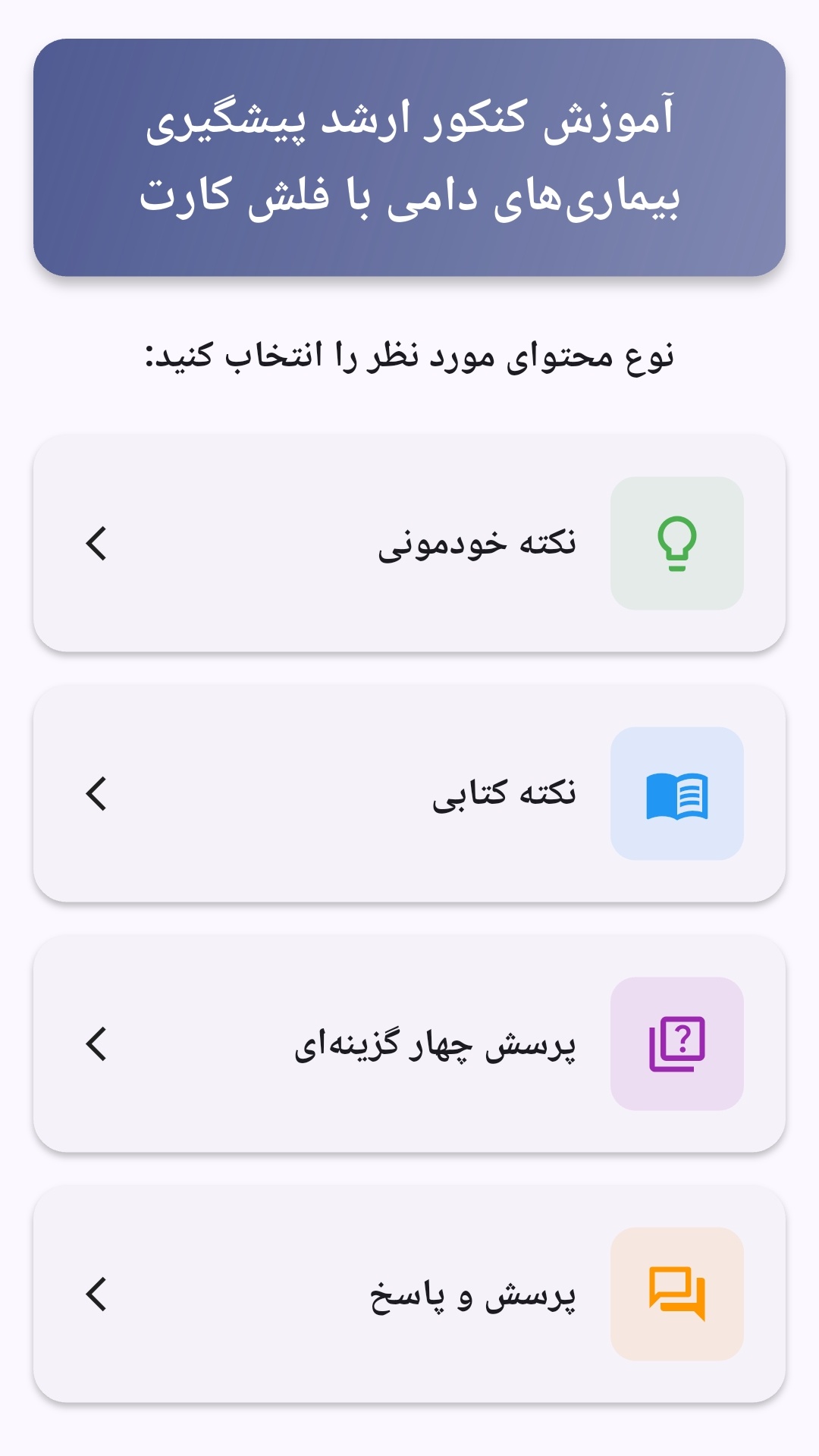
محتوای آموزشی در قالبهای متنوع ارائه میشود تا هم برای یادگیری مفاهیم جدید و هم برای تثبیت آموختهها قابل استفاده باشد.
- رابط کاربری فارسی و راستچین با فونت وزیر.
- تم روشن و تیره مطابق تنظیمات سیستم.
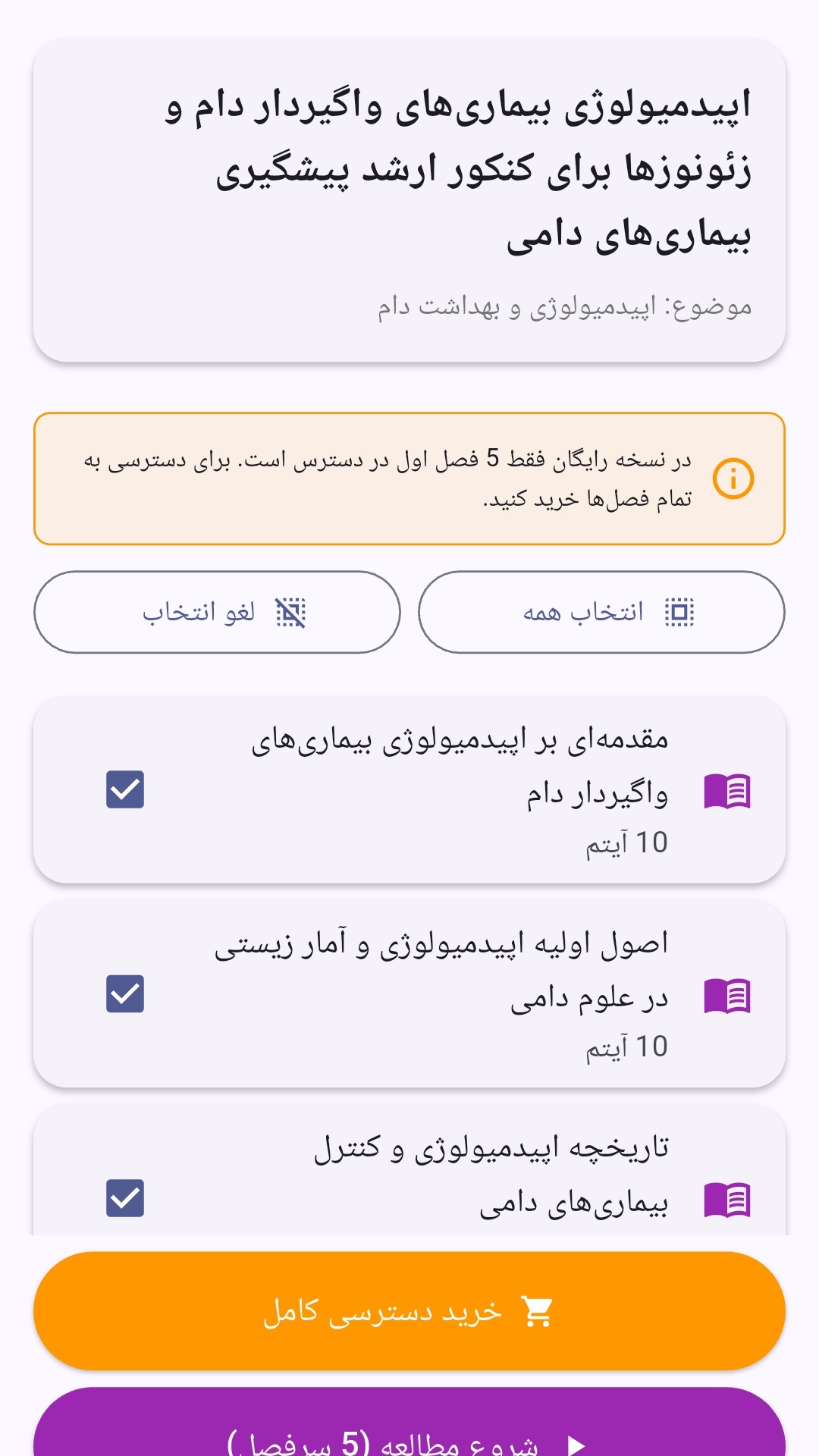
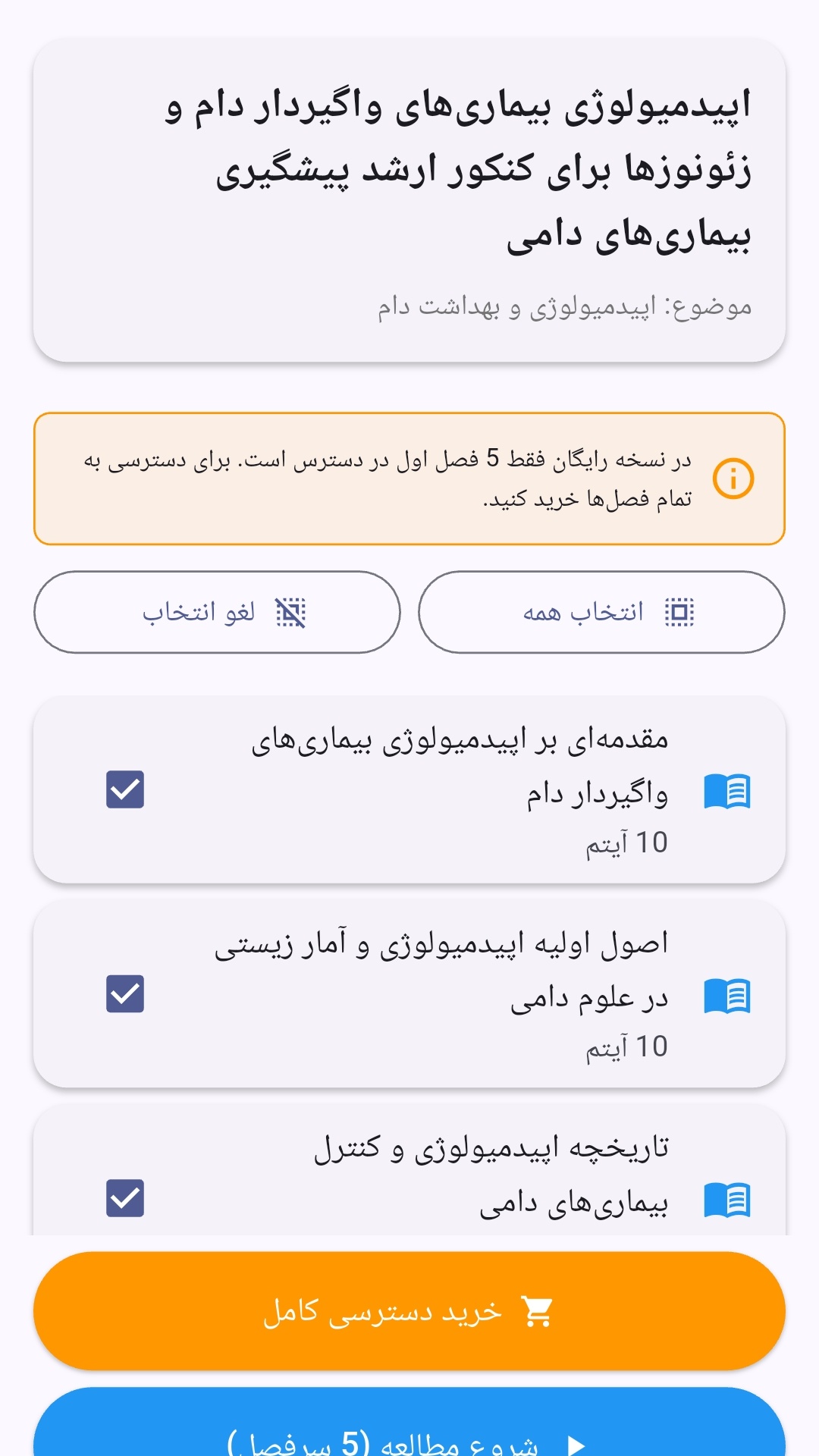
- صفحهبندی ساده برای انتخاب دوره و شروع مرور.
- نمایش تعداد دفعات مرور هر فصل.
- انتخاب چند فصل برای مرور همزمان.
- امکان تمرکز بر فصلهایی که هنوز مرور نشدهاند.
این اپلیکیشن برای دانشآموزان، دانشجویان، داوطلبان آزمونها و علاقهمندان به یادگیری طراحی شده است؛ بهویژه کسانی که میخواهند مطالب آموزشی را در زمانهای کوتاه مرور کنند، دانستههای خود را بسنجند و مطالعه منظمتری داشته باشند.

نظرات
هنوز نظری ثبت نشده است.
وارد شوید تا نظر ثبت کنید.