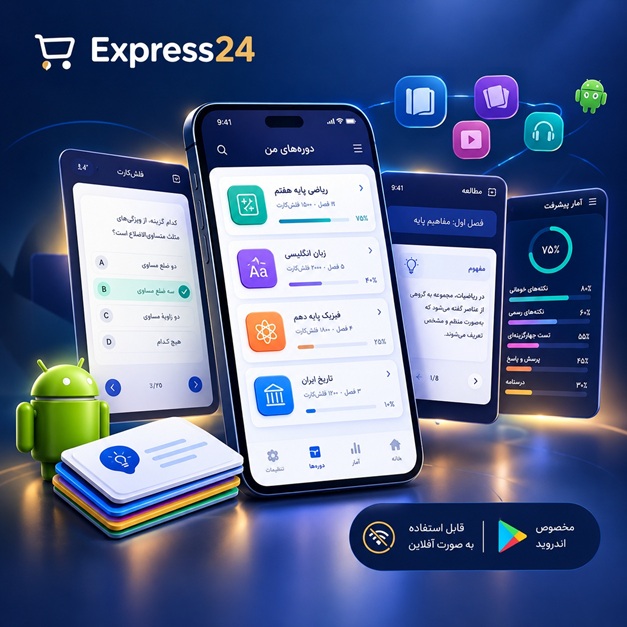
اپلیکیشن اندرویدی فلشکارت آموزشی React Native: Creating an Effective World App
🎓 دوره آموزشی جامع
📚 اطلاعات دوره
عنوان دوره: دوره React Native: Creating an Effective World App
موضوع کلی: برنامه نویسی
موضوع میانی: ریاکت نیتیو (React Native)
📋 سرفصلهای دوره
- 1. React Native: Creating an Effective World App - سرفصل ها:
- 2. مقدمه ای بر React Native و اکوسیستم آن
- 3. مزایا و معایب React Native در مقایسه با توسعه Native
- 4. نصب و راه اندازی محیط توسعه (Node.js, npm/yarn, Expo/React Native CLI)
- 5. آشنایی با Expo CLI و ایجاد پروژه جدید
- 6. آشنایی با React Native CLI و ایجاد پروژه جدید
- 7. ساختار پروژه React Native (components, assets, etc.)
- 8. آشنایی با JSX و syntax آن
- 9. Component ها در React Native: Functional vs Class
- 10. State و Props: مفاهیم پایه ای
- 11. مدیریت State با useState Hook
- 12. Passing Data بین Component ها با Props
- 13. Style دادن به Component ها با StyleSheet API
- 14. استفاده از inline styles و external styles
- 15. Layout با Flexbox: مفاهیم پایه ای
- 16. Layout با Flexbox: تنظیم Alignment و Distribution
- 17. Handling Text Input: کنترل ورودی کاربر
- 18. Handling Button Press: ایجاد تعامل با کاربر
- 19. کار با Images: نمایش تصاویر از منابع مختلف
- 20. کار با ScrollView: ایجاد لیست های پیمایشی
- 21. کار با FlatList: نمایش داده های بزرگ با Performance بالا
- 22. کار با SectionList: نمایش داده های گروه بندی شده
- 23. کار با ActivityIndicator: نمایش loading indicator
- 24. Alert: نمایش پیغام های اخطار به کاربر
- 25. Modal: نمایش پیغام های modal به کاربر
- 26. Toast: نمایش notification های کوتاه مدت
- 27. Navigation: مفاهیم پایه ای و پیاده سازی
- 28. React Navigation: نصب و پیکربندی
- 29. Stack Navigation: پیاده سازی navigation بین screens
- 30. Tab Navigation: پیاده سازی navigation با تب ها
- 31. Drawer Navigation: پیاده سازی navigation با drawer
- 32. Passing parameters بین screens
- 33. Handling navigation events
- 34. Lifecycles of a React Native Component
- 35. useEffect Hook: مدیریت side effects
- 36. AsyncStorage: ذخیره داده های محلی
- 37. Using Third-Party Libraries: مفاهیم پایه ای
- 38. Installing and Using React Native Vector Icons
- 39. Networking: Fetch API
- 40. Making API Calls with Fetch
- 41. Handling API Responses
- 42. Working with JSON Data
- 43. Error Handling in API Calls
- 44. Asynchronous JavaScript: Async/Await
- 45. Promises در JavaScript
- 46. Form Handling: ایجاد فرم های ورود اطلاعات
- 47. Form Validation: اعتبارسنجی داده های ورودی
- 48. Keyboard Avoiding View: جلوگیری از تداخل کیبورد با UI
- 49. Working with Maps: React Native Maps
- 50. Geolocation: دریافت موقعیت مکانی کاربر
- 51. Permissions: درخواست دسترسی به موقعیت مکانی
- 52. Animations: Animated API
- 53. Creating Simple Animations
- 54. Using Transitions
- 55. Gestures: PanResponder API
- 56. Handling Touch Events
- 57. Debugging React Native Apps: Chrome DevTools
- 58. Debugging React Native Apps: React Native Debugger
- 59. Remote Debugging
- 60. Logging and Error Reporting
- 61. Performance Optimization: Measuring Performance
- 62. Performance Optimization: Improving Performance
- 63. Code Splitting
- 64. Lazy Loading
- 65. Memoization
- 66. Image Optimization
- 67. Working with Fonts
- 68. Custom Fonts
- 69. Internationalization (i18n)
- 70. Localization (l10n)
- 71. Using React Native i18n Library
- 72. Setting up Translations
- 73. Testing: Introduction to Testing
- 74. Unit Testing with Jest
- 75. Integration Testing
- 76. End-to-End Testing
- 77. Continuous Integration (CI)
- 78. Continuous Deployment (CD)
- 79. Deployment: Building and Deploying to iOS
- 80. Deployment: Building and Deploying to Android
- 81. Publishing to the App Store
- 82. Publishing to Google Play
- 83. Code Push: Updating Apps Over the Air
- 84. Understanding Native Modules
- 85. Bridging Native Code
- 86. Creating Custom Native Modules
- 87. Security Best Practices
- 88. Authentication: Implementing Login and Registration
- 89. Using Firebase Authentication
- 90. Using Social Login
- 91. Using JWT (JSON Web Tokens)
- 92. Working with Push Notifications
- 93. Integrating with Backend Services
- 94. Redux: Introduction to State Management
- 95. Setting up Redux
- 96. Actions, Reducers, and Store
- 97. Connecting Components to Redux
- 98. Redux Toolkit
- 99. Context API: Alternative to Redux
- 100. Using Context for Themeing
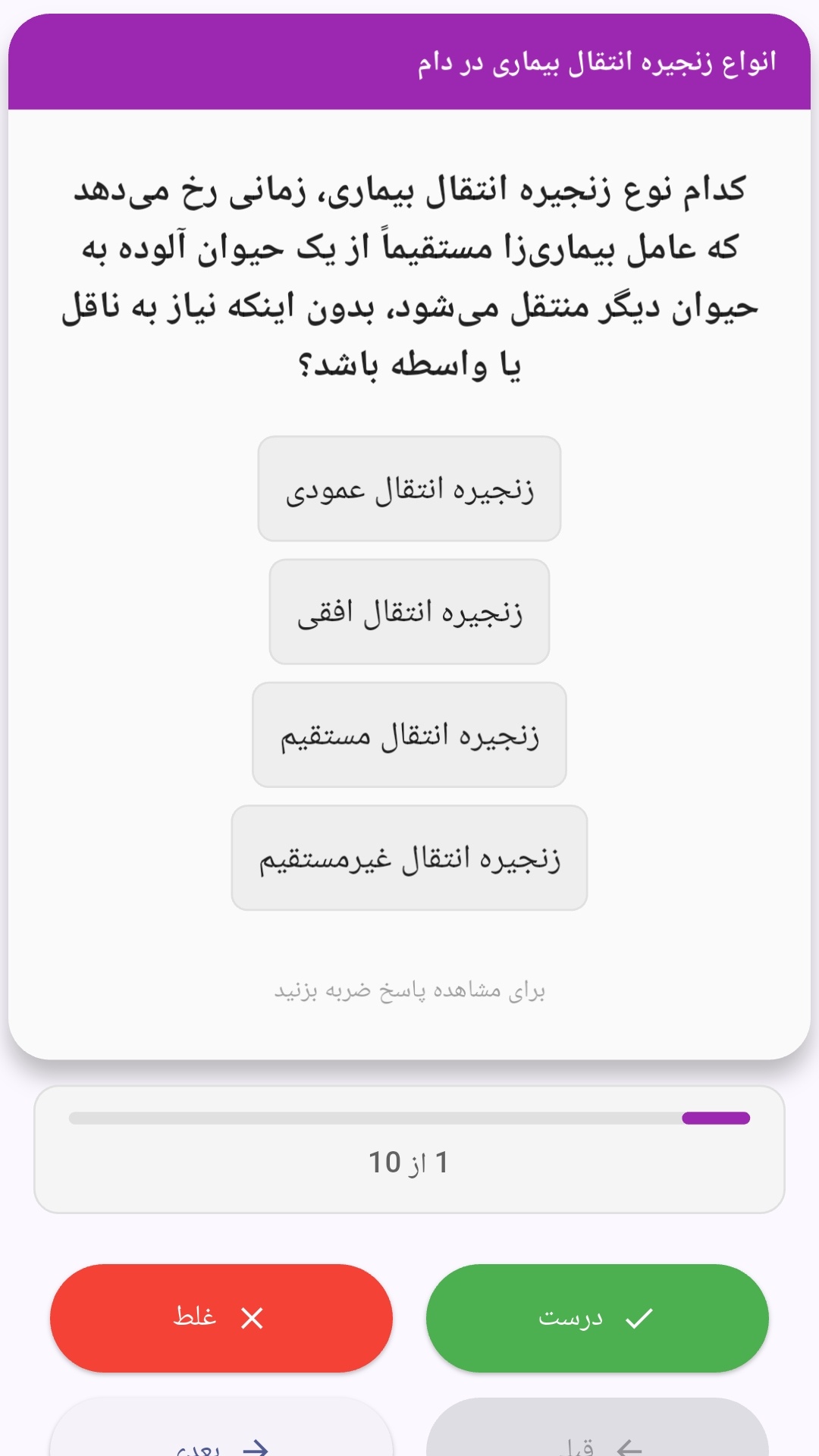
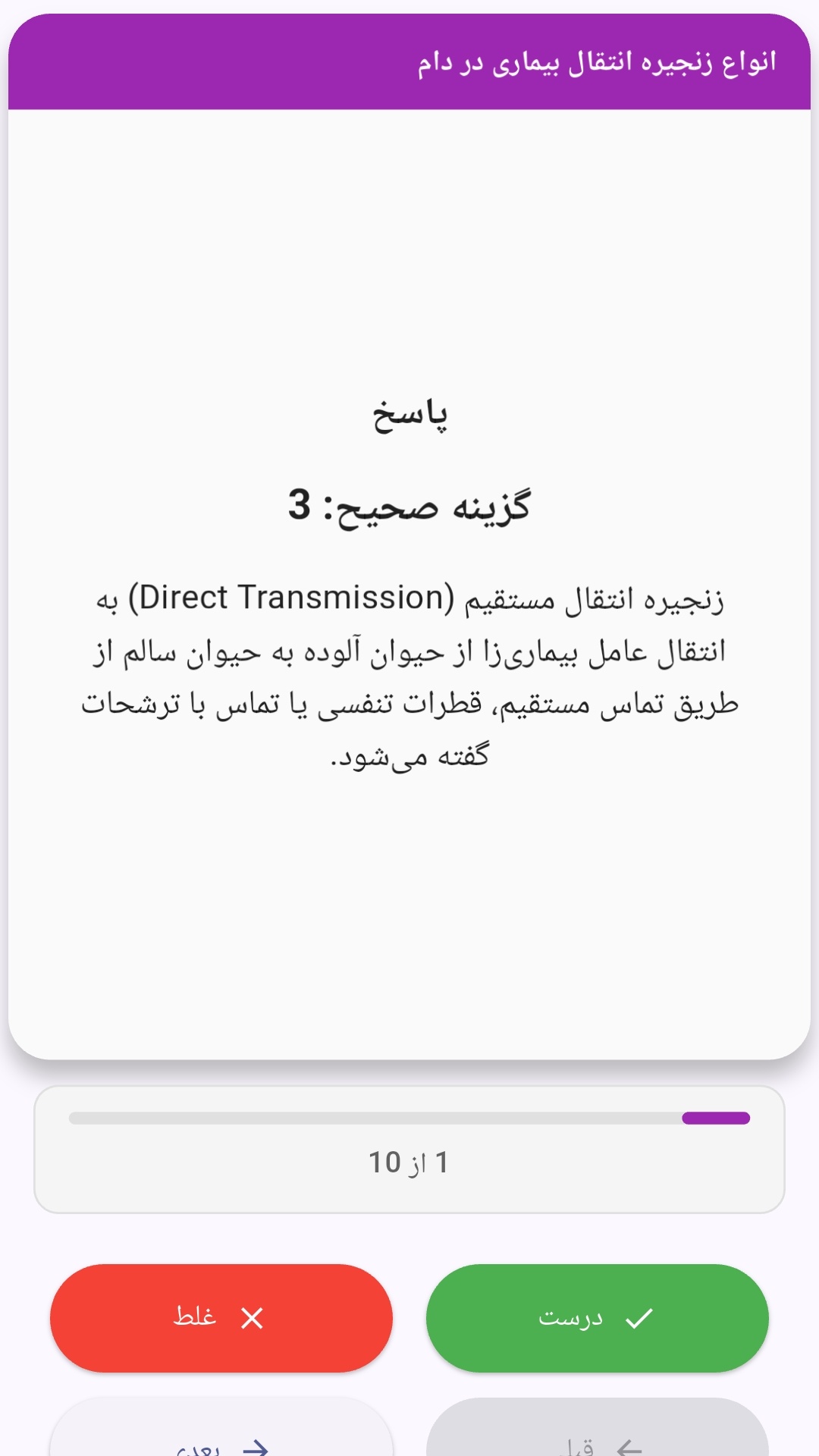
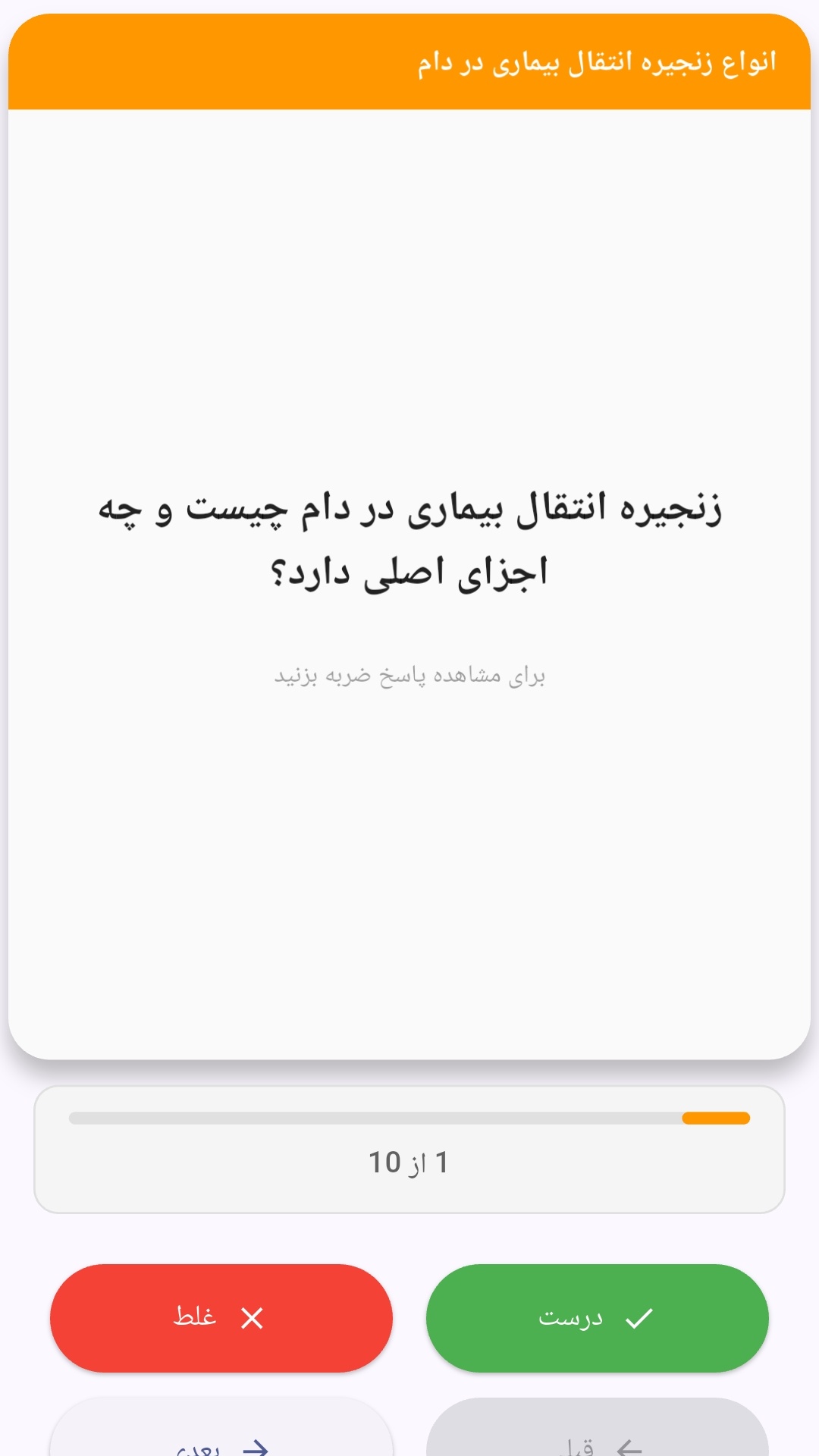
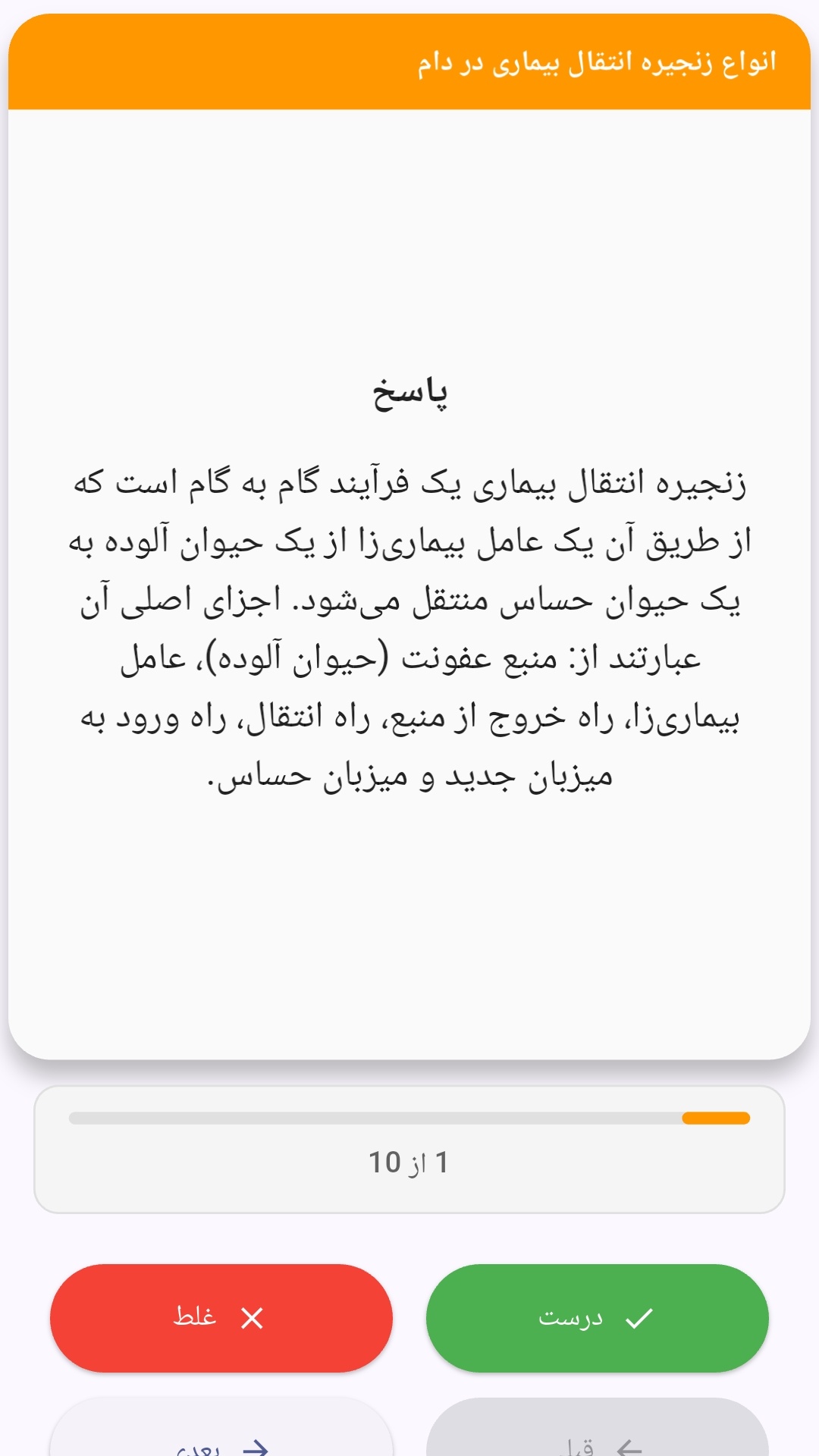
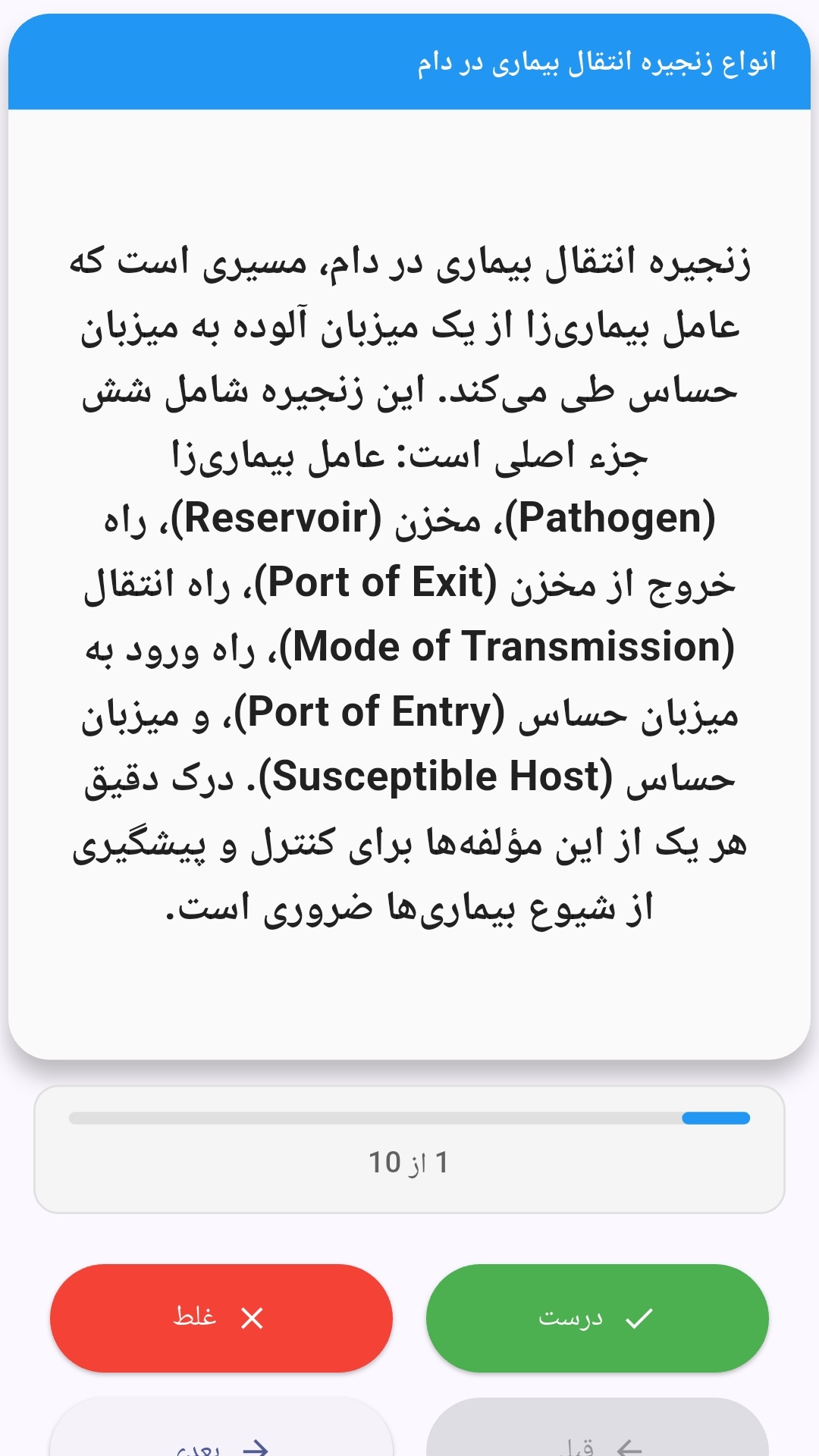
این اپلیکیشن فارسی برای یادگیری و مرور محتوای آموزشی از طریق فلشکارت طراحی شده است. کارتها را یکییکی مرور کنید، پاسخ پرسشها را به یاد بیاورید و نتیجه هر پاسخ را ثبت کنید. محتوای دوره پس از نصب درون برنامه در دسترس است تا برای مطالعه روزمره معمولاً به اتصال مداوم اینترنت نیاز نداشته باشید.
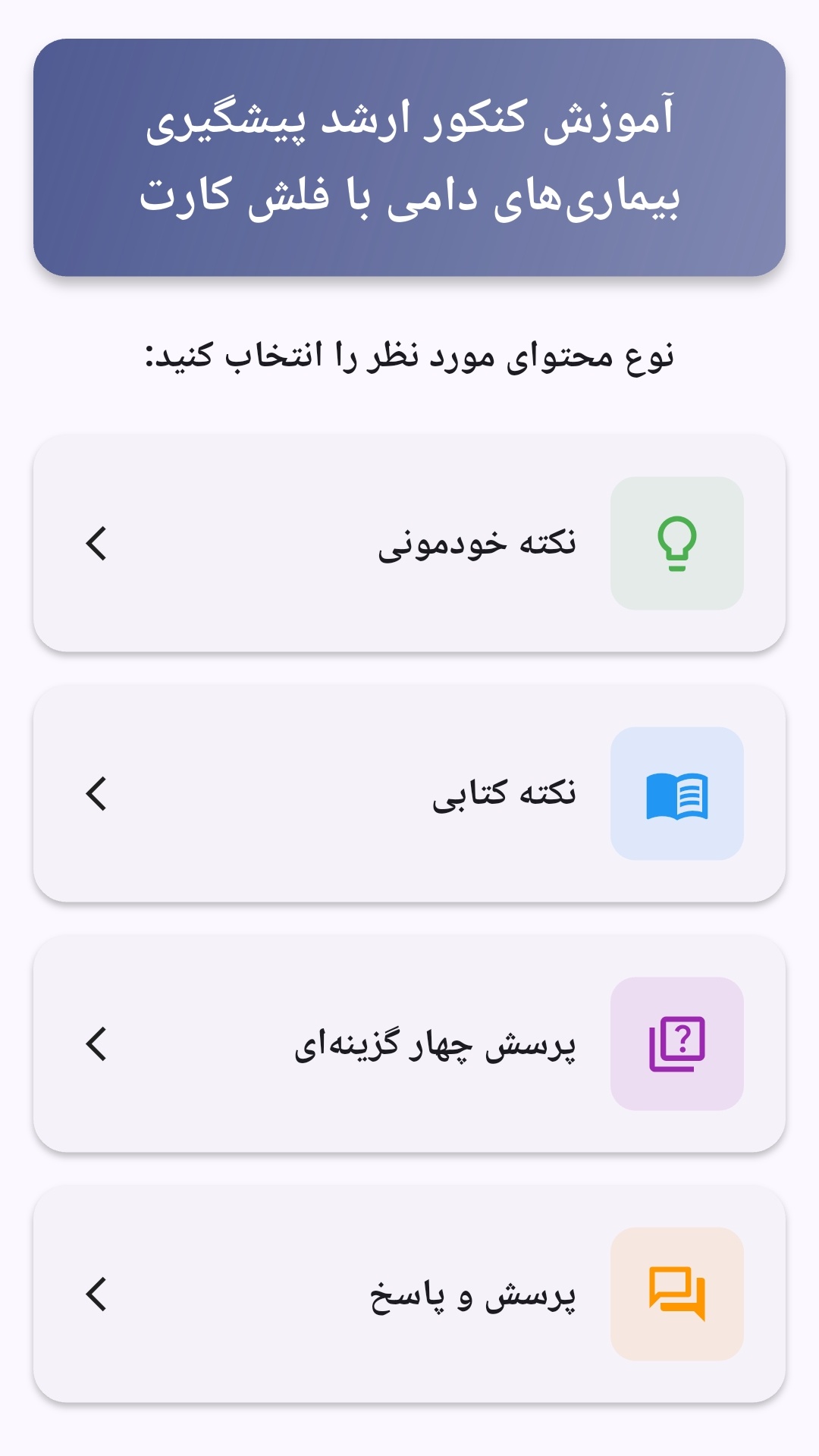
محتوای آموزشی در قالبهای متنوع ارائه میشود تا هم برای یادگیری مفاهیم جدید و هم برای تثبیت آموختهها قابل استفاده باشد.
- رابط کاربری فارسی و راستچین با فونت وزیر.
- تم روشن و تیره مطابق تنظیمات سیستم.
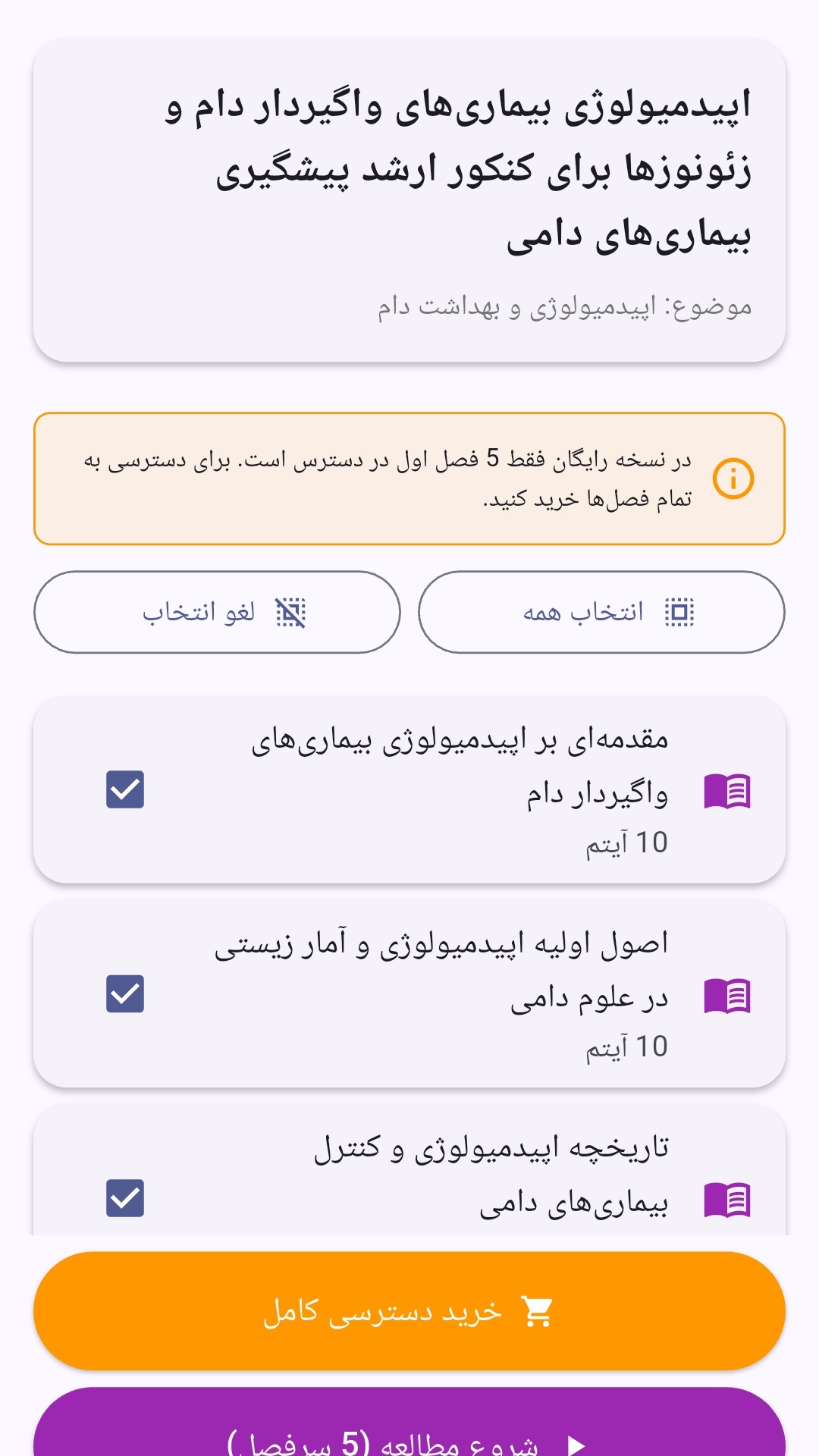
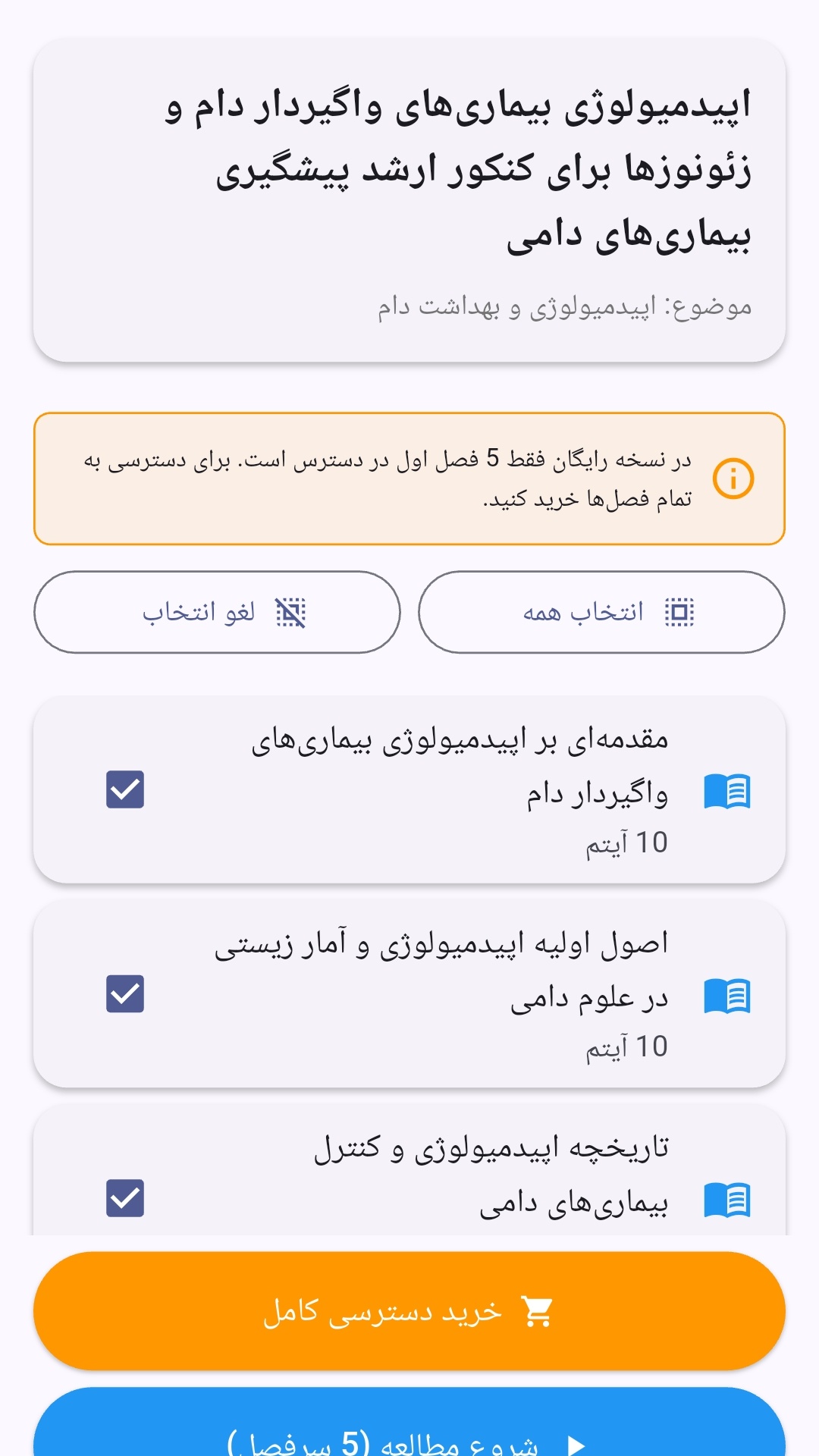
- صفحهبندی ساده برای انتخاب دوره و شروع مرور.
- نمایش تعداد دفعات مرور هر فصل.
- انتخاب چند فصل برای مرور همزمان.
- امکان تمرکز بر فصلهایی که هنوز مرور نشدهاند.
این اپلیکیشن برای دانشآموزان، دانشجویان، داوطلبان آزمونها و علاقهمندان به یادگیری طراحی شده است؛ بهویژه کسانی که میخواهند مطالب آموزشی را در زمانهای کوتاه مرور کنند، دانستههای خود را بسنجند و مطالعه منظمتری داشته باشند.
نظرات
هنوز نظری ثبت نشده است.
وارد شوید تا نظر ثبت کنید.