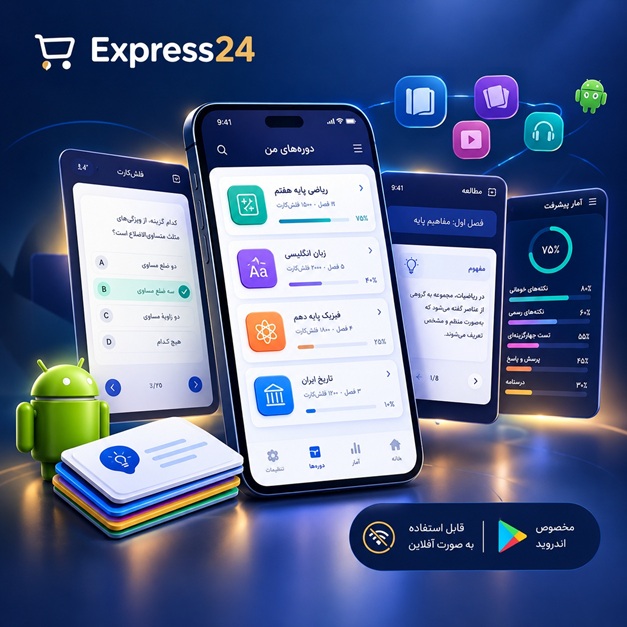
اپلیکیشن اندرویدی فلشکارت آموزشی CSS for Future Trends
🎓 دوره آموزشی جامع
📚 اطلاعات دوره
عنوان دوره: دوره CSS for Future Trends
موضوع کلی: برنامه نویسی
موضوع میانی: CSS
📋 سرفصلهای دوره
- 1. Introduction to CSS: The Language of Web Styling
- 2. Setting Up Your Development Environment for CSS
- 3. Connecting CSS to HTML: Inline, Internal, External Stylesheets
- 4. CSS Syntax: Selectors, Properties, and Values
- 5. Understanding the CSS Cascade and Inheritance
- 6. Specificity: How CSS Rules Are Prioritized
- 7. The Box Model: Content, Padding, Border, Margin
- 8. Mastering CSS Units: Pixels, Ems, Rems, Percentages
- 9. Viewport Units: vw, vh, vmin, vmax for Dynamic Sizing
- 10. Working with Colors: Keywords, Hex, RGB, RGBA, HSL, HSLA
- 11. Basic Typography: Font Families, Sizes, Weights, Styles
- 12. Text Styling Properties: Alignment, Decoration, Transformation
- 13. Line-Height and Letter-Spacing for Readability
- 14. Introduction to Browser Developer Tools for CSS
- 15. Resetting and Normalizing CSS for Cross-Browser Consistency
- 16. The `display` Property: Block, Inline, Inline-Block, None
- 17. Positioning Elements: Static, Relative, Absolute
- 18. Fixed and Sticky Positioning for Dynamic UIs
- 19. Floats and Clearfixes (Understanding Legacy Layouts)
- 20. Introduction to Flexbox: The Modern Way to Align Items
- 21. Flex Container Properties: `flex-direction`, `flex-wrap`, `flex-flow`
- 22. Aligning and Justifying Content with Flexbox
- 23. Flex Item Properties: `flex-grow`, `flex-shrink`, `flex-basis`
- 24. Ordering Flex Items and `align-self`
- 25. Practical Flexbox Layouts: Navigation Bars, Card Grids
- 26. Introduction to CSS Grid Layout: Two-Dimensional Control
- 27. Defining Grid Columns and Rows with `grid-template-columns`/`rows`
- 28. `grid-gap` and `gap`: Spacing Between Grid Items
- 29. Placing Items in the Grid: `grid-column`, `grid-row`, `span`
- 30. The `grid-area` Shorthand for Named Grid Areas
- 31. Implicit Grid and `grid-auto-flow`
- 32. `minmax()` and `repeat()` Functions for Flexible Grids
- 33. `auto-fill` and `auto-fit` for Responsive Grid Tracks
- 34. Aligning Grid Items: `justify-items`, `align-items`, `place-items`
- 35. `justify-self`, `align-self`, `place-self` for Individual Items
- 36. Combining Flexbox and Grid for Complex Layouts
- 37. Introduction to Responsive Web Design (RWD) Principles
- 38. The Viewport Meta Tag and Initial Scale
- 39. Media Queries: Targeting Devices and Screen Sizes
- 40. `min-width` vs. `max-width`: Mobile-First vs. Desktop-First
- 41. Responsive Images and Media (`max-width: 100%`)
- 42. Art Direction with `picture` Element and `srcset`
- 43. Responsive Typography with `rem` and `vw` Units
- 44. CSS Variables (Custom Properties): Declaring and Using
- 45. Scoping CSS Variables and Fallbacks
- 46. Background Properties: `background-image`, `size`, `position`, `repeat`
- 47. Multiple Backgrounds and `background-attachment`
- 48. Linear Gradients: Creating Smooth Color Transitions
- 49. Radial and Conic Gradients for Creative Backgrounds
- 50. Border Styling: `border-width`, `style`, `color`, `border-radius`
- 51. Box Shadows: Adding Depth and Realism
- 52. Text Shadows for Stylized Text Effects
- 53. Introduction to CSS Transforms: `translate`, `rotate`, `scale`, `skew`
- 54. D Transforms and Perspective
- 55. CSS Transitions: Animating Property Changes Smoothly
- 56. `transition-property`, `duration`, `timing-function`, `delay`
- 57. Introduction to CSS Animations with `@keyframes`
- 58. `animation-name`, `duration`, `iteration-count`, `direction`, `fill-mode`
- 59. Practical Animations: Spinners, Fades, Keyframe Sequences
- 60. Pseudo-classes: `:hover`, `:focus`, `:active`, `:visited`
- 61. Structural Pseudo-classes: `:first-child`, `:last-child`, `:nth-child`
- 62. `:not()`, `:empty`, `:target`, and UI States
- 63. Pseudo-elements: `::before` and `::after` for Decorative Content
- 64. `::first-letter`, `::first-line`, `::selection` for Text Styling
- 65. CSS Filters: `blur()`, `grayscale()`, `sepia()`, `drop-shadow()`
- 66. Blend Modes: `mix-blend-mode` and `background-blend-mode`
- 67. Opacity vs. RGBA for Transparency Control
- 68. Styling SVGs with CSS for Flexibility
- 69. `object-fit` and `object-position` for Image Sizing
- 70. `aspect-ratio` Property for Consistent Element Proportions
- 71. `scroll-snap` for Guided Scrolling Experiences
- 72. Accessibility Considerations with CSS: `prefers-reduced-motion`
- 73. `prefers-color-scheme`: Supporting Dark Mode
- 74. Focus Management and `:focus-visible` for Keyboard Navigation
- 75. Introduction to CSS Preprocessors (Sass/Less): Concepts and Benefits
- 76. CSS Methodologies: BEM, OOCSS, SMACSS for Scalability
- 77. Utility-First CSS: Concepts and Principles
- 78. CSS Logical Properties: `margin-inline-start`, `padding-block-end`
- 79. Introduction to Container Queries: Styling Based on Parent Size
- 80. `min-width`/`max-width` in Container Queries (`@container`)
- 81. Cascade Layers (`@layer`): Organizing CSS Specificity
- 82. Scoping CSS with `@scope`: Limiting Styles to Specific Subtrees
- 83. `subgrid` for Inheriting Grid Tracks
- 84. Advanced Viewport Units: `dvw`, `lvw`, `svw` (Dynamic, Large, Small Viewport)
- 85. `accent-color` and `color-scheme` for Theming UI Elements
- 86. Modern Color Functions: `color-mix()`, `color()`
- 87. `image-set()` for Responsive Images in CSS
- 88. Scroll-linked Animations with `scroll-timeline`
- 89. Advanced Typography: Variable Fonts and `font-display`
- 90. CSS `contain` Property for Performance Optimization
- 91. CSS Houdini: Expanding CSS Capabilities with Worklets
- 92. Custom Properties (Variables) and Theming Complex Applications
- 93. Web Components and Shadow DOM Styling with CSS
- 94. CSS-in-JS: An Overview of Different Approaches
- 95. Modern CSS Tooling: PostCSS, Autoprefixer, Linters
- 96. Performance Optimization: Critical CSS, Minification, Purging Unused CSS
- 97. Debugging Advanced CSS Layouts and Animations
- 98. Building a Component Library with Modern CSS
- 99. Future of CSS: Emerging Standards and Experimental Features
- 100. Project: Crafting a Dynamic, Responsive Web Experience
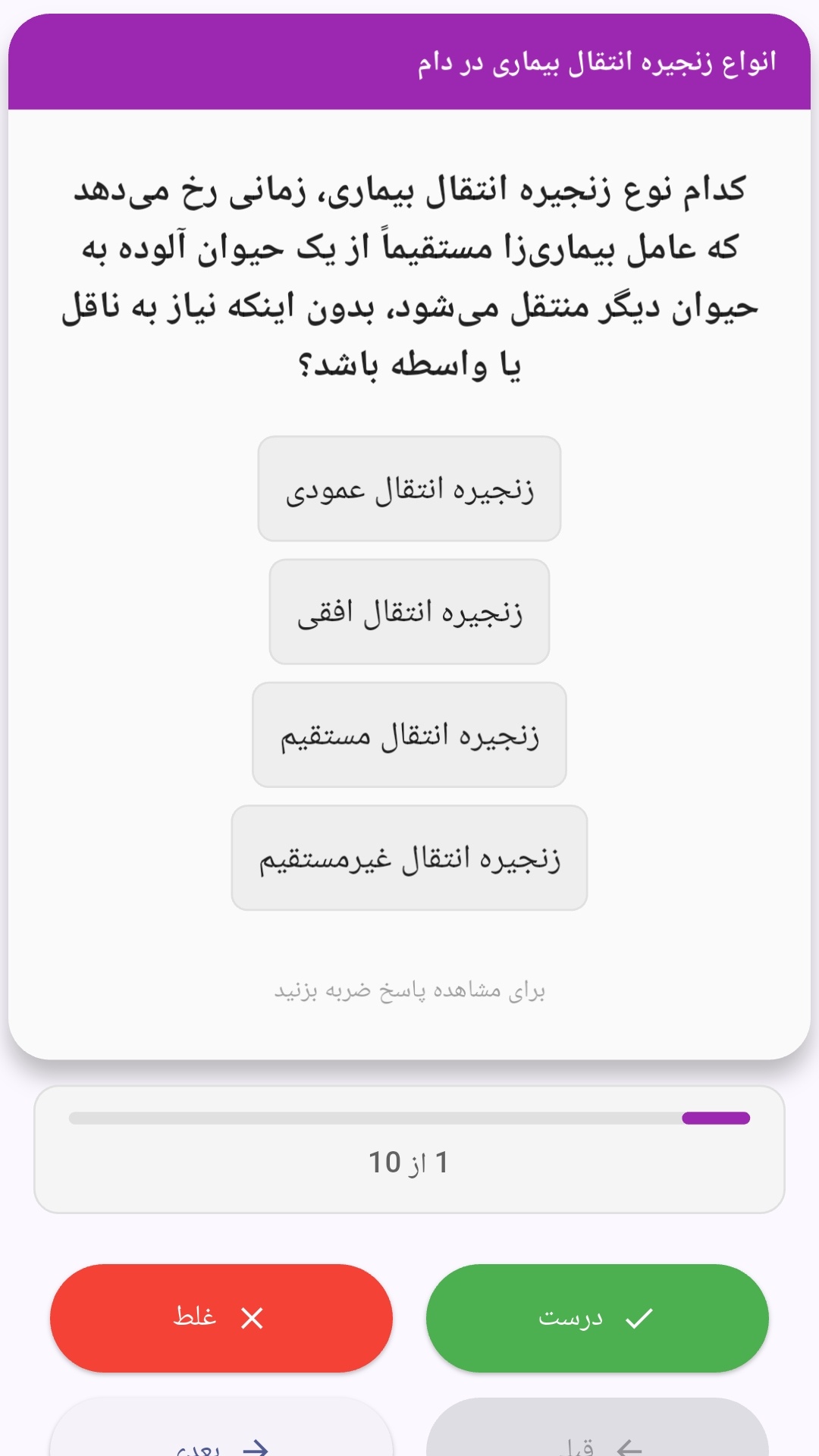
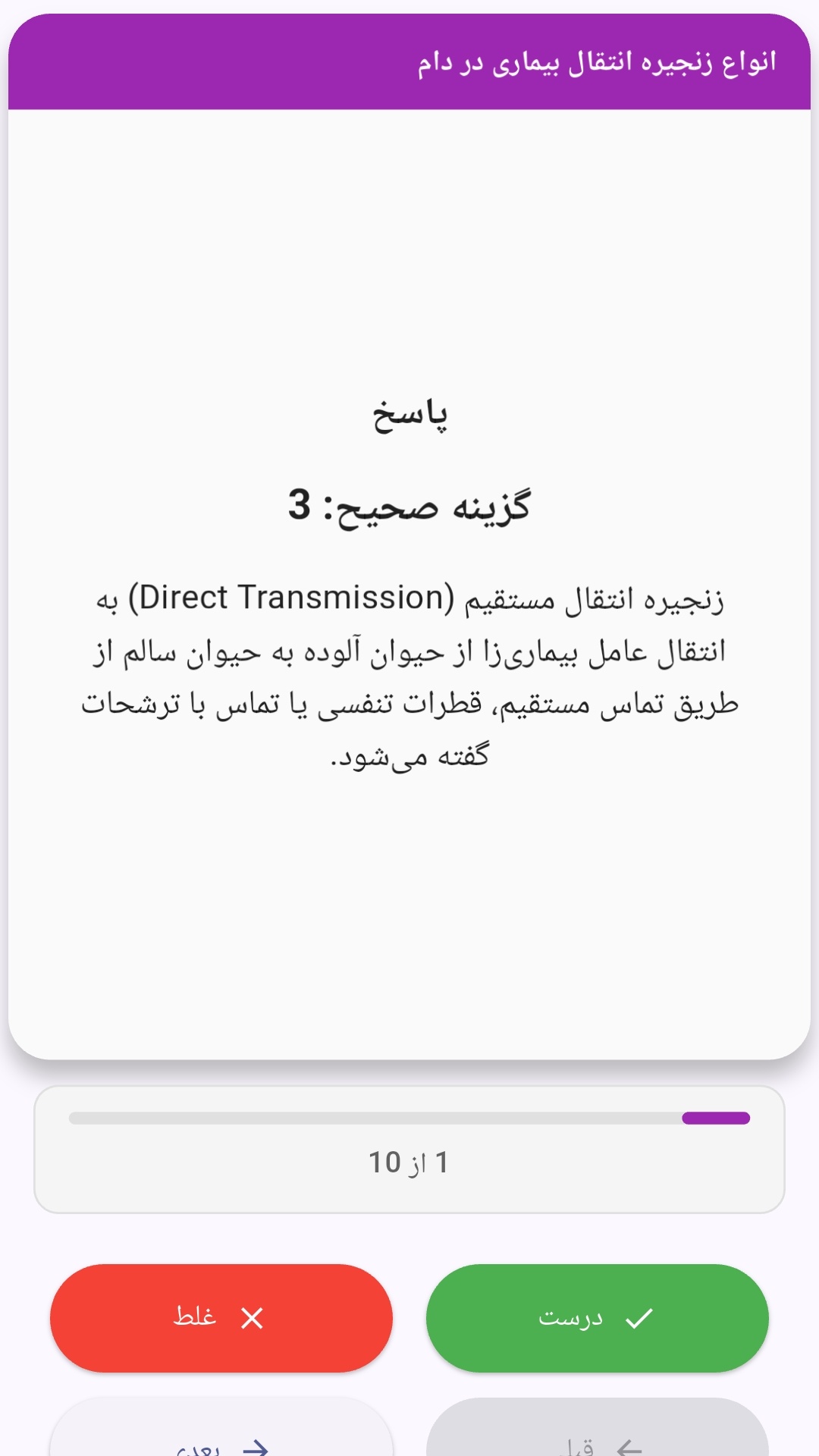
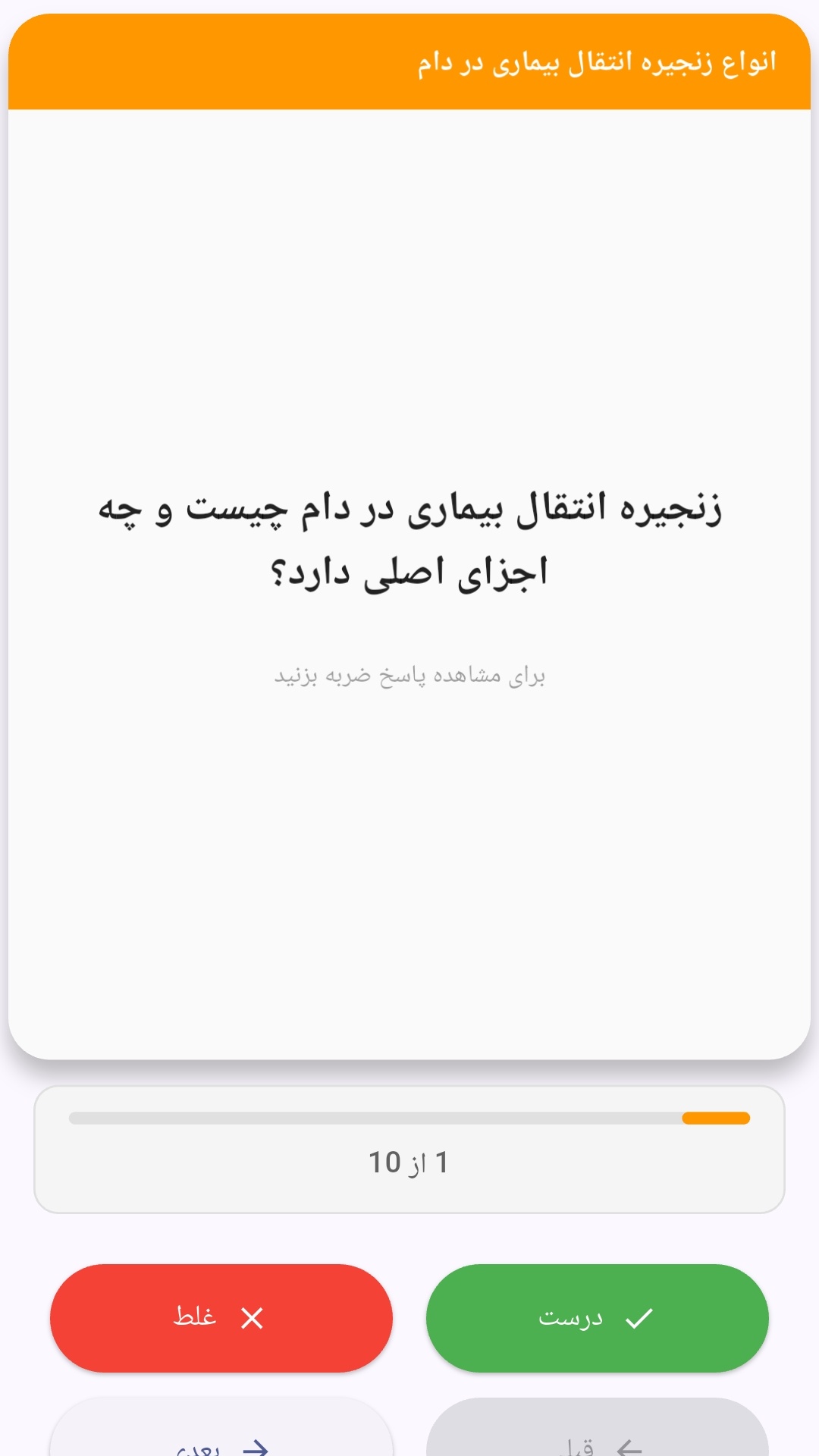
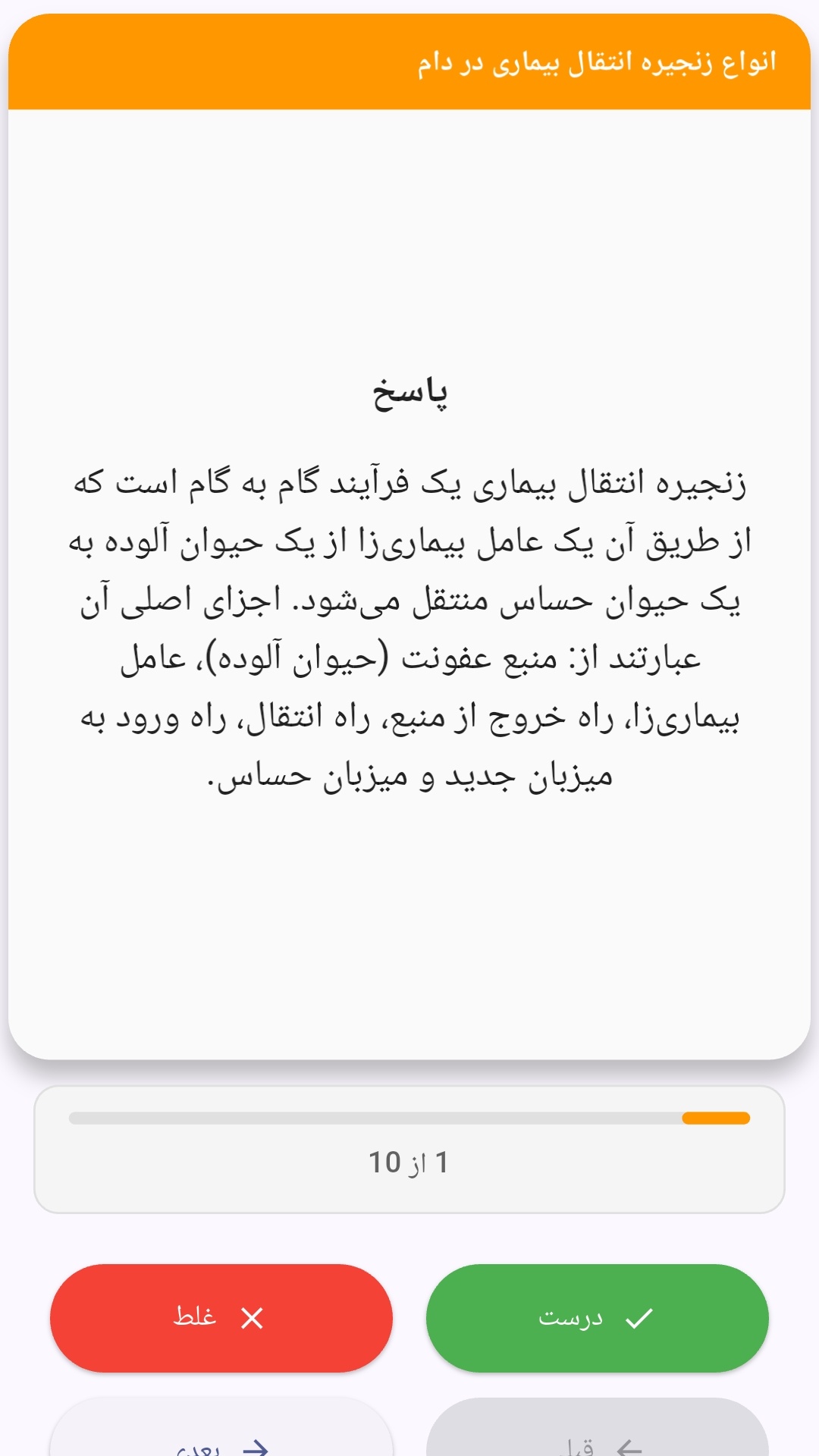
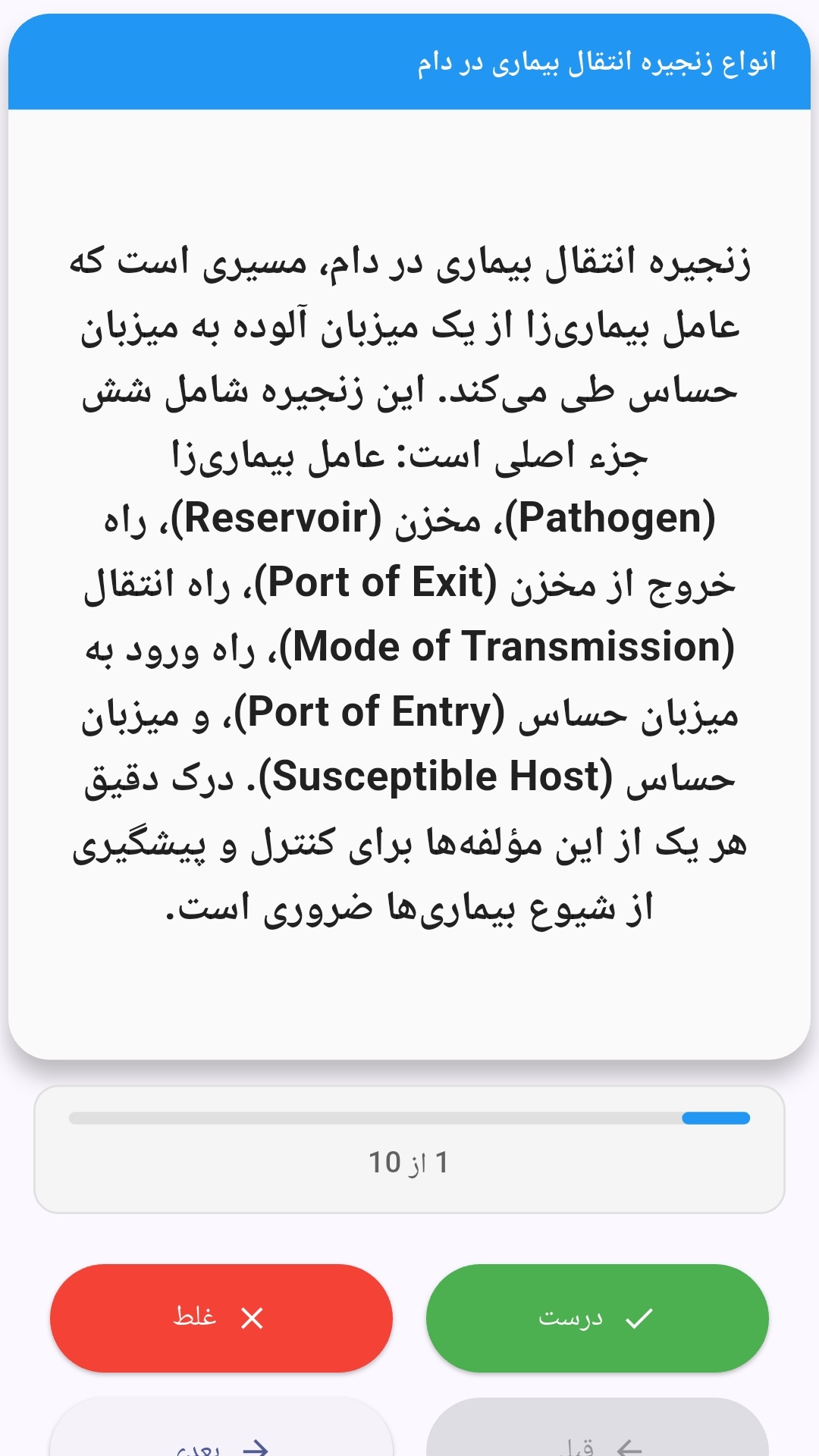
این اپلیکیشن فارسی برای یادگیری و مرور محتوای آموزشی از طریق فلشکارت طراحی شده است. کارتها را یکییکی مرور کنید، پاسخ پرسشها را به یاد بیاورید و نتیجه هر پاسخ را ثبت کنید. محتوای دوره پس از نصب درون برنامه در دسترس است تا برای مطالعه روزمره معمولاً به اتصال مداوم اینترنت نیاز نداشته باشید.
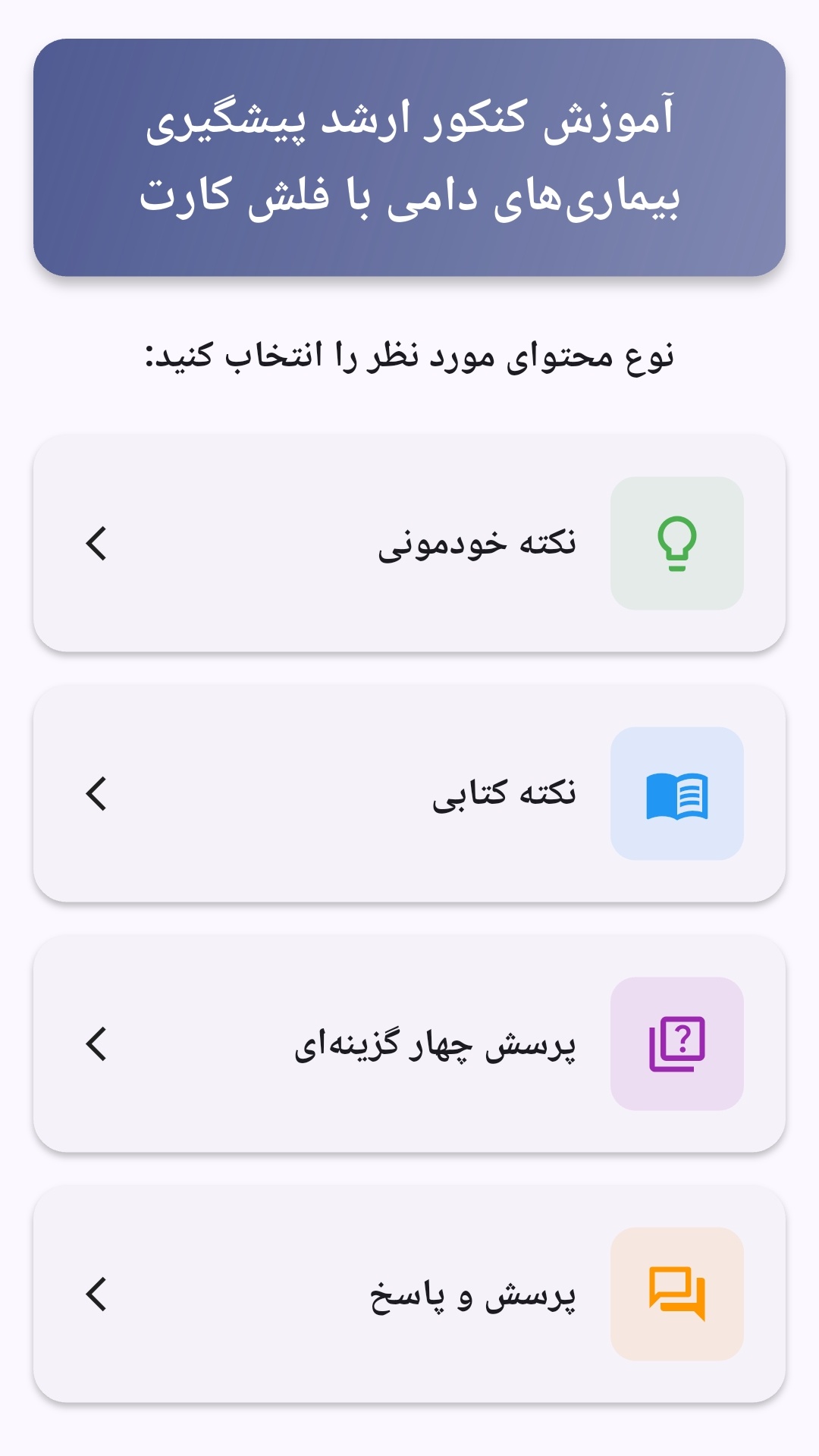
محتوای آموزشی در قالبهای متنوع ارائه میشود تا هم برای یادگیری مفاهیم جدید و هم برای تثبیت آموختهها قابل استفاده باشد.
- رابط کاربری فارسی و راستچین با فونت وزیر.
- تم روشن و تیره مطابق تنظیمات سیستم.
- صفحهبندی ساده برای انتخاب دوره و شروع مرور.
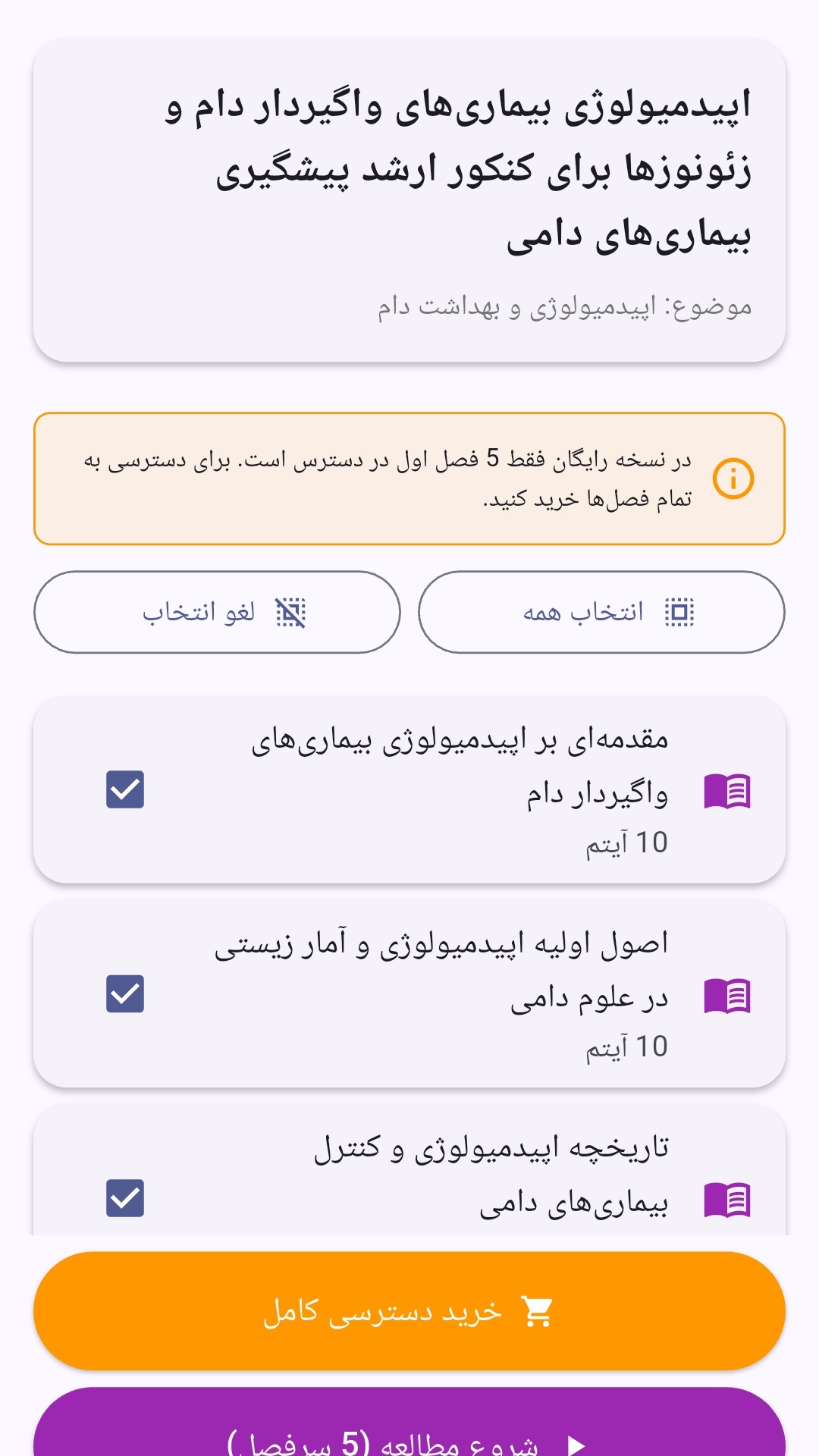
- نمایش تعداد دفعات مرور هر فصل.
- انتخاب چند فصل برای مرور همزمان.
- امکان تمرکز بر فصلهایی که هنوز مرور نشدهاند.
این اپلیکیشن برای دانشآموزان، دانشجویان، داوطلبان آزمونها و علاقهمندان به یادگیری طراحی شده است؛ بهویژه کسانی که میخواهند مطالب آموزشی را در زمانهای کوتاه مرور کنند، دانستههای خود را بسنجند و مطالعه منظمتری داشته باشند.


نظرات
هنوز نظری ثبت نشده است.
وارد شوید تا نظر ثبت کنید.