
اپلیکیشن اندرویدی فلشکارت آموزشی از صفر تا صد BASIC با Apple: آموزش گام به گام و کاربردی (بر اساس I speak BASIC to my Apple)
🎓 دوره آموزشی جامع
📚 اطلاعات دوره
عنوان دوره: دوره از صفر تا صد BASIC با Apple: آموزش گام به گام و کاربردی (بر اساس I speak BASIC to my Apple)
موضوع کلی: آموزش برنامهنویسی کامپیوتر
موضوع میانی: آموزش زبان برنامهنویسی BASIC
📋 سرفصلهای دوره
- 1. Welcome to the World of BASIC
- 2. Your First Computer: The Apple II
- 3. Turning On and Getting Ready
- 4. The BASIC Prompt: Your Command Center
- 5. Typing Commands vs. Programs
- 6. Your Very First Program: "Hello, World!"
- 7. Running a Program: The RUN Command
- 8. Editing a Program: LIST and Line Numbers
- 9. Saving Your Work: The SAVE Command
- 10. Loading Programs: The LOAD Command
- 11. Clearing the Screen: HOME and CLR
- 12. Understanding Errors: SYNTAX ERROR and Beyond
- 13. What is a Variable? Storing Information
- 14. Numeric Variables: Working with Numbers
- 15. String Variables: Working with Text
- 16. Assigning Values: The LET Statement
- 17. Printing Text and Variables: Advanced PRINT
- 18. Combining Text and Numbers in PRINT
- 19. Getting Input from the User: The INPUT Statement
- 20. Prompting for Input with INPUT
- 21. Simple Arithmetic: Addition and Subtraction
- 22. More Arithmetic: Multiplication and Division
- 23. Order of Operations: Parentheses are Your Friend
- 24. Exponents and Powers: The Carrot Symbol (^)
- 25. Integer Values and the INT Function
- 26. Comparing Values: Relational Operators (<, >, =)
- 27. Making Decisions: The IF-THEN Statement
- 28. Using Logical Operators: AND, OR, NOT
- 29. Creating Simple Menus with IF-THEN
- 30. Repeating Actions: The FOR-NEXT Loop
- 31. Customizing Loops: STEP Increments
- 32. Nested FOR-NEXT Loops: Loops Within Loops
- 33. Exiting Loops Early (Conditional Jumps)
- 34. The Endless Loop: Dangers and Uses
- 35. Unconditional Jumps: The GOTO Statement (Use with caution)
- 36. Subroutines: GOSUB and RETURN
- 37. Passing Information to Subroutines
- 38. Multiple Entry Points for Subroutines
- 39. Arrays: Storing Lists of Data
- 40. Declaring Arrays: The DIM Statement
- 41. Accessing Array Elements
- 42. Populating Arrays with Data
- 43. Searching Through Arrays
- 44. Two-Dimensional Arrays: Rows and Columns
- 45. Practical Uses for 2D Arrays (e.g., game boards)
- 46. String Manipulation: Length of a String (LEN)
- 47. Extracting Parts of a String: LEFT$, RIGHT$
- 48. More String Extraction: MID$ Function
- 49. Concatenating Strings: Combining Text
- 50. Converting Between Numbers and Strings: STR$ and VAL
- 51. ASCII Codes: Understanding Characters (ASC, CHR$)
- 52. Generating Random Numbers: RND Function
- 53. Simulating Dice Rolls and Coin Flips
- 54. Built-in Math Functions: SQR, ABS, SGN
- 55. User-Defined Functions: DEF FN
- 56. Reading Data from Your Program: READ and DATA
- 57. Resetting Data Pointers: The RESTORE Statement
- 58. Creating Sounds: The BEEP/SPEAKER Command
- 59. Generating Tones and Simple Melodies
- 60. Introduction to Graphics: Text vs. Graphics Mode
- 61. Low-Resolution Graphics: The GR Command
- 62. Setting Colors: The COLOR Statement
- 63. Plotting Points: The PLOT Command
- 64. Drawing Horizontal Lines: HLIN
- 65. Drawing Vertical Lines: VLIN
- 66. High-Resolution Graphics: The HGR Command
- 67. High-Resolution Colors: The HCOLOR Statement
- 68. Plotting Points in HGR: The HPLOT Command
- 69. Drawing Lines in HGR: HPLOT TO
- 70. Introduction to Shapes and Patterns in HGR
- 71. Peeking and Poking: Direct Memory Access
- 72. Understanding Memory Addresses
- 73. Practical PEEKing: Reading System Information
- 74. Practical POKING: Changing System Settings
- 75. Paddles and Joysticks: Getting Input (PDL function)
- 76. Creating Simple Animated Graphics
- 77. Introduction to File Management
- 78. Listing Disk Contents: The CATALOG Command
- 79. Deleting Files: The DELETE Command
- 80. Sequential Text Files: OPENing Files for Output (#)
- 81. Writing Data to Sequential Files: PRINT#
- 82. Opening Files for Input: Reading from Sequential Files
- 83. Reading Data from Sequential Files: INPUT#
- 84. Closing Files: The CLOSE Command
- 85. Error Handling: ON ERR GOTO
- 86. Debugging Your Programs: Finding and Fixing Errors
- 87. Using REM Statements: Commenting Your Code
- 88. Program Design: Planning Before You Code
- 89. Flowcharting: Visualizing Your Logic
- 90. Making Your Programs User-Friendly
- 91. Simple Text-Based Games: Guessing Game
- 92. Building a Calculator Program
- 93. Creating a Simple Data Entry System
- 94. Simulating a Dice Roller Game
- 95. Introduction to Machine Language (CALL command)
- 96. Optimizing Your BASIC Programs for Speed
- 97. The Future of Programming: Where to Go Next
- 98. Your Journey Continues: Mastering BASIC and Beyond
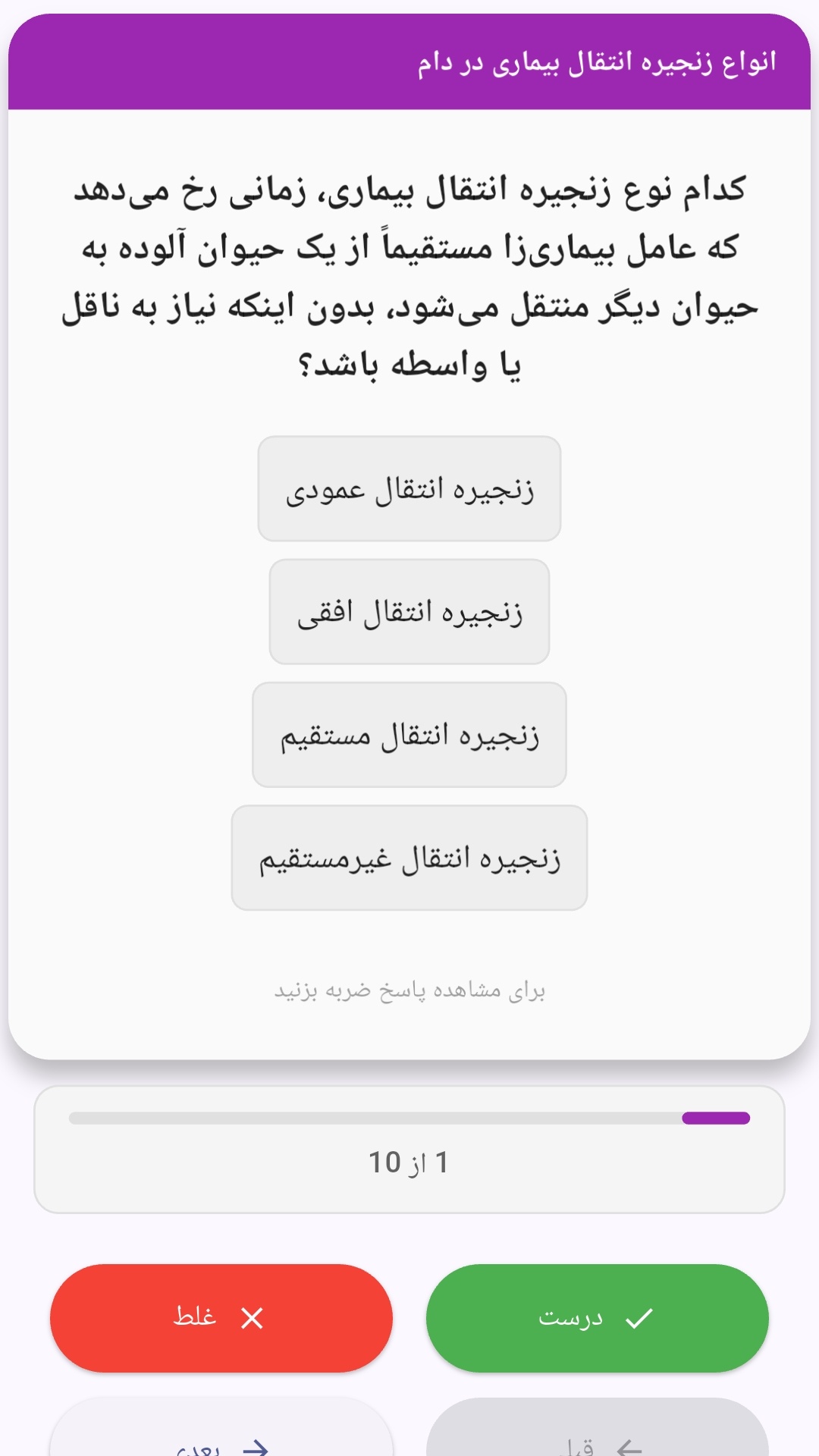
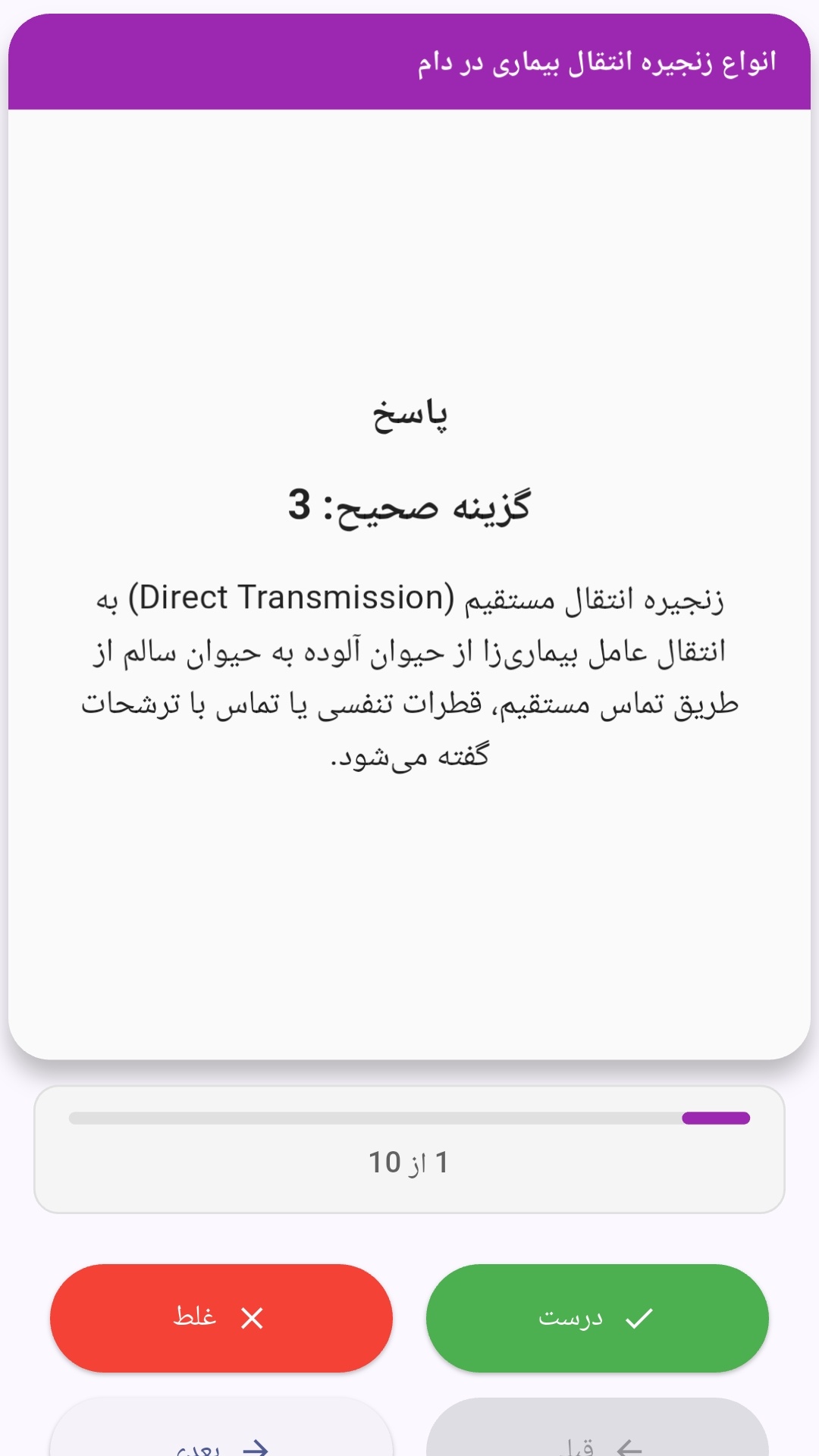
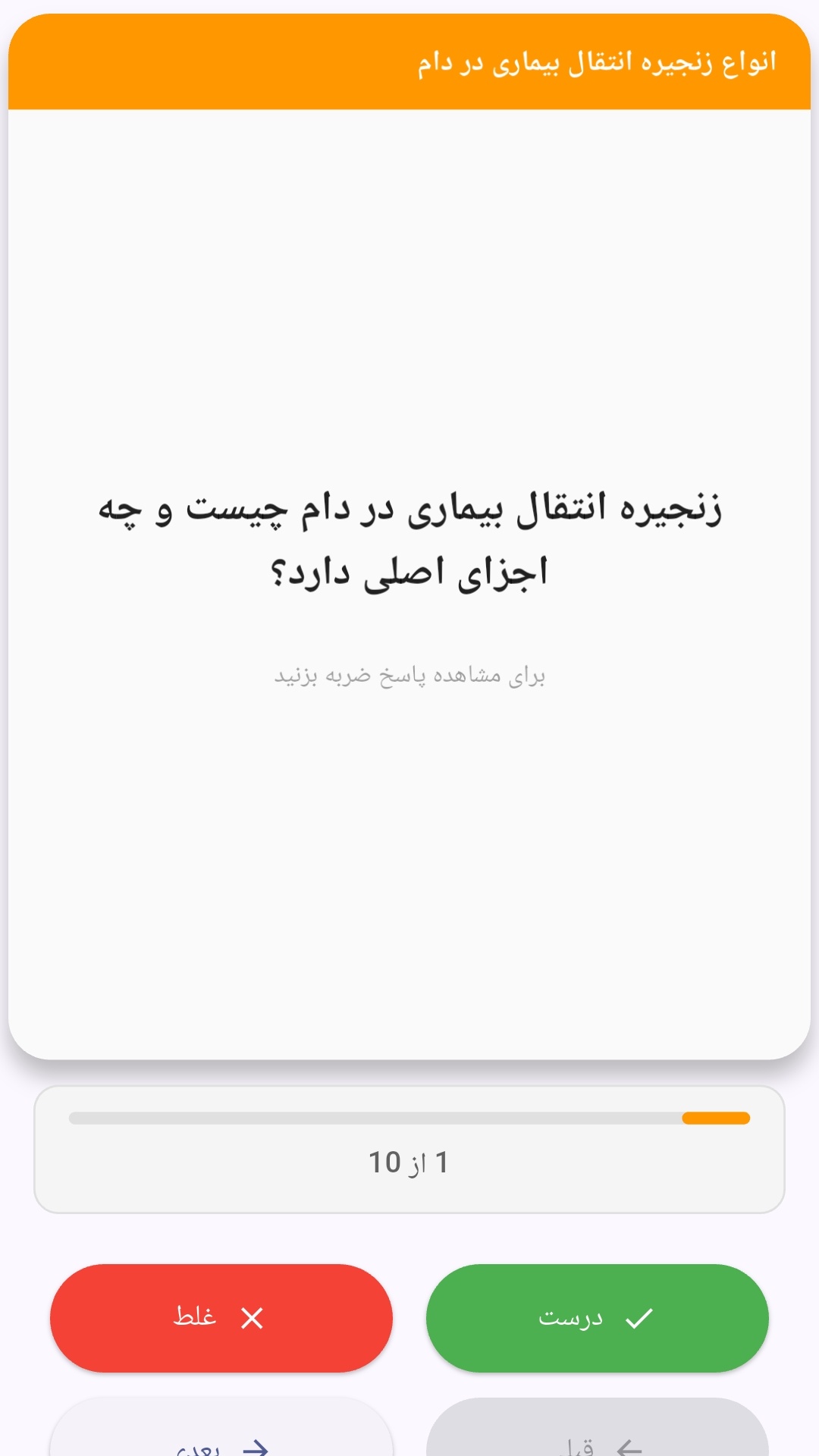
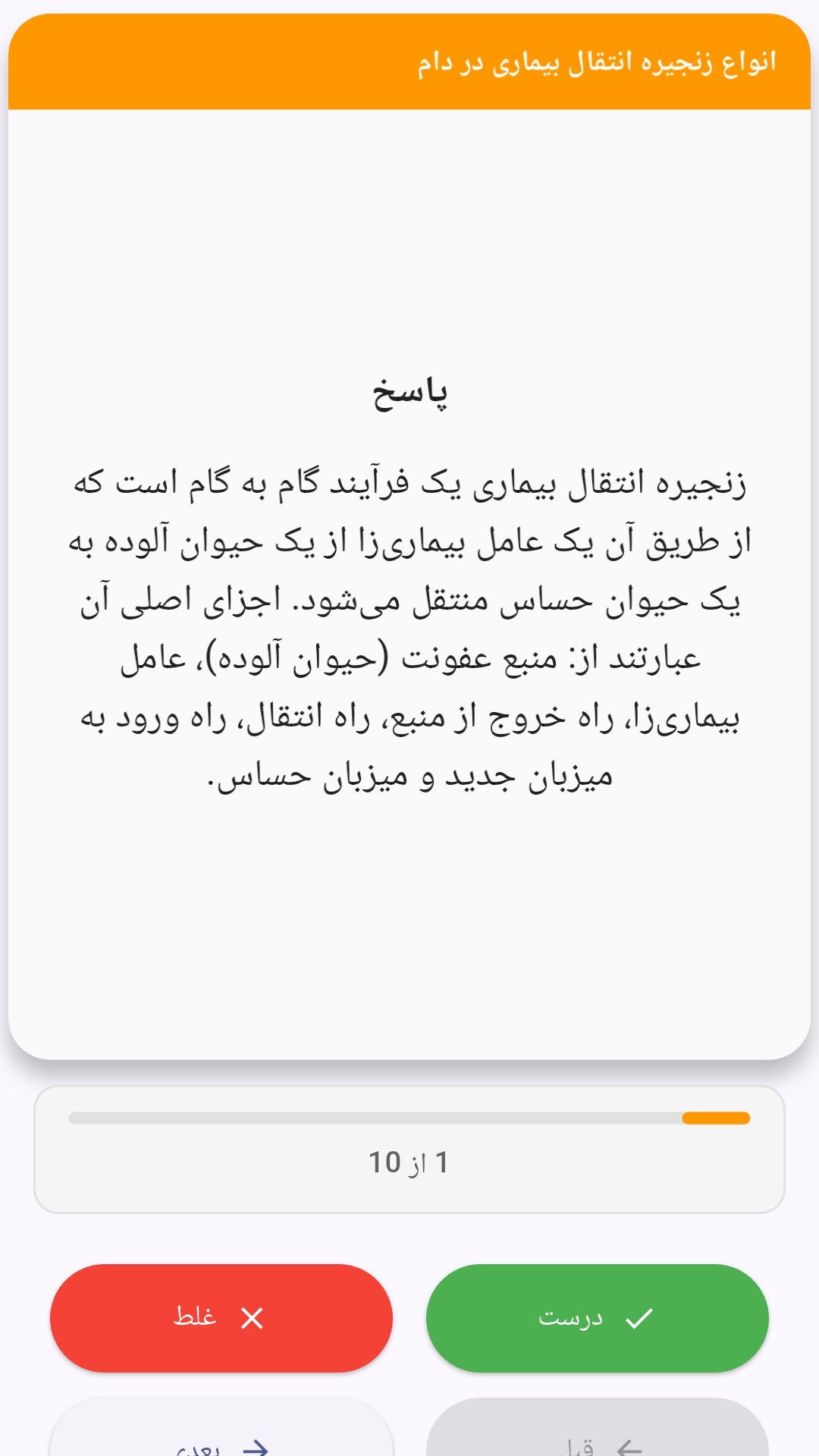
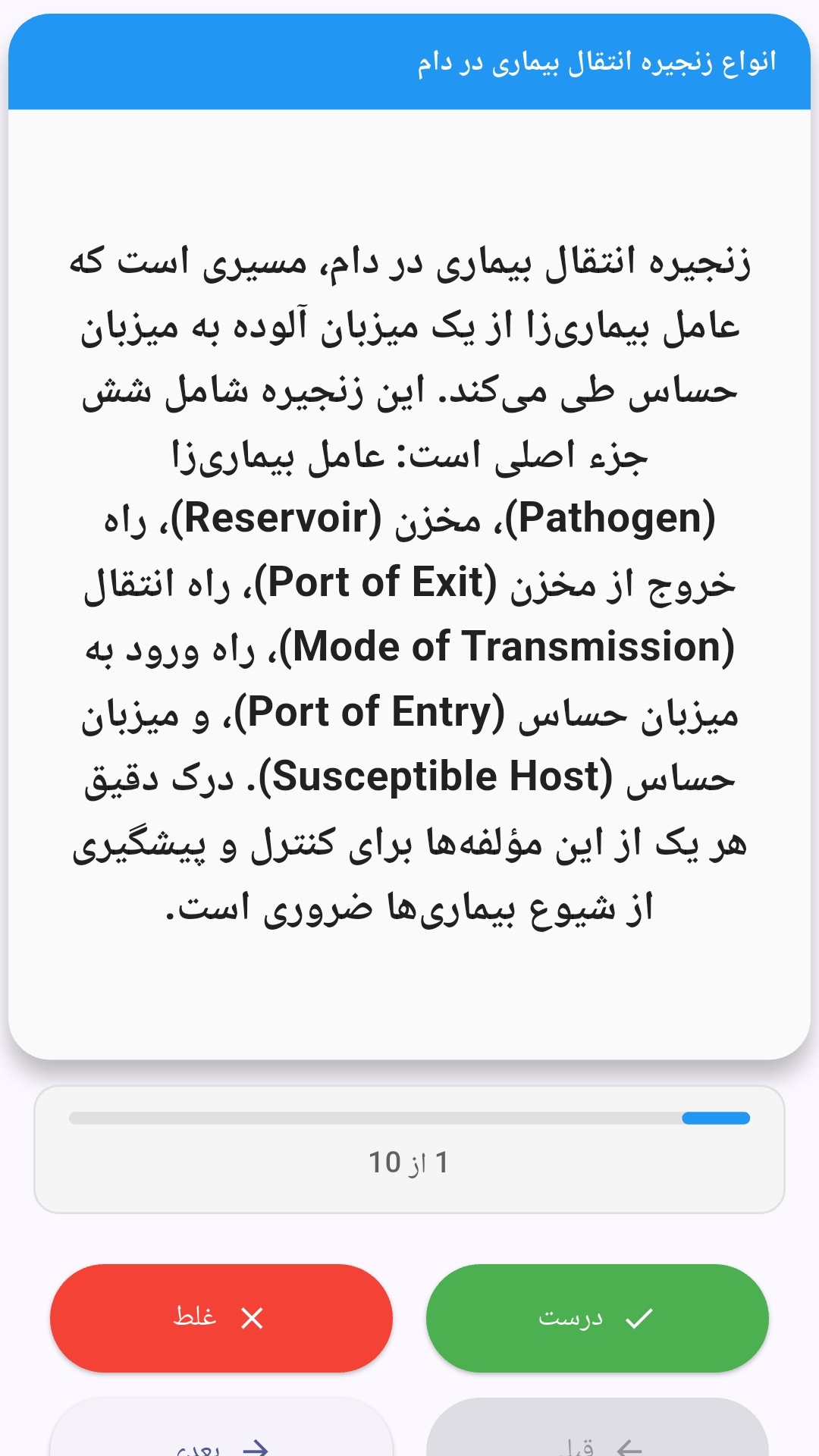
این اپلیکیشن فارسی برای یادگیری و مرور محتوای آموزشی از طریق فلشکارت طراحی شده است. کارتها را یکییکی مرور کنید، پاسخ پرسشها را به یاد بیاورید و نتیجه هر پاسخ را ثبت کنید. محتوای دوره پس از نصب درون برنامه در دسترس است تا برای مطالعه روزمره معمولاً به اتصال مداوم اینترنت نیاز نداشته باشید.
محتوای آموزشی در قالبهای متنوع ارائه میشود تا هم برای یادگیری مفاهیم جدید و هم برای تثبیت آموختهها قابل استفاده باشد.
- رابط کاربری فارسی و راستچین با فونت وزیر.
- تم روشن و تیره مطابق تنظیمات سیستم.
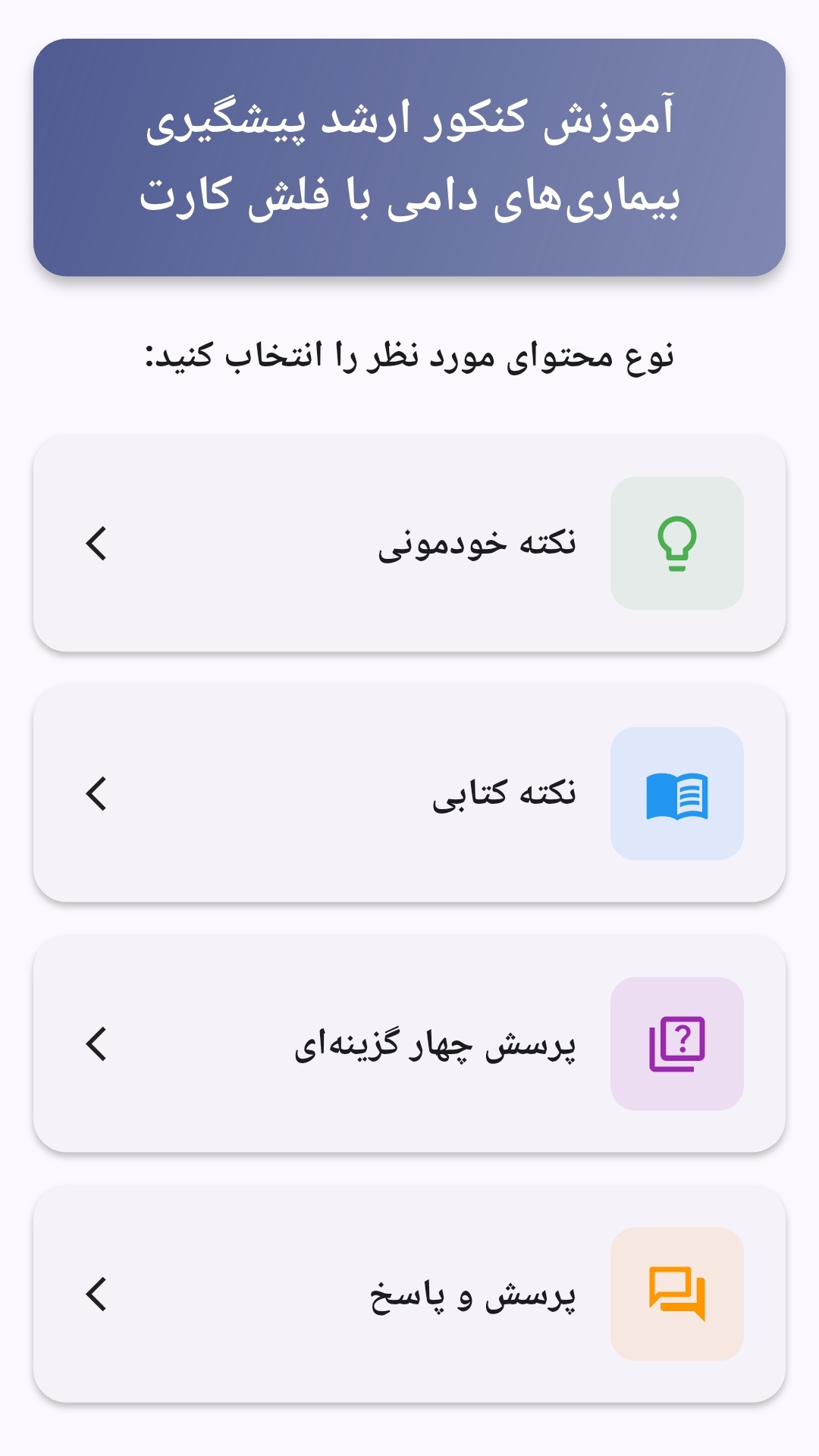
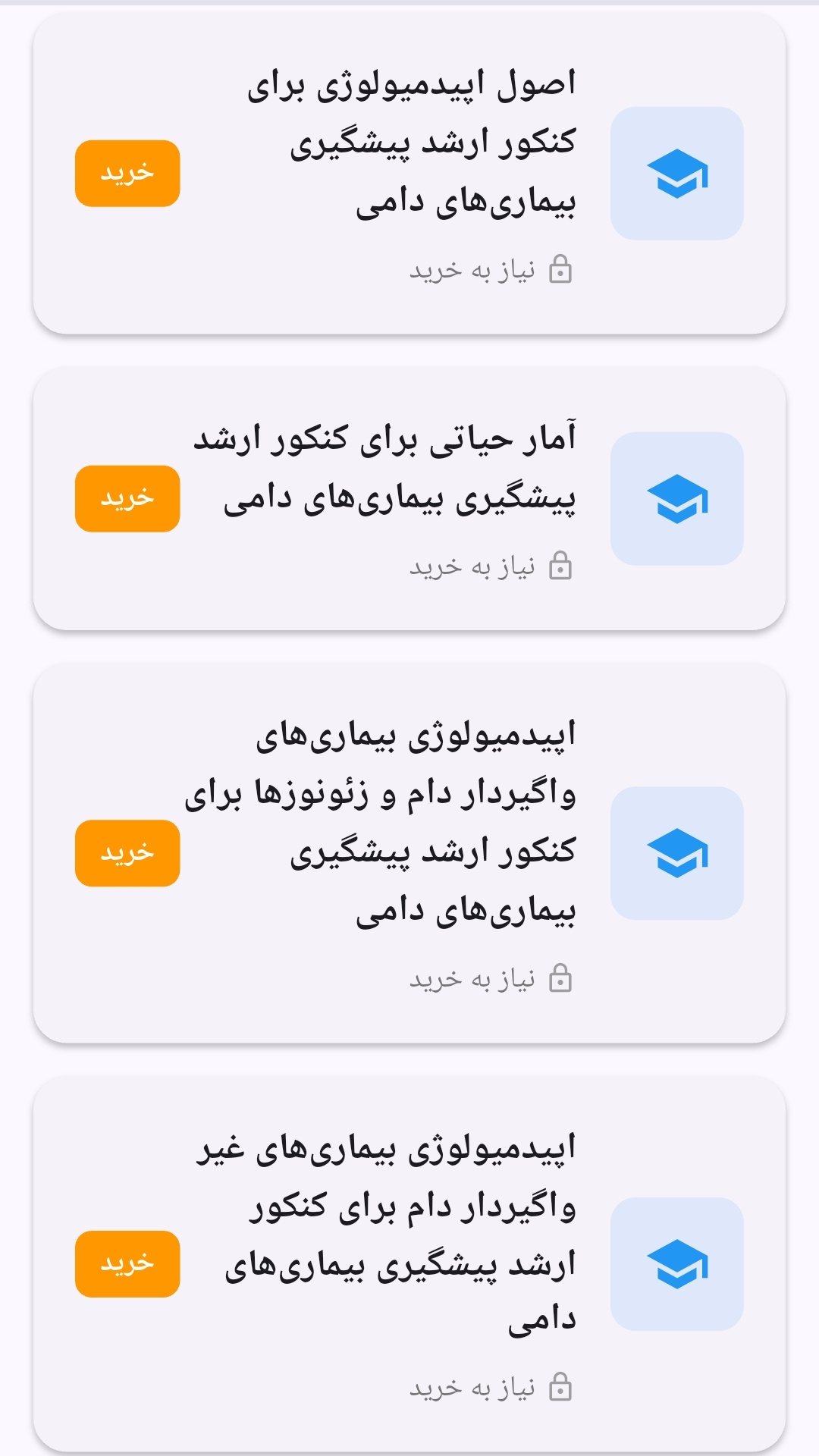
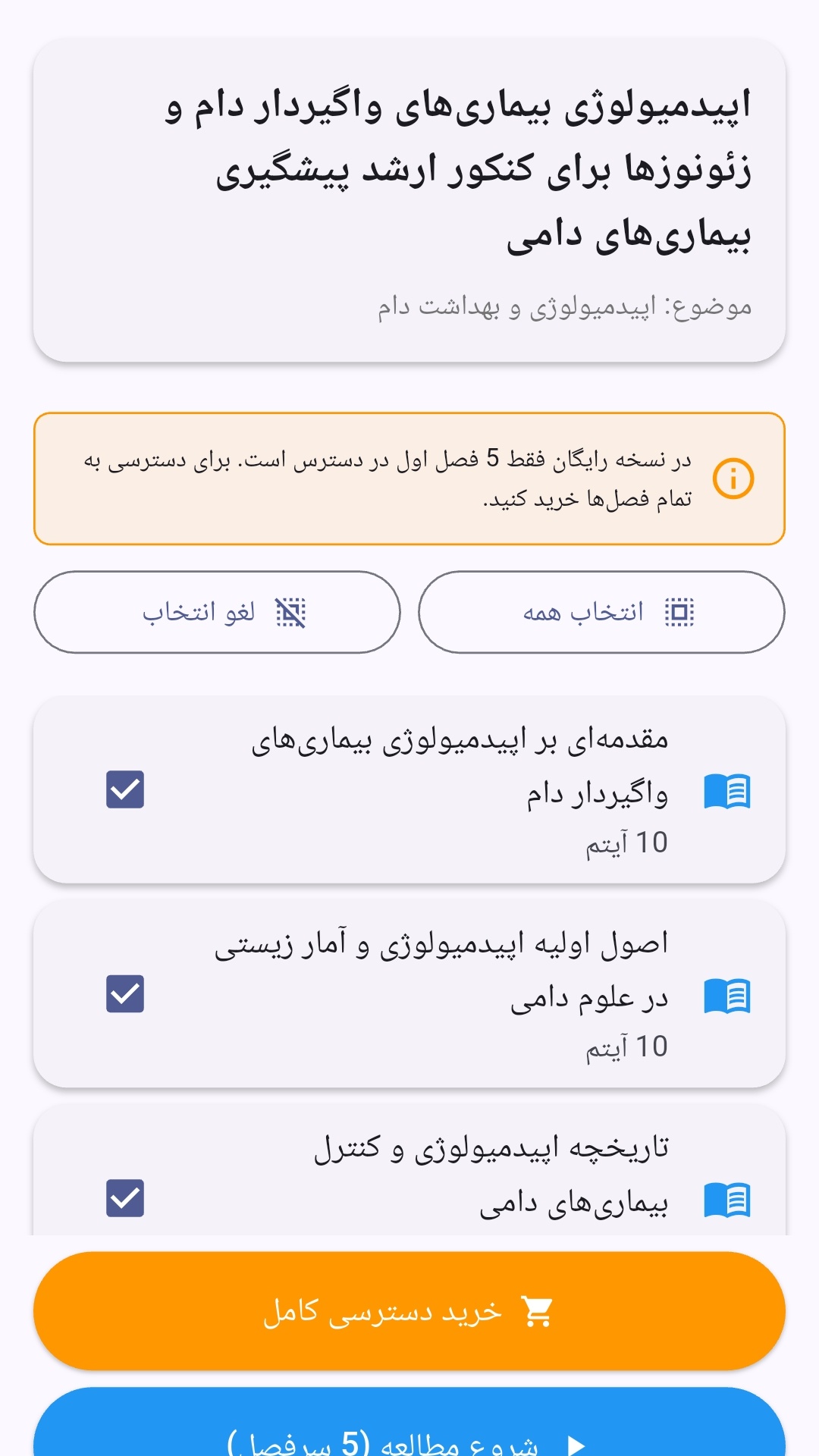
- صفحهبندی ساده برای انتخاب دوره و شروع مرور.
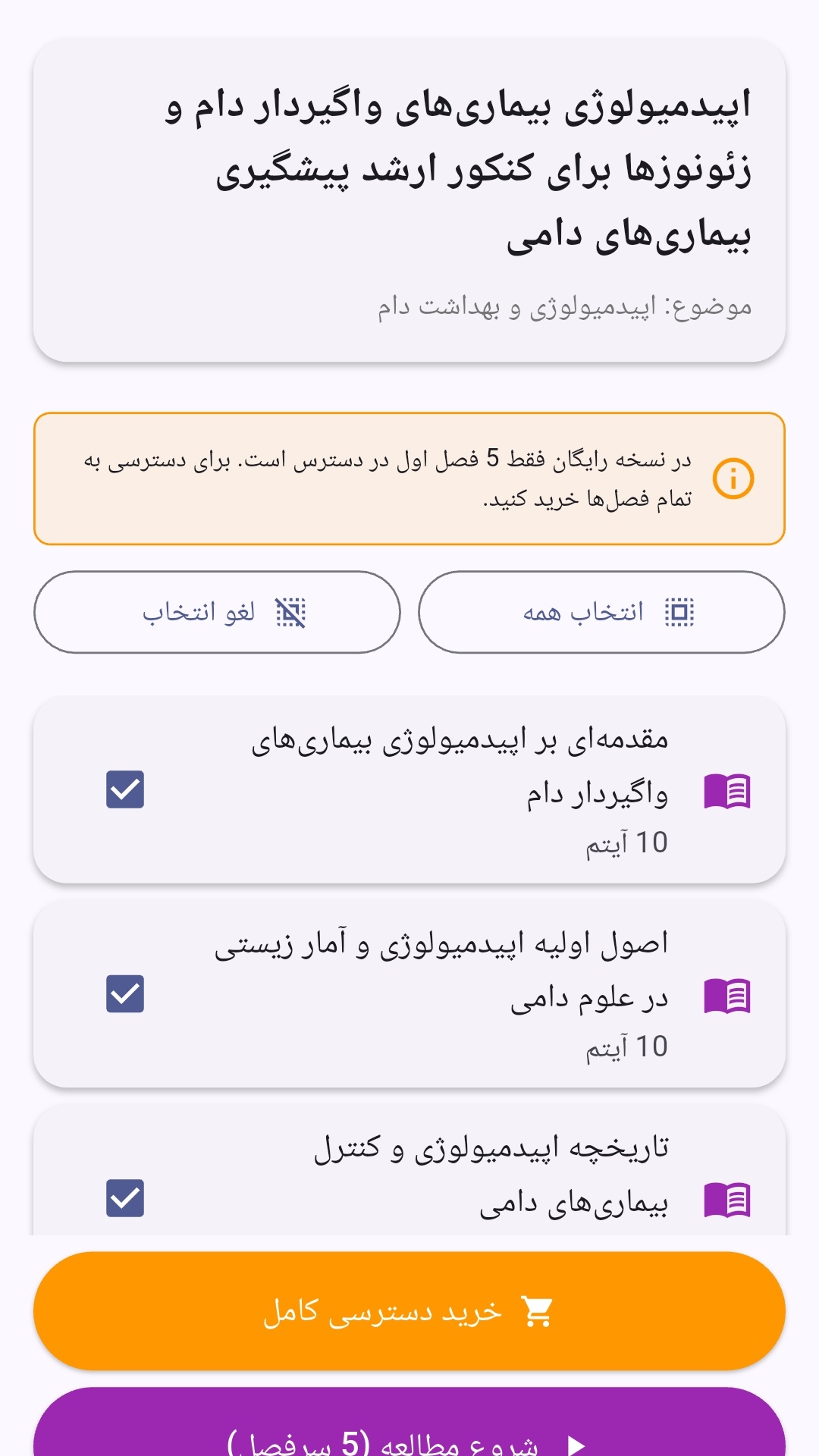
- نمایش تعداد دفعات مرور هر فصل.
- انتخاب چند فصل برای مرور همزمان.
- امکان تمرکز بر فصلهایی که هنوز مرور نشدهاند.
این اپلیکیشن برای دانشآموزان، دانشجویان، داوطلبان آزمونها و علاقهمندان به یادگیری طراحی شده است؛ بهویژه کسانی که میخواهند مطالب آموزشی را در زمانهای کوتاه مرور کنند، دانستههای خود را بسنجند و مطالعه منظمتری داشته باشند.
نظرات
هنوز نظری ثبت نشده است.
وارد شوید تا نظر ثبت کنید.