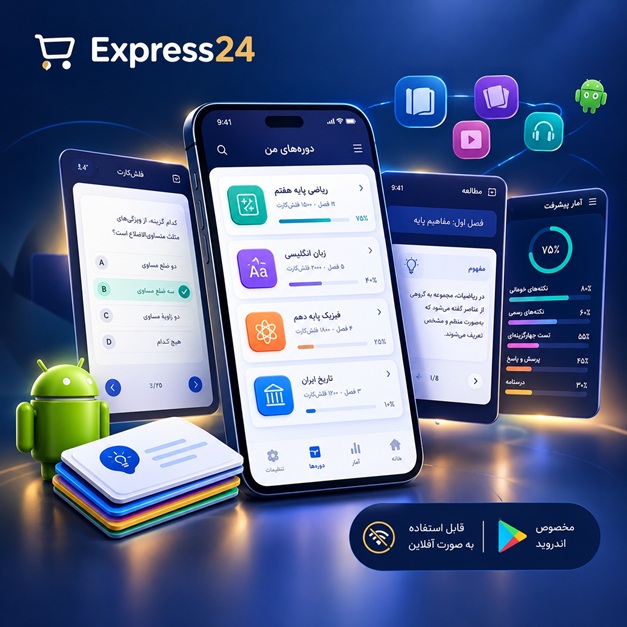
اپلیکیشن اندرویدی فلشکارت آموزشی CSS for Fleet Management System Providers
🎓 دوره آموزشی جامع
📚 اطلاعات دوره
عنوان دوره: دوره CSS for Fleet Management System Providers
موضوع کلی: برنامه نویسی
موضوع میانی: CSS
📋 سرفصلهای دوره
- 1. What is CSS and Why it's Crucial for FMS
- 2. Setting Up Your Development Environment for CSS
- 3. Basic HTML Structure for an FMS Dashboard
- 4. Introduction to CSS Syntax and Rules
- 5. Connecting CSS to HTML: Inline, Internal, External Styles
- 6. Understanding CSS Selectors: Type, Class, ID
- 7. Grouping and Chaining Selectors
- 8. Attribute Selectors for Specific FMS Data Elements
- 9. Pseudo-classes: Hover, Focus, Active for Interactive FMS Elements
- 10. Pseudo-elements: ::before and ::after for Visual Enhancements
- 11. The Cascade, Specificity, and Inheritance Explained
- 12. CSS Units: Pixels, Ems, Rems, Percentages in FMS Context
- 13. Relative vs. Absolute Units for Responsive FMS Layouts
- 14. Understanding CSS Colors: Names, Hex, RGB, HSL
- 15. Implementing FMS Branding with Custom Color Palettes
- 16. Styling Text: Font Families, Sizes, Weights for Readability
- 17. Line Height, Letter Spacing, and Text Alignment
- 18. Text Decoration and Transformation for FMS Labels
- 19. The Box Model: Content, Padding, Border, Margin
- 20. Box Sizing: content-box vs. border-box for Predictable Layouts
- 21. Display Property: block, inline, inline-block
- 22. Understanding the Normal Document Flow
- 23. Positioning Elements: Static, Relative, Absolute
- 24. Fixed and Sticky Positioning for FMS Headers/Footers
- 25. Using Z-index for Layering FMS UI Components
- 26. Introduction to Flexbox: The Flexible Box Layout Module
- 27. Flex Container Properties: display, flex-direction, flex-wrap
- 28. Justifying and Aligning Flex Items: justify-content, align-items, align-content
- 29. Flex Item Properties: flex-grow, flex-shrink, flex-basis, order
- 30. Building Responsive Navigation Bars with Flexbox for FMS
- 31. Creating Card-Based Layouts with Flexbox for Vehicle Status
- 32. Introduction to CSS Grid Layout
- 33. Defining Grid Containers and Items
- 34. Grid Template Columns and Rows for Complex Dashboards
- 35. Spanning Grid Items Across Columns and Rows
- 36. Naming Grid Lines and Areas for Clarity
- 37. Justifying and Aligning Grid Items within Cells
- 38. Grid Auto-Flow and Implicit Grids
- 39. Combining Flexbox and Grid for Advanced FMS Layouts
- 40. Responsive Design Principles for FMS Applications
- 41. Viewport Meta Tag Configuration
- 42. Introduction to Media Queries for Device Adaptation
- 43. Common Breakpoints for FMS Desktop, Tablet, and Mobile Views
- 44. Mobile-First vs. Desktop-First Approaches
- 45. Implementing Responsive Images and Media in FMS
- 46. Designing Responsive Data Tables for Vehicle Logs
- 47. Styling Buttons for FMS Actions (Track, Assign, Alert)
- 48. Creating Themed Call-to-Action Buttons
- 49. Styling Input Fields and Textareas for Data Entry Forms
- 50. Customizing Checkboxes and Radio Buttons for FMS Options
- 51. Styling Dropdowns and Select Menus for Vehicle Types
- 52. Creating Accessible Forms for FMS Operators
- 53. Enhancing Readability of Data Tables in FMS
- 54. Striped Rows and Hover Effects for Data Tables
- 55. Fixed Headers for Scrollable FMS Data Tables
- 56. Styling Navigation Menus: Sidebars and Top Bars
- 57. Active State Styling for Current FMS Section
- 58. Creating Information Cards for Vehicle Status or Driver Profiles
- 59. Styling Dashboards Widgets for Key Performance Indicators (KPIs)
- 60. Customizing Map Markers and Overlays for Vehicle Locations
- 61. Styling Popup Info Windows on Maps
- 62. Visualizing Data: Styling Charts and Graphs in FMS (overview)
- 63. Implementing Progress Bars for Load Status or Task Completion
- 64. Designing Notification Badges and Alerts
- 65. Creating Modal Dialogs for FMS Confirmations or Inputs
- 66. Styling Tooltips for Interactive FMS Elements
- 67. Introduction to CSS Transitions for Smooth UI Changes
- 68. Transition Properties: property, duration, timing-function, delay
- 69. Animating FMS Elements with CSS Transforms (translate, scale, rotate)
- 70. Creating Keyframe Animations for Dynamic Alerts or Loaders
- 71. Animating SVG Icons for FMS (e.g., vehicle icons)
- 72. Implementing Dark Mode for FMS Interfaces
- 73. User Preference Media Queries (@media (prefers-color-scheme))
- 74. Designing for High Contrast Modes
- 75. Introduction to CSS Preprocessors (Sass/SCSS)
- 76. Variables and Nesting in Sass for FMS Theming
- 77. Mixins and Functions for Reusable CSS Patterns
- 78. Organizing Stylesheets with Partials and Imports
- 79. BEM Methodology for Scalable and Maintainable CSS (Block, Element, Modifier)
- 80. SMACSS for Structuring Large FMS CSS Projects
- 81. CSS Modules and Styled Components (Brief Overview for FMS)
- 82. Writing Semantic HTML and Accessible CSS
- 83. WCAG Guidelines and FMS Accessibility Requirements
- 84. Color Contrast Ratios for FMS User Interfaces
- 85. Focus Management and Keyboard Navigation Styling
- 86. Using ARIA Attributes with CSS for Enhanced Accessibility
- 87. Performance Considerations for CSS in FMS
- 88. Optimizing CSS Delivery: Minification and Compression
- 89. Critical CSS for Faster Initial Load Times
- 90. Avoiding Layout Thrashing and Reflows/Repaints
- 91. CSS Best Practices for Large-Scale FMS Applications
- 92. Debugging CSS in Browser Developer Tools
- 93. Cross-Browser Compatibility for FMS Web Apps
- 94. Vendor Prefixes and Autoprefixer
- 95. Implementing Theming and Branding for Multiple FMS Clients
- 96. Using CSS Custom Properties (Variables) for Dynamic Theming
- 97. Integrating CSS with JavaScript Frameworks (React, Angular, Vue) - High Level
- 98. Visual Regression Testing for FMS UI Consistency
- 99. Future Trends in CSS for Web Applications and FMS
- 100. Best Practices for Maintaining a Robust FMS Design System
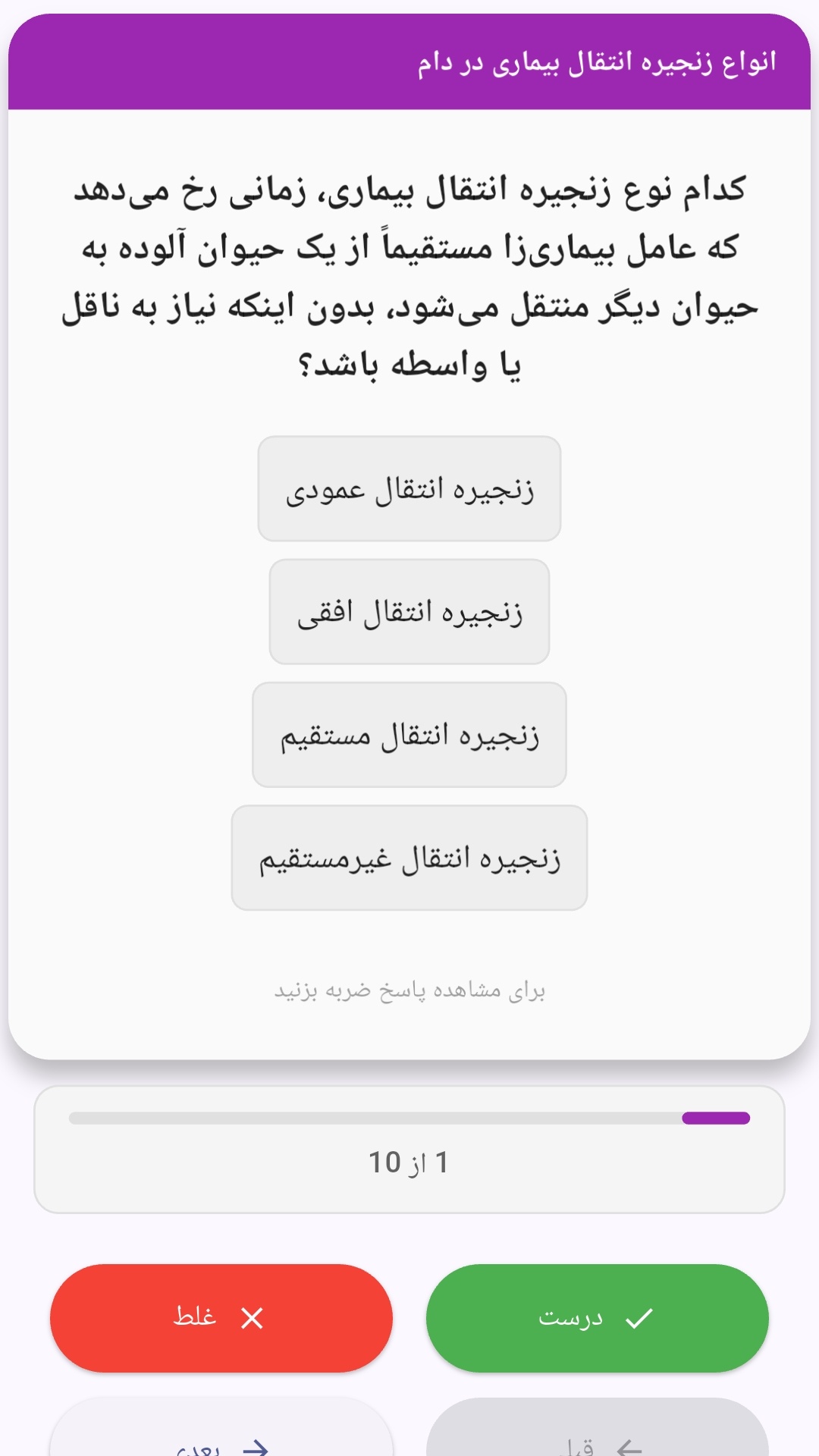
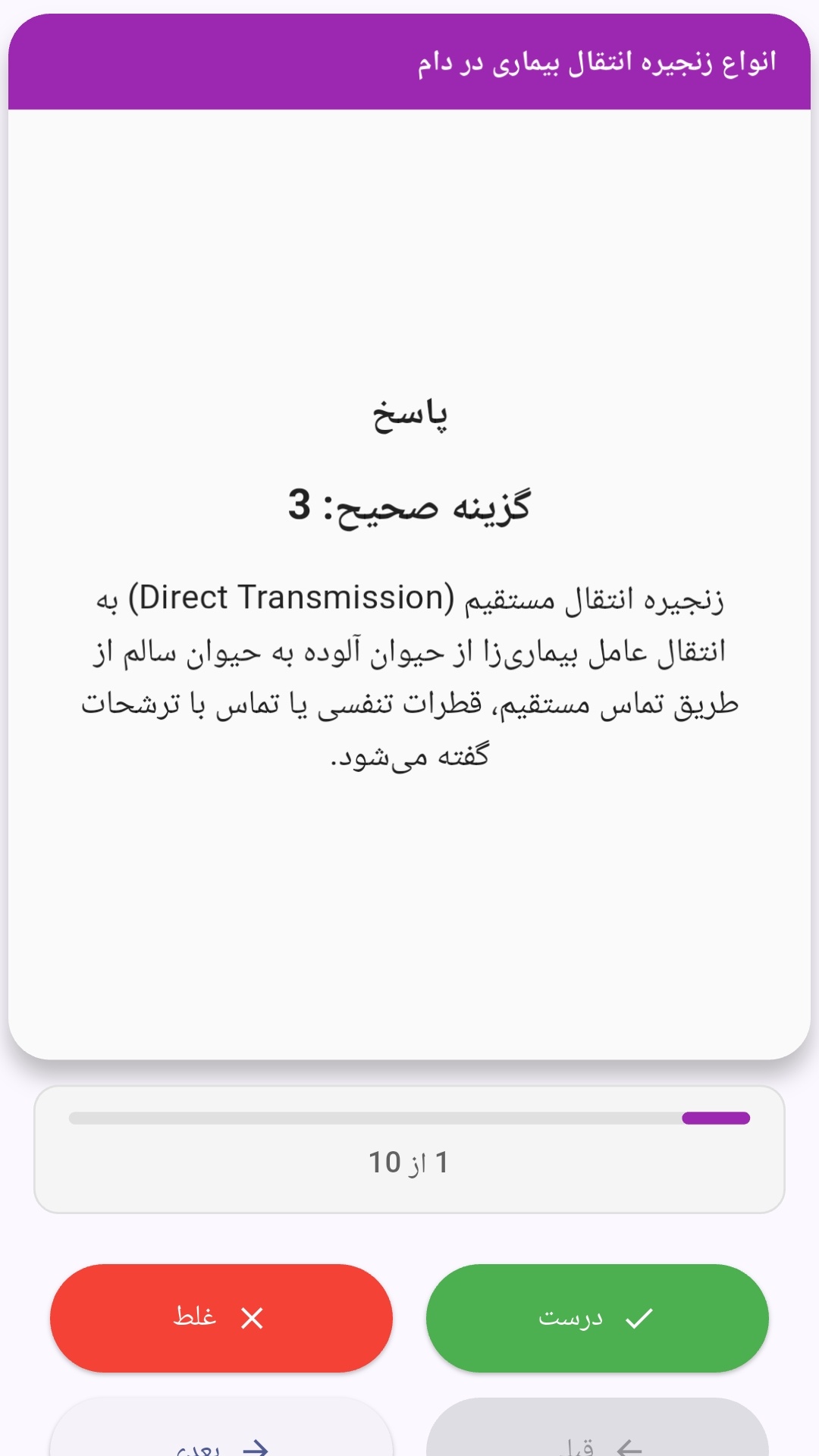
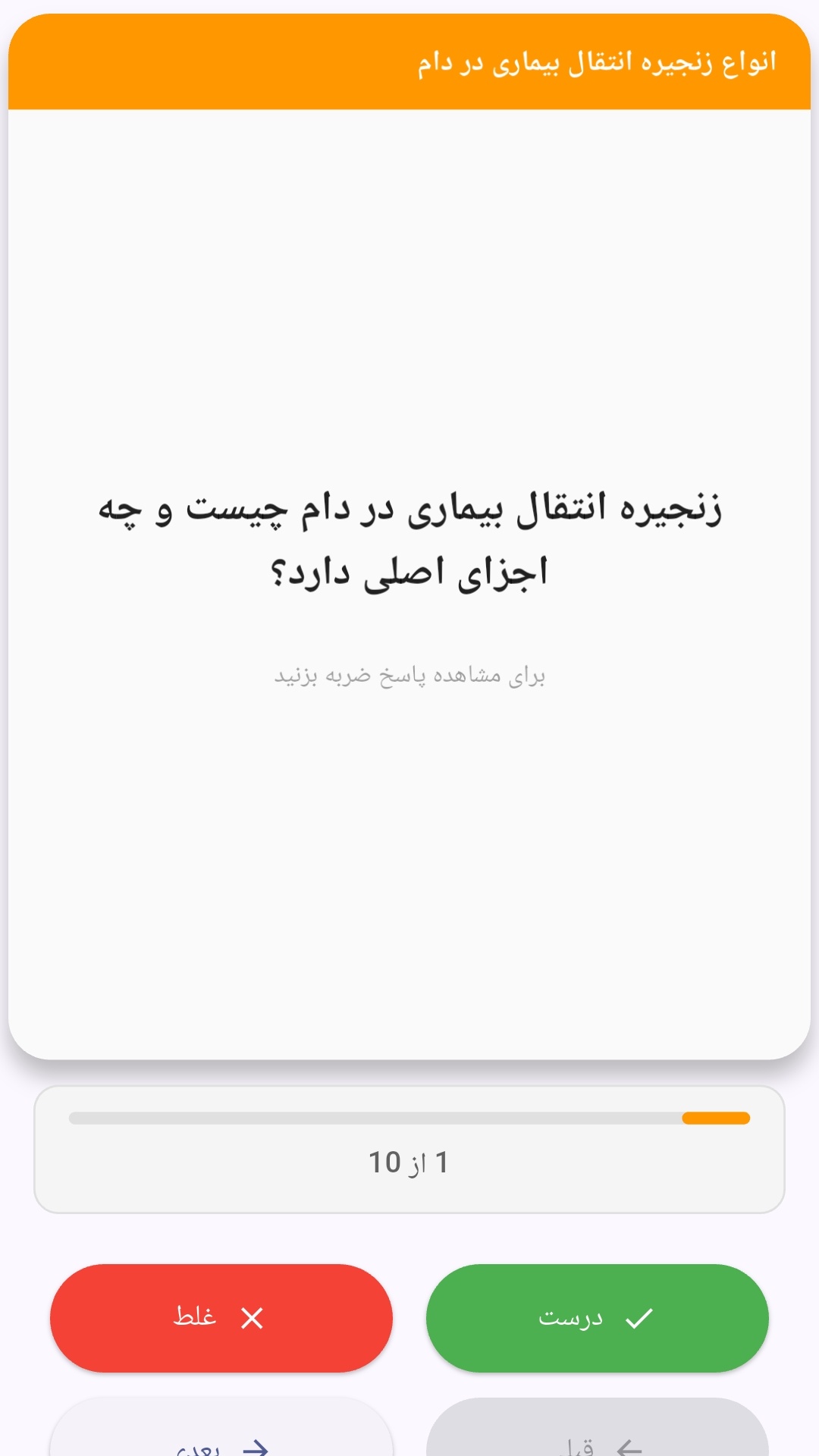
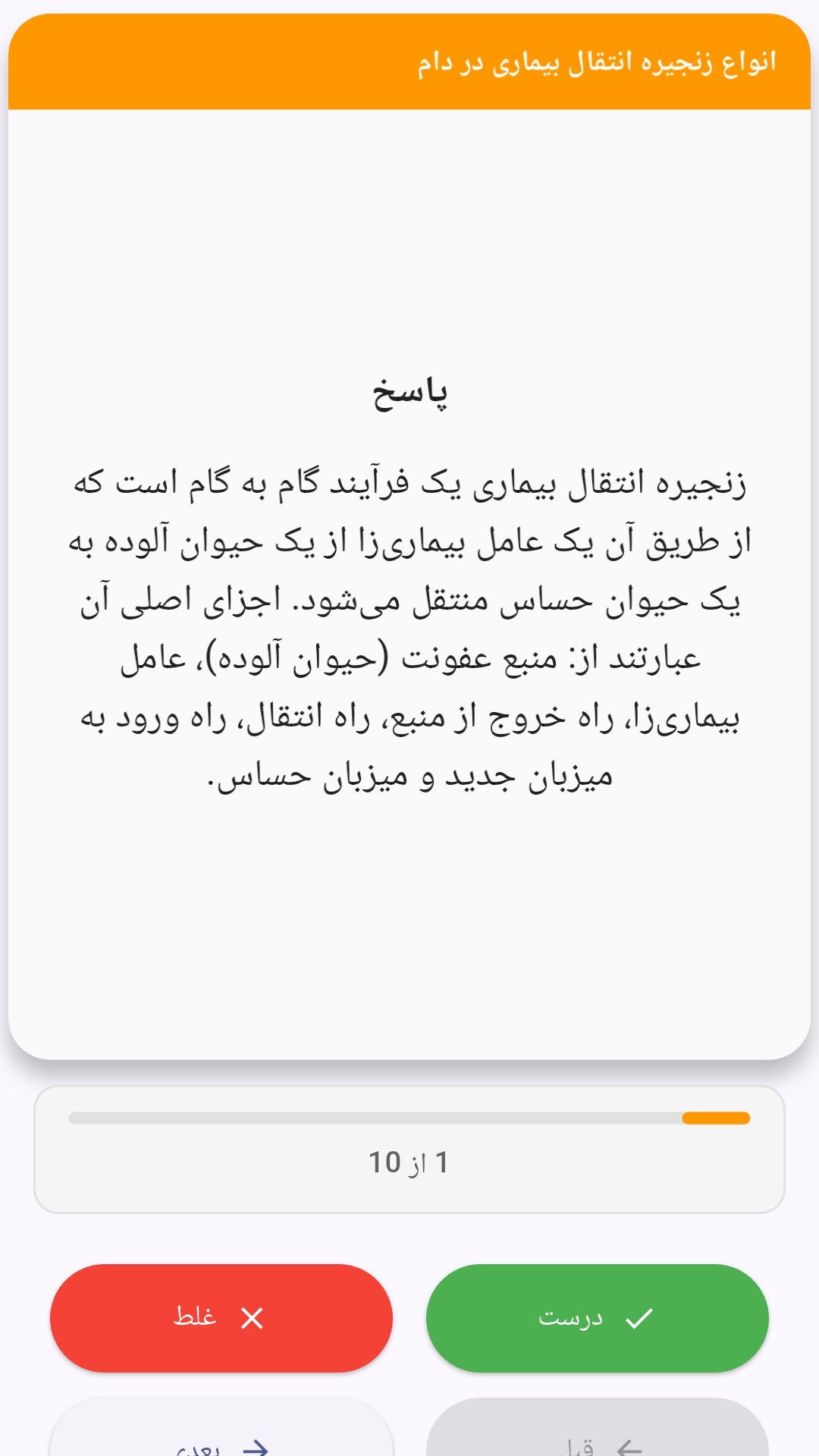
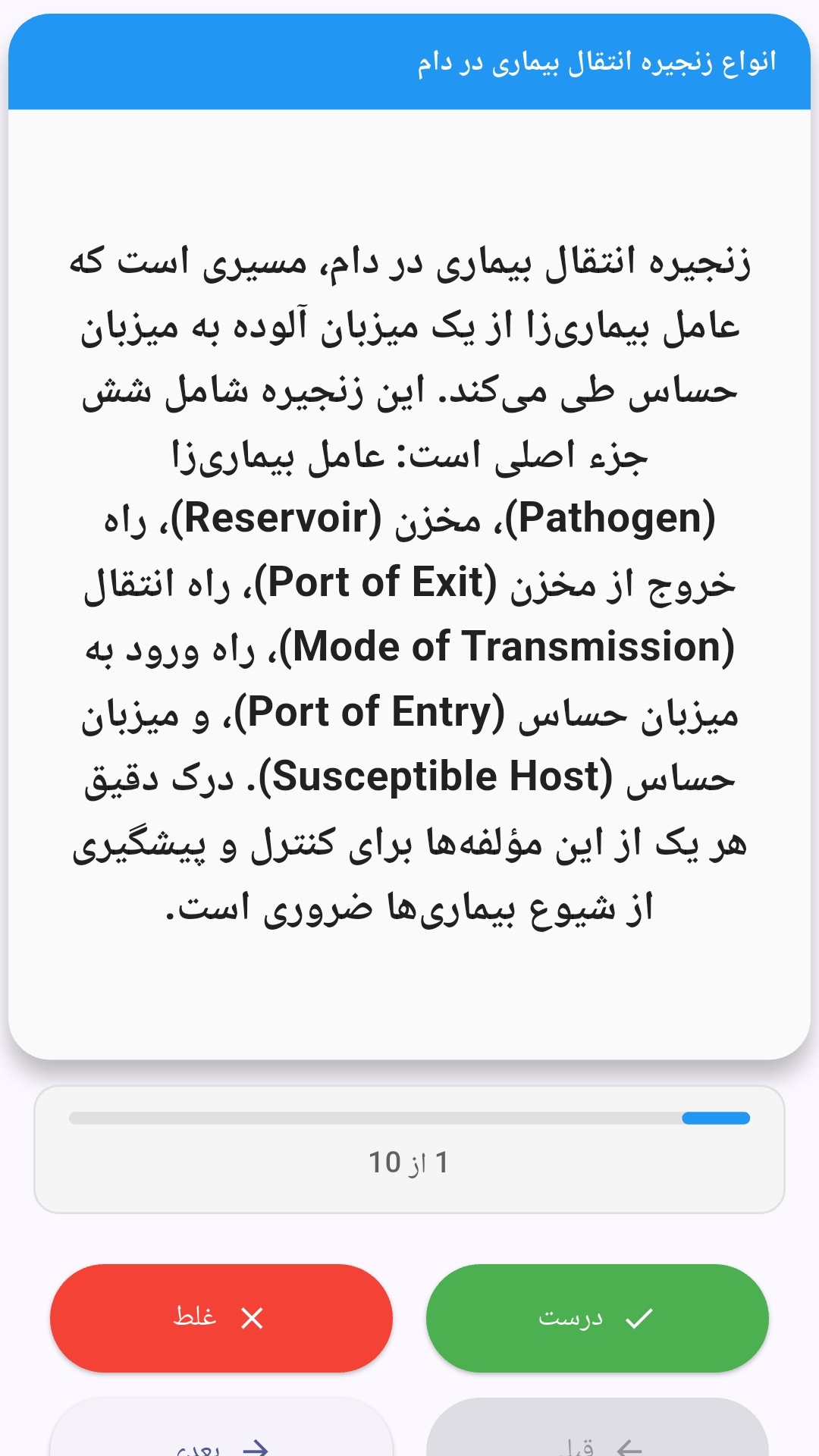
این اپلیکیشن فارسی برای یادگیری و مرور محتوای آموزشی از طریق فلشکارت طراحی شده است. کارتها را یکییکی مرور کنید، پاسخ پرسشها را به یاد بیاورید و نتیجه هر پاسخ را ثبت کنید. محتوای دوره پس از نصب درون برنامه در دسترس است تا برای مطالعه روزمره معمولاً به اتصال مداوم اینترنت نیاز نداشته باشید.
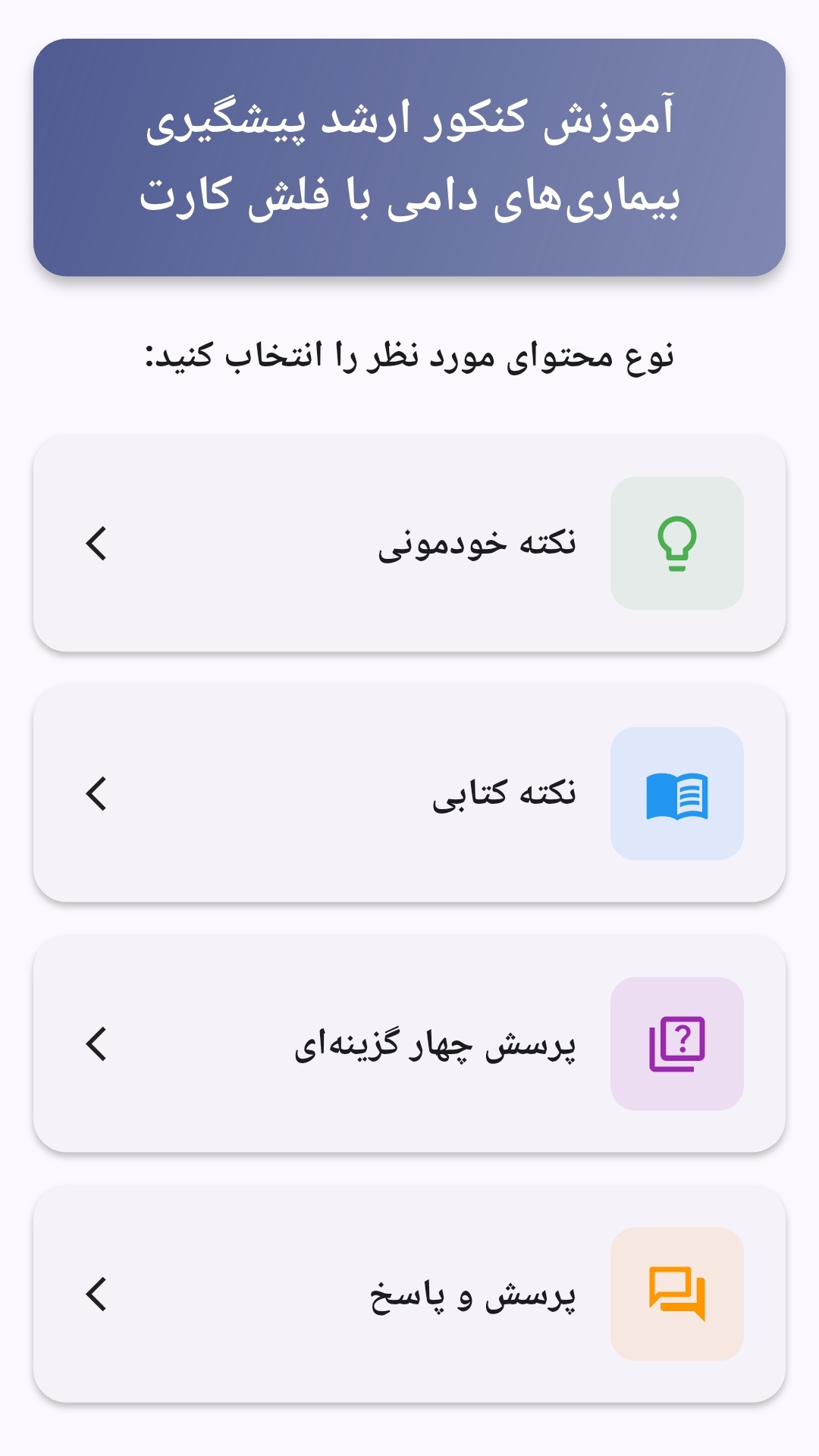
محتوای آموزشی در قالبهای متنوع ارائه میشود تا هم برای یادگیری مفاهیم جدید و هم برای تثبیت آموختهها قابل استفاده باشد.
- رابط کاربری فارسی و راستچین با فونت وزیر.
- تم روشن و تیره مطابق تنظیمات سیستم.
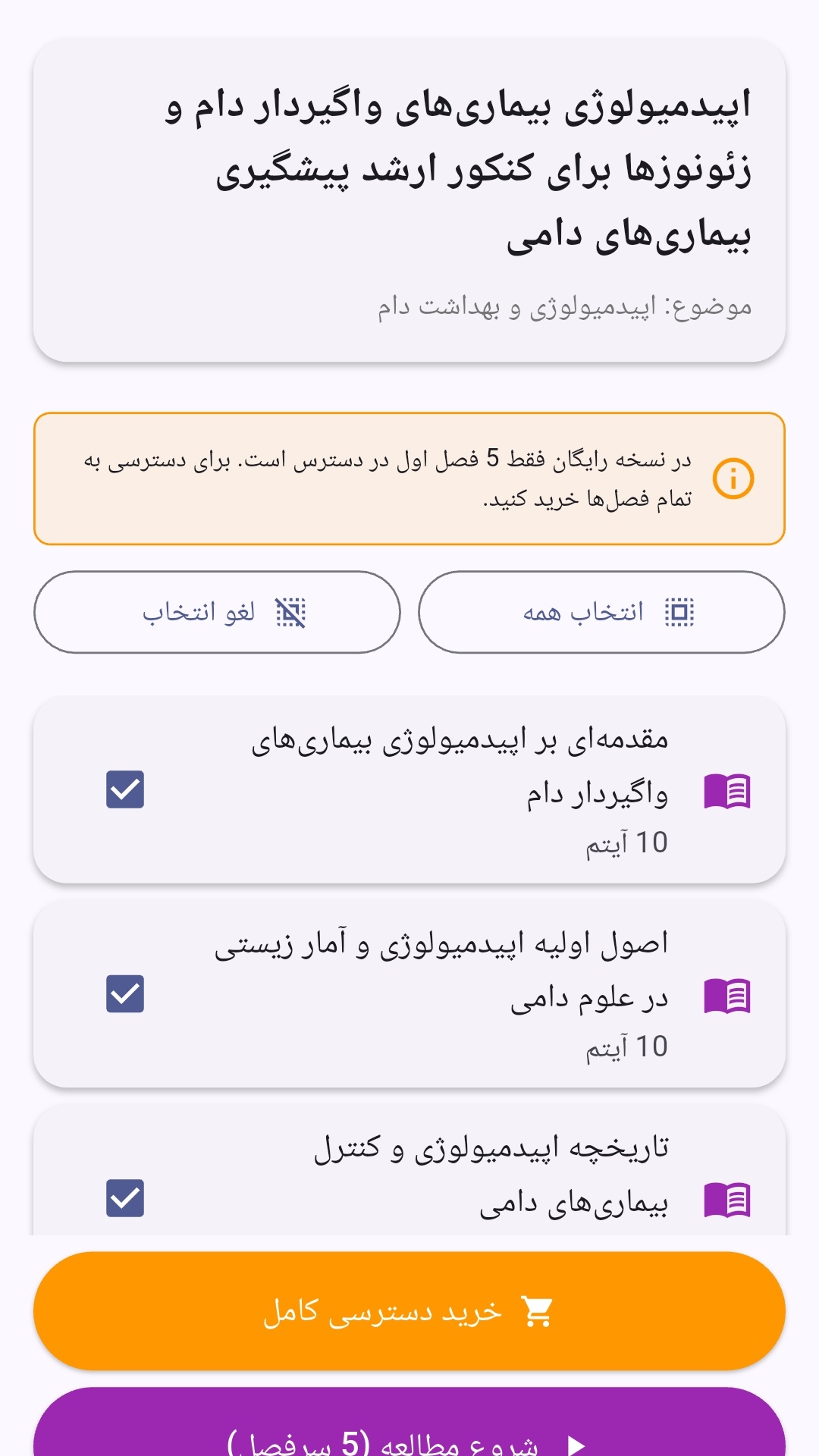
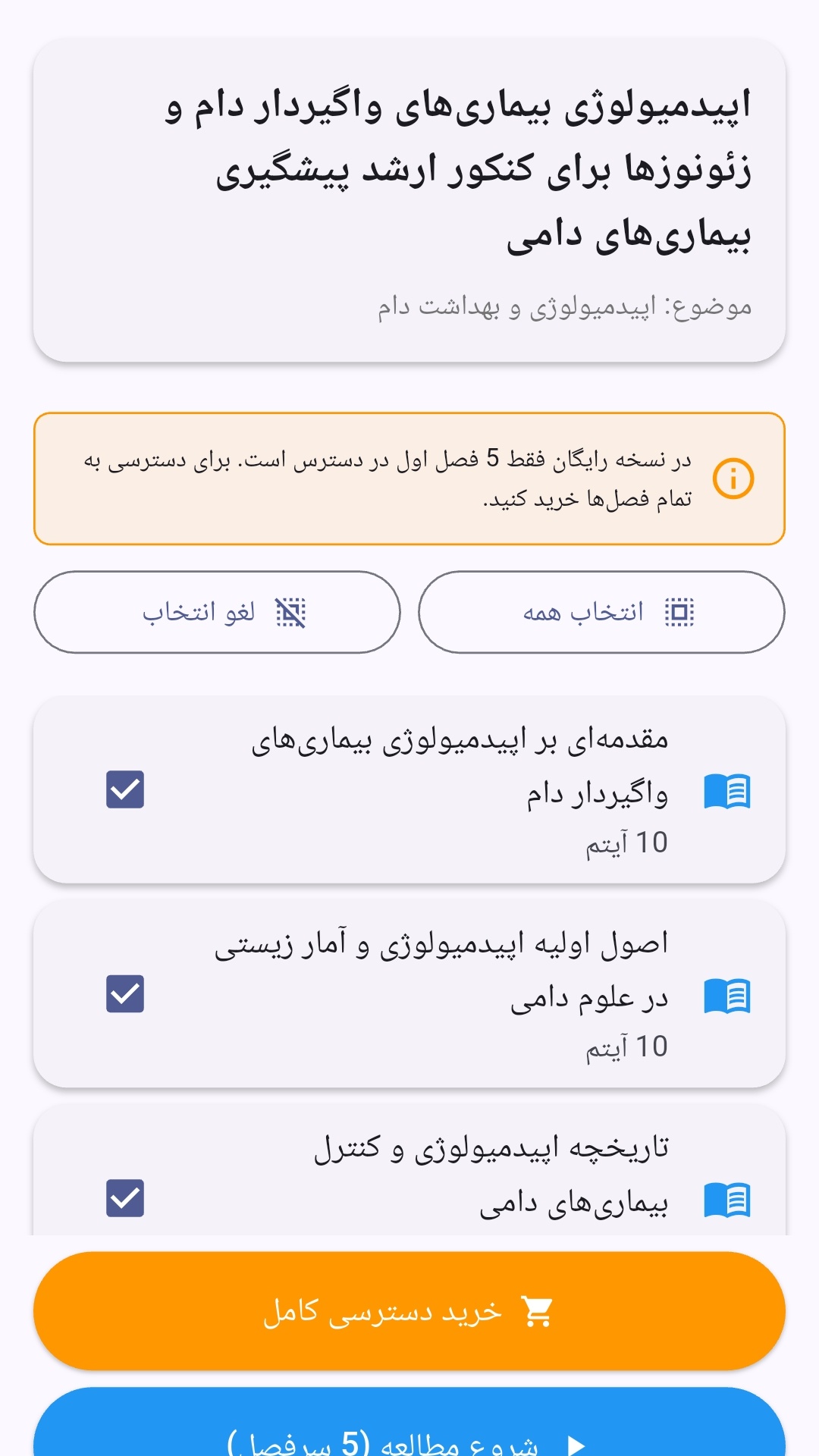
- صفحهبندی ساده برای انتخاب دوره و شروع مرور.
- نمایش تعداد دفعات مرور هر فصل.
- انتخاب چند فصل برای مرور همزمان.
- امکان تمرکز بر فصلهایی که هنوز مرور نشدهاند.
این اپلیکیشن برای دانشآموزان، دانشجویان، داوطلبان آزمونها و علاقهمندان به یادگیری طراحی شده است؛ بهویژه کسانی که میخواهند مطالب آموزشی را در زمانهای کوتاه مرور کنند، دانستههای خود را بسنجند و مطالعه منظمتری داشته باشند.
نظرات
هنوز نظری ثبت نشده است.
وارد شوید تا نظر ثبت کنید.