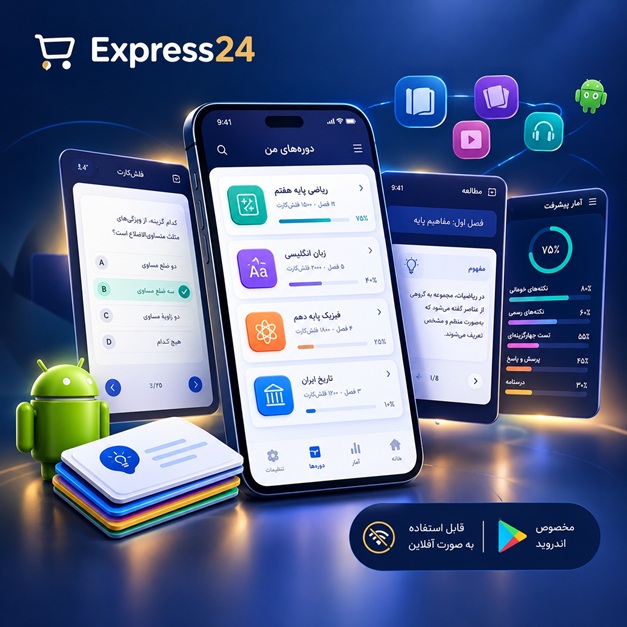
اپلیکیشن اندرویدی فلشکارت آموزشی کار با WPF Animation Effects and Advanced Rendering in WPF for Enterprise
🎓 دوره آموزشی جامع
📚 اطلاعات دوره
عنوان دوره: دوره کار با WPF Animation Effects and Advanced Rendering in WPF for Enterprise
موضوع کلی: برنامه نویسی
موضوع میانی: WPF (Windows Presentation Foundation)
📋 سرفصلهای دوره
- 1. مبانی XAML
- 2. ساختار پروژه WPF
- 3. انواع کنترلهای پایه WPF
- 4. Layout Panels (StackPanel, Grid, Canvas, DockPanel)
- 5. عملیات رویداد (Event Handling)
- 6. Data Binding basics
- 7. Dependency Properties
- 8. Attached Properties
- 9. Styles and Templates
- 10. Resources (Static, Dynamic)
- 11. UserControls
- 12. Custom Controls
- 13. Control Templating
- 14. Data Triggers
- 15. Property Triggers
- 16. Event Triggers
- 17. Visual States
- 18. Introduction to WPF Animation
- 19. Types of Animation (Timeline, AnimationBase)
- 20. DoubleAnimation
- 21. PointAnimation
- 22. ColorAnimation
- 23. ObjectAnimation
- 24. Storyboard
- 25. Animation Properties (BeginTime, Duration, RepeatBehavior, AutoReverse)
- 26. Easing Functions
- 27. KeyFrames Animation (Discrete, Linear, Spline)
- 28. Per-Property Animation
- 29. Parallel Animations
- 30. Sequential Animations
- 31. Animation Composition
- 32. Animation Chaining
- 33. Animation Sequencing with Storyboards
- 34. Animation Grouping
- 35. Controlling Animation Playback (Begin, Stop, Pause, Resume)
- 36. Animation Events (Completed, Began, Stopped)
- 37. Animation in Code-Behind
- 38. Animation in XAML
- 39. Animation on UI Elements
- 40. Animation on Properties
- 41. Animation on Transformations (Translate, Rotate, Scale)
- 42. Introduction to WPF Rendering Pipeline
- 43. Visual Tree vs. Logical Tree
- 44. UIElement Rendering
- 45. DrawingContext
- 46. Geometry objects (Line, Rectangle, Ellipse, Path)
- 47. Path Markup Syntax
- 48. Strokes and Fills
- 49. Brushes (SolidColorBrush, LinearGradientBrush, RadialGradientBrush, ImageBrush)
- 50. Transformations (TranslateTransform, RotateTransform, ScaleTransform, SkewTransform)
- 51. Composite Transforms
- 52. VisualBrush for advanced effects
- 53. Drawing Visuals
- 54. Bitmap Effects (BlurEffect, DropShadowEffect, EmbossEffect, GlowBitmapEffect)
- 55. ShaderEffect basics
- 56. Pixel Shaders (HLSL)
- 57. Vertex Shaders (HLSL)
- 58. Custom Rendering with Direct3D
- 59. D3DImage for integrating DirectX
- 60. Interoperability with Win32 GDI+
- 61. High-DPI support in WPF
- 62. Vector Graphics and Scalability
- 63. Resolution Independence
- 64. Custom Graphics Drawing
- 65. Complex Path Geometries
- 66. Path Animation
- 67. Advanced Brushes
- 68. Gradient Stops and Properties
- 69. Visual State Manager for complex UIs
- 70. Control States and Styling
- 71. Data Binding to Complex Objects
- 72. Custom Data Converters
- 73. Validation Rules in Data Binding
- 74. Custom Property Value Inheritance
- 75. Advanced Resource Management
- 76. Dynamic Resource Loading
- 77. Localization and Internationalization
- 78. Accessibility in WPF
- 79. Performance Optimization for Rendering
- 80. UI Virtualization
- 81. Memory Management in WPF
- 82. Thread Safety in WPF Applications
- 83. Background Worker for long-running operations
- 84. Task Parallel Library (TPL) in WPF
- 85. Asynchronous Operations
- 86. Error Handling and Exception Management
- 87. Deployment Strategies for WPF Applications
- 88. Publishing WPF Applications
- 89. ClickOnce Deployment
- 90. MSI Package Creation
- 91. WPF Architecture Overview
- 92. Model-View-ViewModel (MVVM) Pattern
- 93. MVVM Implementations
- 94. Dependency Injection in WPF
- 95. Unit Testing WPF Applications
- 96. Integration Testing WPF Applications
- 97. Security Considerations in WPF
- 98. Custom Layout Panels
- 99. Custom Control Templating for advanced scenarios
- 100. Advanced Data Binding Scenarios
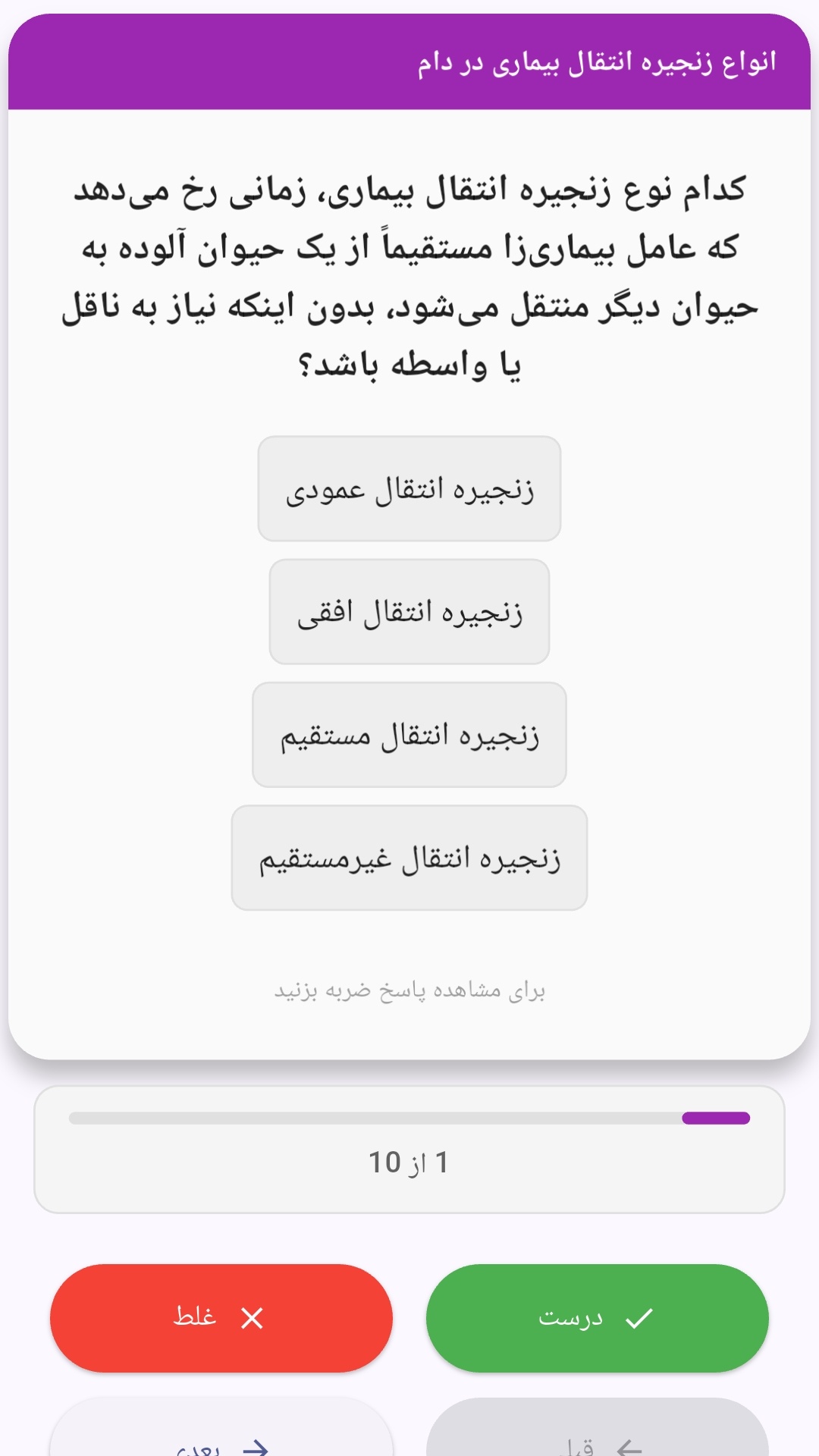
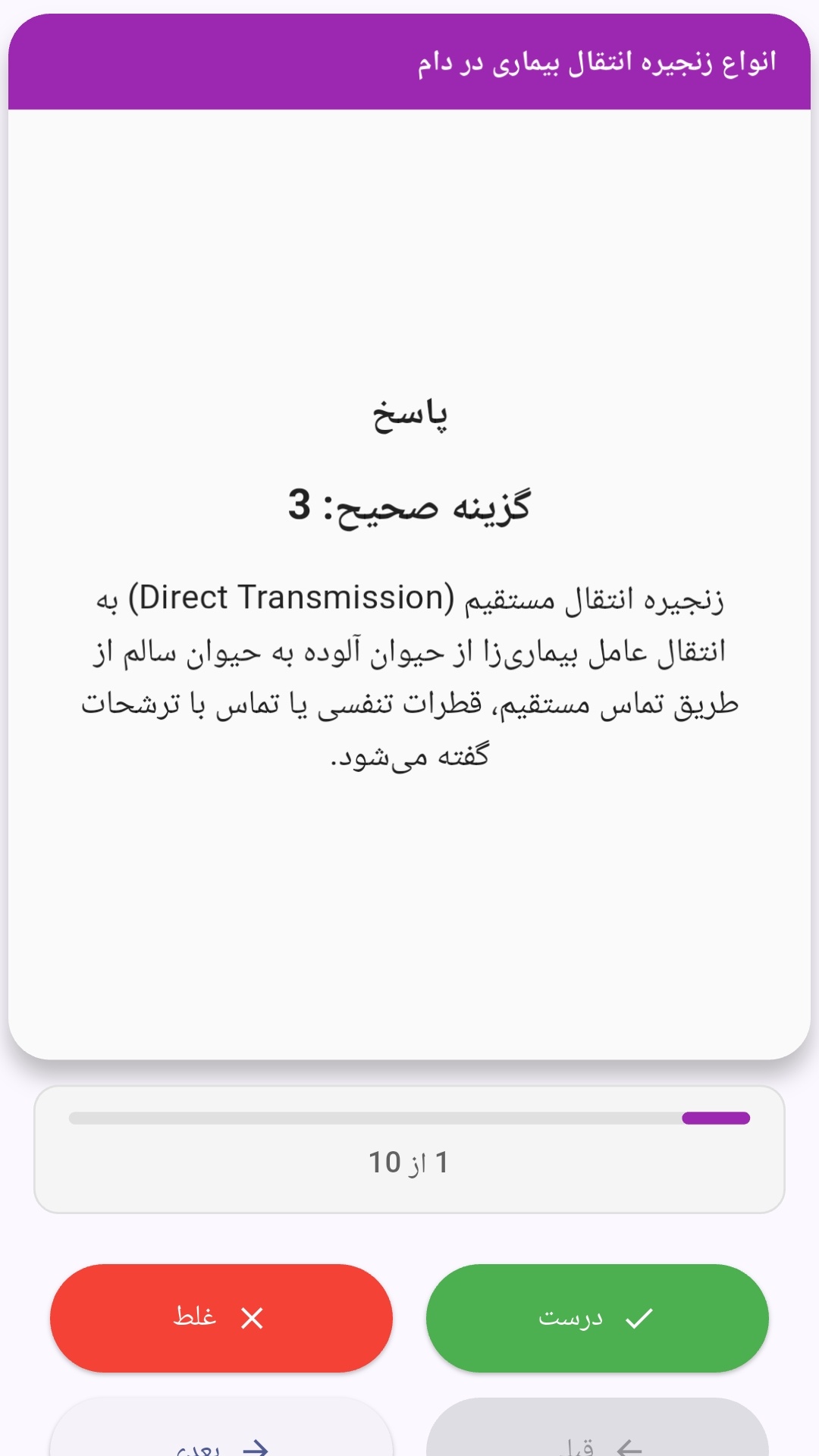
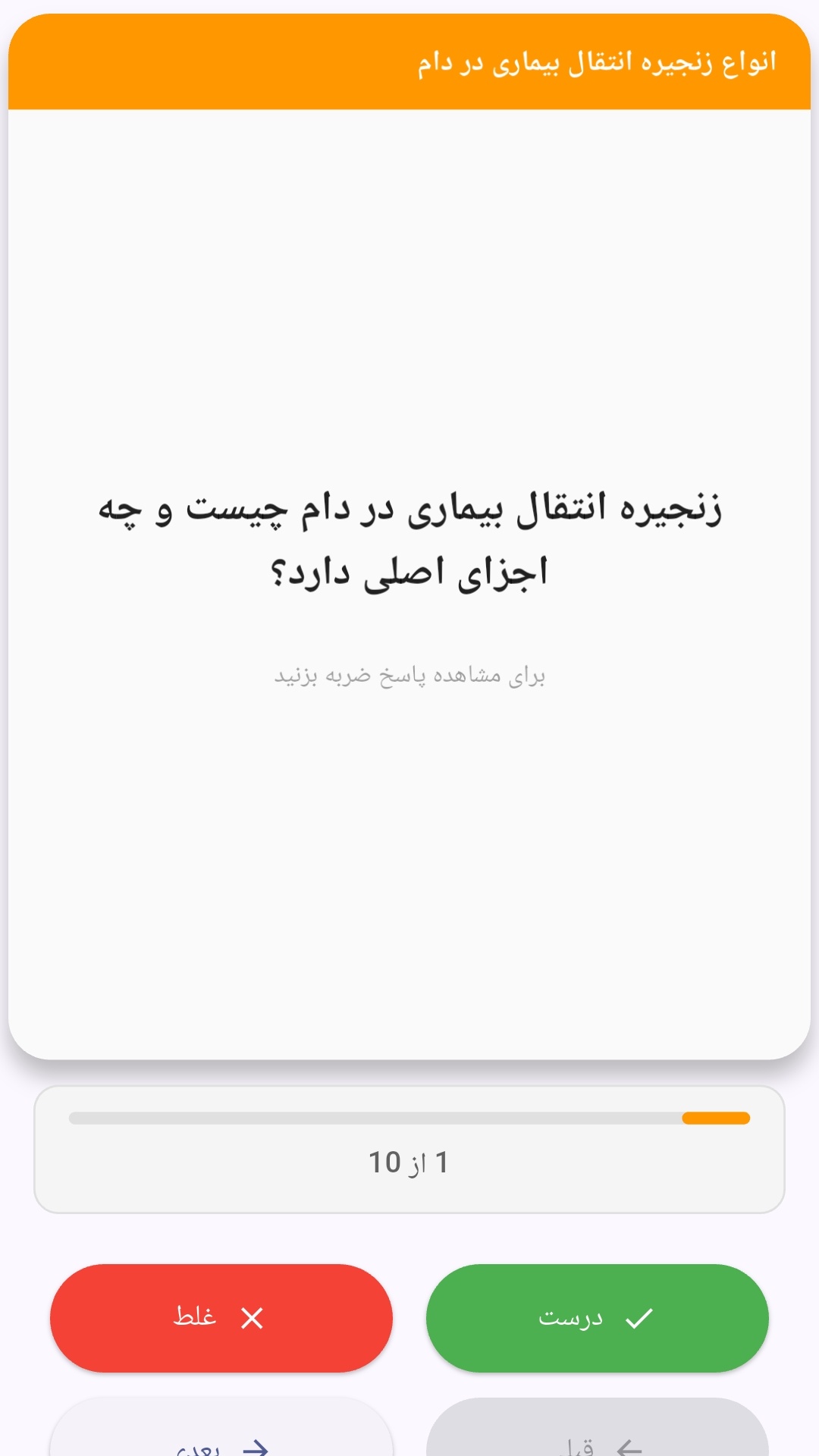
این اپلیکیشن فارسی برای یادگیری و مرور محتوای آموزشی از طریق فلشکارت طراحی شده است. کارتها را یکییکی مرور کنید، پاسخ پرسشها را به یاد بیاورید و نتیجه هر پاسخ را ثبت کنید. محتوای دوره پس از نصب درون برنامه در دسترس است تا برای مطالعه روزمره معمولاً به اتصال مداوم اینترنت نیاز نداشته باشید.
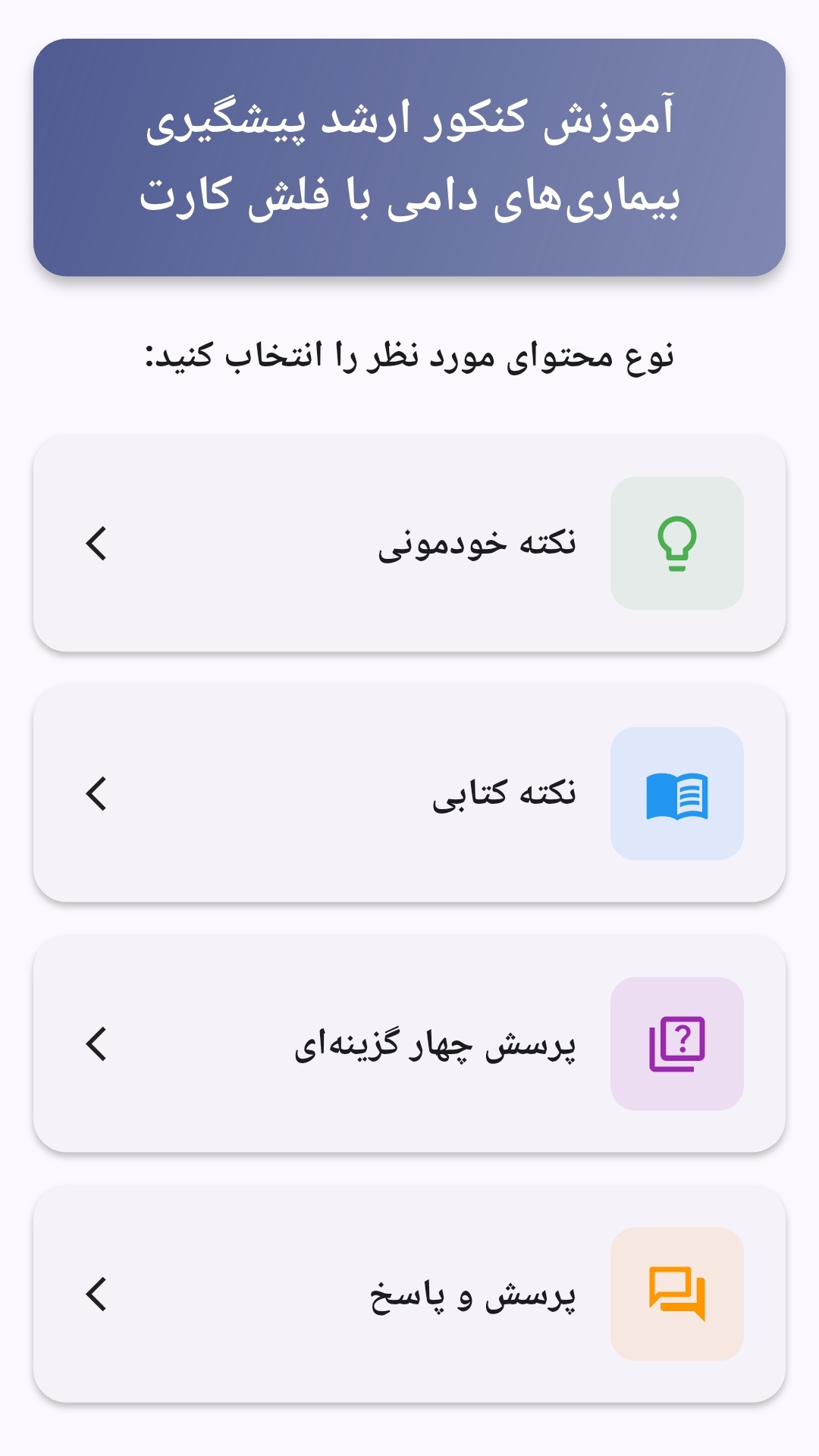
محتوای آموزشی در قالبهای متنوع ارائه میشود تا هم برای یادگیری مفاهیم جدید و هم برای تثبیت آموختهها قابل استفاده باشد.
- رابط کاربری فارسی و راستچین با فونت وزیر.
- تم روشن و تیره مطابق تنظیمات سیستم.
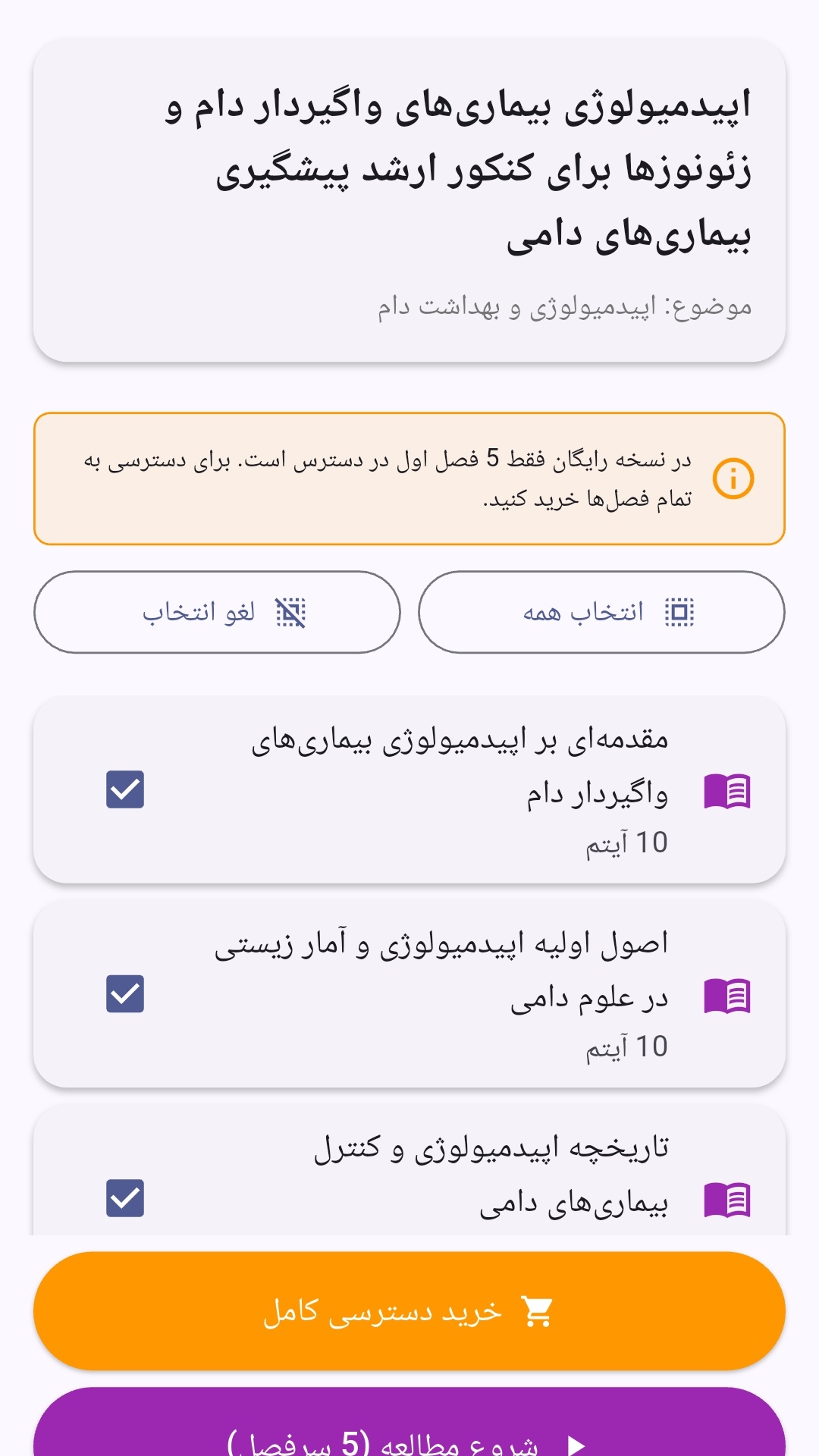
- صفحهبندی ساده برای انتخاب دوره و شروع مرور.
- نمایش تعداد دفعات مرور هر فصل.
- انتخاب چند فصل برای مرور همزمان.
- امکان تمرکز بر فصلهایی که هنوز مرور نشدهاند.
این اپلیکیشن برای دانشآموزان، دانشجویان، داوطلبان آزمونها و علاقهمندان به یادگیری طراحی شده است؛ بهویژه کسانی که میخواهند مطالب آموزشی را در زمانهای کوتاه مرور کنند، دانستههای خود را بسنجند و مطالعه منظمتری داشته باشند.
نظرات
هنوز نظری ثبت نشده است.
وارد شوید تا نظر ثبت کنید.