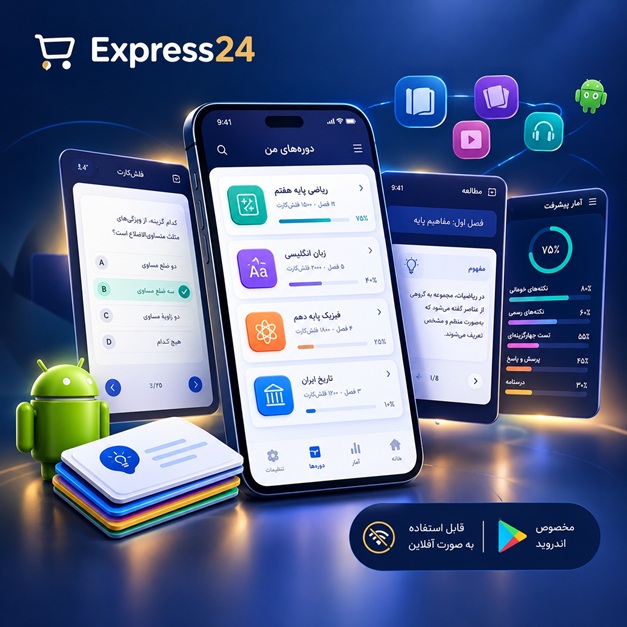
اپلیکیشن اندرویدی فلشکارت آموزشی مقدمهای بر پیادهسازی صدا در موتور بازیسازی Unreal Engine
🎓 دوره آموزشی جامع
📚 اطلاعات دوره
عنوان دوره: دوره مقدمهای بر پیادهسازی صدا در موتور بازیسازی Unreal Engine
موضوع کلی: موسیقی
موضوع میانی: طراحی صدا
📋 سرفصلهای دوره
- 1. What is Sound? Introduction to Acoustics
- 2. Understanding Digital Audio: Sampling, Bit Depth
- 3. Common Audio File Formats for Games: WAV, OGG, MP3
- 4. Introduction to Game Audio: Unique Challenges and Opportunities
- 5. Roles in Game Audio: Sound Designer, Implementer, Composer
- 6. Basic Principles of Sound Design: Layering, Texture, Dynamics
- 7. Setting Up Your Audio Workspace and Tools
- 8. Introduction to Unreal Engine 5 Interface (Audio Perspective)
- 9. Navigating the Content Browser and Project Structure
- 10. Importing Audio Assets into Unreal Engine
- 11. Managing Audio Assets: Folders, Naming Conventions
- 12. Understanding Sound Waves: Properties and Settings
- 13. Playing a Simple Sound 2D (UI Sounds, Non-Spatialized)
- 14. Playing a Sound at Location (Spatialized Audio)
- 15. Introduction to Sound Attenuation: Distance, Falloff, Shape
- 16. Customizing Sound Attenuation Settings
- 17. Sound Concurrency: Limiting Simultaneous Sounds
- 18. Mastering Volume Control: Gain, Attenuation, Mixers
- 19. Pitch Modulation: Varying Sound Speed and Tone
- 20. Introduction to Sound Cues: The Audio Blueprint System
- 21. Creating Your First Sound Cue
- 22. Sound Cue Node: Mixer (Blending Multiple Sounds)
- 23. Sound Cue Node: Looping (Seamless Repetition)
- 24. Sound Cue Node: Random (Varying Sound Playback)
- 25. Sound Cue Node: Concatenator (Sequential Playback)
- 26. Sound Cue Node: Modulator (Adding Variation to Volume/Pitch)
- 27. Sound Cue Node: Continuous Modulator (Dynamic Pitch/Volume over Time)
- 28. Sound Cue Node: Attenuator (Applying Attenuation within a Cue)
- 29. Building Basic Sound Effects with Sound Cues (e.g., UI Click)
- 30. Creating Complex Sound Effects with Multiple Sound Cue Nodes
- 31. Introduction to Audio Components: Attaching Sound to Actors
- 32. Adding an Audio Component to a Blueprint Actor
- 33. Controlling Audio Components via Blueprints (Play, Stop, Pause)
- 34. Triggering Sounds on Events: Collision, Overlap, Input
- 35. Creating a Simple Footstep System with Blueprint and Sound Cues
- 36. Implementing Surface-Dependent Footsteps using Enums and Data Tables
- 37. Introduction to Sound Classes: Organization and Global Control
- 38. Creating and Configuring Sound Classes
- 39. Sound Mixes: Ducking, EQ, and Master Volume Control
- 40. Applying Sound Mixes to Specific Game States
- 41. Designing Environmental Audio: Ambiance, Wind, Water
- 42. Implementing Ambient Loops and One-Shot Sounds
- 43. Creating Reverb Zones for Environmental Realism
- 44. Applying and Blending Reverb Settings (Reverb Submixes)
- 45. Introduction to Dialogue Systems: Voice Lines and Character Audio
- 46. Implementing Dialogue Playback through Blueprints
- 47. Localizing Audio Assets for Different Languages
- 48. Designing UI Sound Effects: Feedback, Confirmation, Navigation
- 49. Implementing UI Sounds in UMG (Unreal Motion Graphics)
- 50. Weapon Audio Systems: Fire, Reload, Impact Sounds
- 51. Procedural Variation for Weapon Sounds (e.g., using Modulators)
- 52. Dynamic Music Systems: Introduction to Adaptive Music
- 53. Implementing Layered Music Based on Game State
- 54. Crossfading and Switching Music Tracks
- 55. Understanding Sound Occlusion: Blocking Audio by Geometry
- 56. Configuring Sound Occlusion in Unreal Engine
- 57. Advanced Audio Parameters: Controlling Sound Properties via Blueprints
- 58. Using Blueprint Variables to Drive Sound Cue Parameters
- 59. Introduction to Submixes: Advanced Audio Routing
- 60. Creating and Configuring Standard Submixes
- 61. Routing Audio to Specific Submixes (e.g., Master, Music, SFX)
- 62. Applying Effects to Submixes: EQ, Compression, Delay
- 63. Reverb Submixes: Advanced Spatial Reverb Control
- 64. Soundfield Submixes: Introduction to Spatial Audio and Ambisonics
- 65. Basics of Source Buses and Submix Sends
- 66. Using Source Buses for Dynamic Audio Routing and Effects
- 67. Performance Optimization for Audio: Draw Calls, Memory
- 68. Audio Memory Management: Streaming vs. Loading All
- 69. Debugging Audio Issues: Visualizing Sound and Volume
- 70. Using the Unreal Engine Audio Profiler for Performance Analysis
- 71. Advanced Blueprint Integration: Data Tables for Audio Assets
- 72. Using Enums for Conditional Audio Playback
- 73. Creating Interactive Music Systems with Multiple Layers and Parameters
- 74. Designing Event-Driven Soundscapes
- 75. Introduction to MetaSounds: Unreal Engine's Procedural Audio System
- 76. Understanding the Core Concepts of MetaSounds
- 77. Creating Your First MetaSound Source
- 78. MetaSound Nodes: Inputs, Outputs, and Variables
- 79. MetaSound Nodes: Generators (Oscillators, Noise)
- 80. MetaSound Nodes: Modulators (LFOs, Envelopes)
- 81. MetaSound Nodes: Filters (Low-Pass, High-Pass)
- 82. MetaSound Nodes: Effects (Delay, Reverb, Distortion)
- 83. Building Dynamic Sound Effects with MetaSounds (e.g., procedurally generated laser)
- 84. Creating Event-Driven Synthesis with MetaSounds
- 85. Integrating MetaSounds with Blueprints (Sending Parameters, Triggering Events)
- 86. Designing an Advanced Footstep System using MetaSounds
- 87. Creating a Dynamic Ambiance System with MetaSounds
- 88. Introduction to Audio Volumes: Area-Based Audio Effects
- 89. Using Audio Volumes for Spatialization Overrides and Submix Effects
- 90. Best Practices for Organizing Your Audio Project
- 91. Version Control for Audio Assets (Perforce, Git LFS)
- 92. Considerations for Accessibility in Game Audio (Subtitles, Visual Cues)
- 93. Testing Your Audio Across Different Platforms
- 94. Preparing Audio for Packaging and Deployment
- 95. Introduction to External Audio Middleware (Conceptual: FMOD, Wwise)
- 96. Understanding When to Use Middleware vs. Native UE Audio
- 97. Maintaining Audio Quality Throughout Development
- 98. Troubleshooting Common Audio Implementation Problems
- 99. Workflow Tips for Efficient Game Audio Implementation
- 100. Final Project: Integrating a Complete Audio System into a Demo Scene
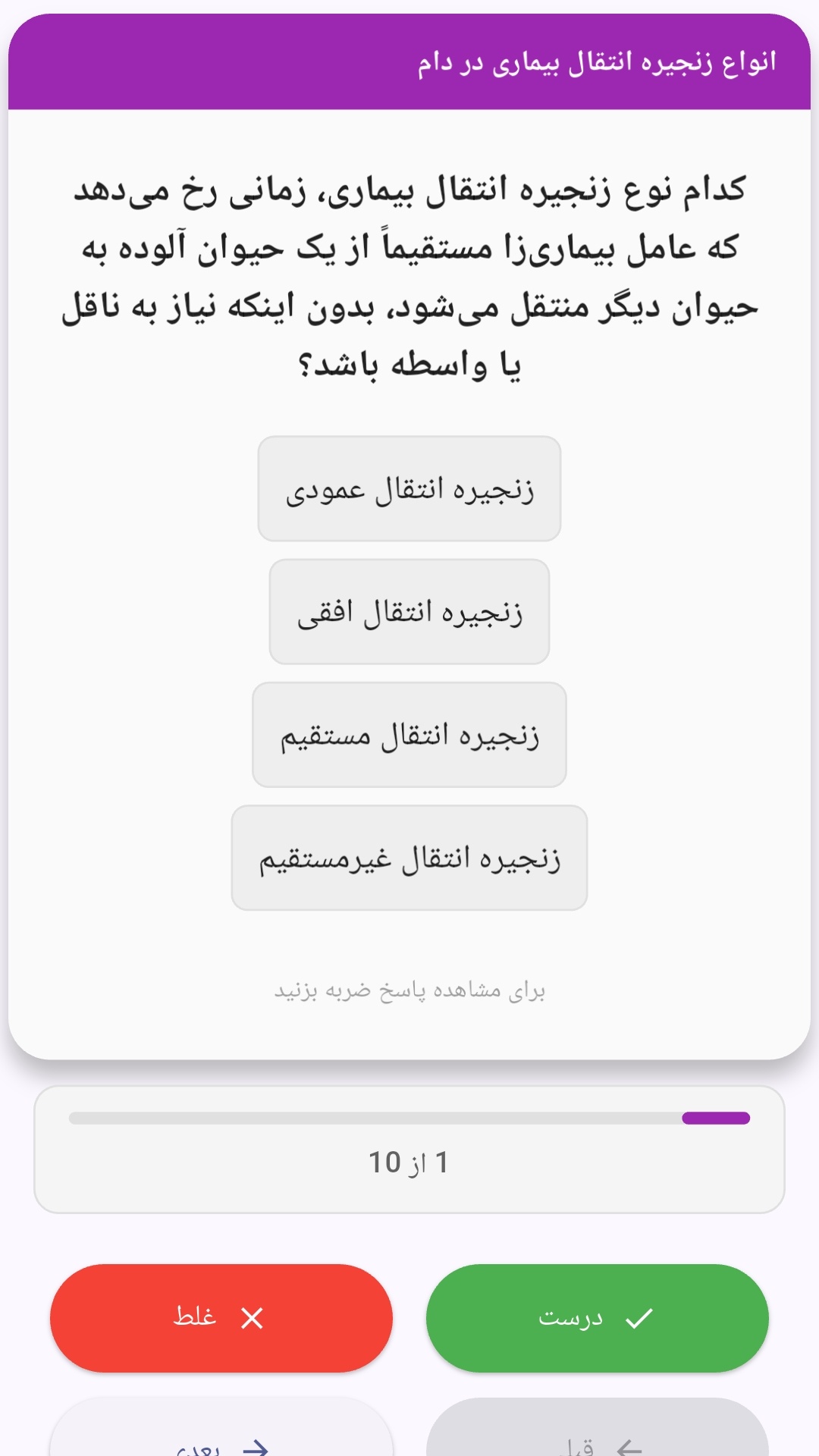
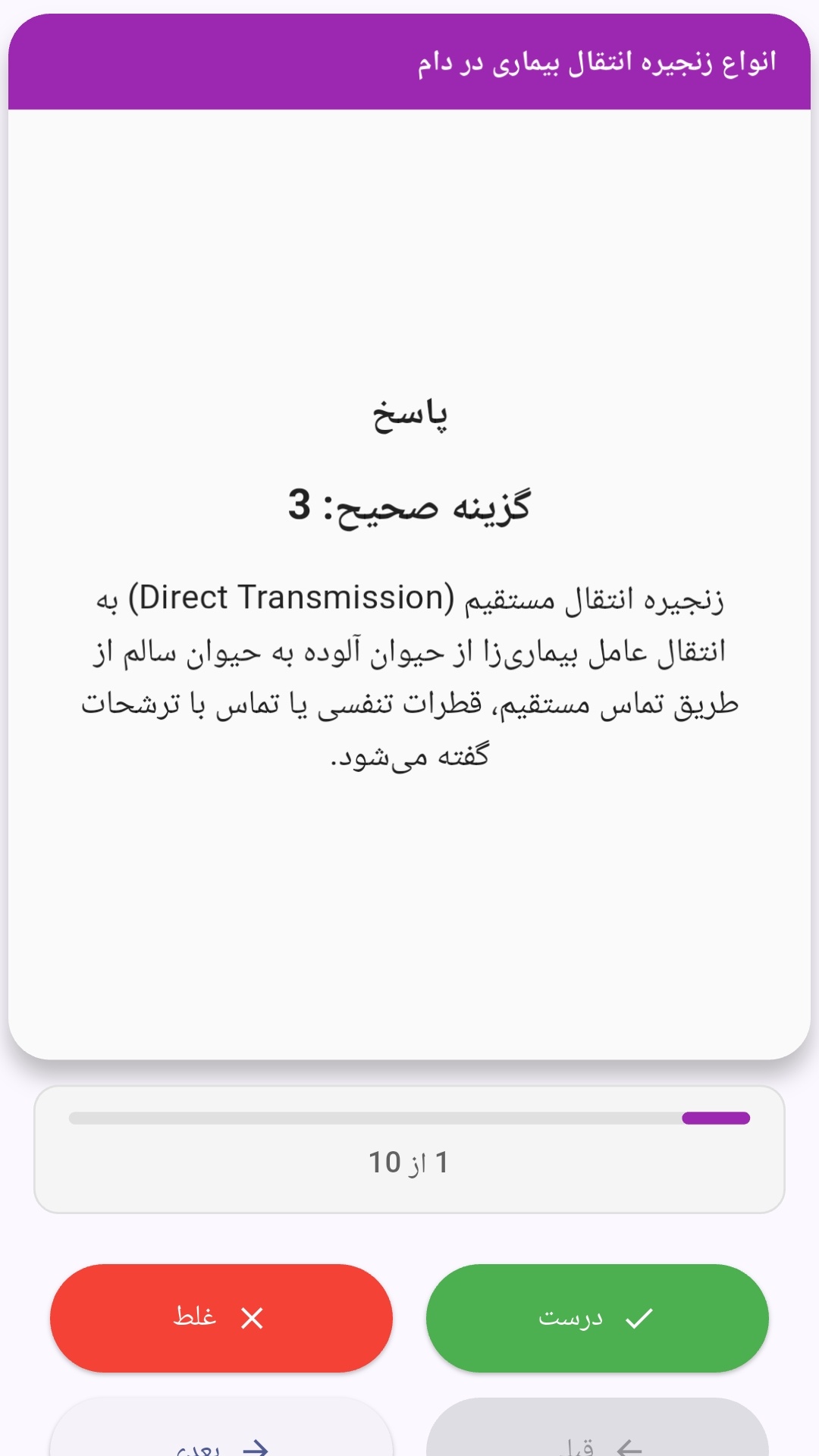
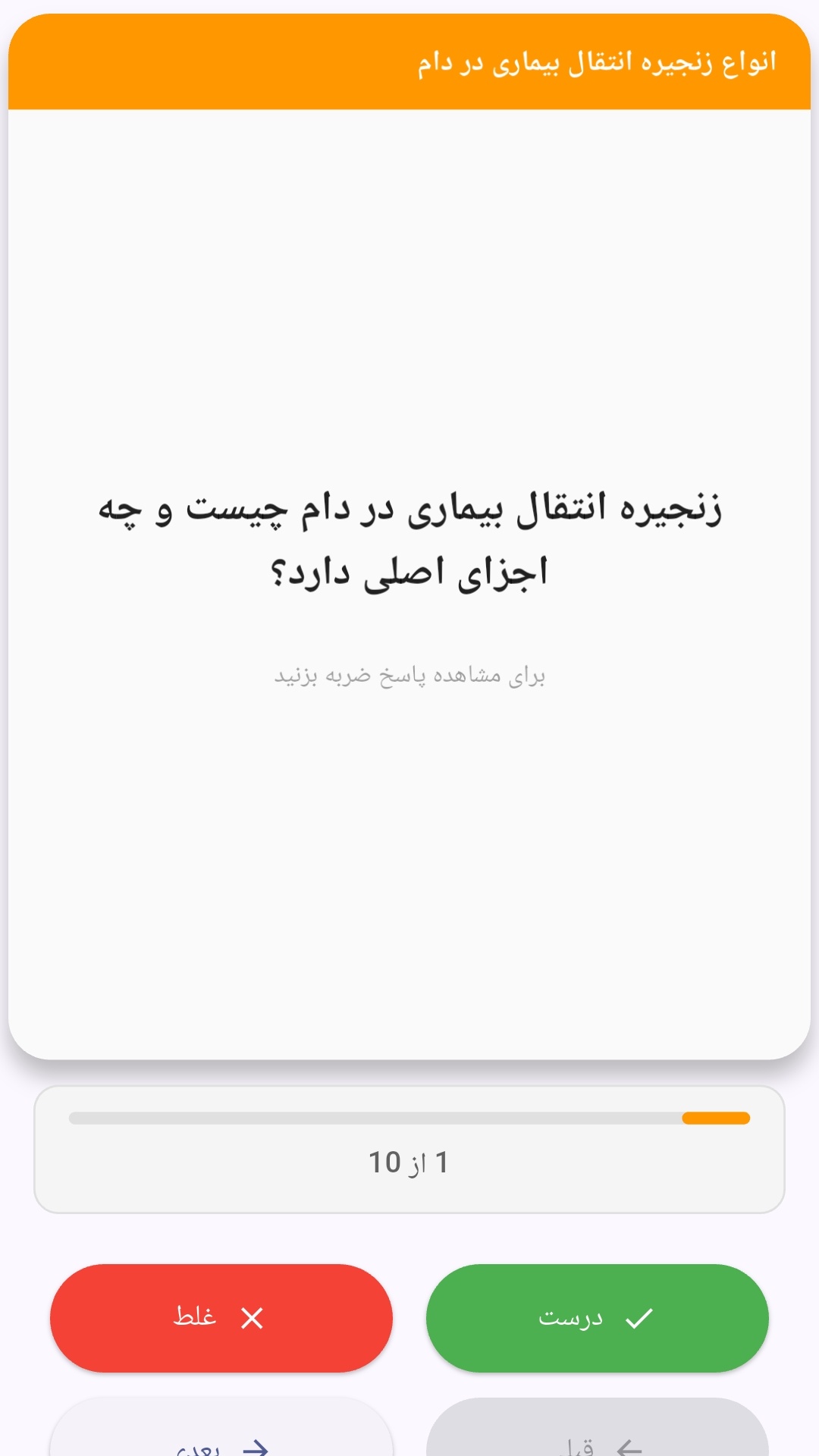
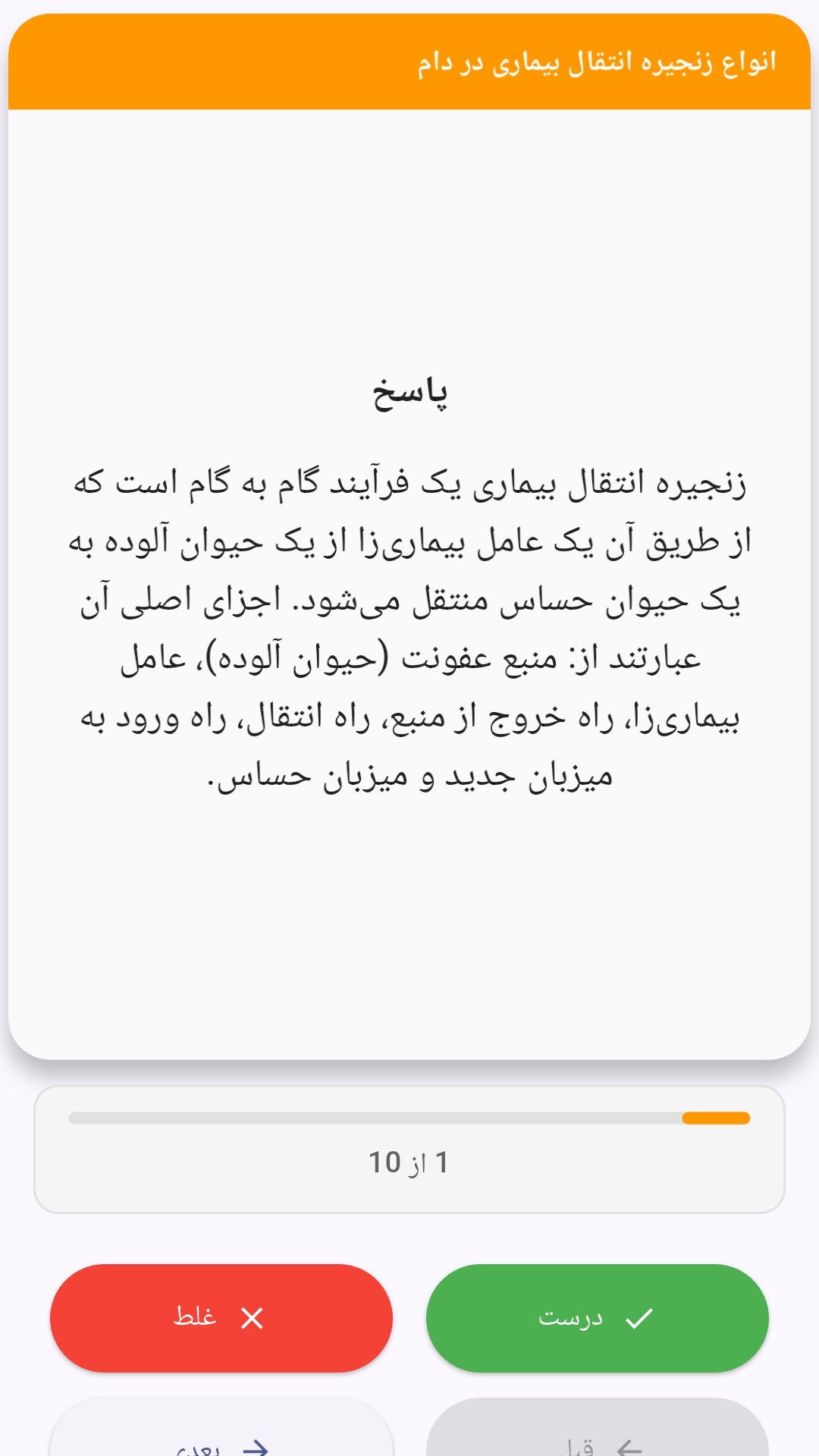
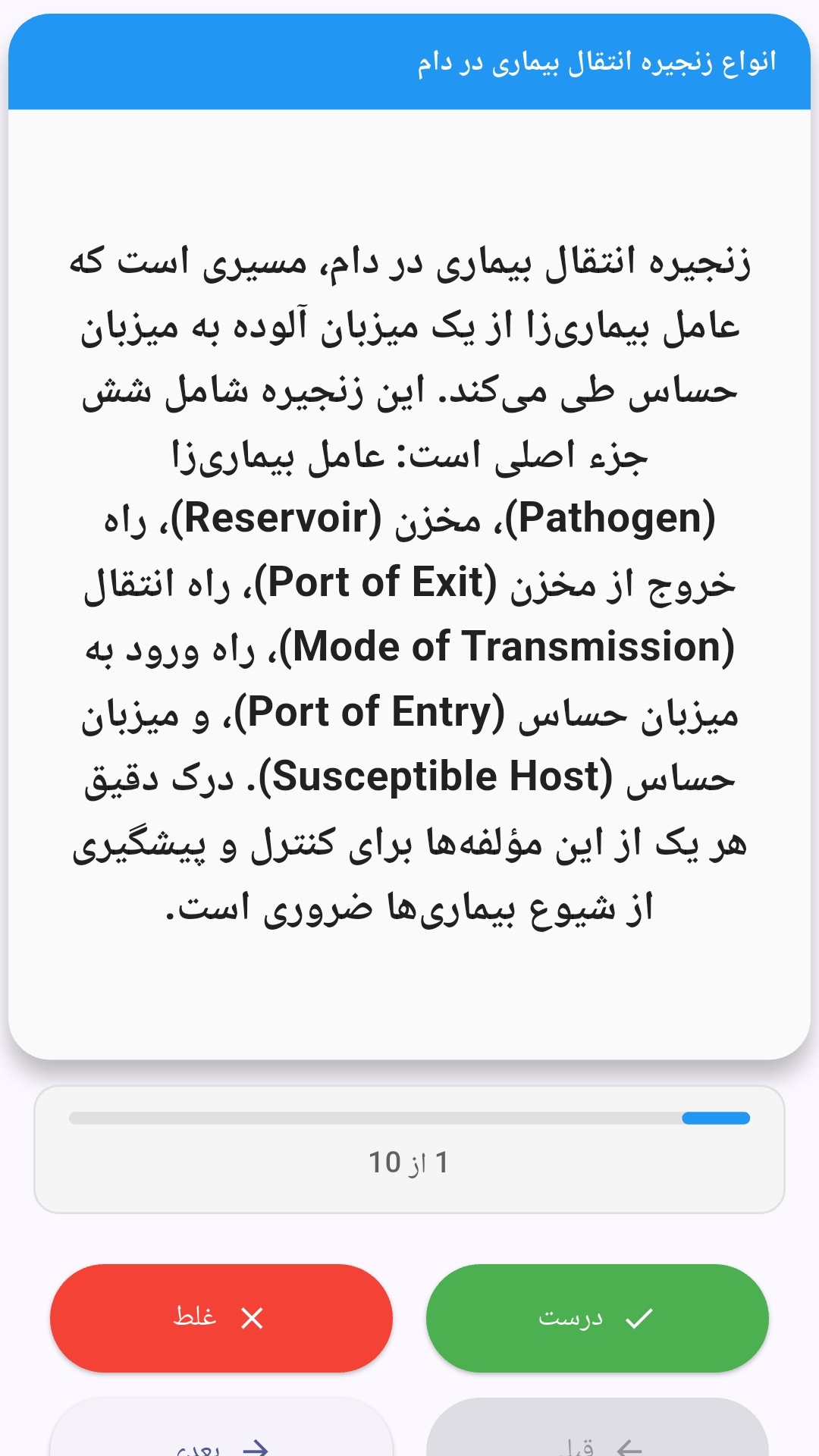
این اپلیکیشن فارسی برای یادگیری و مرور محتوای آموزشی از طریق فلشکارت طراحی شده است. کارتها را یکییکی مرور کنید، پاسخ پرسشها را به یاد بیاورید و نتیجه هر پاسخ را ثبت کنید. محتوای دوره پس از نصب درون برنامه در دسترس است تا برای مطالعه روزمره معمولاً به اتصال مداوم اینترنت نیاز نداشته باشید.
محتوای آموزشی در قالبهای متنوع ارائه میشود تا هم برای یادگیری مفاهیم جدید و هم برای تثبیت آموختهها قابل استفاده باشد.
- رابط کاربری فارسی و راستچین با فونت وزیر.
- تم روشن و تیره مطابق تنظیمات سیستم.
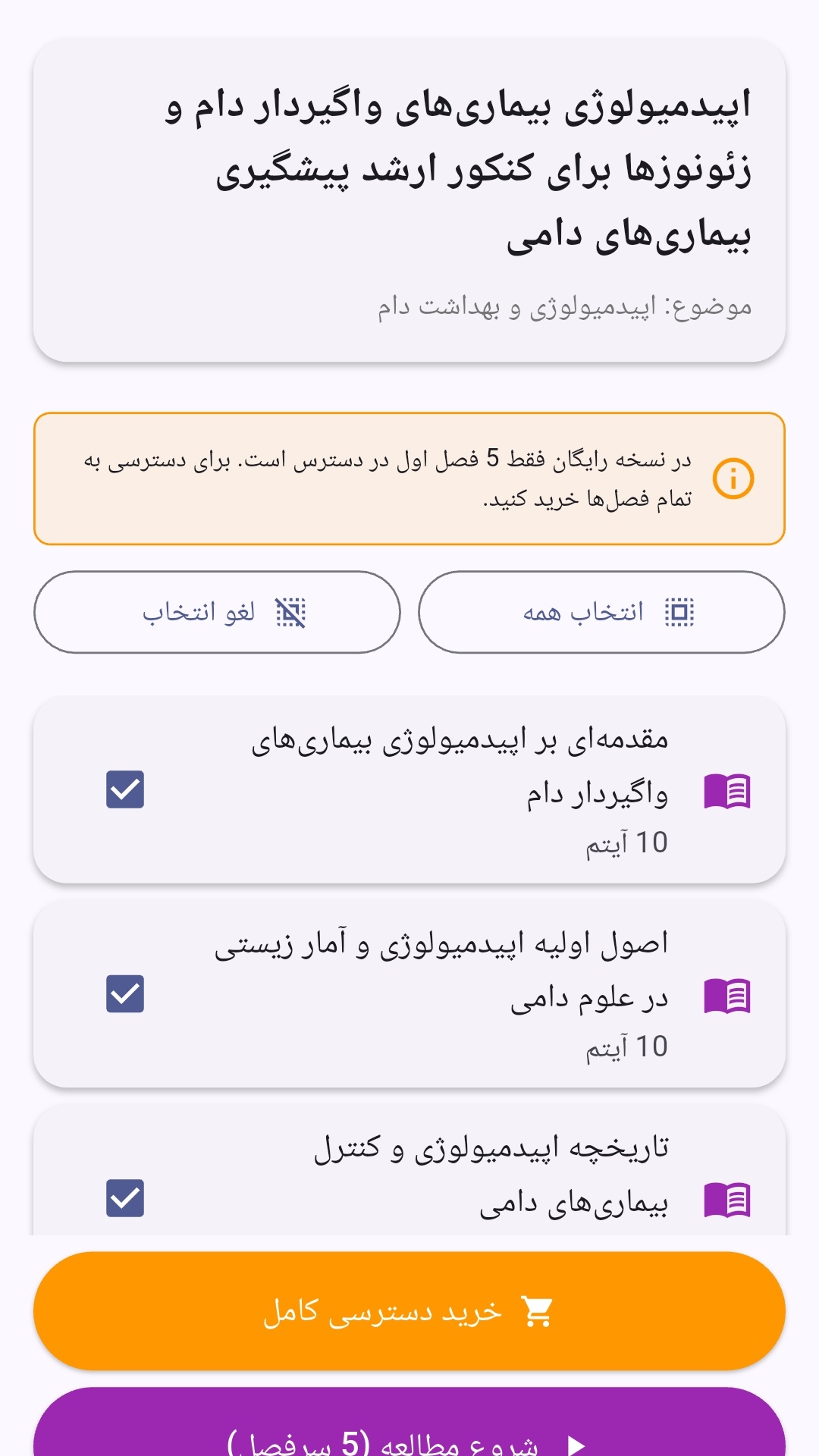
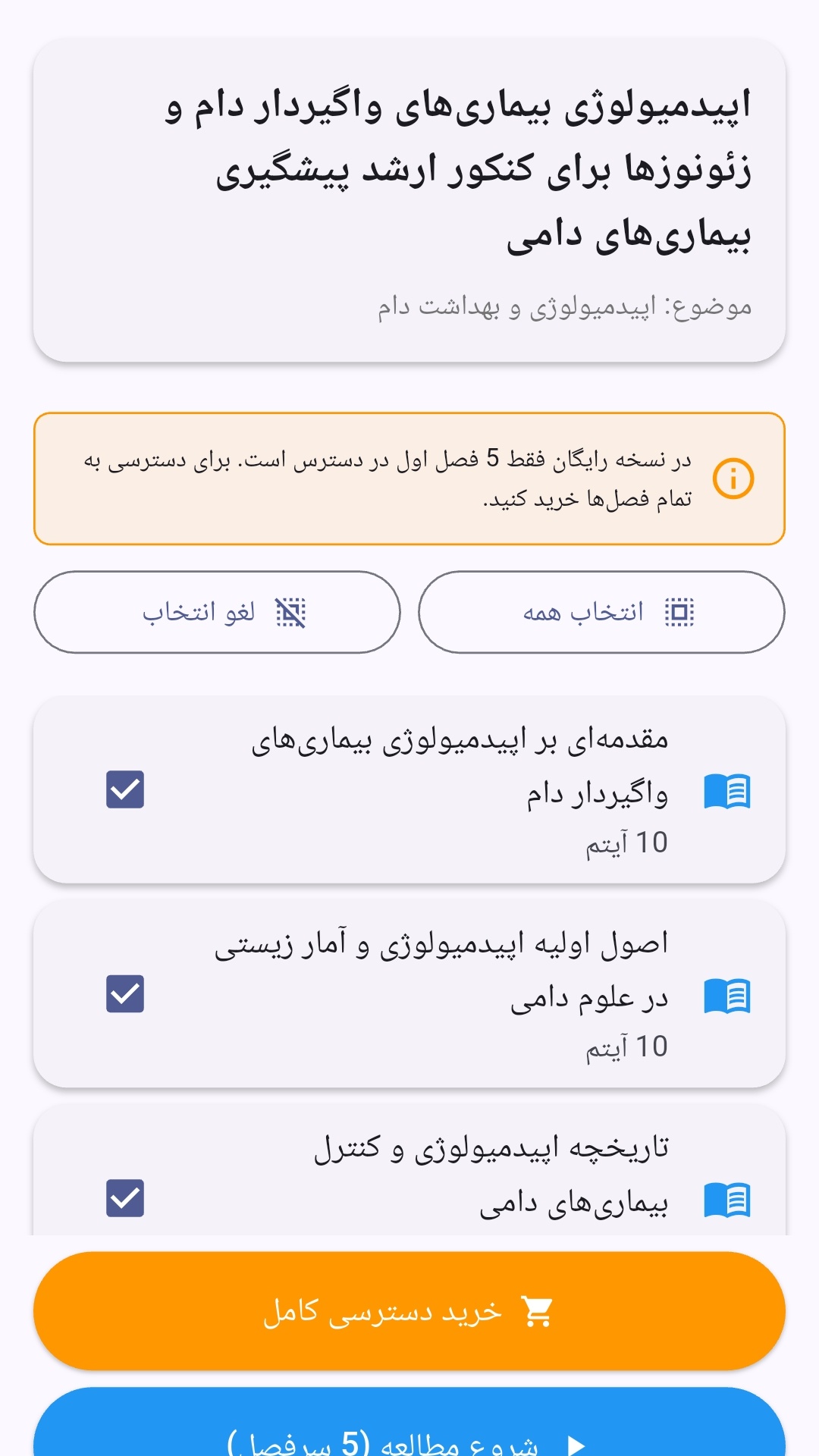
- صفحهبندی ساده برای انتخاب دوره و شروع مرور.
- نمایش تعداد دفعات مرور هر فصل.
- انتخاب چند فصل برای مرور همزمان.
- امکان تمرکز بر فصلهایی که هنوز مرور نشدهاند.
این اپلیکیشن برای دانشآموزان، دانشجویان، داوطلبان آزمونها و علاقهمندان به یادگیری طراحی شده است؛ بهویژه کسانی که میخواهند مطالب آموزشی را در زمانهای کوتاه مرور کنند، دانستههای خود را بسنجند و مطالعه منظمتری داشته باشند.
نظرات
هنوز نظری ثبت نشده است.
وارد شوید تا نظر ثبت کنید.