اپلیکیشن اندرویدی فلشکارت آموزشی CSS for Fleet Management Best Practices
🎓 دوره آموزشی جامع
📚 اطلاعات دوره
عنوان دوره: دوره CSS for Fleet Management Best Practices
موضوع کلی: برنامه نویسی
موضوع میانی: CSS
📋 سرفصلهای دوره
- 1. Introduction to CSS for Web Applications
- 2. Understanding CSS Syntax and Structure
- 3. Connecting CSS to HTML: Inline, Internal, External Stylesheets
- 4. Basic Selectors: Type, Class, ID
- 5. Advanced Selectors: Attribute, Pseudo-classes, Pseudo-elements
- 6. Combinator Selectors and Specificity
- 7. The CSS Box Model: Content, Padding, Border, Margin
- 8. Controlling Element Dimensions: Width, Height, Min/Max Constraints
- 9. `box-sizing` Property for Layout Control
- 10. Typography Basics: Font Families, Sizes, Weights, Colors
- 11. Text Styling: Alignment, Decoration, Line Height, Letter Spacing
- 12. Background Properties: Color, Image, Position, Repeat, Size
- 13. Border Styling: Width, Style, Color, Radius
- 14. Understanding the `display` Property: Block, Inline, Inline-Block
- 15. CSS Units: Pixels, Ems, Rems, Percentages, Viewport Units
- 16. Introduction to Positioning: Static, Relative, Absolute, Fixed, Sticky
- 17. Z-index for Stacking Contexts
- 18. Floats for Layout and Clearing Techniques
- 19. `overflow` Property for Content Management
- 20. Responsive Design Principles and Viewports
- 21. Introduction to Flexbox Layout
- 22. Flex Container Properties: `flex-direction`, `flex-wrap`
- 23. Flex Container Properties: `justify-content`, `align-items`, `align-content`
- 24. Flex Item Properties: `flex-grow`, `flex-shrink`, `flex-basis`, `flex` Shorthand
- 25. Flex Item Properties: `order` and `align-self`
- 26. Introduction to CSS Grid Layout
- 27. Grid Container: `grid-template-columns` and `grid-template-rows`
- 28. Grid Container: `grid-gap`, `column-gap`, `row-gap`
- 29. Grid Item Placement: `grid-column`, `grid-row`, `grid-area`
- 30. The `fr` Unit and `repeat()` Function in Grid
- 31. Implicit Grids and Auto-Placement
- 32. Nesting Flexbox and Grid for Complex Layouts
- 33. Media Queries for Responsive Adjustments
- 34. Mobile-First vs. Desktop-First Strategies
- 35. `min-width` and `max-width` in Media Queries
- 36. `calc()`, `min()`, `max()`, `clamp()` for Dynamic Sizing
- 37. Custom Properties (CSS Variables) for Theming
- 38. CSS Transitions for Smooth UI Changes
- 39. Transition Properties: Duration, Timing Function, Delay
- 40. D Transforms: `translate`, `rotate`, `scale`, `skew`
- 41. D Transforms and Perspective
- 42. Introduction to CSS Animations (`@keyframes`)
- 43. Animation Properties: Duration, Iteration Count, Direction, Fill Mode
- 44. Keyframe Animations for Interactive Fleet Elements
- 45. `filter` Property for Image Adjustments
- 46. `clip-path` for Custom Shapes
- 47. `mask-image` for Advanced Graphics
- 48. `object-fit` and `object-position` for Images/Videos
- 49. Custom Fonts with `@font-face`
- 50. `currentColor` Keyword for Theming Consistency
- 51. Designing Fleet Management Dashboards: Layout and Structure
- 52. Styling Data Tables for Vehicle Status and Telemetry
- 53. Visualizing Key Performance Indicators (KPIs) in Fleet Management
- 54. Theming Fleet Applications: Light and Dark Modes with CSS Variables
- 55. Customizing Map Components for Vehicle Tracking Interfaces
- 56. Styling Icons and SVG Graphics for Vehicle Types and Alerts
- 57. Creating Alert Systems for Critical Fleet Events (e.g., geofence breaches)
- 58. Building Responsive Navigation Menus for Fleet Dashboards
- 59. Styling Forms for Vehicle Registration and Maintenance Records
- 60. Enhancing User Experience for Dispatch and Scheduling Interfaces
- 61. CSS for Data Visualization: Charts, Graphs, and Progress Bars
- 62. Optimizing CSS for Performance in Large-Scale Fleet Applications
- 63. Implementing CSS for Real-time Data Streams (e.g., live vehicle positions)
- 64. Styling Modals and Pop-ups for Detailed Vehicle Information
- 65. Creating Interactive Vehicle Cards or Tiles
- 66. Best Practices for CSS Naming Conventions in Fleet Projects (e.g., BEM)
- 67. Organizing CSS Files and Architectures for Scalability
- 68. Cross-Browser Compatibility and Fallbacks for Fleet Web Apps
- 69. Accessibility (A11y) Best Practices for Fleet Interfaces
- 70. Semantic HTML and CSS for Screen Readers in Fleet Applications
- 71. Designing Components for Telematics Data Display
- 72. Styling User Authentication and Authorization Interfaces
- 73. Creating Drag-and-Drop UIs for Route Optimization (CSS aspects)
- 74. Implementing Search and Filter Functionality UI
- 75. Styling Complex Data Grids and Sortable Lists for Historical Data
- 76. Custom Scrollbar Styling for Data-Intensive Fleet Views
- 77. Using CSS for Interactive Checklists (e.g., Pre-trip Inspections)
- 78. Visualizing Geofencing Zones and Points of Interest on Maps
- 79. Designing Print Styles for Fleet Reports and Invoices
- 80. Multi-Tenant Theming and White-Labeling with Advanced CSS
- 81. Introduction to CSS Frameworks for Rapid Fleet UI Development (Bootstrap, TailwindCSS)
- 82. Customizing Components from UI Libraries for Fleet Specifics
- 83. `aspect-ratio` for Consistent Component Sizing
- 84. `gap` Property for Flexbox and Grid Layouts
- 85. Advanced Pseudo-classes for Dynamic Styling (e.g., `:nth-child`, `:not`, `:has`)
- 86. CSS Blend Modes for Creative Visual Effects
- 87. Advanced Custom Property Usage and Scope
- 88. Web Components and Shadow DOM Styling Concepts
- 89. CSS Houdini: Extending CSS with JavaScript (Overview)
- 90. Internationalization (i18n) and Right-to-Left (RTL) Styling
- 91. Introduction to CSS Preprocessors (Sass/Less) in Fleet Development
- 92. Automating CSS Tasks with PostCSS and Autoprefixer
- 93. Linting and Code Quality Tools for Maintainable CSS
- 94. CSS Modularity: CSS Modules, Styled Components (Conceptual)
- 95. Building a Design System for Consistent Fleet UI/UX
- 96. Visual Regression Testing for CSS Changes
- 97. Effective Debugging of CSS in Browser Developer Tools
- 98. Version Control for CSS Assets (Git Workflow)
- 99. Collaboration Strategies for Large CSS Codebases
- 100. Future Trends in CSS and Web Development for Fleet Applications
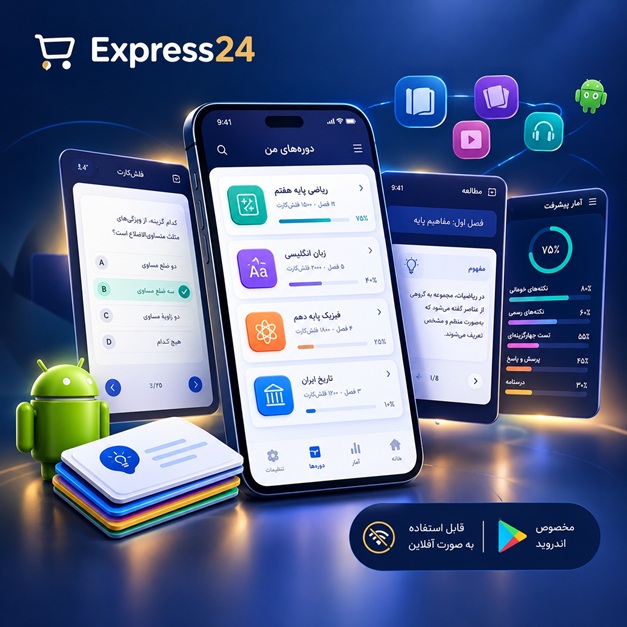
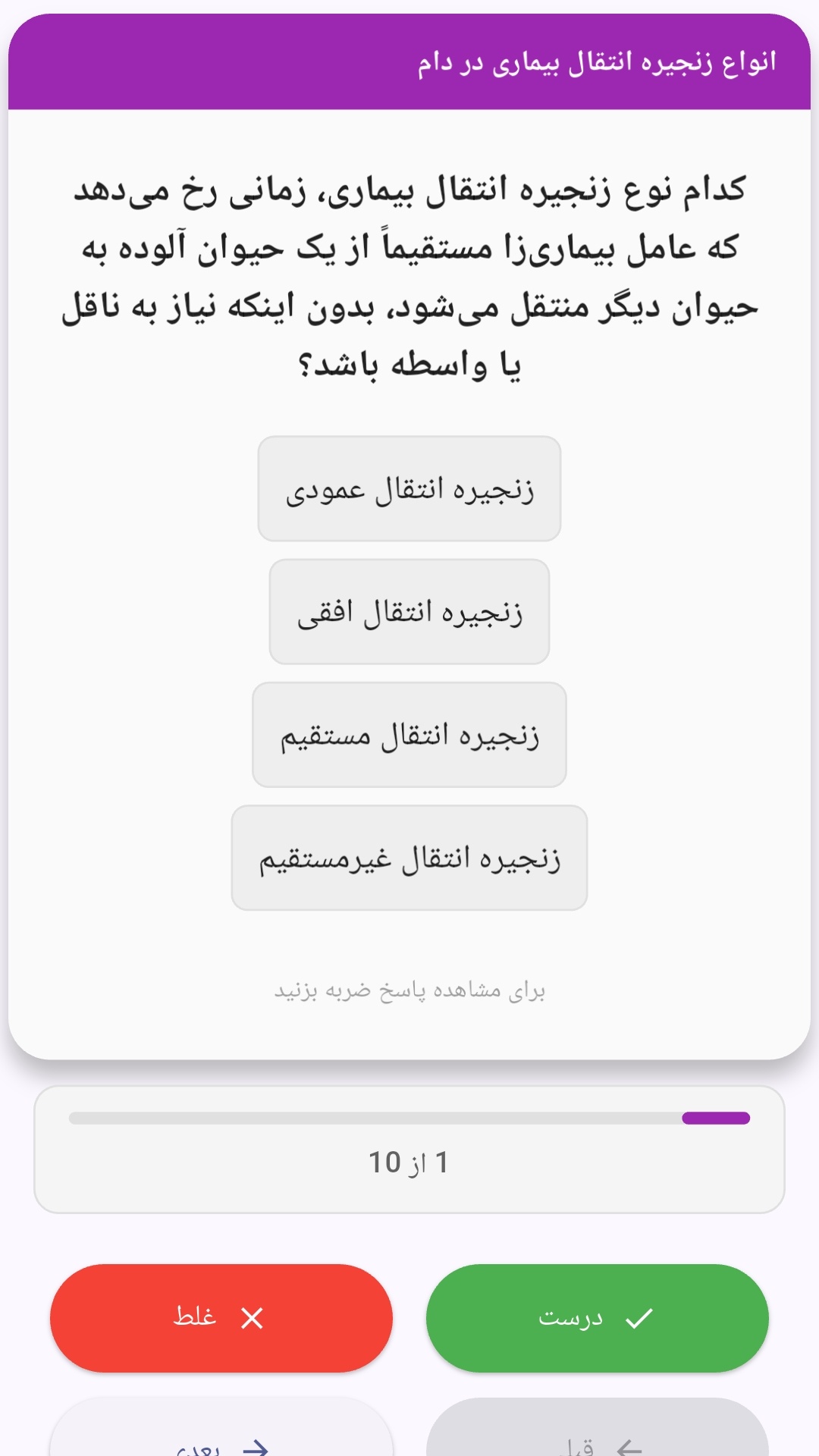
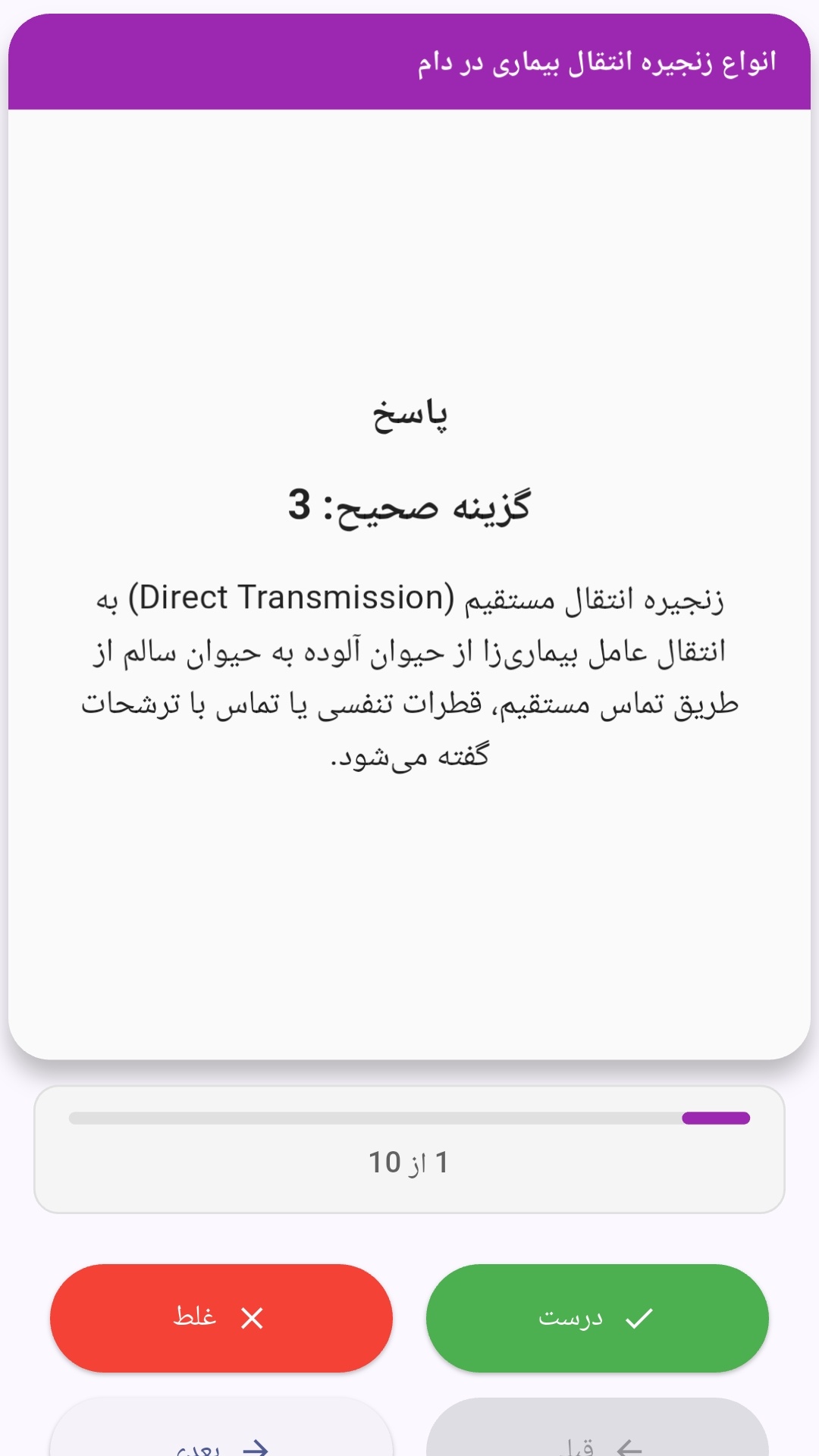
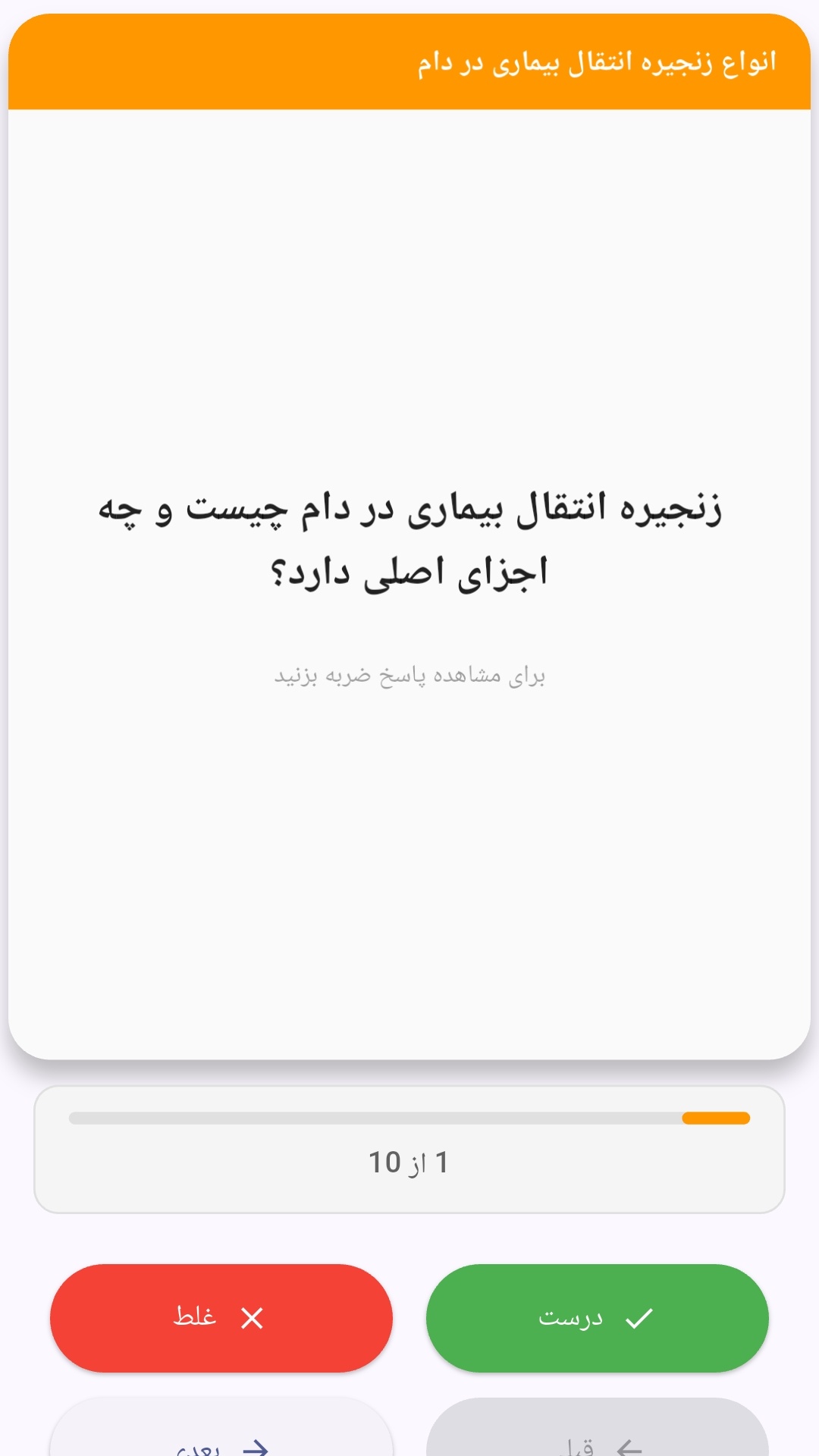
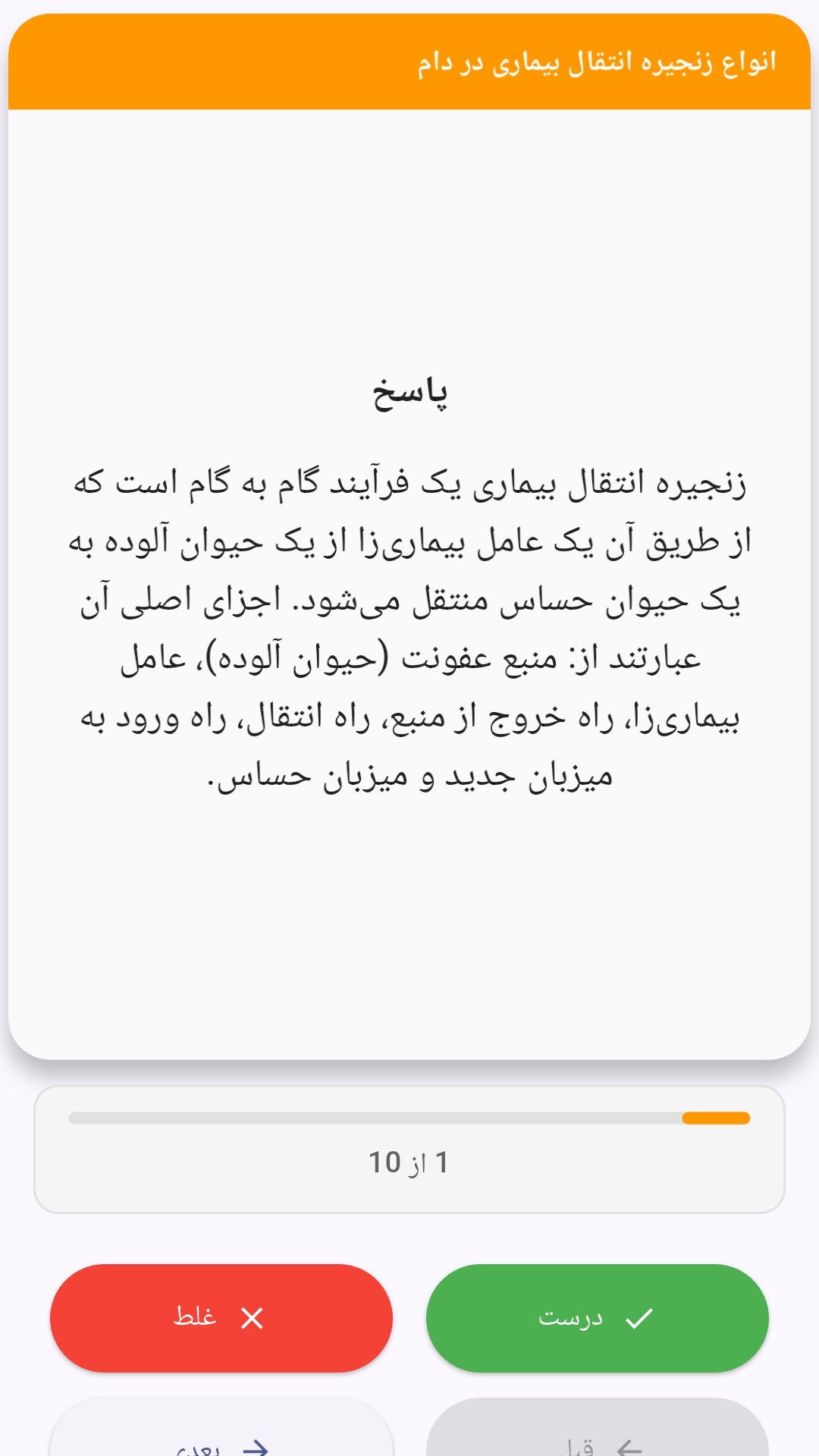
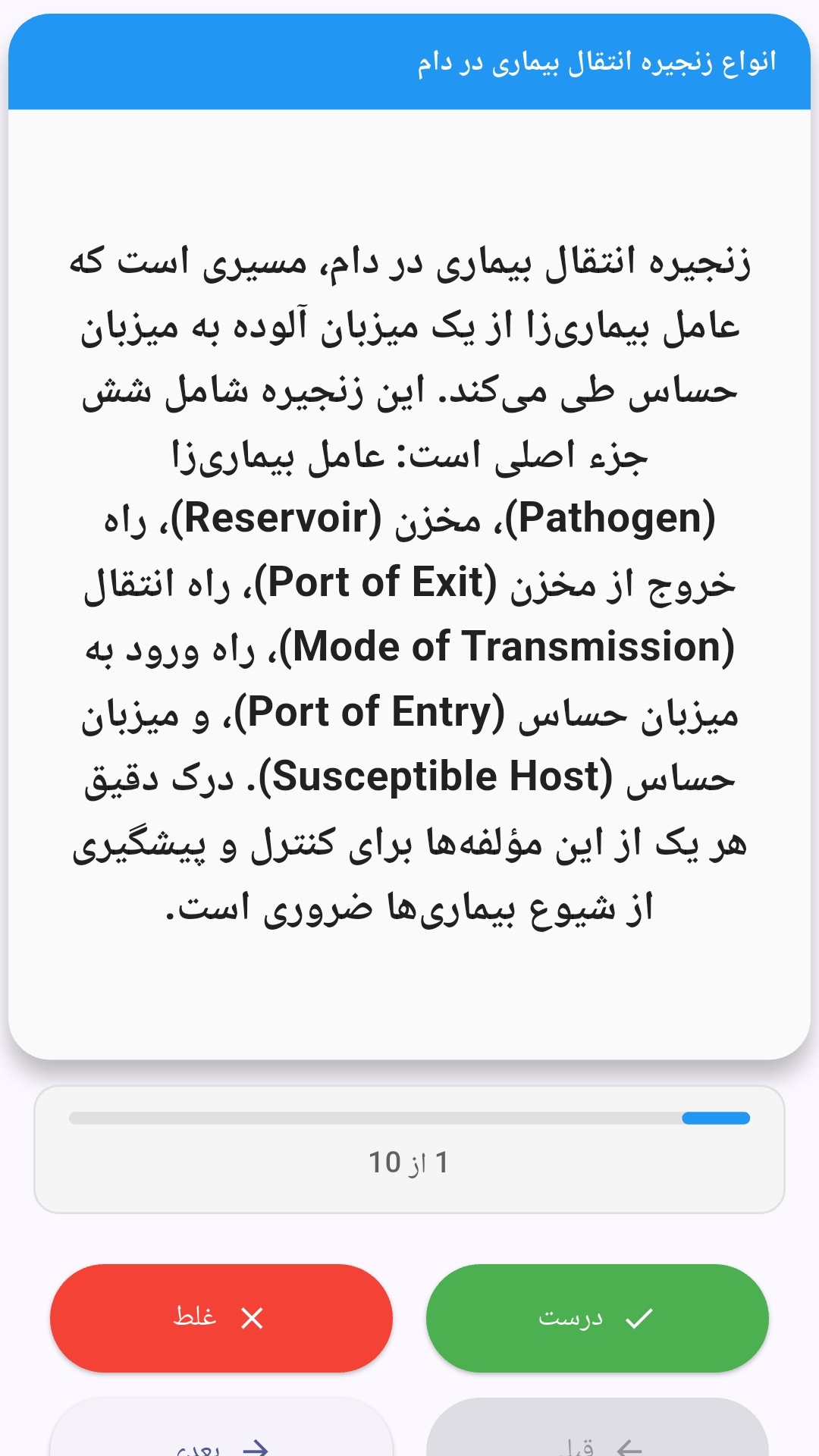
این اپلیکیشن فارسی برای یادگیری و مرور محتوای آموزشی از طریق فلشکارت طراحی شده است. کارتها را یکییکی مرور کنید، پاسخ پرسشها را به یاد بیاورید و نتیجه هر پاسخ را ثبت کنید. محتوای دوره پس از نصب درون برنامه در دسترس است تا برای مطالعه روزمره معمولاً به اتصال مداوم اینترنت نیاز نداشته باشید.
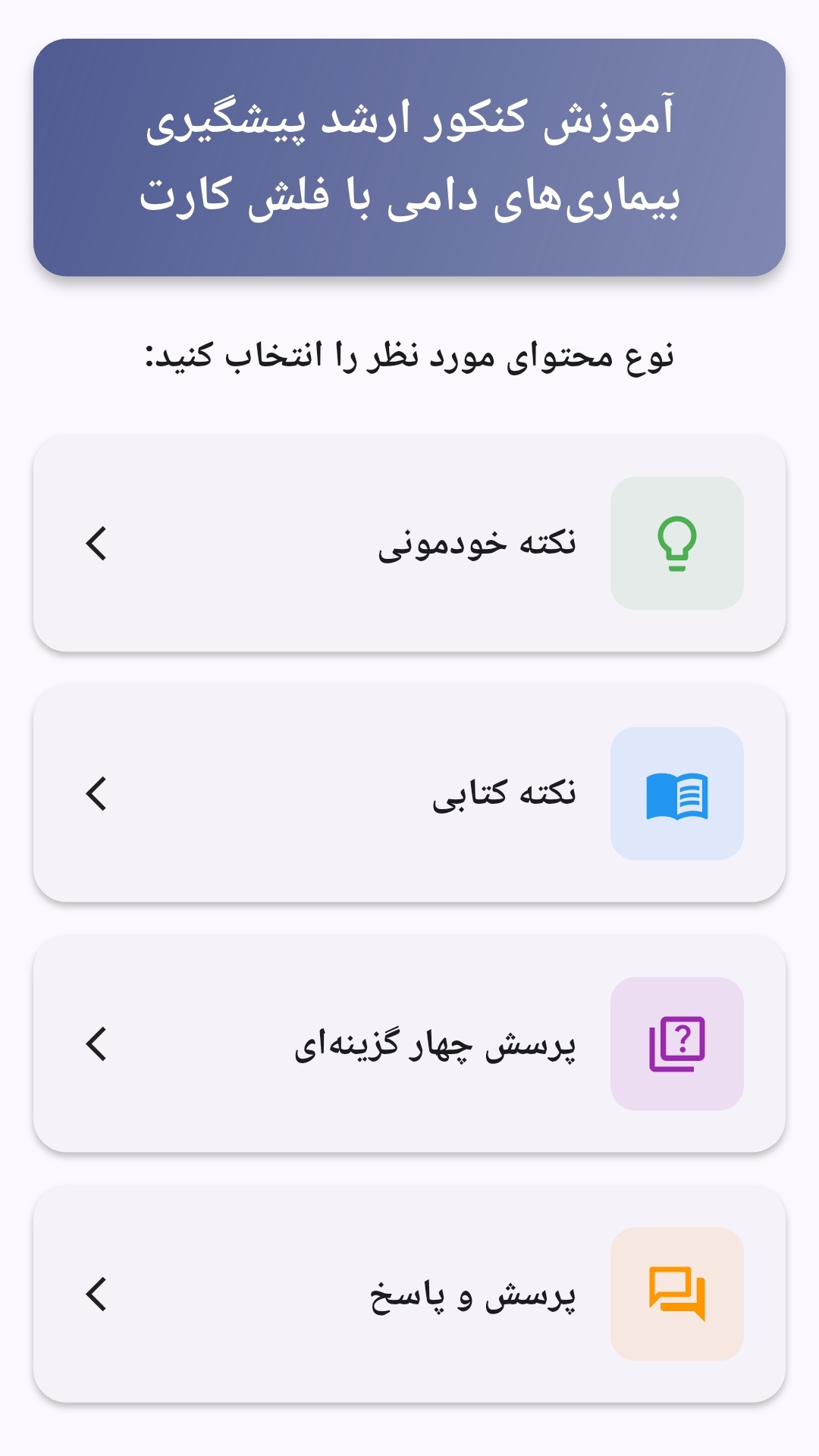
محتوای آموزشی در قالبهای متنوع ارائه میشود تا هم برای یادگیری مفاهیم جدید و هم برای تثبیت آموختهها قابل استفاده باشد.
- رابط کاربری فارسی و راستچین با فونت وزیر.
- تم روشن و تیره مطابق تنظیمات سیستم.
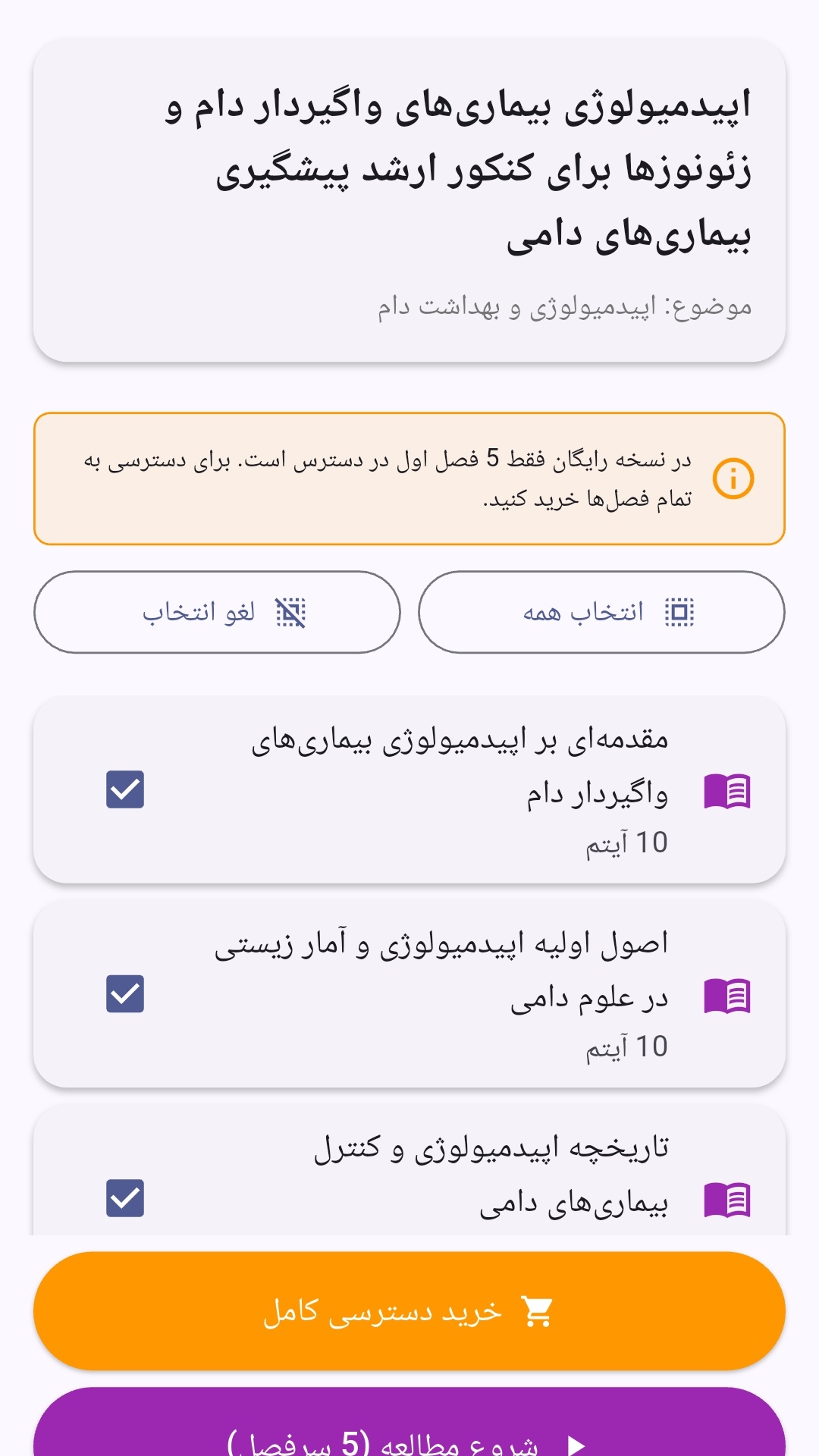
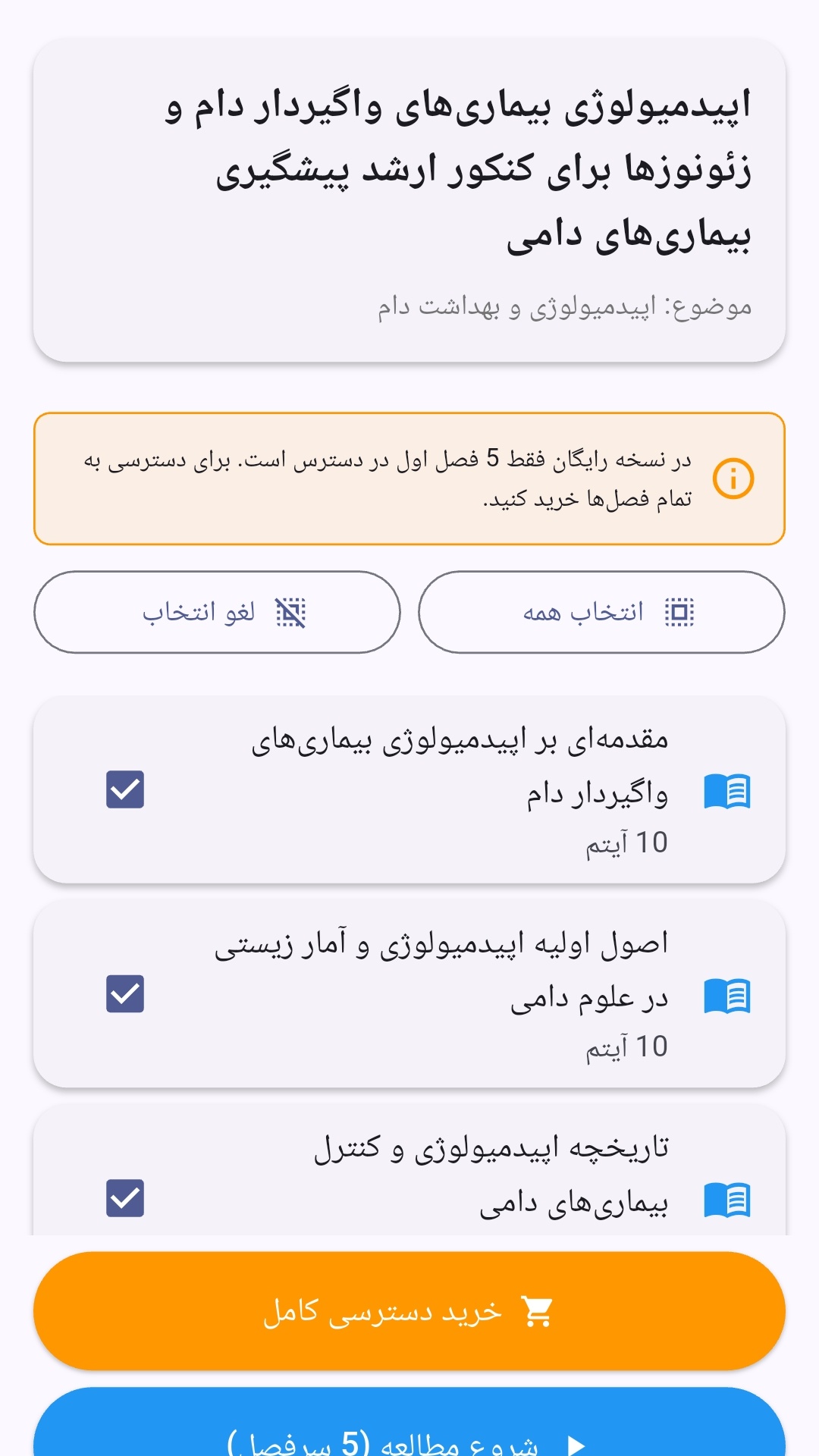
- صفحهبندی ساده برای انتخاب دوره و شروع مرور.
- نمایش تعداد دفعات مرور هر فصل.
- انتخاب چند فصل برای مرور همزمان.
- امکان تمرکز بر فصلهایی که هنوز مرور نشدهاند.
این اپلیکیشن برای دانشآموزان، دانشجویان، داوطلبان آزمونها و علاقهمندان به یادگیری طراحی شده است؛ بهویژه کسانی که میخواهند مطالب آموزشی را در زمانهای کوتاه مرور کنند، دانستههای خود را بسنجند و مطالعه منظمتری داشته باشند.
نظرات
هنوز نظری ثبت نشده است.
وارد شوید تا نظر ثبت کنید.