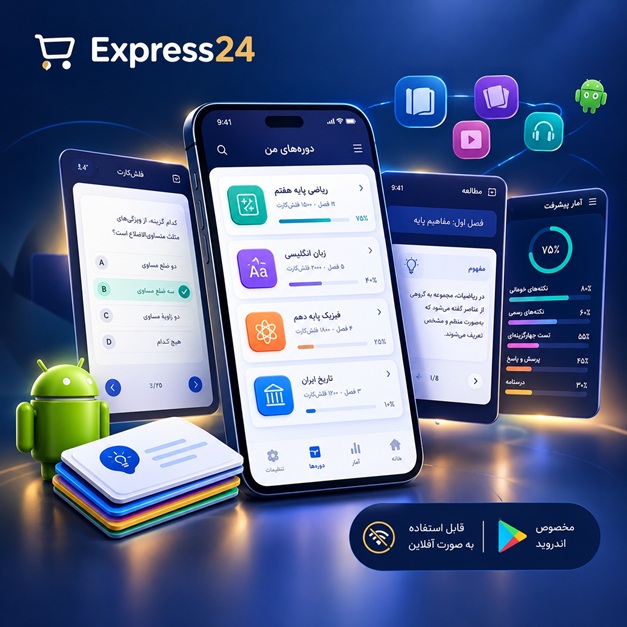
اپلیکیشن اندرویدی فلشکارت آموزشی CSS for Fleet Management Professionals
🎓 دوره آموزشی جامع
📚 اطلاعات دوره
عنوان دوره: دوره CSS for Fleet Management Professionals
موضوع کلی: برنامه نویسی
موضوع میانی: CSS
📋 سرفصلهای دوره
- 1. What is CSS? An Introduction for Fleet Professionals
- 2. Setting Up Your Development Environment for CSS
- 3. The Three Ways to Include CSS: Inline, Internal, External
- 4. Basic CSS Syntax: Rules, Selectors, Properties, Values
- 5. Understanding CSS Selectors: Type, Class, and ID
- 6. Working with Colors in CSS: Hex, RGB, HSL, and Names
- 7. Styling Text with CSS: Font-Family, Font-Size, Font-Weight
- 8. Controlling Text Alignment and Decoration
- 9. The CSS Box Model: Content, Padding, Border, Margin
- 10. Applying Padding for Visual Spacing
- 11. Defining Borders: Style, Width, Color
- 12. Managing Margins for Element Spacing
- 13. Understanding CSS Units: Pixels, Ems, Rems, Percentages
- 14. Viewport Units: VW and VH for Responsive Design
- 15. The CSS Cascade: How Styles Are Applied
- 16. Specificity: Determining Which Rule Wins
- 17. Inheritance: Passing Styles Down the Tree
- 18. Browser Developer Tools for Inspecting CSS
- 19. Resetting and Normalizing Browser Styles
- 20. Commenting Your CSS Code for Readability
- 21. The `display` Property: Block, Inline, Inline-Block
- 22. Understanding the `none` Value for `display`
- 23. Positioning Elements with `position`: Static, Relative
- 24. Absolute Positioning for Precise Layouts
- 25. Fixed Positioning for Persistent UI Elements (e.g., headers)
- 26. Sticky Positioning for Dynamic Scrolling Content
- 27. Introduction to Floats: Layout Before Flexbox and Grid
- 28. Clearing Floats to Prevent Layout Issues
- 29. The `overflow` Property: Scroll, Hidden, Auto
- 30. Introduction to Flexbox: One-Dimensional Layouts
- 31. Flex Container Properties: `display: flex`, `flex-direction`
- 32. `justify-content` for Horizontal Alignment in Flexbox
- 33. `align-items` for Vertical Alignment in Flexbox
- 34. `flex-wrap` for Multi-Line Flex Containers
- 35. Flex Item Properties: `flex-grow`, `flex-shrink`, `flex-basis`
- 36. `order` Property for Reordering Flex Items
- 37. Advanced Flexbox Scenarios for Dashboard Layouts
- 38. Introduction to CSS Grid: Two-Dimensional Layouts
- 39. Grid Container Properties: `display: grid`, `grid-template-columns`, `grid-template-rows`
- 40. Creating Grid Gaps with `gap`, `row-gap`, `column-gap`
- 41. Placing Grid Items with `grid-column` and `grid-row`
- 42. Using `grid-template-areas` for Named Grid Layouts
- 43. Aligning Grid Items: `justify-items`, `align-items`
- 44. Aligning Grid Tracks: `justify-content`, `align-content`
- 45. Responsive Design with Grid: Adapting Fleet Dashboards
- 46. Combining Flexbox and Grid for Complex Layouts
- 47. Introduction to Media Queries: The Foundation of Responsive Design
- 48. Defining Breakpoints for Different Devices (Mobile, Tablet, Desktop)
- 49. Mobile-First vs. Desktop-First Approaches
- 50. Designing Responsive Navigation for Fleet Apps
- 51. Styling Forms: Inputs, Textareas, and Select Elements
- 52. Customizing Buttons for Fleet Management Actions
- 53. Enhancing Data Tables for Readability and Interaction
- 54. Styling Lists for Navigation and Information Display
- 55. Pseudo-Classes: `:hover`, `:focus`, `:active` for Interactivity
- 56. Styling Links with `:visited` and `:link`
- 57. Structural Pseudo-Classes: `:first-child`, `:last-child`, `:nth-child`
- 58. Pseudo-Elements: `::before` and `::after` for Decorative Content
- 59. Creating Tooltips and Pop-overs with Pseudo-Elements
- 60. CSS Transitions: Smooth State Changes
- 61. Transition Properties: `transition-property`, `duration`, `timing-function`, `delay`
- 62. CSS Transforms: `translate`, `rotate`, `scale`, `skew`
- 63. D vs. 3D Transforms
- 64. Introduction to CSS Animations: `keyframes`
- 65. Animation Properties: `animation-name`, `duration`, `timing-function`, `delay`, `iteration-count`, `direction`, `fill-mode`
- 66. Creating Engaging UI Animations for Alerts and Updates
- 67. Custom Properties (CSS Variables): Defining Reusable Values
- 68. Using CSS Variables for Theming and Branding
- 69. `calc()` Function for Dynamic CSS Values
- 70. `clip-path` for Creative Shapes
- 71. The `z-index` Property and Stacking Contexts
- 72. Using `object-fit` and `object-position` for Images and Videos
- 73. Background Properties: Multiple Backgrounds, Size, Position
- 74. Gradient Backgrounds: Linear and Radial
- 75. Applying Shadows with `box-shadow` and `text-shadow`
- 76. Advanced Selectors: Attribute Selectors (`[type="text"]`)
- 77. Combinator Selectors: Descendant, Child, Adjacent Sibling, General Sibling
- 78. The `:not()` Pseudo-Class for Exclusion
- 79. Designing for Accessibility (A11y) with CSS
- 80. Ensuring Color Contrast for Readability in Dashboards
- 81. Focus Management and Keyboard Navigation
- 82. Print Stylesheets for Fleet Reports
- 83. Introduction to CSS Preprocessors: Sass/SCSS
- 84. Using Variables and Nesting in Sass
- 85. Mixins and Functions in Sass for Reusability
- 86. Organizing Large CSS Projects with Sass Partials
- 87. PostCSS: Enhancing CSS with JavaScript
- 88. CSS Methodologies: BEM (Block, Element, Modifier)
- 89. SMACSS and OOCSS for Scalable CSS Architectures
- 90. Performance Optimization: Minification and Concatenation
- 91. Critical CSS for Faster Initial Page Loads
- 92. Web Fonts and `@font-face` Rule
- 93. Icon Fonts vs. SVG Icons for UI Elements
- 94. Cross-Browser Compatibility and Vendor Prefixes
- 95. Debugging Advanced CSS Layout Issues
- 96. Introduction to CSS Frameworks: Bootstrap and Tailwind CSS
- 97. Styling Interactive Maps and Geospatial Data (e.g., vehicle tracking)
- 98. Building Dynamic Dashboards with CSS for Real-time Fleet Data
- 99. The Future of CSS: Container Queries and More
- 100. Best Practices and Workflow for Fleet Management CSS Development
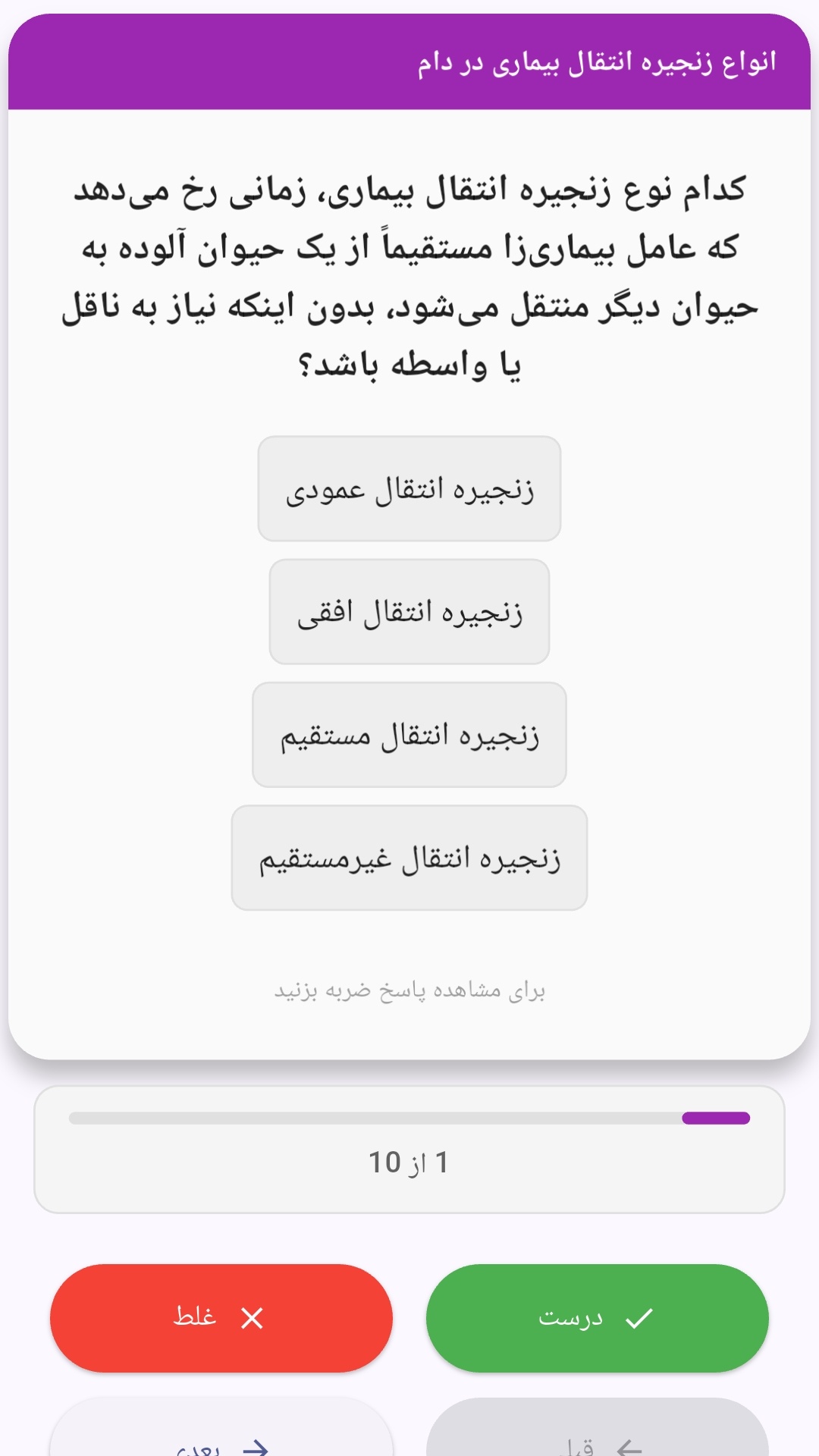
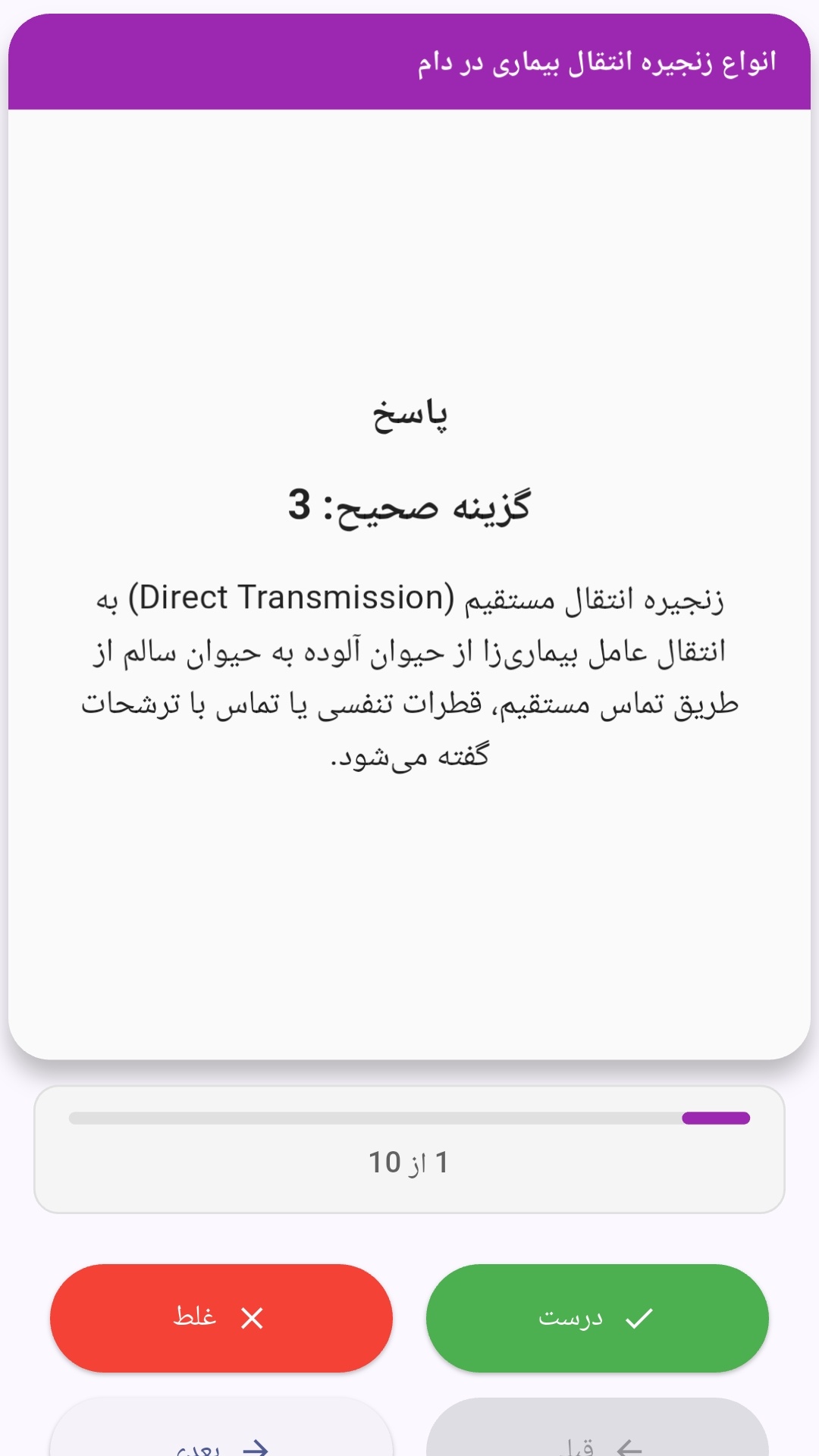
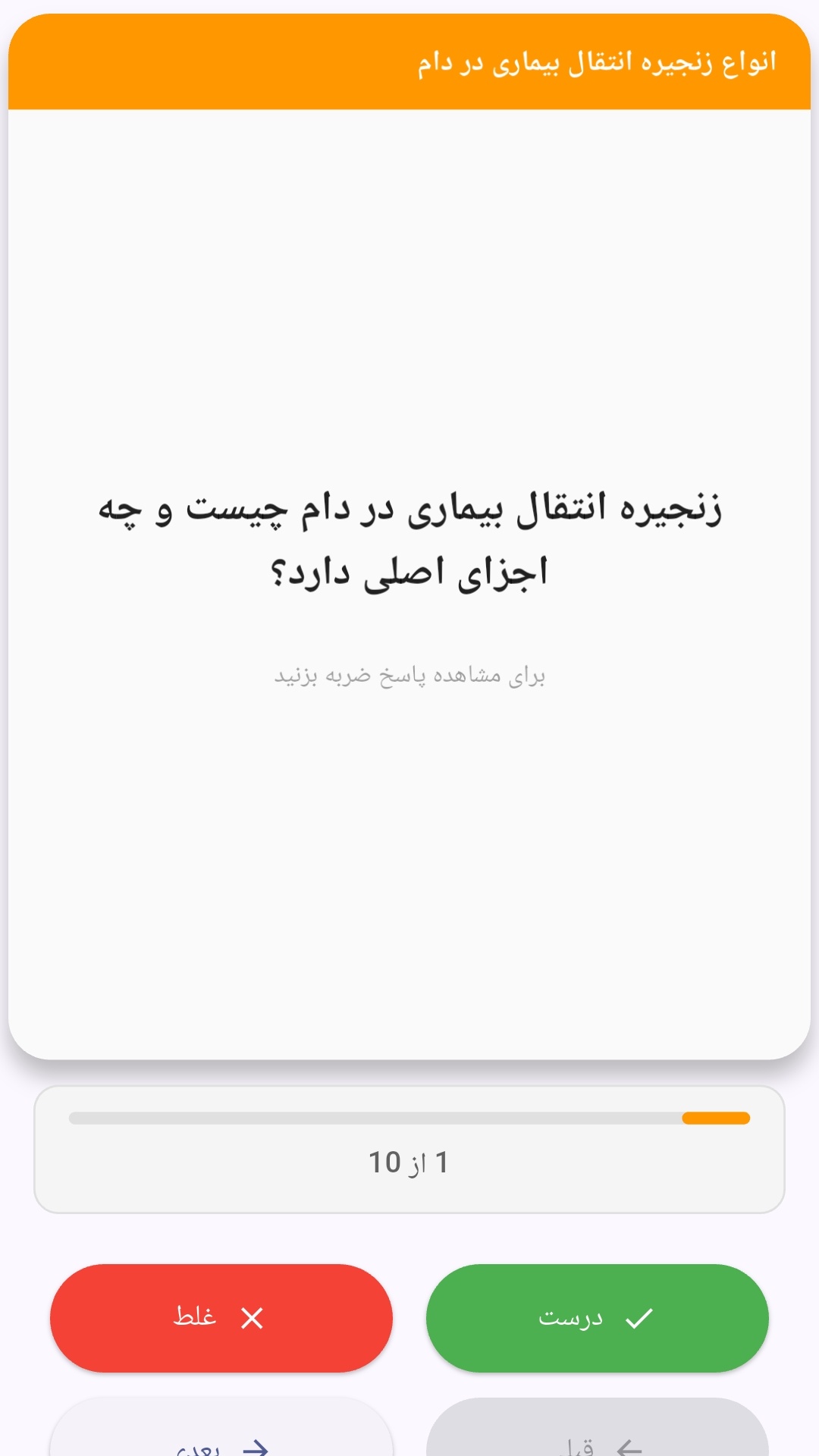
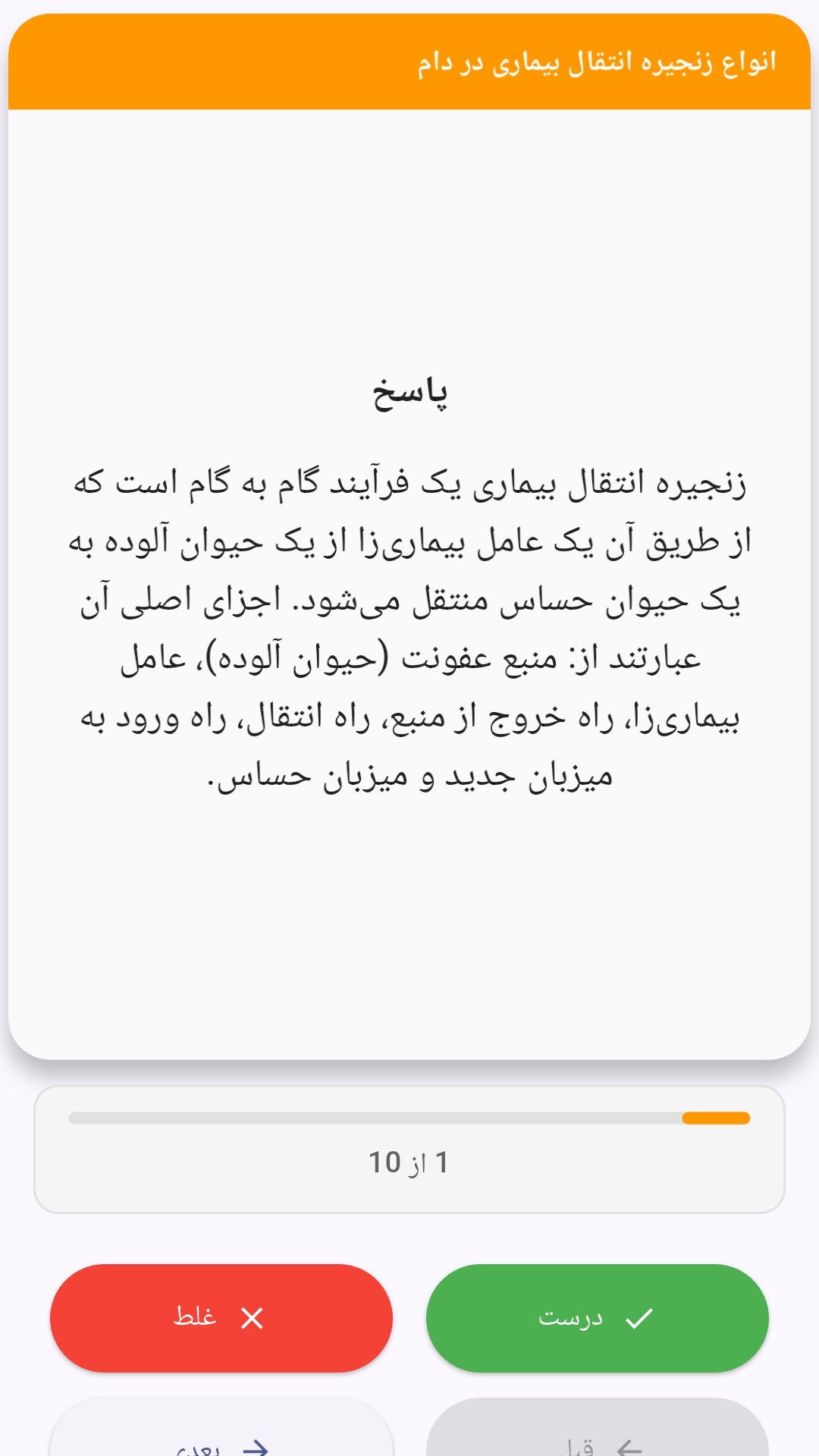
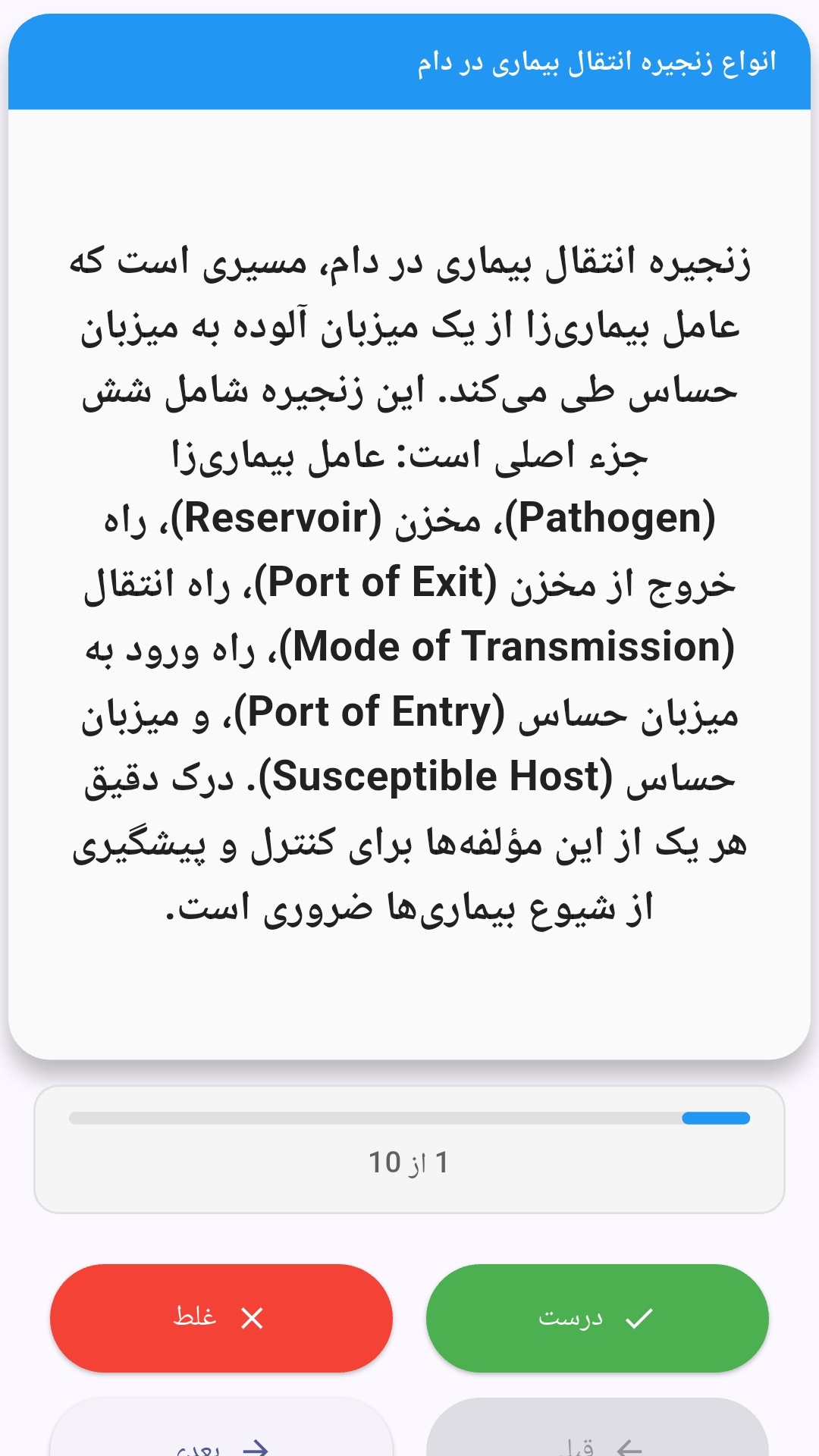
این اپلیکیشن فارسی برای یادگیری و مرور محتوای آموزشی از طریق فلشکارت طراحی شده است. کارتها را یکییکی مرور کنید، پاسخ پرسشها را به یاد بیاورید و نتیجه هر پاسخ را ثبت کنید. محتوای دوره پس از نصب درون برنامه در دسترس است تا برای مطالعه روزمره معمولاً به اتصال مداوم اینترنت نیاز نداشته باشید.
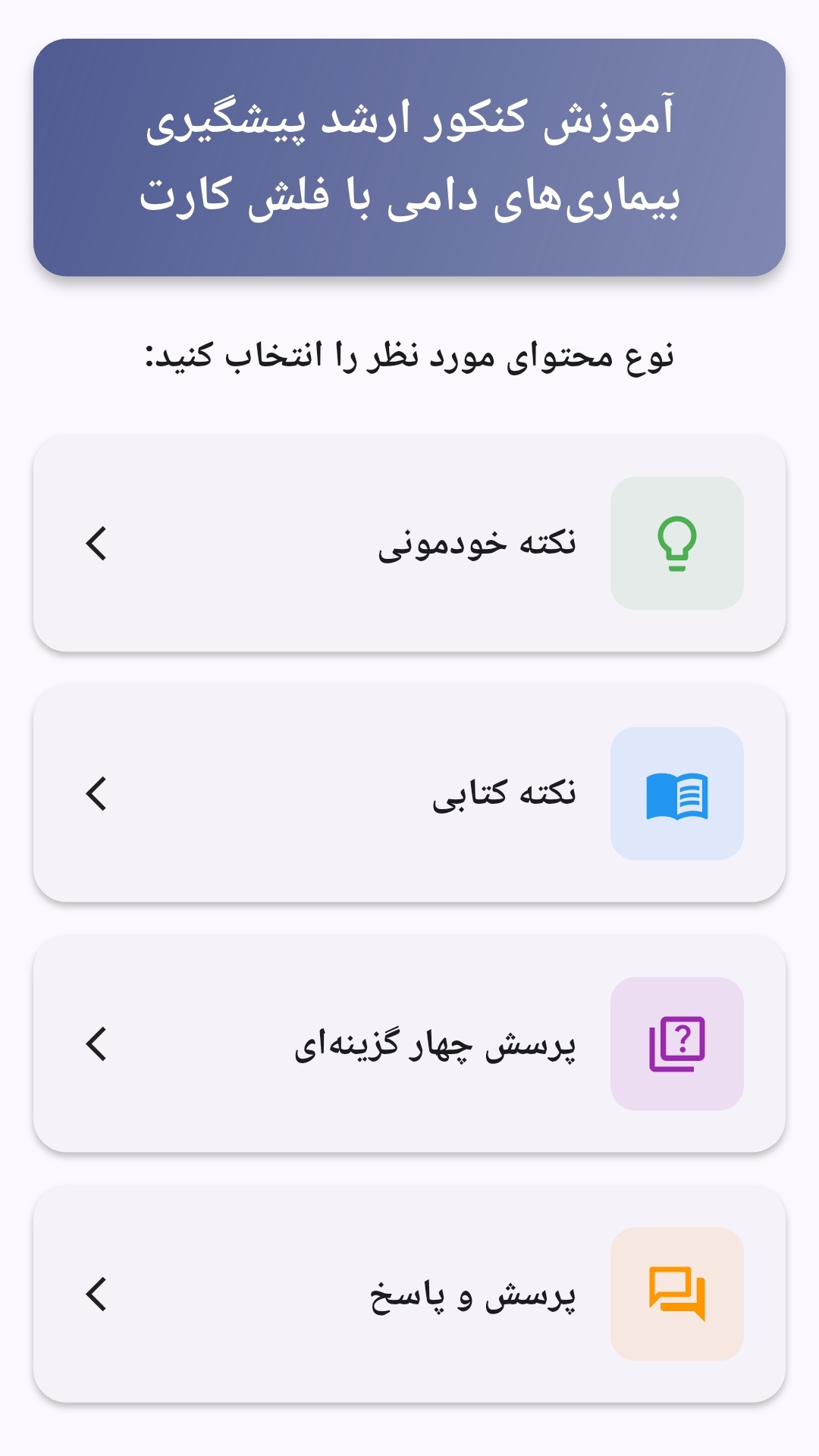
محتوای آموزشی در قالبهای متنوع ارائه میشود تا هم برای یادگیری مفاهیم جدید و هم برای تثبیت آموختهها قابل استفاده باشد.
- رابط کاربری فارسی و راستچین با فونت وزیر.
- تم روشن و تیره مطابق تنظیمات سیستم.
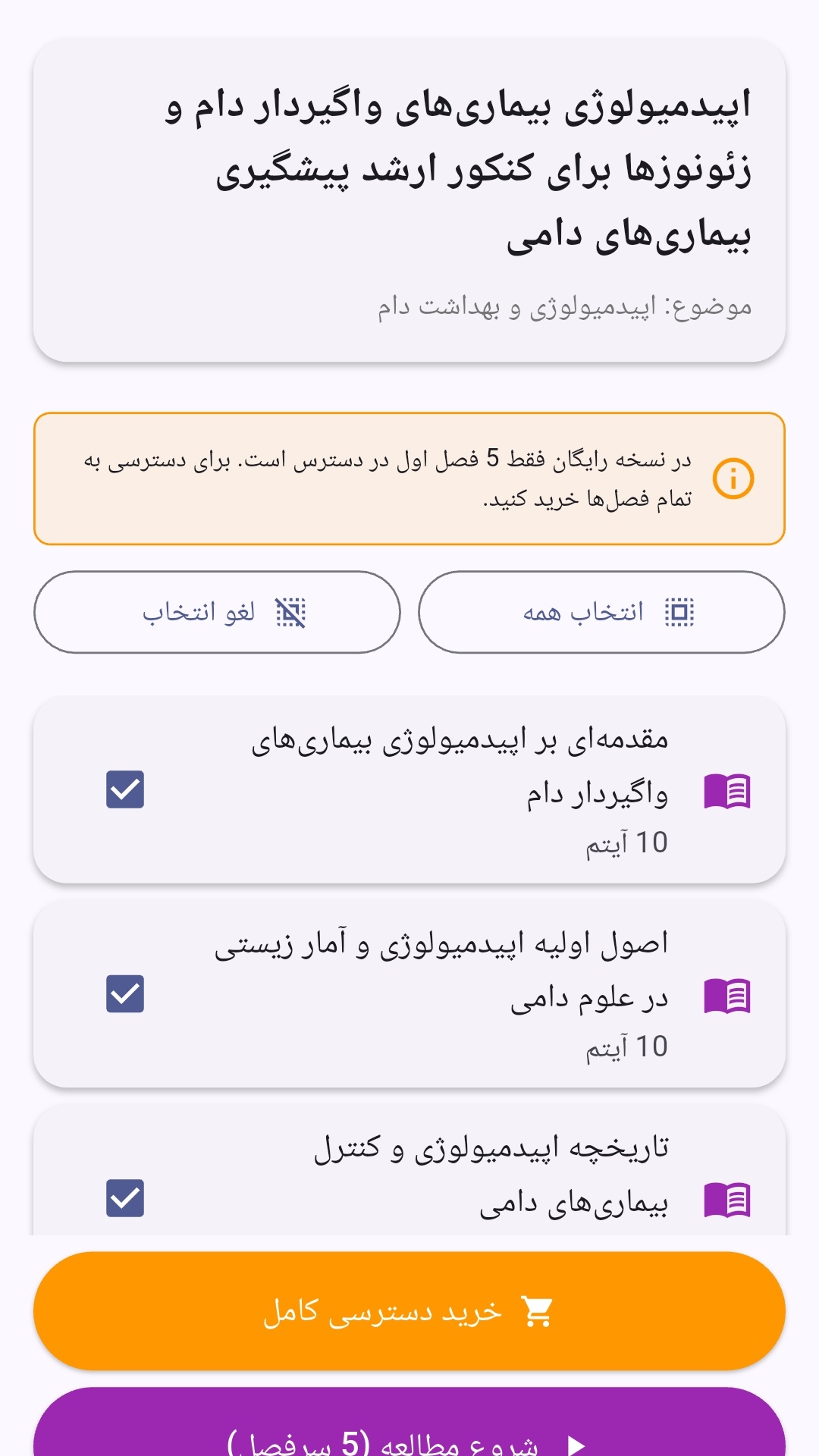
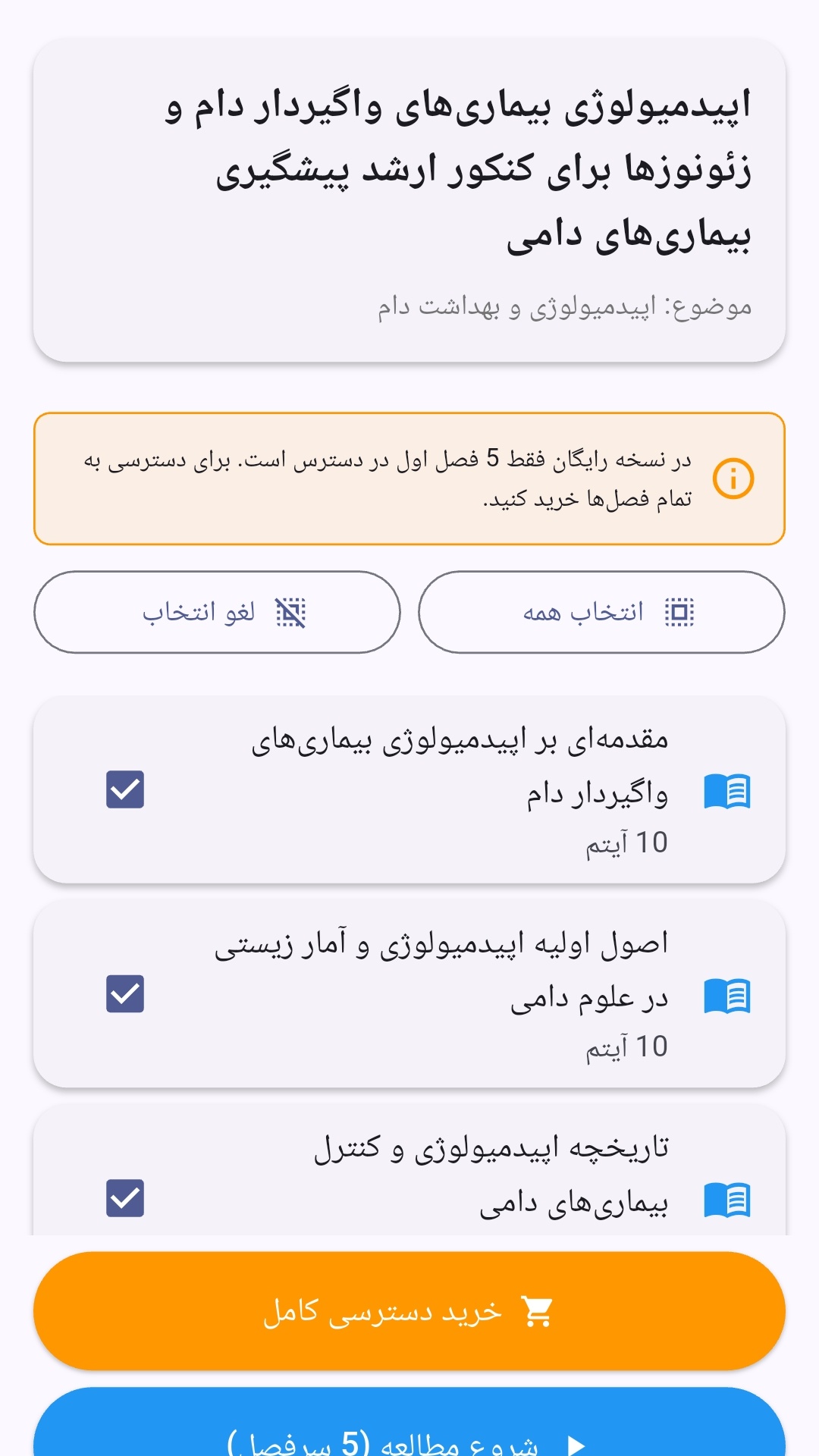
- صفحهبندی ساده برای انتخاب دوره و شروع مرور.
- نمایش تعداد دفعات مرور هر فصل.
- انتخاب چند فصل برای مرور همزمان.
- امکان تمرکز بر فصلهایی که هنوز مرور نشدهاند.
این اپلیکیشن برای دانشآموزان، دانشجویان، داوطلبان آزمونها و علاقهمندان به یادگیری طراحی شده است؛ بهویژه کسانی که میخواهند مطالب آموزشی را در زمانهای کوتاه مرور کنند، دانستههای خود را بسنجند و مطالعه منظمتری داشته باشند.
نظرات
هنوز نظری ثبت نشده است.
وارد شوید تا نظر ثبت کنید.