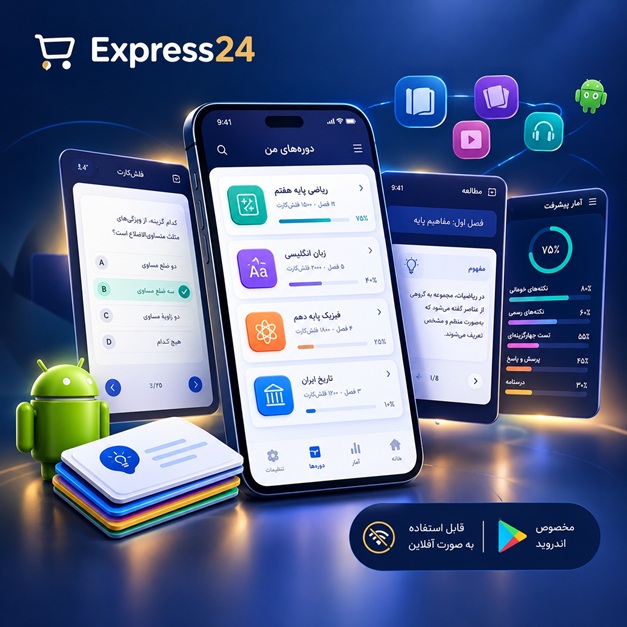
اپلیکیشن اندرویدی فلشکارت آموزشی کار با WPF Animation Effects and Advanced Rendering in WPF for Enterprise
🎓 دوره آموزشی جامع
📚 اطلاعات دوره
عنوان دوره: دوره کار با WPF Animation Effects and Advanced Rendering in WPF for Enterprise
موضوع کلی: برنامه نویسی
موضوع میانی: WPF (Windows Presentation Foundation)
📋 سرفصلهای دوره
- 1. مبانی WPF و معماری آن
- 2. تنظیم محیط توسعه و نصب ابزارهای مورد نیاز
- 3. آشنایی با XAML و ساختار آن
- 4. مقدمهای بر کنترلهای WPF و انواع آنها
- 5. کار با Layout Panels: Grid, StackPanel, DockPanel, WrapPanel
- 6. مدیریت اندازه و موقعیت عناصر در WPF
- 7. استفاده از Properties و Dependency Properties
- 8. Data Binding: مبانی و انواع آن
- 9. Commands و رابط کاربری Command
- 10. Templates and Styles: سفارشیسازی ظاهر کنترلها
- 11. Triggers: ایجاد تعامل پویا در UI
- 12. آشنایی با Resources و استفاده از آنها
- 13. مبانی Animation: انواع و مفاهیم اصلی
- 14. Storyboards: ایجاد انیمیشنهای Time-based
- 15. Animating Properties: تغییر ویژگیها با انیمیشن
- 16. Easing Functions: کنترل سرعت و شتاب انیمیشنها
- 17. آشنایی با انواع Animation Effects
- 18. Fade Animations: ایجاد افکت محو شدن
- 19. Translate Animations: جابجایی عناصر
- 20. Scale Animations: تغییر اندازه عناصر
- 21. Rotate Animations: چرخش عناصر
- 22. Color Animations: تغییر رنگ
- 23. آشنایی با Custom Animations
- 24. استفاده از Event Triggers برای انیمیشن
- 25. Creating Reusable Animations
- 26. Animation and Data Binding
- 27. Animation and User Interaction
- 28. Advanced Animation Concepts: KeyFrames
- 29. Path Animations: انیمیشن بر روی مسیر
- 30. Animating Collections: انیمیشن برای لیستها
- 31. Implicit Animations
- 32. Introduction to Effects: Blur, DropShadow
- 33. آشنایی با Visual Layers در WPF
- 34. Custom Effects: ایجاد افکتهای سفارشی
- 35. Performance Considerations for Animations
- 36. Debugging Animations
- 37. Introduction to 3D Graphics in WPF
- 38. Working with Viewport3D
- 39. D Objects and Materials
- 40. Lights and Cameras in 3D
- 41. Importing 3D Models
- 42. Advanced 3D Rendering Techniques
- 43. Optimizing 3D Performance
- 44. Introduction to Advanced Rendering
- 45. Working with Drawing Visuals
- 46. Custom Drawing Operations
- 47. Using Render Transforms
- 48. Custom Brushes and Pens
- 49. Image Manipulation and Processing
- 50. Working with BitmapSource
- 51. Pixel Shaders and Effects
- 52. Shader Effects in WPF
- 53. Using RenderTargetBitmap
- 54. Caching and Optimization in Rendering
- 55. Introduction to Enterprise WPF Applications
- 56. MVVM Architecture: Understanding the Pattern
- 57. Implementing MVVM in WPF
- 58. Data Validation in WPF Applications
- 59. Error Handling and Reporting
- 60. Localization and Globalization in WPF
- 61. Creating User Controls
- 62. Custom Controls: Building Reusable Components
- 63. Working with Dependency Injection
- 64. Using DataTemplates and ControlTemplates
- 65. Building Custom Layout Panels
- 66. Creating Custom Bindings
- 67. Performance Profiling and Optimization Techniques
- 68. Managing Memory and Resources in WPF
- 69. Thread Safety and Concurrency in WPF
- 70. Asynchronous Operations and UI Responsiveness
- 71. WPF and External Libraries
- 72. Using Third-Party Controls
- 73. Advanced Styling Techniques
- 74. Skinning and Theming WPF Applications
- 75. Creating Responsive UI
- 76. Designing for Multiple Screen Sizes
- 77. Accessibility in WPF Applications
- 78. Test-Driven Development (TDD) for WPF
- 79. Unit Testing WPF Applications
- 80. Integration Testing WPF Applications
- 81. Deployment and Packaging of WPF Applications
- 82. Updating WPF Applications
- 83. Security Considerations in WPF
- 84. Data Protection and Encryption
- 85. Introduction to Reactive Extensions (Rx) in WPF
- 86. Using Rx for Event Handling and Asynchronous Operations
- 87. Advanced Data Binding Techniques
- 88. Using MultiBinding
- 89. Data Binding to Collections and Hierarchies
- 90. Implementing Drag and Drop Functionality
- 91. Working with Custom Data Providers
- 92. WPF and DirectX Integration
- 93. Introduction to Composition API
- 94. Custom Compositing with Direct2D
- 95. Advanced Rendering Optimization Strategies
- 96. WPF and Cloud Services Integration
- 97. Building Interactive Dashboards in WPF
- 98. WPF and Big Data Visualization
- 99. Real-Time Data Visualization with WPF
- 100. Building Rich User Interfaces with Animations and Effects
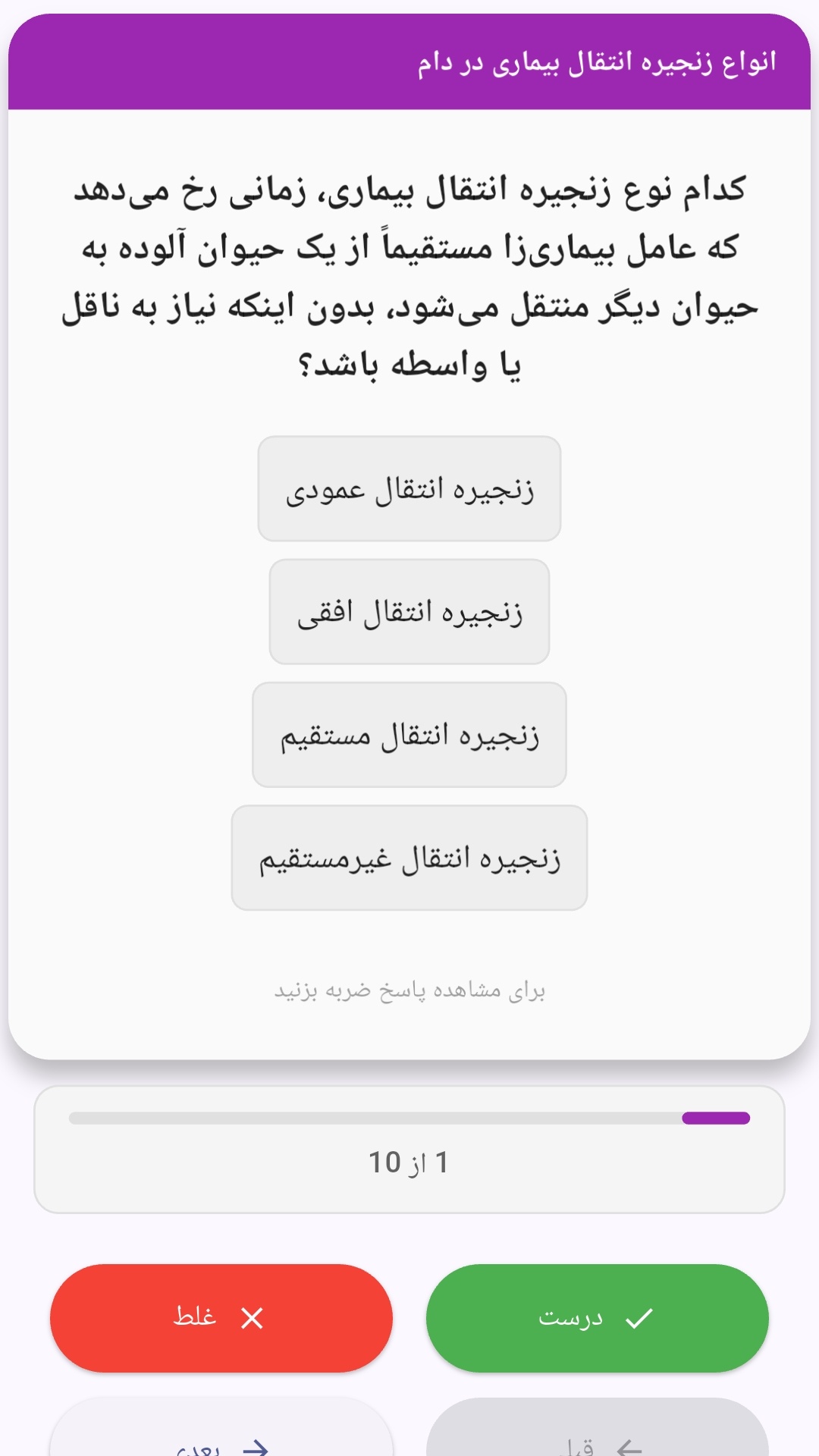
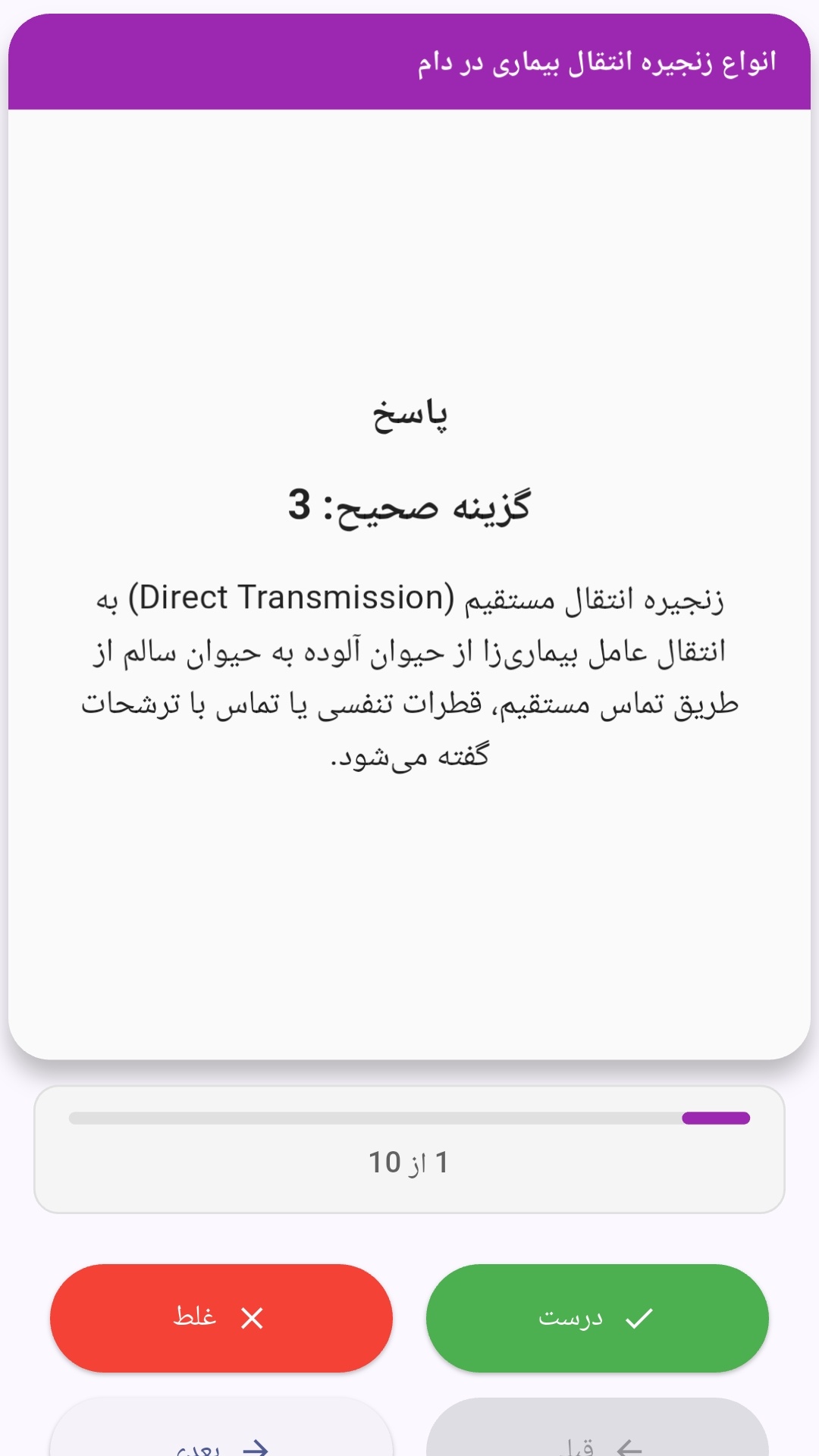
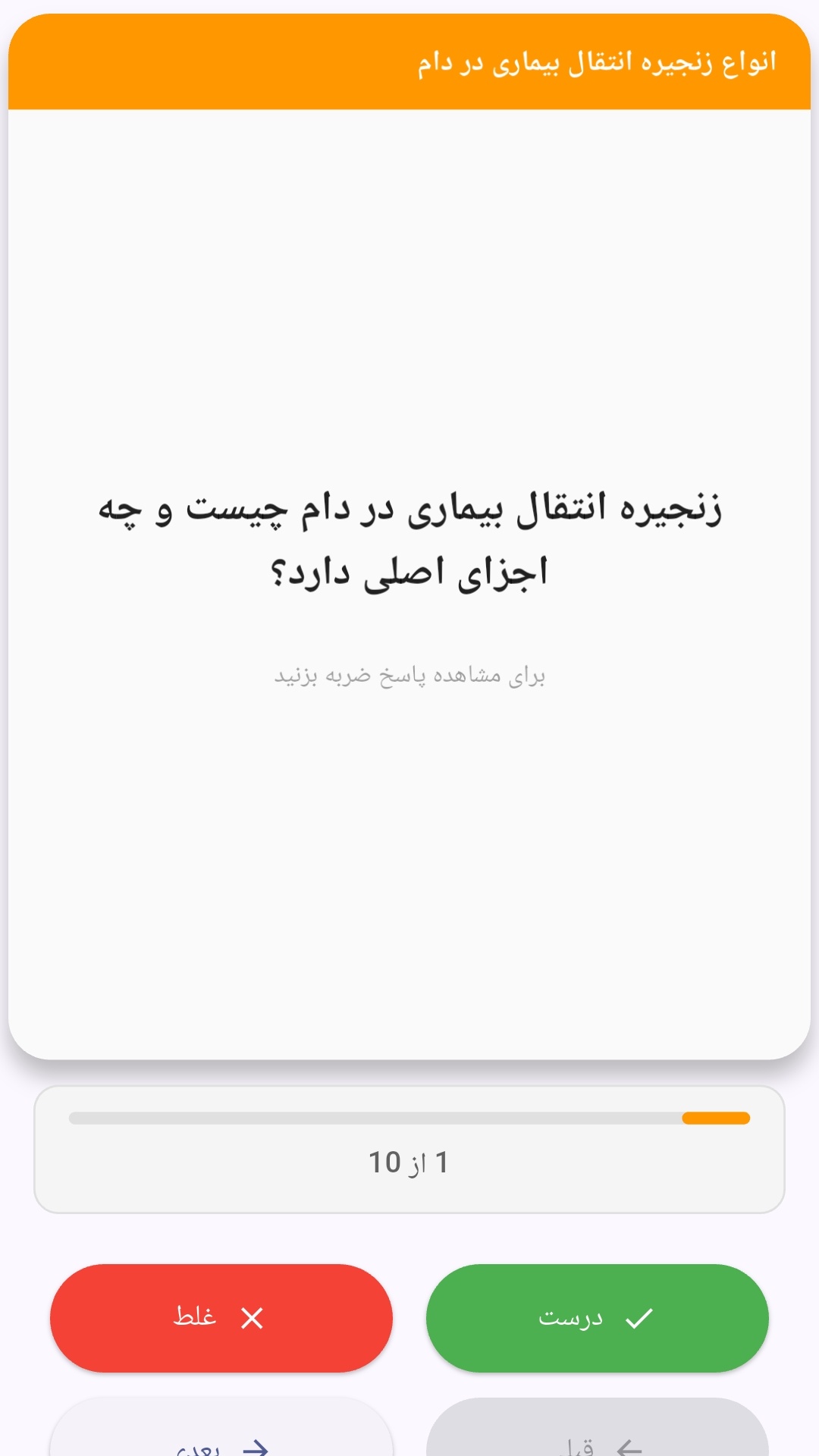
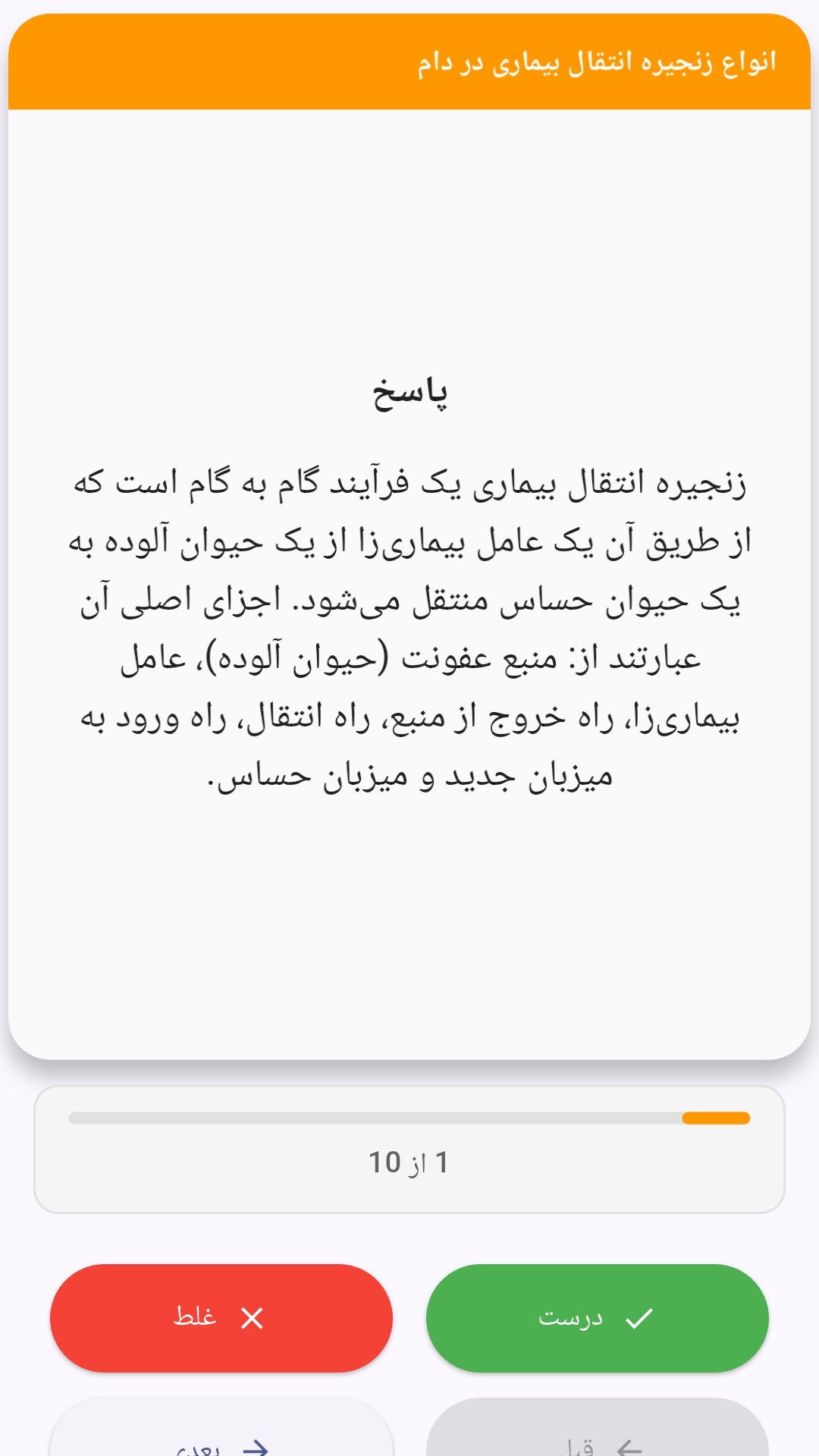
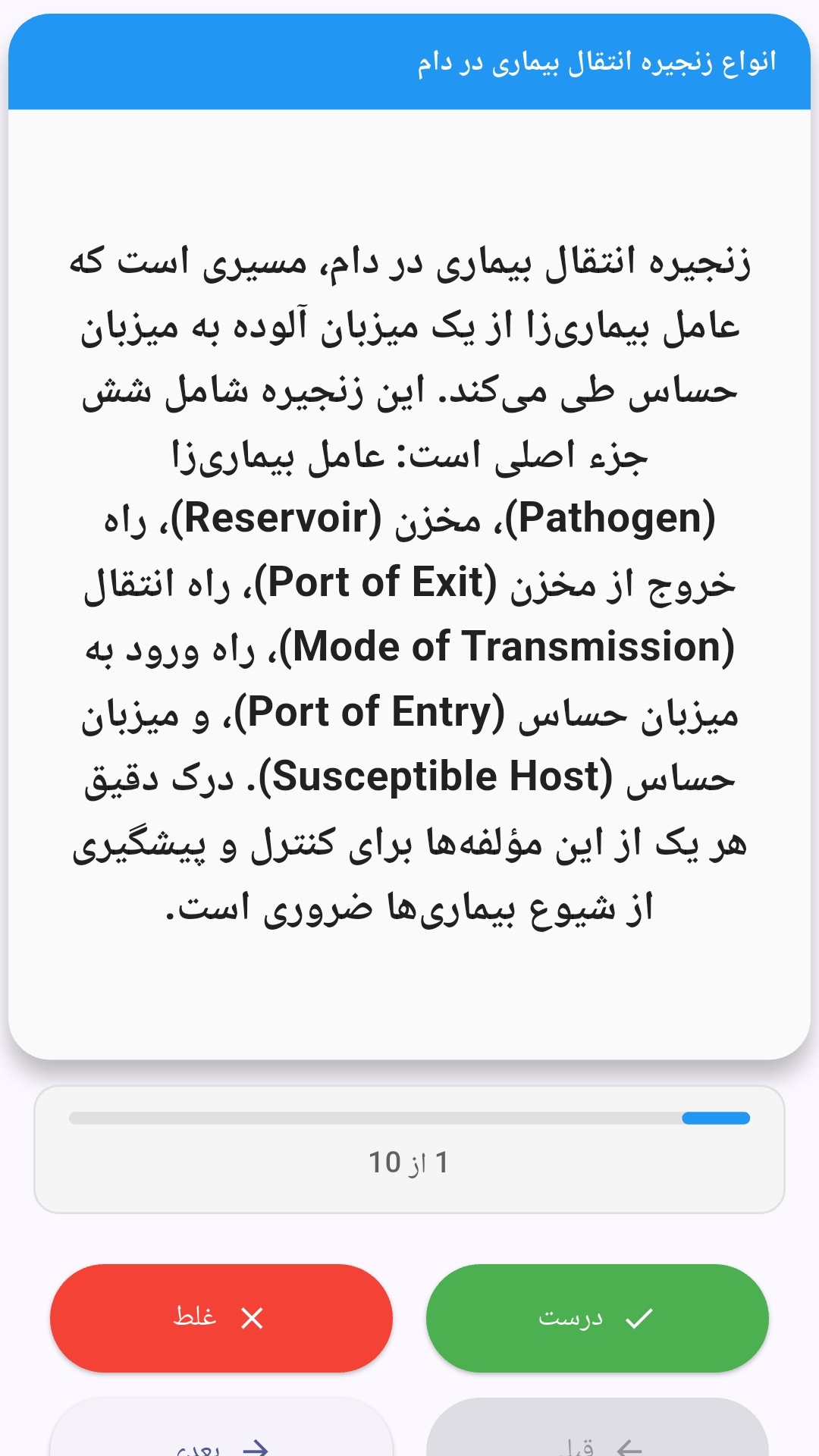
این اپلیکیشن فارسی برای یادگیری و مرور محتوای آموزشی از طریق فلشکارت طراحی شده است. کارتها را یکییکی مرور کنید، پاسخ پرسشها را به یاد بیاورید و نتیجه هر پاسخ را ثبت کنید. محتوای دوره پس از نصب درون برنامه در دسترس است تا برای مطالعه روزمره معمولاً به اتصال مداوم اینترنت نیاز نداشته باشید.
محتوای آموزشی در قالبهای متنوع ارائه میشود تا هم برای یادگیری مفاهیم جدید و هم برای تثبیت آموختهها قابل استفاده باشد.
- رابط کاربری فارسی و راستچین با فونت وزیر.
- تم روشن و تیره مطابق تنظیمات سیستم.
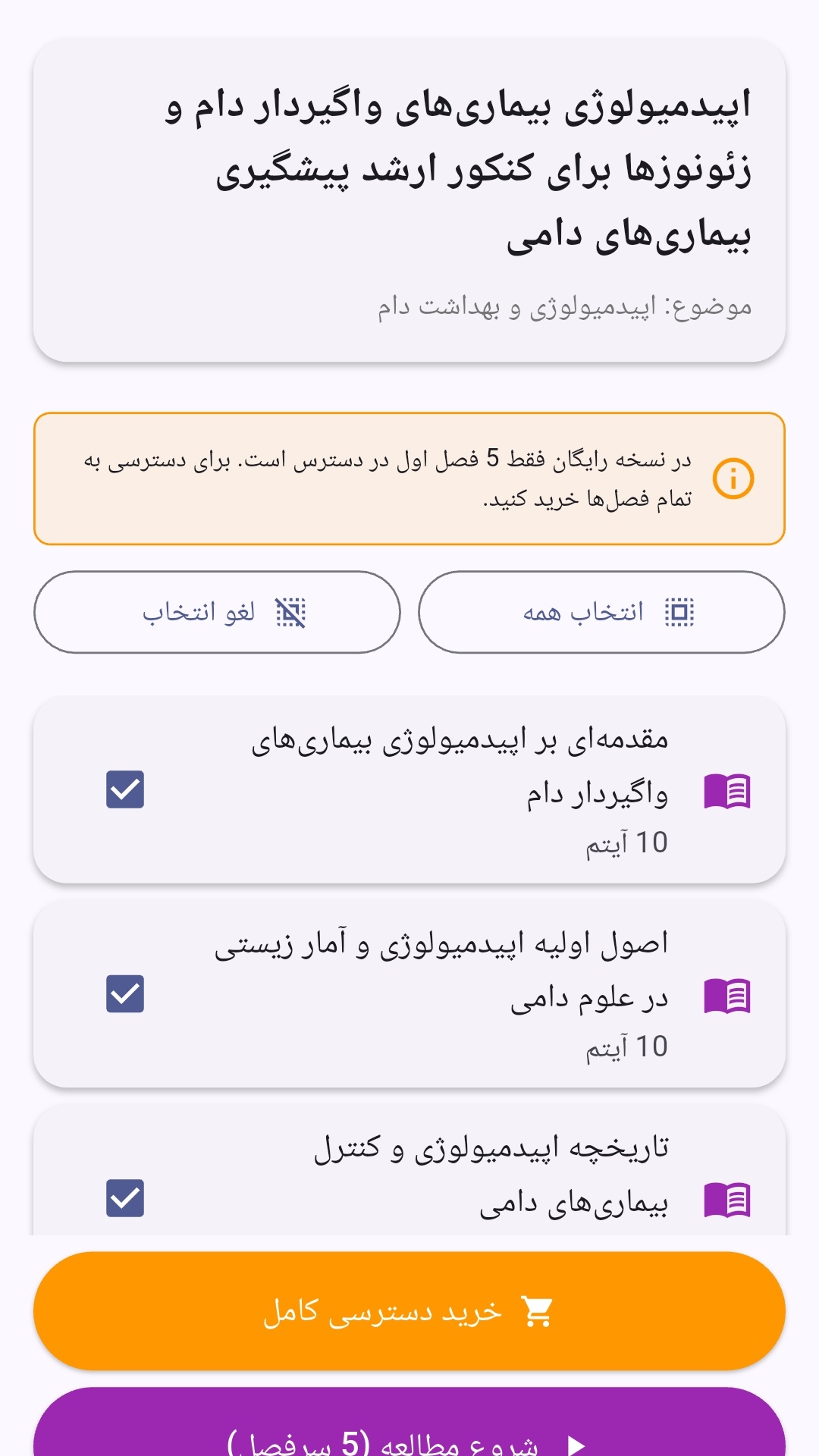
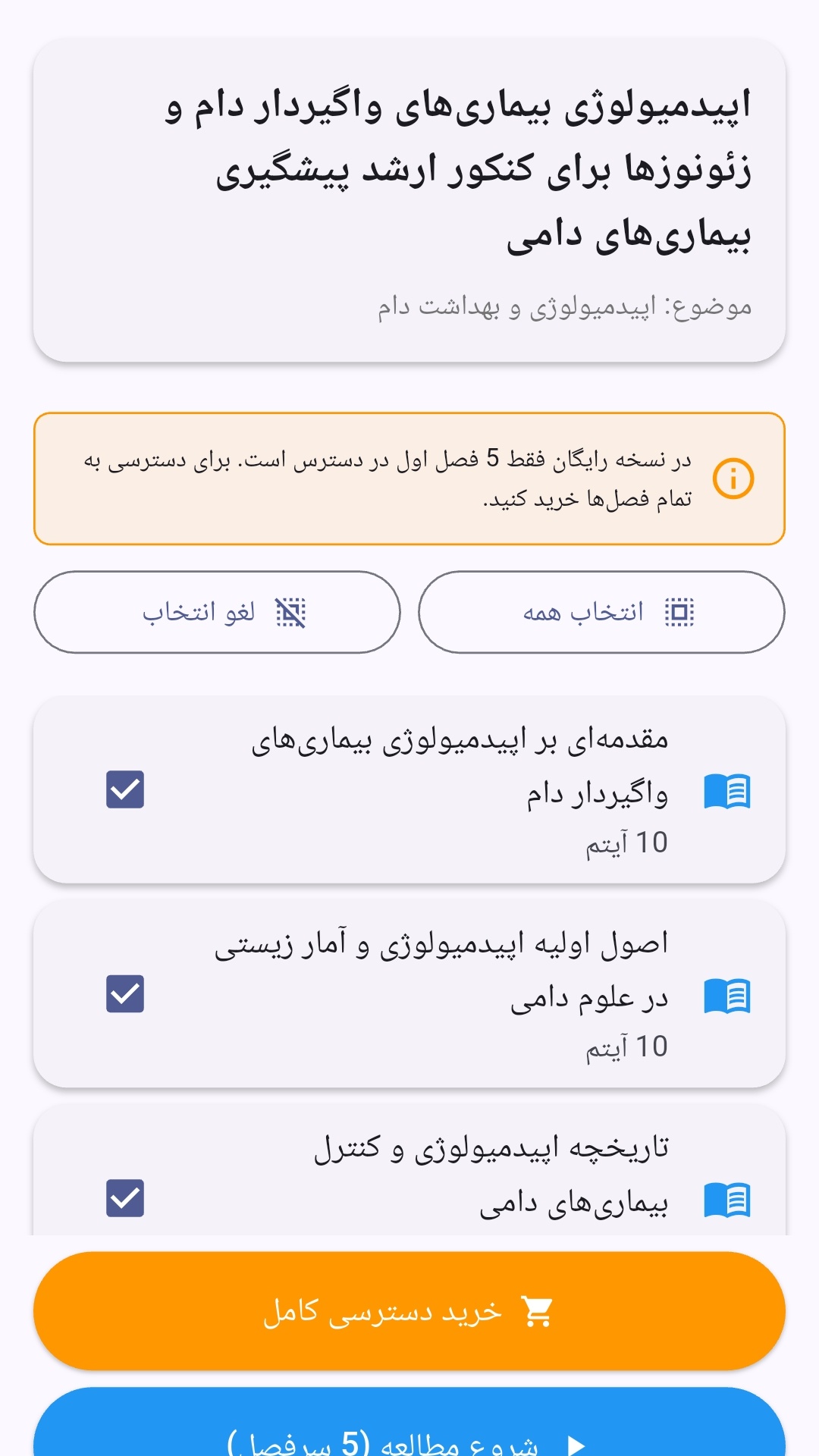
- صفحهبندی ساده برای انتخاب دوره و شروع مرور.
- نمایش تعداد دفعات مرور هر فصل.
- انتخاب چند فصل برای مرور همزمان.
- امکان تمرکز بر فصلهایی که هنوز مرور نشدهاند.
این اپلیکیشن برای دانشآموزان، دانشجویان، داوطلبان آزمونها و علاقهمندان به یادگیری طراحی شده است؛ بهویژه کسانی که میخواهند مطالب آموزشی را در زمانهای کوتاه مرور کنند، دانستههای خود را بسنجند و مطالعه منظمتری داشته باشند.
نظرات
هنوز نظری ثبت نشده است.
وارد شوید تا نظر ثبت کنید.