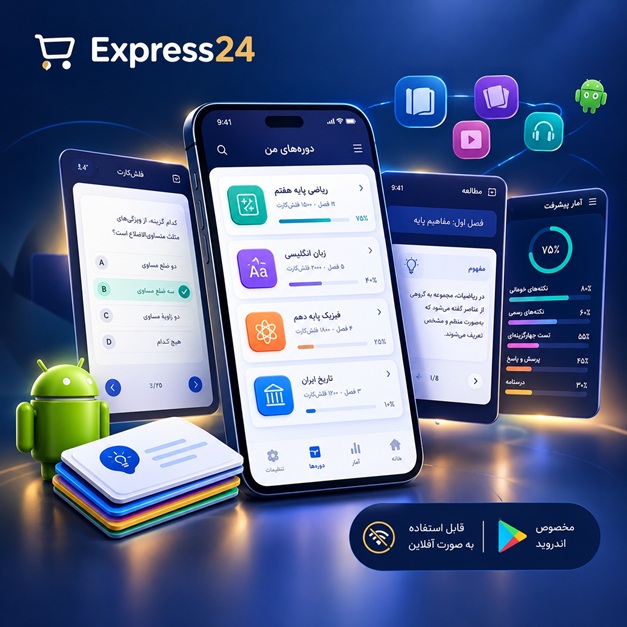
اپلیکیشن اندرویدی فلشکارت آموزشی SQL Server The Professional's Toolkit for SQL Server Evolution
🎓 دوره آموزشی جامع
📚 اطلاعات دوره
عنوان دوره: دوره SQL Server The Professional's Toolkit for SQL Server Evolution
موضوع کلی: برنامه نویسی
موضوع میانی: Microsoft SQL Server
📋 سرفصلهای دوره
- 1. Course Introduction: Evolving Your SQL Server Expertise
- 2. SQL Server Architecture Deep Dive: Understanding the Core Components
- 3. Advanced SSMS and Azure Data Studio Usage
- 4. Relational Database Concepts Refresher: Keys, Constraints, Normalization
- 5. Essential Data Types and Their Impact on Performance and Storage
- 6. Mastering Window Functions for Complex Analytics
- 7. Common Table Expressions (CTEs): Recursive and Non-Recursive Patterns
- 8. Subqueries and Derived Tables: Choosing the Right Approach
- 9. Cross Apply and Outer Apply for Flexible Joins
- 10. The MERGE Statement: Efficient Upserts and Deletes
- 11. Advanced Error Handling with TRY...CATCH and THROW
- 12. Transaction Management and Isolation Levels Deep Dive
- 13. Stored Procedures: Parameterization, Security, and Performance
- 14. User-Defined Functions (UDFs): Scalar, Inline, and Multi-Statement Table-Valued
- 15. Triggers: Advanced Use Cases, Auditing, and Pitfalls
- 16. Dynamic SQL: Secure Construction and Execution with sp_executesql
- 17. Working with Temporary Objects: Temp Tables, Table Variables, and In-Memory Tables
- 18. String Manipulation and Regular Expressions (CLR Integration)
- 19. Date and Time Functions: Advanced Scenarios
- 20. Pivoting and Unpivoting Data for Reporting
- 21. Batch Processing and Large Data Manipulation Strategies
- 22. Understanding and Optimizing Set-Based Operations
- 23. Cursors: When and How to Use Them (and When Not To)
- 24. Advanced Aggregation and Grouping Sets
- 25. XML and JSON Data Manipulation in T-SQL
- 26. Designing for Scalability: Physical vs. Logical Design
- 27. Indexing Strategy: Clustered Index Choices and Their Implications
- 28. Non-Clustered Indexes: Covering, Filtered, and Included Columns
- 29. Understanding and Managing Index Fragmentation
- 30. Data Partitioning: Strategic Implementation for Large Tables
- 31. Filegroups and Optimal File Placement
- 32. Data Compression: Row, Page, and Columnstore
- 33. Schema Evolution and Database Refactoring
- 34. Best Practices for Primary Keys, Foreign Keys, and Constraints
- 35. Collation Management and Character Set Considerations
- 36. Execution Plans: Advanced Reading and Interpretation
- 37. Identifying Performance Bottlenecks: A Structured Approach
- 38. Statistics: Lifecycle, Maintenance, and Impact on Query Plans
- 39. The Query Store: Performance Monitoring and Regression Detection
- 40. Understanding Wait Statistics and Resource Bottlenecks
- 41. Resolving Blocking and Deadlock Scenarios
- 42. Parameter Sniffing: Causes, Symptoms, and Solutions
- 43. TempDB Contention and Optimization Strategies
- 44. Memory Management in SQL Server: Buffer Pool, Plan Cache, and More
- 45. Optimizing I/O Subsystem for SQL Server Workloads
- 46. CPU Bottlenecks and Managing Parallelism
- 47. DMVs for Performance Monitoring and Troubleshooting
- 48. Extended Events: Capturing Granular Performance Data
- 49. Query Rewriting for Performance Gains
- 50. Index Tuning Advisor (Legacy) vs. Manual Index Creation
- 51. Data Access Patterns: OLTP vs. OLAP Optimization
- 52. SQL Server Profiler and Trace: Understanding Legacy Tools
- 53. Resource Governor: Workload Management and Throttling
- 54. Plan Guides and Forced Query Plans (Advanced Optimization)
- 55. Performance Baselines and Trend Analysis
- 56. Comprehensive Backup Strategies: Full, Differential, Transaction Log
- 57. Point-in-Time Recovery and Disaster Simulation
- 58. Database Maintenance Plans and Custom Automation Scripts
- 59. SQL Server Agent: Job Management, Scheduling, and Alerts
- 60. Monitoring SQL Server Health and Availability
- 61. Automating DBA Tasks with PowerShell for SQL Server
- 62. Database Mail and Notification Systems
- 63. Capacity Planning: Storage, Memory, CPU
- 64. Understanding and Managing System Databases
- 65. DBCC Commands for Database Integrity and Diagnostics
- 66. Authentication Methods: Windows, SQL, Azure AD
- 67. Server Roles, Database Roles, and Custom Roles
- 68. Granting and Revoking Permissions: Principles of Least Privilege
- 69. Schema-Based Security and Object Ownership
- 70. Row-Level Security (RLS) for Granular Data Access Control
- 71. Always Encrypted: Data at Rest and In-Use Protection
- 72. Transparent Data Encryption (TDE): Database Encryption
- 73. SQL Server Auditing and Compliance Reporting
- 74. HA/DR Fundamentals: RPO, RTO, and Availability Modes
- 75. Log Shipping: Setup, Monitoring, and Failover
- 76. Failover Cluster Instances (FCI): Shared Storage HA
- 77. AlwaysOn Availability Groups: Architecture and Configuration
- 78. AlwaysOn Availability Groups: Advanced Settings and Performance Tuning
- 79. AlwaysOn Listener and Read-Only Routing
- 80. Distributed Availability Groups for Cross-Datacenter HA
- 81. Cloud-Based Backup and Recovery: Azure Blob Storage Integration
- 82. Disaster Recovery Testing and Runbooks
- 83. Troubleshooting HA/DR Solutions
- 84. In-Memory OLTP (Hekaton): Accelerating Workloads
- 85. Columnstore Indexes: Enhancing Data Warehousing Performance
- 86. Graph Database Features in SQL Server
- 87. Introduction to Azure SQL Database and Elastic Pools
- 88. Azure SQL Managed Instance: A PaaS Option for Lift-and-Shift
- 89. Hybrid Cloud Scenarios: Stretching On-Premises to Azure
- 90. PolyBase for Data Virtualization and External Tables
- 91. Advanced Extended Events: Custom Sessions and Target Buffers
- 92. Deeper Dive into DMVs for Troubleshooting Performance
- 93. Interpreting SQL Server Error Logs and Event Viewer
- 94. Data Collection Sets and Management Data Warehouse
- 95. Remote Diagnostic Tools and Methodologies
- 96. Database Projects (SSDT): Version Control and Schema Management
- 97. Continuous Integration for Database Changes
- 98. Continuous Delivery and Automated Database Deployments
- 99. PowerShell DSC for SQL Server Configuration Management
- 100. Infrastructure as Code for SQL Server Environments
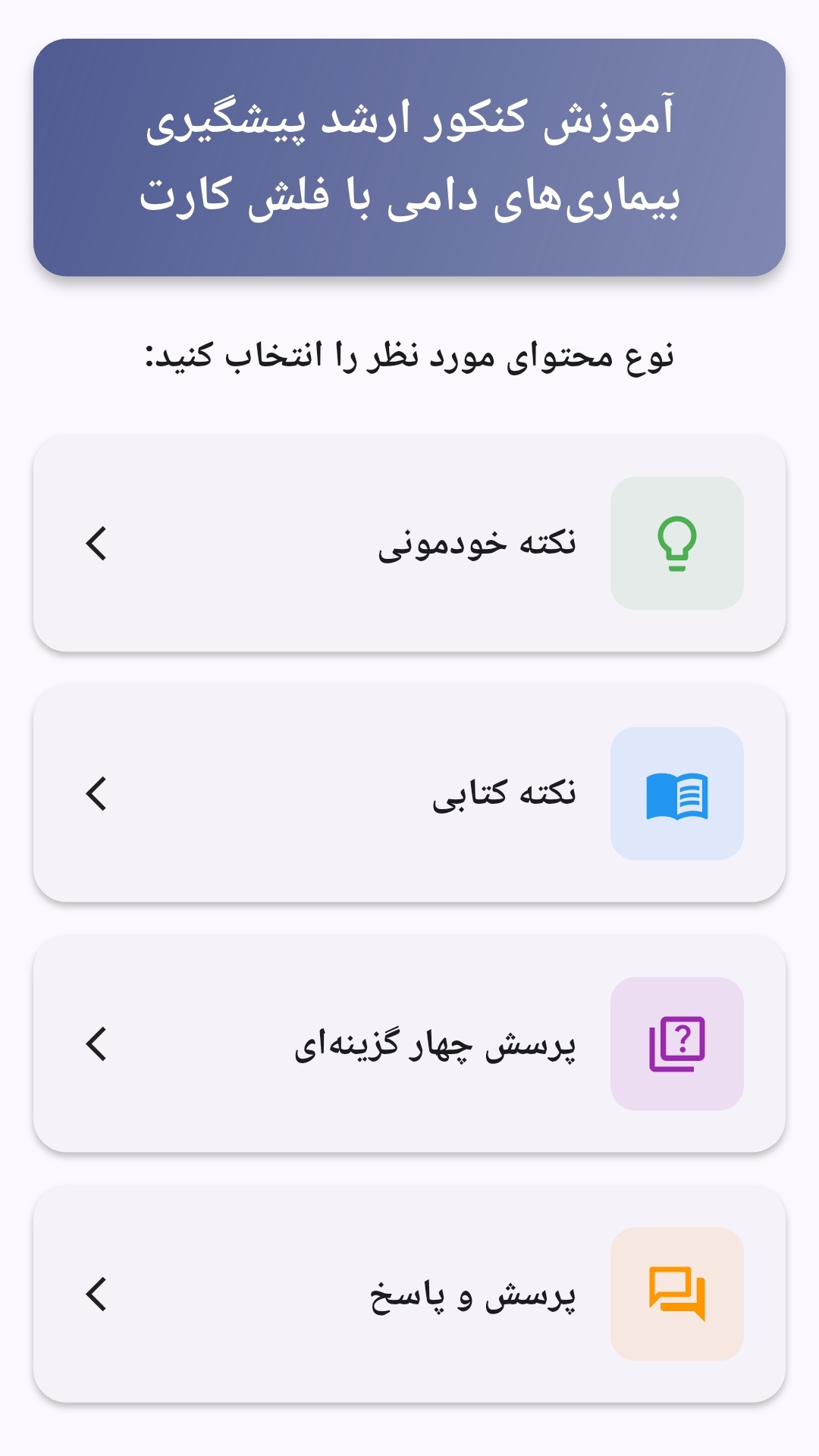
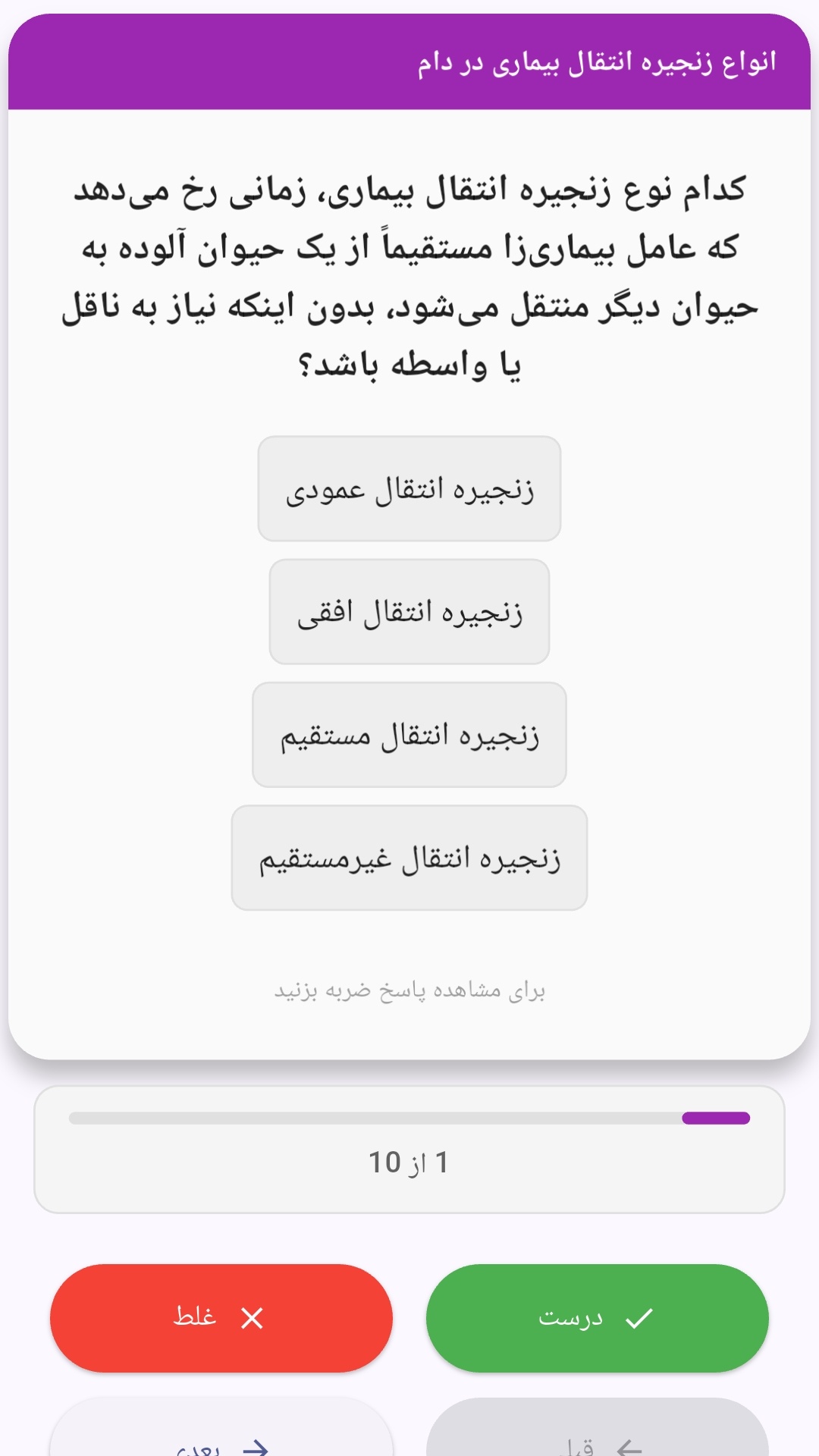
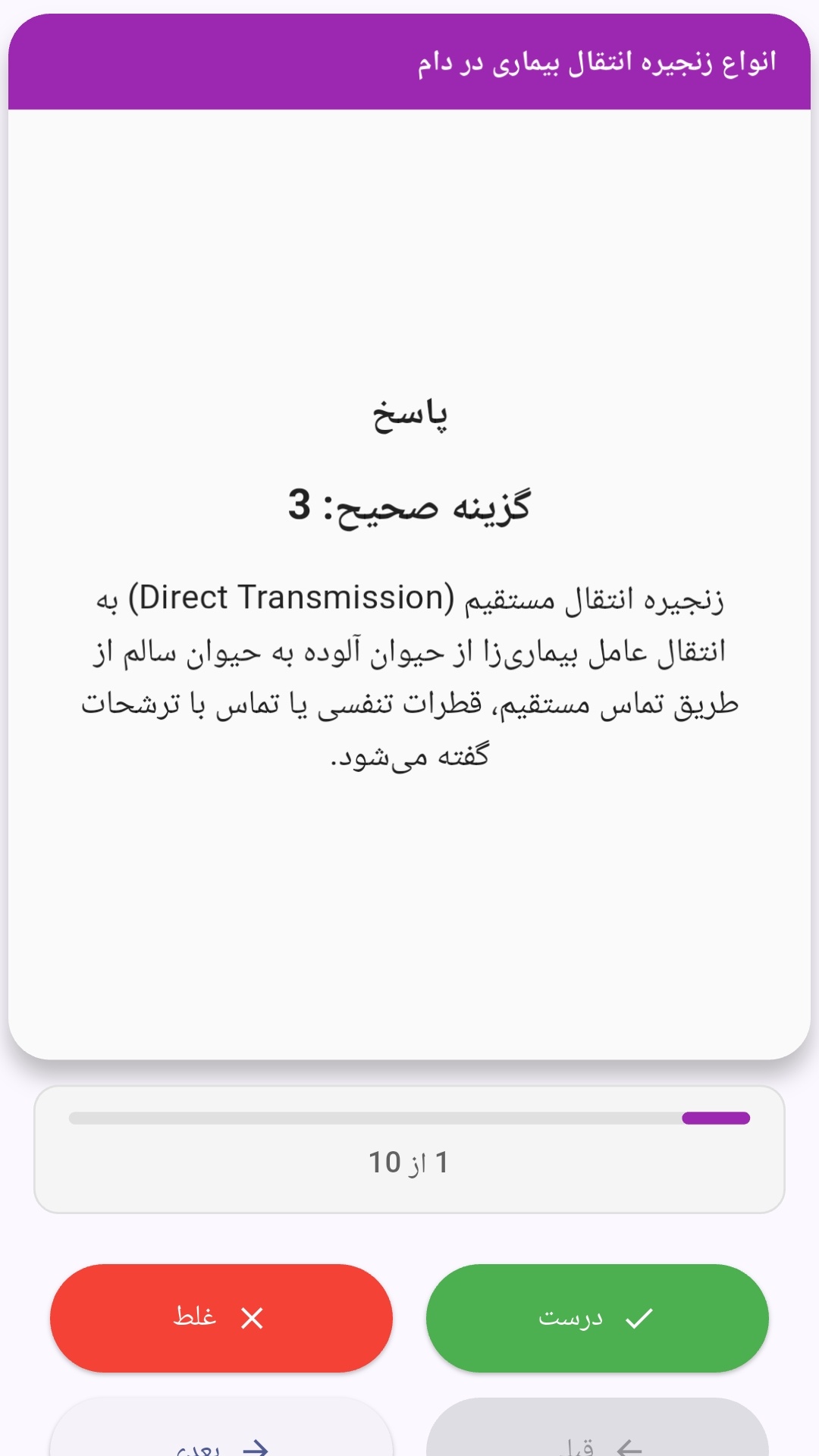
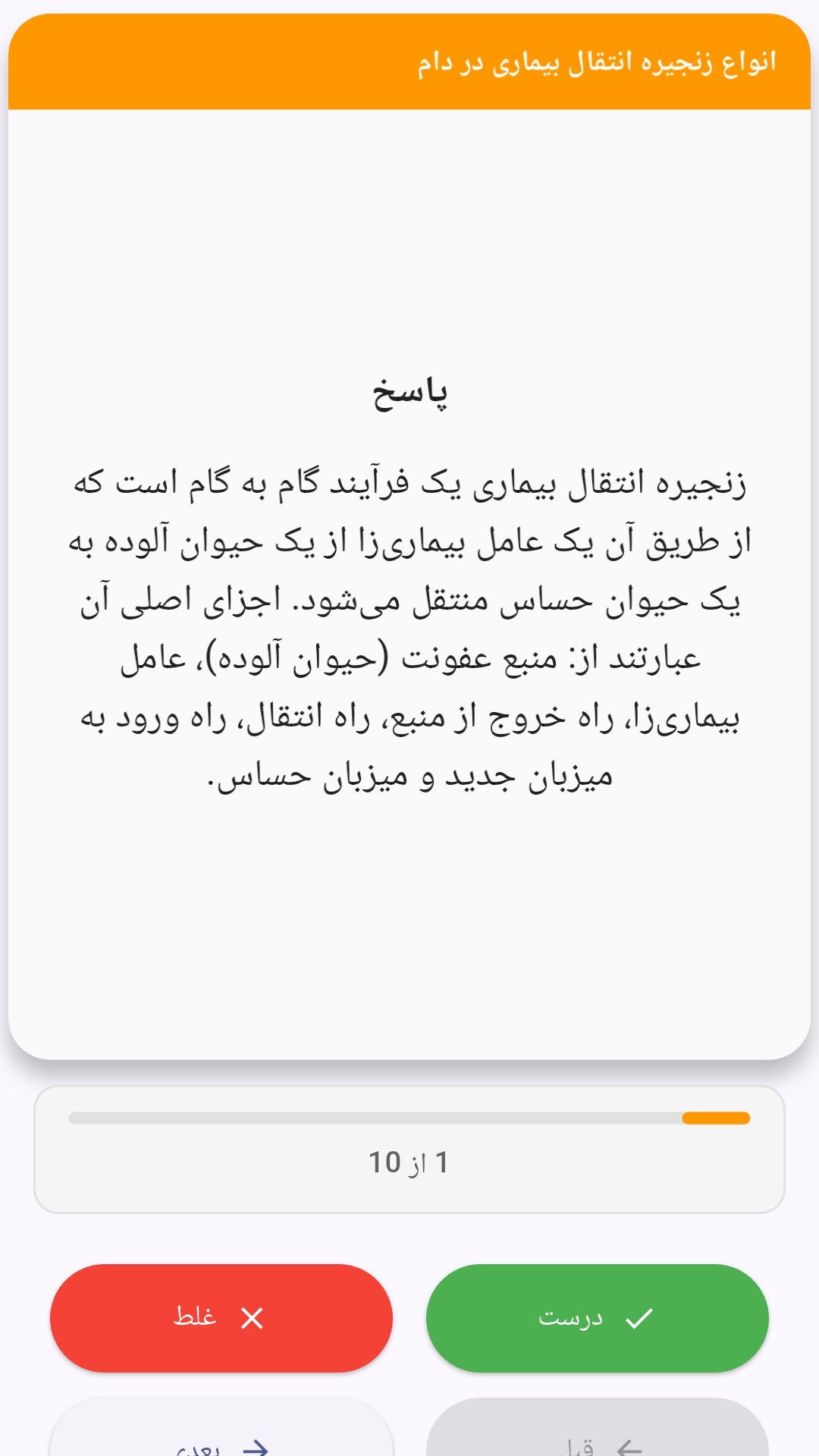
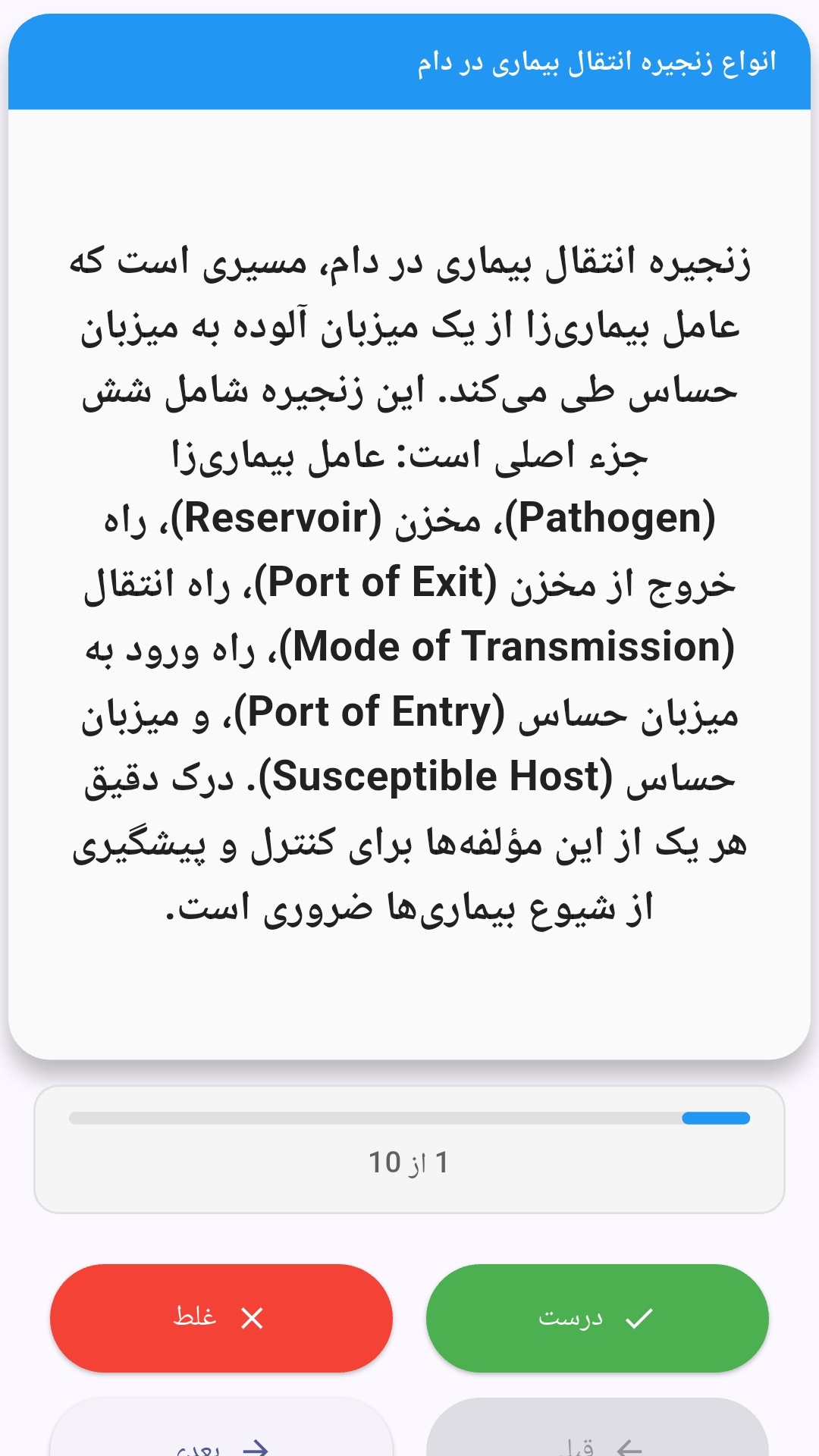
این اپلیکیشن فارسی برای یادگیری و مرور محتوای آموزشی از طریق فلشکارت طراحی شده است. کارتها را یکییکی مرور کنید، پاسخ پرسشها را به یاد بیاورید و نتیجه هر پاسخ را ثبت کنید. محتوای دوره پس از نصب درون برنامه در دسترس است تا برای مطالعه روزمره معمولاً به اتصال مداوم اینترنت نیاز نداشته باشید.
محتوای آموزشی در قالبهای متنوع ارائه میشود تا هم برای یادگیری مفاهیم جدید و هم برای تثبیت آموختهها قابل استفاده باشد.
- رابط کاربری فارسی و راستچین با فونت وزیر.
- تم روشن و تیره مطابق تنظیمات سیستم.
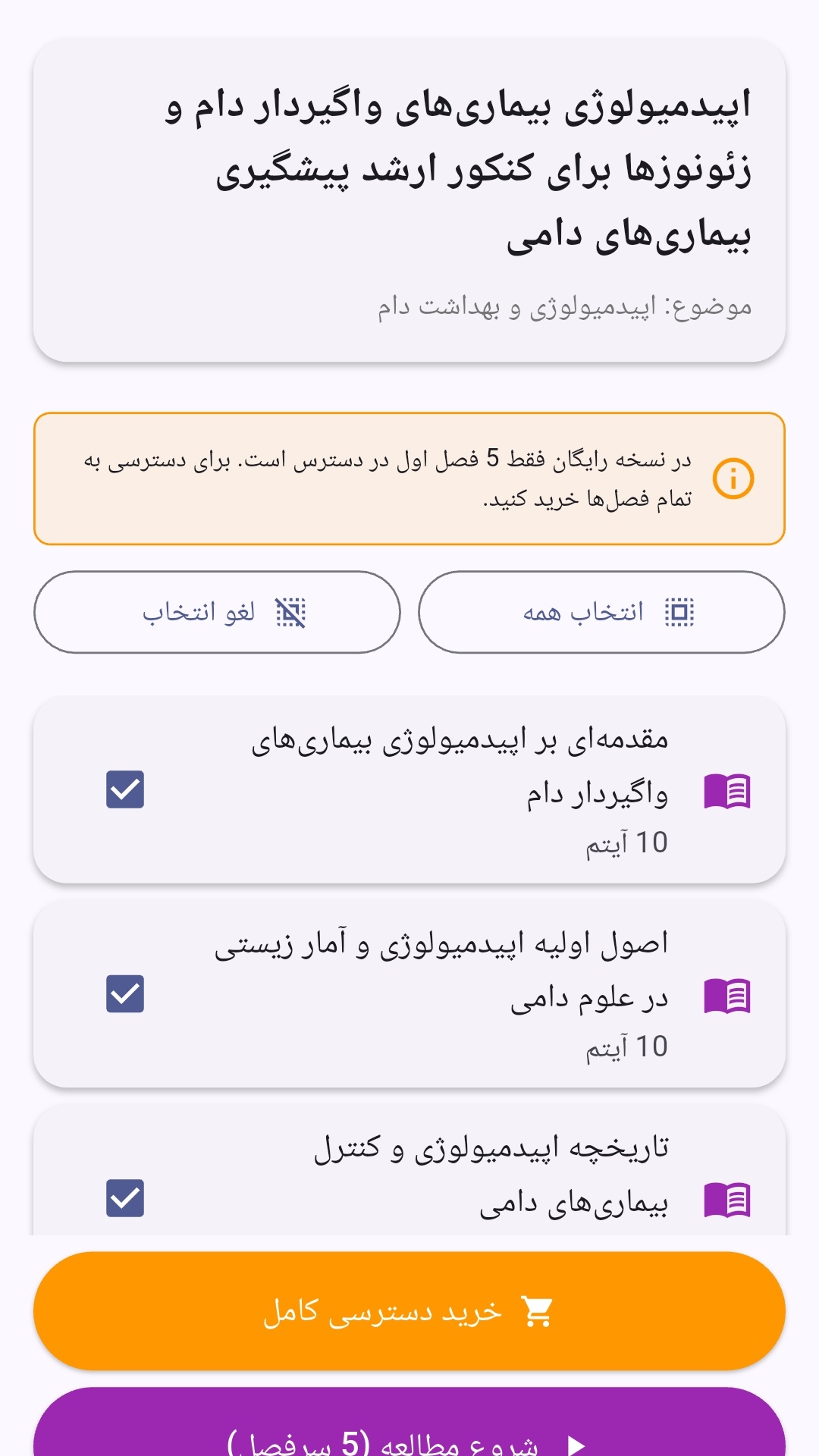
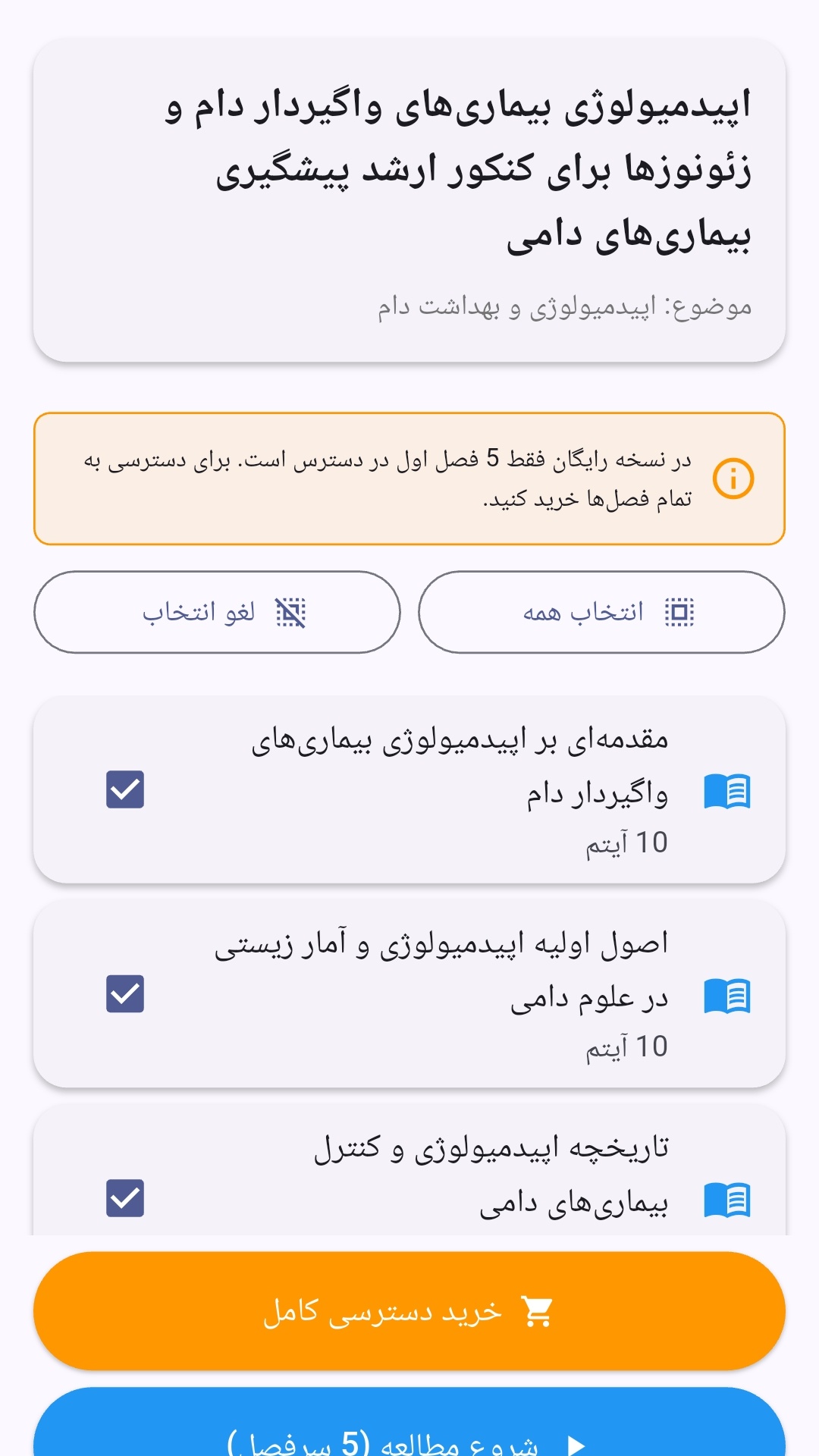
- صفحهبندی ساده برای انتخاب دوره و شروع مرور.
- نمایش تعداد دفعات مرور هر فصل.
- انتخاب چند فصل برای مرور همزمان.
- امکان تمرکز بر فصلهایی که هنوز مرور نشدهاند.
این اپلیکیشن برای دانشآموزان، دانشجویان، داوطلبان آزمونها و علاقهمندان به یادگیری طراحی شده است؛ بهویژه کسانی که میخواهند مطالب آموزشی را در زمانهای کوتاه مرور کنند، دانستههای خود را بسنجند و مطالعه منظمتری داشته باشند.
نظرات
هنوز نظری ثبت نشده است.
وارد شوید تا نظر ثبت کنید.