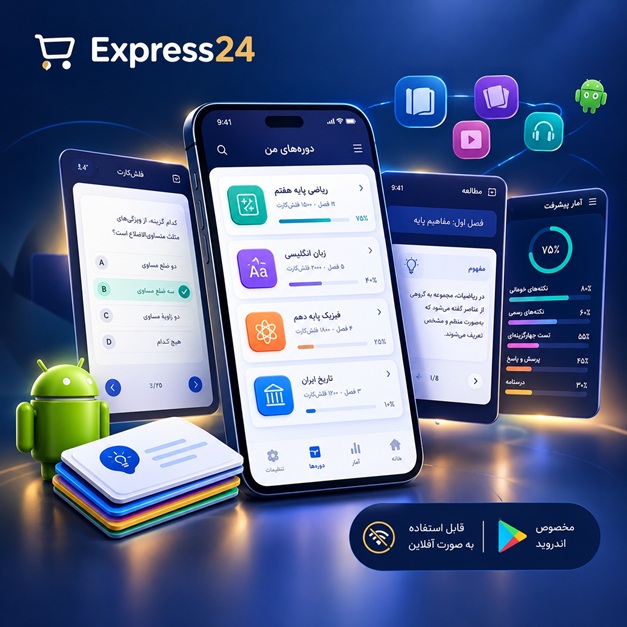
اپلیکیشن اندرویدی فلشکارت آموزشی کار با WPF Animation Effects and Graphics Rendering Pipeline in WPF for Enterprise
🎓 دوره آموزشی جامع
📚 اطلاعات دوره
عنوان دوره: دوره کار با WPF Animation Effects and Graphics Rendering Pipeline in WPF for Enterprise
موضوع کلی: برنامه نویسی
موضوع میانی: WPF (Windows Presentation Foundation)
📋 سرفصلهای دوره
- 1. مقدمه ای بر WPF و اهمیت آن در برنامه های سازمانی
- 2. معماری WPF: دیتاسنتر، XAML،CLR
- 3. اجزای اصلی UI در WPF: عناصر، خواص، رویدادها
- 4. ساختار XAML: عناصر، صفات، ارتباطات
- 5. تایپ کردن در XAML و Binding
- 6. Layout Panels در WPF: Grid، StackPanel، DockPanel، Canvas
- 7. Grid Layout پیشرفته: RowDefinitions، ColumnDefinitions، Spans
- 8. StackPanel Orientation و Spacing
- 9. DockPanel Alignment و LastChildFill
- 10. Canvas Positioning با استفاده از Left، Top، Right، Bottom
- 11. UniformGrid برای چیدمان یکنواخت
- 12. WrapPanel برای چیدمان در خطوط متعدد
- 13. ScrollViewer برای محتوای قابل پیمایش
- 14. Control Templates و Style های سفارشی
- 15. Data Templates برای نمایش داده ها
- 16. Visual Tree و Logical Tree در WPF
- 17. Dependency Properties و Attached Properties
- 18. Property Value Inheritance
- 19. Property Change Notification
- 20. Property Metadata
- 21. Basic Animation Concepts in WPF
- 22. Types of Animations: Storyboard, Timeline, Animation objects
- 23. Property Animation: From, To, By, Duration, SpeedRatio
- 24. Key-Frame Animations: Discrete, Linear, Spline, Hold
- 25. Easing Functions: SineEase, CircleEase, BackEase, BounceEase
- 26. Timeline Control: BeginTime، Duration، RepeatBehavior
- 27. Storyboard Structure: Children، Begin، Stop، Pause
- 28. Animation in XAML vs. Code-Behind
- 29. Trigger Animations: EventTrigger، PropertyTrigger
- 30. Data Trigger Animations
- 31. Visual State Manager
- 32. Animation Groups
- 33. Parallel Animations
- 34. Sequential Animations
- 35. Animation Chaining
- 36. Animation Interpolation
- 37. Animation Timing and Control
- 38. Animation Events: Completed، CurrentStateChanged
- 39. Custom Animations
- 40. Introduction to Graphics Rendering Pipeline in WPF
- 41. The WPF Rendering Pipeline Overview
- 42. The Directed Acyclic Graph (DAG) of the Visual Tree
- 43. The Composition Engine
- 44. The Direct3D Interaction
- 45. Hardware Acceleration
- 46. Rasterization
- 47. Vector Graphics in WPF
- 48. Shapes: Rectangle, Ellipse, Line, Polygon, Polyline
- 49. Path Element: Geometry Groups, Combined Geometries
- 50. Stroke and Fill Properties for Shapes
- 51. Brushes: SolidColorBrush, LinearGradientBrush, RadialGradientBrush, ImageBrush, VisualBrush
- 52. Gradient Stops
- 53. Color Interpolation Modes
- 54. Transformations: Translate, Scale, Rotate, Skew
- 55. Composite Transformations
- 56. D Transformations in WPF
- 57. Matrix Transformations
- 58. Clipping and Scissoring
- 59. Opacity and Transparency
- 60. Visual Effects: Drop Shadow, Blur, Glow
- 61. Pixel Shaders (HLSL) in WPF
- 62. Pixel Shader Basics
- 63. Writing Custom Pixel Shaders
- 64. Shader Effects in XAML
- 65. Common Shader Effects: Emboss, Sharpen, Desaturate
- 66. Shader Composition
- 67. Shader Blending Modes
- 68. Animation of Shader Parameters
- 69. Performance Considerations for Shaders
- 70. Graphics Performance Tuning in WPF
- 71. Profiling Graphics Performance
- 72. Optimizing Rendering Techniques
- 73. Batching Drawing Operations
- 74. Reducing Overdraw
- 75. Efficient Use of Resources
- 76. Caching Visual Elements
- 77. Understanding Visual Caching
- 78. Invalidation and Repainting
- 79. Texture Management
- 80. Animation Performance Optimization
- 81. Animation Pooling
- 82. Efficient Storyboard Management
- 83. Graphics Rendering Pipeline for Enterprise Applications
- 84. Real-time Graphics in Enterprise Applications
- 85. Data Visualization with Graphics
- 86. Interactive Dashboards
- 87. Complex UI Elements
- 88. Custom Controls with Advanced Graphics
- 89. Performance Best Practices for Enterprise WPF Applications
- 90. Scalability and Maintainability of WPF Graphics
- 91. Advanced Animation Scenarios
- 92. Complex Object Animations
- 93. Animation Effects for Branding and User Engagement
- 94. Interactive Graphics for Data Exploration
- 95. Security Considerations for Graphics and Animations
- 96. Integration with External Graphics Libraries
- 97. Future Trends in WPF Graphics Rendering
- 98. Final Project: Enterprise Application with Advanced Animations and Graphics
- 99. افزایش عملکرد و بهینهسازی رندرینگ در WPF**
- 100. استفاده از افکتهای گرافیکی پیشرفته: Shader Effects و Visual Brush**
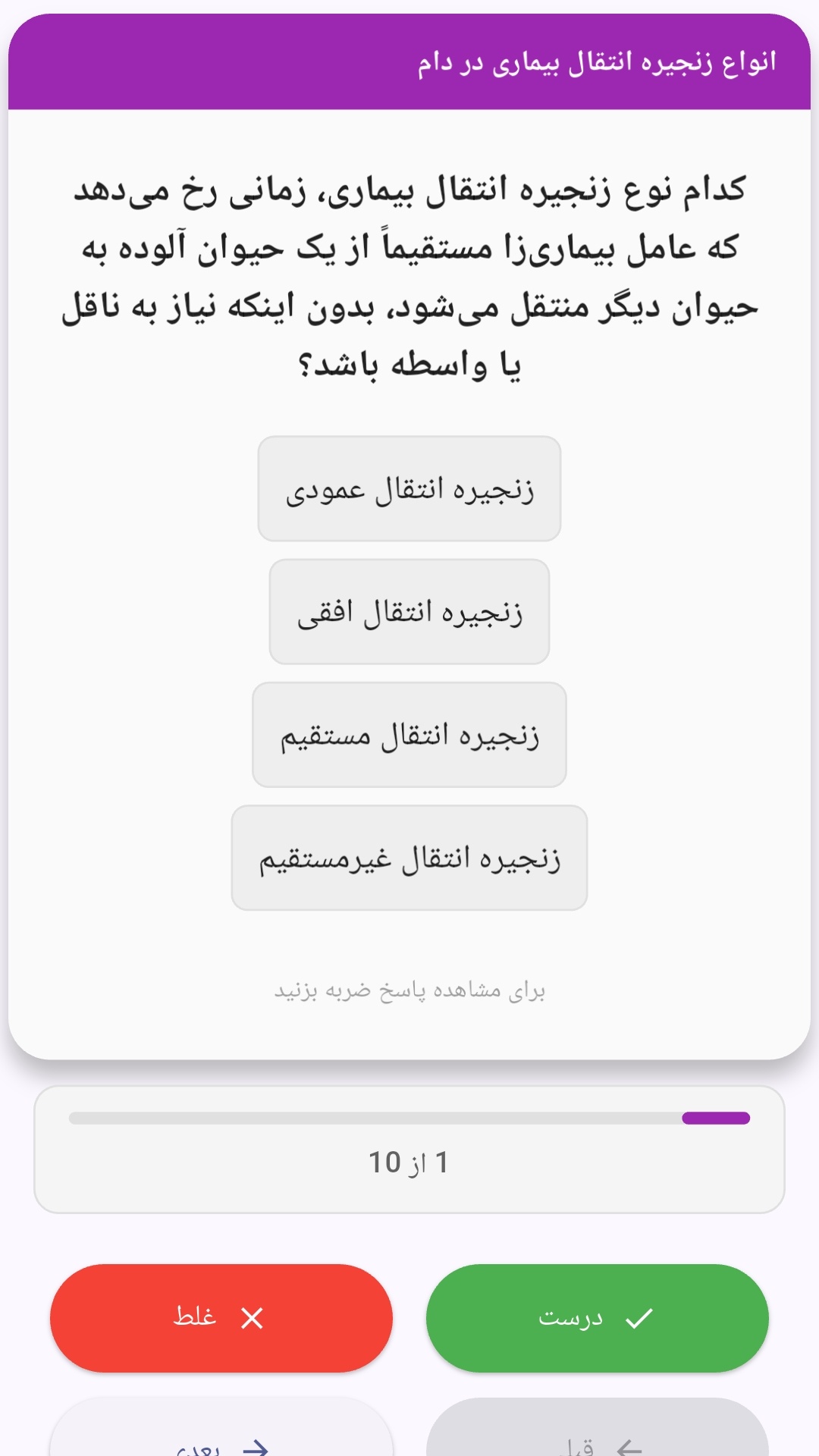
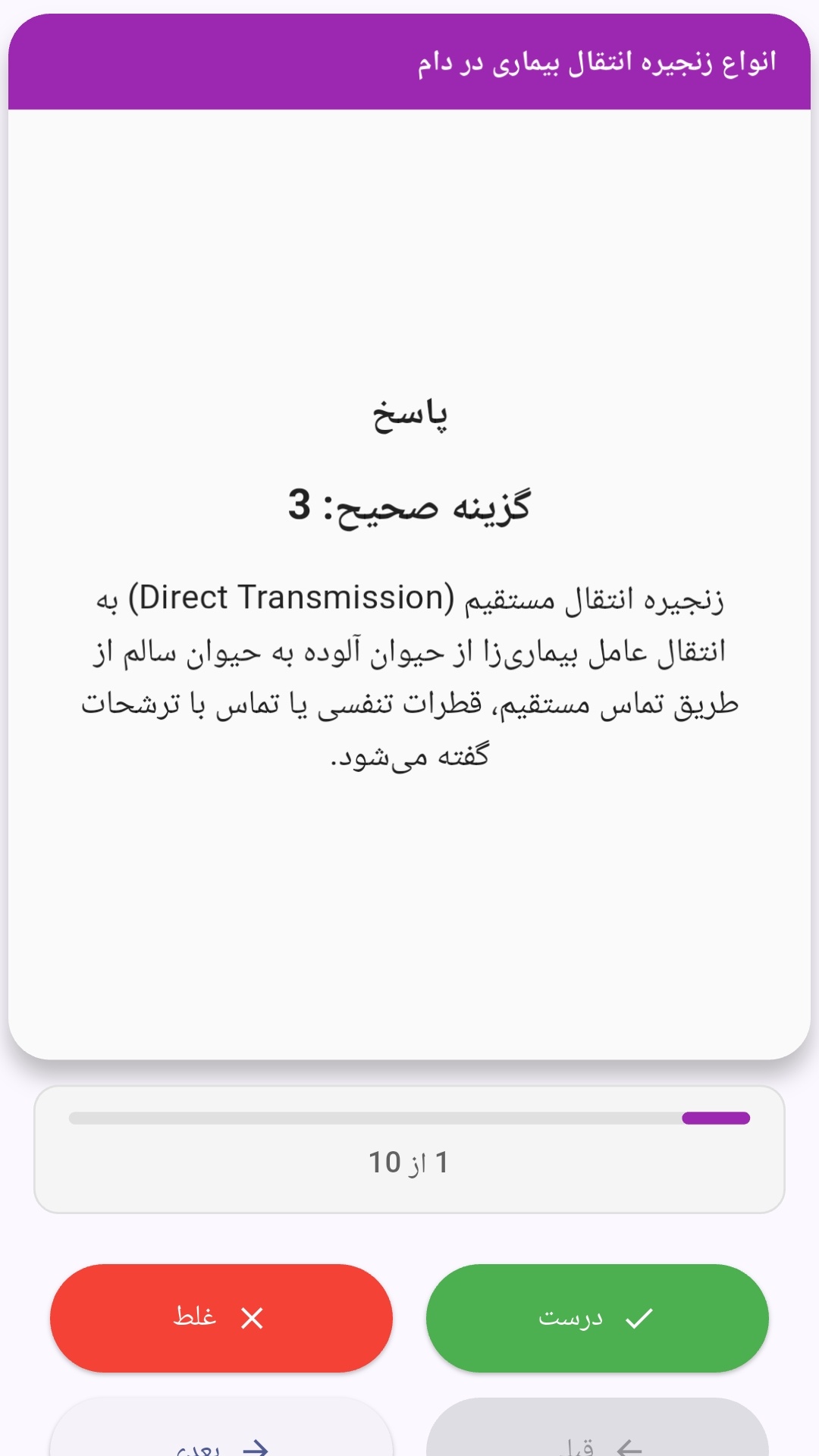
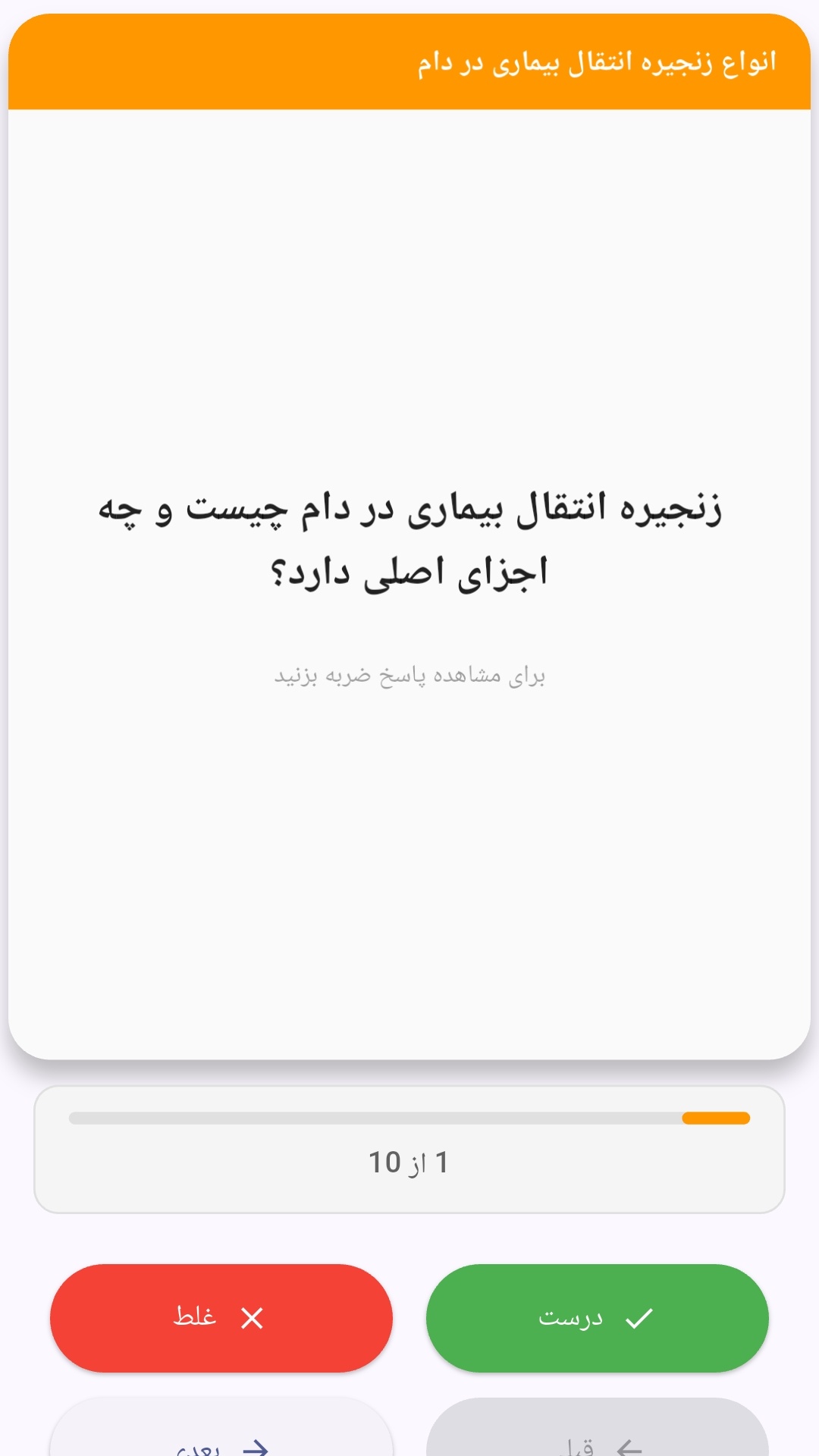
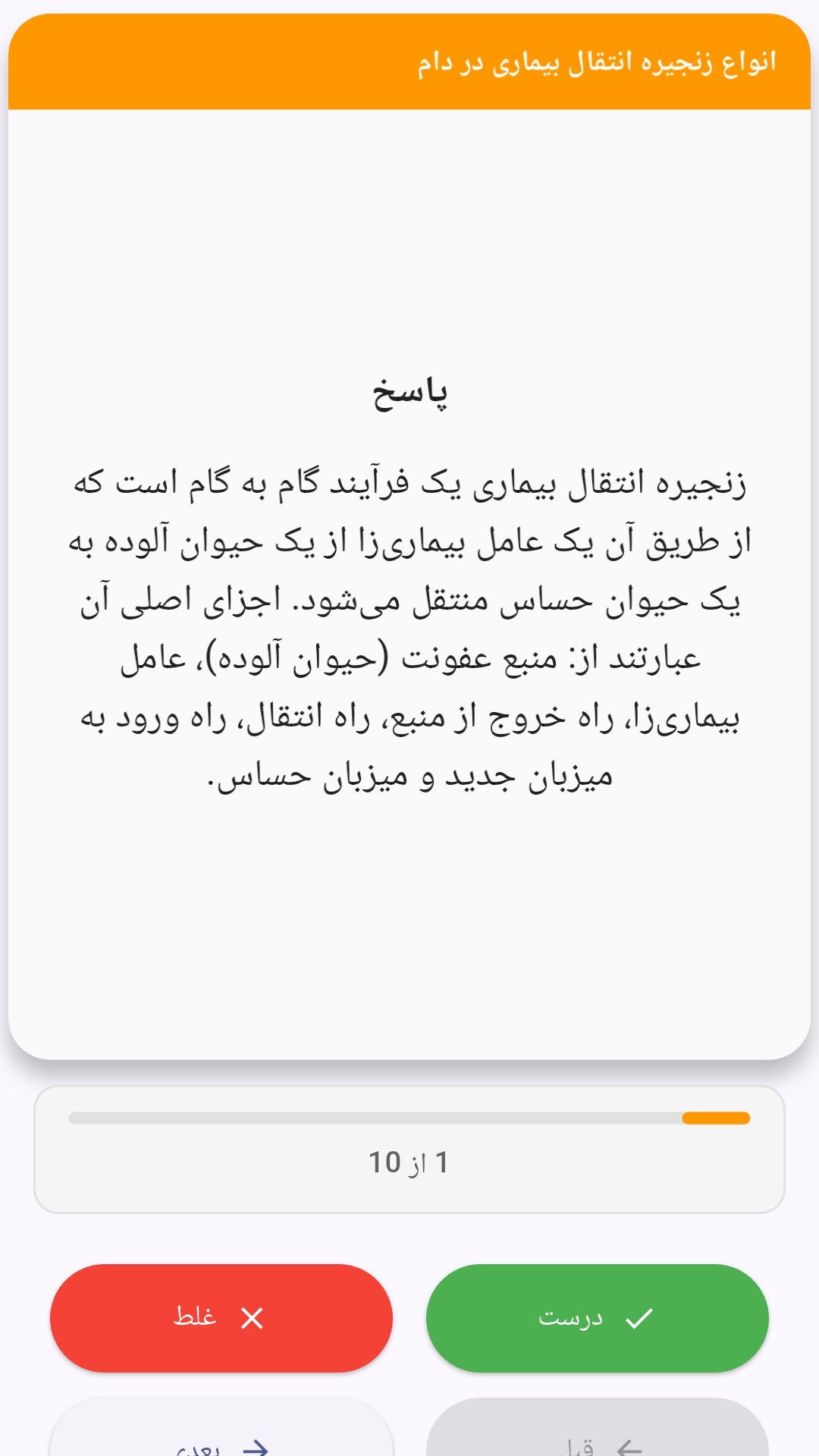
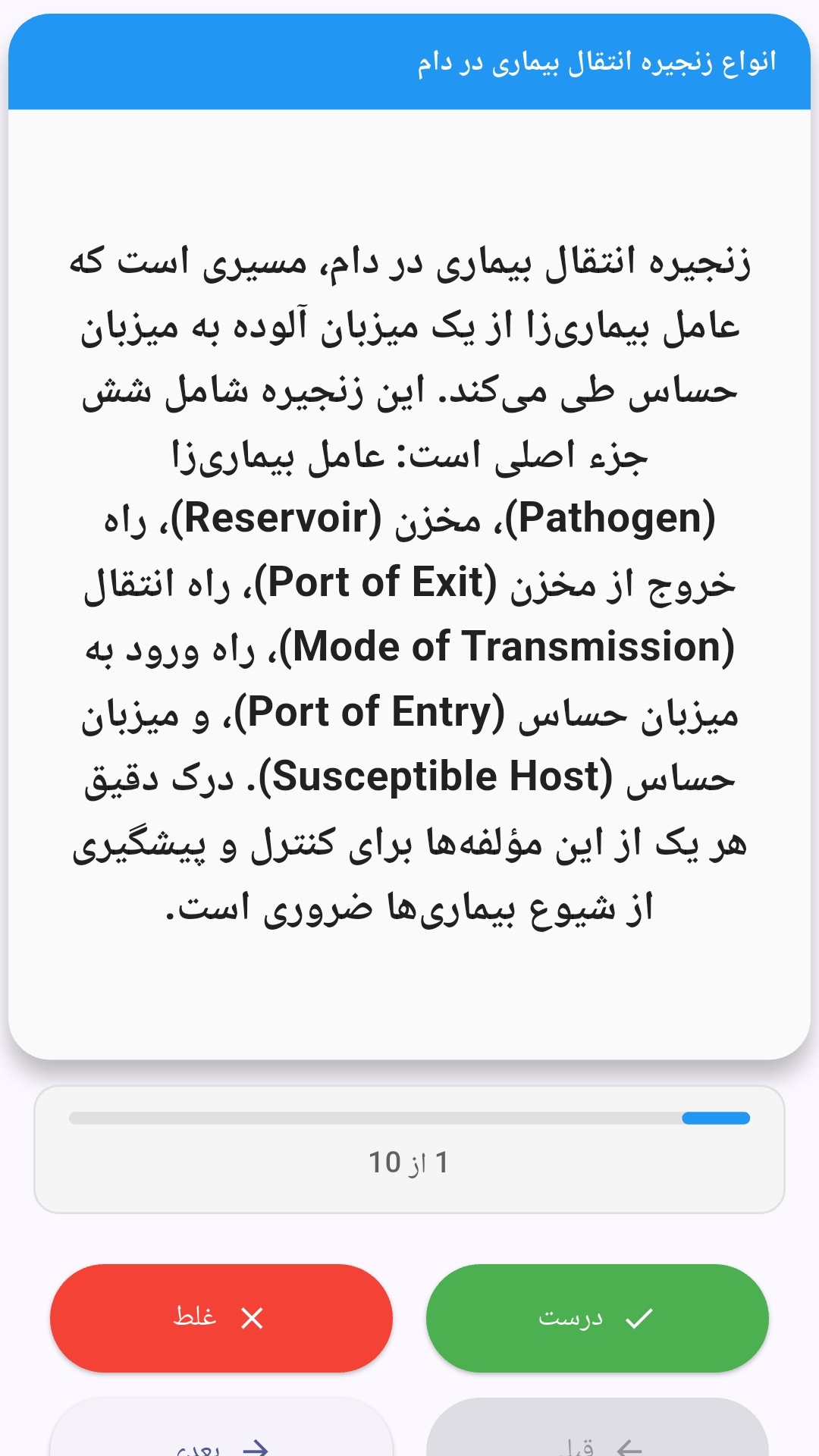
این اپلیکیشن فارسی برای یادگیری و مرور محتوای آموزشی از طریق فلشکارت طراحی شده است. کارتها را یکییکی مرور کنید، پاسخ پرسشها را به یاد بیاورید و نتیجه هر پاسخ را ثبت کنید. محتوای دوره پس از نصب درون برنامه در دسترس است تا برای مطالعه روزمره معمولاً به اتصال مداوم اینترنت نیاز نداشته باشید.
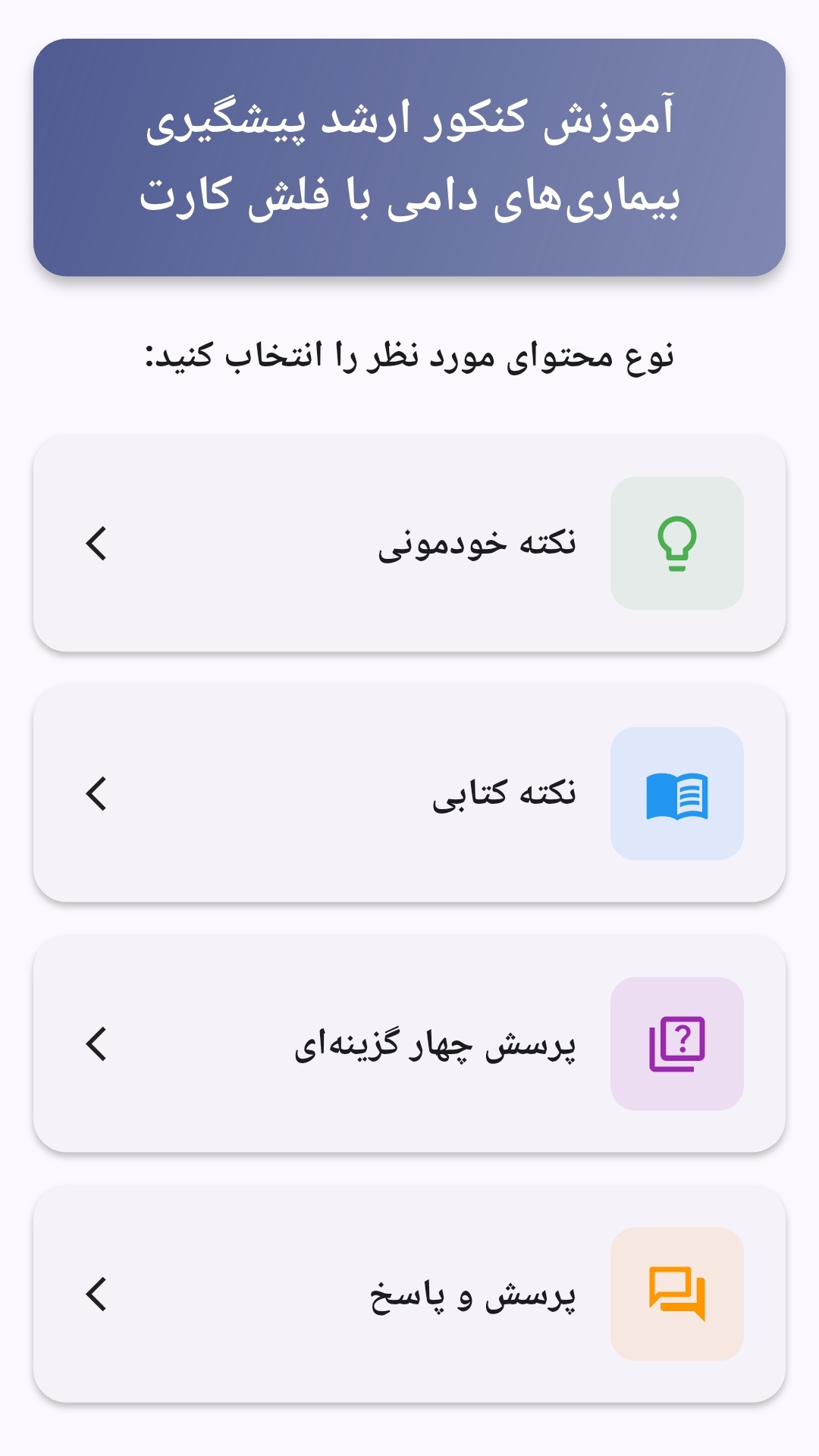
محتوای آموزشی در قالبهای متنوع ارائه میشود تا هم برای یادگیری مفاهیم جدید و هم برای تثبیت آموختهها قابل استفاده باشد.
- رابط کاربری فارسی و راستچین با فونت وزیر.
- تم روشن و تیره مطابق تنظیمات سیستم.
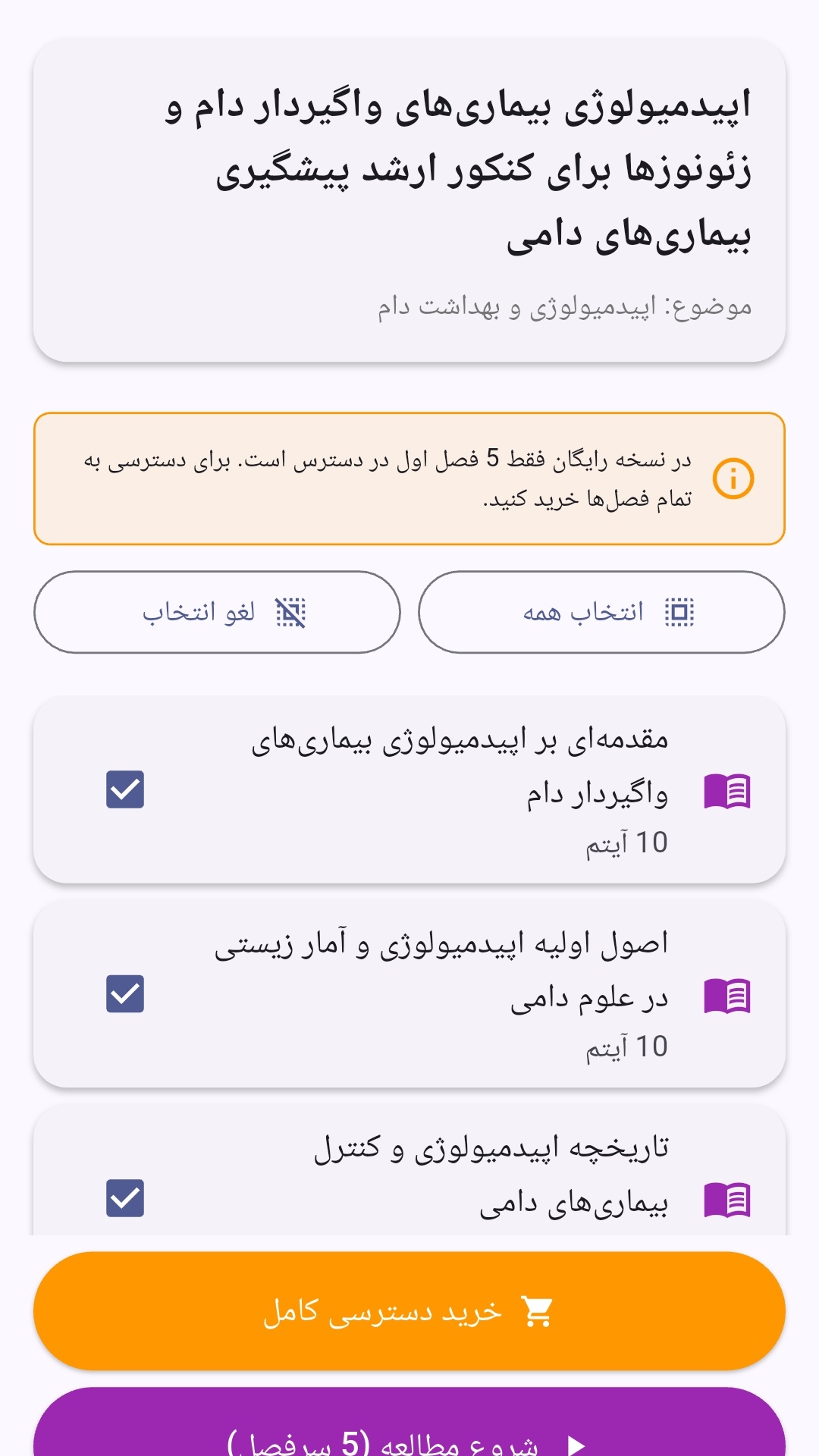
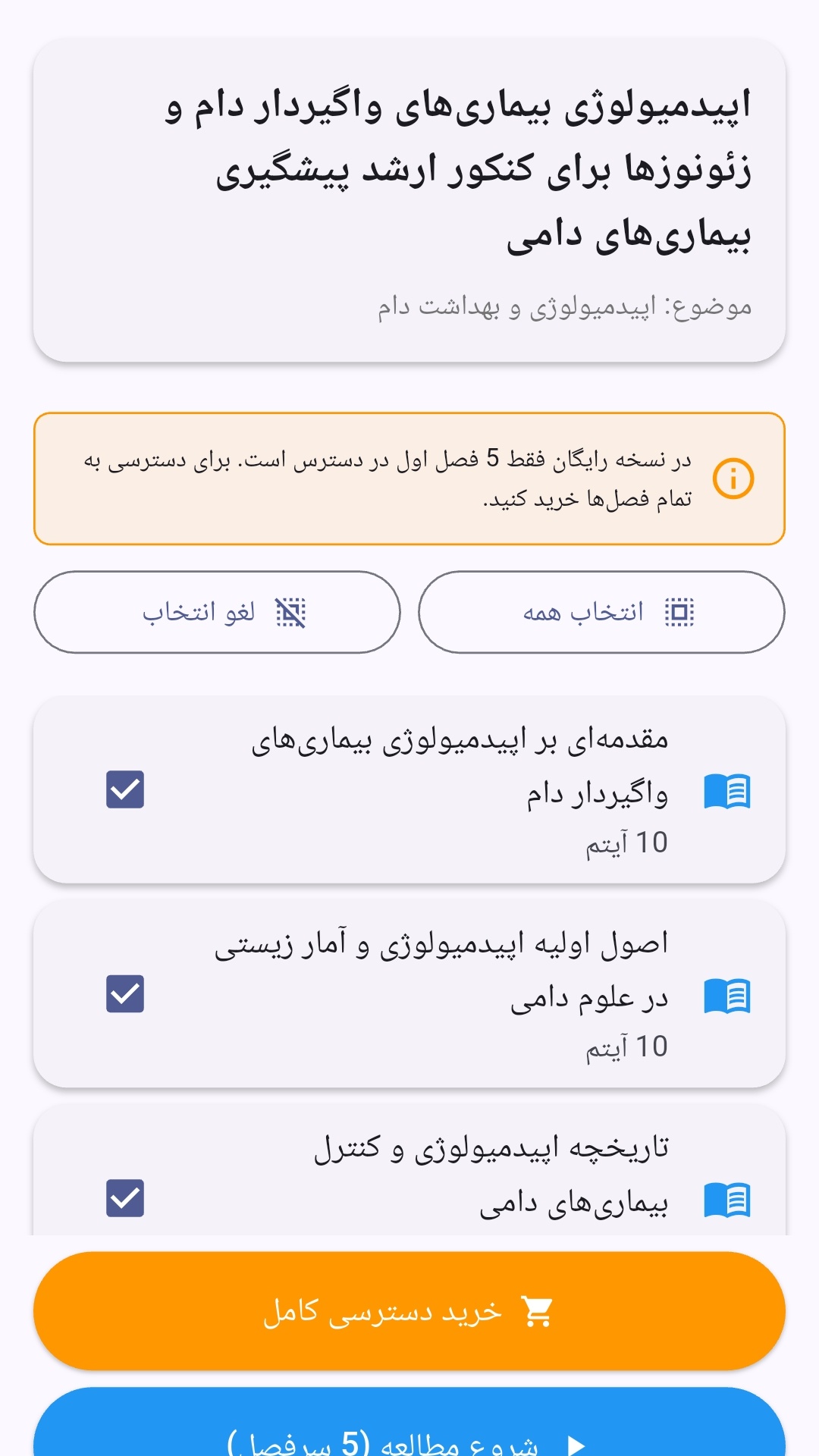
- صفحهبندی ساده برای انتخاب دوره و شروع مرور.
- نمایش تعداد دفعات مرور هر فصل.
- انتخاب چند فصل برای مرور همزمان.
- امکان تمرکز بر فصلهایی که هنوز مرور نشدهاند.
این اپلیکیشن برای دانشآموزان، دانشجویان، داوطلبان آزمونها و علاقهمندان به یادگیری طراحی شده است؛ بهویژه کسانی که میخواهند مطالب آموزشی را در زمانهای کوتاه مرور کنند، دانستههای خود را بسنجند و مطالعه منظمتری داشته باشند.
نظرات
هنوز نظری ثبت نشده است.
وارد شوید تا نظر ثبت کنید.