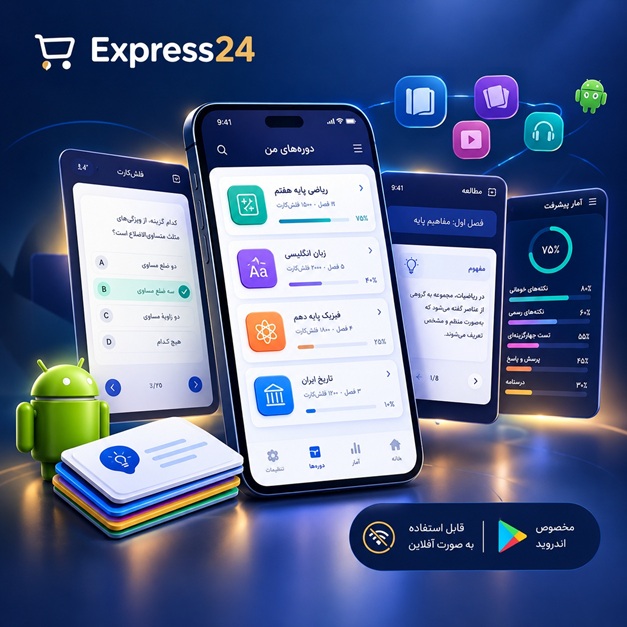
اپلیکیشن اندرویدی فلشکارت آموزشی CSS for Fleet Management Resources
🎓 دوره آموزشی جامع
📚 اطلاعات دوره
عنوان دوره: دوره CSS for Fleet Management Resources
موضوع کلی: برنامه نویسی
موضوع میانی: CSS
📋 سرفصلهای دوره
- 1. Introduction to Web Development and HTML Basics
- 2. What is CSS? Role and Importance in Web Development
- 3. Connecting CSS to HTML: Inline, Internal, External Styles
- 4. CSS Syntax: Selectors, Properties, Values
- 5. Developer Tools for Inspecting and Debugging CSS
- 6. The Cascade, Specificity, and Inheritance
- 7. CSS Units: Pixels, Ems, Rems, Percentages, Viewport Units
- 8. Colors in CSS: Hex, RGB, HSL, RGBA
- 9. Text Styling: Font-family, Size, Weight
- 10. Text Styling: Alignment, Decoration, Line-height, Letter/Word Spacing
- 11. Understanding the CSS Box Model
- 12. Padding: Controlling Inner Spacing of Elements
- 13. Borders: Adding Visual Separators to Elements
- 14. Margins: Controlling Outer Spacing Between Elements
- 15. Margin Collapsing Explained
- 16. The Display Property: Block, Inline, Inline-Block
- 17. Hiding Elements: Display None vs. Visibility Hidden
- 18. Styling Links and Buttons for User Interaction
- 19. Styling Lists and Navigation Menus
- 20. Backgrounds: Colors, Images, Position, Repeat, Size
- 21. Background Attachment and Parallax Effects
- 22. Border Radius for Rounded Corners
- 23. Box Shadow for Depth and Emphasis
- 24. Opacity and Alpha Channels for Transparency
- 25. Overflow Property: Scroll, Hidden, Auto
- 26. Understanding the Position Property: Static, Relative
- 27. Position Property: Absolute Positioning for Overlays
- 28. Position Property: Fixed Positioning for Persistent Headers/Footers
- 29. Position Property: Sticky Positioning for Scrollable Elements
- 30. Z-Index: Stacking Contexts and Layering Elements
- 31. Introduction to Floats for Layout
- 32. Floating Elements and Text Wrapping Techniques
- 33. Clearing Floats with Clearfix Techniques
- 34. Best Practices for Using Floats in Older Layouts
- 35. When to Use Floats vs. Modern Layout Methods
- 36. Introduction to Flexbox: The Flexible Box Layout Model
- 37. Setting up a Flex Container: `display: flex`
- 38. `flex-direction`: Arranging Items in Rows or Columns
- 39. `flex-wrap`: Allowing Flex Items to Wrap onto Multiple Lines
- 40. `justify-content`: Aligning Items Along the Main Axis
- 41. `align-items`: Aligning Items Along the Cross Axis
- 42. `align-content`: Distributing Space Between Flex Lines
- 43. `gap` Property for Spacing Flex Items
- 44. `order`: Reordering Flex Items
- 45. `flex-grow`: Allowing Items to Grow in Size
- 46. `flex-shrink`: Allowing Items to Shrink in Size
- 47. `flex-basis`: Initial Size of a Flex Item
- 48. Shorthand `flex` Property for Grow, Shrink, Basis
- 49. `align-self`: Aligning Individual Flex Items
- 50. Practical Flexbox Examples for UI Components
- 51. Introduction to CSS Grid: The Two-Dimensional Layout Model
- 52. Setting up a Grid Container: `display: grid`
- 53. `grid-template-columns` and `grid-template-rows`
- 54. `fr` Unit and `repeat()` Function in Grid
- 55. `grid-gap`, `row-gap`, `column-gap` Properties
- 56. Implicit vs. Explicit Grid Definition
- 57. `grid-auto-flow`: Controlling Auto-Placement of Grid Items
- 58. `grid-column` and `grid-row`: Placing Grid Items by Line Numbers
- 59. `grid-area`: Naming Grid Areas and Placing Items by Name
- 60. `justify-items` and `align-items`: Aligning Items Within Grid Cells
- 61. `place-items` Shorthand for Grid Item Alignment
- 62. `justify-content` and `align-content`: Aligning the Grid Itself Within its Container
- 63. `place-content` Shorthand for Grid Alignment
- 64. `justify-self`, `align-self`, `place-self` for Individual Grid Items
- 65. Practical CSS Grid Examples for Complex Dashboard Layouts
- 66. Introduction to Responsive Web Design Principles
- 67. The Viewport Meta Tag for Mobile Responsiveness
- 68. Understanding Media Queries Syntax and Features
- 69. Breakpoints: Choosing Effective Dimensions for Responsiveness
- 70. `min-width` vs. `max-width` in Media Queries
- 71. `orientation` and Other Media Features
- 72. Responsive Images with `max-width` and `srcset`
- 73. Responsive Typography Techniques
- 74. Mobile-First vs. Desktop-First Approach to RWD
- 75. Implementing Responsive Navigation Patterns for Different Devices
- 76. Introduction to CSS Transforms for Visual Effects
- 77. `translate()` for Moving Elements in 2D or 3D
- 78. `rotate()` for Rotating Elements
- 79. `scale()` for Resizing Elements
- 80. `skew()` for Skewing Elements
- 81. `transform-origin` Property
- 82. Introduction to CSS Transitions for Smooth Changes
- 83. `transition-property`, `transition-duration`
- 84. `transition-timing-function`, `transition-delay`
- 85. Creating Smooth UI Interactions with Transitions
- 86. Introduction to CSS Animations and Keyframes
- 87. Defining Animations with `@keyframes`
- 88. `animation-name`, `animation-duration`, `animation-timing-function`
- 89. `animation-delay`, `animation-iteration-count`, `animation-direction`
- 90. `animation-fill-mode` and `animation` Shorthand
- 91. Creating Dynamic Visual Effects with Animations
- 92. CSS Pseudo-classes (e.g., `:hover`, `:active`, `:focus`, `:checked`)
- 93. CSS Pseudo-classes for Structural Selection (`:nth-child`, `:first-child`, `:not()`)
- 94. CSS Pseudo-elements (e.g., `::before`, `::after`, `::first-letter`, `::selection`)
- 95. Custom Properties (CSS Variables) for Theming and Reusability
- 96. Object-fit and Object-position for Images and Videos
- 97. Gradients in CSS: Linear and Radial
- 98. Filters: Blur, Brightness, Contrast, Grayscale, Hue-rotate, Sepia, Drop-shadow
- 99. Basic Clipping and Masking with CSS
- 100. Optimizing CSS for Performance: Minification, Critical CSS
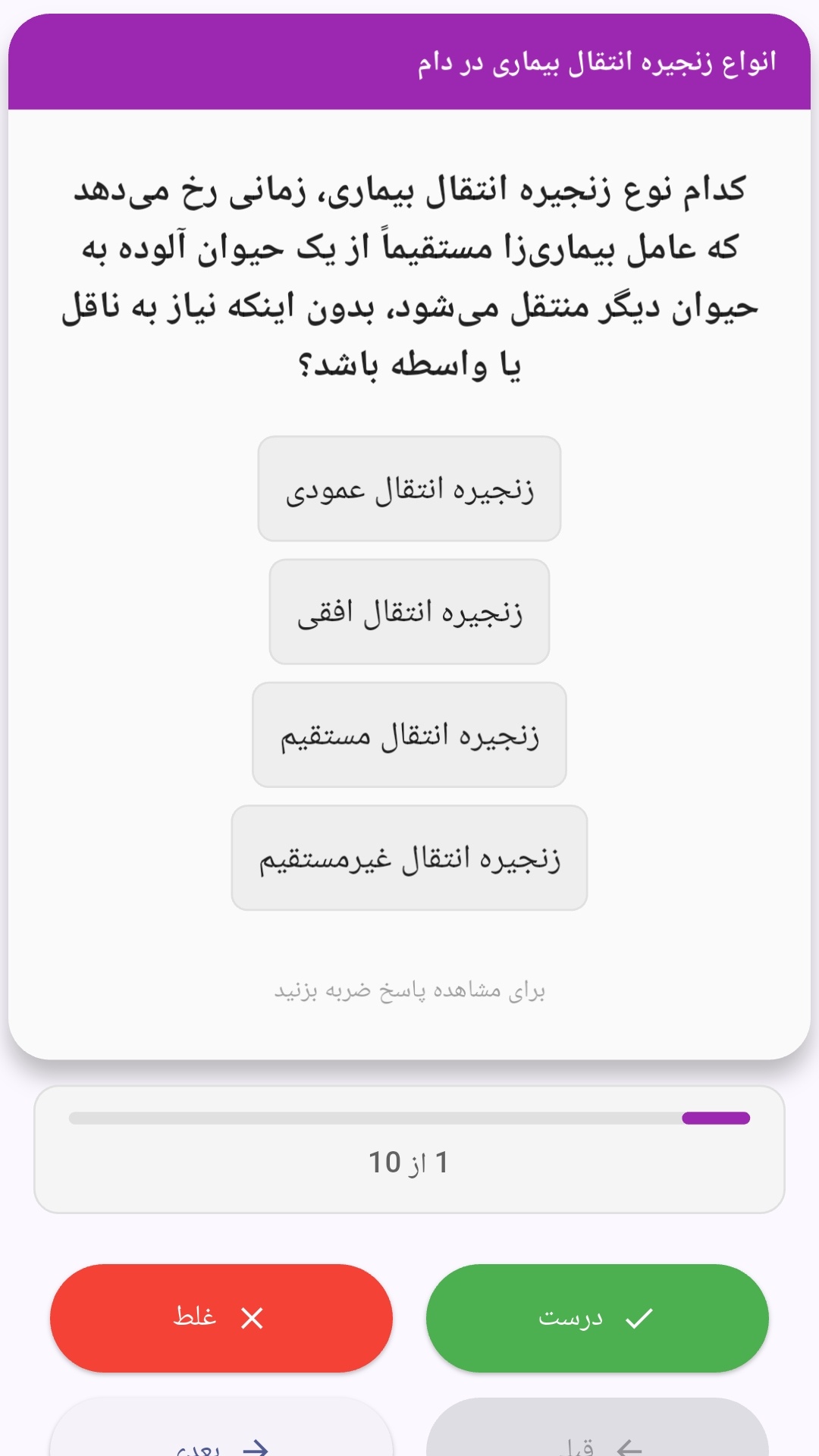
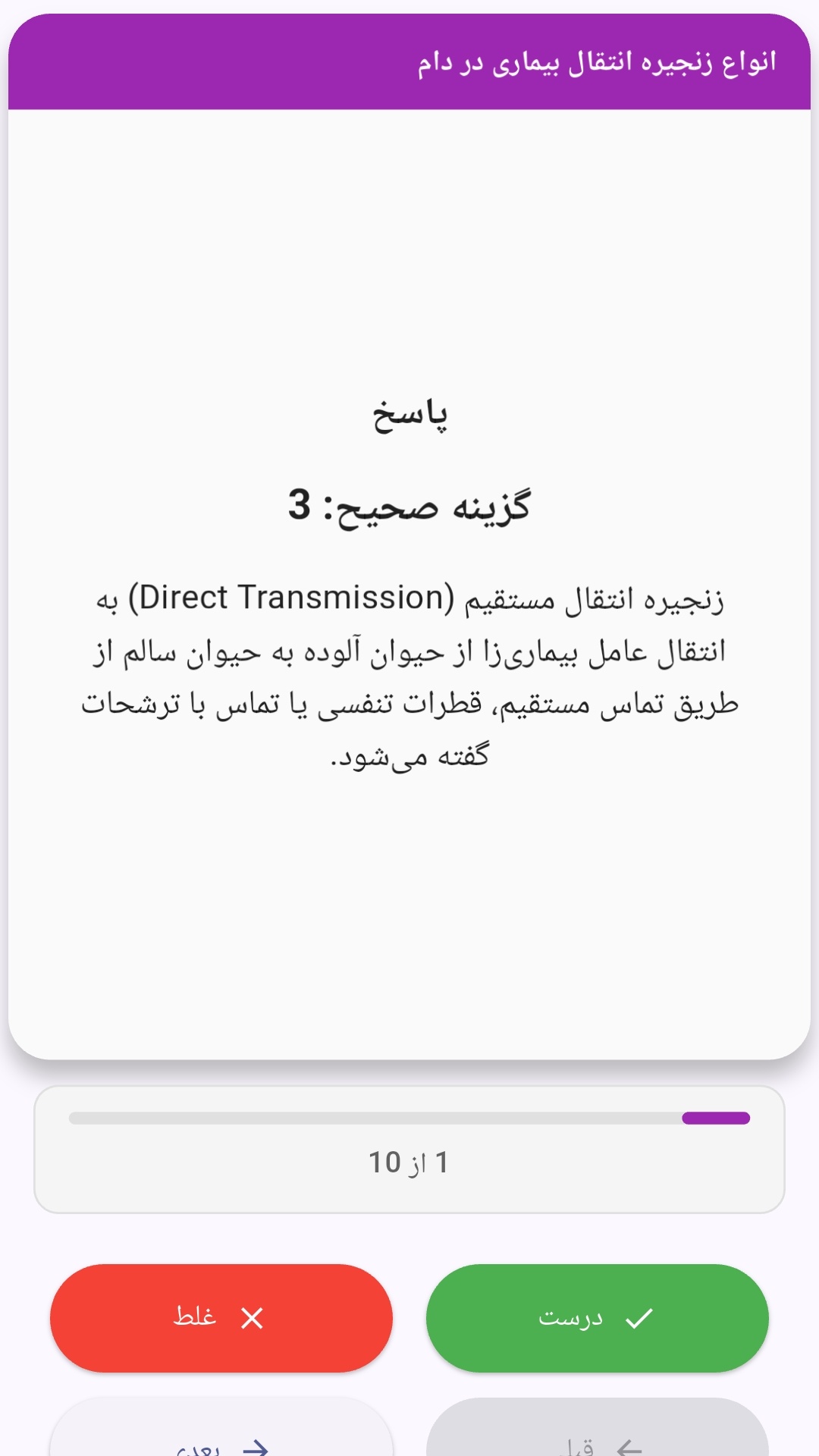
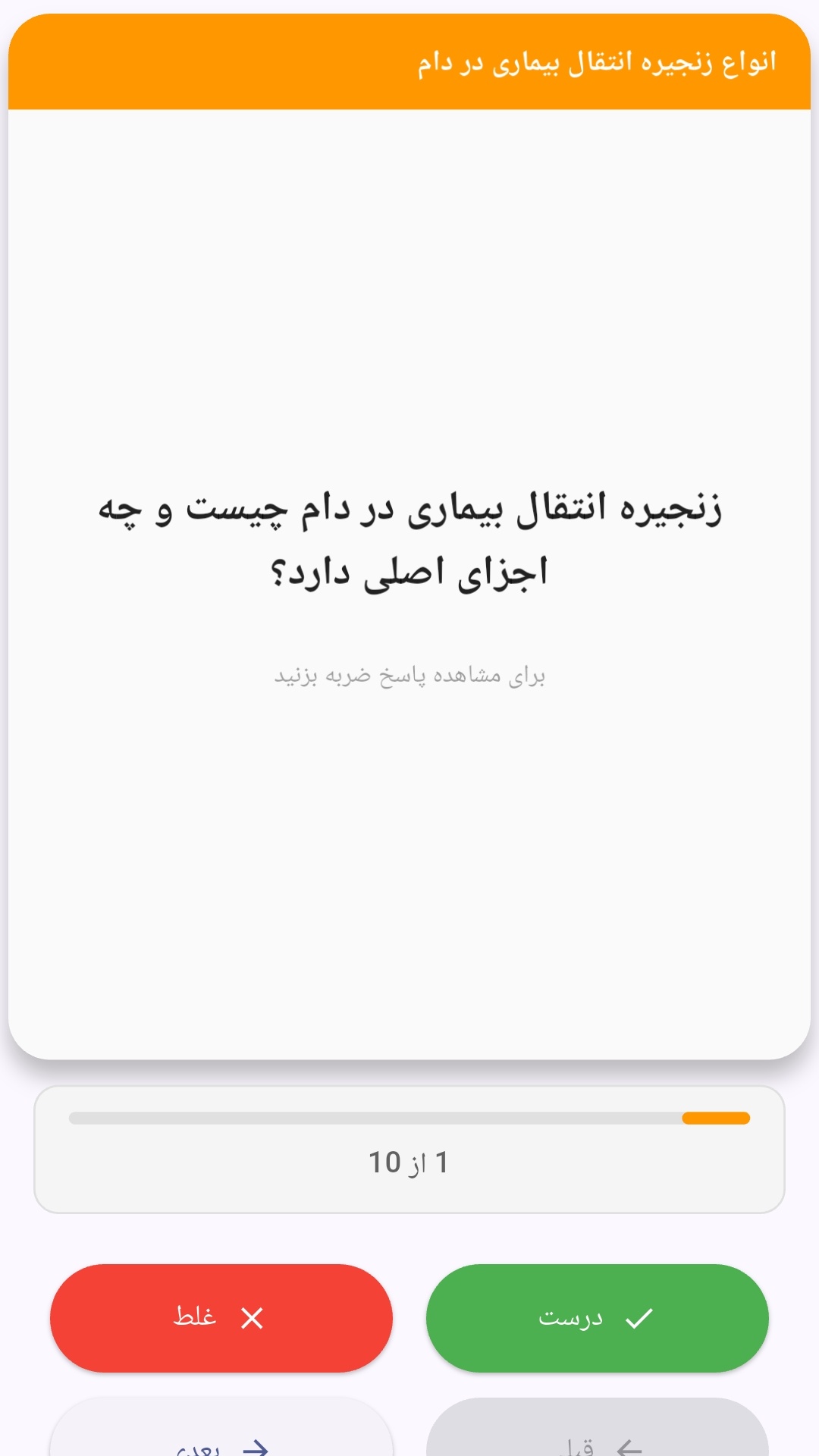
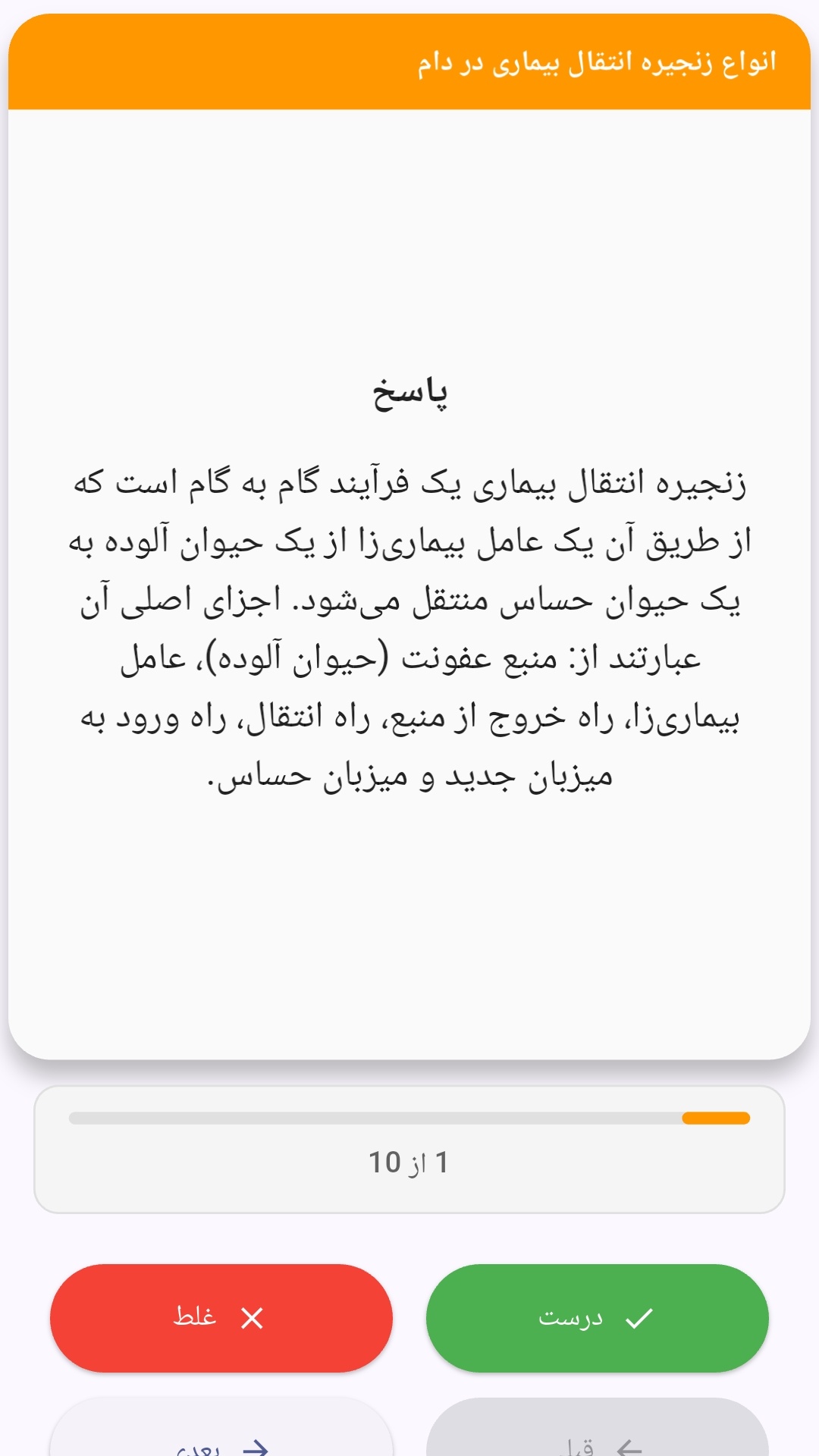
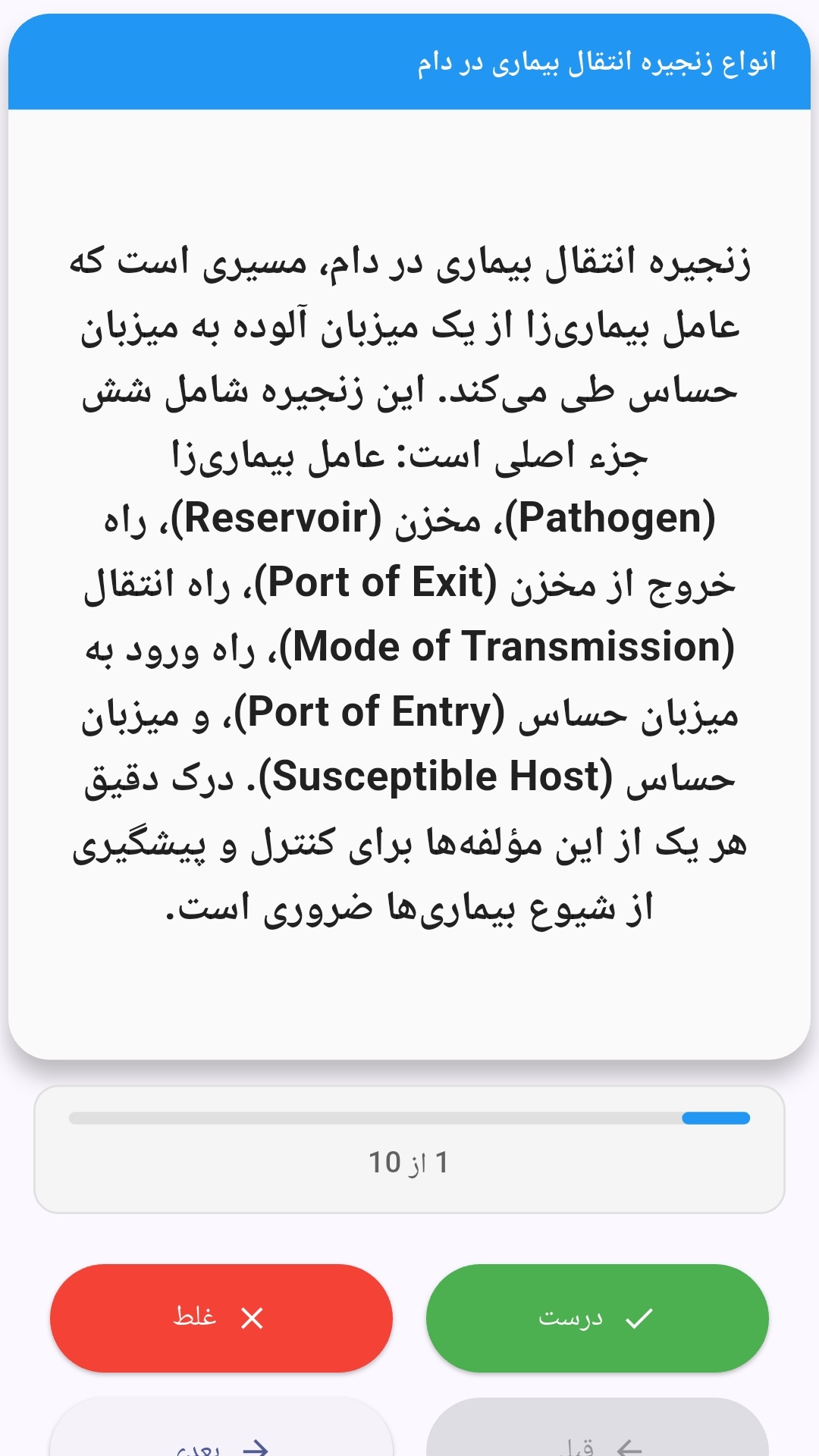
این اپلیکیشن فارسی برای یادگیری و مرور محتوای آموزشی از طریق فلشکارت طراحی شده است. کارتها را یکییکی مرور کنید، پاسخ پرسشها را به یاد بیاورید و نتیجه هر پاسخ را ثبت کنید. محتوای دوره پس از نصب درون برنامه در دسترس است تا برای مطالعه روزمره معمولاً به اتصال مداوم اینترنت نیاز نداشته باشید.
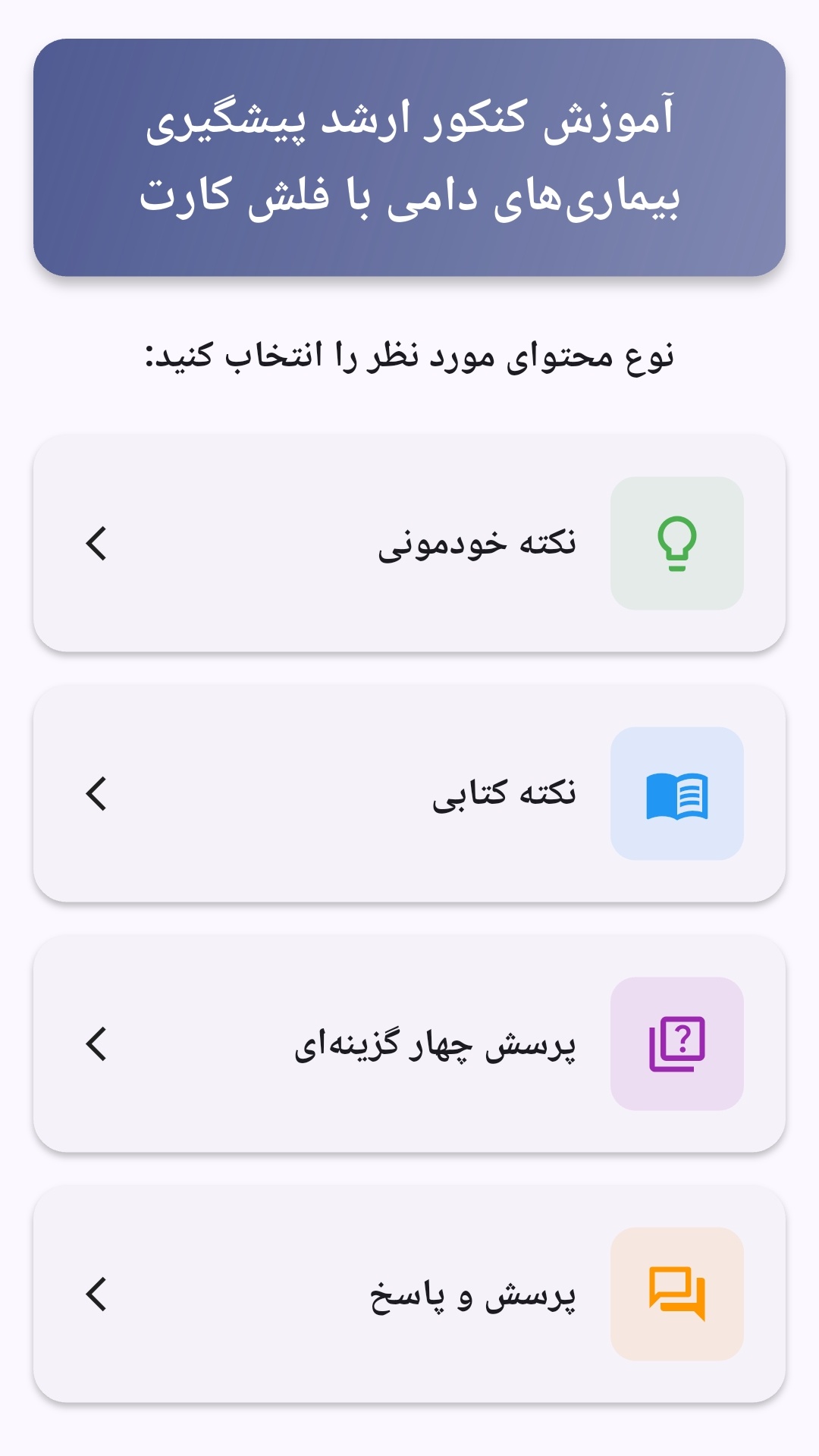
محتوای آموزشی در قالبهای متنوع ارائه میشود تا هم برای یادگیری مفاهیم جدید و هم برای تثبیت آموختهها قابل استفاده باشد.
- رابط کاربری فارسی و راستچین با فونت وزیر.
- تم روشن و تیره مطابق تنظیمات سیستم.
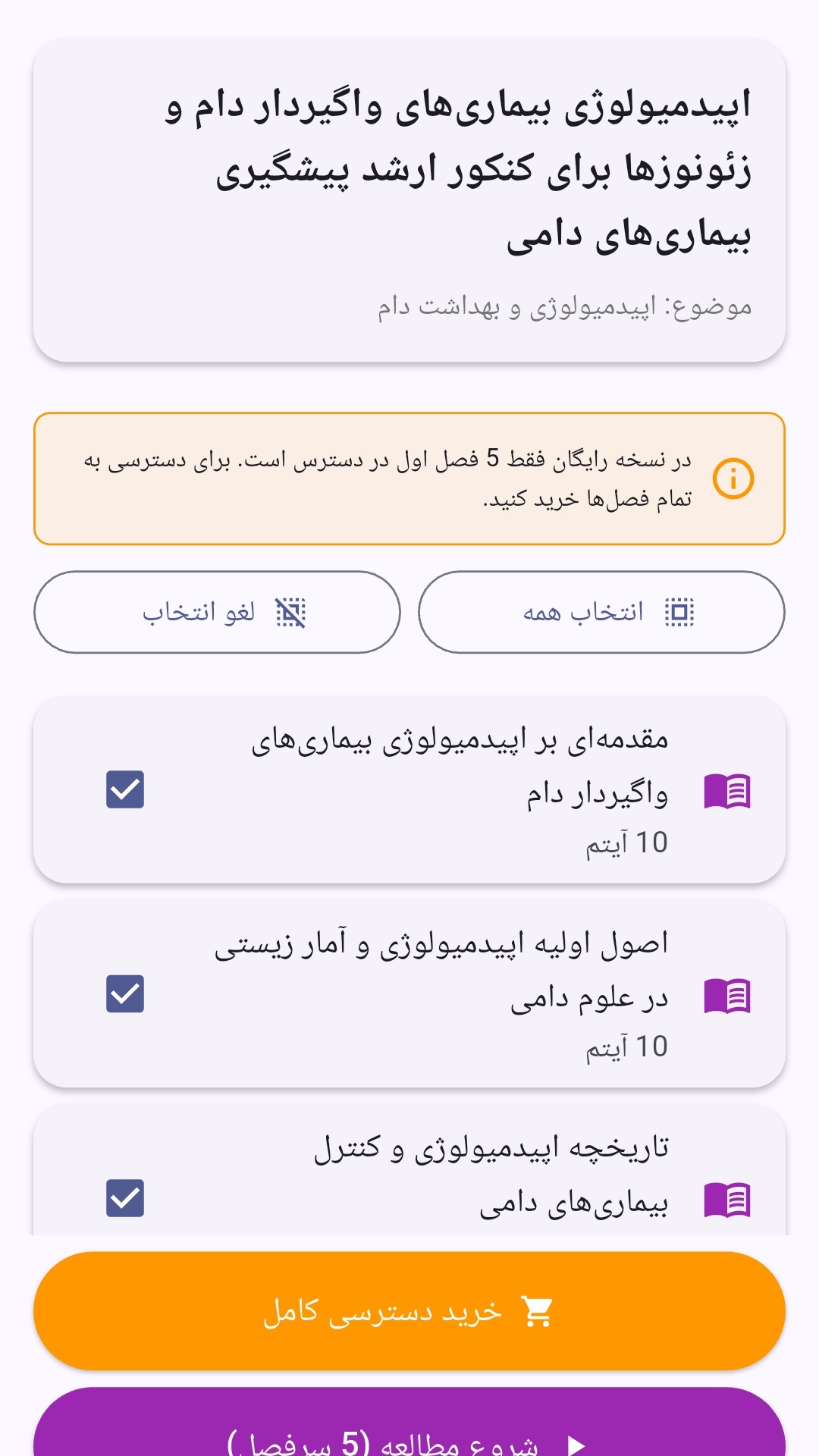
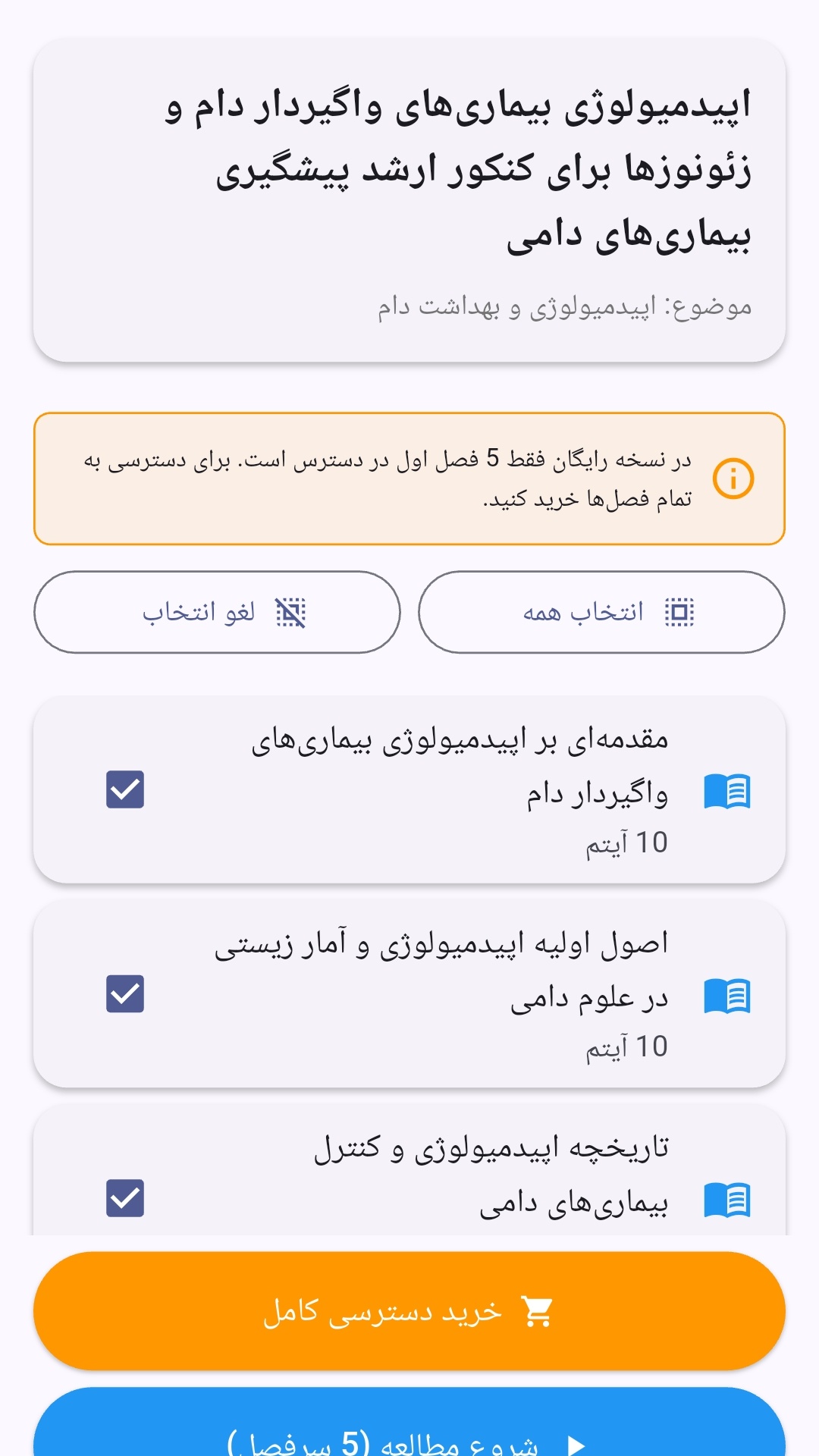
- صفحهبندی ساده برای انتخاب دوره و شروع مرور.
- نمایش تعداد دفعات مرور هر فصل.
- انتخاب چند فصل برای مرور همزمان.
- امکان تمرکز بر فصلهایی که هنوز مرور نشدهاند.
این اپلیکیشن برای دانشآموزان، دانشجویان، داوطلبان آزمونها و علاقهمندان به یادگیری طراحی شده است؛ بهویژه کسانی که میخواهند مطالب آموزشی را در زمانهای کوتاه مرور کنند، دانستههای خود را بسنجند و مطالعه منظمتری داشته باشند.
نظرات
هنوز نظری ثبت نشده است.
وارد شوید تا نظر ثبت کنید.