اپلیکیشن اندرویدی فلشکارت آموزشی SQL Server The Student Toolkit for SQL Server Evolution
🎓 دوره آموزشی جامع
📚 اطلاعات دوره
عنوان دوره: دوره SQL Server The Student Toolkit for SQL Server Evolution
موضوع کلی: برنامه نویسی
موضوع میانی: Microsoft SQL Server
📋 سرفصلهای دوره
- 1. Introduction to Databases and RDBMS Concepts
- 2. What is Microsoft SQL Server?
- 3. SQL Server Editions and Components
- 4. Installing SQL Server Developer Edition
- 5. Introduction to SQL Server Management Studio (SSMS)
- 6. Connecting to SQL Server Instances
- 7. Creating Your First Database
- 8. Understanding Database Files (MDF, LDF)
- 9. SQL Data Types Overview
- 10. Creating Tables with CREATE TABLE
- 11. Defining Primary Keys
- 12. Defining Foreign Keys for Relationships
- 13. Understanding IDENTITY Columns
- 14. Using DEFAULT Constraints
- 15. Implementing CHECK Constraints
- 16. Enforcing UNIQUE Constraints
- 17. Handling NULL Values (NULL vs. NOT NULL)
- 18. Inserting Data with INSERT Statements
- 19. Basic SELECT Statements
- 20. Filtering Data with WHERE Clause
- 21. Sorting Data with ORDER BY Clause
- 22. Updating Existing Data with UPDATE Statements
- 23. Deleting Data with DELETE Statements
- 24. TRUNCATE TABLE vs. DELETE FROM
- 25. Modifying Table Structure with ALTER TABLE
- 26. Dropping Database Objects with DROP Statements
- 27. Using Aliases for Tables and Columns
- 28. DISTINCT Keyword for Unique Values
- 29. TOP Clause and OFFSET/FETCH
- 30. Basic Comparison Operators
- 31. Logical Operators (AND, OR, NOT)
- 32. IN and BETWEEN Operators
- 33. LIKE Operator for Pattern Matching
- 34. IS NULL and IS NOT NULL
- 35. Introduction to Joins
- 36. INNER JOIN Explained
- 37. LEFT OUTER JOIN Explained
- 38. RIGHT OUTER JOIN Explained
- 39. FULL OUTER JOIN Explained
- 40. Self-Joins for Hierarchical Data
- 41. CROSS JOIN and Cartesian Products
- 42. UNION and UNION ALL Operators
- 43. INTERSECT Operator
- 44. EXCEPT Operator
- 45. Subqueries: Scalar Subqueries
- 46. Subqueries: Multi-row Subqueries (IN, ANY, ALL)
- 47. Correlated Subqueries
- 48. EXISTS and NOT EXISTS Operators
- 49. COUNT Function
- 50. SUM Function
- 51. AVG Function
- 52. MIN Function
- 53. MAX Function
- 54. GROUP BY Clause for Aggregation
- 55. HAVING Clause for Filtering Groups
- 56. CASE Expressions for Conditional Logic
- 57. ISNULL, COALESCE, NULLIF Functions
- 58. String Manipulation Functions (LEN, SUBSTRING, CONCAT)
- 59. Date and Time Functions (GETDATE, DATEADD, DATEDIFF)
- 60. Numeric Functions (ROUND, CEILING, FLOOR)
- 61. Data Type Conversion (CAST and CONVERT)
- 62. Introduction to Views
- 63. Creating and Managing Views
- 64. Updatable Views Considerations
- 65. Introduction to Stored Procedures
- 66. Creating Simple Stored Procedures
- 67. Stored Procedures with Input Parameters
- 68. Stored Procedures with Output Parameters
- 69. Error Handling in Stored Procedures (TRY...CATCH)
- 70. Introduction to User-Defined Functions (UDFs)
- 71. Scalar User-Defined Functions
- 72. Inline Table-Valued Functions (iTVF)
- 73. Multi-Statement Table-Valued Functions (mstvF)
- 74. Transactions: BEGIN TRAN, COMMIT, ROLLBACK
- 75. SAVEPOINTs in Transactions
- 76. Common Table Expressions (CTEs)
- 77. Recursive CTEs for Hierarchical Data
- 78. Introduction to Window Functions
- 79. ROW_NUMBER() Window Function
- 80. RANK() and DENSE_RANK() Window Functions
- 81. NTILE() Window Function
- 82. LEAD() and LAG() Window Functions
- 83. PIVOT Operator
- 84. UNPIVOT Operator
- 85. MERGE Statement for UPSERT Operations
- 86. Understanding SQL Server Indexing
- 87. Clustered Indexes
- 88. Non-Clustered Indexes
- 89. Unique Indexes
- 90. Filtered Indexes
- 91. Included Columns in Non-Clustered Indexes
- 92. Reading Execution Plans (Graphical)
- 93. SQL Server Statistics
- 94. Index Maintenance: REBUILD and REORGANIZE
- 95. SQL Server Security Model Overview
- 96. Creating Logins and Users
- 97. Database Roles and Permissions (GRANT, DENY, REVOKE)
- 98. Introduction to Triggers (DML)
- 99. AFTER Triggers vs. INSTEAD OF Triggers
- 100. Basic Database Backup and Restore Operations
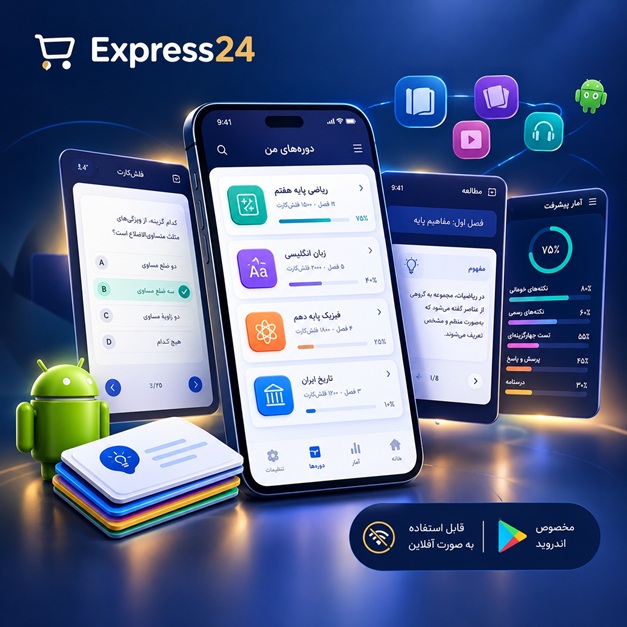
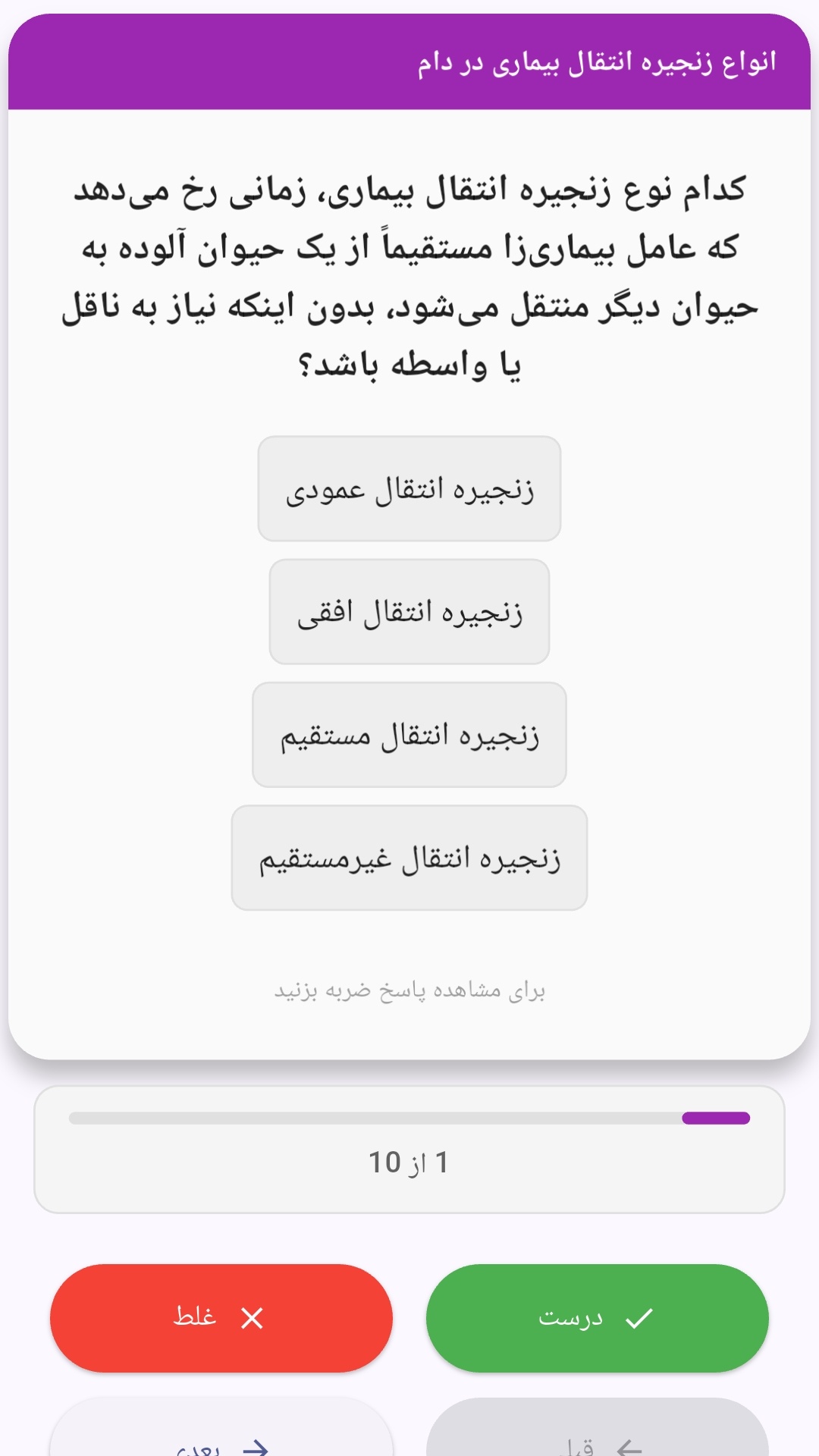
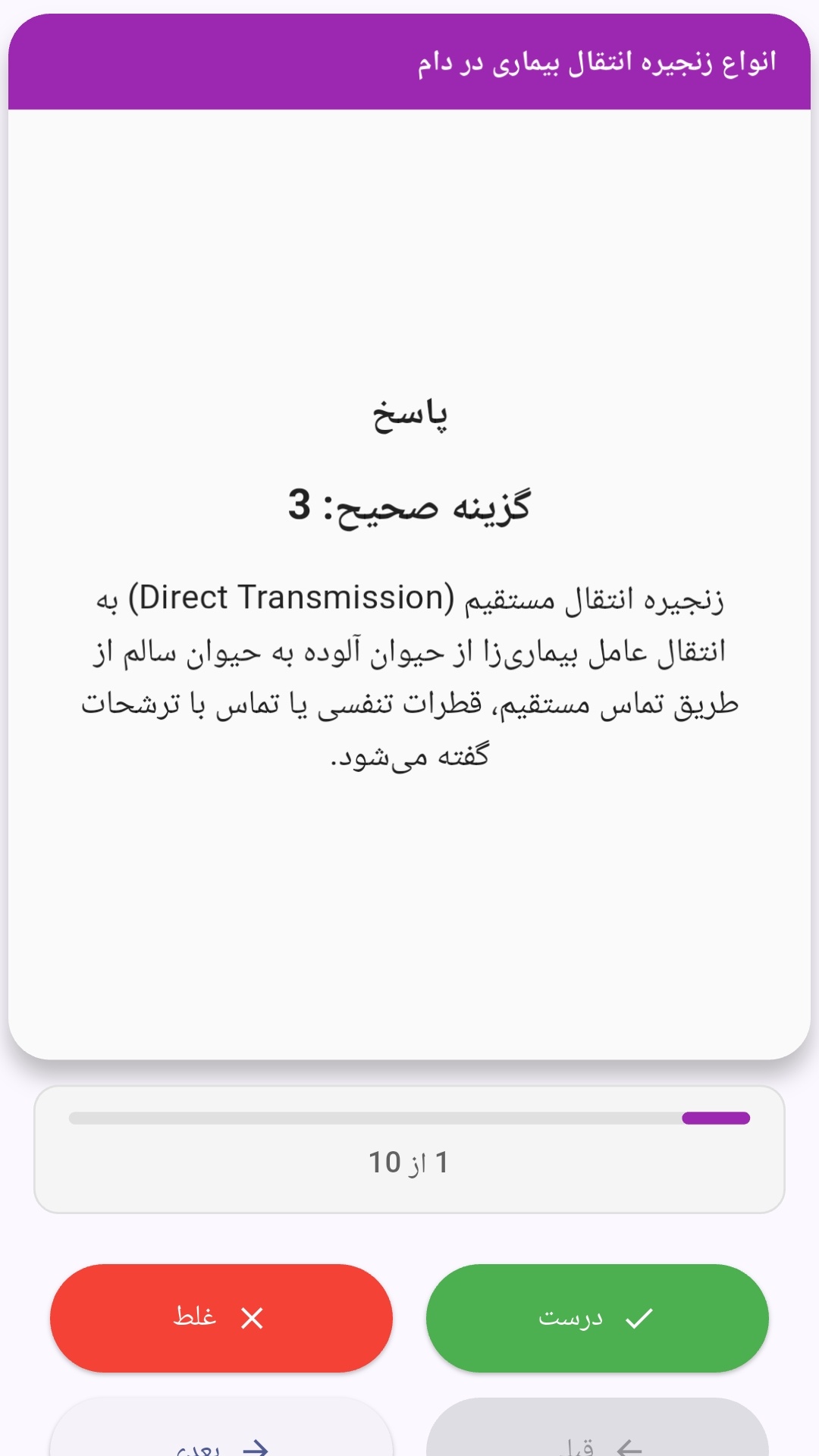
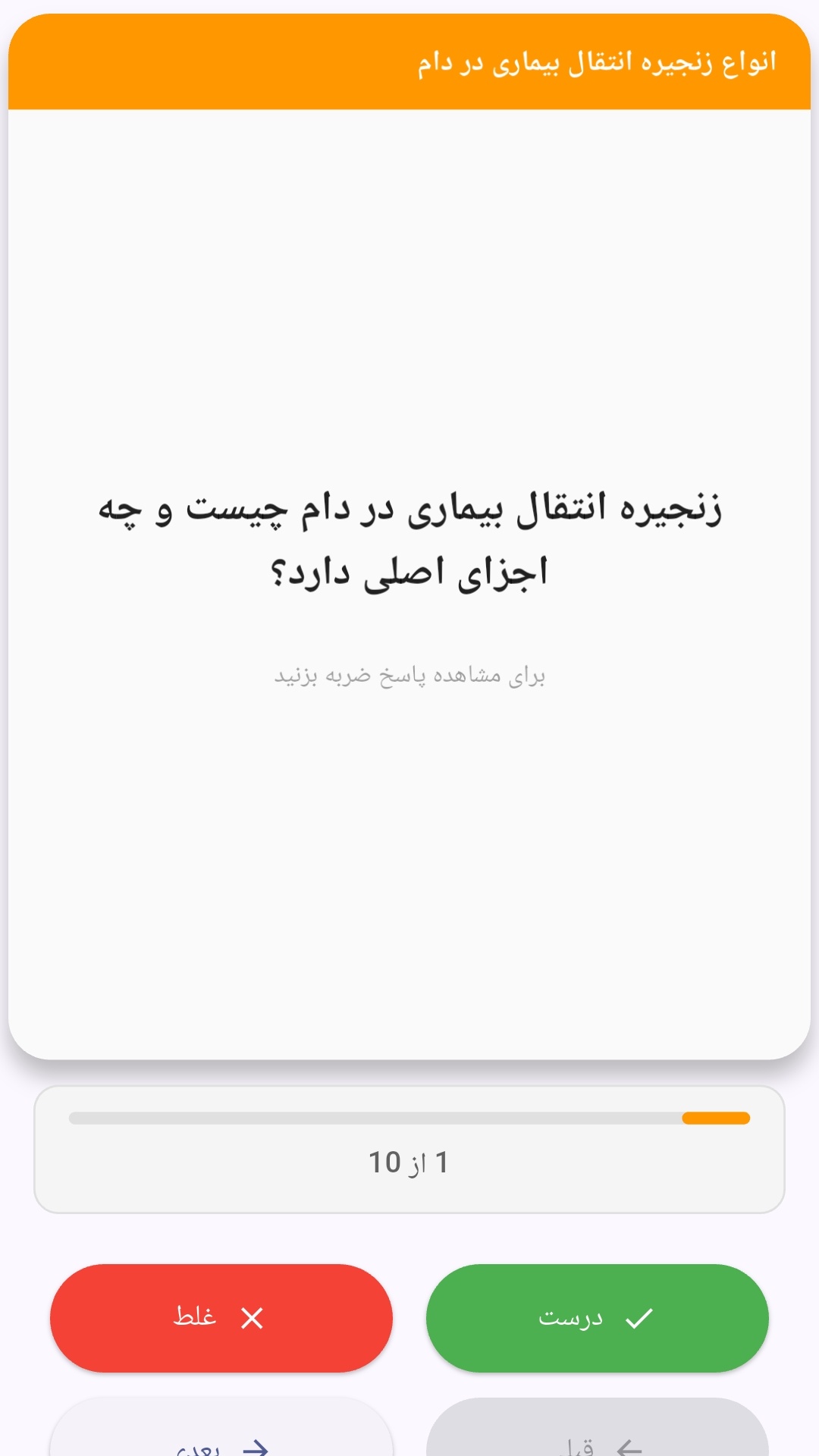
این اپلیکیشن فارسی برای یادگیری و مرور محتوای آموزشی از طریق فلشکارت طراحی شده است. کارتها را یکییکی مرور کنید، پاسخ پرسشها را به یاد بیاورید و نتیجه هر پاسخ را ثبت کنید. محتوای دوره پس از نصب درون برنامه در دسترس است تا برای مطالعه روزمره معمولاً به اتصال مداوم اینترنت نیاز نداشته باشید.
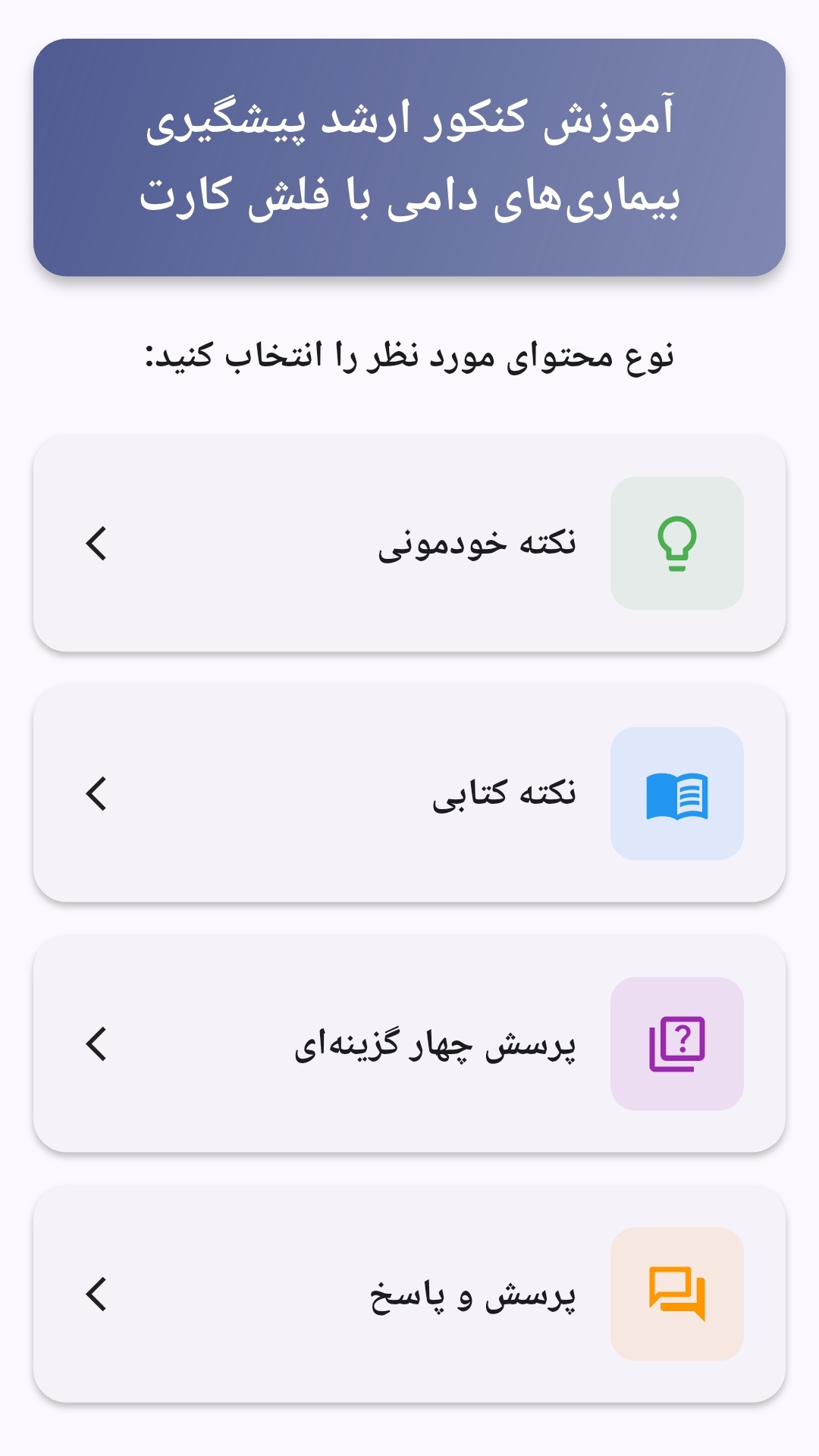
محتوای آموزشی در قالبهای متنوع ارائه میشود تا هم برای یادگیری مفاهیم جدید و هم برای تثبیت آموختهها قابل استفاده باشد.
- رابط کاربری فارسی و راستچین با فونت وزیر.
- تم روشن و تیره مطابق تنظیمات سیستم.
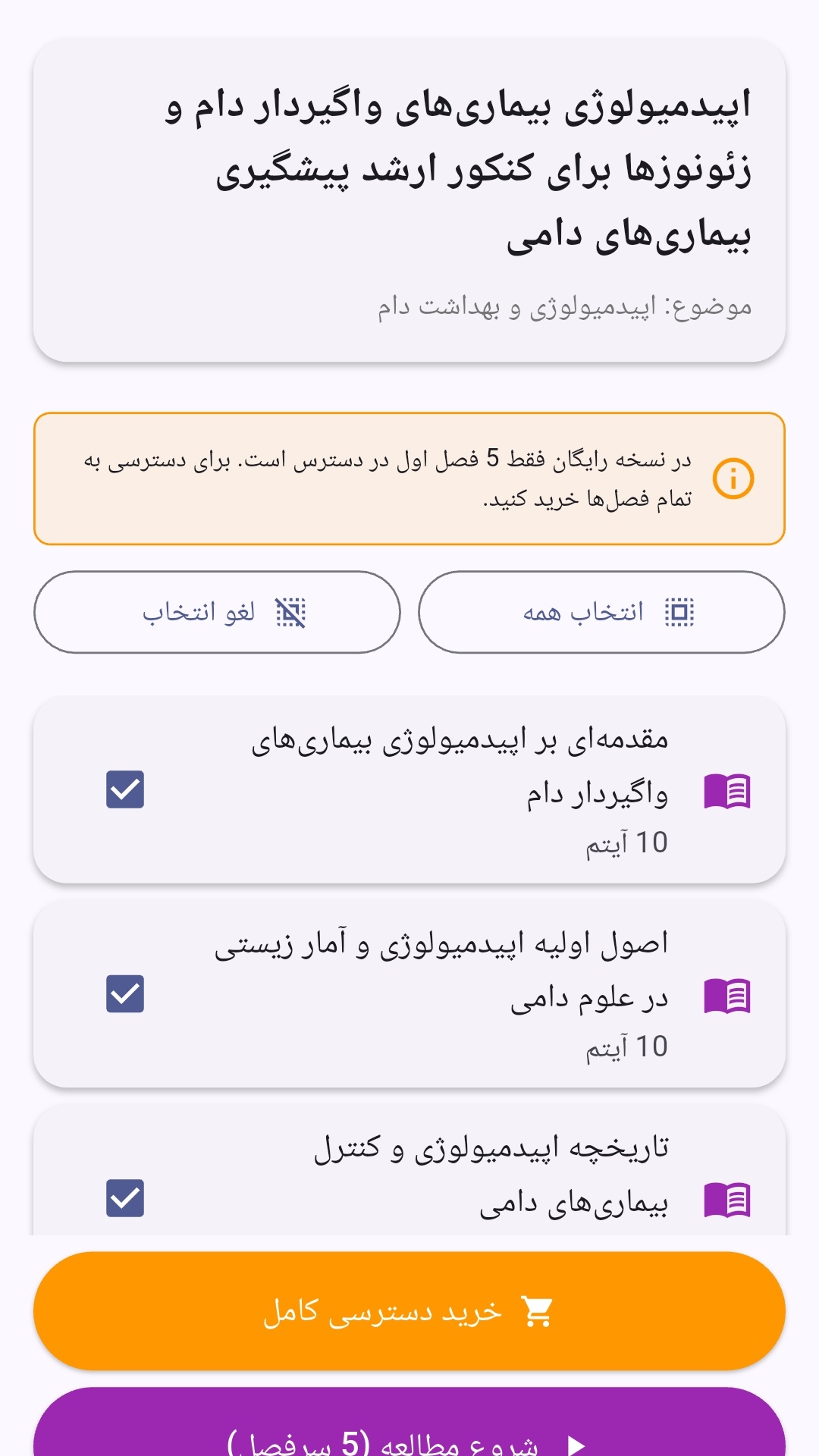
- صفحهبندی ساده برای انتخاب دوره و شروع مرور.
- نمایش تعداد دفعات مرور هر فصل.
- انتخاب چند فصل برای مرور همزمان.
- امکان تمرکز بر فصلهایی که هنوز مرور نشدهاند.
این اپلیکیشن برای دانشآموزان، دانشجویان، داوطلبان آزمونها و علاقهمندان به یادگیری طراحی شده است؛ بهویژه کسانی که میخواهند مطالب آموزشی را در زمانهای کوتاه مرور کنند، دانستههای خود را بسنجند و مطالعه منظمتری داشته باشند.
نظرات
هنوز نظری ثبت نشده است.
وارد شوید تا نظر ثبت کنید.