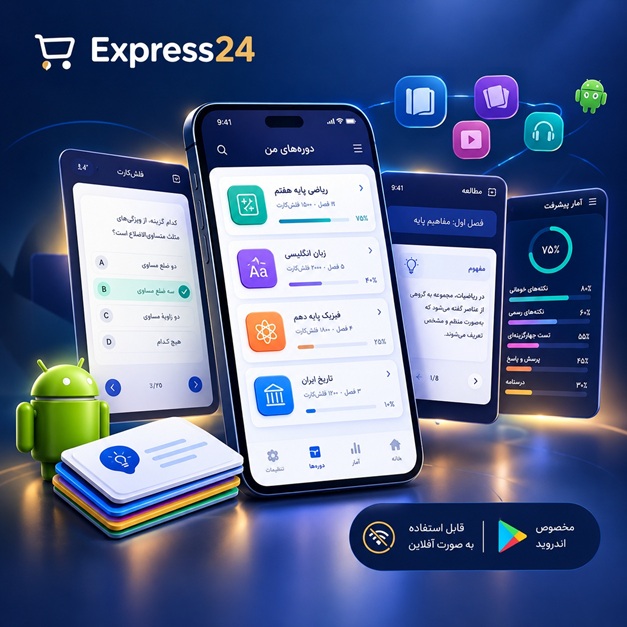
اپلیکیشن اندرویدی فلشکارت آموزشی Google Cloud Platform: Batch Application Deployment and Management with Dask (Advanced Distributed Computing)
🎓 دوره آموزشی جامع
📚 اطلاعات دوره
عنوان دوره: دوره Google Cloud Platform: Batch Application Deployment and Management with Dask (Advanced Distributed Computing)
موضوع کلی: برنامه نویسی
موضوع میانی: Google Cloud Platform (GCP)
📋 سرفصلهای دوره
- 1. Welcome to Advanced Dask on Google Cloud
- 2. Course Objectives and Learning Outcomes
- 3. Introduction to Batch Application Deployment
- 4. Understanding Advanced Distributed Computing Concepts
- 5. Why Google Cloud Platform for Dask Workloads?
- 6. Setting Up Your GCP Project and Billing
- 7. Essential GCP IAM Concepts for Distributed Systems
- 8. Managing GCP Service Accounts and Keys
- 9. Navigating the GCP Console and Cloud Shell
- 10. The `gcloud` CLI Tool: A Deep Dive for Automation
- 11. Introduction to Virtual Private Cloud (VPC) Networking
- 12. Configuring Subnets and Firewall Rules for Dask Clusters
- 13. Overview of GCP Compute Engine Instances
- 14. Understanding Machine Types and Boot Disks for Performance
- 15. Introduction to Google Kubernetes Engine (GKE) Fundamentals
- 16. Core Kubernetes Concepts for Dask Deployments (Pods, Deployments, Services)
- 17. Google Cloud Storage: Buckets, Objects, and Access Control
- 18. Cloud Storage FUSE for VM Integration
- 19. Introduction to Google Cloud Pub/Sub for Messaging
- 20. Artifact Registry for Container Image Management
- 21. Python Environment Setup for Dask Development on GCP
- 22. Dask: A Flexible Library for Parallel Computing in Python
- 23. Dask Architecture: Client, Scheduler, Workers Explained
- 24. Dask Collections: Dask Array for Numerical Workloads
- 25. Dask Collections: Dask DataFrame for Tabular Data Processing
- 26. Dask Collections: Dask Bag for Unstructured Data
- 27. Dask Delayed for Custom Task Graphs and Workflows
- 28. Lazy Evaluation and Task Graph Visualization with Dask
- 29. Dask Futures for Asynchronous Computation
- 30. Choosing Your Dask Scheduler: Single Machine vs. Distributed
- 31. Setting Up a Local Dask Distributed Cluster
- 32. Running Your First Dask Computation Locally
- 33. Debugging Dask Applications Locally
- 34. Monitoring Local Dask Clusters with Dask Dashboard
- 35. Deploying Dask Scheduler on a Single Compute Engine VM
- 36. Launching Dask Workers Manually on Compute Engine Instances
- 37. SSH Management for Dask Cluster Communication
- 38. Using Instance Templates for Dask Worker Provisioning
- 39. Managed Instance Groups for Scalable Dask Worker Pools
- 40. Automating Dask VM Deployment with `gcloud` Scripts
- 41. Introduction to `dask-cloudprovider` for GCP Integration
- 42. `dask-cloudprovider` Configuration for Compute Engine
- 43. Creating a Dask Cluster with `dask-cloudprovider`
- 44. Scaling Dask Clusters Up and Down via `dask-cloudprovider`
- 45. Best Practices for `dask-cloudprovider` Resource Management
- 46. Monitoring and Debugging `dask-cloudprovider` Deployments
- 47. Containerizing Dask Applications with Docker
- 48. Building Custom Dask Docker Images for GCP
- 49. Pushing Dask Images to Google Artifact Registry
- 50. Setting Up a GKE Cluster for Dask Workloads
- 51. GKE Node Pools Optimization for Dask Resource Allocation
- 52. The Dask Kubernetes Operator: A Deep Dive
- 53. Deploying Dask Scheduler using Kubernetes Operator YAML
- 54. Deploying Dask Workers using Kubernetes Operator YAML
- 55. Configuring Horizontal Pod Autoscaling for Dask Workers
- 56. Accessing Dask Dashboard via GKE Service
- 57. Persistent Volumes and Claims for Dask State in GKE
- 58. Kubernetes Resource Requests and Limits for Dask Pods
- 59. Best Practices for Dask on GKE Performance
- 60. Reading Data from Cloud Storage into Dask DataFrames
- 61. Writing Dask Results Back to Cloud Storage
- 62. Optimizing Data I/O with Cloud Storage Parquet Files
- 63. Interacting with BigQuery Data using Dask
- 64. Connecting Dask to Cloud SQL Databases
- 65. Leveraging Cloud Filestore (NFS) for Shared Dask Data
- 66. Processing Streaming Data with Pub/Sub and Dask
- 67. Data Partitioning Strategies for Large Datasets
- 68. Handling Data Serialization Formats (Parquet, ORC, CSV, JSON)
- 69. Schema Evolution in Long-Running Batch Jobs
- 70. Monitoring Dask Application Metrics with Dask Dashboard
- 71. Integrating Dask Metrics with Cloud Monitoring
- 72. Understanding Dask Task States and Progress
- 73. Advanced Dask Dashboard Features and Insights
- 74. Centralized Logging for Dask with Cloud Logging
- 75. Structured Logging within Dask Applications
- 76. Creating Log-Based Metrics and Alerts in Cloud Monitoring
- 77. Identifying Performance Bottlenecks in Dask Graphs
- 78. Strategies for Dask Memory Optimization and Spill-to-Disk
- 79. Tackling CPU-Bound vs. I/O-Bound Dask Tasks
- 80. Dynamic Scaling of Dask Clusters on GCP
- 81. Cost Optimization: Leveraging Spot VMs for Dask Workers
- 82. Preemptible VMs vs. Spot VMs for Batch Processing
- 83. Building Robust Dask Batch Workflows
- 84. Implementing Error Handling and Retries in Dask
- 85. Checkpointing Dask Workflows for Resilience
- 86. Orchestrating Dask Jobs with Cloud Composer (Apache Airflow)
- 87. Triggering Dask Workloads with Cloud Functions
- 88. Integrating Dask with Vertex AI for ML Pipelines (Brief)
- 89. Hyperparameter Tuning with Dask-ML (Brief)
- 90. Dask for Extract, Transform, Load (ETL) Workflows
- 91. Introduction to CI/CD for Dask Applications
- 92. Automating Dask Deployments with Cloud Build
- 93. Testing Dask Applications with Unit and Integration Tests
- 94. Security Best Practices for Dask on GCP
- 95. Data Encryption at Rest and In Transit on GCP
- 96. IAM Roles and Permissions for Dask Service Accounts
- 97. Network Security: Private IP and VPC Service Controls
- 98. Disaster Recovery Strategies for Batch Systems
- 99. Future Trends in Distributed Computing and Dask
- 100. Recap and Next Steps for Your Dask Journey
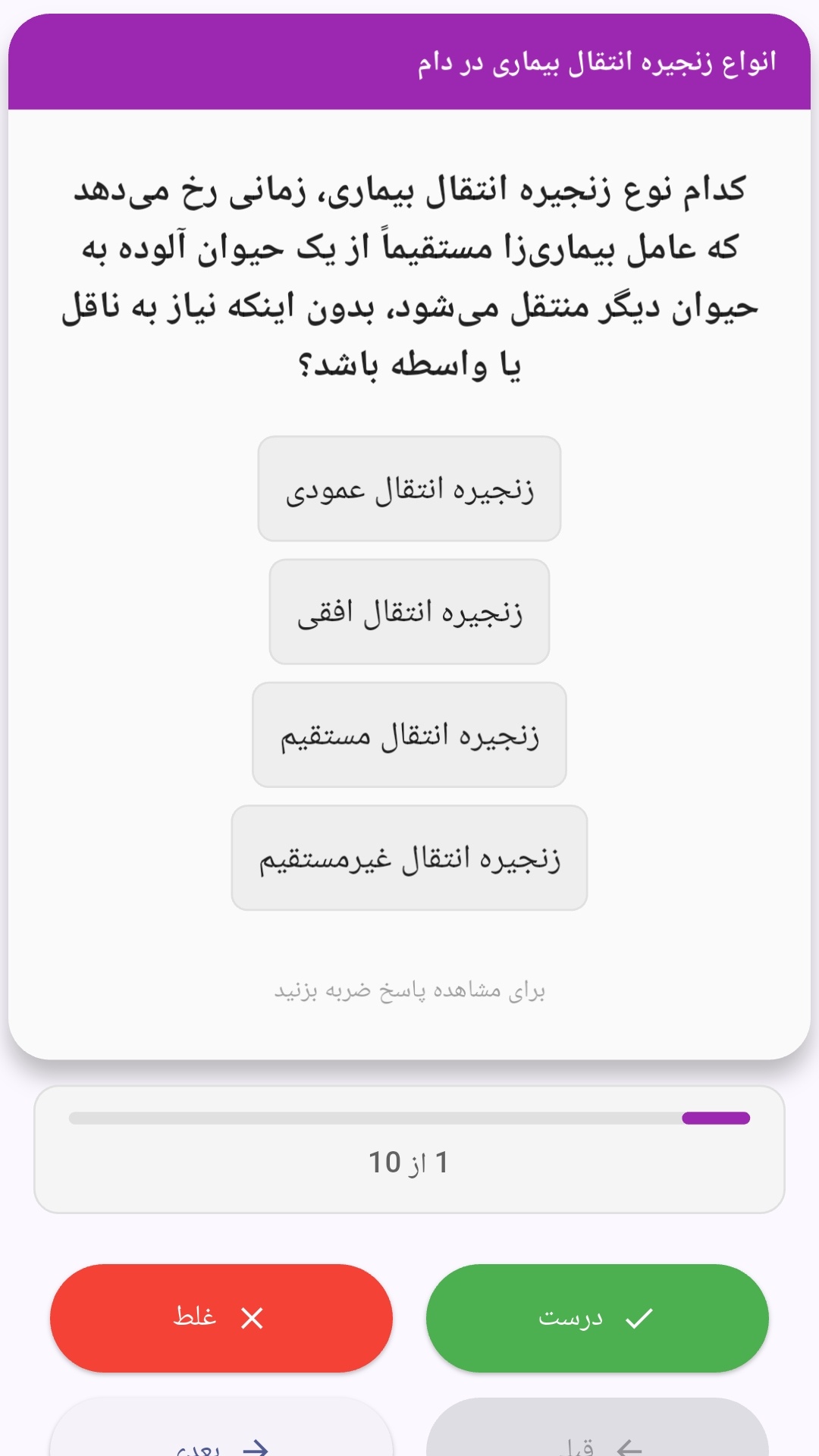
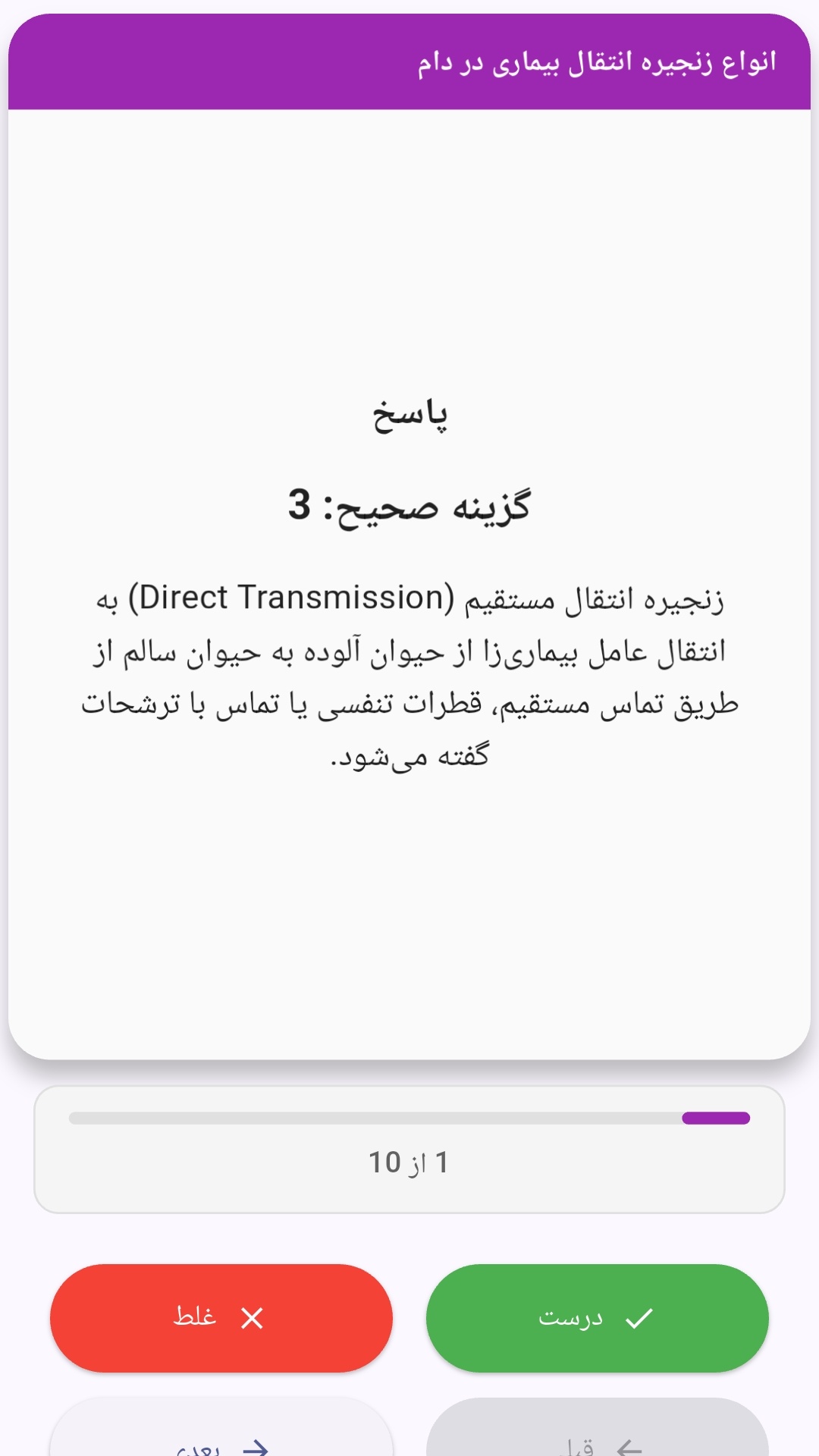
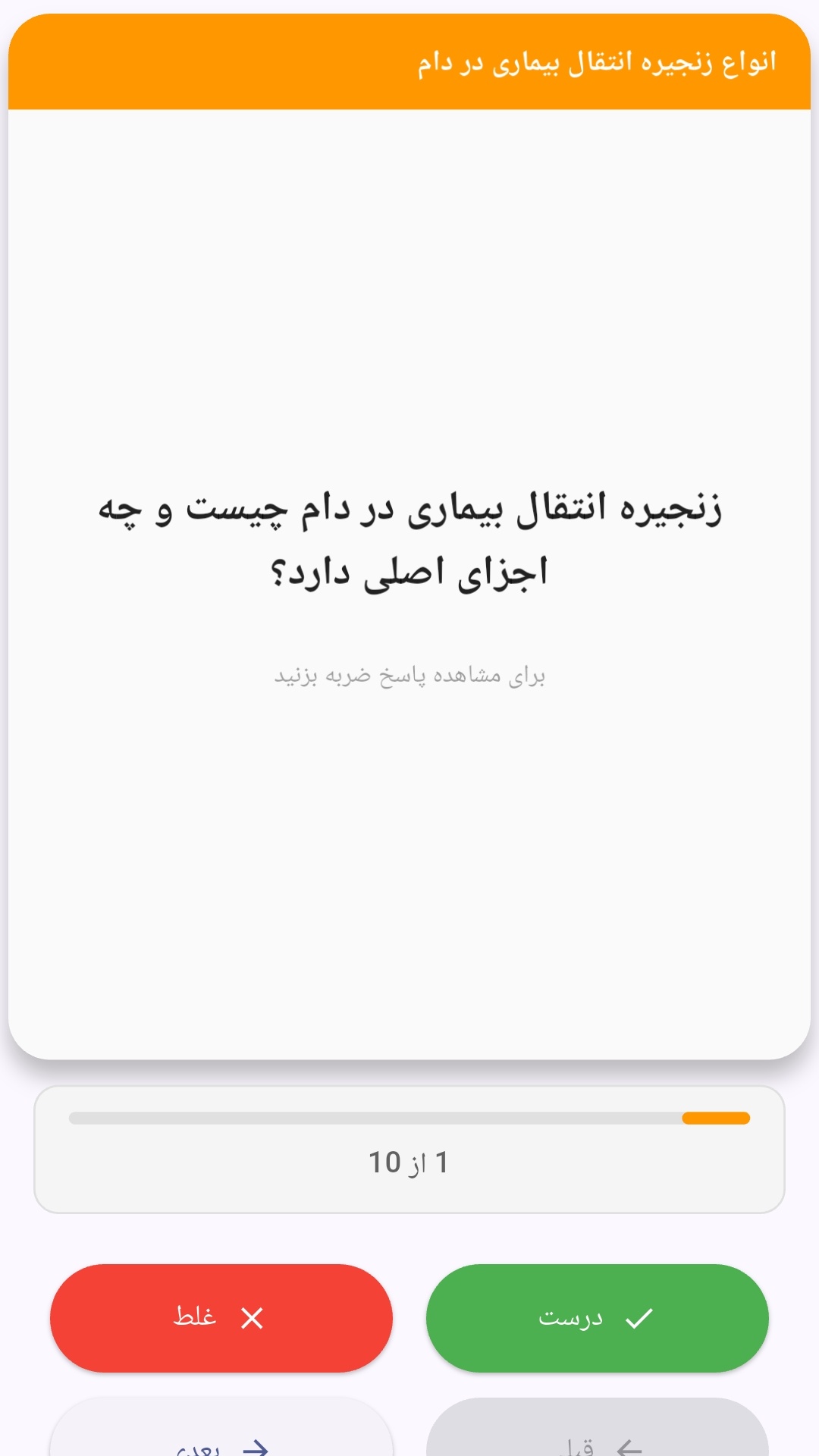
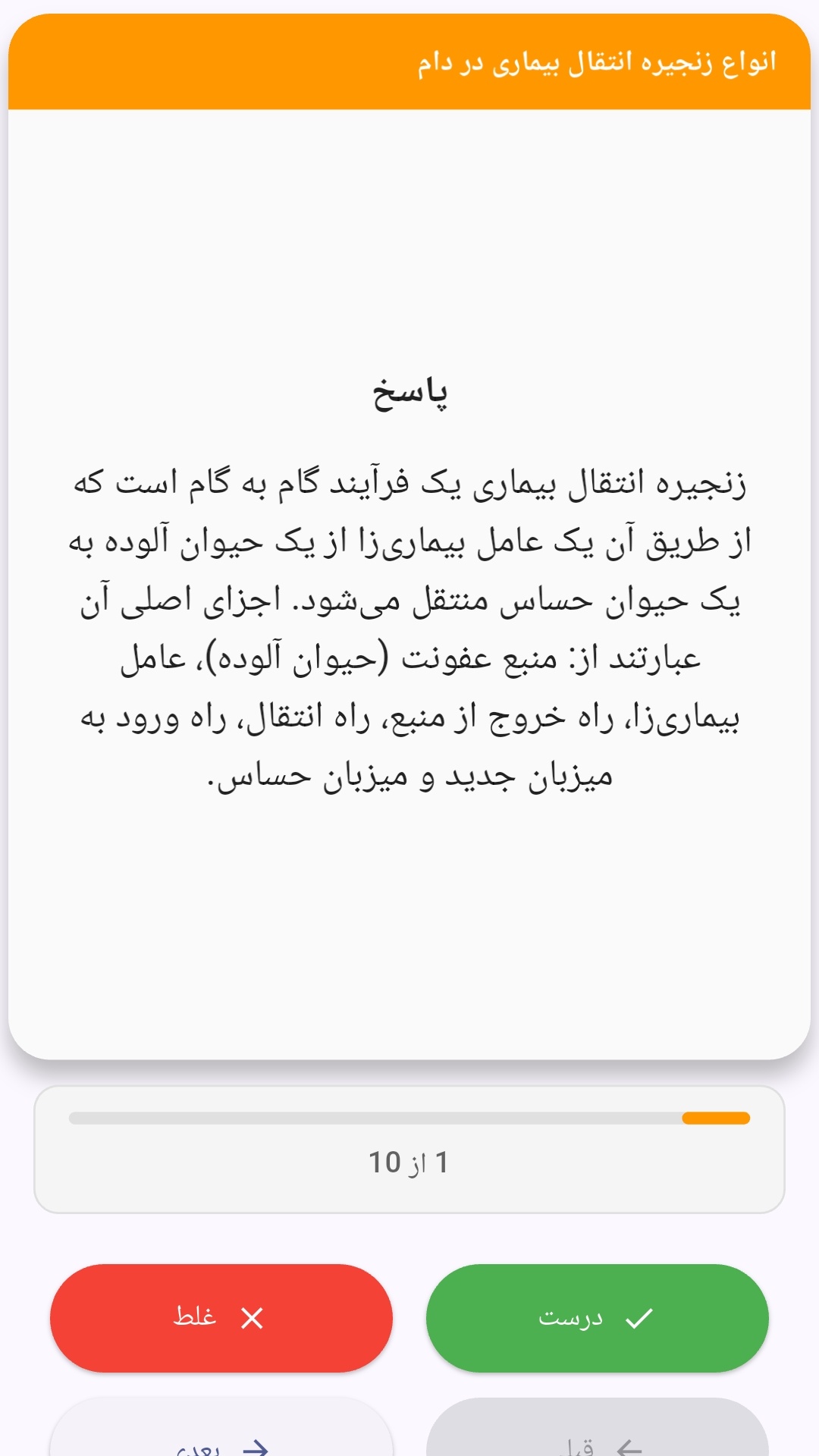
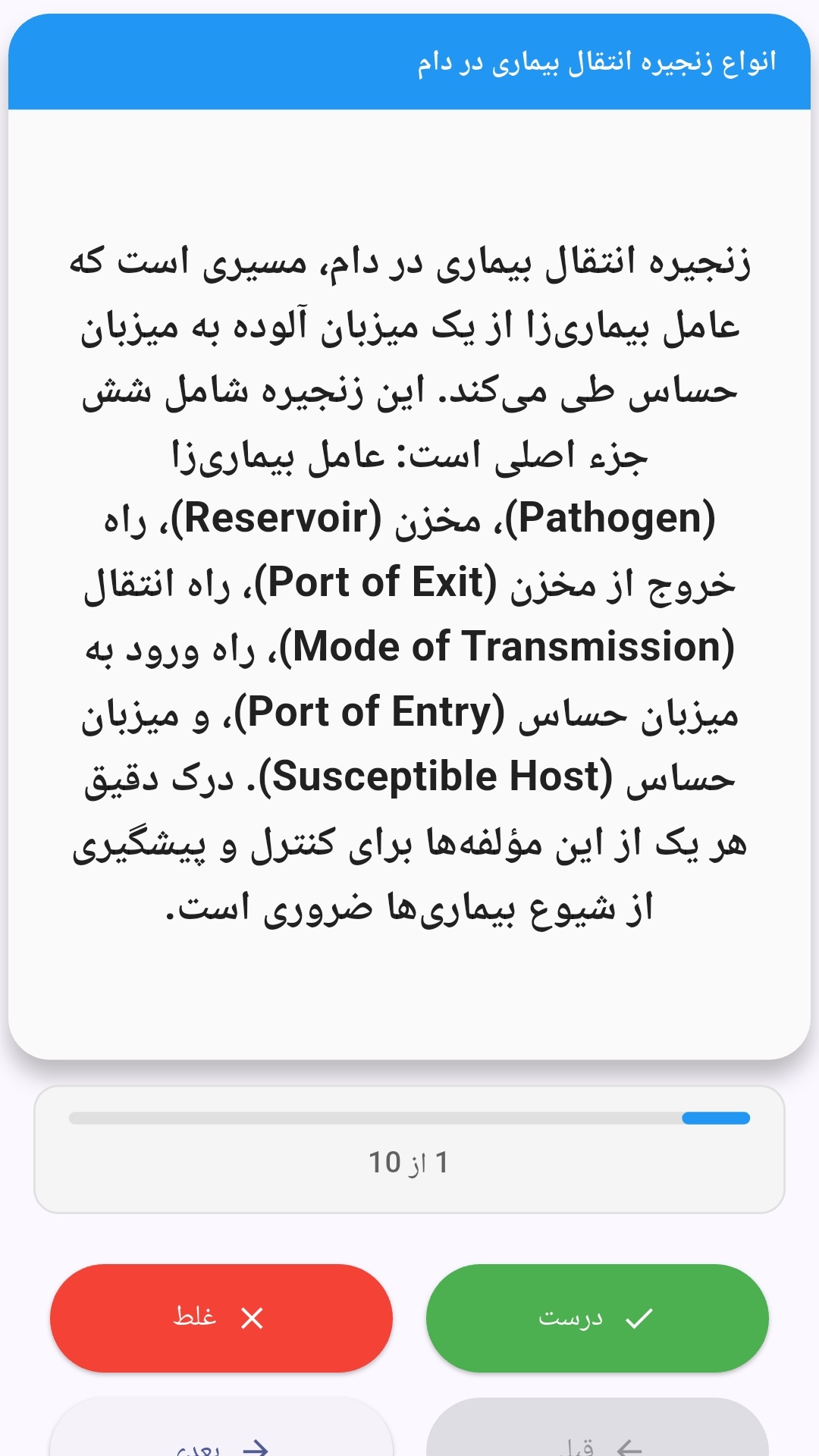
این اپلیکیشن فارسی برای یادگیری و مرور محتوای آموزشی از طریق فلشکارت طراحی شده است. کارتها را یکییکی مرور کنید، پاسخ پرسشها را به یاد بیاورید و نتیجه هر پاسخ را ثبت کنید. محتوای دوره پس از نصب درون برنامه در دسترس است تا برای مطالعه روزمره معمولاً به اتصال مداوم اینترنت نیاز نداشته باشید.
محتوای آموزشی در قالبهای متنوع ارائه میشود تا هم برای یادگیری مفاهیم جدید و هم برای تثبیت آموختهها قابل استفاده باشد.
- رابط کاربری فارسی و راستچین با فونت وزیر.
- تم روشن و تیره مطابق تنظیمات سیستم.
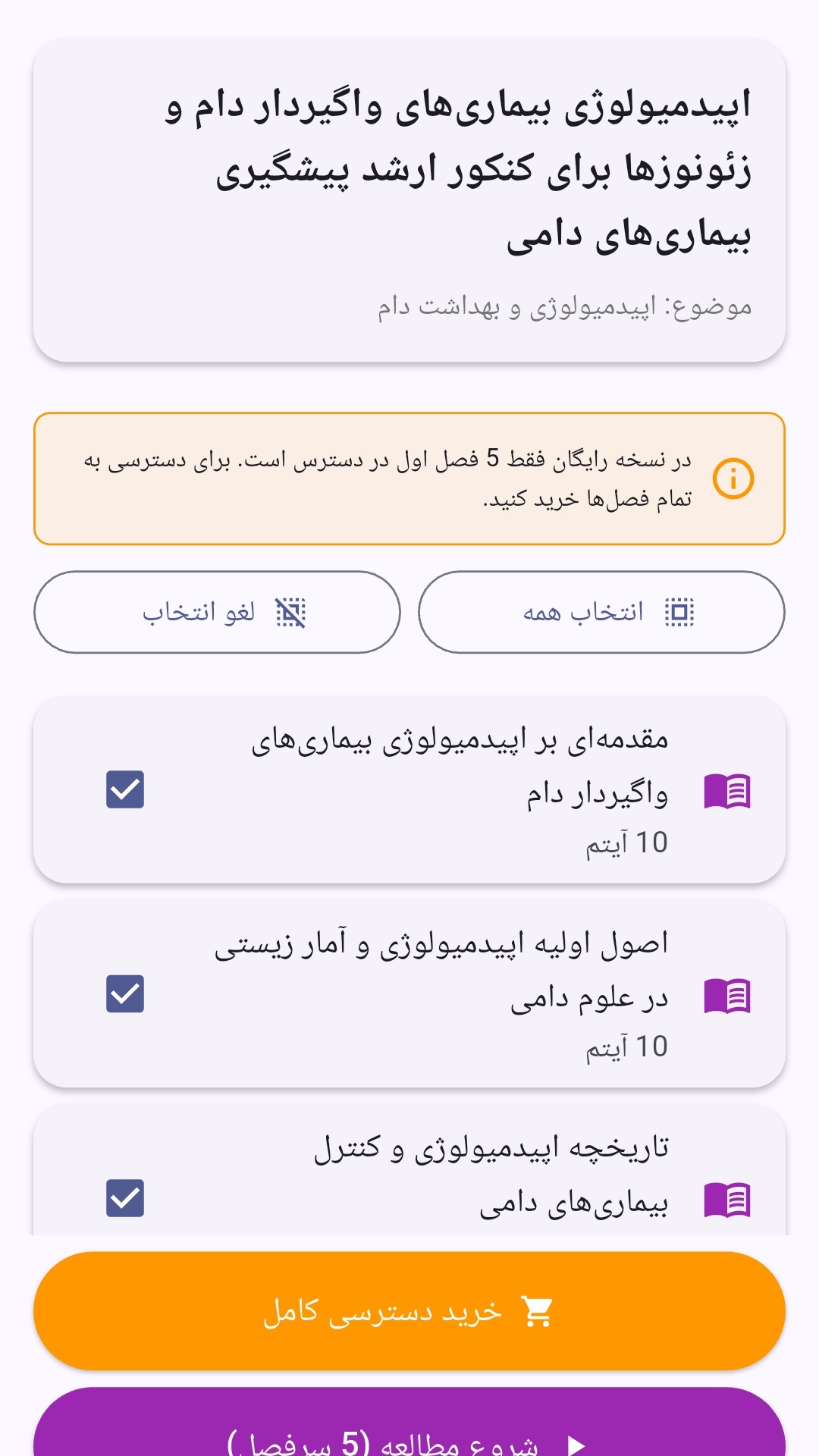
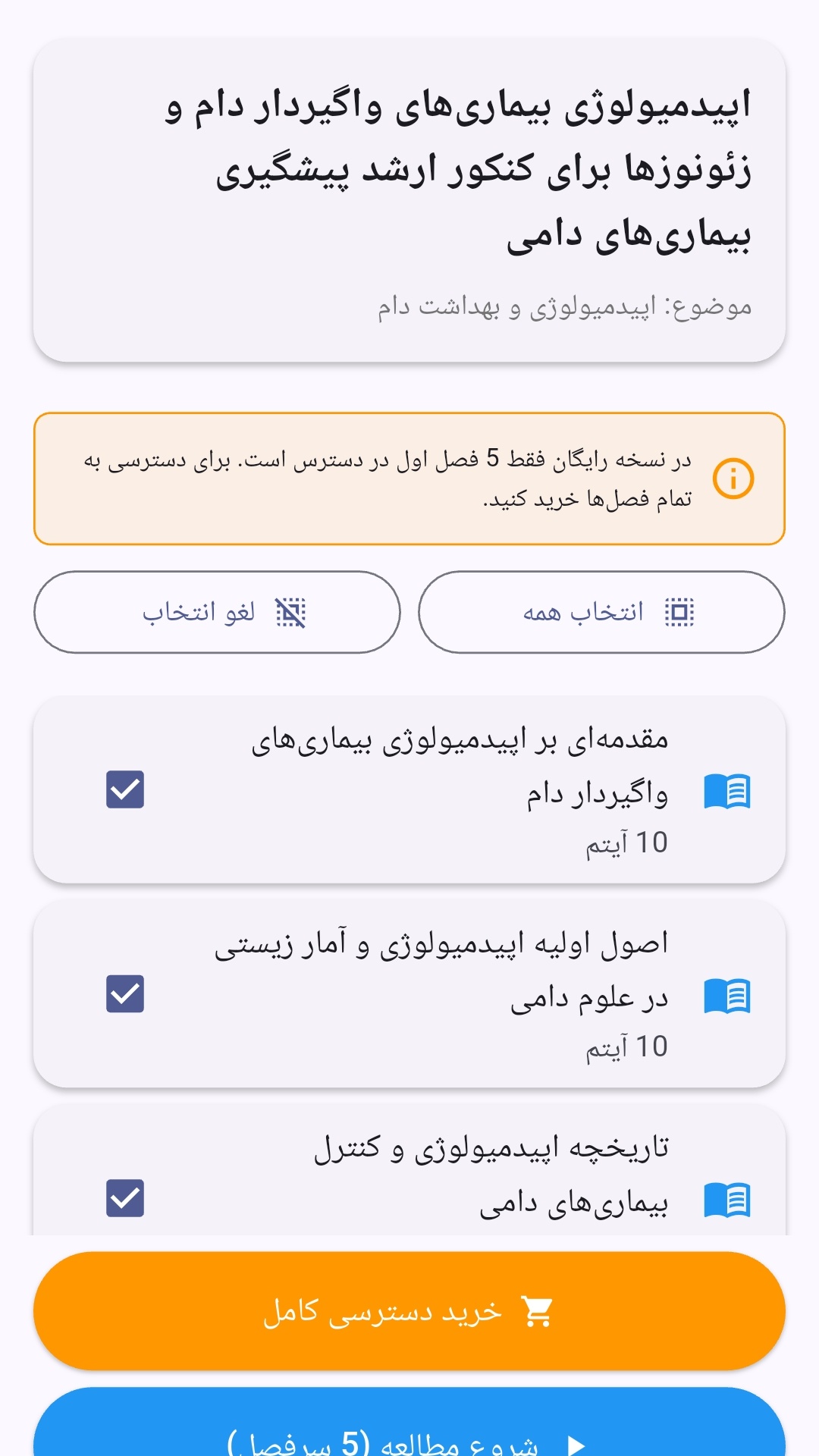
- صفحهبندی ساده برای انتخاب دوره و شروع مرور.
- نمایش تعداد دفعات مرور هر فصل.
- انتخاب چند فصل برای مرور همزمان.
- امکان تمرکز بر فصلهایی که هنوز مرور نشدهاند.
این اپلیکیشن برای دانشآموزان، دانشجویان، داوطلبان آزمونها و علاقهمندان به یادگیری طراحی شده است؛ بهویژه کسانی که میخواهند مطالب آموزشی را در زمانهای کوتاه مرور کنند، دانستههای خود را بسنجند و مطالعه منظمتری داشته باشند.
نظرات
هنوز نظری ثبت نشده است.
وارد شوید تا نظر ثبت کنید.