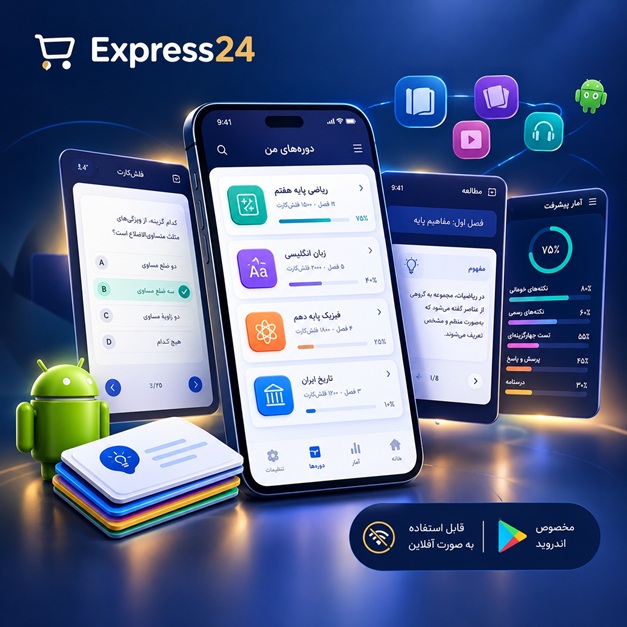
اپلیکیشن اندرویدی فلشکارت آموزشی Google Cloud Platform: Microservices Deployment and Management with Flux CD
🎓 دوره آموزشی جامع
📚 اطلاعات دوره
عنوان دوره: دوره Google Cloud Platform: Microservices Deployment and Management with Flux CD
موضوع کلی: برنامه نویسی
موضوع میانی: Google Cloud Platform (GCP)
📋 سرفصلهای دوره
- 1. Introduction to Google Cloud Platform (GCP)
- 2. GCP Project Structure and Resource Hierarchy
- 3. Identity and Access Management (IAM) Fundamentals
- 4. Networking Basics in GCP (VPC, Subnets)
- 5. What are Microservices? Concepts and Principles
- 6. Advantages and Disadvantages of Microservices
- 7. Monolithic vs. Microservice Architectures
- 8. Introduction to Containerization with Docker
- 9. Building and Managing Docker Images
- 10. Container Registries: Google Artifact Registry
- 11. Introduction to Kubernetes and its Core Concepts
- 12. Why Choose GKE for Kubernetes Deployments?
- 13. GKE Cluster Types: Standard vs. Autopilot
- 14. Creating and Configuring a GKE Standard Cluster
- 15. GKE Node Pools and Automatic Node Provisioning
- 16. Understanding Kubernetes Pods and Deployments
- 17. Managing Deployments and Rolling Updates
- 18. Kubernetes Services: ClusterIP, NodePort, LoadBalancer
- 19. Exposing Applications with Kubernetes Ingress
- 20. ConfigMaps and Secrets for Application Configuration
- 21. Persistent Storage with Persistent Volumes (PVs) and PVCs
- 22. GKE Networking and Network Policy
- 23. Kubernetes Service Accounts and Role-Based Access Control (RBAC)
- 24. Integrating GKE with Cloud Logging and Cloud Monitoring
- 25. Introduction to Helm for Kubernetes Package Management
- 26. What is GitOps? Principles and Benefits
- 27. The GitOps Workflow for Cloud-Native Applications
- 28. Comparing GitOps with Traditional CI/CD
- 29. Introduction to Flux CD: A GitOps Tool
- 30. Understanding Flux CD Architecture and Components
- 31. Prerequisites for Installing Flux CD on GKE
- 32. Installing the Flux CD CLI Tool
- 33. Bootstrapping Flux CD on Your GKE Cluster
- 34. The Git Repository as the Single Source of Truth
- 35. Flux CD Source Controller: Managing Git Repositories
- 36. Flux CD Kustomize Controller: Applying Kubernetes Manifests
- 37. Deploying Your First Application with Flux CD
- 38. Monitoring Flux CD Reconciliation Status
- 39. Managing Multiple Environments with Flux CD and Kustomize
- 40. Understanding Flux CD Object Reconciliation Lifecycle
- 41. Managing Helm Releases with Flux CD Helm Controller
- 42. Customizing Helm Charts with Values Overrides in Flux CD
- 43. Advanced Kustomize Techniques: Overlays and Bases
- 44. Patching Kubernetes Resources with Kustomize and Flux CD
- 45. Introduction to Flux CD Image Automation
- 46. Configuring ImageRepository and ImagePolicy
- 47. Automating Container Image Updates with ImageUpdateAutomation
- 48. Integrating External Secrets Operator with Flux CD
- 49. Managing Secrets with GCP Secret Manager and External Secrets
- 50. Best Practices for Secret Management in GitOps
- 51. Implementing Health Checks and Readiness Probes in Deployments
- 52. Flux CD Pre-Sync and Post-Sync Hooks
- 53. Flux CD Notification Controller: Alerts and Providers
- 54. Setting Up Notifications for Slack, Teams, or Email
- 55. Multi-Tenancy Patterns with Flux CD and Kubernetes
- 56. Delegating GitOps Management for Teams
- 57. Introduction to Canary Deployments with Flux CD
- 58. Blue/Green Deployment Strategies with Flux CD
- 59. Managing Dependencies Between Kustomizations or HelmReleases
- 60. Air-Gapped Deployments and Git Repository Mirroring
- 61. Cloud SQL for Managed Relational Databases
- 62. Connecting Microservices to Cloud SQL Instances
- 63. Memorystore for Redis and Memcached Caching
- 64. Implementing Caching Strategies in Microservices
- 65. Cloud Pub/Sub for Asynchronous Messaging
- 66. Building Event-Driven Microservices with Pub/Sub
- 67. Cloud Storage for Object Storage and Static Assets
- 68. Using GCP Service Accounts for Workload Identity
- 69. Centralized Logging with Cloud Logging and Log Explorer
- 70. Monitoring Microservices Performance with Cloud Monitoring
- 71. Setting Up Custom Metrics and Dashboards
- 72. Cloud Trace for Distributed Transaction Tracing
- 73. GCP HTTP(S) Load Balancing for GKE Ingress
- 74. Utilizing Cloud CDN for Content Delivery
- 75. Cost Optimization Strategies for GCP Services
- 76. Securing GKE Clusters with Kubernetes Network Policies
- 77. Implementing Network Segmentation for Microservices
- 78. Introduction to Service Meshes: Istio on GKE
- 79. Benefits of a Service Mesh for Microservices
- 80. Observability with Prometheus and Grafana on GKE
- 81. Collecting Custom Metrics from Applications
- 82. Distributed Tracing with Jaeger and OpenTelemetry
- 83. Container Image Security Scanning with Cloud Build and Artifact Analysis
- 84. Vulnerability Management for Container Images
- 85. Resource Quotas and Limits for Resource Management
- 86. Ensuring High Availability with Pod Disruption Budgets
- 87. Auto-scaling Microservices with Horizontal Pod Autoscaler (HPA)
- 88. Vertical Pod Autoscaler (VPA) for Resource Optimization
- 89. Backup and Restore Strategies for GKE Applications
- 90. Introduction to Chaos Engineering for Resilience Testing
- 91. Infrastructure as Code with Terraform for GCP and GKE
- 92. Automating Flux CD Bootstrapping with Terraform
- 93. Integrating Flux CD with CI/CD Pipelines (Cloud Build, GitHub Actions)
- 94. Automating Git Repository Updates for GitOps
- 95. Advanced Cost Optimization for GKE Workloads
- 96. Performance Tuning and Optimization for Microservices
- 97. Disaster Recovery Planning for GKE-based Microservices
- 98. Future Trends: Serverless Containers (Cloud Run) and Beyond
- 99. Real-World Case Studies: Flux CD in Production
- 100. Course Summary, Resources, and Next Steps
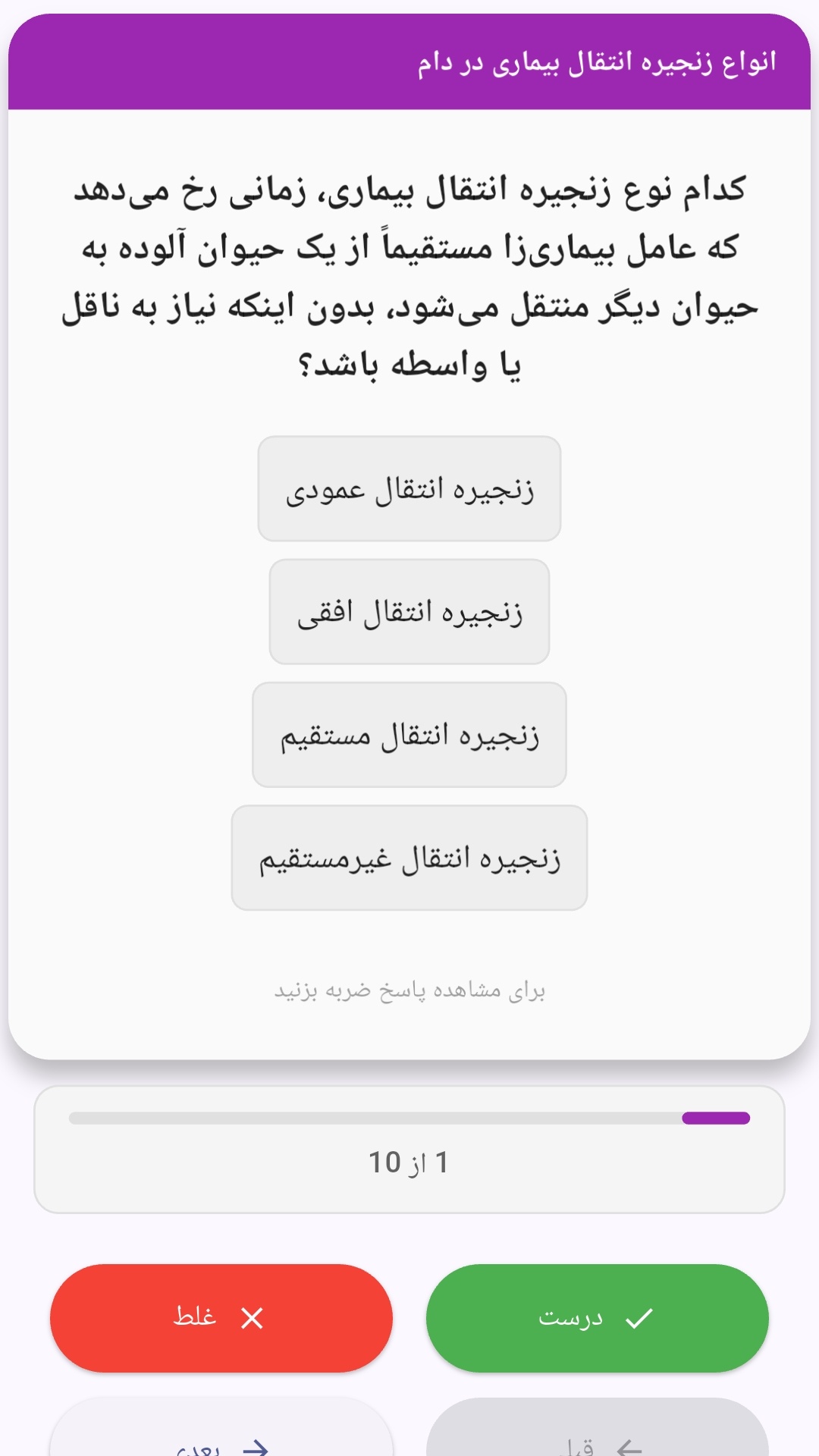
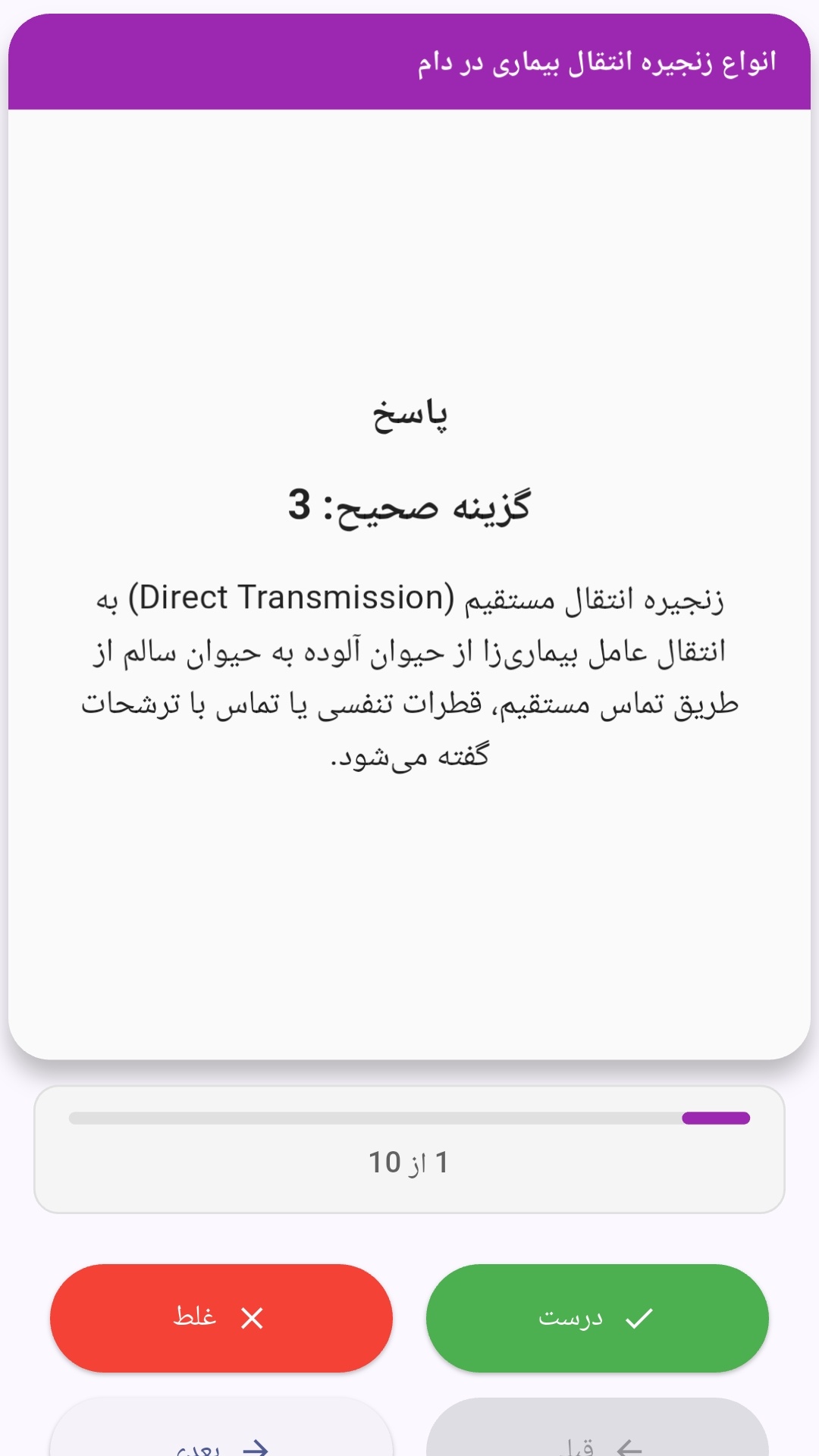
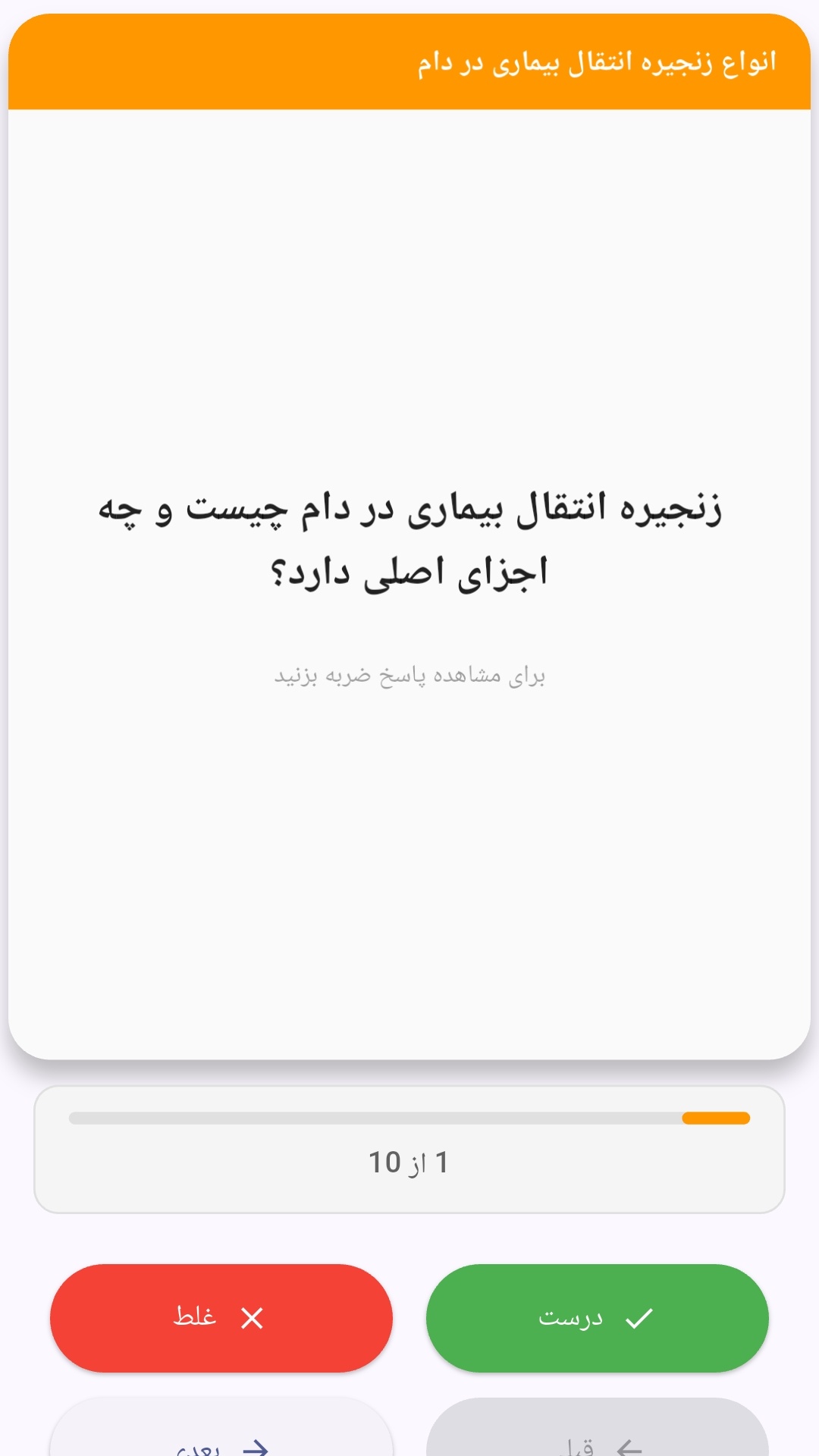
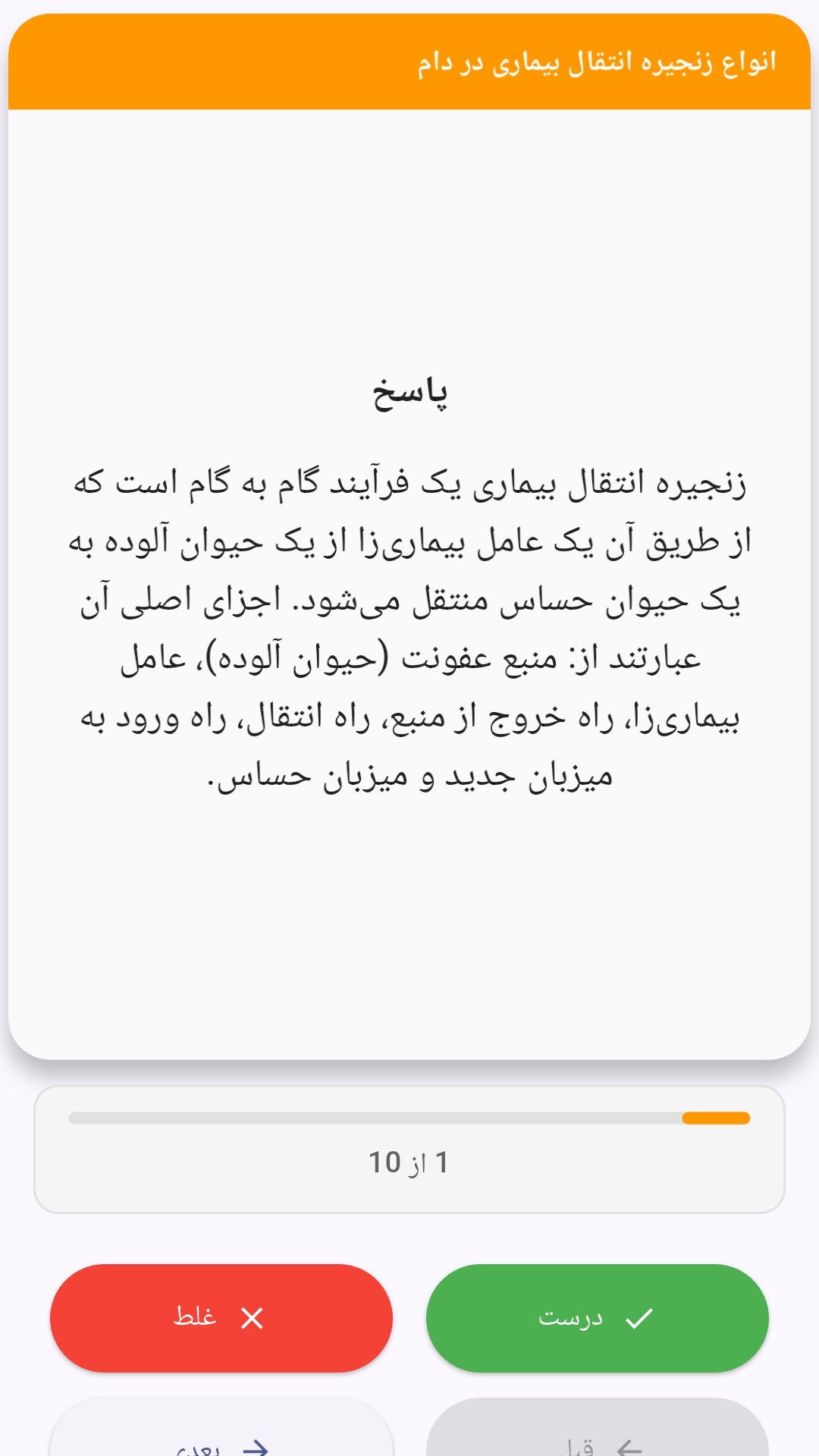
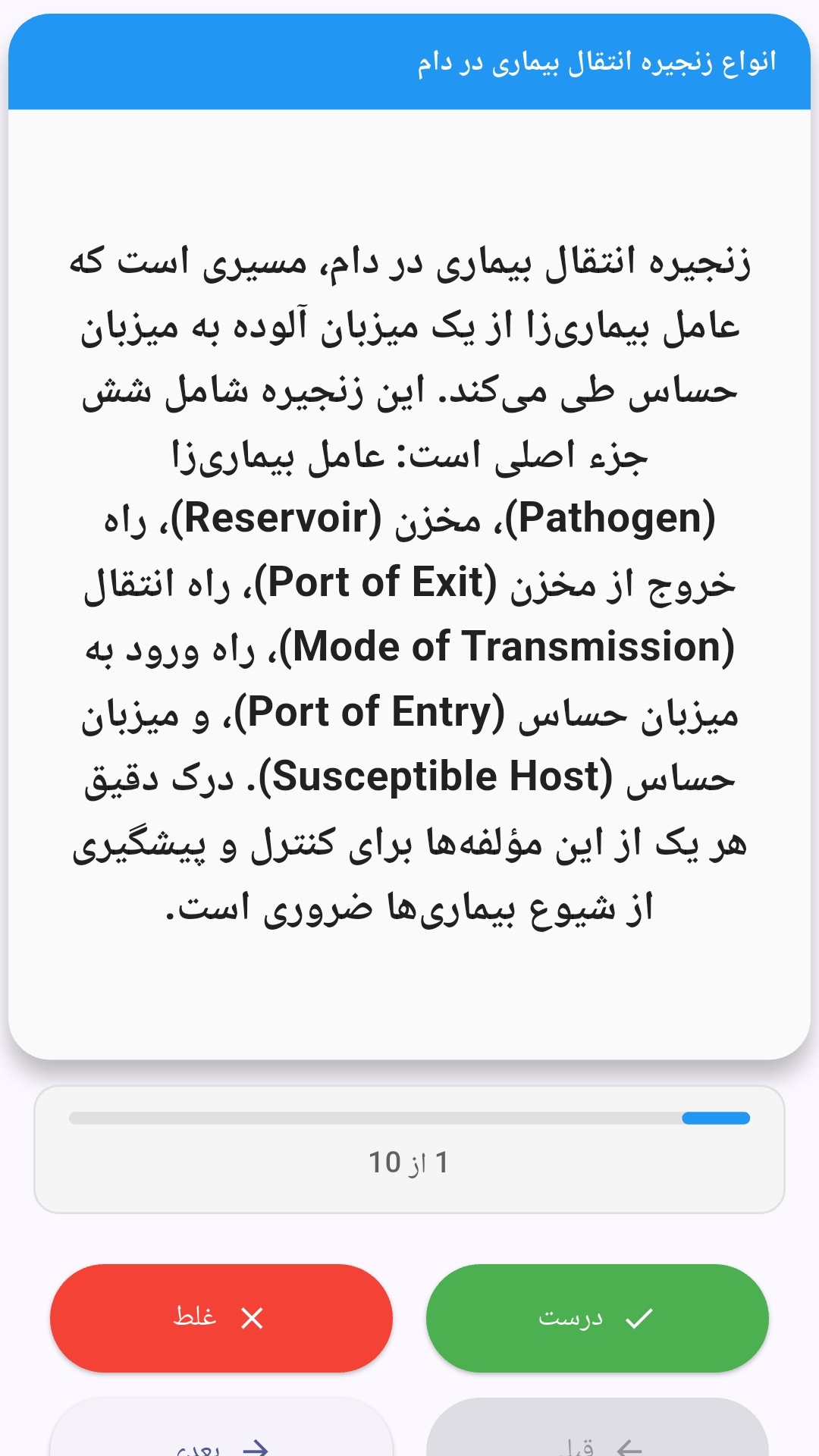
این اپلیکیشن فارسی برای یادگیری و مرور محتوای آموزشی از طریق فلشکارت طراحی شده است. کارتها را یکییکی مرور کنید، پاسخ پرسشها را به یاد بیاورید و نتیجه هر پاسخ را ثبت کنید. محتوای دوره پس از نصب درون برنامه در دسترس است تا برای مطالعه روزمره معمولاً به اتصال مداوم اینترنت نیاز نداشته باشید.
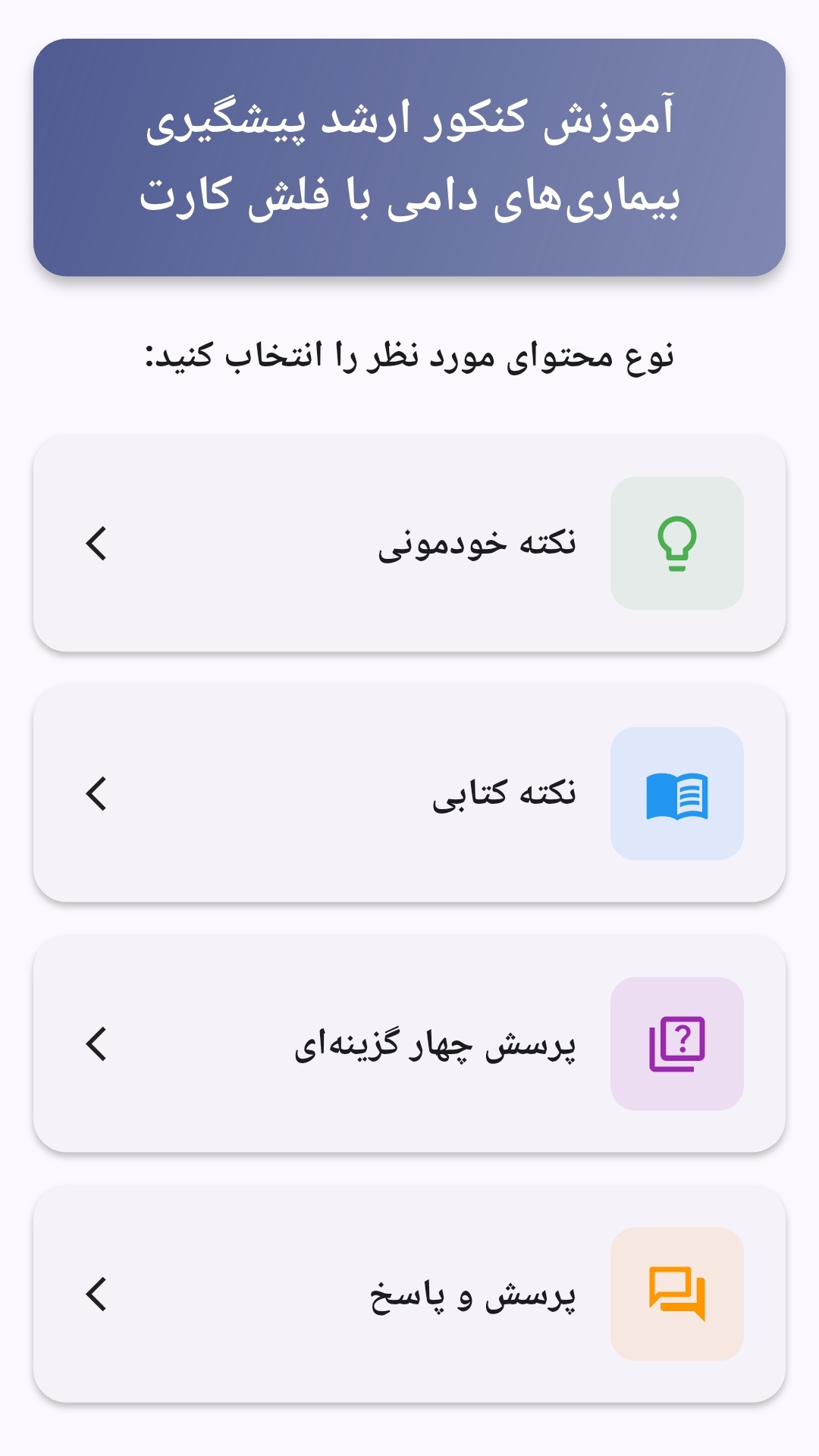
محتوای آموزشی در قالبهای متنوع ارائه میشود تا هم برای یادگیری مفاهیم جدید و هم برای تثبیت آموختهها قابل استفاده باشد.
- رابط کاربری فارسی و راستچین با فونت وزیر.
- تم روشن و تیره مطابق تنظیمات سیستم.
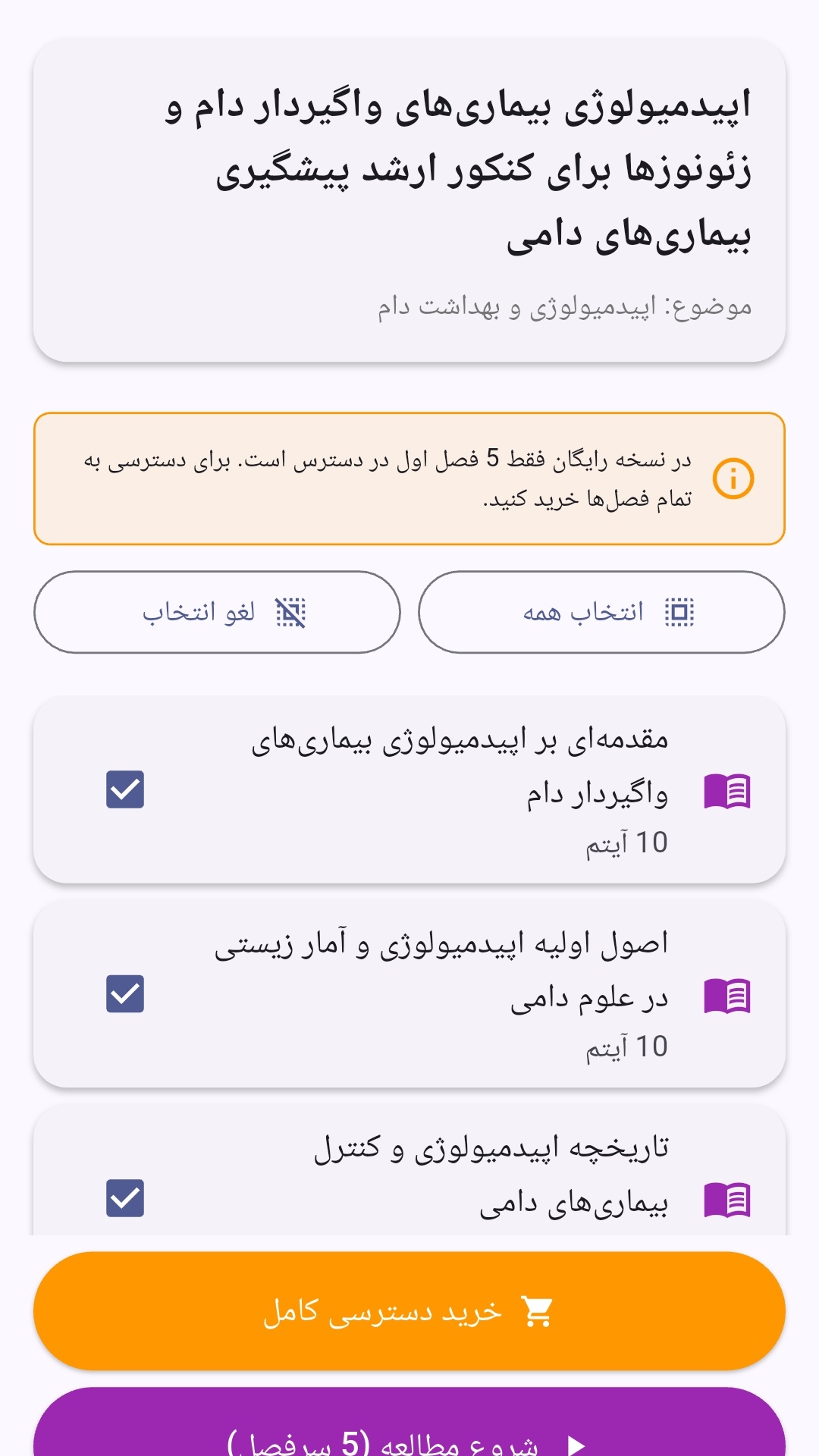
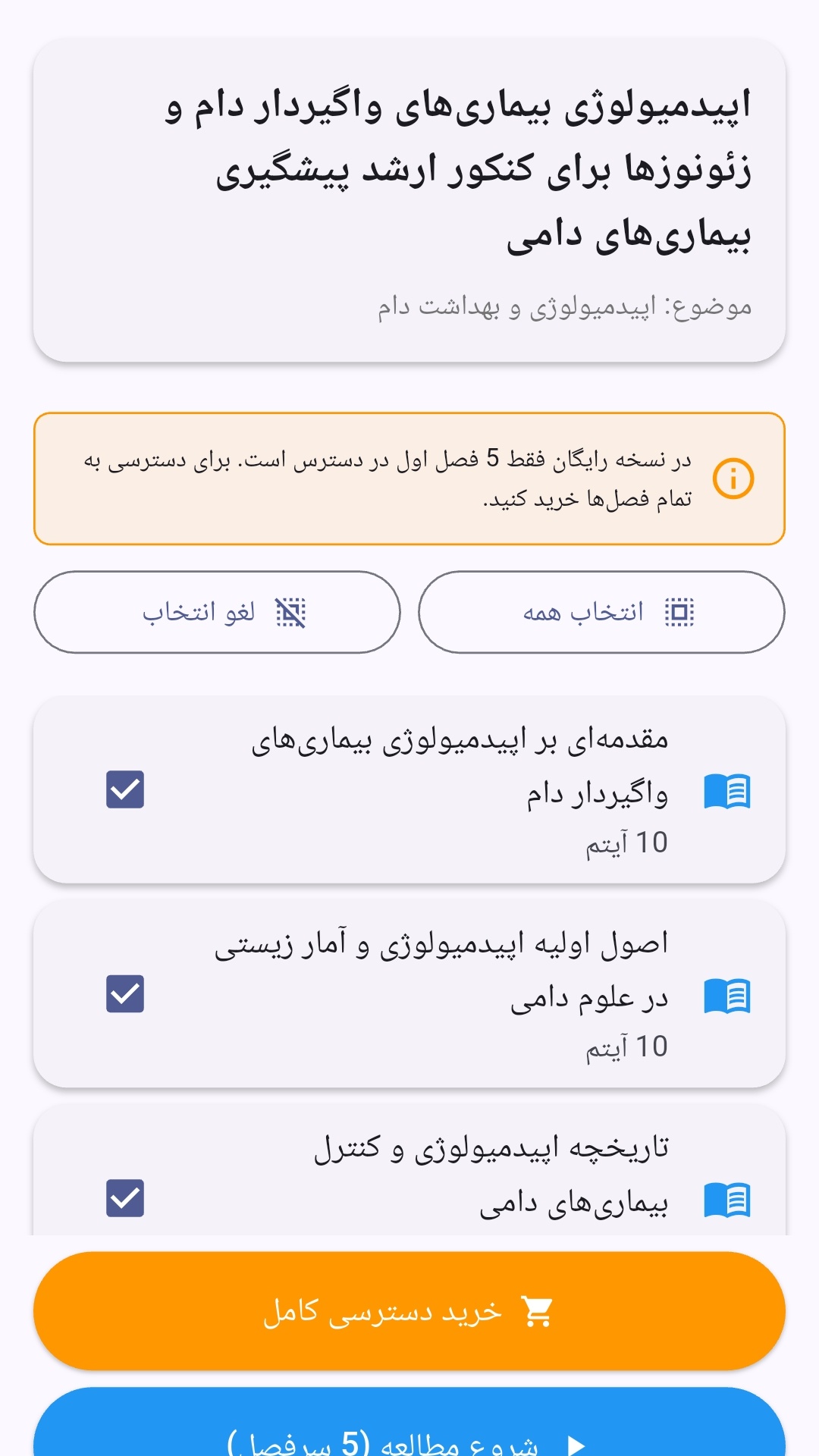
- صفحهبندی ساده برای انتخاب دوره و شروع مرور.
- نمایش تعداد دفعات مرور هر فصل.
- انتخاب چند فصل برای مرور همزمان.
- امکان تمرکز بر فصلهایی که هنوز مرور نشدهاند.
این اپلیکیشن برای دانشآموزان، دانشجویان، داوطلبان آزمونها و علاقهمندان به یادگیری طراحی شده است؛ بهویژه کسانی که میخواهند مطالب آموزشی را در زمانهای کوتاه مرور کنند، دانستههای خود را بسنجند و مطالعه منظمتری داشته باشند.
نظرات
هنوز نظری ثبت نشده است.
وارد شوید تا نظر ثبت کنید.