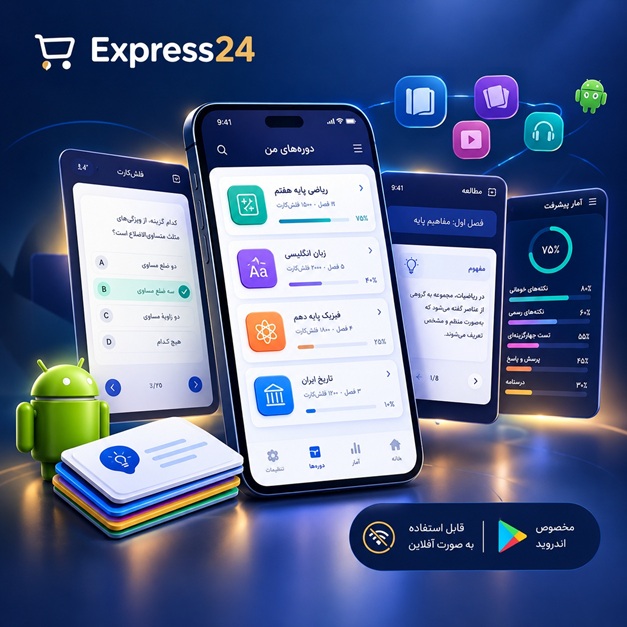
اپلیکیشن اندرویدی فلشکارت آموزشی Google Cloud Platform: Practical Guide for Node.js Developers (LoopBack)
🎓 دوره آموزشی جامع
📚 اطلاعات دوره
عنوان دوره: دوره Google Cloud Platform: Practical Guide for Node.js Developers (LoopBack)
موضوع کلی: برنامه نویسی
موضوع میانی: Google Cloud Platform (GCP)
📋 سرفصلهای دوره
- 1. Google Cloud Platform: Practical Guide for Node.js Developers (LoopBack) - Course Outline
- 2. Introduction to Cloud Computing and GCP
- 3. Understanding GCP Services for Node.js Developers
- 4. Setting Up Your GCP Account and Billing
- 5. Navigating the GCP Console
- 6. Introduction to Google Cloud Shell
- 7. Overview of gcloud CLI
- 8. Configuring gcloud CLI
- 9. Creating a New GCP Project
- 10. Understanding GCP IAM and Permissions
- 11. Creating Service Accounts
- 12. Granting Roles to Service Accounts
- 13. Introduction to Compute Engine
- 14. Creating a Virtual Machine Instance
- 15. Choosing a Machine Type
- 16. Selecting an Operating System
- 17. Connecting to Your VM Instance via SSH
- 18. Installing Node.js and npm on Compute Engine
- 19. Setting Up a Development Environment on Compute Engine
- 20. Understanding Zones and Regions
- 21. Introduction to Docker
- 22. Dockerizing a Node.js (LoopBack) Application
- 23. Creating a Dockerfile for LoopBack
- 24. Building a Docker Image
- 25. Pushing Docker Image to Google Container Registry (GCR)
- 26. Introduction to Google Kubernetes Engine (GKE)
- 27. Creating a Kubernetes Cluster
- 28. Configuring kubectl
- 29. Deploying a LoopBack Application to GKE
- 30. Understanding Kubernetes Deployments
- 31. Understanding Kubernetes Services
- 32. Exposing Your LoopBack Application with a LoadBalancer
- 33. Scaling Your LoopBack Application on GKE
- 34. Updating Your LoopBack Application on GKE
- 35. Introduction to Cloud Storage
- 36. Creating a Cloud Storage Bucket
- 37. Uploading Files to Cloud Storage
- 38. Downloading Files from Cloud Storage
- 39. Managing Access Control for Cloud Storage
- 40. Using Cloud Storage for Static Assets
- 41. Introduction to Cloud SQL
- 42. Setting Up a Cloud SQL Instance (PostgreSQL)
- 43. Connecting Your LoopBack Application to Cloud SQL
- 44. Configuring Database Connections in LoopBack
- 45. Performing CRUD Operations with Cloud SQL
- 46. Database Migration Strategies
- 47. Introduction to Cloud Functions
- 48. Creating a Cloud Function
- 49. Deploying a Node.js Cloud Function
- 50. Triggering Cloud Functions with HTTP Requests
- 51. Triggering Cloud Functions with Cloud Storage Events
- 52. Using Cloud Functions for Background Tasks
- 53. Introduction to Cloud Pub/Sub
- 54. Creating a Pub/Sub Topic
- 55. Publishing Messages to a Topic
- 56. Creating a Pub/Sub Subscription
- 57. Subscribing to a Topic
- 58. Processing Messages from a Subscription
- 59. Using Pub/Sub for Asynchronous Communication
- 60. Introduction to Cloud Firestore
- 61. Setting Up a Firestore Database
- 62. Connecting Your LoopBack Application to Firestore
- 63. Performing CRUD Operations with Firestore
- 64. Real-time Updates with Firestore
- 65. Introduction to Cloud Logging
- 66. Viewing Logs in the Cloud Console
- 67. Configuring Logging for Your LoopBack Application
- 68. Understanding Log Severity Levels
- 69. Using Stackdriver Monitoring
- 70. Creating Custom Metrics
- 71. Setting Up Alerts
- 72. Introduction to Cloud CDN
- 73. Configuring Cloud CDN for Your LoopBack Application
- 74. Caching Static Assets with Cloud CDN
- 75. Invalidating the Cache
- 76. Improving Performance with Cloud CDN
- 77. Introduction to Cloud Build
- 78. Creating a Cloud Build Configuration
- 79. Automating Builds with Cloud Build
- 80. Deploying to GKE with Cloud Build
- 81. Integrating Cloud Build with GitHub
- 82. Introduction to Cloud Run
- 83. Deploying a Containerized LoopBack Application to Cloud Run
- 84. Scaling Your Application with Cloud Run
- 85. Automatic Revision Management
- 86. Cost Optimization Strategies for Cloud Run
- 87. Introduction to Cloud IAM Best Practices
- 88. Implementing Least Privilege Principle
- 89. Using Custom Roles
- 90. Auditing IAM Changes
- 91. Securing Your LoopBack Application on GCP
- 92. Implementing Authentication and Authorization
- 93. Using JWT (JSON Web Tokens)
- 94. Protecting API Endpoints
- 95. Using Google Identity Platform
- 96. Monitoring and Troubleshooting
- 97. Using Error Reporting
- 98. Debugging Common Issues
- 99. Analyzing Performance Bottlenecks
- 100. Optimizing Your Application for GCP
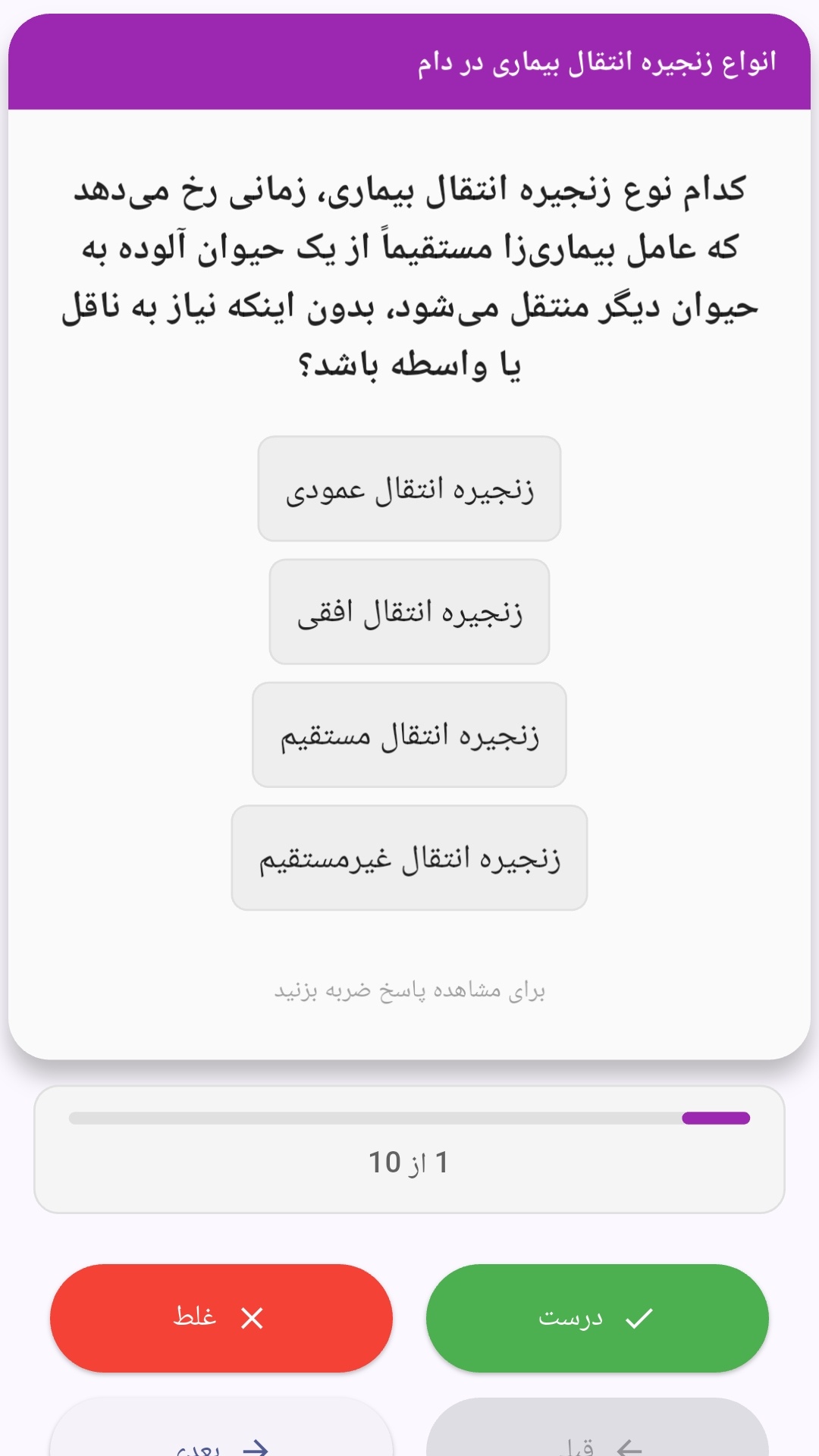
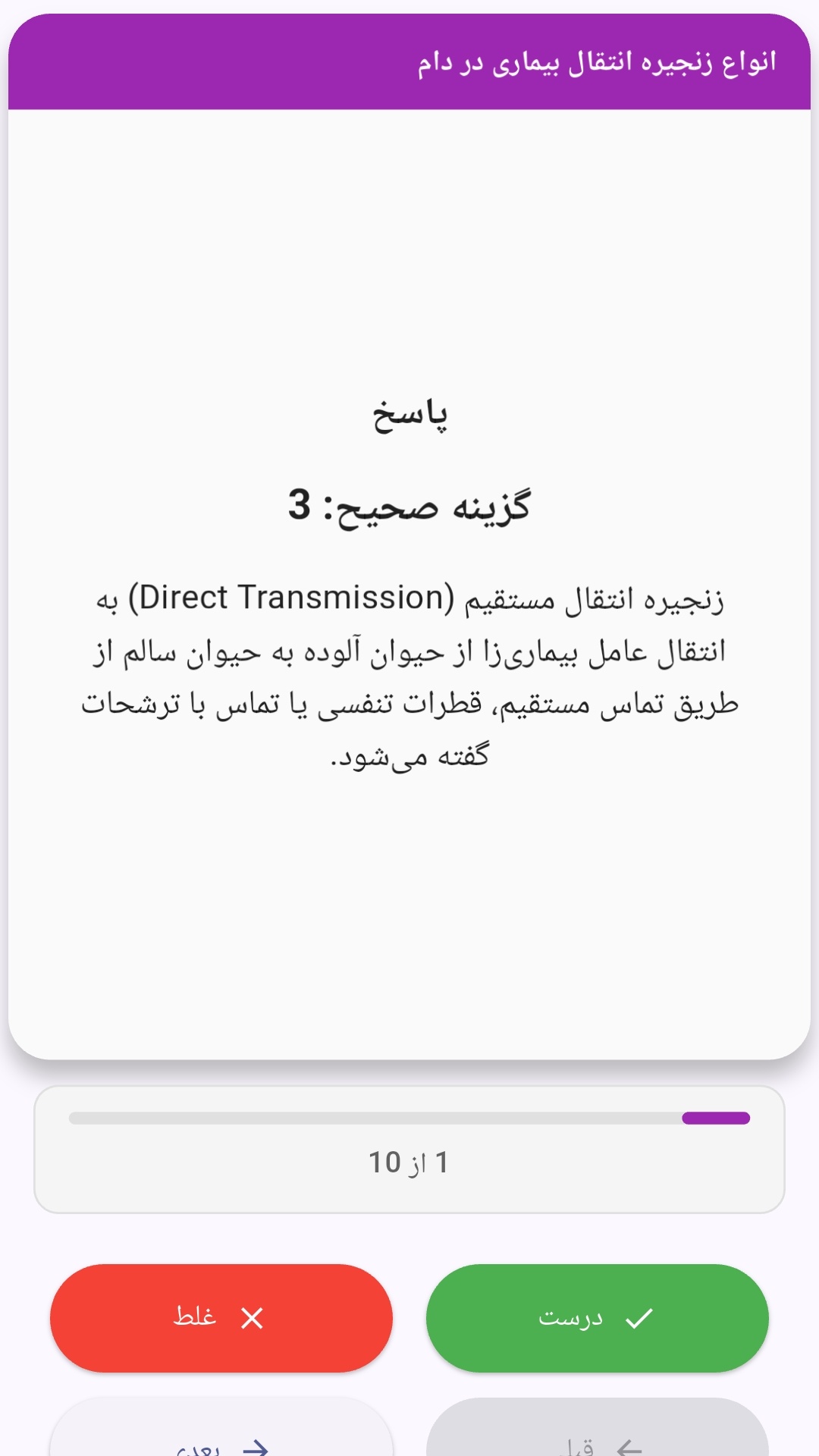
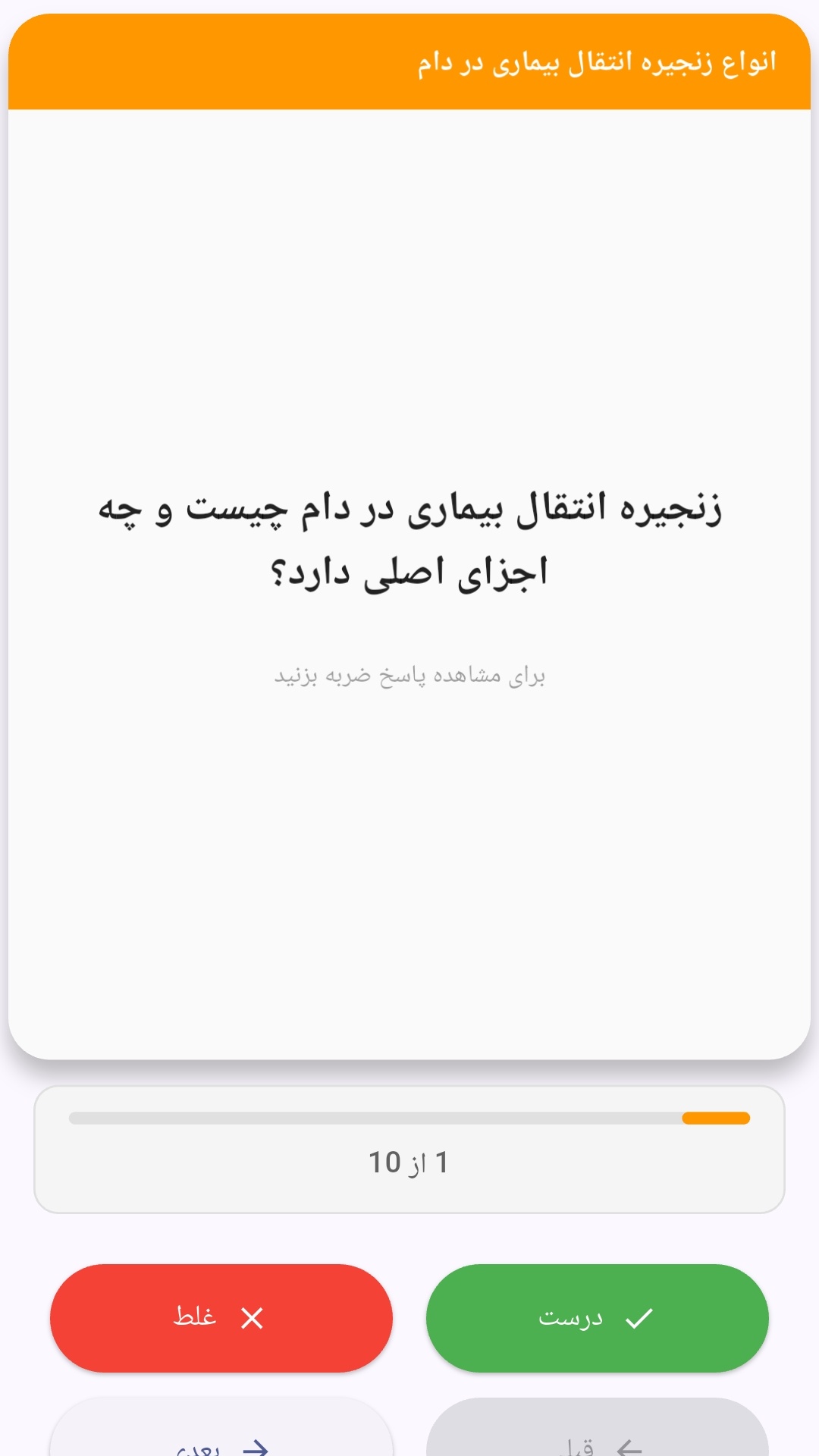
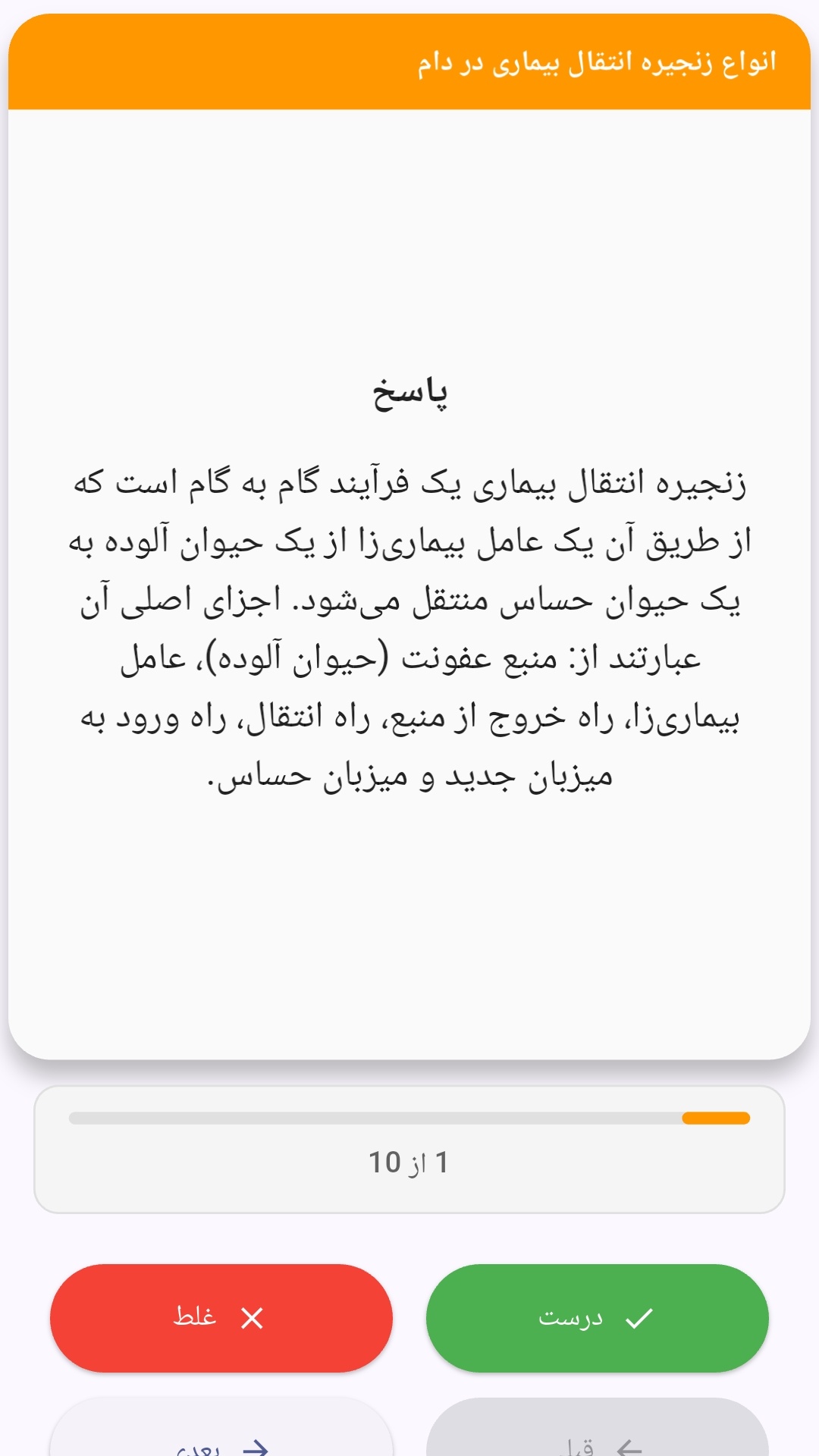
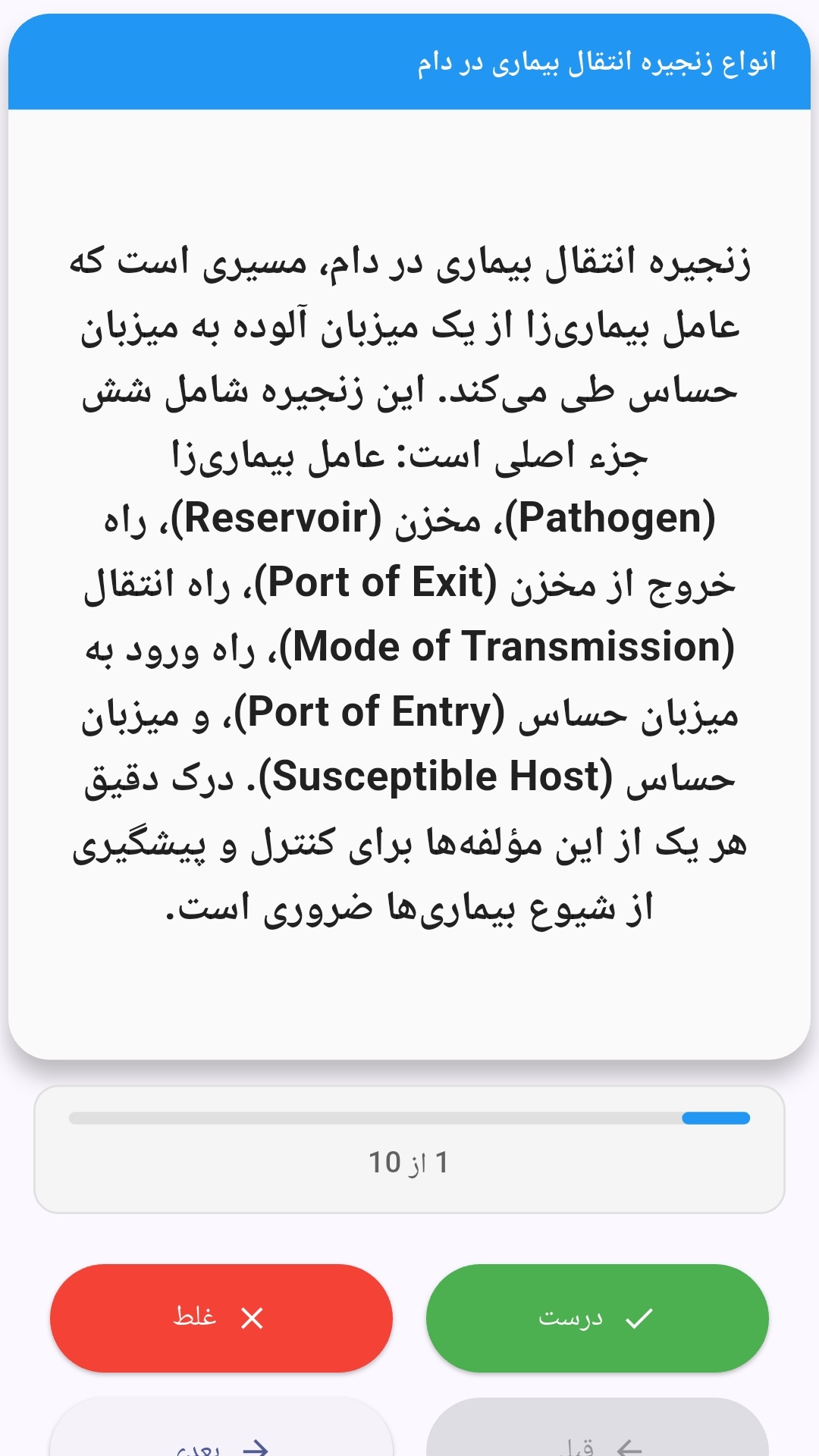
این اپلیکیشن فارسی برای یادگیری و مرور محتوای آموزشی از طریق فلشکارت طراحی شده است. کارتها را یکییکی مرور کنید، پاسخ پرسشها را به یاد بیاورید و نتیجه هر پاسخ را ثبت کنید. محتوای دوره پس از نصب درون برنامه در دسترس است تا برای مطالعه روزمره معمولاً به اتصال مداوم اینترنت نیاز نداشته باشید.
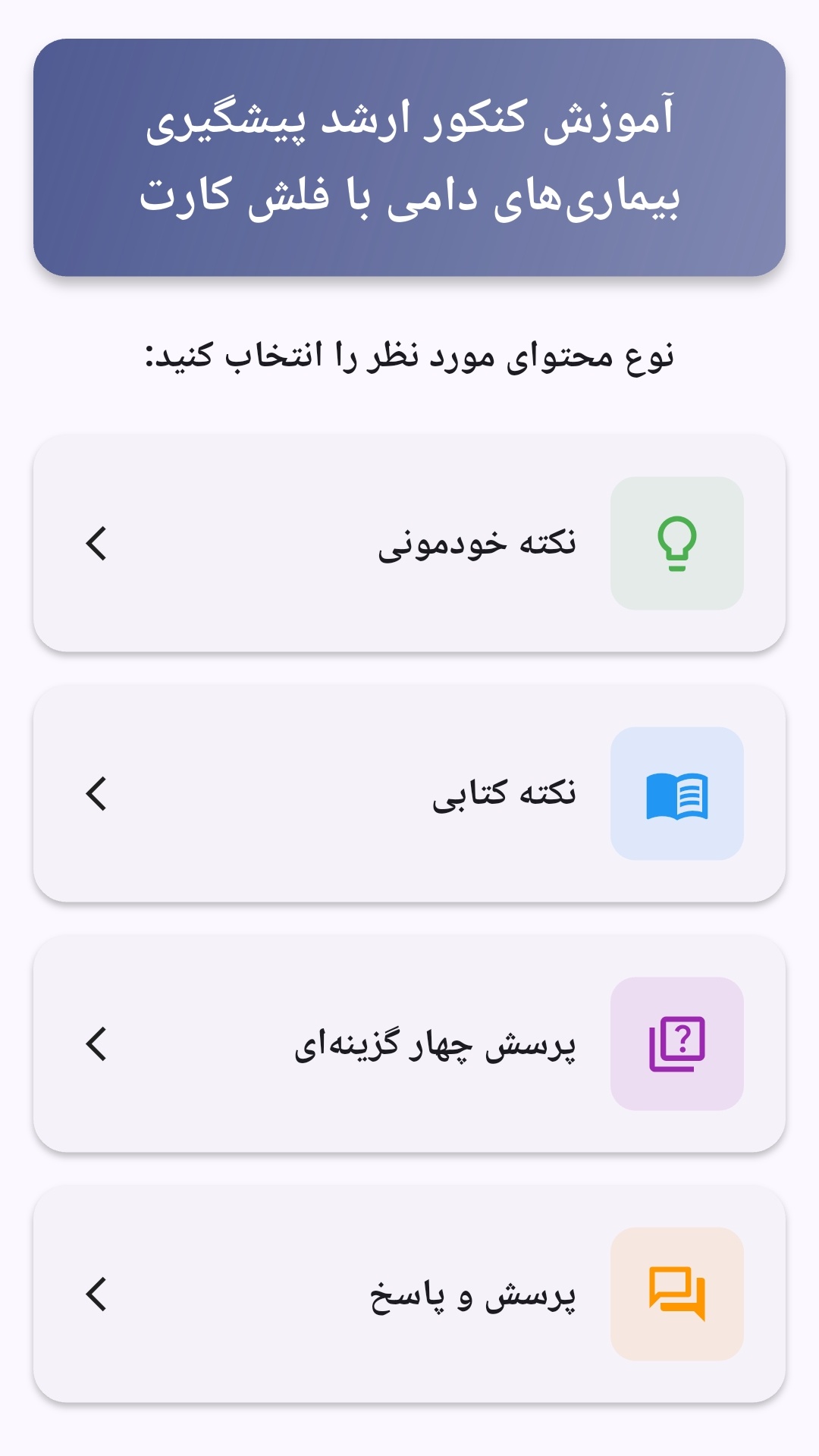
محتوای آموزشی در قالبهای متنوع ارائه میشود تا هم برای یادگیری مفاهیم جدید و هم برای تثبیت آموختهها قابل استفاده باشد.
- رابط کاربری فارسی و راستچین با فونت وزیر.
- تم روشن و تیره مطابق تنظیمات سیستم.
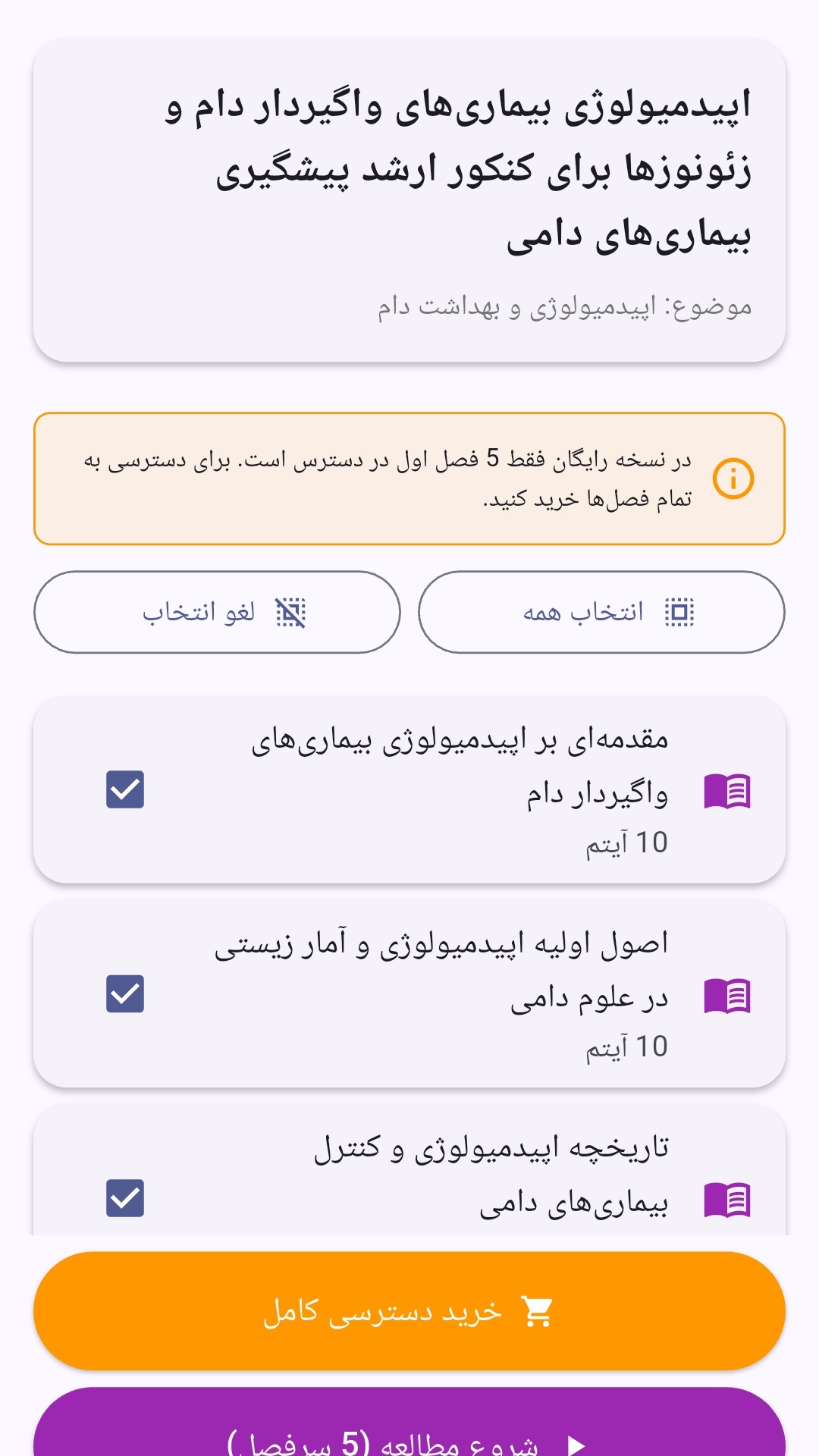
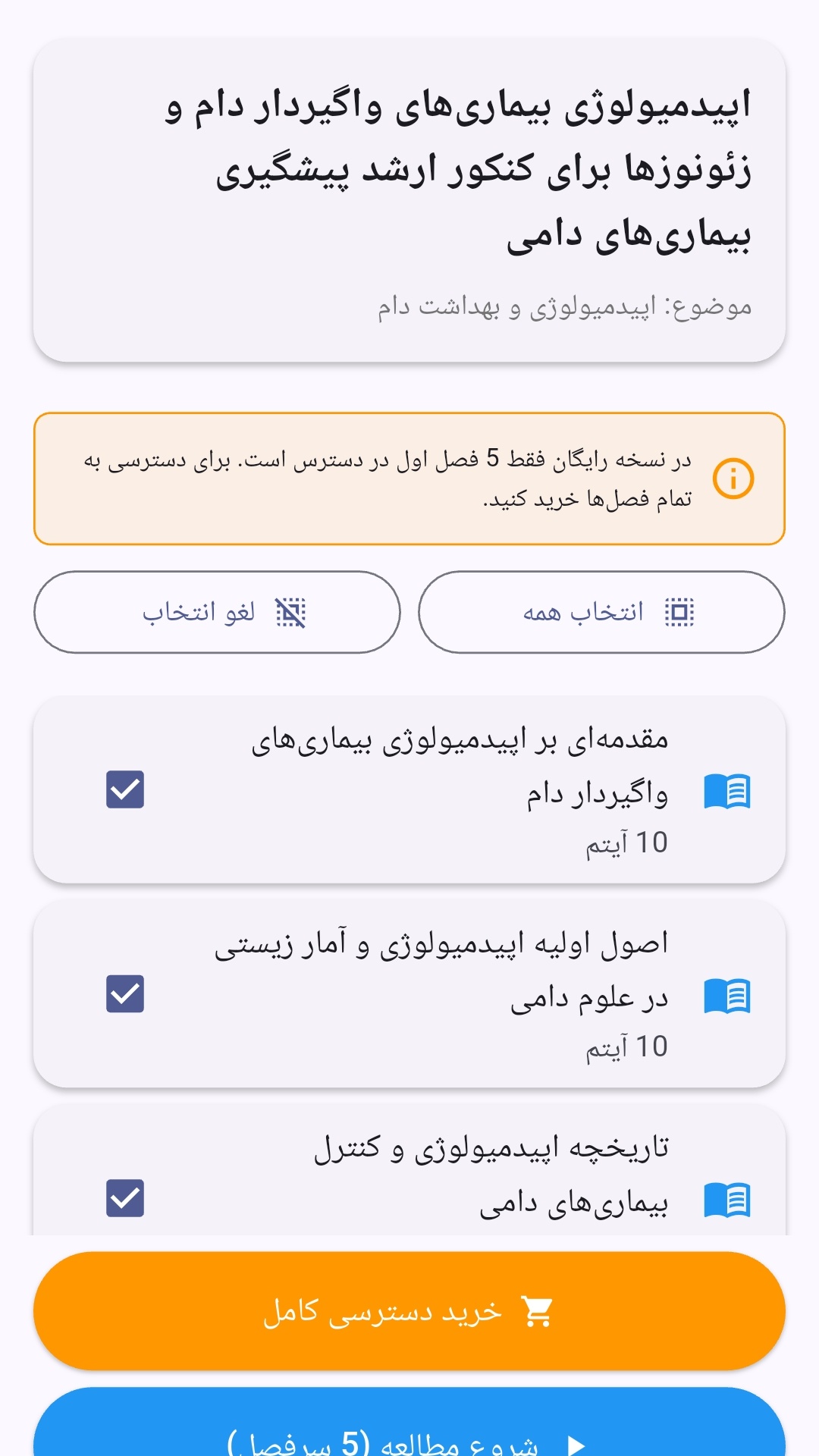
- صفحهبندی ساده برای انتخاب دوره و شروع مرور.
- نمایش تعداد دفعات مرور هر فصل.
- انتخاب چند فصل برای مرور همزمان.
- امکان تمرکز بر فصلهایی که هنوز مرور نشدهاند.
این اپلیکیشن برای دانشآموزان، دانشجویان، داوطلبان آزمونها و علاقهمندان به یادگیری طراحی شده است؛ بهویژه کسانی که میخواهند مطالب آموزشی را در زمانهای کوتاه مرور کنند، دانستههای خود را بسنجند و مطالعه منظمتری داشته باشند.
نظرات
هنوز نظری ثبت نشده است.
وارد شوید تا نظر ثبت کنید.