اپلیکیشن اندرویدی فلشکارت آموزشی استفاده از WPF for Interactive Scientific Software Platforms in WPF for Enterprise
🎓 دوره آموزشی جامع
📚 اطلاعات دوره
عنوان دوره: دوره استفاده از WPF for Interactive Scientific Software Platforms in WPF for Enterprise
موضوع کلی: برنامه نویسی
موضوع میانی: WPF (Windows Presentation Foundation)
📋 سرفصلهای دوره
- 1. Introduction to WPF and .NET for Desktop Applications
- 2. Understanding XAML: The Markup Language for WPF
- 3. Setting Up Your First WPF Project and Application Structure
- 4. WPF Layout System: Panels and Containers
- 5. Essential WPF Controls: Buttons, TextBoxes, Labels, and More
- 6. Handling User Interaction with Events in WPF
- 7. Resources in WPF: Reusing UI Elements and Styles
- 8. Styling Your WPF Applications for Consistency
- 9. Customizing Control Appearance with Templates
- 10. Deep Dive into Dependency Properties and Attached Properties
- 11. Mastering Routed Events and Command Basics
- 12. The Visual and Logical Trees: Understanding WPF's Architecture
- 13. Introduction to Data Binding in WPF
- 14. Data Binding Modes, Converters, and Fallbacks
- 15. Validation in Data Binding and Error Reporting
- 16. The Model-View-ViewModel (MVVM) Pattern for WPF
- 17. Implementing ViewModels and Data Models
- 18. Handling Collections and Property Change Notifications (INotifyPropertyChanged)
- 19. Advanced Commanding with ICommand and Relay Commands
- 20. Leveraging Item Templates and DataContext for Complex UIs
- 21. Building Master-Detail Views with WPF
- 22. Introduction to Behaviors and Attached Properties for MVVM
- 23. Dependency Injection (DI) and Inversion of Control (IoC) in WPF
- 24. Integrating IoC Containers (e.g., Unity, DryIoC)
- 25. Navigation Patterns for Multi-Page WPF Applications
- 26. Creating Reusable User Controls
- 27. Developing Custom Templated Controls
- 28. Performance Optimization with UI Virtualization
- 29. Advanced Data Templates and DataTemplateSelectors
- 30. WPF Performance: Understanding the Rendering Pipeline
- 31. WPF Graphics Fundamentals: Shapes, Geometries, and Paths
- 32. Brushes, Pens, and Gradient Fills
- 33. Transformations: Scale, Rotate, Translate, and Skew
- 34. Introduction to Animations and Storyboards
- 35. Key-Frame Animations and Easing Functions
- 36. Visualizing Data with Custom Drawing: DrawingVisual
- 37. Advanced Hit Testing and Interaction Techniques
- 38. Integrating Media: Audio, Video, and Images
- 39. Bitmap Effects and Pixel Shaders (Introduction)
- 40. Real-time Graphics with WriteableBitmap
- 41. Building Interactive Drawing and Plotting Surfaces
- 42. Utilizing CompositionTarget.Rendering for Continuous Updates
- 43. Advanced Rendering Performance Strategies
- 44. Introduction to 3D Graphics in WPF
- 45. Building Basic 3D Scenes and Viewports
- 46. Enterprise Application Architecture for WPF
- 47. Robust Error Handling and Comprehensive Logging
- 48. Asynchronous Programming with Async/Await in WPF
- 49. Parallel Programming with the Task Parallel Library (TPL)
- 50. Ensuring UI Responsiveness with Background Tasks
- 51. Data Grids for Displaying Complex Scientific Datasets
- 52. Integrating Common Scientific Charting Libraries (e.g., OxyPlot, LiveCharts)
- 53. Creating Custom Charting Components and Controls
- 54. Displaying and Updating Real-time Data Feeds
- 55. Advanced Data Visualization: Zoom, Pan, and Selection
- 56. Handling Large Datasets Efficiently in the UI
- 57. Customizing Data Grid Appearance and Behavior
- 58. Building Data Acquisition and Storage Front-ends
- 59. Introduction to Data Filtering and Sorting in WPF
- 60. Building Interactive Control Panels for Scientific Instruments
- 61. Advanced Charting Techniques: Multiple Axes, Annotations, Trends
- 62. Visualizing Complex Data with Heatmaps and Contour Plots
- 63. Interactive 3D Data Visualization for Scientific Models
- 64. Integrating External Scientific Libraries (e.g., Math.NET)
- 65. Interfacing with Native Code: P/Invoke and C++/CLI
- 66. Real-time Signal Processing and Visualization Pipelines
- 67. Designing Simulation Control and Feedback Systems
- 68. Displaying and Analyzing Sensor Data Streams
- 69. Integrating with Scientific Data Formats (e.g., HDF5, FITS)
- 70. Managing Complex Application State and Workflows
- 71. Implementing Undo/Redo Functionality for Scientific Tools
- 72. Advanced Input Handling: Multi-Touch, Stylus, and Custom Devices
- 73. Designing Dynamic Menus, Toolbars, and Ribbons
- 74. Accessibility Considerations for Scientific Software Platforms
- 75. Building Domain-Specific Language (DSL) UIs in WPF
- 76. Advanced WPF Performance Tuning and Profiling
- 77. Optimizing Memory Usage in Large WPF Applications
- 78. Strategies for UI Automation and Automated Testing
- 79. Unit Testing ViewModels and Business Logic
- 80. Integration Testing of WPF Components and Features
- 81. Deployment Strategies: ClickOnce, MSI, and XCopy
- 82. Application Updates and Version Control Best Practices
- 83. Introduction to Application Security in WPF
- 84. User Authentication and Authorization Mechanisms
- 85. Role-Based Access Control (RBAC) in WPF Applications
- 86. Data Encryption and Secure Data Handling
- 87. Code Signing and Application Trust
- 88. Localization and Globalization for Multi-national Deployment
- 89. Compliance and Regulatory Considerations
- 90. Best Practices for High-Performance Enterprise WPF
- 91. Integrating with Relational Databases (e.g., SQL Server, PostgreSQL)
- 92. Using Object-Relational Mappers (ORM) like Entity Framework Core
- 93. Consuming RESTful APIs and Microservices
- 94. Inter-Process Communication (IPC) for Multi-Application Systems
- 95. Integrating with Message Queues for Distributed Systems
- 96. Building Extensible Plugin Architectures
- 97. Designing for Scalability and Maintainability in the Enterprise
- 98. Cloud Integration: Data Storage and Compute Services
- 99. Monitoring, Telemetry, and Diagnostics for Production Systems
- 100. Future Trends in .NET Client Development and WPF Evolution
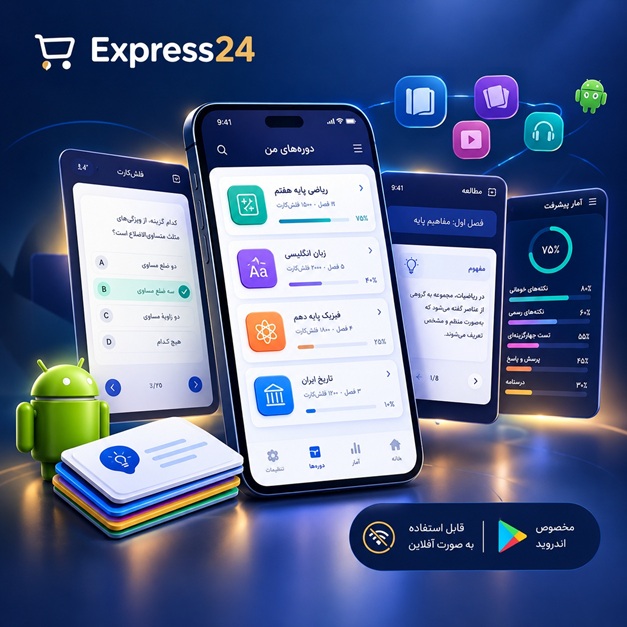
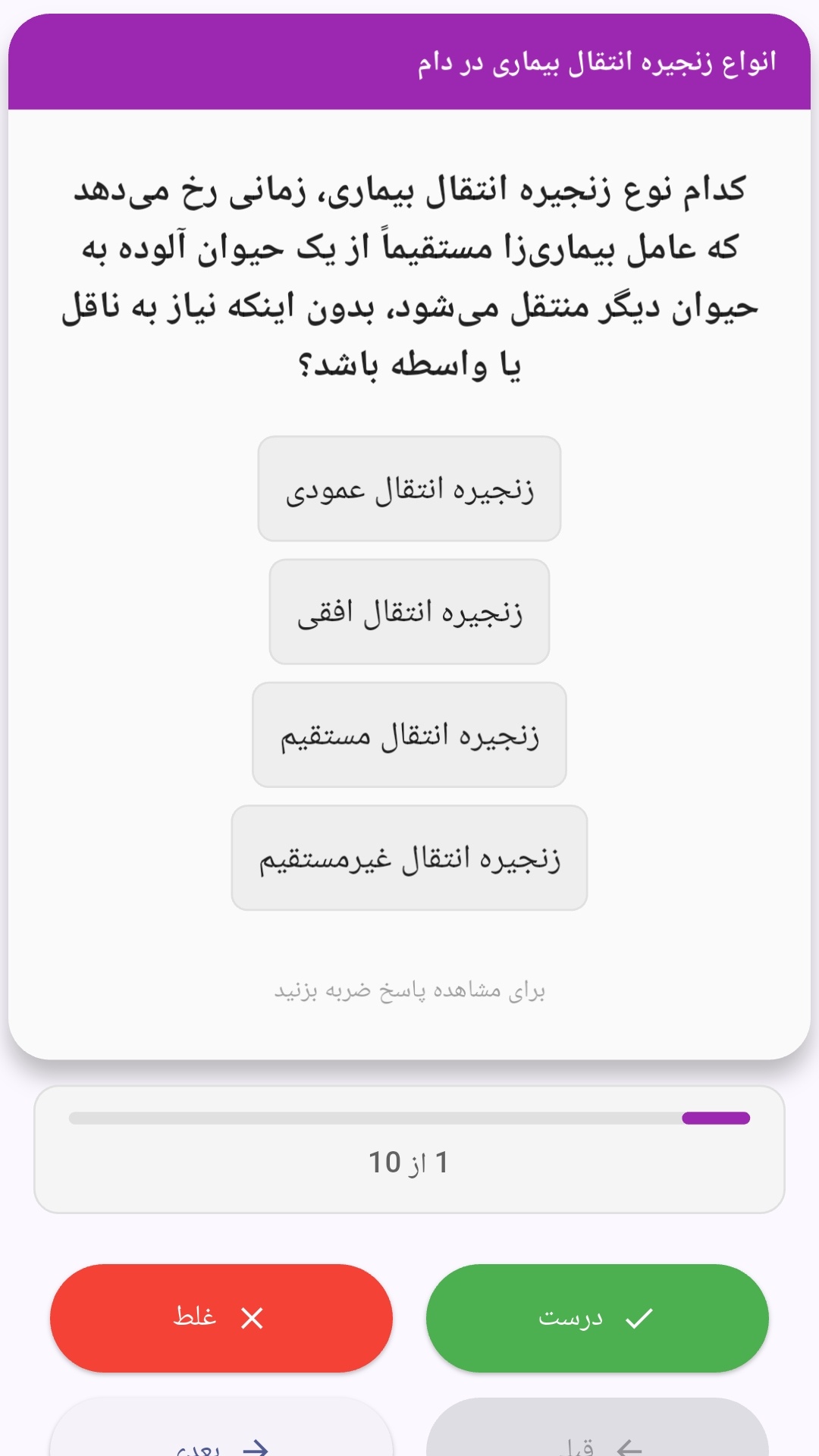
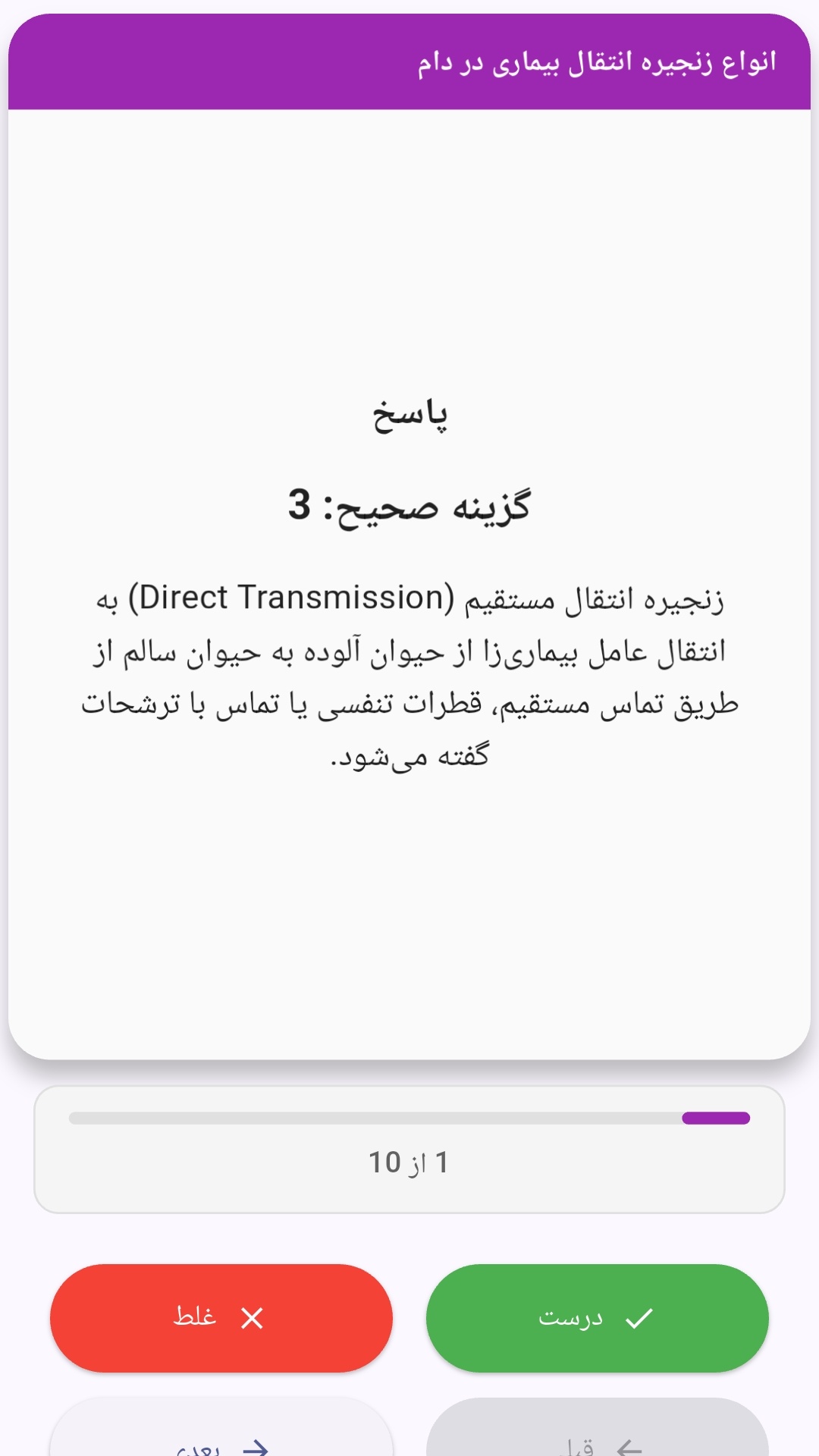
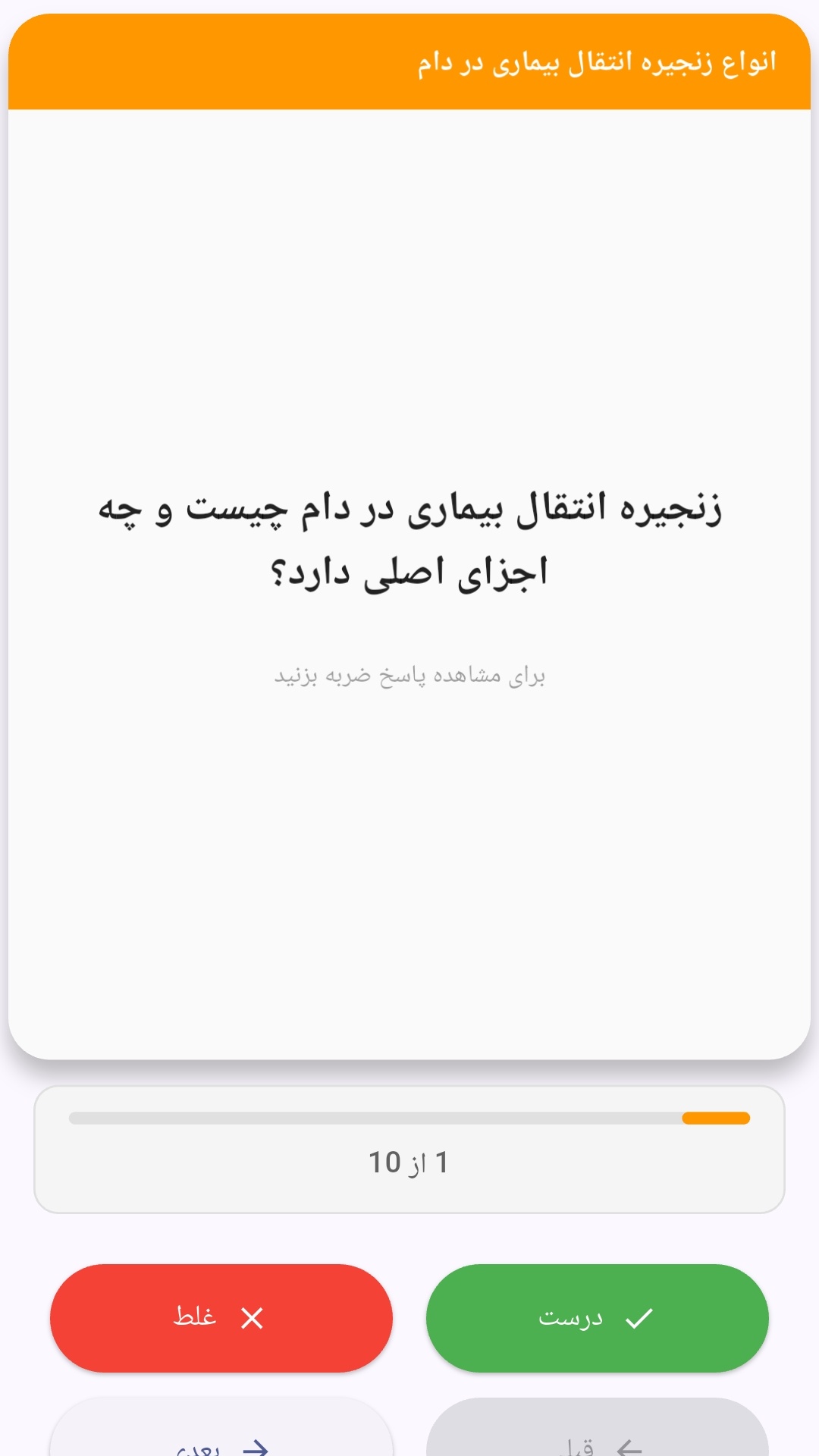
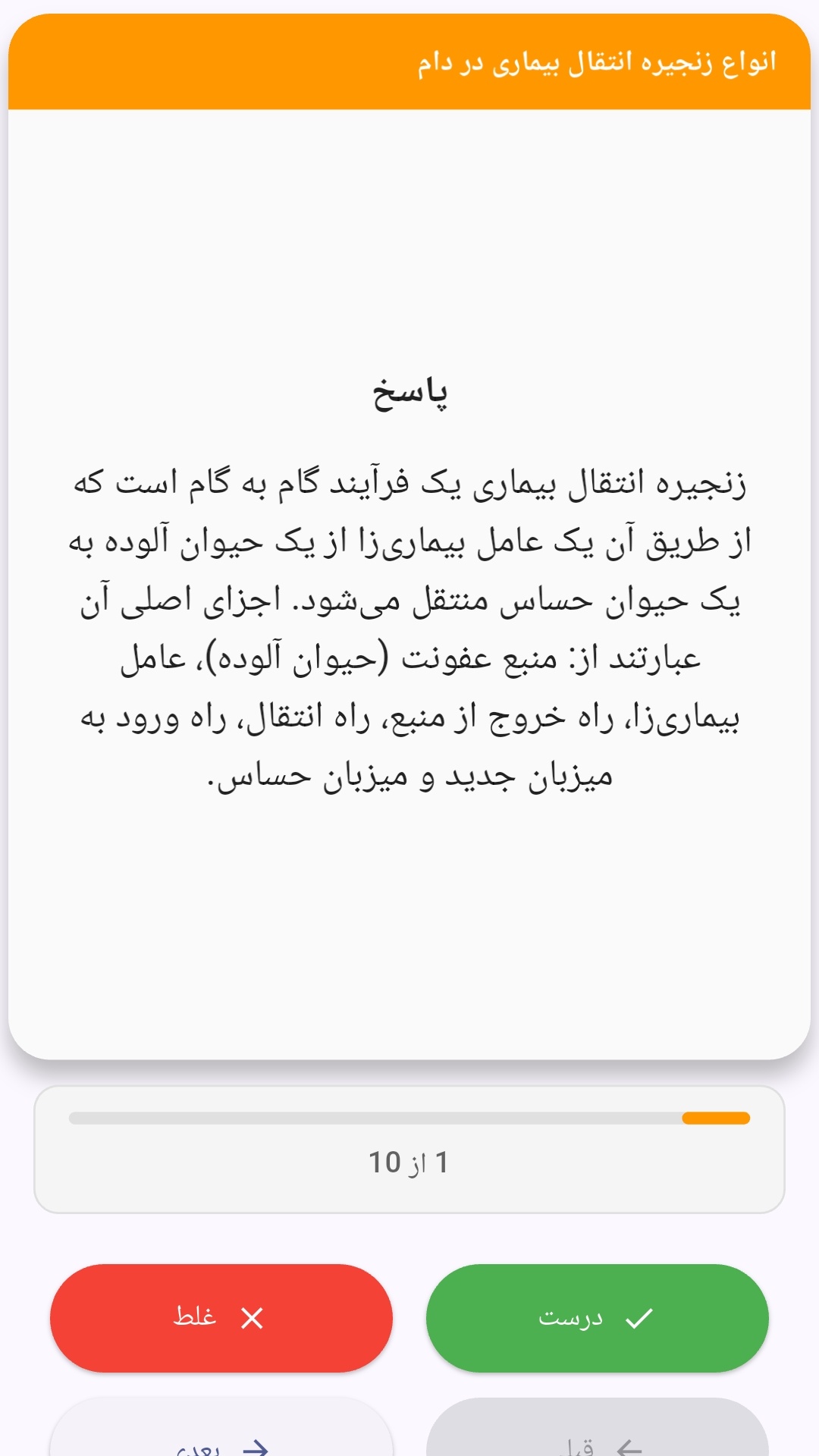
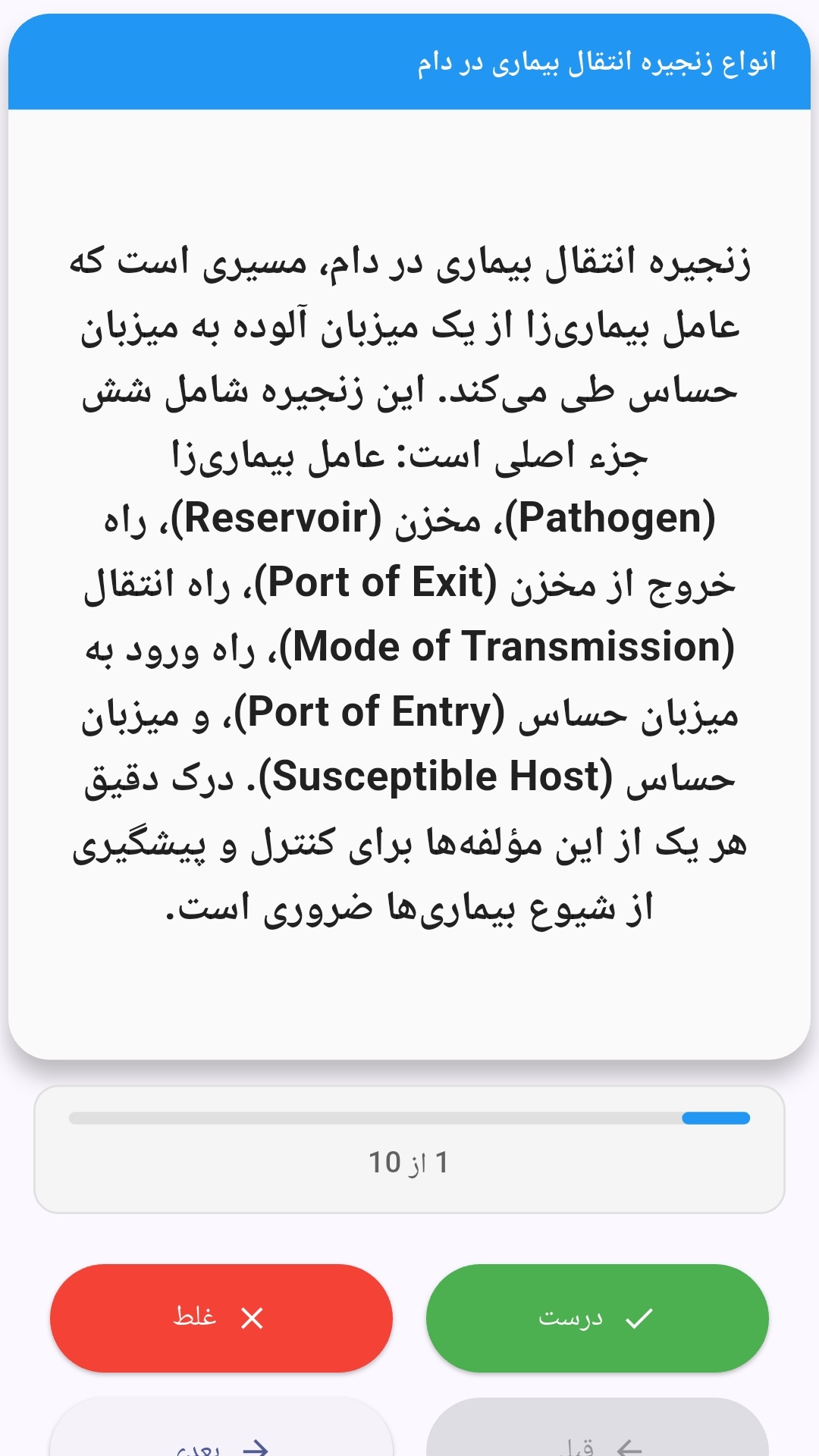
این اپلیکیشن فارسی برای یادگیری و مرور محتوای آموزشی از طریق فلشکارت طراحی شده است. کارتها را یکییکی مرور کنید، پاسخ پرسشها را به یاد بیاورید و نتیجه هر پاسخ را ثبت کنید. محتوای دوره پس از نصب درون برنامه در دسترس است تا برای مطالعه روزمره معمولاً به اتصال مداوم اینترنت نیاز نداشته باشید.
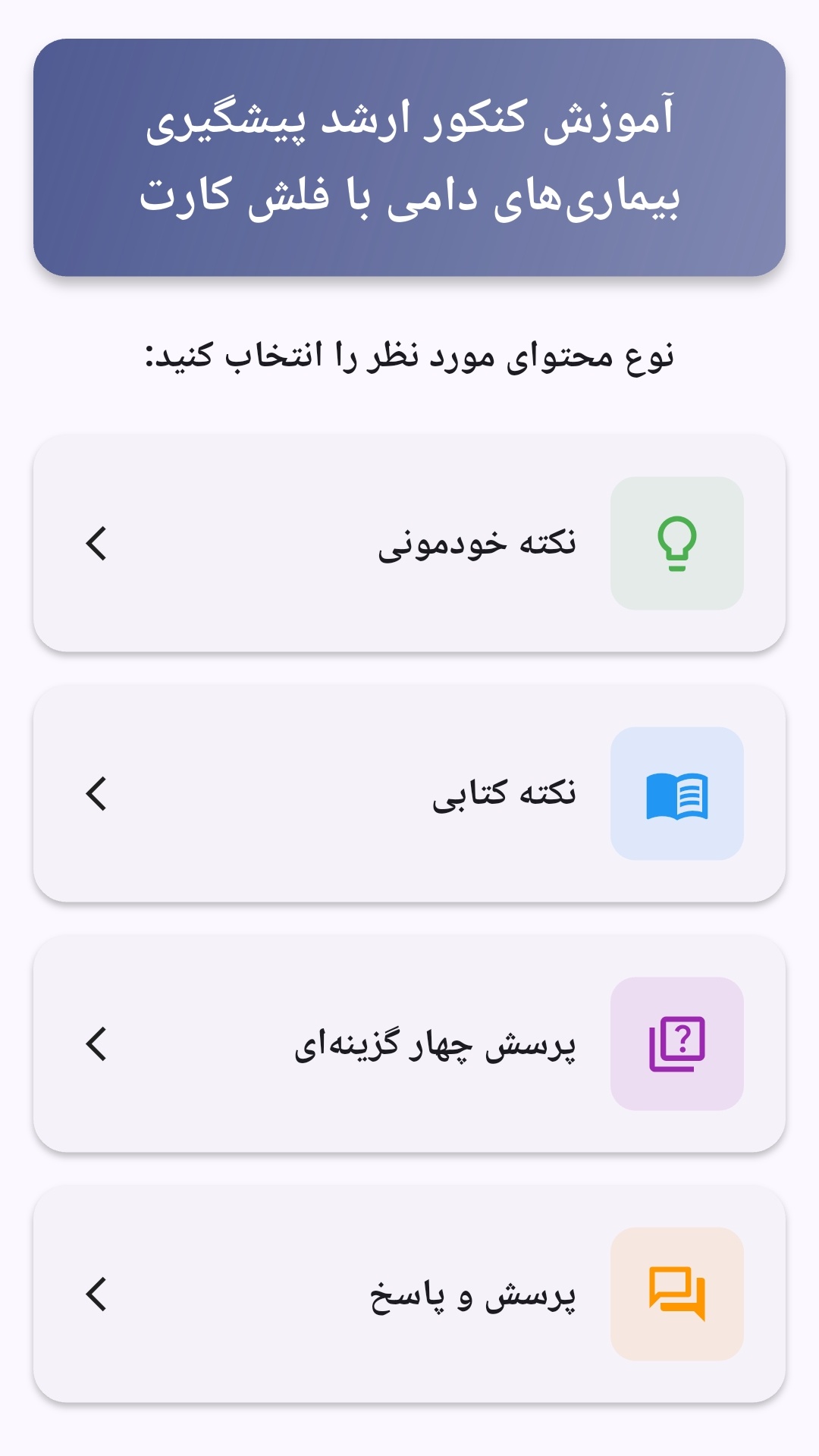
محتوای آموزشی در قالبهای متنوع ارائه میشود تا هم برای یادگیری مفاهیم جدید و هم برای تثبیت آموختهها قابل استفاده باشد.
- رابط کاربری فارسی و راستچین با فونت وزیر.
- تم روشن و تیره مطابق تنظیمات سیستم.
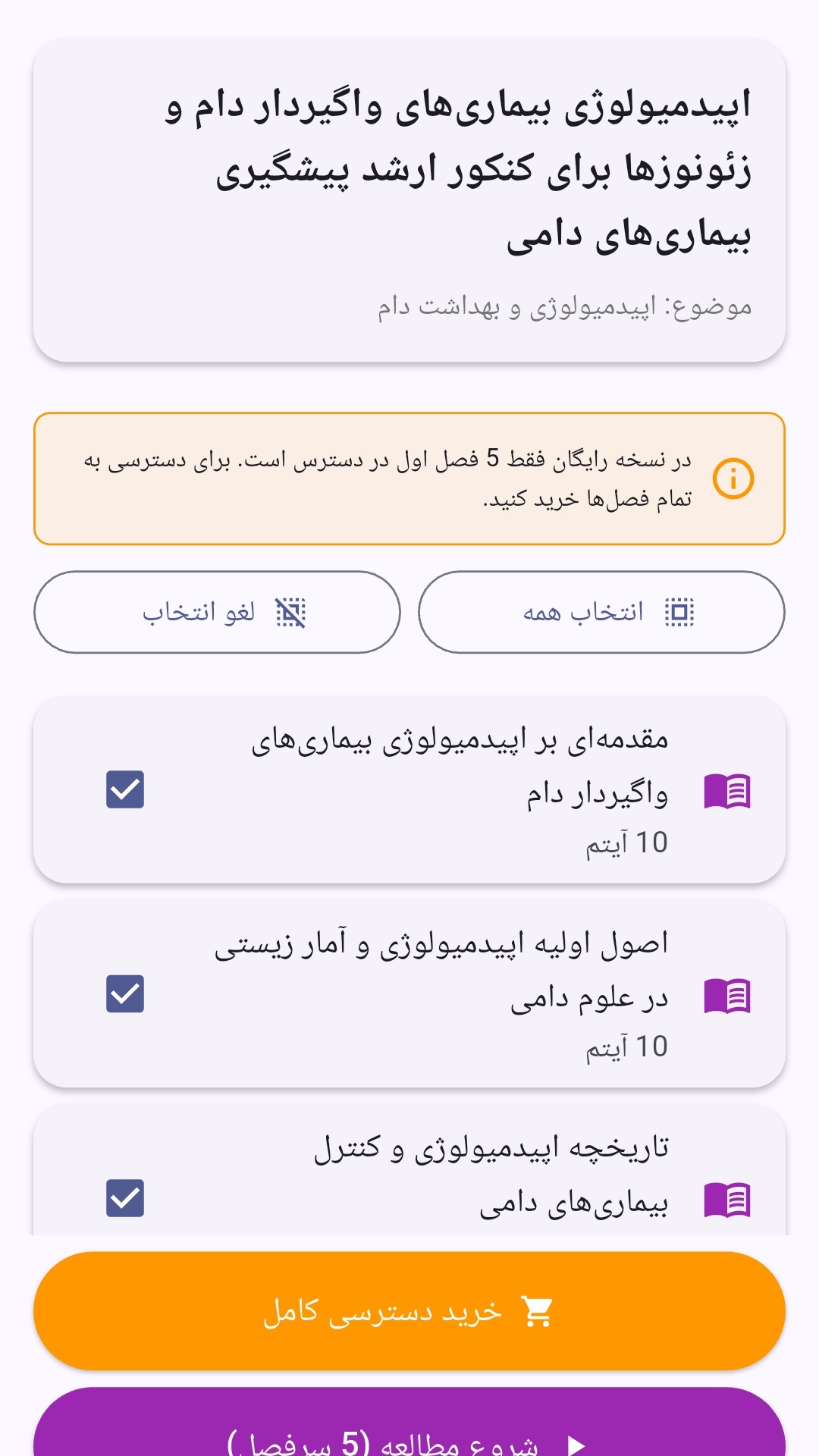
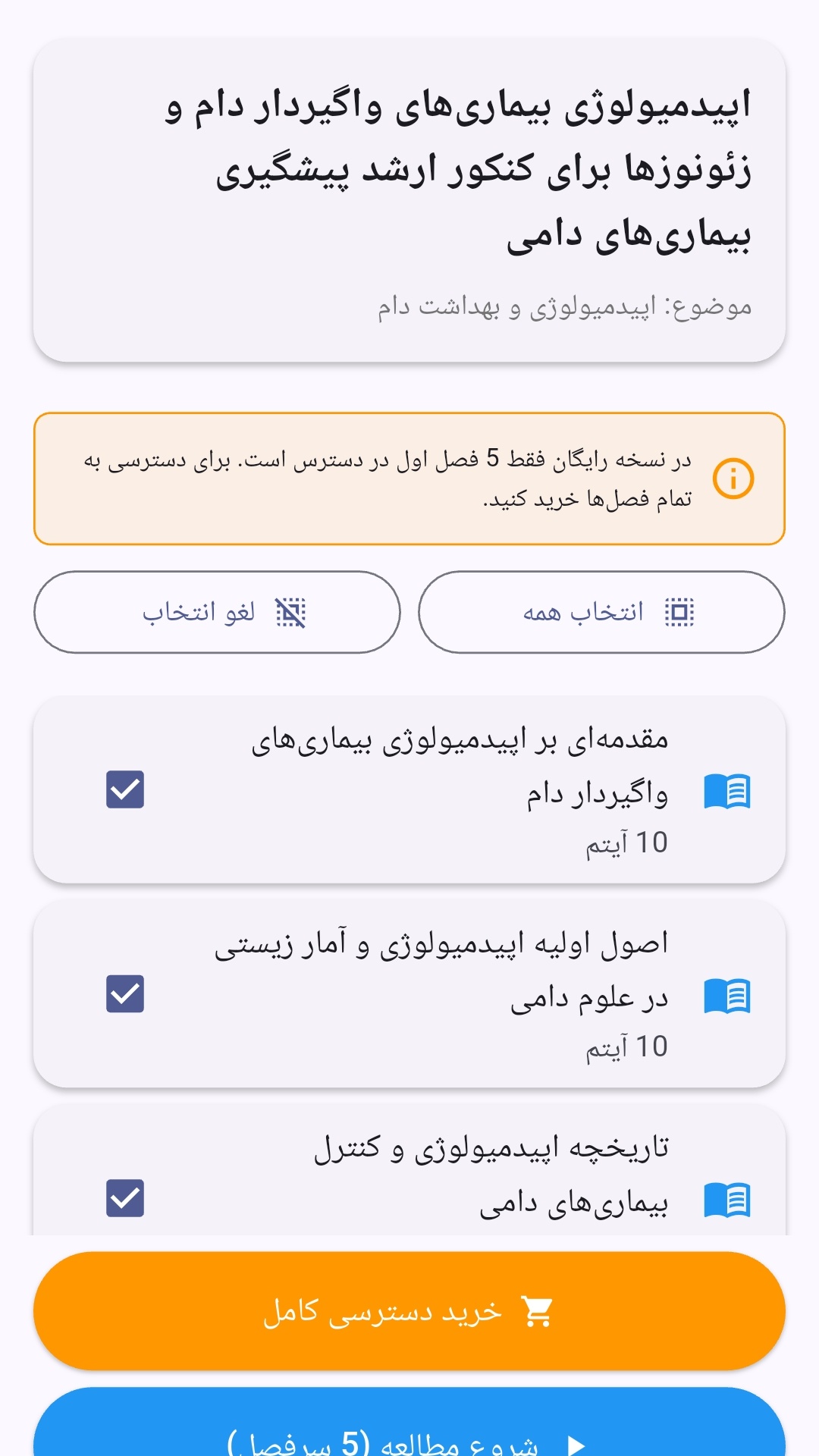
- صفحهبندی ساده برای انتخاب دوره و شروع مرور.
- نمایش تعداد دفعات مرور هر فصل.
- انتخاب چند فصل برای مرور همزمان.
- امکان تمرکز بر فصلهایی که هنوز مرور نشدهاند.
این اپلیکیشن برای دانشآموزان، دانشجویان، داوطلبان آزمونها و علاقهمندان به یادگیری طراحی شده است؛ بهویژه کسانی که میخواهند مطالب آموزشی را در زمانهای کوتاه مرور کنند، دانستههای خود را بسنجند و مطالعه منظمتری داشته باشند.
نظرات
هنوز نظری ثبت نشده است.
وارد شوید تا نظر ثبت کنید.