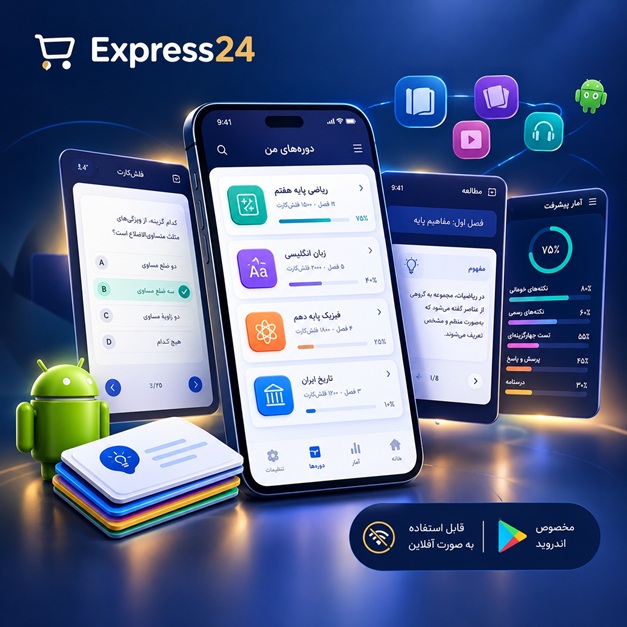
اپلیکیشن اندرویدی فلشکارت آموزشی SQL Server The Advanced Toolkit for SQL Server Evolution
🎓 دوره آموزشی جامع
📚 اطلاعات دوره
عنوان دوره: دوره SQL Server The Advanced Toolkit for SQL Server Evolution
موضوع کلی: برنامه نویسی
موضوع میانی: Microsoft SQL Server
📋 سرفصلهای دوره
- 1. Introduction to SQL Server and its Ecosystem
- 2. SQL Server Editions and Components Overview
- 3. Installing SQL Server: Best Practices and Configurations
- 4. Understanding SQL Server Architecture and Services
- 5. Connecting to SQL Server: Tools and Methods (SSMS, Azure Data Studio)
- 6. Introduction to T-SQL: The Language of SQL Server
- 7. SQL Server Data Types: Choosing the Right Type for Your Data
- 8. Creating Databases and Schemas (DDL Operations)
- 9. Creating, Altering, and Dropping Tables (DDL)
- 10. Inserting, Updating, and Deleting Data (DML Operations)
- 11. Basic SELECT Statements: Retrieving Data
- 12. Filtering Data with the WHERE Clause
- 13. Sorting Data with the ORDER BY Clause
- 14. Grouping Data with GROUP BY and HAVING Clauses
- 15. Basic SQL Functions: Aggregate, String, Date/Time
- 16. Understanding SQL Joins: INNER, LEFT, RIGHT, FULL OUTER
- 17. Subqueries and Their Applications in T-SQL
- 18. Common Table Expressions (CTEs): Advanced Querying Techniques
- 19. Advanced SQL Functions: Ranking and Window Functions
- 20. Views: Simplifying Data Access and Security
- 21. Stored Procedures: Encapsulating Business Logic and Performance
- 22. User-Defined Functions (UDFs): Scalar and Table-Valued
- 23. Triggers: Automating Actions on Data Changes
- 24. Transactions and Concurrency Control: ACID Properties
- 25. Error Handling in T-SQL: TRY...CATCH Blocks
- 26. Database Design Principles: ERDs and Relationships
- 27. Normalization and Denormalization Strategies
- 28. Primary Keys, Foreign Keys, and Constraints
- 29. Understanding Indexes: Clustered vs. Non-Clustered
- 30. Creating Effective Index Strategies
- 31. SQL Server Security Model Overview
- 32. Authentication Methods: Windows vs. SQL Server Authentication
- 33. Creating Logins and Database Users
- 34. Understanding Server Roles and Database Roles
- 35. Granting and Revoking Permissions
- 36. Securing Data with Encryption (TDE, Always Encrypted)
- 37. Data Masking for Sensitive Information
- 38. Backup and Restore Strategies: Full, Differential, Transaction Log
- 39. Performing Database Backups and Restores
- 40. Automating Tasks with SQL Server Agent
- 41. SQL Server Agent Jobs: Creating and Managing
- 42. Alerts and Operators in SQL Server Agent
- 43. Monitoring SQL Server Activity: Basics
- 44. Introduction to Dynamic Management Views (DMVs)
- 45. DBCC Commands for Database Integrity and Information
- 46. Introduction to Performance Tuning Methodologies
- 47. Analyzing Query Execution Plans: Graphical and XML
- 48. Understanding Statistics: How They Influence Query Plans
- 49. Updating and Maintaining Statistics
- 50. Deep Dive into Indexing: Advanced Concepts and Types
- 51. Missing Index DMVs and Recommendations
- 52. Table and Index Fragmentation Management
- 53. Query Hints and Their Use (and Misuse)
- 54. Parameter Sniffing: Causes and Solutions
- 55. Resource Governor: Managing Workload Performance
- 56. Using SQL Server Profiler (legacy) for Tracing
- 57. Introduction to Extended Events: The Modern Tracing Tool
- 58. Capturing and Analyzing Extended Event Data
- 59. Identifying and Resolving Deadlocks
- 60. Optimizing TempDB Usage and Performance
- 61. Overview of High Availability and Disaster Recovery Concepts
- 62. Log Shipping: Setup and Management
- 63. Database Mirroring (Legacy HA/DR Solution)
- 64. Introduction to Windows Server Failover Clustering (WSFC)
- 65. SQL Server Failover Cluster Instances (FCI): Setup and Configuration
- 66. Introduction to AlwaysOn Availability Groups (AGs)
- 67. Configuring AlwaysOn Availability Groups
- 68. Understanding AG Replicas, Listeners, and Failover
- 69. Read-Only Routing and Secondary Replica Utilization
- 70. Troubleshooting AlwaysOn Availability Groups
- 71. Backup Strategies in an AG Environment
- 72. Stretch Database (Azure Hybrid Feature)
- 73. Using Azure SQL Database for HA/DR
- 74. Understanding Geo-Replication in Azure SQL
- 75. Disaster Recovery Planning and Testing
- 76. In-Memory OLTP: Concepts and Implementation
- 77. Creating Memory-Optimized Tables and Stored Procedures
- 78. Columnstore Indexes: For Data Warehousing and Analytics
- 79. Clustered and Non-Clustered Columnstore Indexes
- 80. JSON Support in SQL Server: Storing and Querying JSON Data
- 81. XML Support: Handling XML Data in SQL Server
- 82. Temporal Tables: System-Versioned Data History
- 83. Graph Databases in SQL Server: Nodes and Edges
- 84. Introduction to Machine Learning Services with R/Python
- 85. Integrating Machine Learning Models with SQL Server
- 86. PolyBase: Querying External Data Sources
- 87. Data Virtualization with PolyBase
- 88. SQL Server on Linux and Containers
- 89. Azure SQL Database: PaaS Offering Overview and Evolution
- 90. Azure SQL Managed Instance: Bridging On-Prem and Cloud
- 91. Data-Tier Application Framework (DACFx) and dacpacs
- 92. Source Control Integration for SQL Server Projects (SSDT)
- 93. DevOps for SQL Server: CI/CD Pipelines
- 94. Using PowerShell for SQL Server Administration and Automation
- 95. SQL Server Data Tools (SSDT) for Database Development
- 96. Advanced Troubleshooting: Performance Monitor Counters
- 97. Understanding Wait Statistics for Performance Analysis
- 98. Common Causes of Database Corruption and Recovery
- 99. Best Practices for Database Maintenance and Health Checks
- 100. Evolving SQL Server: Future Trends and Cloud Integration Strategies
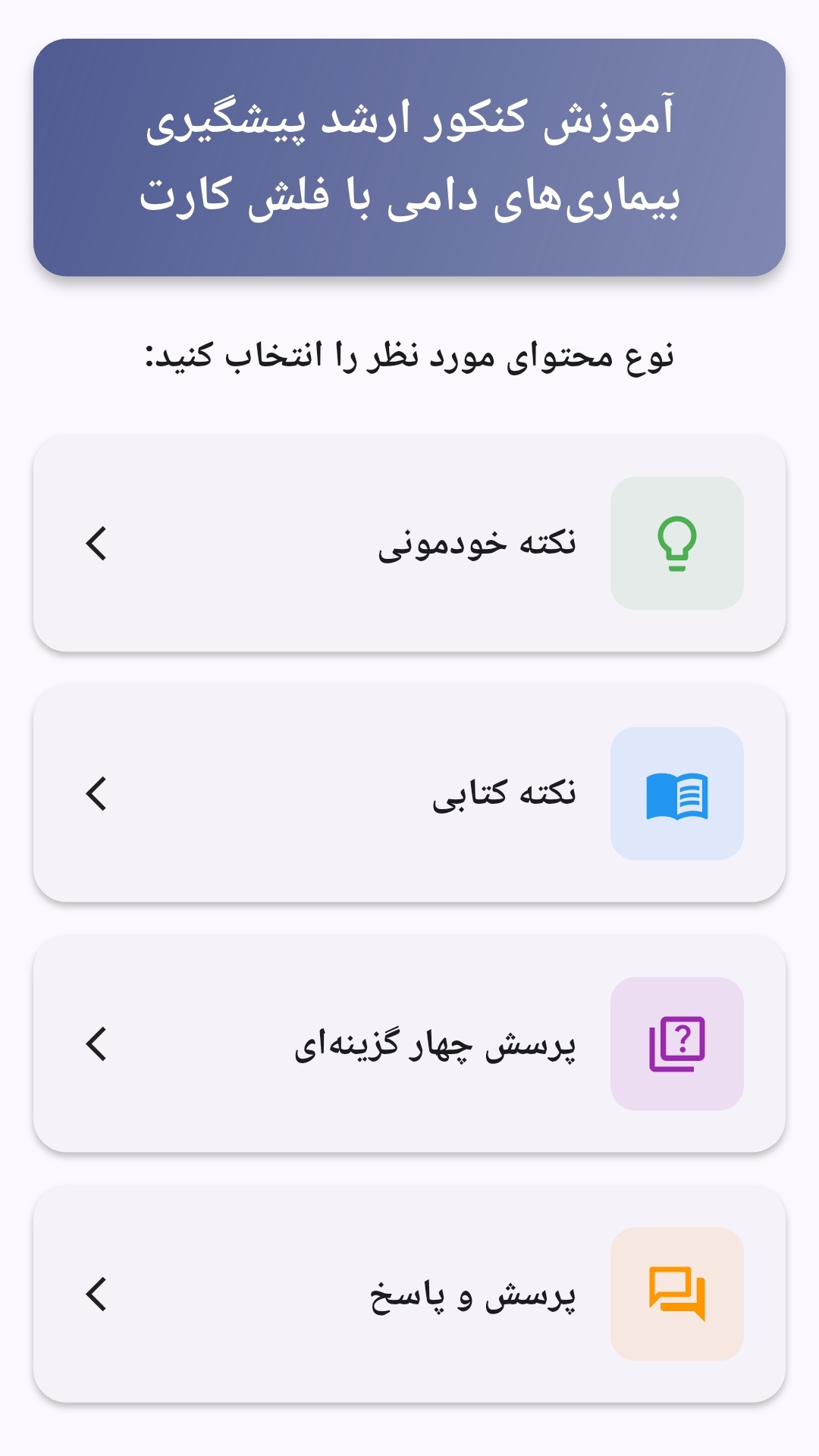
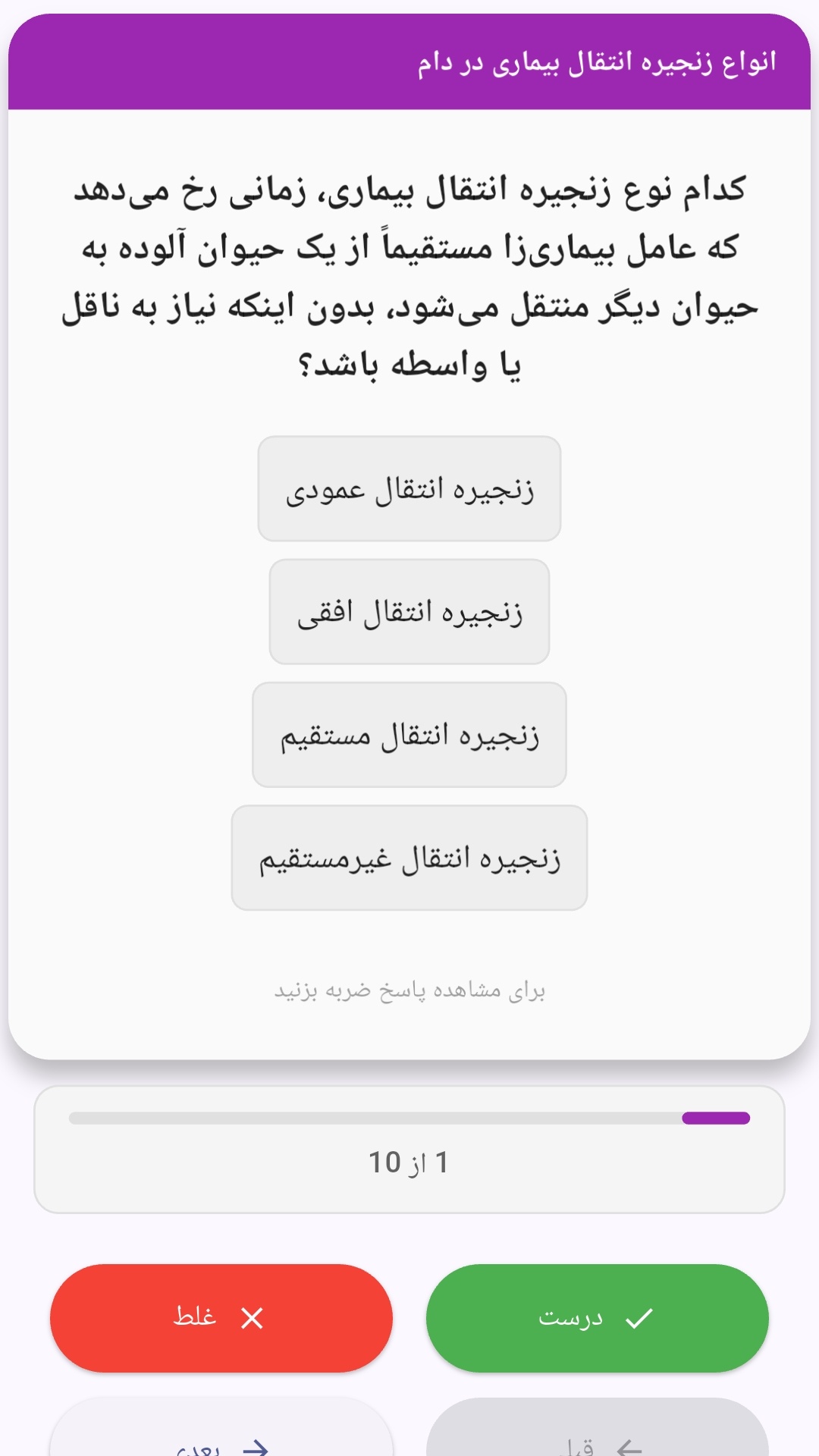
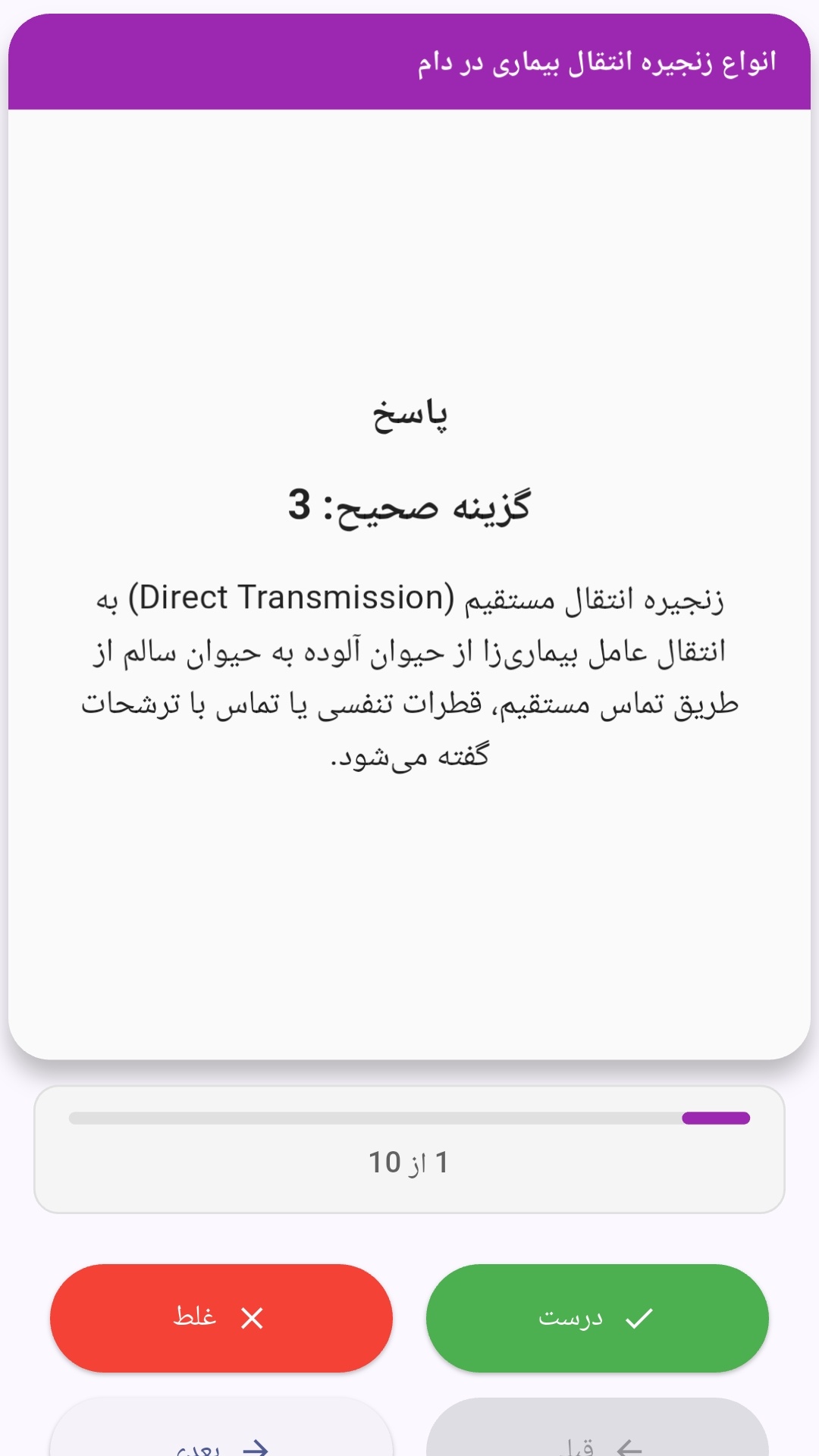
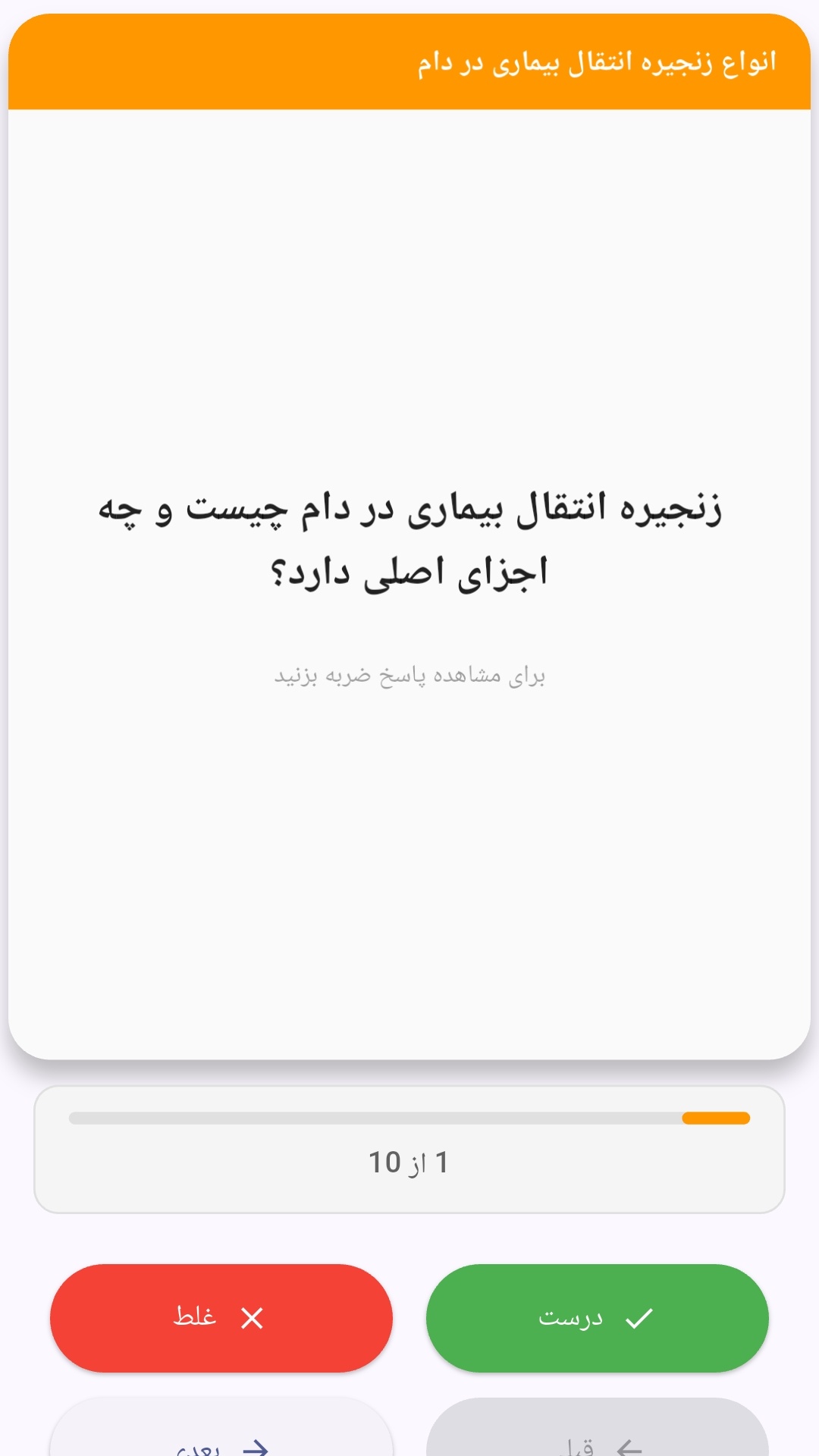
این اپلیکیشن فارسی برای یادگیری و مرور محتوای آموزشی از طریق فلشکارت طراحی شده است. کارتها را یکییکی مرور کنید، پاسخ پرسشها را به یاد بیاورید و نتیجه هر پاسخ را ثبت کنید. محتوای دوره پس از نصب درون برنامه در دسترس است تا برای مطالعه روزمره معمولاً به اتصال مداوم اینترنت نیاز نداشته باشید.
محتوای آموزشی در قالبهای متنوع ارائه میشود تا هم برای یادگیری مفاهیم جدید و هم برای تثبیت آموختهها قابل استفاده باشد.
- رابط کاربری فارسی و راستچین با فونت وزیر.
- تم روشن و تیره مطابق تنظیمات سیستم.
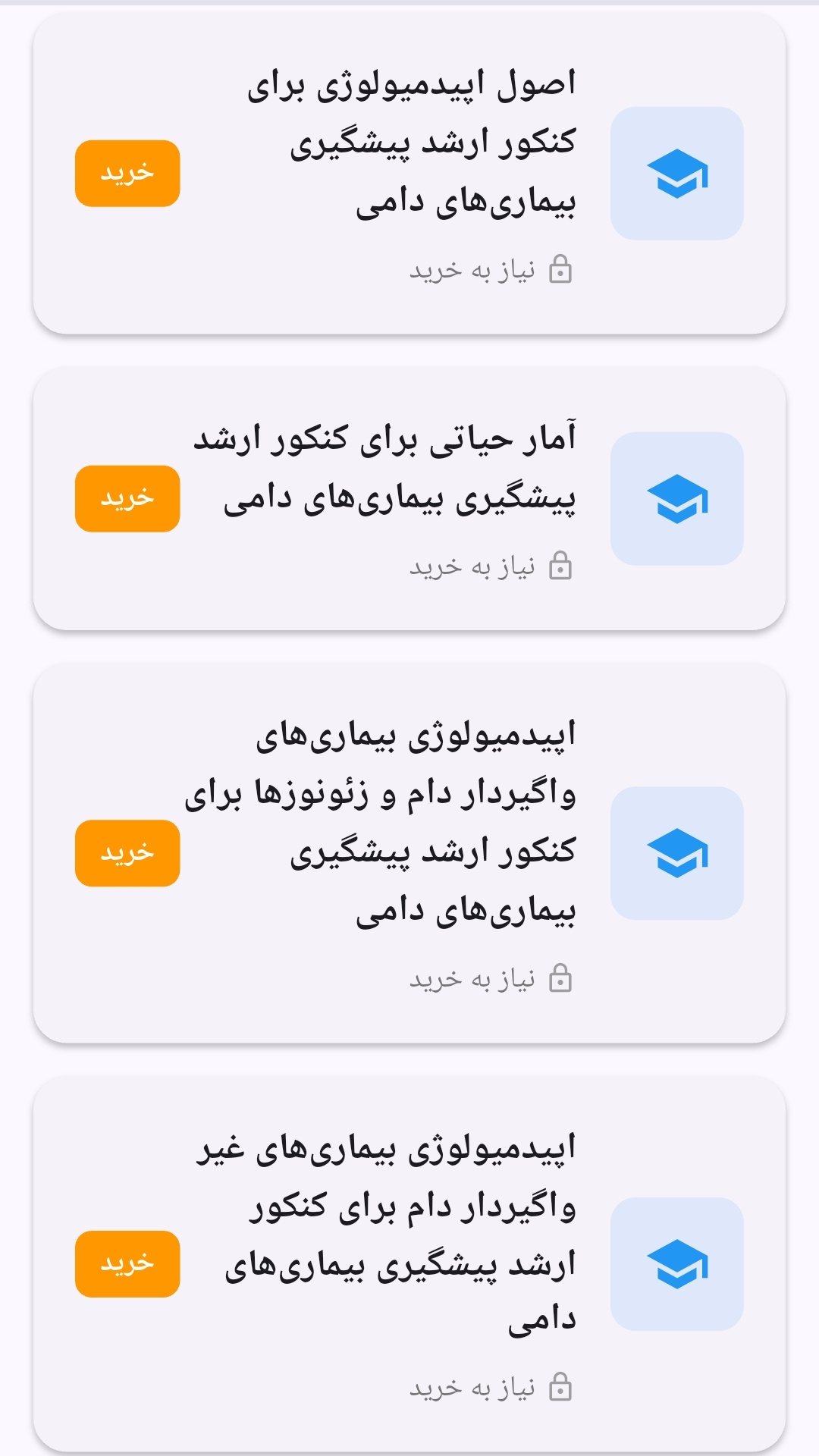
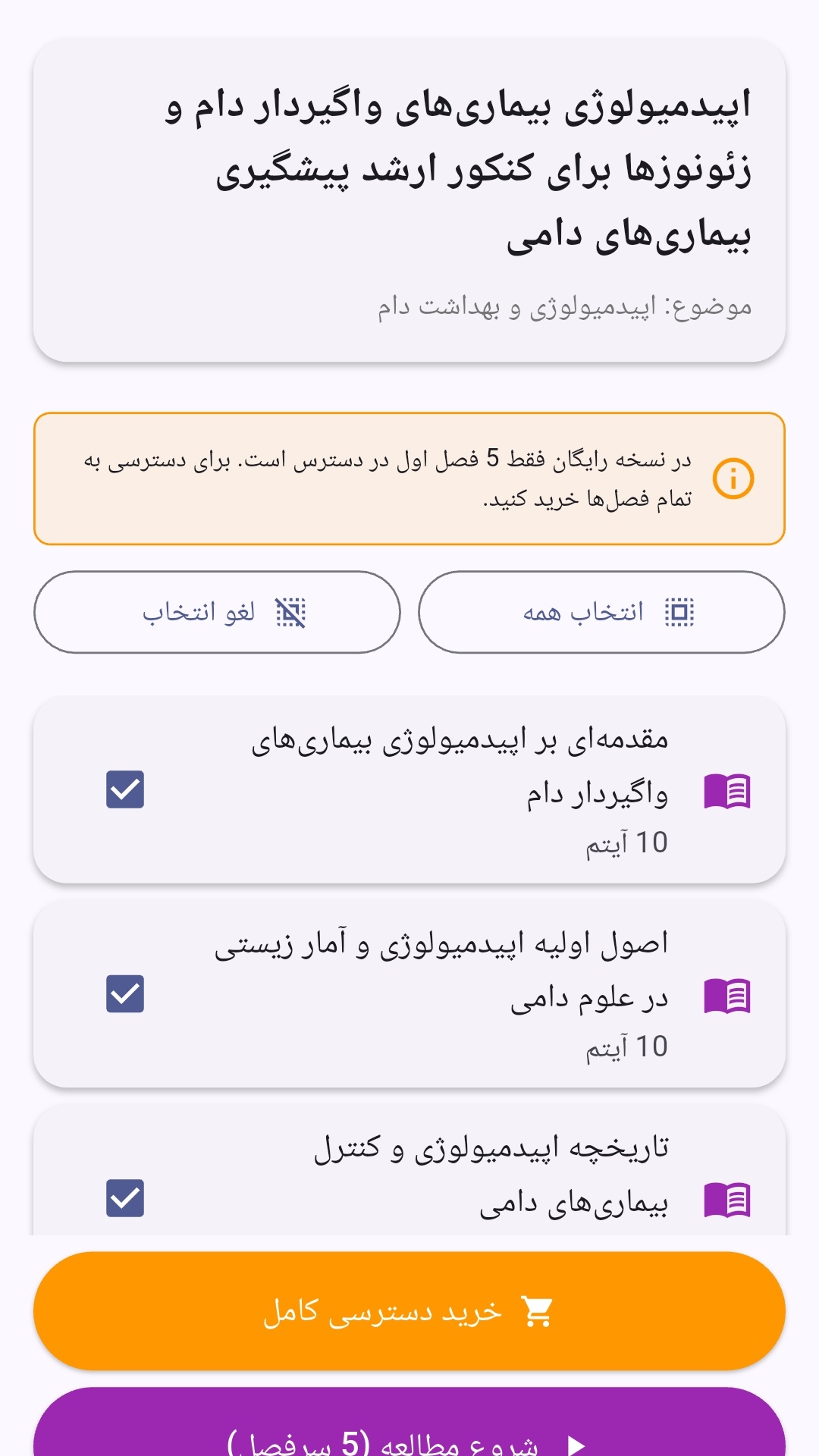
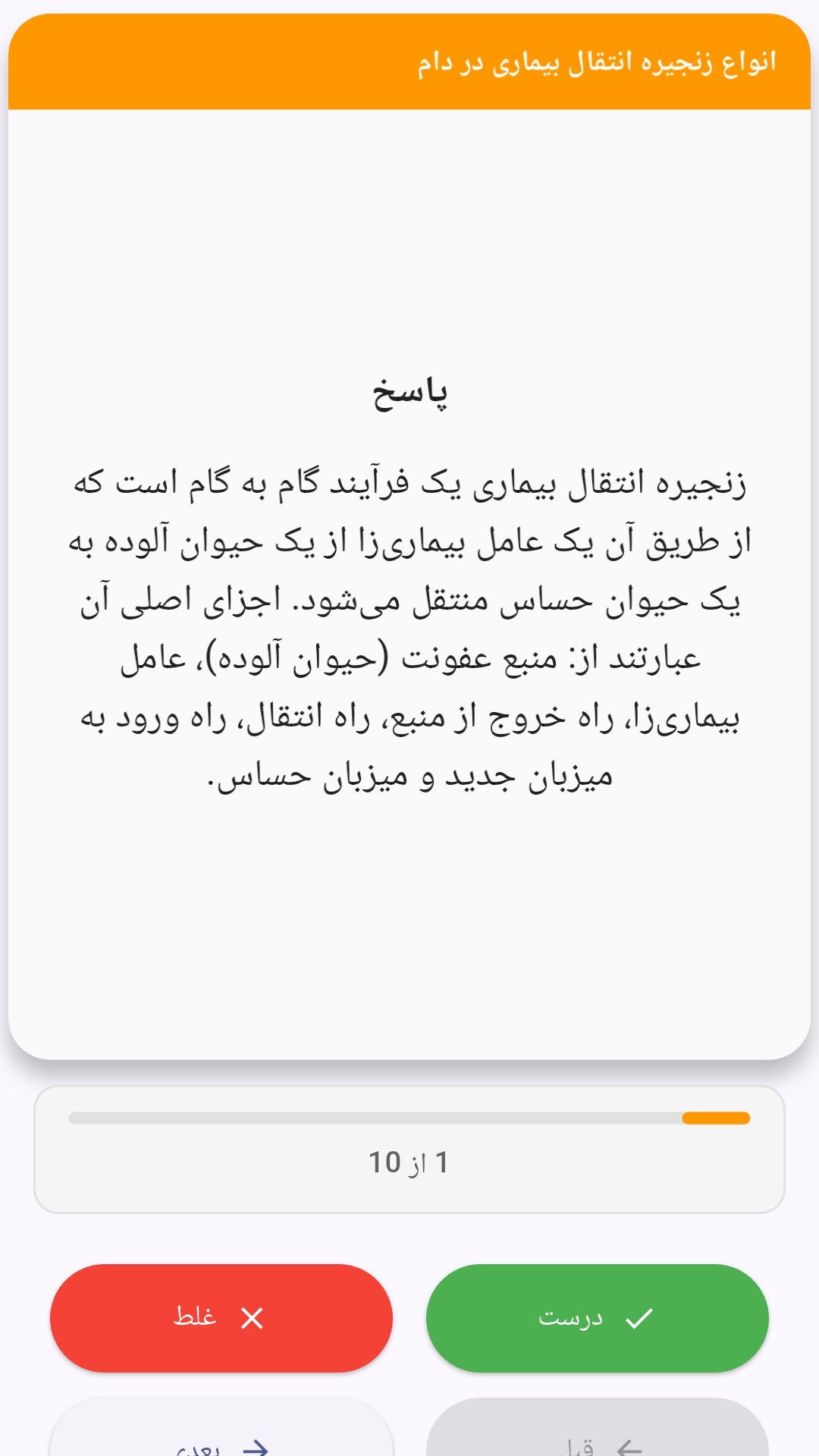
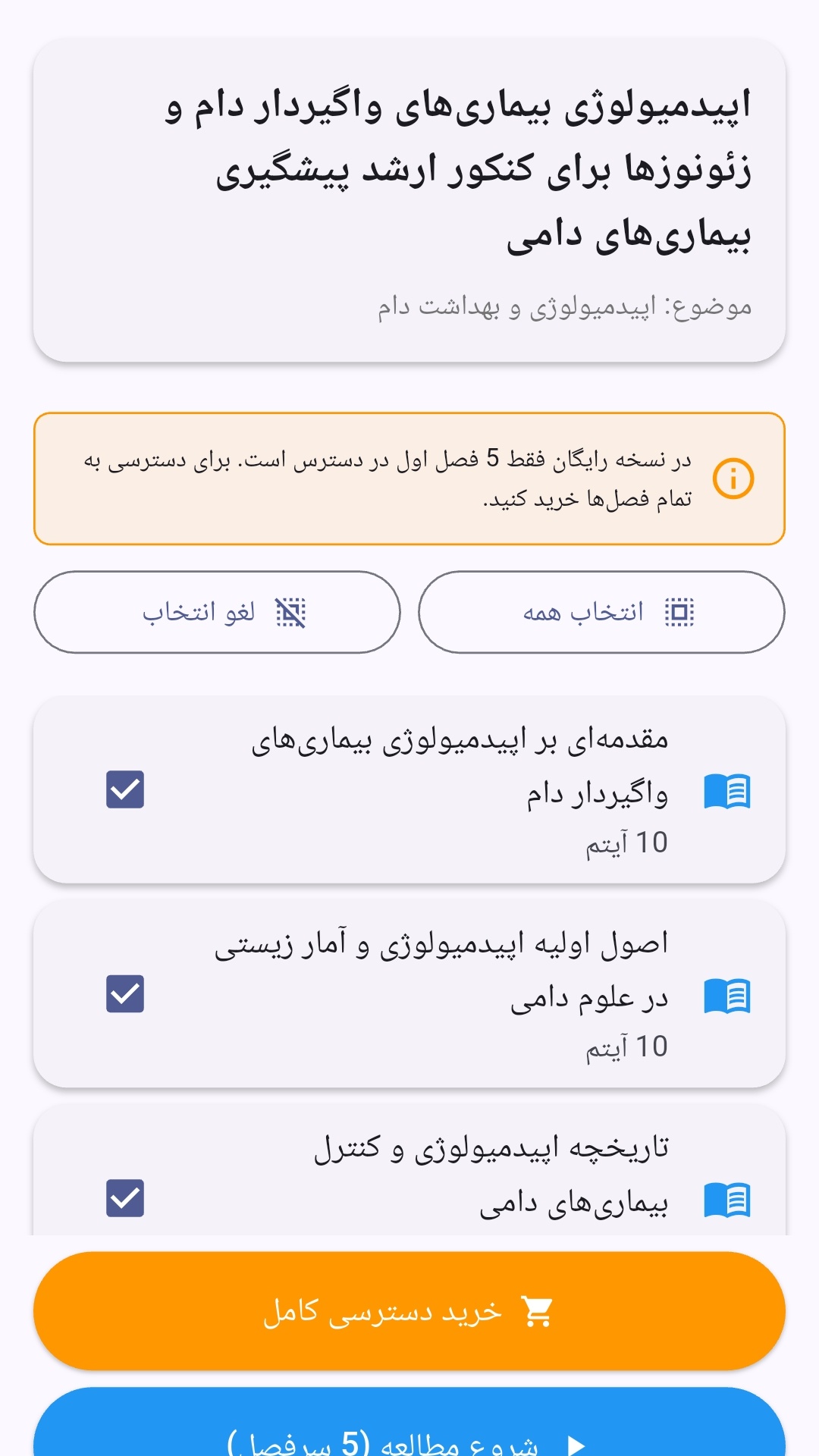
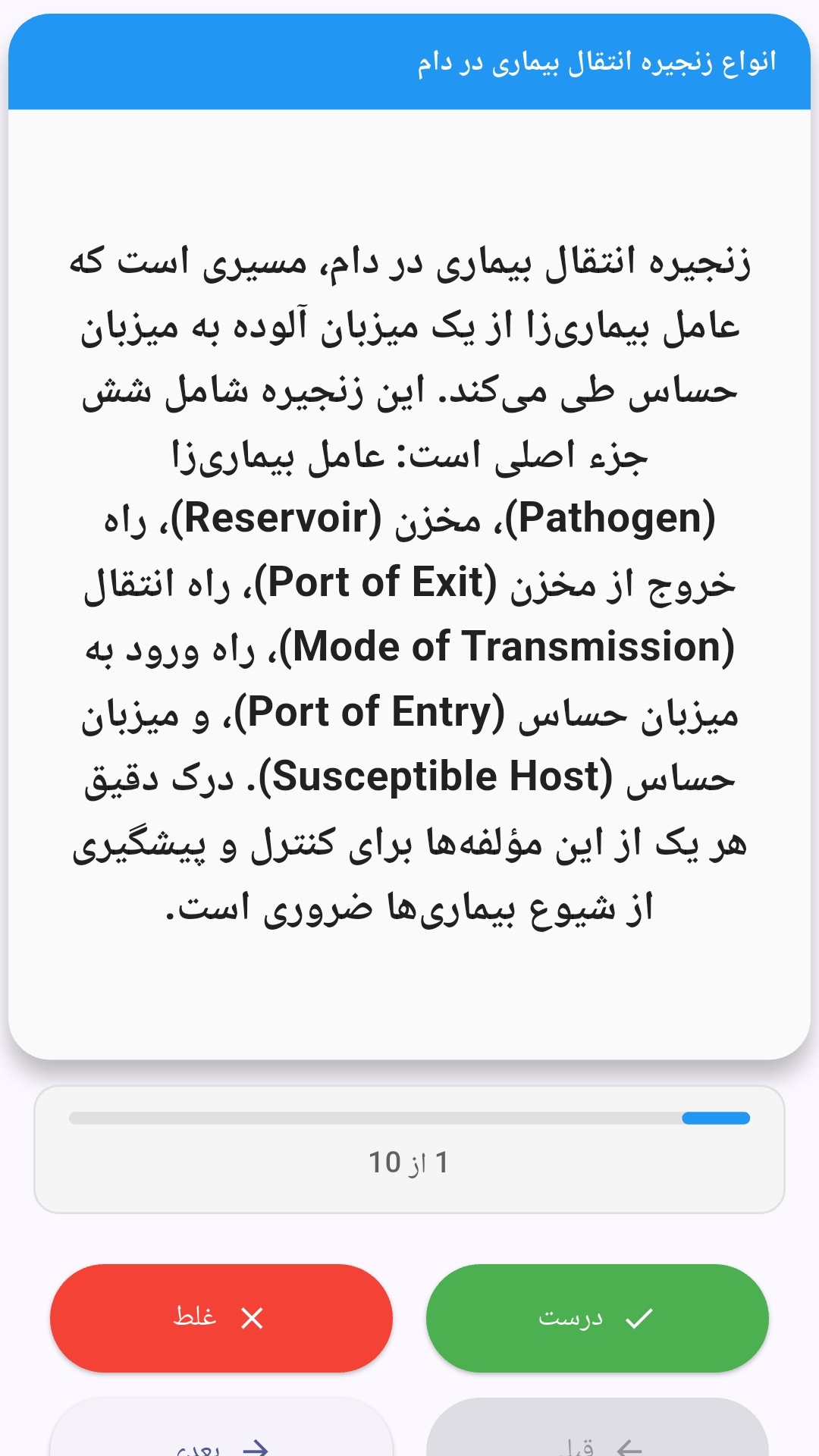
- صفحهبندی ساده برای انتخاب دوره و شروع مرور.
- نمایش تعداد دفعات مرور هر فصل.
- انتخاب چند فصل برای مرور همزمان.
- امکان تمرکز بر فصلهایی که هنوز مرور نشدهاند.
این اپلیکیشن برای دانشآموزان، دانشجویان، داوطلبان آزمونها و علاقهمندان به یادگیری طراحی شده است؛ بهویژه کسانی که میخواهند مطالب آموزشی را در زمانهای کوتاه مرور کنند، دانستههای خود را بسنجند و مطالعه منظمتری داشته باشند.
نظرات
هنوز نظری ثبت نشده است.
وارد شوید تا نظر ثبت کنید.